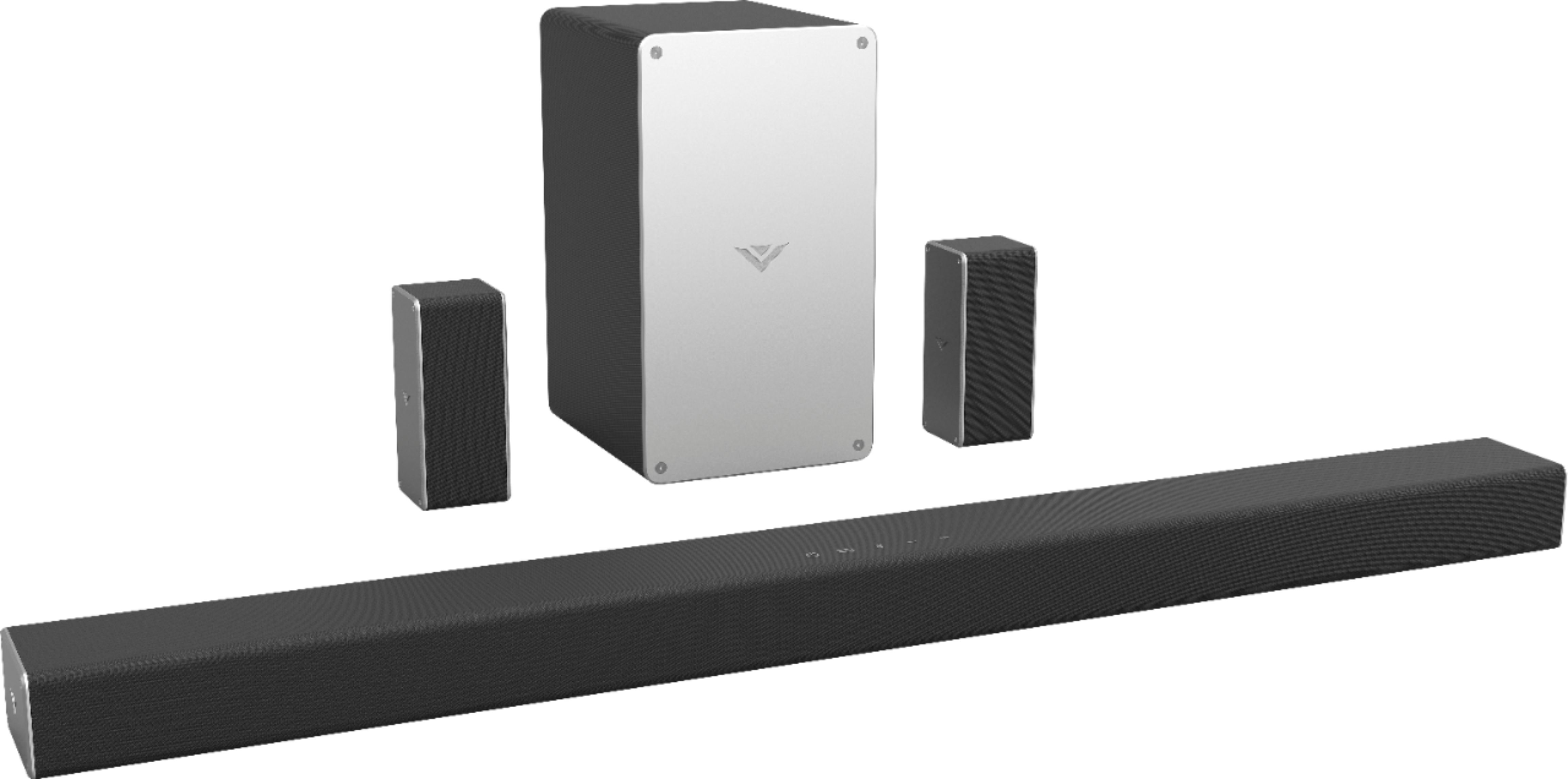
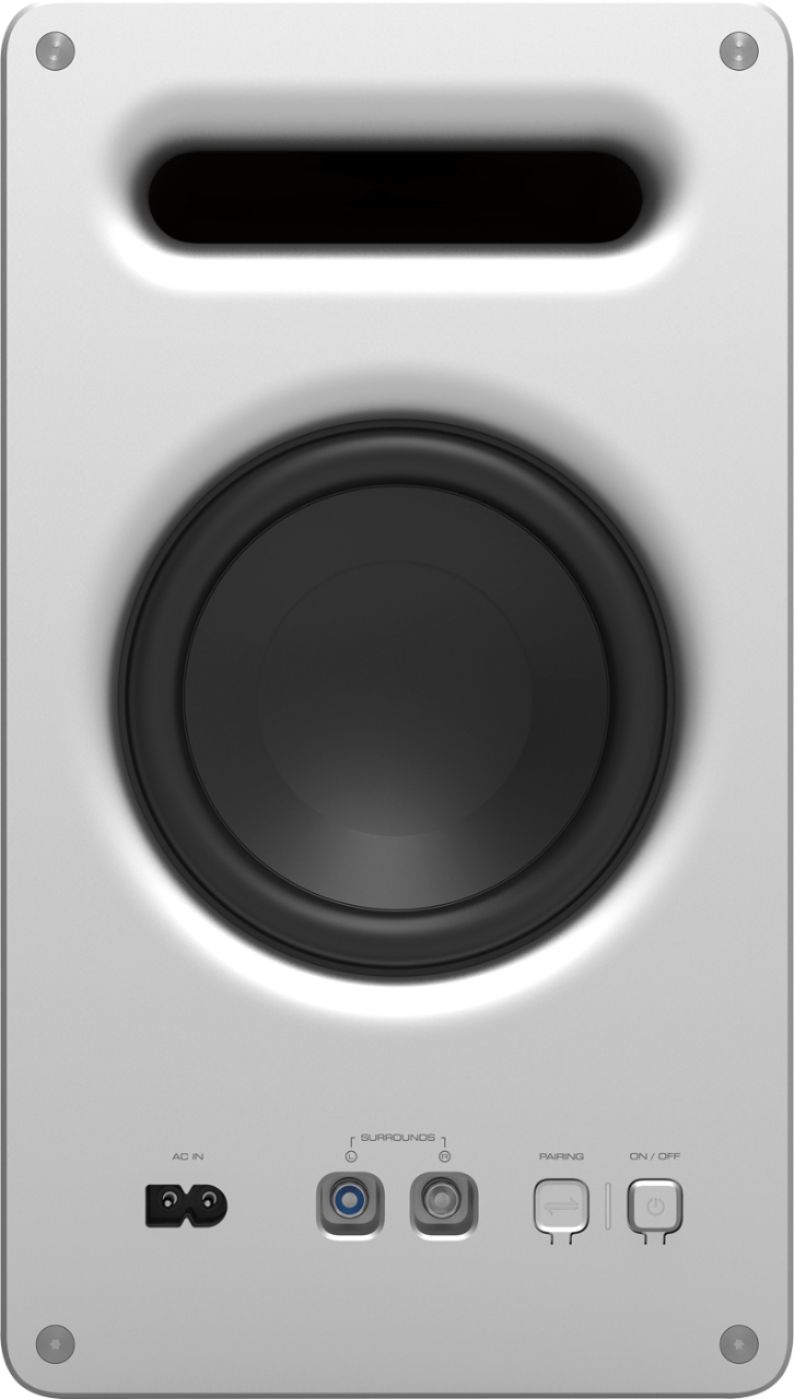
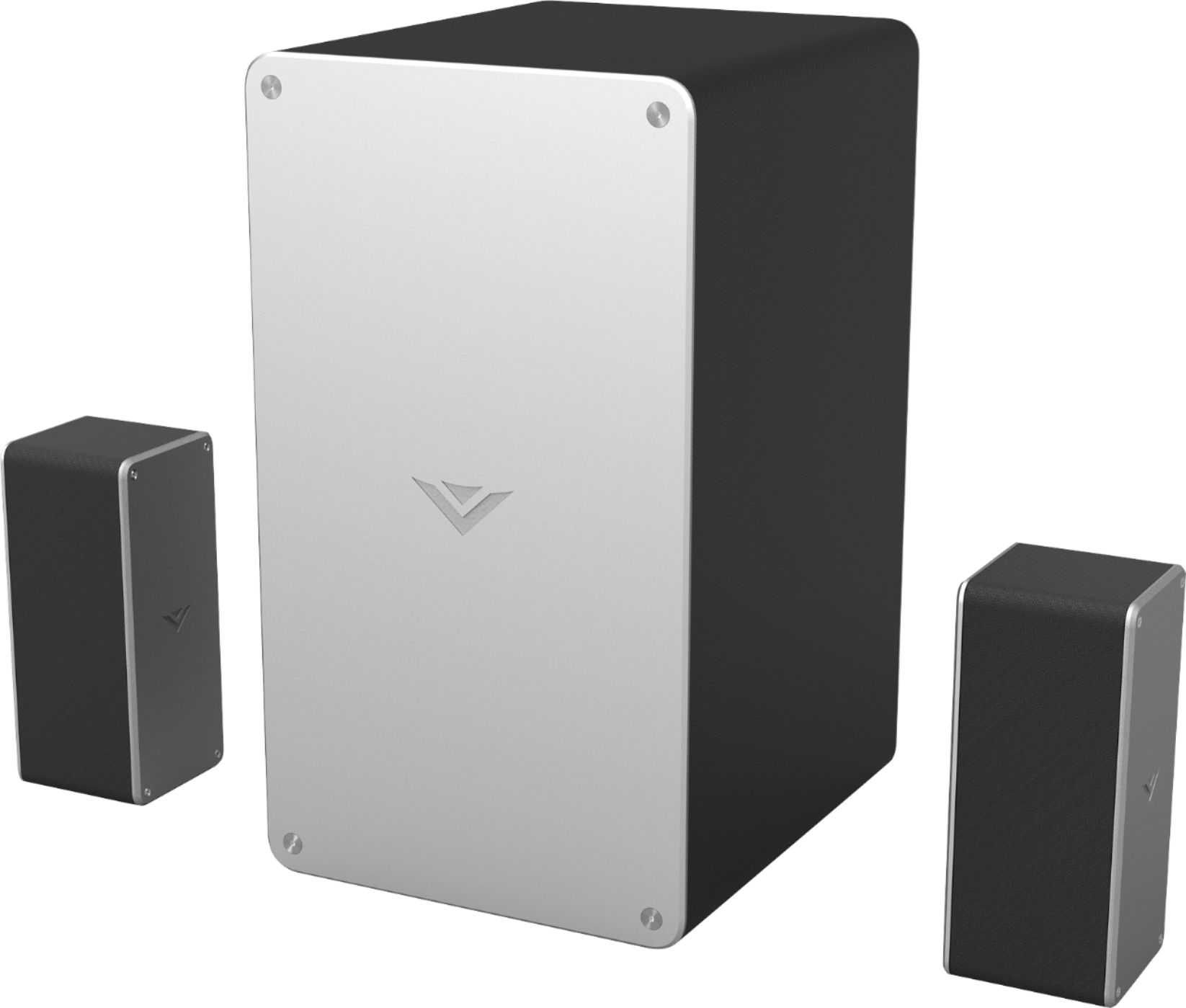
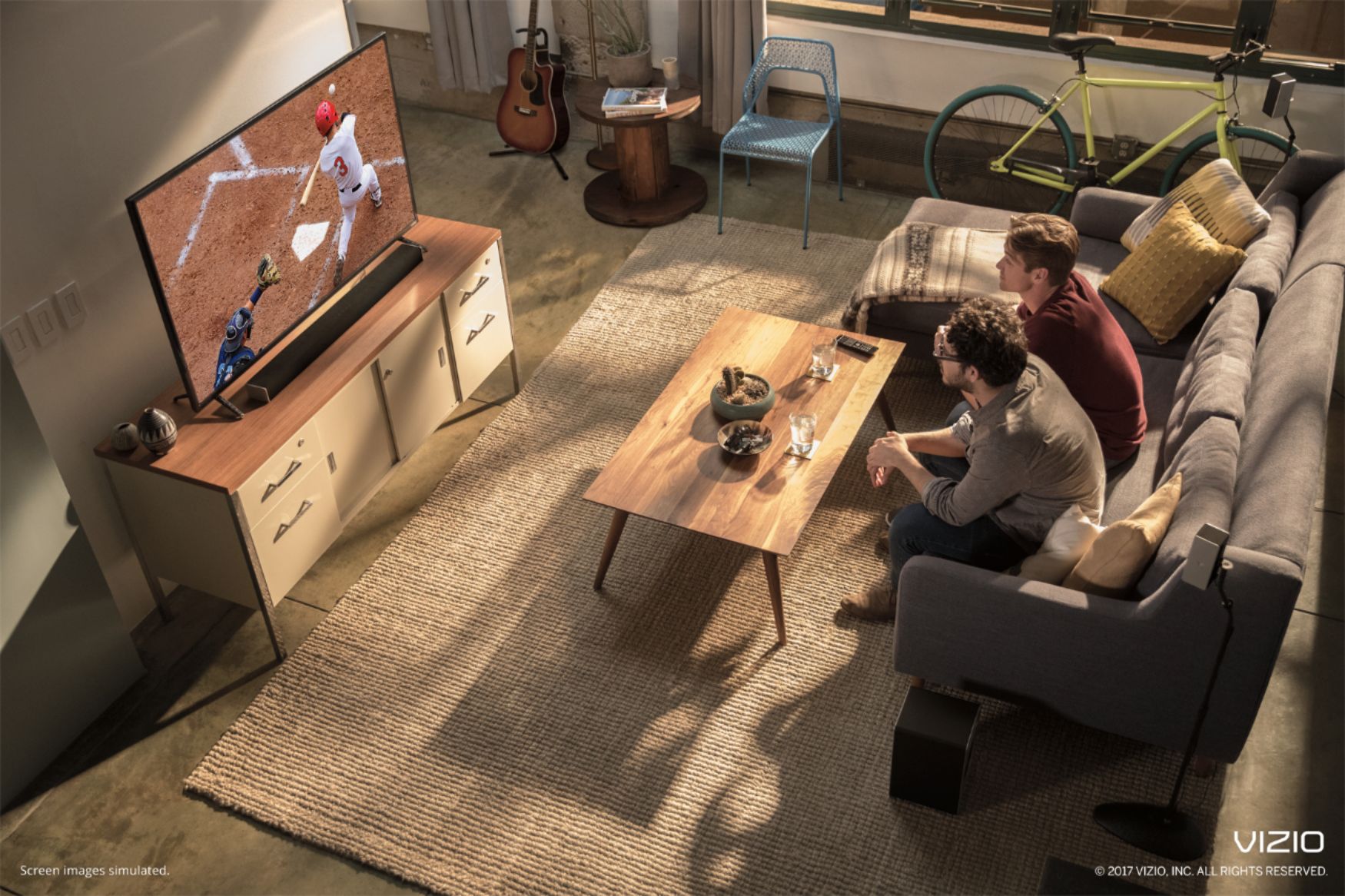
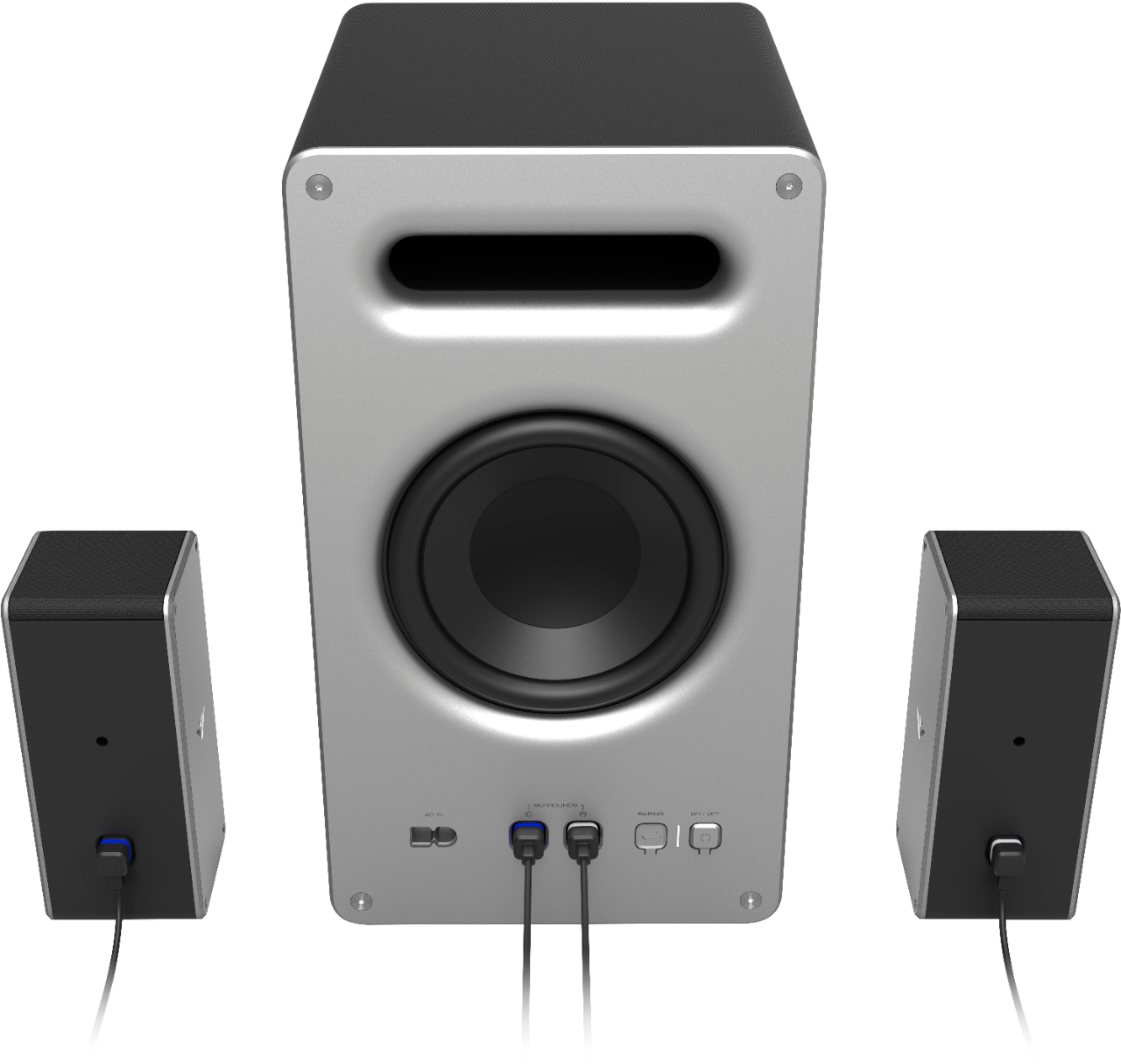
A:AnswerThis system is a closed system meaning that it is intended to be used as one set. You can use the sound bar without the subwoofer but you wouldn't be able to use the subwoofer on it's own and the system doesn't allow additional speakers to be used.
A:AnswerThe short answer is, almost certainly. BUT, to give you a precise answer we'd need to know the model number. If you could give us a shout at 855-833-3221 we'd love to chat, and talk about options for connecting.
A:AnswerI am having the exact same issue. Sometimes I can just power it back on, but occasionally I have had to disconnect and reconnect the power to get it restarted.
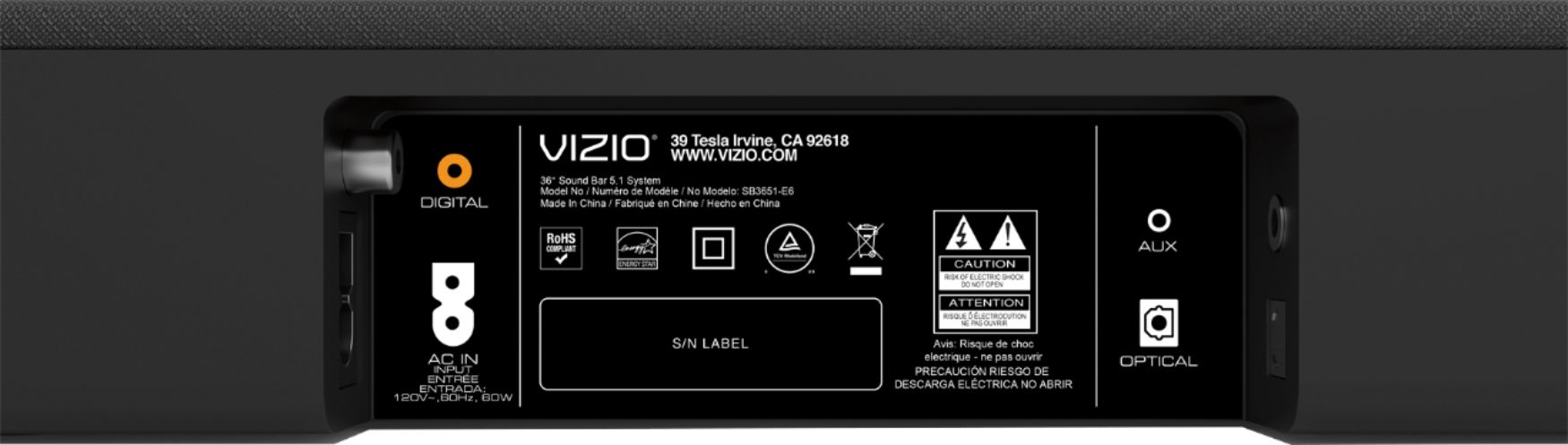
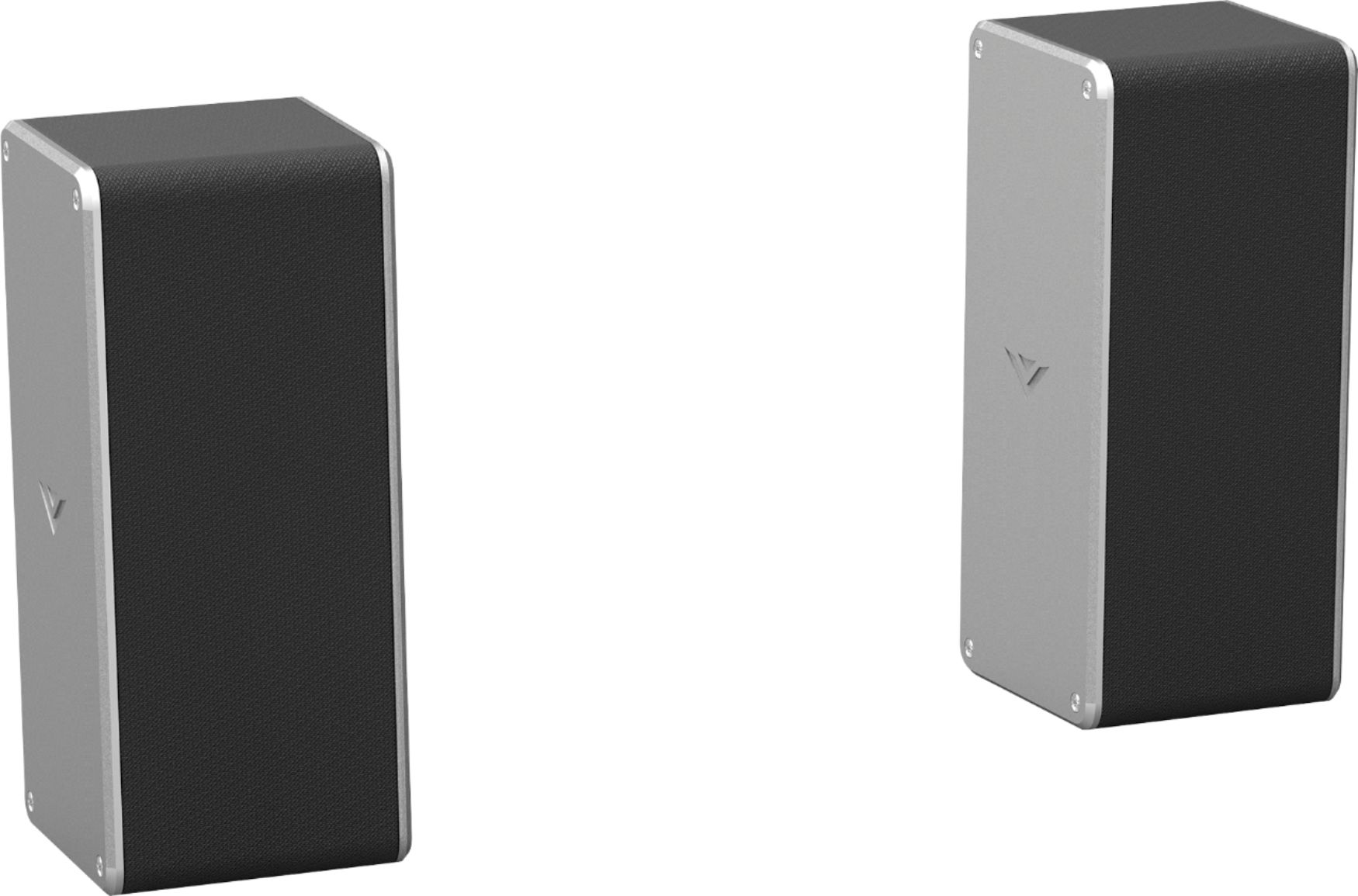
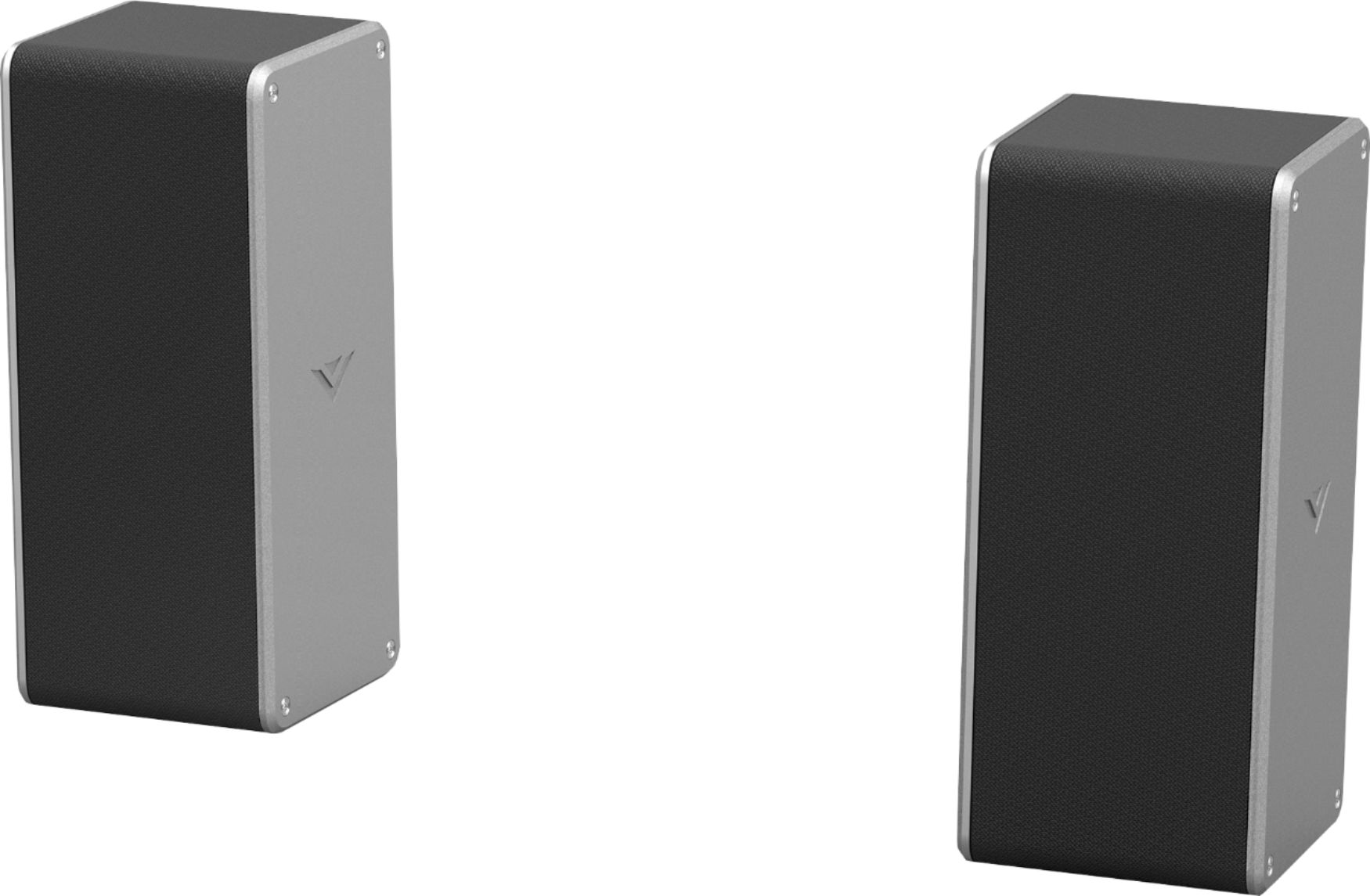
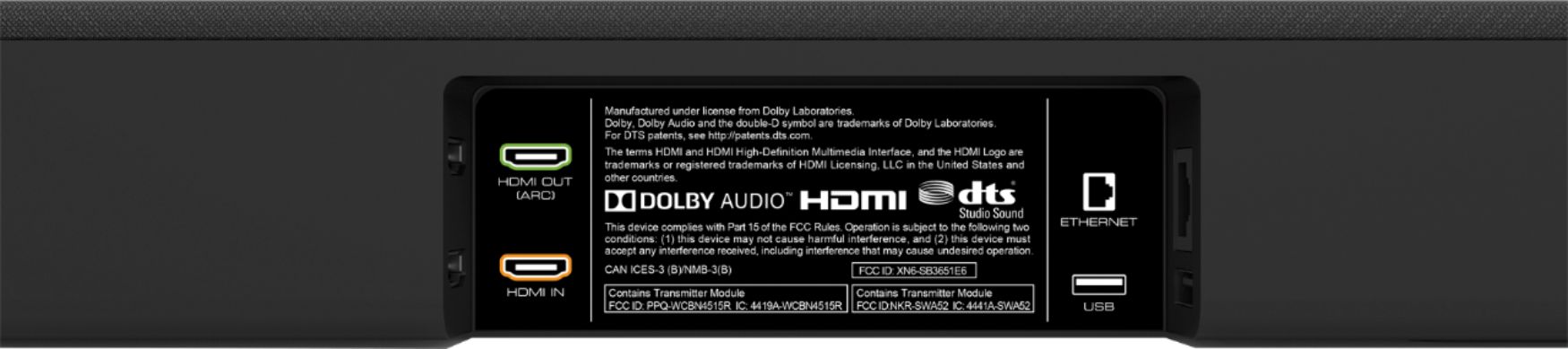
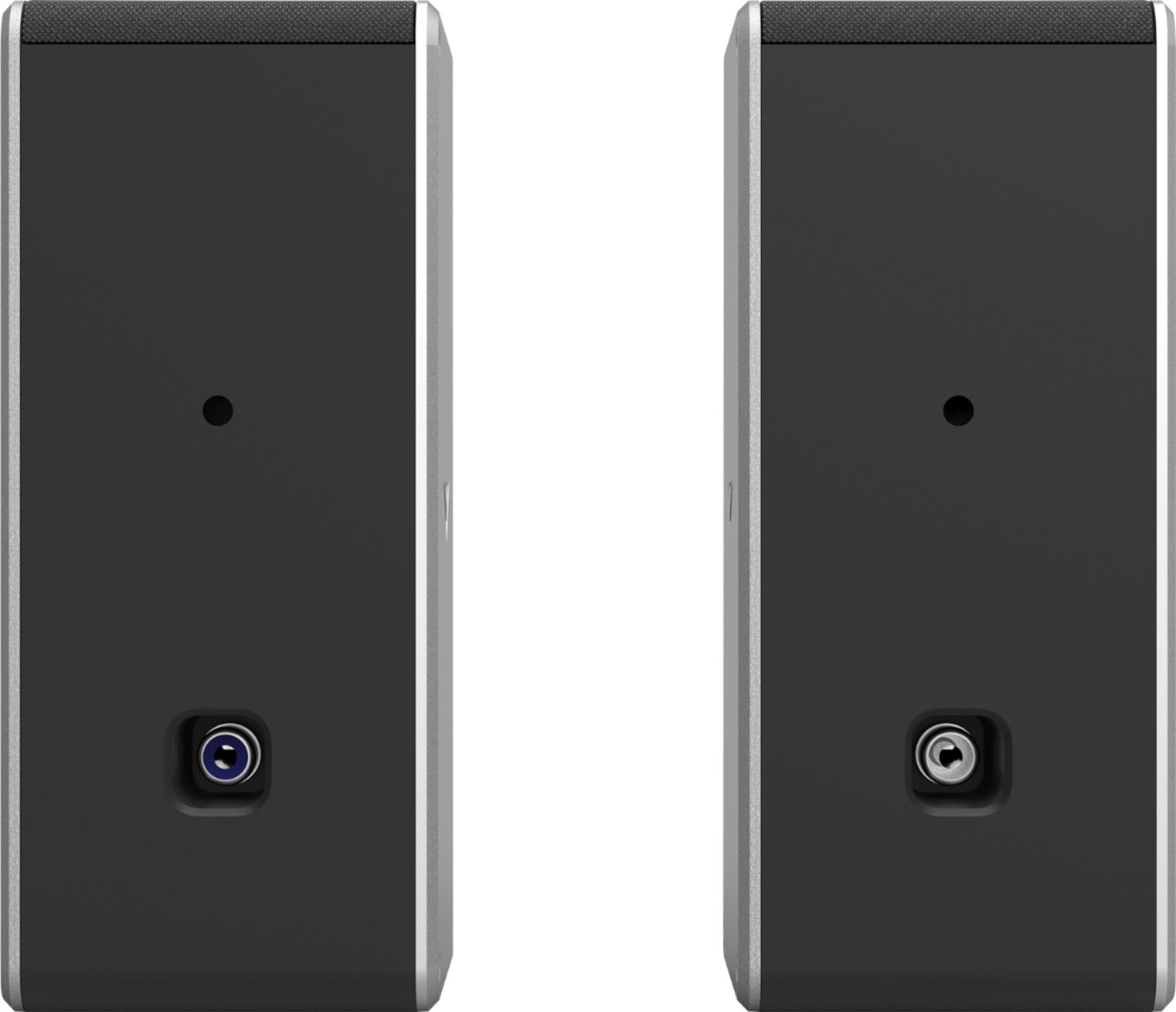
A:AnswerThis sound bar is able to be connected to the internet to cast audio to it from audio apps like spotify and pandora. You would need to connect the sound bar to your TV via HDMI ARC, Optical Cable, or Analog Audio Cables. The sound bar does come with a variety of cables to use. The rear satellite speakers connect to the subwoofer with a speaker cable.
A:AnswerUnless another device is connected to your sound bar it should not be picking up any other audio signal. Please reach out to our customer support at support.vizio.com for assistance with your sound bar.
A:AnswerYour sound bar should not make a popping sound when changing channels. Please reach out to our customer support at 877-878-4946 for assistance with your sound bar.