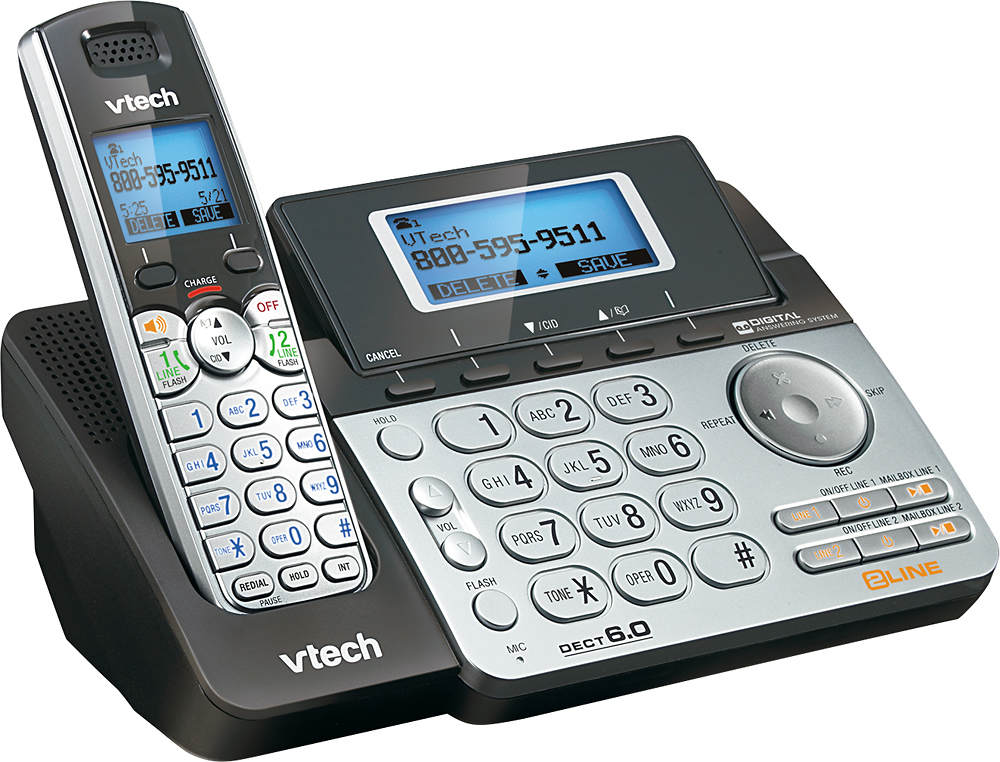
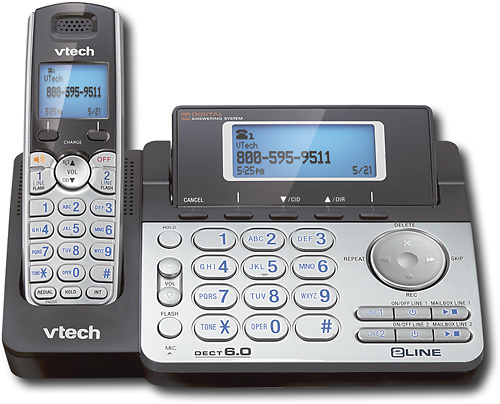
A:Answer Hi - Yes, the Call Screening option can be turned off manually on the VTech DS6151. Here's the complete instructions. Using the telephone base:
Step 1: Press the MENU softkey when the telephone base is not in use.
Step 2: Press the SELECT softkey to select Answering sys.
Step 3: Press ▼/CID or ▲/DIR to select Mailbox 1 or Mailbox 2, then press the SELECT softkey. The corresponding icon, 1 or 2, flashes on the screen.
Step 4: Press ▼/CID or ▲/DIR to select Ans sys setup, then press the SELECT softkey.
Step 5: Press the SELECT softkey to select Call screening.
Step 6: Press ▼/CID or ▲/DIR to select On or Off, then press the SET softkey to confirm your setting or press CANCEL to exit to the previous menu without making any changes. Hope this helped! ~VTech Support