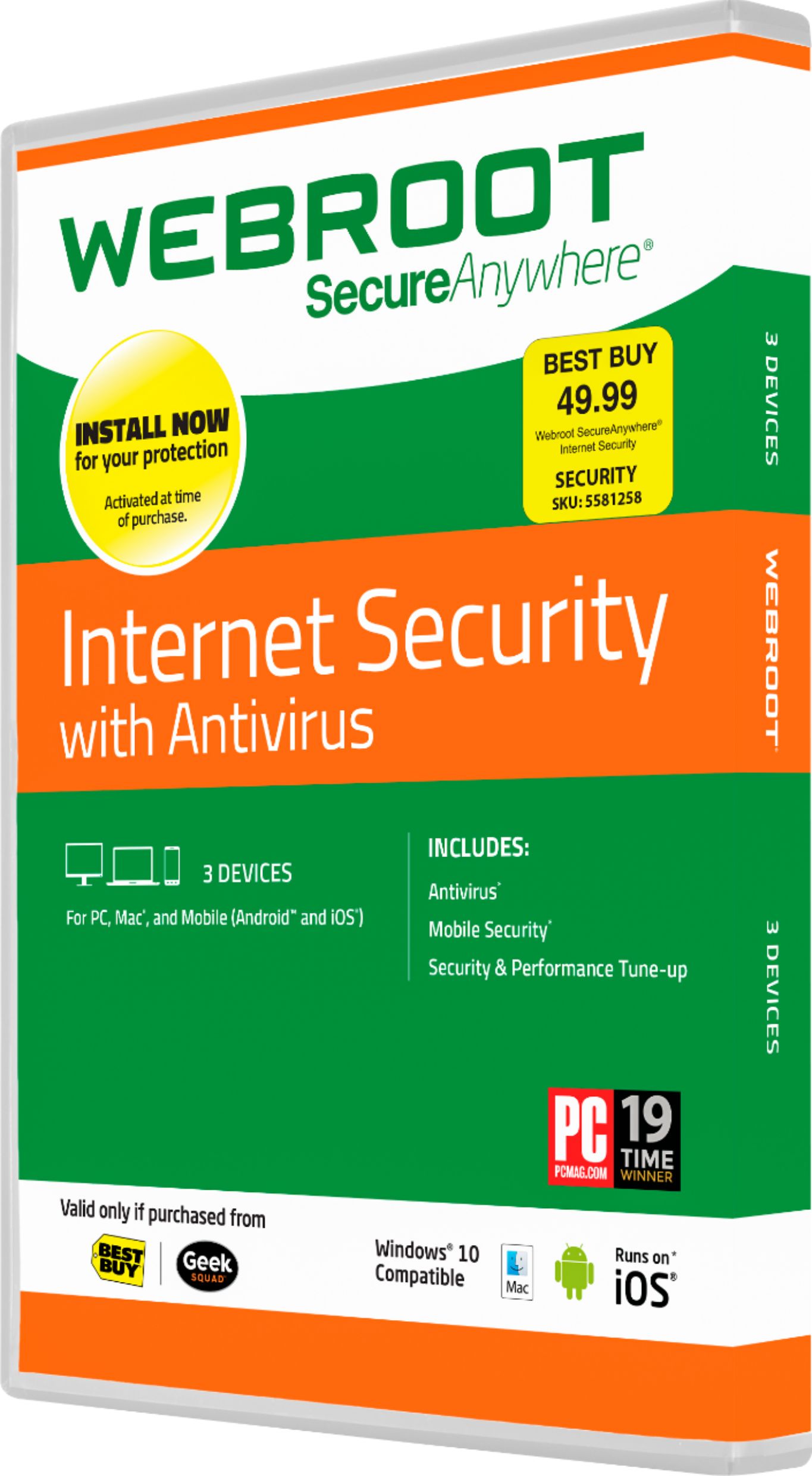
A:AnswerI RENEWED MY WEBROOT AND THE PAYMENT GOES THROUGH ON THE DAY IT EXPIRES. HOWEVER, THE WEBROOT PANEL TURNED RED WARNING OF EXPIRTATION. I TRIED TO DOWNLOAD MY RENEWAL LINK SENT BY EMAIL BUT NOTHING WORKS YET. I THINK IT HAS TO BE EXPIRED FIRST TO RE-DOWNLOAD. I CALLED BUT THEY HAVE TOO MANY CALLS TO ANSWER CALLERS, I USED MY GEEK SQUAD LINK AND THE AGENT COULDN'T GIVE ME A SIMPLE ANSWER AND WANTED TO CONNECT REMOTELY WHICH IS UNNECESSARY. BEST BUY IS LACKING IN WEBROOT INSTRUCTIONS AND HELP. MY PANEL IS RED AND I DON'T KNOW IF I'LL BE PROTECTED.
A:AnswerAs I just found out the hard way, the day of purchase is the day of activation. I would not get webroot or anything with a subscription from them EVER!
A:AnswerYou should be able to. Go to the Webroot site through the app on you computer. Should have an upgrade option. It will take you to their website where you extend your Subscription. Hope this helps
A:AnswerOn the home screen, hold your finger on the app until it starts shaking, when your finger is released an X will appear, just hit the X and it will go away
A:AnswerThe easiest way is to download the file from online and install it that way. When you open the package, you should see the link that will take you right to it.
Good luck!