A:AnswerYou may contact our customer support team at 1-800-701-0680 or you may chat with our team! Simply click on the following link: https://westinghouseelectronics.com/support/
A:AnswerIt appears that you can not download additional apps. You only get the pre-built in ones, at least at this time. So to me it is a semi-smart TV.
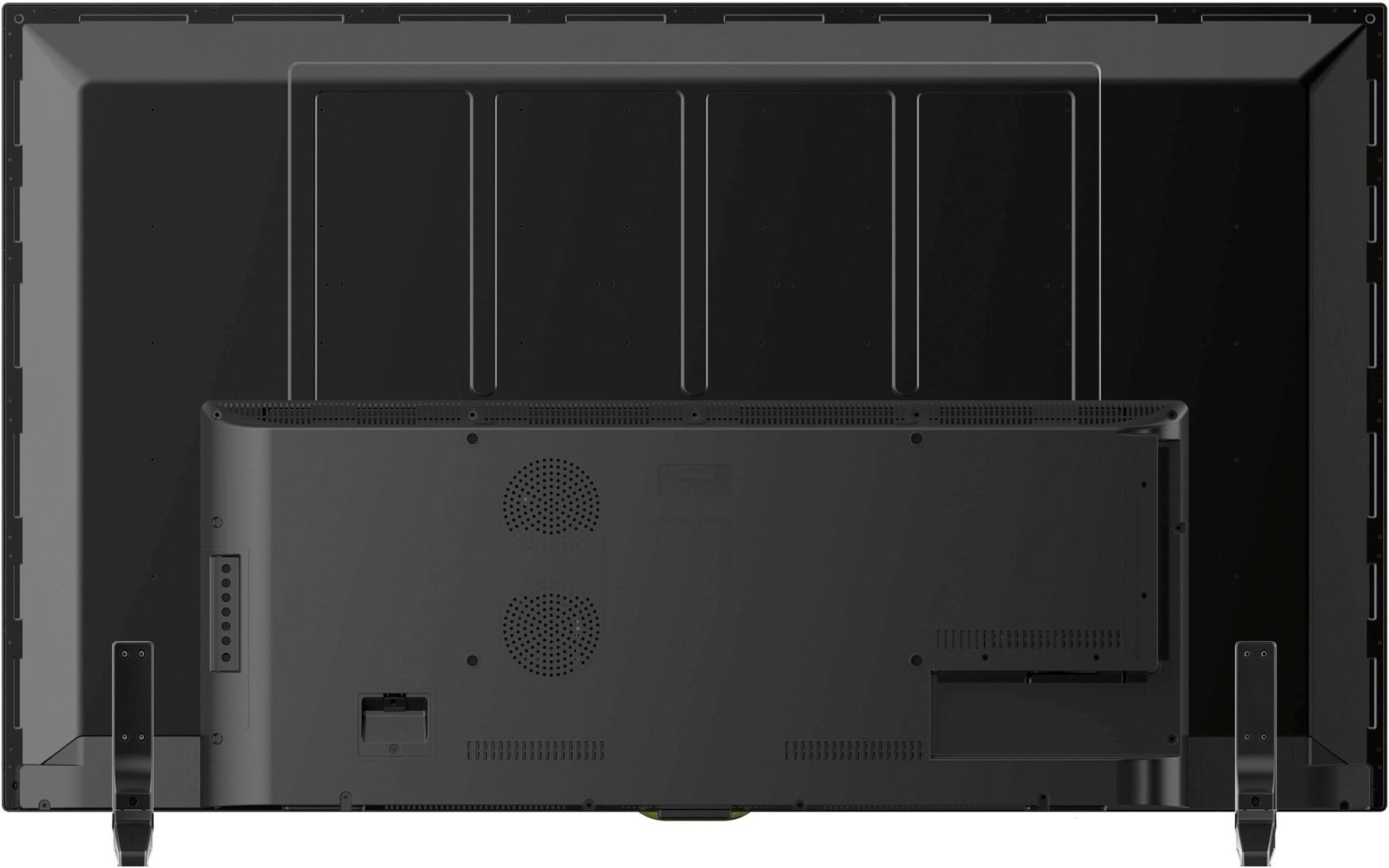
A:AnswerYou do not need arms on the TV,. The Harbour Freight flat panel mount comes with the needed arms. They attach perfectly with the screw holes on the back of the TV. I got a friend to put the mount and TV on the wall. It''s all perfect.
Kitty
A:AnswerThis TV has a set number of apps which I believe is like 5 or 6 and you cannot download any extra apps (No app store). To watch sling, you have to use a Roku, Apple TV, Google TV, Xbox, etc. I wouldn't recommend this TV to anyone anyway.
A:AnswerYes, but it is essentially a worthless warranty. My tv died in less than 60 days. Westinghouse requires that I pay $100 to recycle and then will send me a REFURB!
A:AnswerI concern this as well, but you can not observe from its look and feel, I use some tool to monitor the net traffic between the TV and my router when I turn the TV off, no traffic!
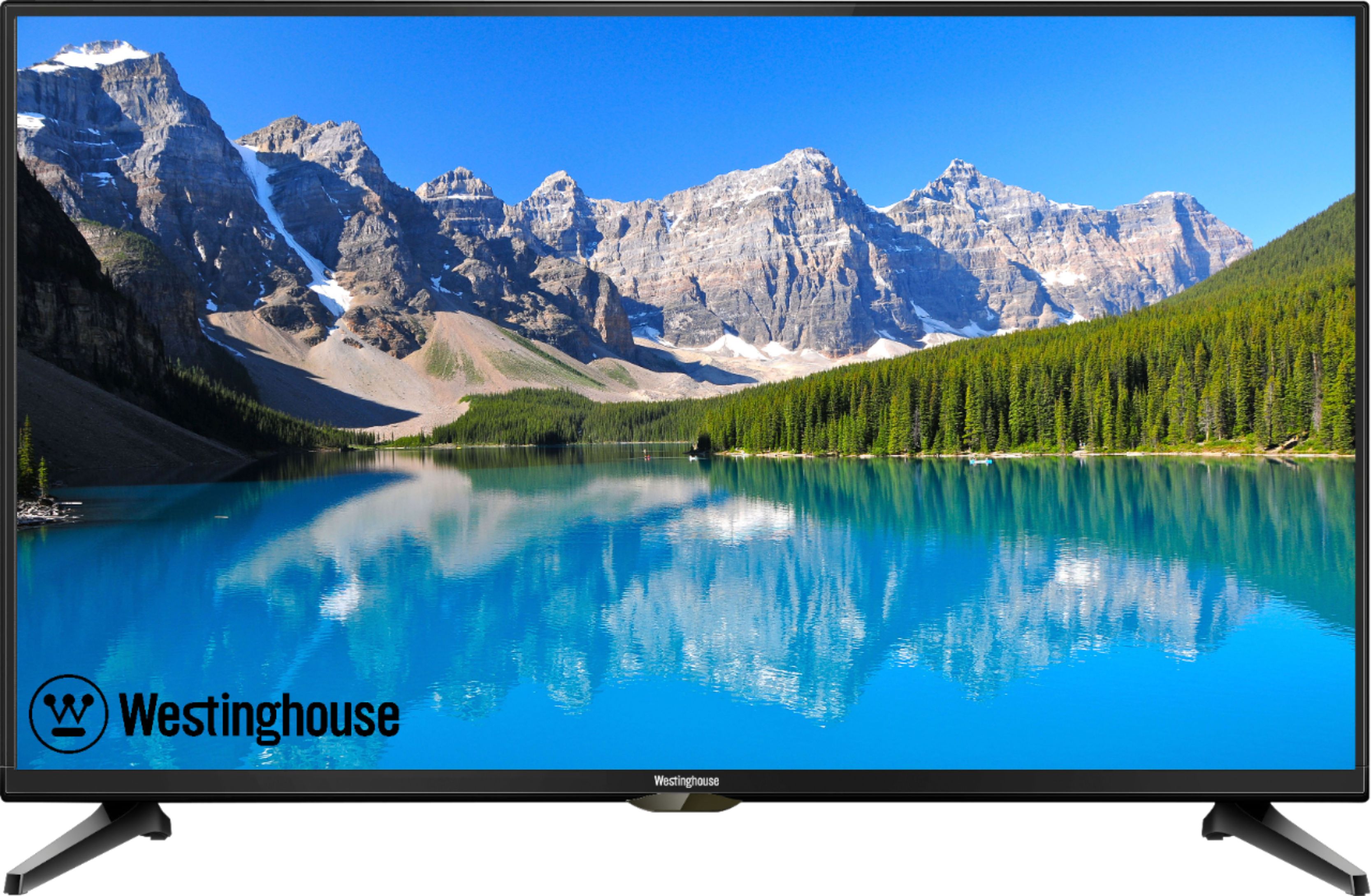
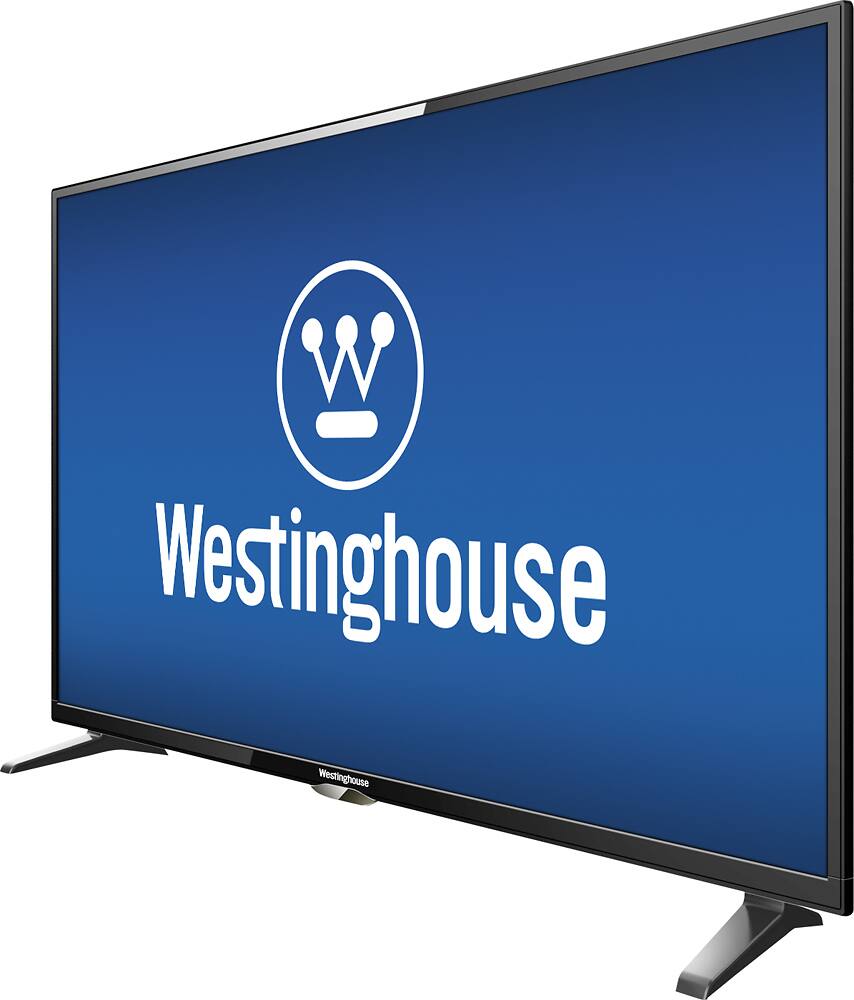
A:AnswerThis TV can be viewed equally at wide angles, but tends to reflect lamp light poorly with radiant glare. I suggest not having any lamps or indoor lighting directly behind the viewers or TV.
A:AnswerYou'll be completely fine. Cable channels running through a cable box, like one provided by Cox or Comcast, can support 1000's of channels. The coverage of 1-135, means a coaxial cable wire plugged directly into the back of the tv would pick up those channels... many TV carriers require a box now anyway, so it shouldn't be an issue.
A:AnswerYou may contact our customer support team at 1-800-701-0680 or you may chat with our team for further questions! Simply click on the following link: https://westinghouseelectronics.com/support/