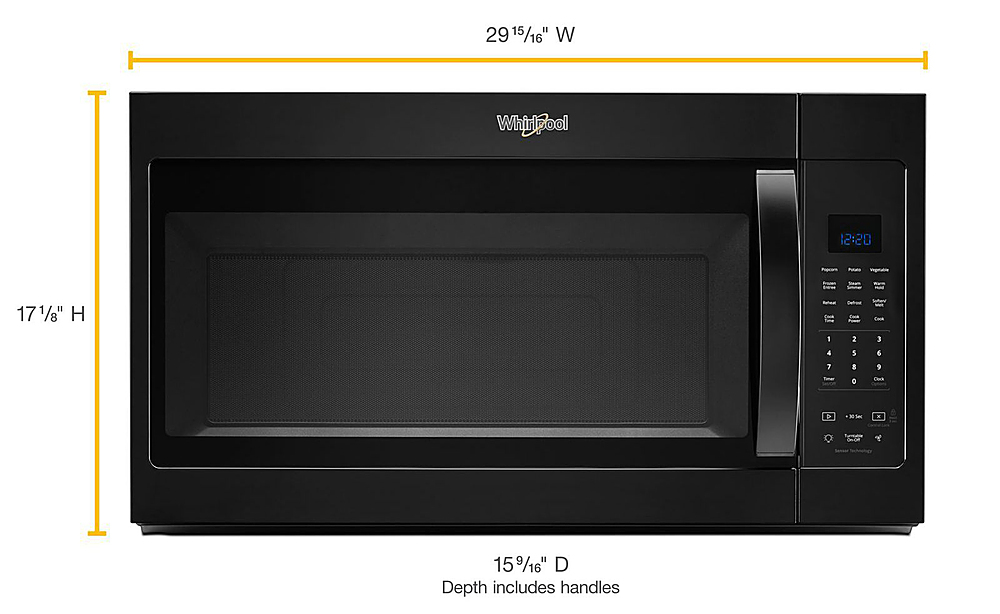
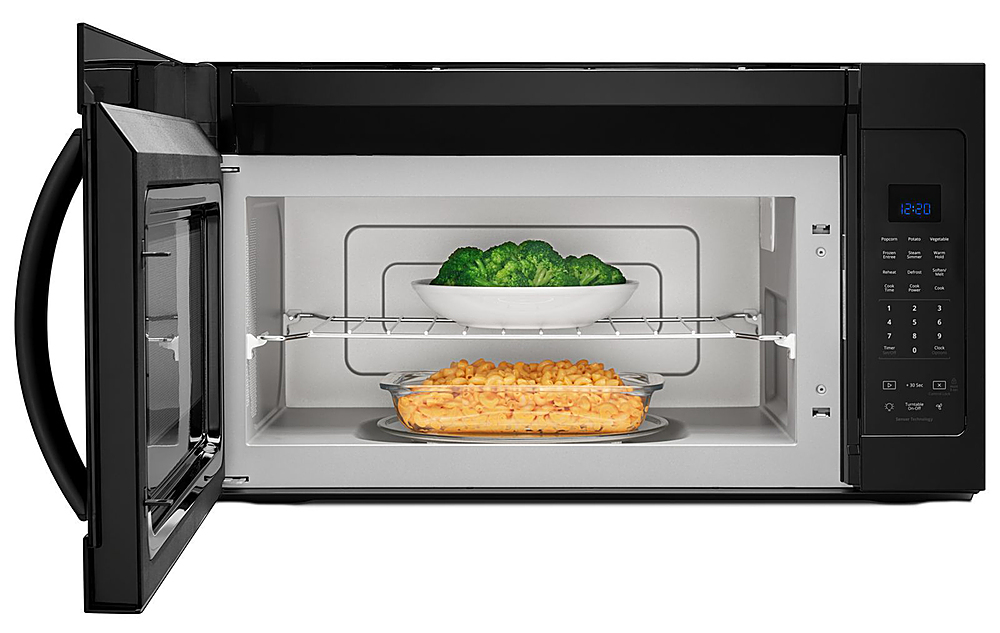
A:AnswerHello Dorothy! WMH31017HW dimensions are Depth 15 9/16", Height 17 1/8", and Width 29 15/16". The dimensions for MH6150XHQ are 29 7/8" width, 13 7/8" depth, and 16" height. We hope this helps.
A:AnswerHello Grady! The only difference is the year the model came out. WMH31017AS came out before WMH31017HS. So WMH31017HS would be the newer model. Thank you for your inquiry on our Whirlpool appliances.
A:AnswerHello Bob321! The dimensions are: Depth 15 9/16", Height 17 1/8", Width 29 15/16". Unfortunately, we do not have the dimensions from the rear to the vent fan. Thank you for your inquiry on our Whirlpool appliances.
A:AnswerHello DAB! The net weight is 55.9 pounds. We would recommend following the Installation Instructions for proper installation of the unit. Thank you for your inquiry on our Whirlpool appliances.
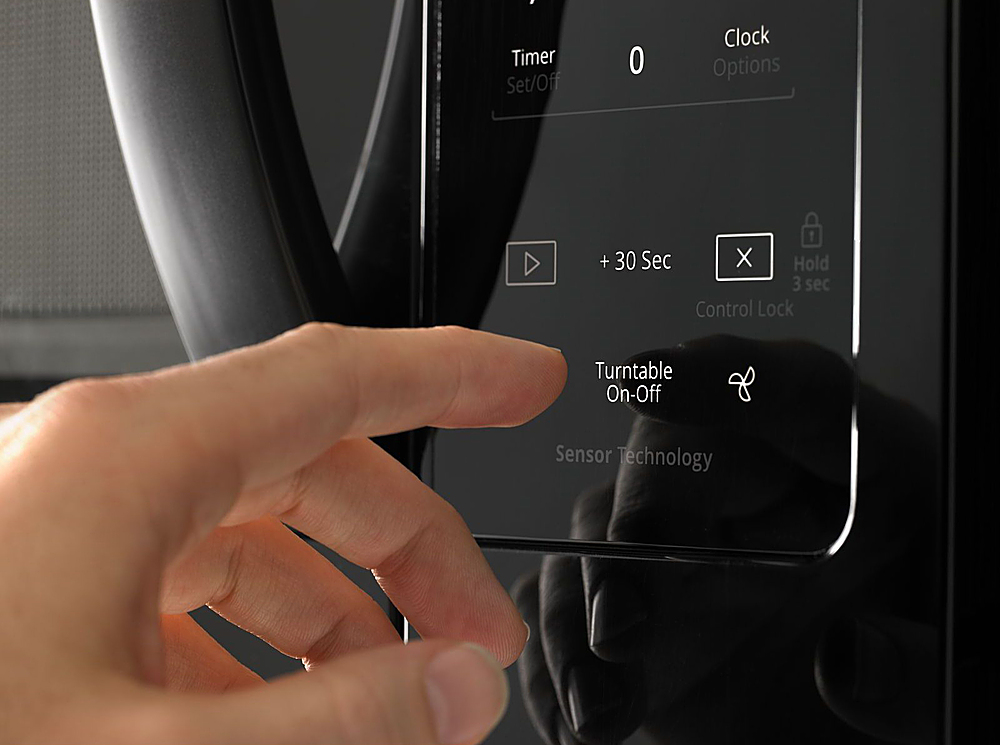
A:AnswerHello mmd, for manual cooking/stage cooking, touch COOK TIME, touch number keypads to enter time, touch
COOK POWER (if not 100%), touch number keypads to enter
power level (10-90), then touch the Start control. We hope this helps.
A:AnswerHello Steve, this appliance is operated by a one-size 2-Speed, 300 CFM Motor Class. With a 2-speed fan you match the right amount of ventilation to the dish being prepared and quickly get rid of cooking odors with two different fan speeds. We hope this helps.
A:AnswerHello Edamamemama,
Programming tones may be
turned off, or all tones (including end-of-function signals) may be
turned off. To turn off programming tones, touch and hold number
keypad “1” for about 3 seconds, until a confirmation tone sounds.
We hope this info helps.