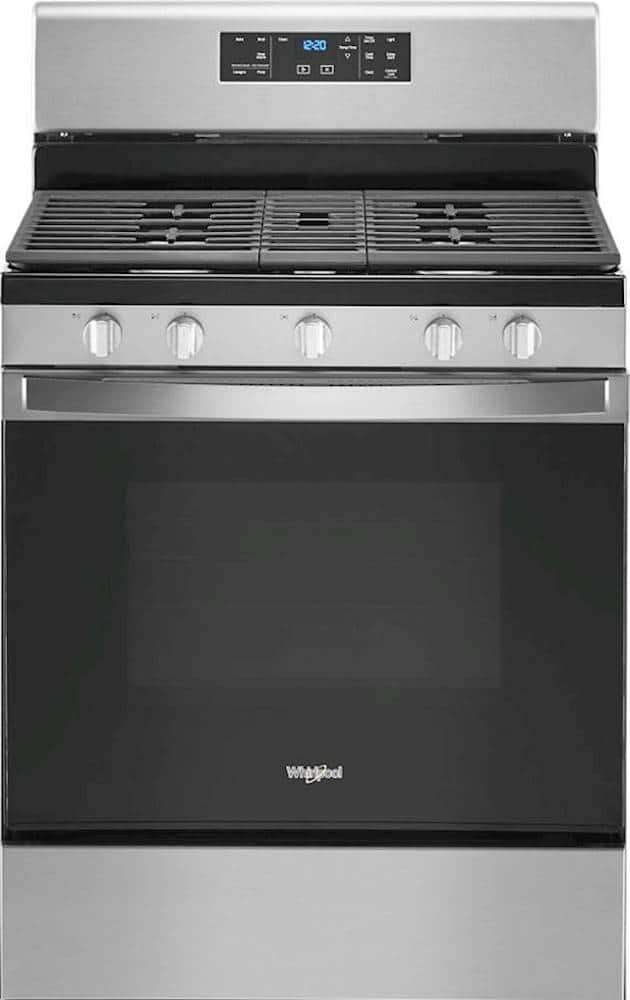
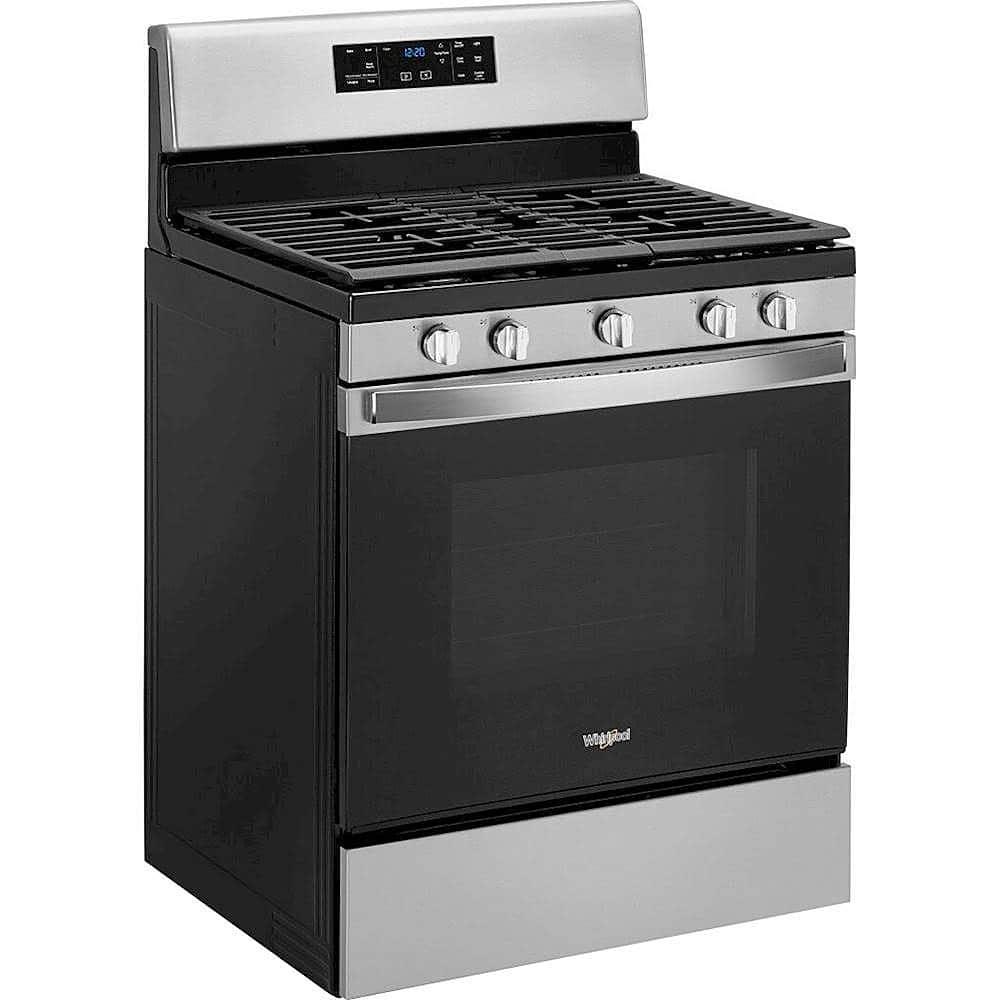
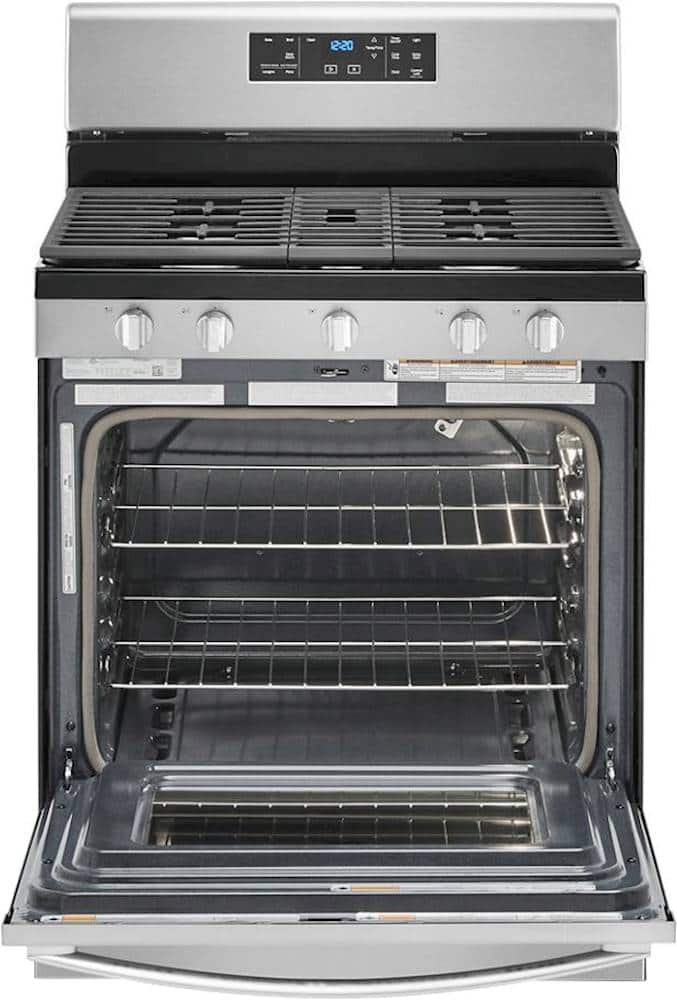
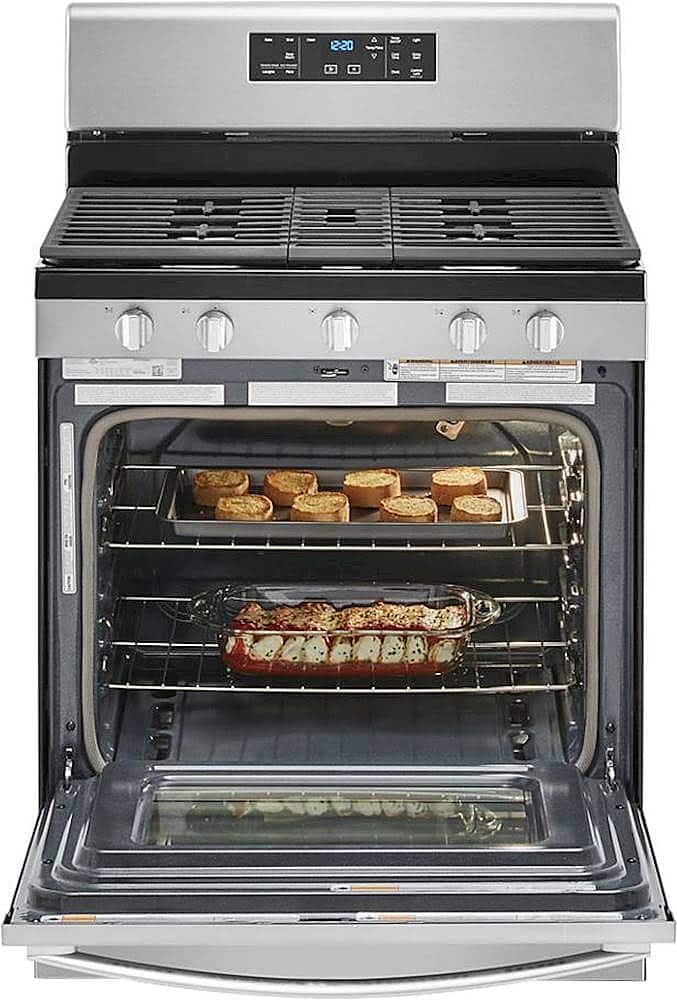
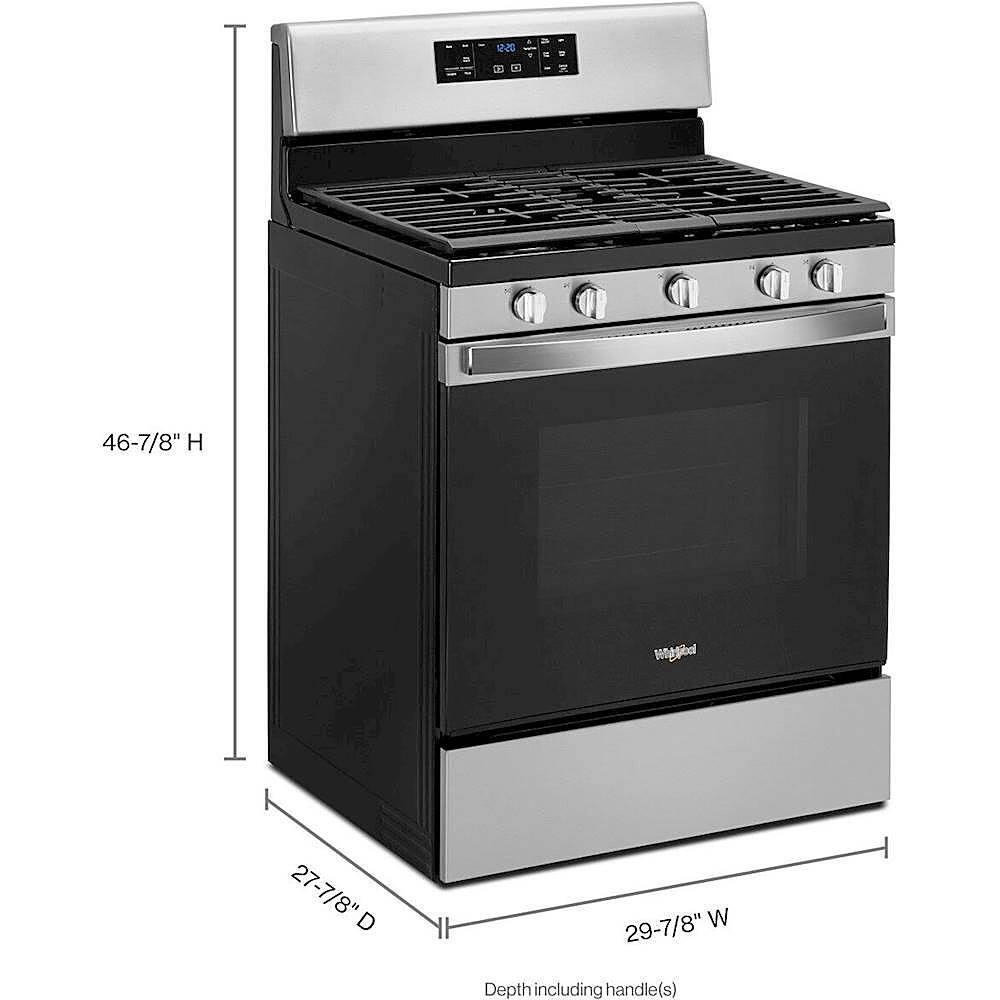
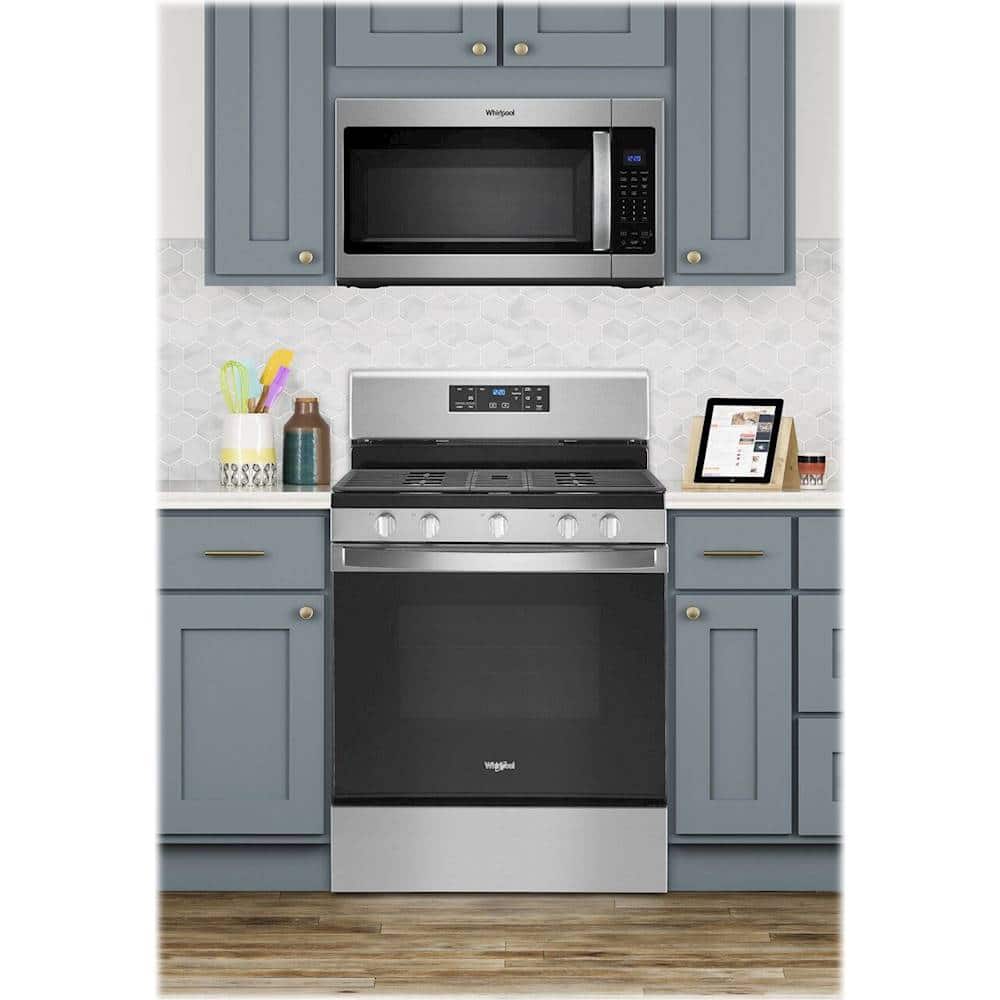
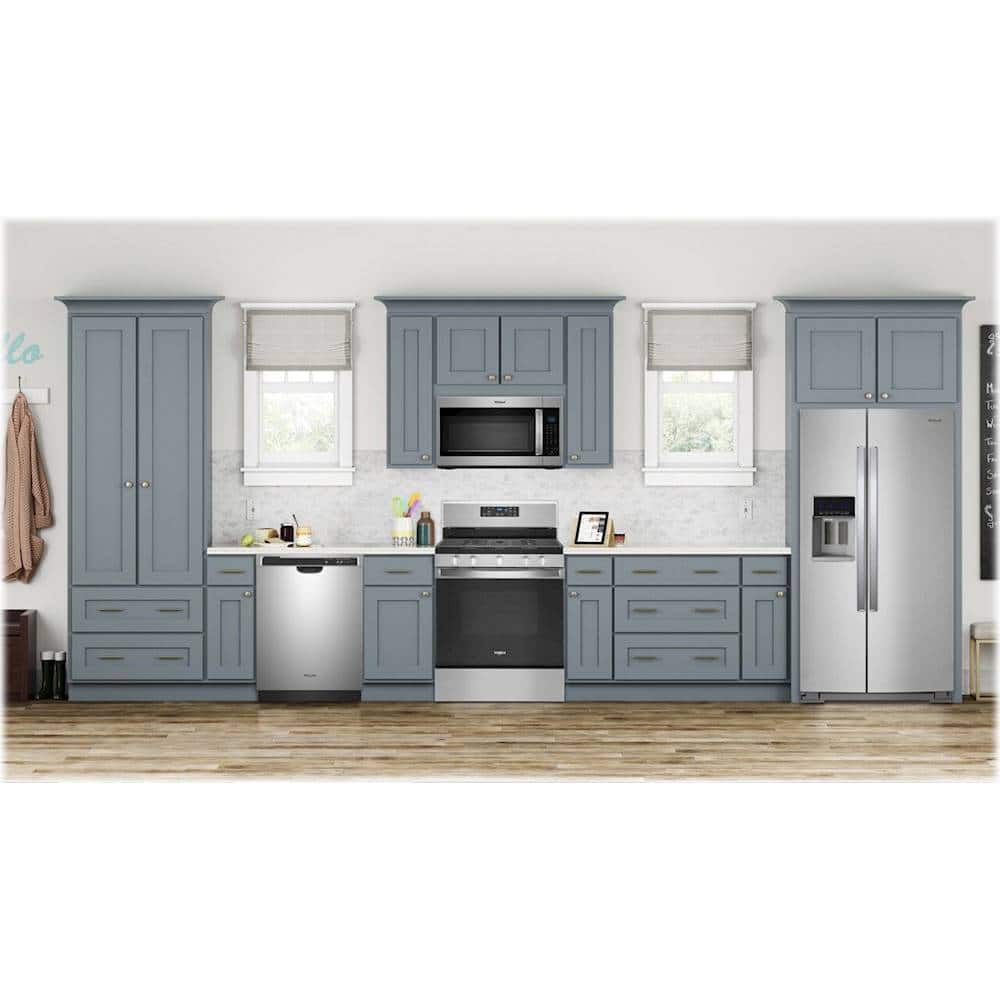
A:AnswerHello, for the Whirlpool® Range model WFG525S0JS, this is a natural gas range that can be converted to LP Gas. Thank you for your inquiry about our Whirlpool appliances.
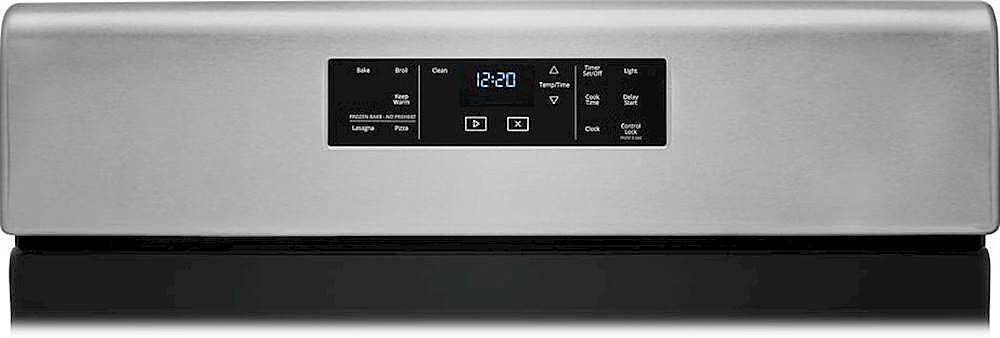
A:AnswerHello! How the Cycle Works IMPORTANT: The heating and cooling of porcelain on steel in the oven may result in discoloring, loss of gloss, hairline cracks and popping sounds. Before self-cleaning, make sure the door is completely closed or the door will not lock and the Self-Cleaning cycle will not begin. The Self-Cleaning cycle uses very high temperatures, burning soil to a powdery ash. Once the oven has completely cooled, remove ash with a damp cloth. To avoid breaking the glass, do not apply a cool, damp cloth to the inner door glass before it has completely cooled. To stop the Self-Cleaning cycle at any time, press the Cancel keypad. If the temperature is too high, the oven door will remain locked and “cool” and “(lock symbol) ” will be displayed. The cooling fan may continue to run. When “locked” shows in the display, the door of the oven cannot be opened. To avoid damage to the door, do not force the door open when “locked” is displayed. Once the cleaning temperature has been reached, the electronic control requires a 12 hour delay before another Self-Cleaning cycle can be started. The oven light will not function during the Self-Cleaning cycle. Electronic Oven Control with Adjustable Clean Time (on some models) The Self-Cleaning cycle is time adjustable between 2 hours 30 minutes and 4 hours 30 minutes in 15 or 30 minute increments. Suggested clean times are 2 hours 30 minutes for light soil and 4 hours 30 minutes for heavy soil. The last 30 minutes of the cycle is for cooldown. To Self-Clean: 1. Press SELF CLEAN. 2. Press the Temp/Time “+” or “-” keypad to enter the desired Self-Cleaning cycle time. 3. Press START. The oven door will automatically lock. The DOOR LOCKED and CLEAN indicator lights will be displayed. The time remaining will also be displayed. 4. When the self-clean cycle is complete and the oven cools, the DOOR LOCKED and CLEAN indicator lights will turn off. 5. When the oven is completely cooled, remove ash with a damp cloth. To exit the Self-Cleaning cycle before completed, press CANCEL. The door will unlock once the oven cools. Thank you for your inquiry about our Whirlpool appliances.
A:AnswerHello! We are sorry to hear about your concern with your oven light. We would recommend contacting Whirlpool® at 800-253-1301. We are available M -F 8 am to 6 pm EST. They will be better able to assist you.
A:AnswerHello, please feel free to view the link to the Installation Instructions for this model for the proper connection information. https://tinyurl.com/5hafsmdp Thank you for your inquiry on our Whirlpool appliances.
A:AnswerHello Bee41, we are sorry to hear you are needing a part. You may visit www.Whirlpoolparts.com to find and purchase parts online, chat with a parts specialist, or you may also call (844)200-5440 7 AM -Midnight - 7 days a week, to speak with a part specialist by phone.
A:AnswerHello Noe! We are terribly sorry to hear about your concern. We would recommend contacting Whirlpool® at 800-253-1301. We are available M -F 8 am to 6 pm est. They will be better able to assist you.
A:AnswerHello bearamedic99! For model WFG525S0JS, in case of prolonged power failure, the surface burners can be lit manually. Hold a lit match near a burner, and turn knob counterclockwise to LITE. After the burner lights, turn knob to desired setting.
A:AnswerThis is kneeboot responding to WhirlpoolTeam: Thank you, thank you, thank you!!! I made the adjustment to lower the flame height as advised. I can now cook on the front burners starting with a very high heat and can lower the heat to just a simmer level. Before the adjustment, the lowest heat setting was way way way too hot and had to move the pan to a back burner to simmer. There is also a video on Youtube which shows you exactly how to make the adjustment.