Customer Ratings & Reviews

- Model:
- CP311-1HN-C2DV
- SKU:
- 6211731
Rating by feature
- Value
Rating 4.5 out of 5 stars
- Quality
Rating 4.5 out of 5 stars
- Ease of Use
Rating 4.6 out of 5 stars
Customers are saying
Customers recognize the Spin 11 Chromebook's ease of use and touchscreen as significant advantages, frequently citing positive experiences with both features. Its lightweight design and compact size are also frequently praised. While some users mention storage limitations, many appreciate the device's performance and battery life for its price point.
This summary was generated by AI based on customer reviews.
- Pros mentioned:Performance
Works wonderfully
||Posted .This reviewer received promo considerations or sweepstakes entry for writing a review.Bought for highschooler. Works great. Perfect for all of his school and personal needs.
I would recommend this to a friend Great small laptop so accessible.
||Posted . Owned for 1 month when reviewed.This reviewer received promo considerations or sweepstakes entry for writing a review.After considering $1000 laptop, I found this chrome book which totally fits my needs
I would recommend this to a friend- Pros mentioned:Touch screen
My daughter loves her new chromebook!!
||Posted . Owned for 3 weeks when reviewed.This reviewer received promo considerations or sweepstakes entry for writing a review.This was a great deal and my daughter is attached. She loves her new chromebook.
I would recommend this to a friend - Pros mentioned:Ease of use
touch-screen computer book
||Posted .This reviewer received promo considerations or sweepstakes entry for writing a review.excellent chromebook for middle school to college. all the necessary programs needed.
I would recommend this to a friend - Pros mentioned:Ease of use
Great for kids
||Posted . Owned for 1 month when reviewed.This reviewer received promo considerations or sweepstakes entry for writing a review.I bought this for my 8 year old to do school work. Works perfectly for her!
I would recommend this to a friend - Pros mentioned:Touch screen
Great laptop for travel- family visits
||Posted .This reviewer received promo considerations or sweepstakes entry for writing a review.Enjoying the size of the laptop and using it to handle and present photos and family movies
I would recommend this to a friend - Pros mentioned:Performance
great unit for non-techies
||Posted . Owned for 1 month when reviewed.This reviewer received promo considerations or sweepstakes entry for writing a review.This is my second Acer.The first one lasted about five years. I used it a lot.
I would recommend this to a friend Great beginner laptop for Middle schooler.
||Posted . Owned for 3 weeks when reviewed.This reviewer received promo considerations or sweepstakes entry for writing a review.The size is perfect for young user. Google user will be very happy with results.
I would recommend this to a friend- Pros mentioned:Touch screen
awesome
||Posted . Owned for 6 months when reviewed.This reviewer received promo considerations or sweepstakes entry for writing a review.the touch screen is great. plus its multiple display features is neat.
I would recommend this to a friend - Pros mentioned:Speed
Easy to use
||Posted . Owned for 1 month when reviewed.This reviewer received promo considerations or sweepstakes entry for writing a review.Great price and plenty fast! Would not hesitate to buy this computer again.
I would recommend this to a friend Value and Quality
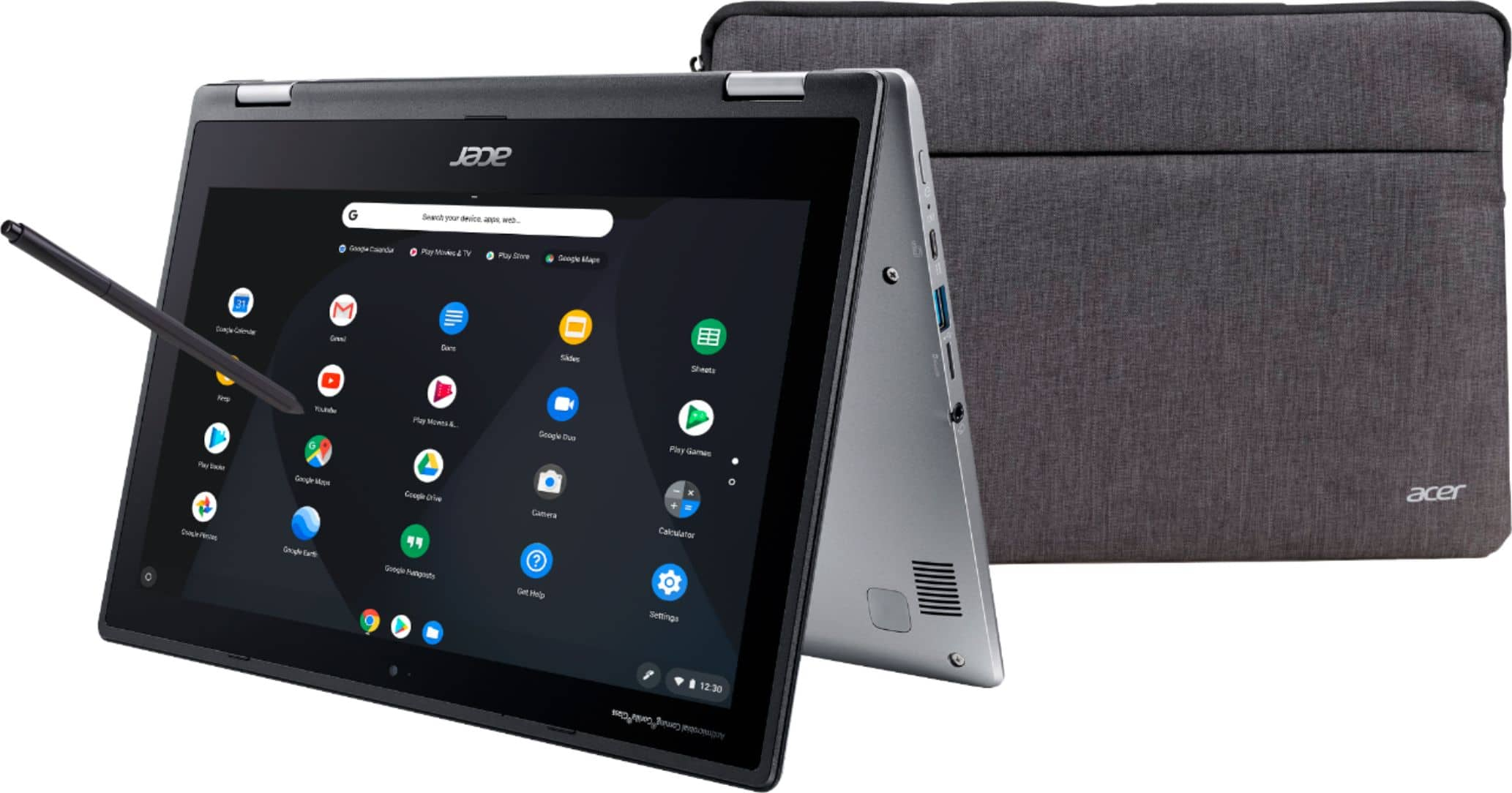
||Posted .This reviewer received promo considerations or sweepstakes entry for writing a review.Great Chromebook that comes with extras like a pen and a case. The build quality is great and our son loves it. Only issue is that the lid is somewhat difficult for him to open, but that may get better with more use. The apps available for Chrome are a nice evolution, but there are definitely some bugs with some of them that need to be worked out. Web based apps work well, so no complaints there.
I would recommend this to a friend- Pros mentioned:Battery lifeCons mentioned:Storage

The Right Balance of Price and Features
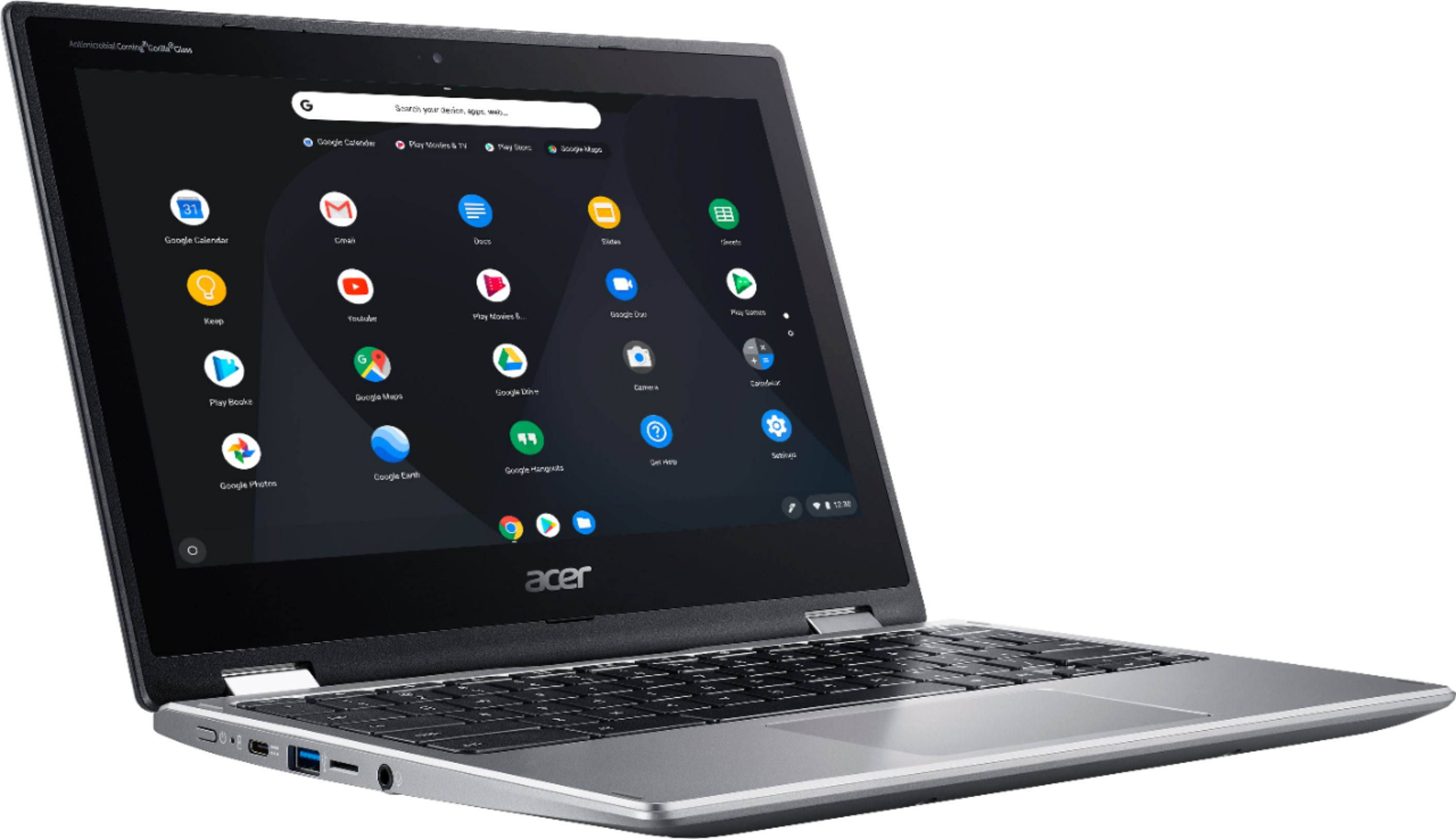
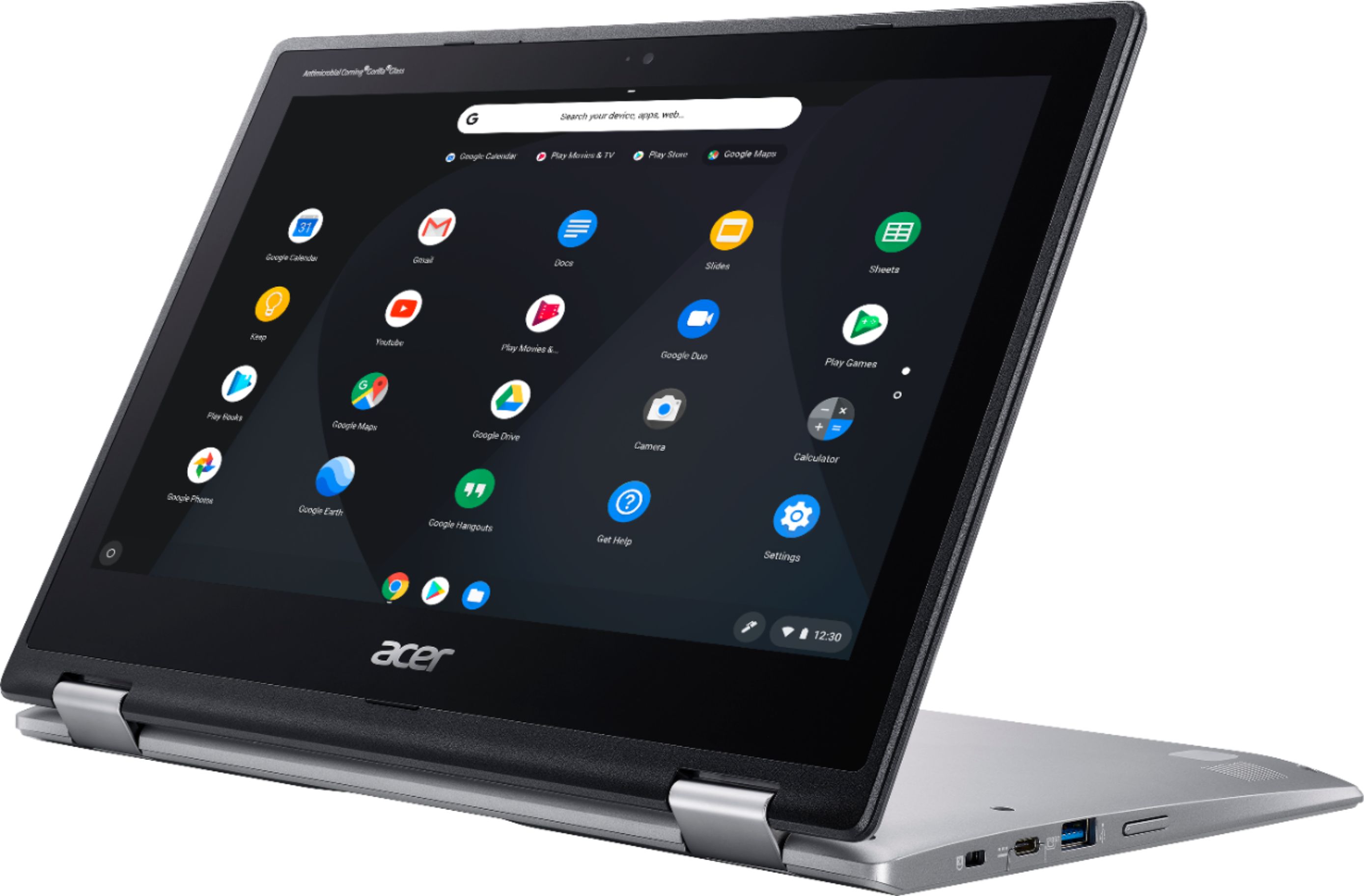
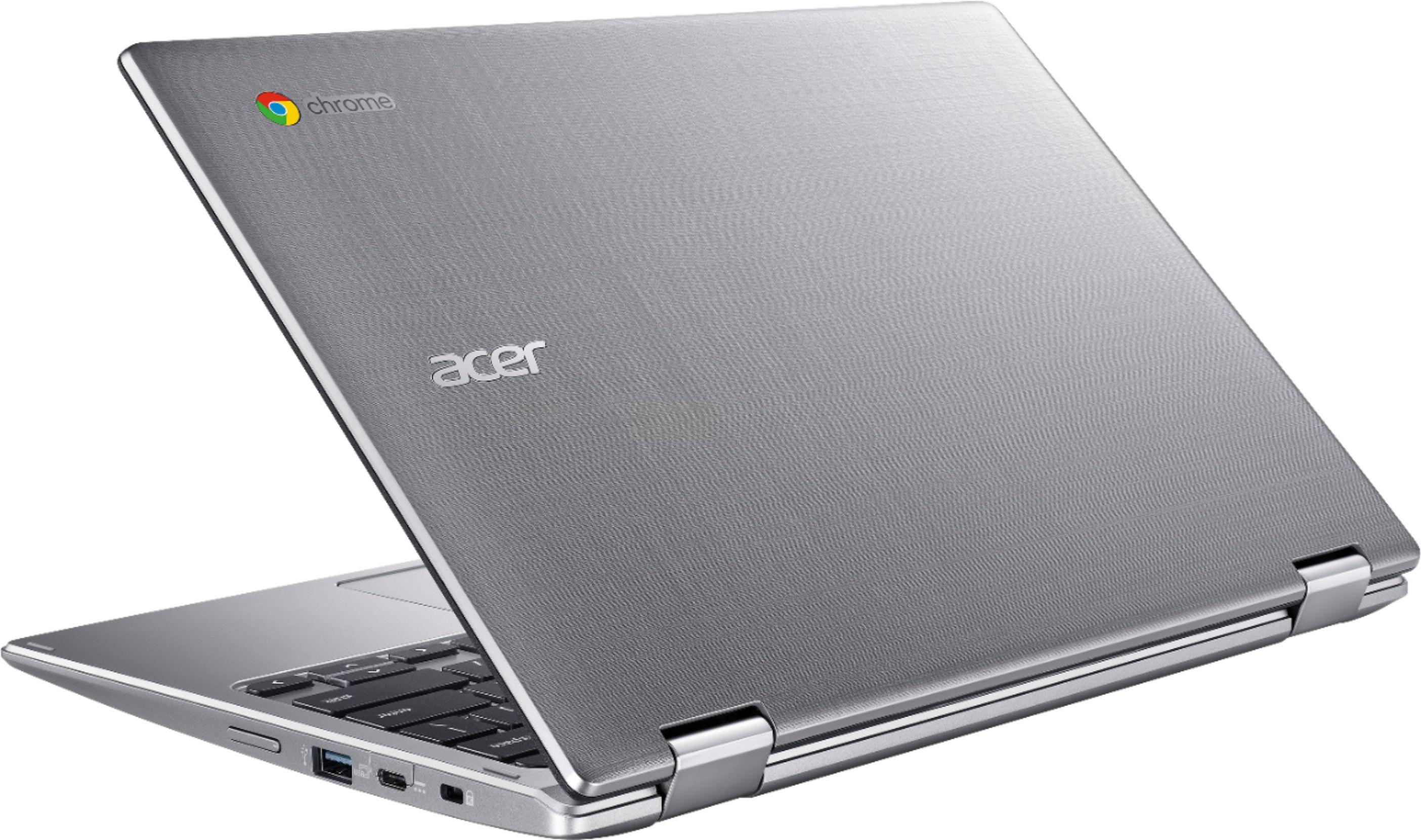
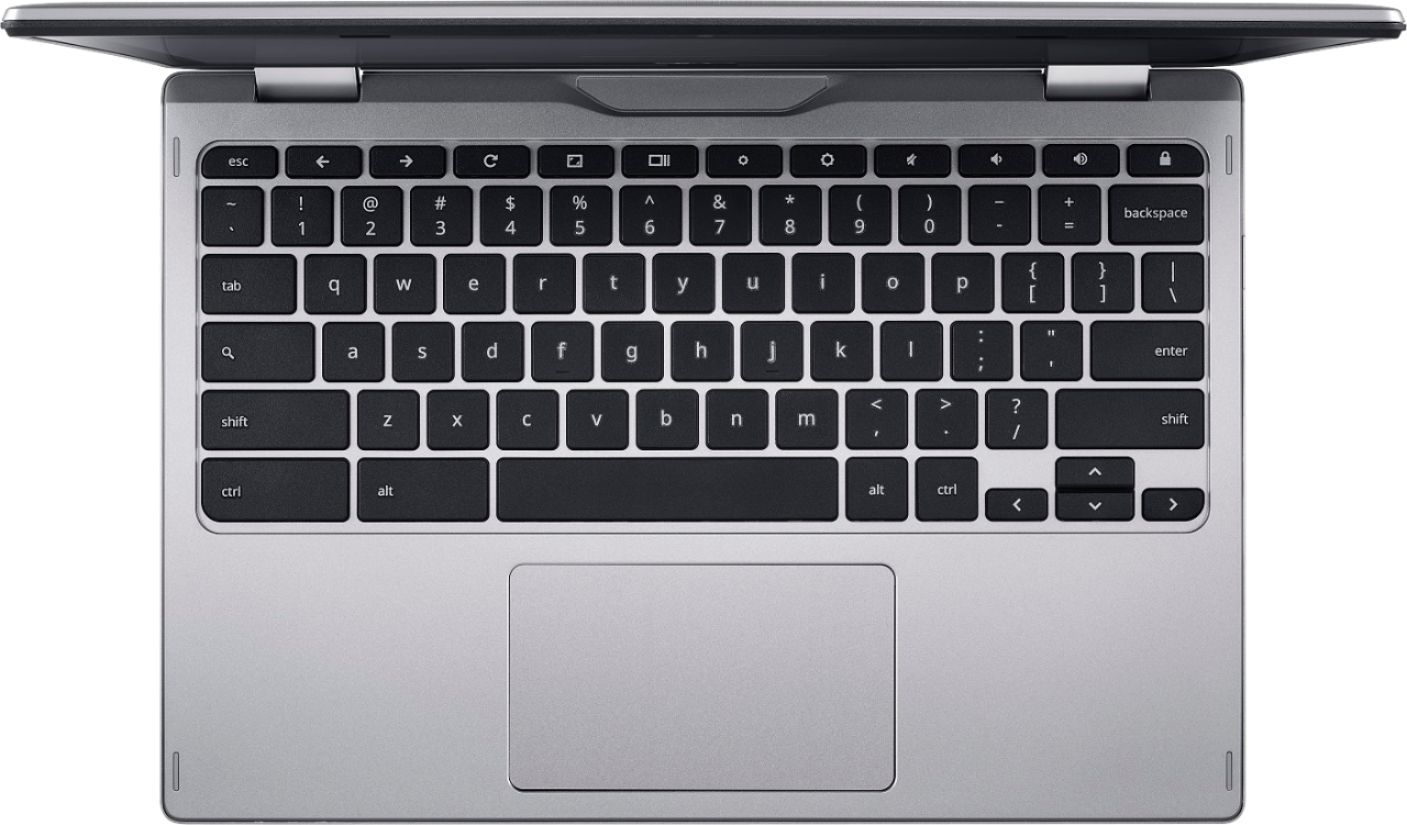
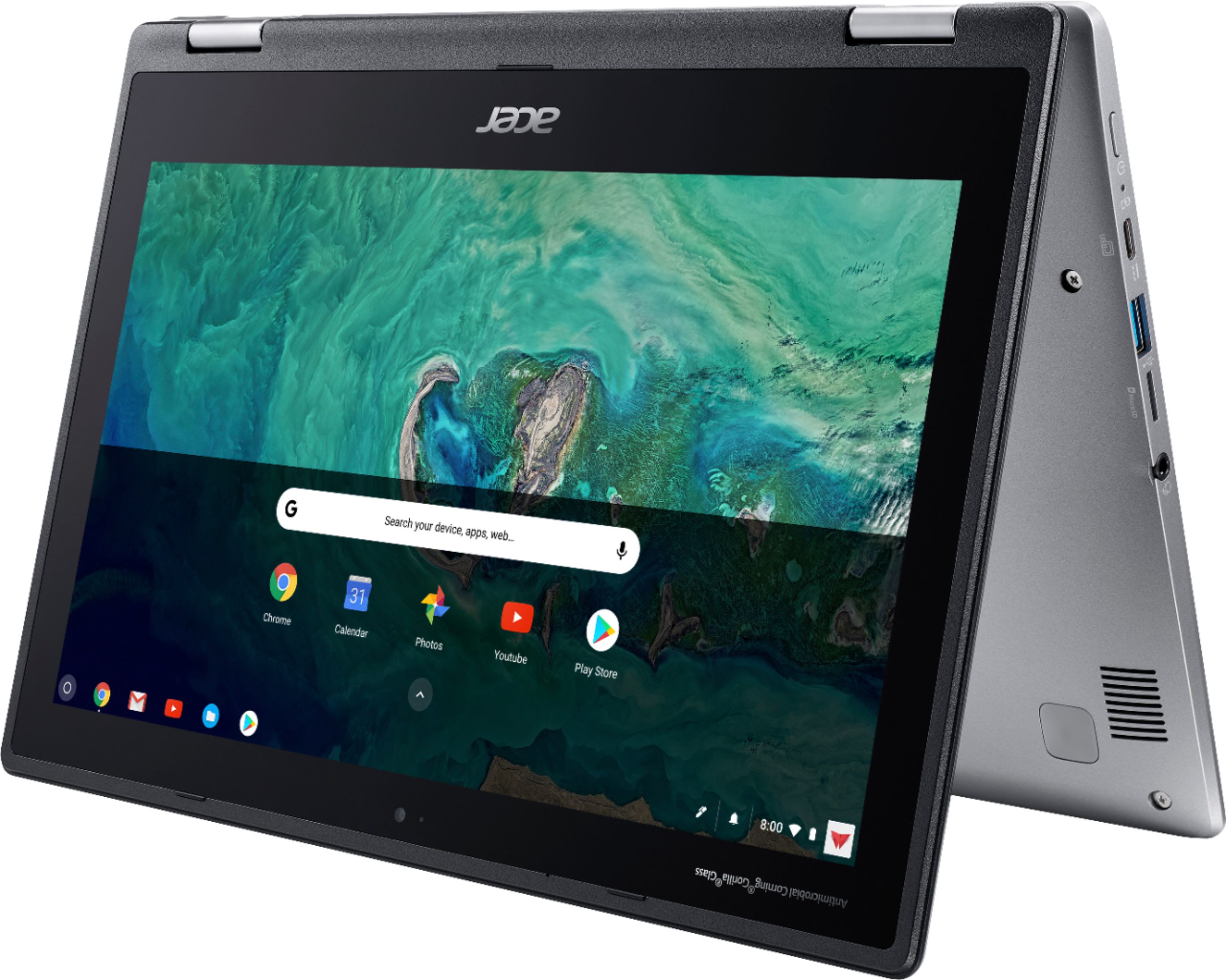
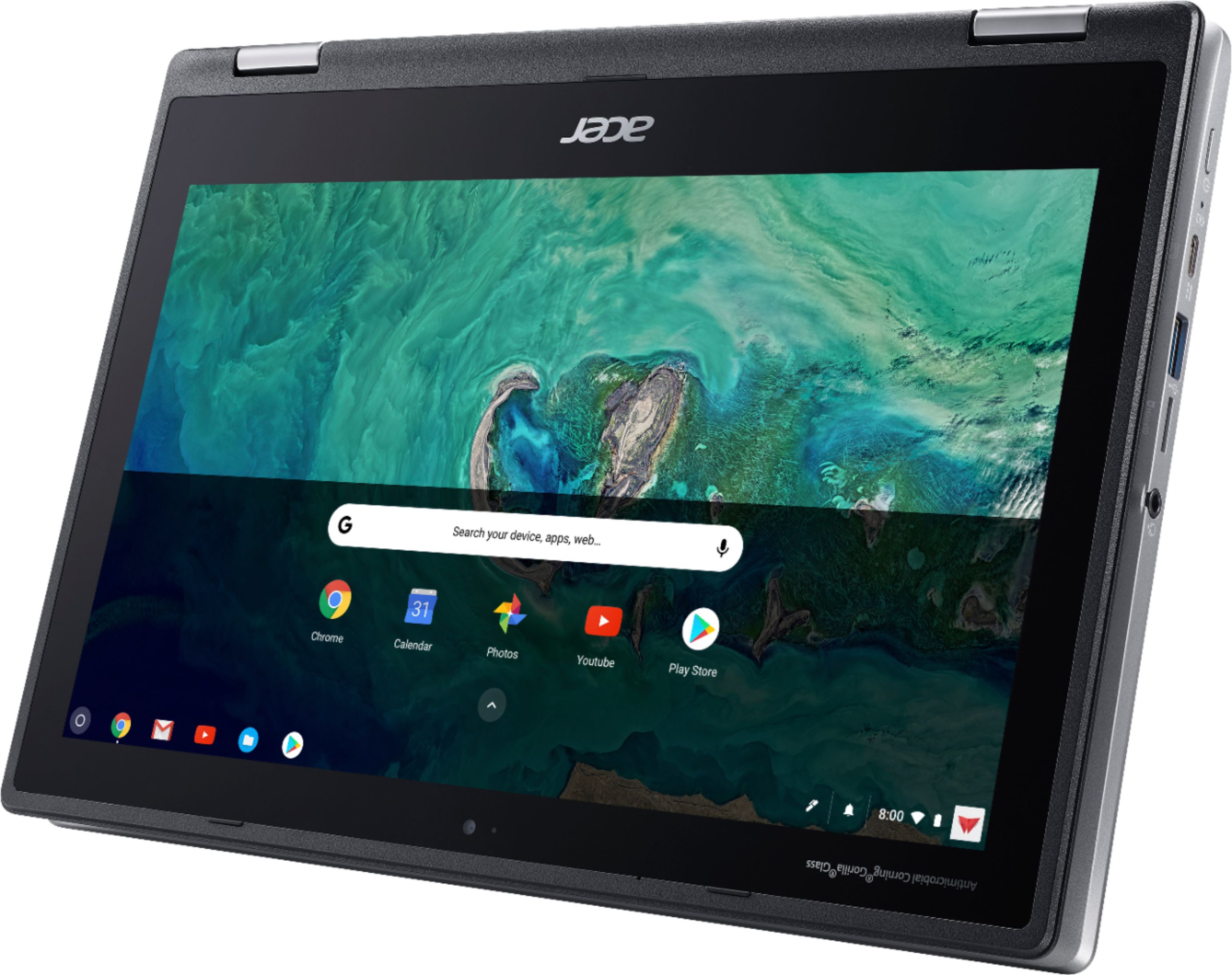
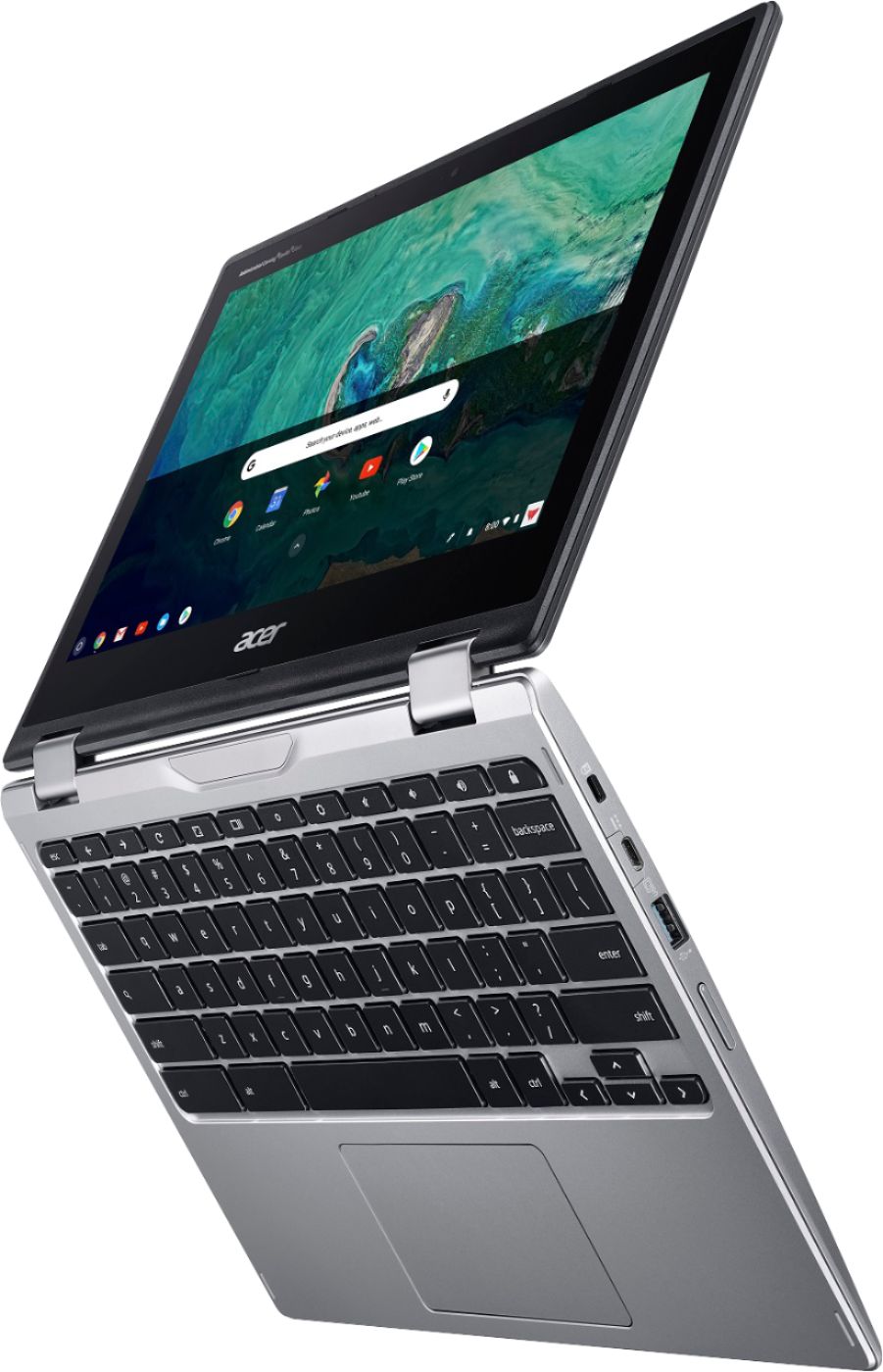
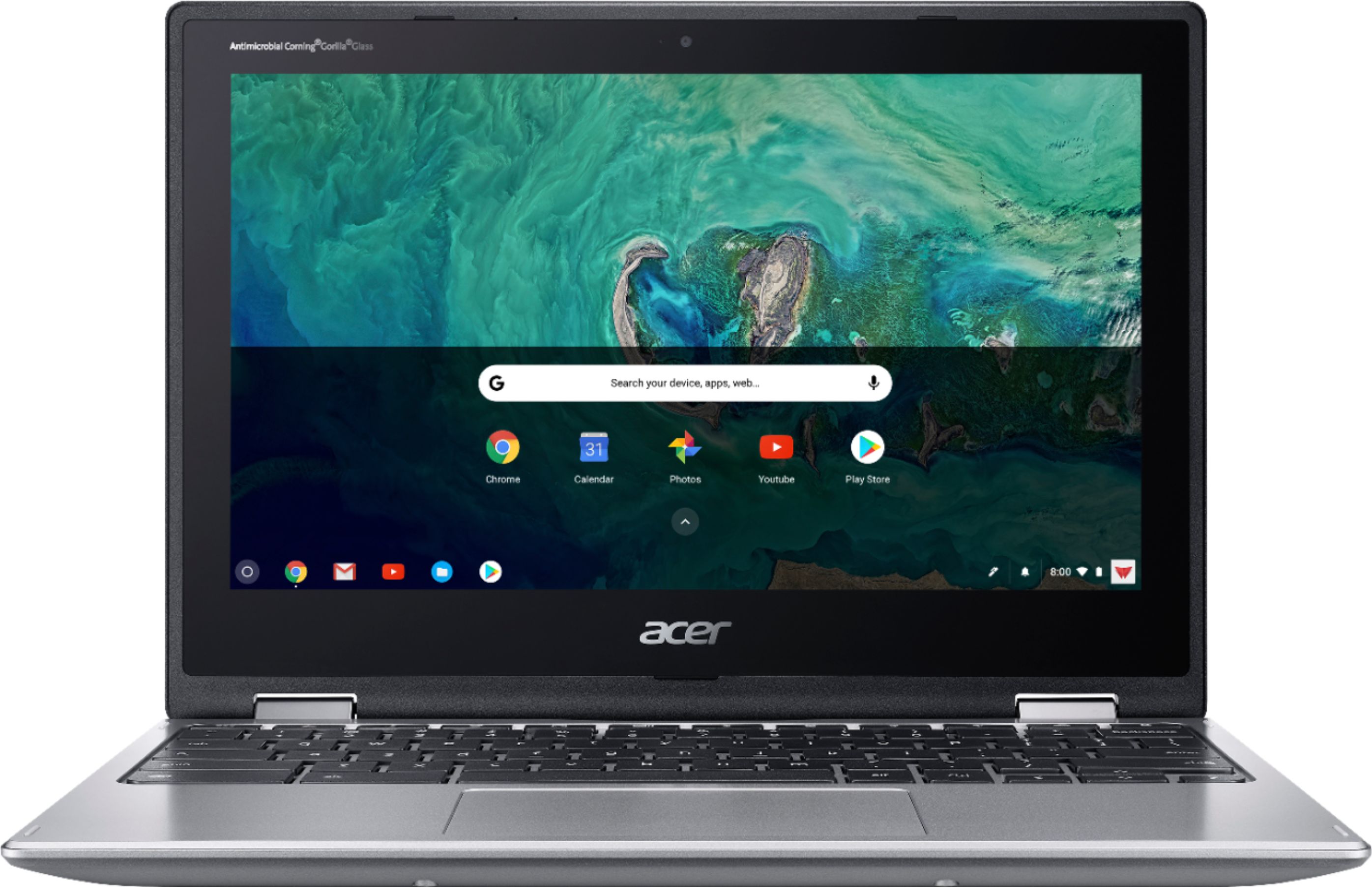
|Posted .This reviewer received promo considerations or sweepstakes entry for writing a review.The Acer Chromebook Spin 11 brings a smattering of options from more expensive laptops and tablets to a 2-in-1 package that represents excellent value at an attractive price point. Though lower-spec internal hardware detracts some from its premium feel and assortment of features, Chrome OS proves itself as a good match for what has amounted to a great travel machine for both work and entertainment. This machine bridges the gap between budget Chromebooks and top-end offerings twice to three times more expensive, and comes highly recommended as a result. - Build Quality The first thing that surprised me about this device is how hefty it is; at 2 lbs 10.6 oz (1.2 kg) this is one of the heaviest 11-inch laptops I’ve held, which was unexpected given the plastic exterior. I find the weight gives the device a high perceived build quality as a laptop, but it makes longer sessions in tablet mode a bit cumbersome after a short period. The textured plastic lid has a premium feel to it, complementing the Gorilla Glass screen (another welcome addition, as most laptops at this price point use a plastic or plexi-glass layer to protect the screen). As with any 2-in-1, the quality of the hinge will ultimately determine how well the device holds up after several years of use, but at least from initial impressions Acer’s dual-hinge design holds strongly and appears well-shielded against debris and dust build up. I was surprised to find a laptop that includes its own sleeve at any price point, and with a dedicated pocket for the included stylus I was very pleased with Acer’s inclusion. Of course, a few things will have to be sacrificed to hit a $349 MSRP, and it appears that the keyboard and trackpad are shared designs from other value Acer laptops. They are by no means bad, but the premium feel of the device is weakened once you begin typing. Key presses are short and light, and the chiclet style keys are preferable to the alternative, but a typical amount of keyboard flex and a lack of backlighting belie the higher-end feel brought on by the screen half of the device. Similarly, the touchpad is precise but pressing-to-click bows the edges of the touchpad significantly. These minor annoyances are forgivable here as Acer’s touchscreen makes up the difference. - Screen & Sound Despite a typical 1366x768 resolution, the IPS display is a bright, vivid panel that is clear and easy to read in all but direct sunlight conditions. I was very impressed watching movies and TV shows in several varied lighting conditions, though brightness does need to be adjusted manually via dedicated keyboard keys. Viewing angles are good but brightness tends to dim at lesser angles than some other IPS screens I’ve used (though admittedly this may be from the digitizer or Gorilla Glass rather than the panel itself). The standout feature of the screen is its Wacom digitizer. In no uncertain terms, this combination multi-finger touch and stylus-compatible screen gives this Chromebook one of the most engaging tablet experiences I’ve had with any device. The stylus works in any orientation (whether laptop, tablet, “tent,” or tabletop) and does appear to be pressure-sensitive when used with select apps. I found myself switching between stylus and finger control with fluidity and ease, and any stylus detection (whether on the screen or as much as ¾” from stylus tip to screen) overrides touch, making drawing a breeze. The included “eraser” end of the stylus seemed gimmicky at first but works exactly as intended. All the typical gestures work well and I never had an issue performing precise button presses on games and apps with small inputs. The built-in speakers are fairly good. They are downward-firing, which makes them a bit muted when played on soft surfaces like a bed or sofa, but the speakers get decently loud and don’t distort much at higher volumes. - Operating System The last time I had used a Chromebook with regularity was several years ago, and at the time these devices could do little more than run a limited port of Google’s Chrome web browser. The last several years of development have done wonders for the Chrome OS, as Google has invested heavily into making this Linux derivative a fully-featured environment entirely suitable for casual users and professionals alike. The desktop-like interface works equally well in both laptop and tablet modes, feeling more like a desktop OS that was tailored to be ready for tablet use on demand rather than the other way around. The biggest leap forward for Chrome OS is the inclusion of the Google Play store, opening up a library of hundreds of thousands of Android apps alongside many Chromebook-optimized apps. At minimum, expect nearly all of your favorite Android apps to function as they do on your smartphone or tablet (running in a window), and at best, optimized apps will run almost identically to their counterparts on traditional PCs. Road warriors will be pleased to find that Chromebook-optimized Microsoft Office apps are indeed available from the Google Play Store, fully usable with any active Office365 subscription, and feature nearly perfect copies of their PC-side interfaces. - Performance & Battery Life As mentioned earlier, certain concessions were made to hit the $349 MSRP, and the processor is among them. The Chromebook Spin 11 uses an Intel Celeron N3350 dual-core CPU, which is a fairly weak chip by modern standards. However, Chrome OS does put what little power it does have to good use, and the system hardly ever feels sluggish or stalled when performing everyday activities like browsing the web or streaming video. Intense tasks such as video editing or high-detail 3D gaming are unfortunately beyond the capabilities of this chip, but seeing as the device isn’t intended for these uses, the processor is adequate for its target use cases. Fortunately, the CPU shortcomings are eased by the inclusion of 4GB of RAM. Most entry-level Chromebooks are equipped with half that, and quickly run into issues as the Chrome web browser is infamously RAM-hungry. Here, the 4GB memory allows for a much smoother web surfing and productivity experience, and having multiple apps and tabs open doesn’t slow the system down like it does on its lesser-equipped competitors. While I couldn’t verify whether the memory is upgradable, the SSD (eMMC type, here) is plenty quick enough to supplement the RAM when called upon. 32GB storage seems small for a traditional PC, but Chrome OS was only using about 2GB once fully updated, and it would be difficult to fill the disk so long as media files and documents are stored either on an external drive or on cloud services. I did find that the relative lack of power meant that battery life was good. I averaged about 7 hours battery life between charges with the screen at 80% brightness, which included a mix of video streaming, gaming, web surfing, and drawing. Unfortunately this falls short of the 10 hours listed in the specifications, but this is to be expected. - Connectivity Another banner feature of this device is that it charges via USB-C. Indeed, the Spin 11 abandons any DC jack altogether, thus rendering the included AC adapter redundant if you have a high-power USB-C charger already. I was able to take the Chromebook and all my other devices on vacation with a single AC adapter and power pack, saving quite a bit of room in my bag and ensuring all my devices could recharge on the go without juggling a rat’s nest of assorted cables. In addition to the two USB-C ports (both of which can accept a charge), Acer included a pair of standard USB 3.0 ports which ensures compatibility with all your existing devices. I had no trouble using my mouse, keyboard, USB microphone, and webcam through a USB hub on one port, and an external HDD on the other. A standard 3.5mm jack with microphone input allows most headsets to work seamlessly with the device. The microSD slot is also a welcome feature that allowed me to load up all my music and movies on a 200GB microSDXC card to take with me, though I would have appreciated a full-size SD card slot as my cameras use them and adapters are plenty cheap. A Kensington lock slot rounds out the connectivity, which is an interesting if unnecessary inclusion. All said, the port selection is good, but the lack of an HDMI or DisplayPort jack is disappointing. Video is supported via one of the USB-C ports, but this now means a pricey USB adapter is all but a must to connect to external monitors, projectors, or TVs. Chromebooks can, however, mirror their screens to any Chromecast or compatible wireless display adapter. Wireless connectivity is very good. A typical WiFi a/b/g/n adapter with Bluetooth 4.0 means modern connectivity is not a problem. WiFi signal strength is on par with other laptops I've used, with speeds and throughput remaining strong throughout. I had no performance issues screen-mirroring to my Chromecast while simultaneously updating my apps from the Play Store. - Bottom Line Acer has produced one of the few Chromebooks I would recommend without caveats to friends and family seeking a 2-in-1 for work or play. None of the shortcomings mentioned above are deal breakers, because in the end this is a capable device that I at times forgot even was a Chromebook as I did not run into any issues I associated and prepared for with past devices. It may be pricier than other 11-inch options but the returns on the additional cost make this a great all-rounder. Recommended!
I would recommend this to a friend Great laptop
||Posted . Owned for 1 month when reviewed.This reviewer received promo considerations or sweepstakes entry for writing a review.Great product to great price i likes because i looking for ti long time
I would recommend this to a friend- Pros mentioned:Performance
Great value
||Posted . Owned for 2 months when reviewed.This reviewer received promo considerations or sweepstakes entry for writing a review.Good product- perfect for my teenager- works well as seems like it will hold up.
I would recommend this to a friend Great Chromebook
||Posted . Owned for 2 months when reviewed.This reviewer received promo considerations or sweepstakes entry for writing a review.My son bought this Chromebook to aid his high school homework. He has been over the moon about it. Note that it comes with a stylus (very basic) as well as a soft sided case (we were not aware of the case when we bought it, even though it says within the ad that it comes with it). I would highly recommend this Chromebook for high school homework, web browsing, email, etc.
I would recommend this to a friend- Pros mentioned:Performance
Back to school
||Posted .This reviewer received promo considerations or sweepstakes entry for writing a review.I bought these for my Granddaughters for back to school. They said they work just fine.
I would recommend this to a friend - Pros mentioned:Ease of use
Laptop
||Posted . Owned for 1 year when reviewed.This reviewer received promo considerations or sweepstakes entry for writing a review.Chromebook a must beginner for a young teenage student.
I would recommend this to a friend - Pros mentioned:Ease of use
Awesome for the price
||Posted . Owned for 2 weeks when reviewed.This reviewer received promo considerations or sweepstakes entry for writing a review.First ever chromebook and I really like it. Simple to use and works great.
I would recommend this to a friend - Pros mentioned:Ease of use
Great for school
||Posted . Owned for 11 months when reviewed.This reviewer received promo considerations or sweepstakes entry for writing a review.So happy I bought this chrome, its easy to use grandson loves it,
I would recommend this to a friend Love it...
||Posted .This reviewer received promo considerations or sweepstakes entry for writing a review.wanted something on the smaller side for travel and to work on things in the cloud...
I would recommend this to a friend