Customer Ratings & Reviews
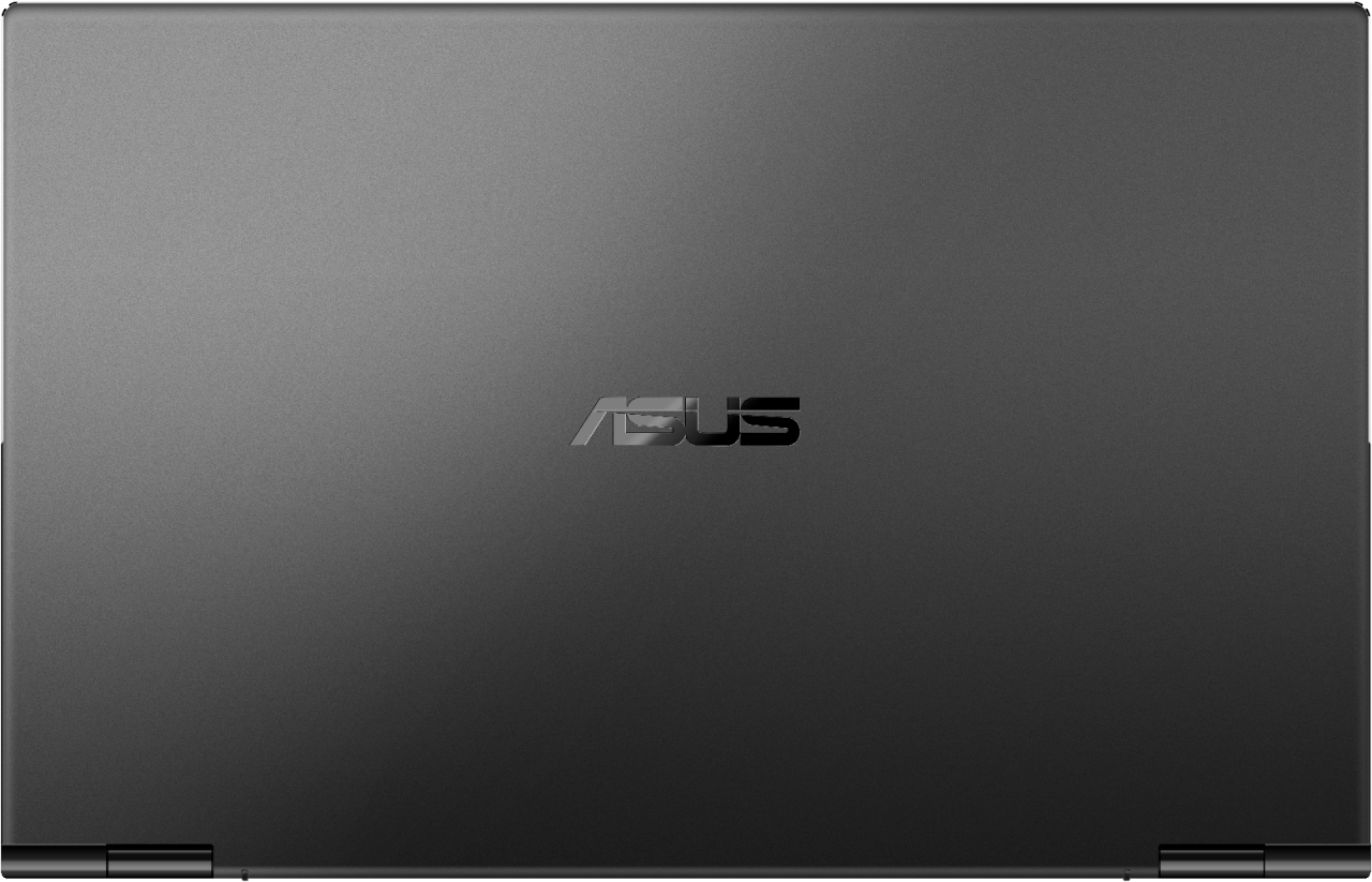

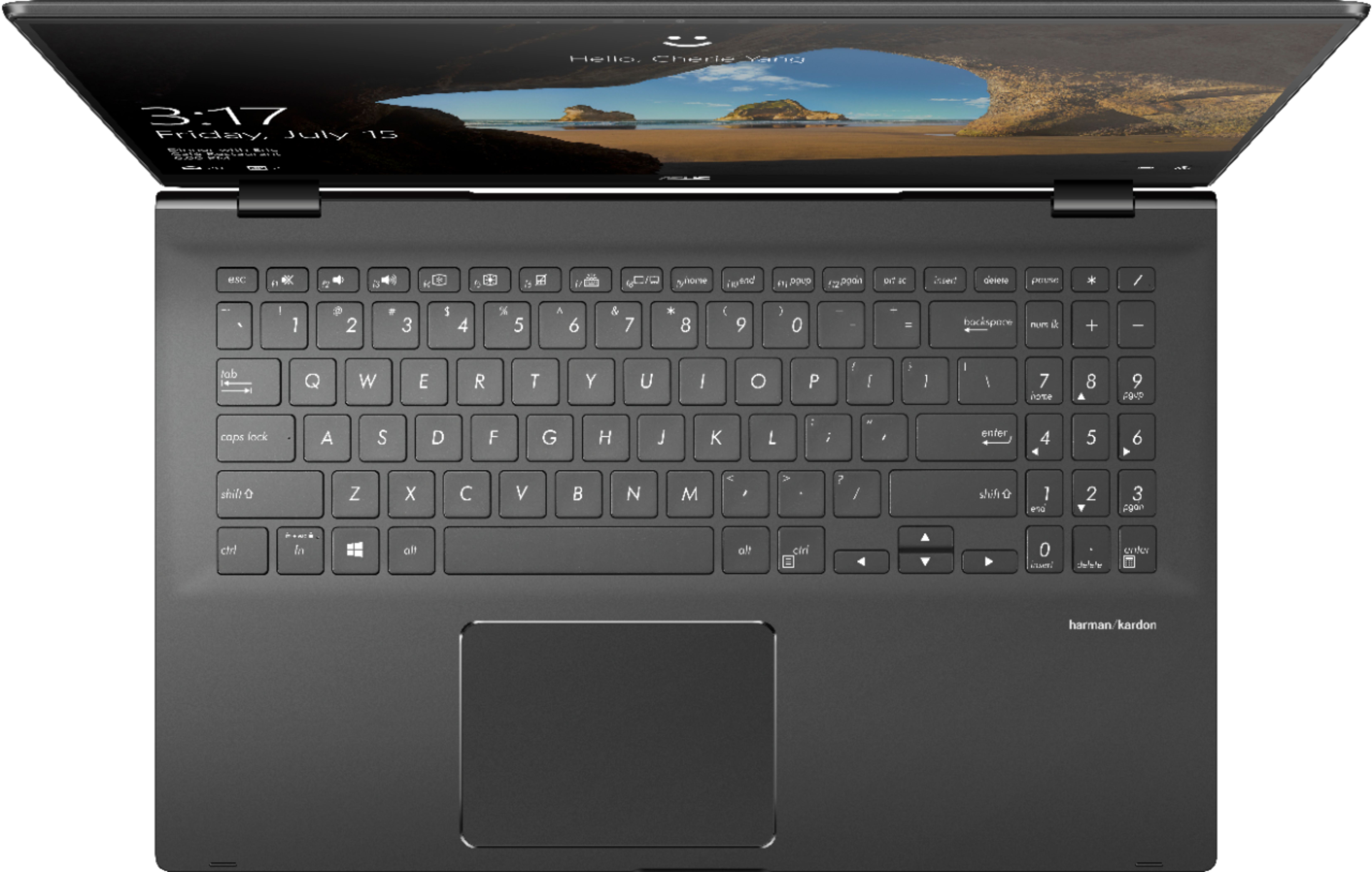
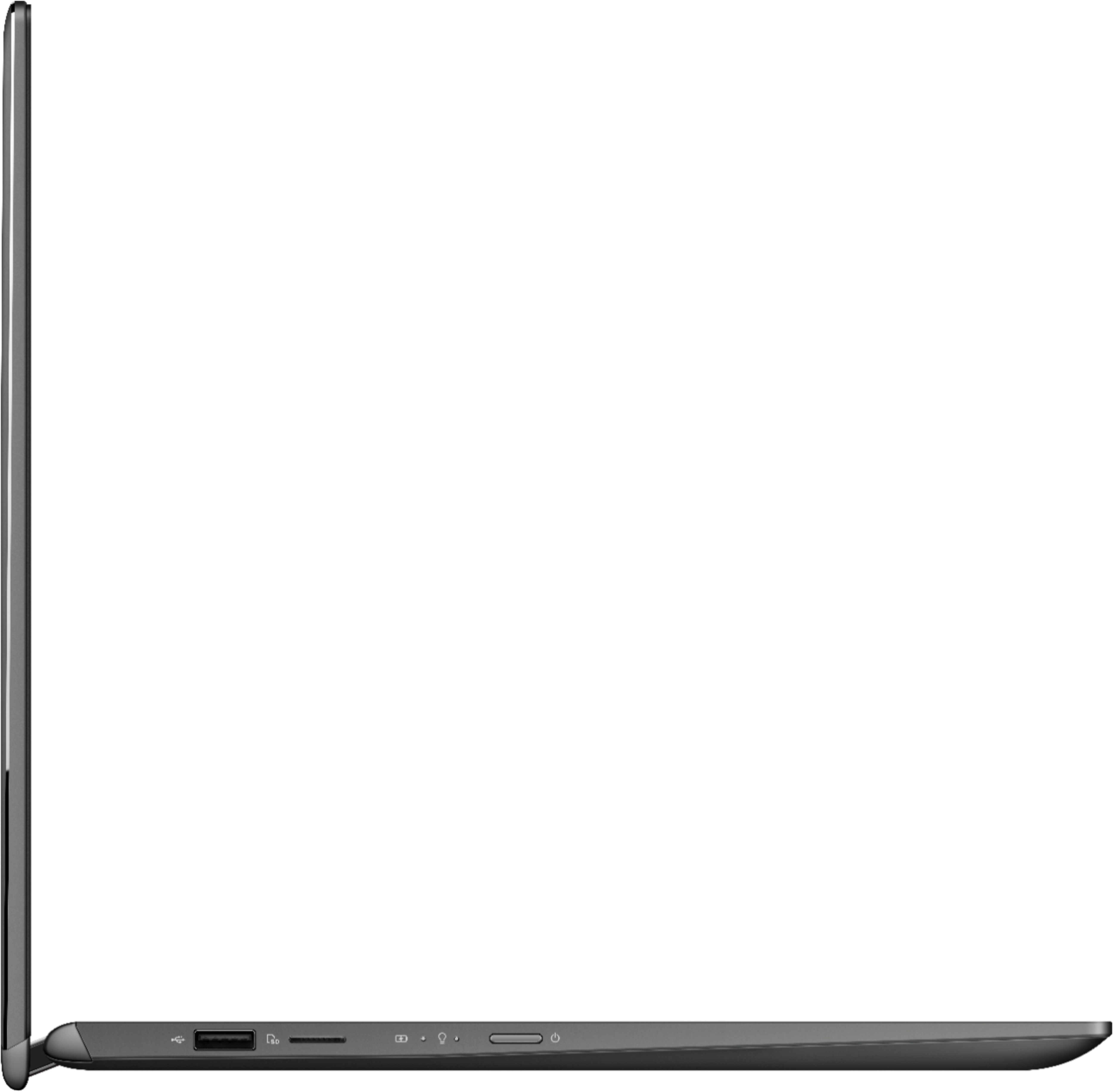
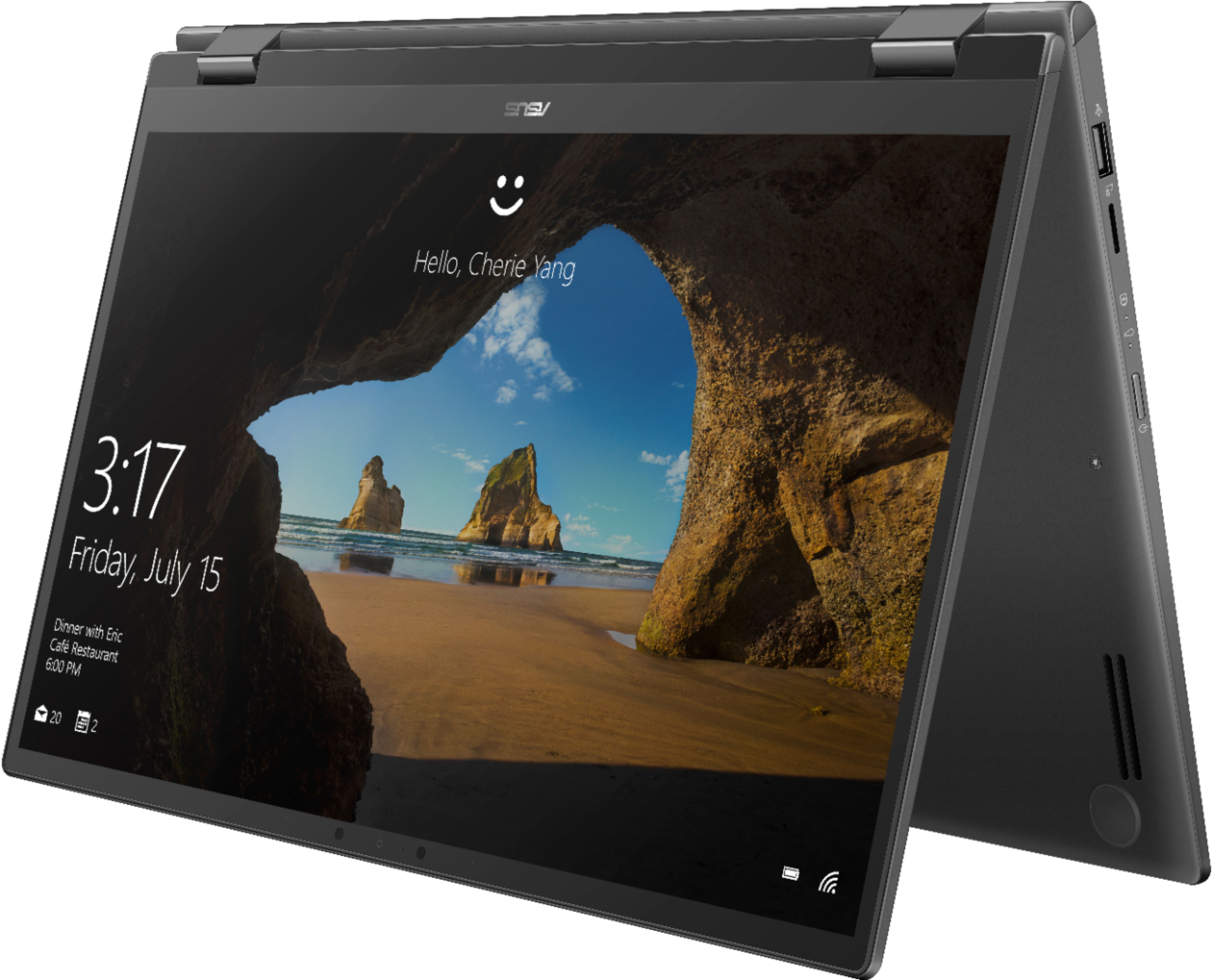
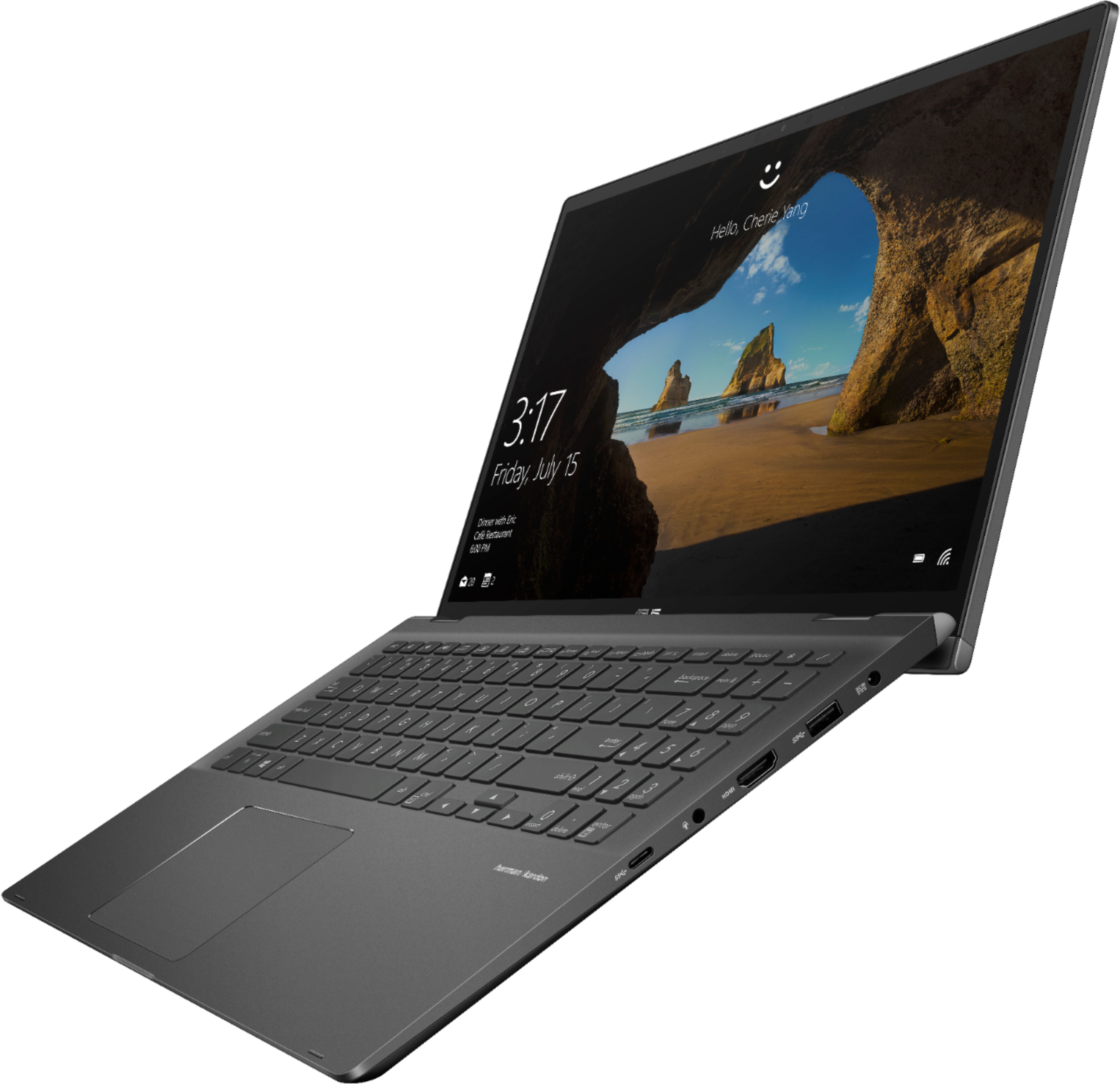
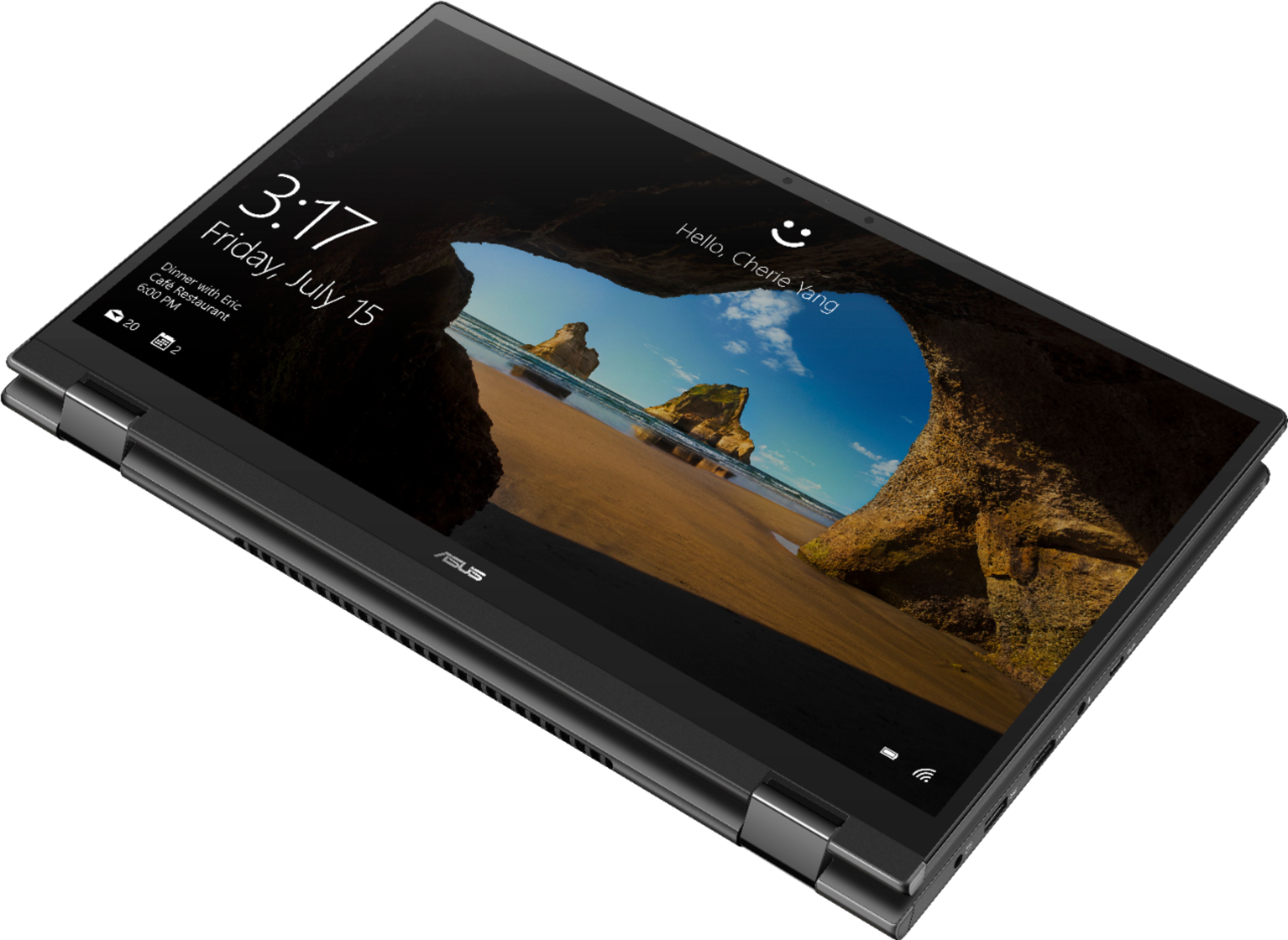



- Model:
- Q526FA-BI7T13
- SKU:
- 6373047
Rating by feature
- Battery Life
Rating 4.3 out of 5 stars
- Speed
Rating 4.7 out of 5 stars
- Display
Rating 4.8 out of 5 stars
Customers are saying
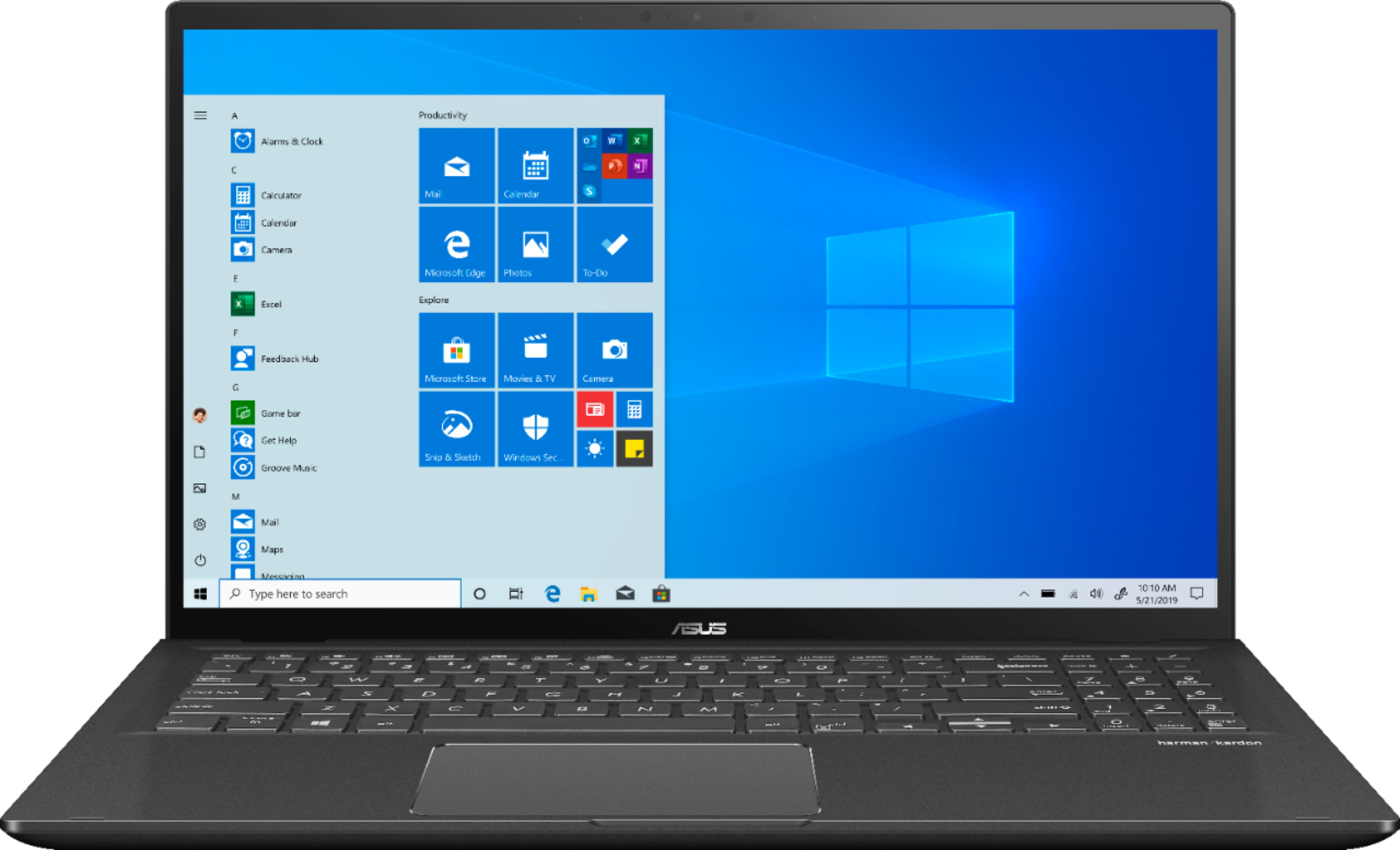
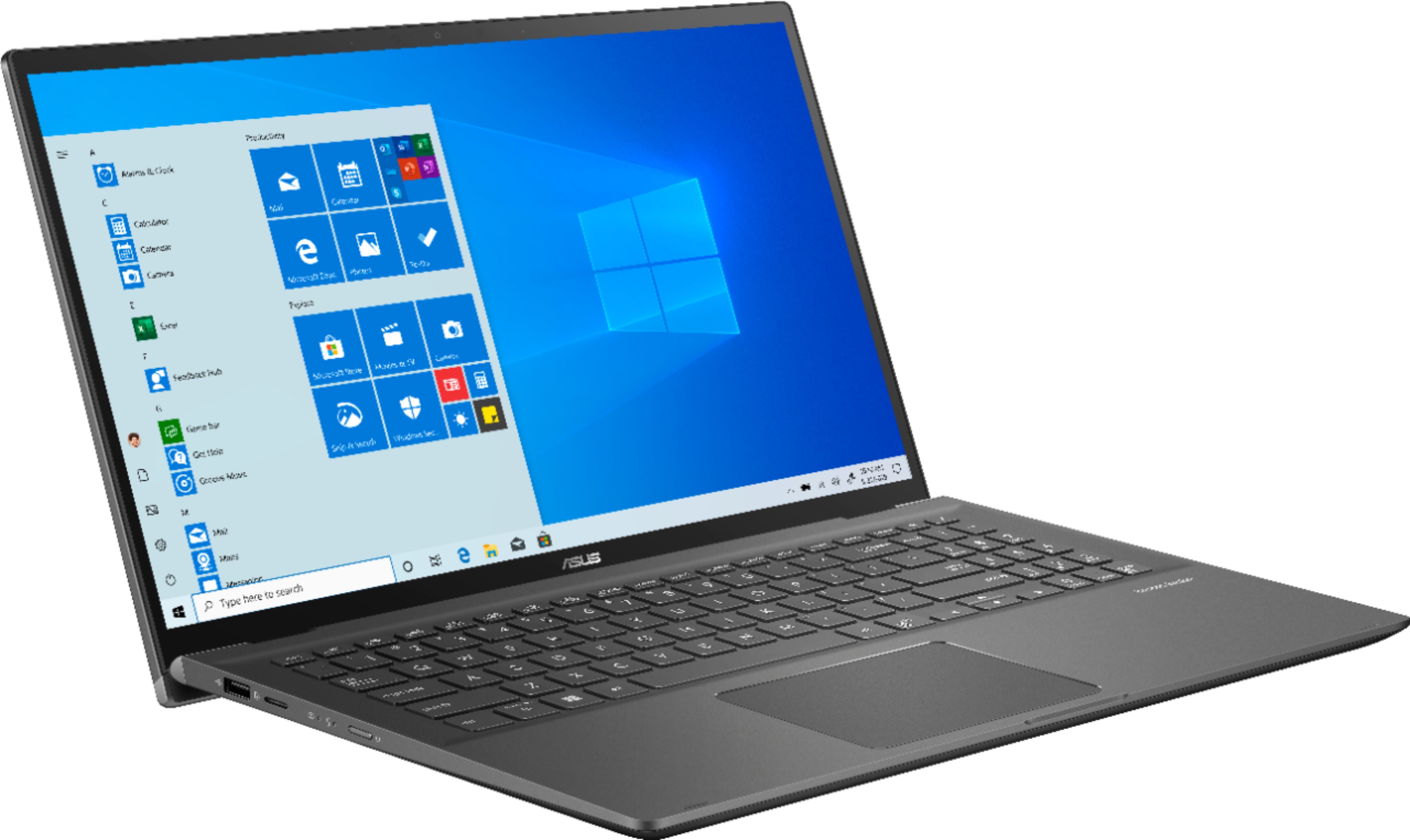
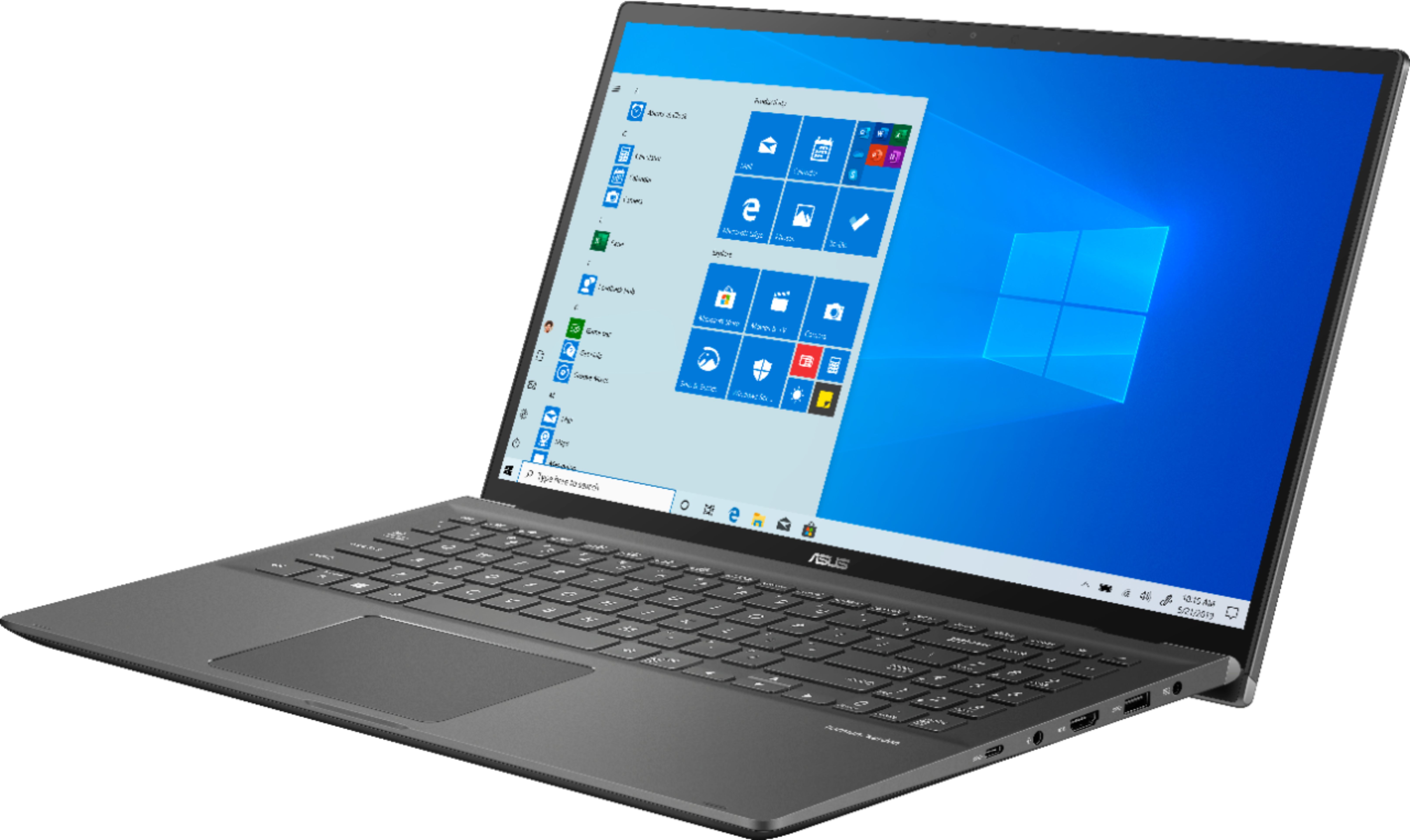
Customers appreciate the fast speed, touchscreen capabilities, and lightweight design of the 15.6" Touch-Screen Laptop. They also value the long battery life and the ability to multitask with multiple screens open. While some customers have mentioned that the laptop is not suitable for gaming, others have experienced issues with the Wi-Fi connectivity.
This summary was generated by AI based on customer reviews.
- Pros mentioned:Fast
Wow
Posted .This reviewer received promo considerations or sweepstakes entry for writing a review.This is a fantastic computer super fast super smooth
I would recommend this to a friend - Cons mentioned:Wifi issue
DO NOT BUY! Many issues. Nothing good to say.
Posted .This reviewer received promo considerations or sweepstakes entry for writing a review.I am a software developer and IT professional for 15 years. This is the first ASUS laptop that I have ever owned... and the first laptop I have purchased at Best Buy. I regret giving ASUS a shot. Soon after purchasing the laptop the bluetooth stop working... I have reset the laptop. Reset the drivers. Unistalled the device. Updated everything. Tried other versions of drivers. Other combination of drivers. Exhausted every forum suggestion. Intermittently, it would work at random times. Later, the WiFi would do the same with intermittent failure and me working for hours to try and resolve. This means I have now spent THOUSANDS of dollars in time and trouble on this junk. Literally, days of work lost. BUT NOW NEITHER OF THEM WORK AT ALL. Go read the forums on ASUS this is a common issue. This laptop is terrible. I cannot connect to the internet without a wired connection. Which requires a USB dongle. What a waste of money. Last ASUS I will ever purchase for myself and NEVER for any clients!
No, I would not recommend this to a friendBrand response from Asus_Answers
Posted .Dear Hulltech,
Do understand your disappointment and the inconvenience this may have caused you if you are having issues or difficulty with Bluetooth and WIFI connection. All ASUS products undergo intensive quality control testing and inspections, these are random problems.
In order to resolve the Bluetooth connection related issue, please make sure the Bluetooth device is working properly, the battery has ample amount of charged life and device is powered on. To setup, please select the Start button > type Bluetooth > select Bluetooth settings from the list. Turn on Bluetooth > select the device > Pair. Please follow instructions in order to connect successfully. Also, please make sure WINDOWS is current with cumulative updates.
Regarding the issue with the WIFI device, please verify if the unit is within range to an established wireless router or access point and internet service is working properly. Also, please verify if the unit is running with the most current system update. You may also need to go in the Device Manager, Network adapters, click on the Wireless LAN then click on the Power Management tab, unchecked the boxes and click the "OK" button to save the changes.
Should you need further assistance with the product, please email me at cl-rodel@asus.com and I would be more than happy to help. Or, you can speak to an ASUS live support agent 24/7 at http://bit.ly/AsusLiveChat.
Thank you for choosing an ASUS product.
Regards,
Rodel
ASUS Customer Loyalty
TERRIBLE BATTERY ISSUES!! NOT WORTH BUYING
Posted .This reviewer received promo considerations or sweepstakes entry for writing a review.The computer itself is fast and there is a lot of memory space but the annoying battery issues make this computer not worth buying. I've purchased this computer twice and the battery issues still persist. After a week of owning this laptop, I started to experience problems with the battery. The charge would only last 3 hours max from 100% and it would take 3 and a half hours to charge from empty. For a brand new, $1000+ laptop that claims to last up to 8 hours, this was extremely frustrating. I decided to return the laptop and buy the same one but from a different Best Buy branch just in case I received a faulty one from the other branch. A little over 2 weeks into using the new laptop, the same battery problem started to persist. The charge would only last for 3 hours from 100% and the battery took 3 and a half hours to charge but this time from 20%. My battery settings are set to the recommended balanced setting and there are no applications running in the background. I only have Google Chrome and Microsoft Office installed on the computer. I contacted ASUS support as well and they recommended 3 different troubleshooting methods but nothing worked. I bought these two computers from 2 different Best Buy locations so I know it has to be the computers itself. I don't recommend buying this because you're basically throwing away your money and you won't be able to take it anywhere. If the battery wasn't a problem, this would be a great computer but the battery problem is large enough to not make it worth purchasing. You can get a cheaper laptop that has less glitches and that will work just as well. It has been 18 days since I bought the second laptop which means I can't return it, but this computer has problems because of no fault of mine. Best Buy, is there a way to remedy this problem? Can I get store credit to purchase a working laptop? Or can you please accept my return? For a NEW $1000+ laptop, I should be able to reasonably expect a properly working laptop that doesn't have battery issues that are this bad.
No, I would not recommend this to a friendBrand response from Asus_Answers
Posted .Dear TimA,
Thank you for writing a comment and sharing your experience regarding the issue with the laptop having a short battery life.
The battery life varies depending on how many applications and devices are accessing the power simultaneously, this is not including the processes and services running in the background. In order to improve or prolong the battery charged time, please try to do a battery calibration manually. To start with, please drain it completely then charge it fully without using the system. Once fully-charged, please use the system, without the AC adapter connected, and drain it completely again. Please repeat the charging process thereafter. Also, please verify if the unit is running with the most current system update in order to improve the power management services within the OS, and please make sure third-party battery draining applications are not running if not in used.
If the troubleshooting tips above were already performed to no avail and you need further assistance, please email me at cl-rodel@asus.com and I would be more than glad to help.
Thank you for choosing an ASUS product.
Regards,
Rodel
ASUS Customer Loyalty
The best
Posted .This reviewer received promo considerations or sweepstakes entry for writing a review.The best laptop ever ever ever ! I would buy one more but there is none in stock
I would recommend this to a friendWiFi not strong
Posted .This reviewer received promo considerations or sweepstakes entry for writing a review.Down one star due to weak WiFi. My old Asus laptop gets my 2g network while at the same location this one drops in and out. Not a big deal for me but be aware.
I would recommend this to a friendTouchPad Doesn't Work Out of the Box
Posted .This reviewer received promo considerations or sweepstakes entry for writing a review.We received delivery yesterday of the 15 inch Asus laptop we ordered at the East Hanover, New Jersey store. I powered it on but noticed that the touchpad was not working. Despite that, I continued the setup process thinking that I could adjust the settings to turn in the touchpad function after the setup was complete. However, when I tried to do that, there was no touchpad setting available. Only the "mouse" setting page where there should have been a "mouse and touchpad" page. As a result, I reset the PC again and started the setup again thinking that things would change in a second attempt. Instead I got the same result. I tried reaching Best Buy by chat, but they were busy and I hung up after half an hour. I would like to exchange this Asus unit for the same Asus model/machine, if possible.How do I go about doing that? BTW, I went to the store this morning and it is closed (corona virus) until further notice.
No, I would not recommend this to a friendBrand response from Asus_Answers
Posted .Dear JackW,
I'm sorry to hear that your laptop is having touchpad issues. All ASUS products undergo intensive quality control, testing and inspections. What you've experienced was not intentional or representative of our brand. I recommend following the link below to update the laptop's BIOS, touchpad driver, and to install ASUS System Control Interface V2. Also please ensure that you have installed all available Windows updates. If that does not resolve the issue, please contact Best Buy Customer Service to arrange a refund/exchange. If you have any general or technical questions, please email me at cl-lane@asus.com and include case #N200360288 for reference.
Thank you for choosing ASUS!
Best regards,
Lane
ASUS Customer Loyalty – US Support
Q526FA Drivers: https://www.asus.com/supportonly/Q526FA/HelpDesk_Download/
Touchpad broke
Posted .This reviewer received promo considerations or sweepstakes entry for writing a review.My computer was great for the first month and a half. Great battery life, great speaker volume, etc. I loved it. But now my touchpad is broken, it won’t click. It’s been a pain to try to get this fixed. Super annoyed.
No, I would not recommend this to a friendBrand response from Asus_Answers
Posted .Dear Valued Customer,
Thank you for sharing your experience with the device, we truly appreciate it. We truly sorry to hear that your device touch-pad id not clicking. ASUS products undergo intensive quality control testing and final inspections for both hardware and software before we send it out to the stores worldwide. ASUS provides warranty for the unit in order to fix or repair any isolated factory escape defect.
Please allow us to make your experience better. We are recommending to have the unit send in for servicing. You can fill out the necessary information on the Return Merchandise Authorization (RMA) form Online or you can contact us directly to have the RMA created for you. We will have device service and return to you as soon as possible. We truly appreciate your feedback. For further inquiries please feel free to reach out to us at: customerloyalty@asus.com and provide this link for reference. Our customer loyalty department is dedicated to bringing a resolution to all issues related to our products.
Thank you for choosing ASUS
Best Regards,
Lamoya
ASUS Customer Loyalty US Support
[Online RMA Form]https://cms-am.asus.com/ecp/Rma.html?_ga=2.261554765.1702084323.1500344016-1393993970.1497939249
[Contact Information] https://www.asus.com/us/support/callus
Just OK
Posted .This reviewer received promo considerations or sweepstakes entry for writing a review.I brought this open box for about $849 in jul 20. It is a good laptop overall, but the touchpad stops responding sometimes and touchscreen does the same. The tabs below is a stupid joke and there is no clearance, and picks up scratches so easily, I hate it. I might have to superglue some rubber tabs so that the bottom cover does not scrape the table.
No, I would not recommend this to a friendSerious Internet Problems
Posted .This reviewer received promo considerations or sweepstakes entry for writing a review.I brought the laptop in July 2019 and it was great for about seven months. Then 2 weeks ago I started having challenges connecting to the internet. Now I am completely unable to connect to the internet as I keep getting an error message no internet adapter installed or detected. Efforts to reinstall the driver’s have proved futile! This is so so frustrating since the laptop was pretty expensive. laptop.
No, I would not recommend this to a friendBrand response from Asus_Answers
Posted .Dear Wenwa,
We would like to extend our sincerest apologies for this model wireless connection not working due to the wireless adapter not being installed. We truly understand your disappointment and for the inconvenience this have caused you. The model undergoes intensive quality control testing and final inspections for both hardware and software before we send it out to the stores worldwide. We also provide warranty for the unit in order to fix or repair any isolated factory escape defect. We are recommending to complete a system restore on the device, please complete the steps provided. Please make sure you have your data backed up before a system refresh as Asus will not be held responsible to you or any third party for any loss of data or software.
Complete this process please to resolve your issue.
Step 1. Navigate to Settings, you can get there by clicking the gear icon on the Start menu.
Step 2. Select "Update & security".
Step 3. Click Recovery in the left pane.
Step 4. Under 'Advanced Startup' select restart.
Step 5: Select Troubleshoot.
Step 6: Select Advanced Options.
Step 7: Select the System Restore option.
Step 8: Click “Next” until you get the option to choose a restore point.
Step 9: Choose the most recent date before the issue started.
Step 10: Click Finish and allow the process to be completed.
This will not affect any of your personal files or documents. It will bring your device settings to a specific date and time that you have selected. This process will take 45 minutes to an hour. We truly appreciate your feedback. If you need any further assistance, please don't hesitate to contact our support team. Our customer loyalty department is dedicated to bringing a resolution for the wireless connection issue your having.
Thank you for choosing ASUS!
Best Regards,
Lamoya
ASUS Customer Loyalty US Support
Needed repair after only 4 months!!
Posted .This reviewer received promo considerations or sweepstakes entry for writing a review.I bought this laptop for my son for college. It lasted less than 4 months before the screen went black! Has to be shipped off for repairs which will take 3-6 weeks. Very inconvenient given that all his college classes are online!!
No, I would not recommend this to a friendBrand response from Asus_Answers
Posted .Dear Valued Customer,
It's unfortunate to hear about the black screen issue, this must be frustrating. All ASUS products undergo intensive quality control, testing, and inspections. What you've experienced was not intentional and this was a random case.
Did you try to connect it to an external monitor?
Are you able to see any light on the unit?
I'm here to assist you, feel free to reach out to me at customerloyalty@asus.com and provide this link for reference. I'll do my best to provide a quick resolution to your case. Your feedback is important as it helps with improvements to ASUS Support channels.
Thank you for choosing ASUS!
Best Regards,
Jamalie,
ASUS Customer Loyalty US Support
Charge Pin Broke Under Normal Use $650 to Replace
Posted .This reviewer received promo considerations or sweepstakes entry for writing a review.Had it for about 6 months but the charging pin broke, I have no idea how because it just sat on my desk. Apparently, a broken pin now requires a whole new motherboard. ASUS refuses to honor the warranty and BB has been 0 help. Avoid at all costs.
No, I would not recommend this to a friendBrand response from Asus_Answers
Posted .Dear Valued Customer,
I’m sorry to hear you had such a frustrating experience with the charger pin. ASUS ensures all products are designed for durability, with a lifespan that’s double the industry standard. What you've experienced was not intentional or representative of our brand. If you wish to collaborate this issue to a solution, feel free to reach out to me at customerloyalty@asus.com and provide this link for reference. I'm here to help you and all others with these issues, as our customer loyalty department dedicated to bringing a resolution to all issues related to our products.
Thank you for choosing ASUS!
Best Regards,
Jamalie,
ASUS Customer Loyalty US Support
is breaking into pieces after 6 months
Posted .This reviewer received promo considerations or sweepstakes entry for writing a review.I bought this computer 6 months ago. The audio doesn't always work, it disconnects from the wifi every 2 minutes, and now every time I move the screen I heard a noise on the right side. for more than a thousand bucks I was expecting much more. I had another Asus computer that last me 10 years, but looks like their quality decreased over the years. I am done with Asus and Best buy since they are useless. It was supposed to have one year international warante.
No, I would not recommend this to a friendBrand response from Asus_Answers
Posted .Dear Silvia,
Certainly understand your disappointment and the inconvenience this may have caused you.
All ASUS products undergo intensive quality control testing and inspections, and are built to last, this is a random problem.
Normally, ASUS provides one year warranty coverage, if product was purchased brand-new, in order to fix or repair any hardware or, part that stop working prematurely under normal usage.
If you need more information or further assistance with the warranty for the product, please email me at cl-rodel@asus.com and I would be more than happy to help. Or, you can speak to an ASUS live support agent 24/7 at http://bit.ly/AsusLiveChat.
Thank you for choosing an ASUS product.
Regards,
Rodel
ASUS Customer Loyalty