Customer Ratings & Reviews





- Model:
- C7486-3250GRY-PUS
- SKU:
- 6299820
Rating by feature
- Battery Life
Rating 4.0 out of 5 stars
- Speed
Rating 4.0 out of 5 stars
- Display
Rating 4.5 out of 5 stars
Customers are saying
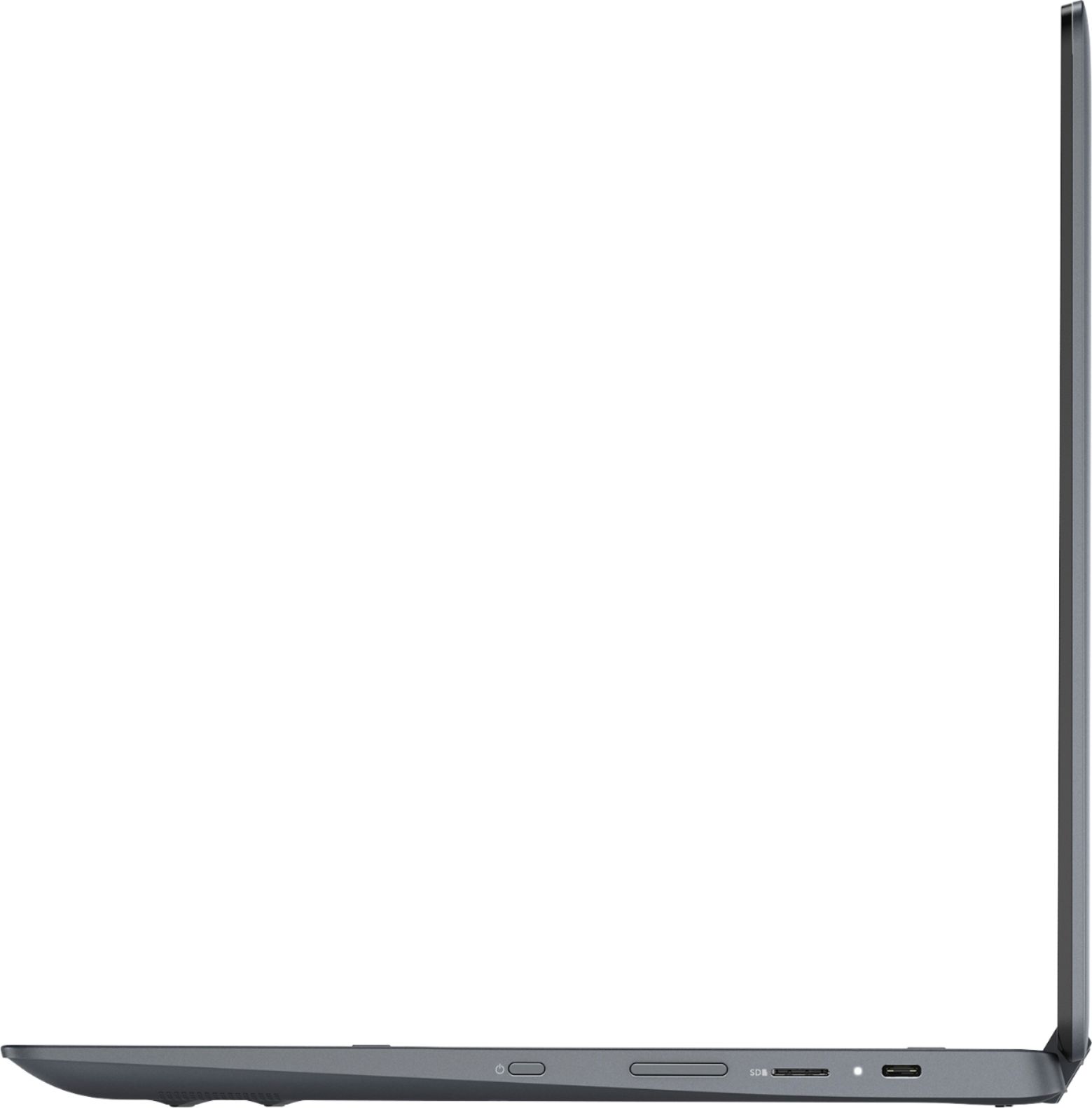
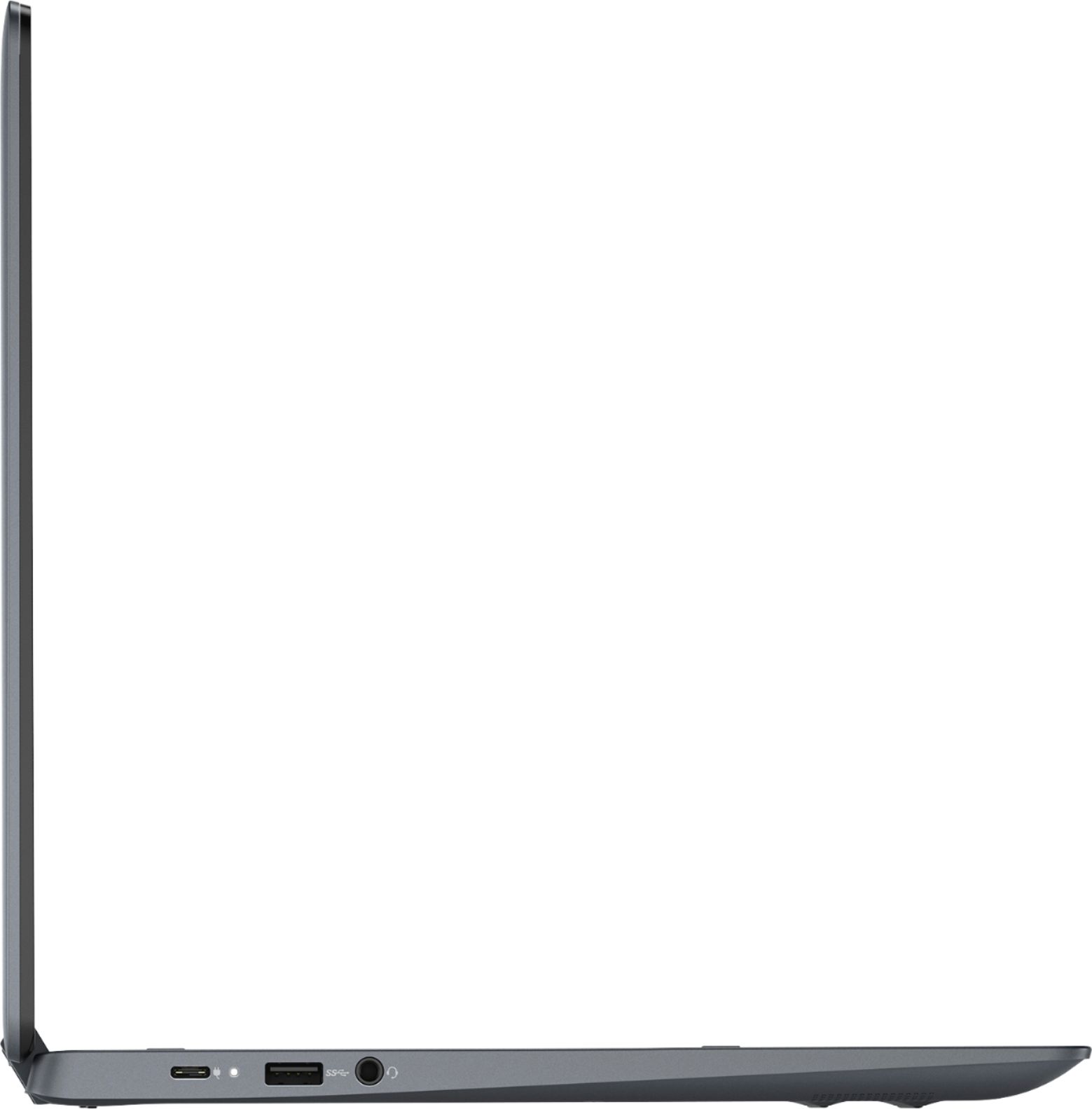
Customers are impressed with the Inspiron 2-in-1 Chromebook's ease of use, responsive touchscreen, and excellent battery life. Many also praised its performance and value for the price, particularly appreciating the 14” screen size. However, some customers found the device to be heavy, and a few expressed concerns about the limited RAM and compatibility with certain applications. The lack of an HDMI port was also noted as a minor drawback by some users.
This summary was generated by AI based on customer reviews.
Works great!
||Posted . Owned for 1 month when reviewed.This reviewer received promo considerations or sweepstakes entry for writing a review.I didn’t need much but this works perfectly for what I needed. Somethings are just easier not to do on my phone. This makes those things and life a little easier. Wish I bought this a long time ago!
I would recommend this to a friendpositive experience
||Posted . Owned for 1 month when reviewed.This reviewer received promo considerations or sweepstakes entry for writing a review.Knowledgeable, kind, and understanding staff, felt that my granddaughter and I were the only customers this salesperson was helping. positive experience
I would recommend this to a friendHands down the best
||Posted . Owned for 2 months when reviewed.This reviewer received promo considerations or sweepstakes entry for writing a review.My daughter loves her laptop and when I use it I love it too. I’m glad I chose the chrome book it makes everything much easier. I can’t wait til it’s back in stock so I can get one for myself
I would recommend this to a friend- Pros mentioned:Touchscreen
Do not buy!
||Posted .This reviewer received promo considerations or sweepstakes entry for writing a review.I usually don't like making bad reviews but I feel like it's necessary in this case. At first the laptop was great, easy to use and I loved the touchscreen. However, when I let it sit overnight and went to use it again for the second time, it refused to turn on. The battery was charged to 100% the previous day and I can't imagine the battery draining that much while it was sleeping. Thinking that the battery was dead I plugged it in and had it "charging" for about an hour. I then went to turn it on again and it still wouldn't turn on. At this point I was getting pretty frustrated, so I went and looked at some reviews online and they said that this had happened on multiple occasions. The laptop refused to turn on and refused to charge. It also stated that you can take it in to a computer shop and they can fix it, but I think that is kind of ridiculous considering I owned it for two days. So I contacted best buy and returned it for being defective.
No, I would not recommend this to a friendBrand response from YourDellTeam
Posted .NikkiLeigh,
Thanks for your review, We're sorry that you had trouble turning your computer back on after you purchased it. In the future, here are some steps to restart your computer:
First, check if the battery is charging by plugging your Chromebook into a power outlet. (Usually, you'll see a light turn on.)
If your Chromebook is charging, let it charge for at least 30 minutes. If it still won't turn on, recover your Chromebook.
If your Chromebook still isn't charging:
1. Check if the charger or adapter cables are completely plugged in, both to your Chromebook and the wall.
2. Make sure that the power outlet is working.
3. Unplug your charger from the wall and your Chromebook.
4. Optional: Remove the battery from your Chromebook, then re-insert it.
5. Plug your charger back in to your Chromebook, then the wall.
6. Charge the device for at least 30 minutes. If these steps don't fix the problem, reset your Chromebook.
You can read the full article here: http://bit.ly/2XkwjwG.
Here's a link to a helpful video: http://bit.ly/2U3767P.
Best,
Bryan
1-800-624-9896
My first Chromebook
||Posted . Owned for 5 months when reviewed.This reviewer received promo considerations or sweepstakes entry for writing a review.Got this hoping I could run Linux and few android apps on top of chrome os. Android apps run just okay on Chromebooks at the moment. Long way to go. Unfortunately didn’t work well for my needs.
I would recommend this to a friendThis laptop is great!
||Posted .This reviewer received promo considerations or sweepstakes entry for writing a review.This laptop has served every need we had just like the associate we work with told us it would. He helped us decide on it based on what we needed and we are very happy with our purchase
I would recommend this to a friendAlmost perfect chromebook!
||Posted . Owned for 2 months when reviewed.This reviewer received promo considerations or sweepstakes entry for writing a review.Touchscreen and stylus work great which is the main reason I bought this. Battery life is good. Performance is great so far for basic tasks. Its a bit on the heavier side though.
I would recommend this to a friendSlim design, great features
||Posted .This reviewer received promo considerations or sweepstakes entry for writing a review.It is a bit different than the Windows operation that I am used to, so am still learning & getting used to all the differences, but love it so far.
I would recommend this to a friendOkay, charger is awful
||Posted . Owned for 11 months when reviewed.This reviewer received promo considerations or sweepstakes entry for writing a review.Had this computer for a while, it is pretty decent. I don't use it for much other than internet and a couple of other smalls things. The biggest problem is the charger. It is absolutely awful. It will be charging, then stop for no reason. On and off. I have tried different outlets, doesn't work. I don't know if its the charging cord or computer, but either way, I have not had this computer long at all and something is very wrong. I would not recommend this computer, just for that issue alone. It is extremely frustrating and makes no sense.
No, I would not recommend this to a friendBrand response from YourDellTeam
Posted .em644,
Thanks for your review. We're sorry to hear about the issues that you're having with your charger. Here are some things to look for with the charger that you're using:
1. Are you using a 3rd party or is a non-Dell branded AC adapter is connected to the PC or docking station?
2. Are you using an AC adapter with a lower wattage?
3. Is the AC adapter is not fully connected to the PC?
4. Check to see if the wall power cord is not fully connected to the AC adapter.
5. The AC adapter or PC's AC adapter port could be damaged.
6. The AC adapter is not recognized in BIOS (System Setup).
You can read the full article here: http://dell.to/2xQTan2.
Best,
Bryan
1-800-624-9896
Awesome product for the price!
||Posted . Owned for 3 weeks when reviewed.This reviewer received promo considerations or sweepstakes entry for writing a review.I purchased this Chromebook just to be able to go online and pay bills and do simple tasks. I love the backlit keyboard, I am not a good typer but the keys seem to work fine.
I would recommend this to a friendgreat device to learn on
||Posted . Owned for 3 weeks when reviewed.This reviewer received promo considerations or sweepstakes entry for writing a review.We purchased this Chromebook for our grand-daughter, she loves it and it's been great for her to have her own device to use at home which is similar to the one she uses at school.
I would recommend this to a friendGood Chromebook
||Posted .This reviewer received promo considerations or sweepstakes entry for writing a review.If you're looking for a good and fast Chromebook checkout this Dell it has a big HDD to save to even know you do get cloud space. But love that you don't get viruses and that it boots fast.
I would recommend this to a friendexcellent product
||Posted . Owned for 4 months when reviewed.This reviewer received promo considerations or sweepstakes entry for writing a review.I was looking for a Chromebook that would be like a computer but also not so big. This is the perfect one. Is super fast and its sound is awesome. Best money invested.
I would recommend this to a friendThese are great for basic email and web activities
||Posted . Owned for 1 month when reviewed.This reviewer received promo considerations or sweepstakes entry for writing a review.Once I accepted that the laptop wasn’t a traditional laptop, and only for web based activity, it was a much better experience. The laptop is great for browsing the web, emails, and such.
I would recommend this to a friendPerfect Chromebook
||Posted . Owned for 1 month when reviewed.This reviewer received promo considerations or sweepstakes entry for writing a review.It was very hard to find a chromebook that offered so many features- price is a little on the high side , but the machine feels well built - couldnt ask for more
I would recommend this to a friendDell laptop
||Posted . Owned for 9 months when reviewed.This reviewer received promo considerations or sweepstakes entry for writing a review.Great computer but I’ve noticed that it randomly cuts off. It doesn’t appear to be over heating barely had it one year. Besides that a really nice laptop
No, I would not recommend this to a friendNice, fast, and holds a good network
||Posted . Owned for 3 weeks when reviewed.This reviewer received promo considerations or sweepstakes entry for writing a review.Worked great so far, but someone broke into my car and took it apart to take the processor?? Anyway I purchased the accidentally damaged protection so should be fixed soon.
I would recommend this to a friendGreat Computer
||Posted . Owned for 8 months when reviewed.This reviewer received promo considerations or sweepstakes entry for writing a review.Great computer, as a college student I use it a lot. When I need to use the table mode and I have the written notes that I love all in one area.
I would recommend this to a friendawsome computer
||Posted . Owned for 1 year when reviewed.This reviewer received promo considerations or sweepstakes entry for writing a review.I love this laptop over all. The only issue I had is that the lcd display flickered and I had to call dell to get help. It does everything its supposed to do and more.
I would recommend this to a friendIts ok.
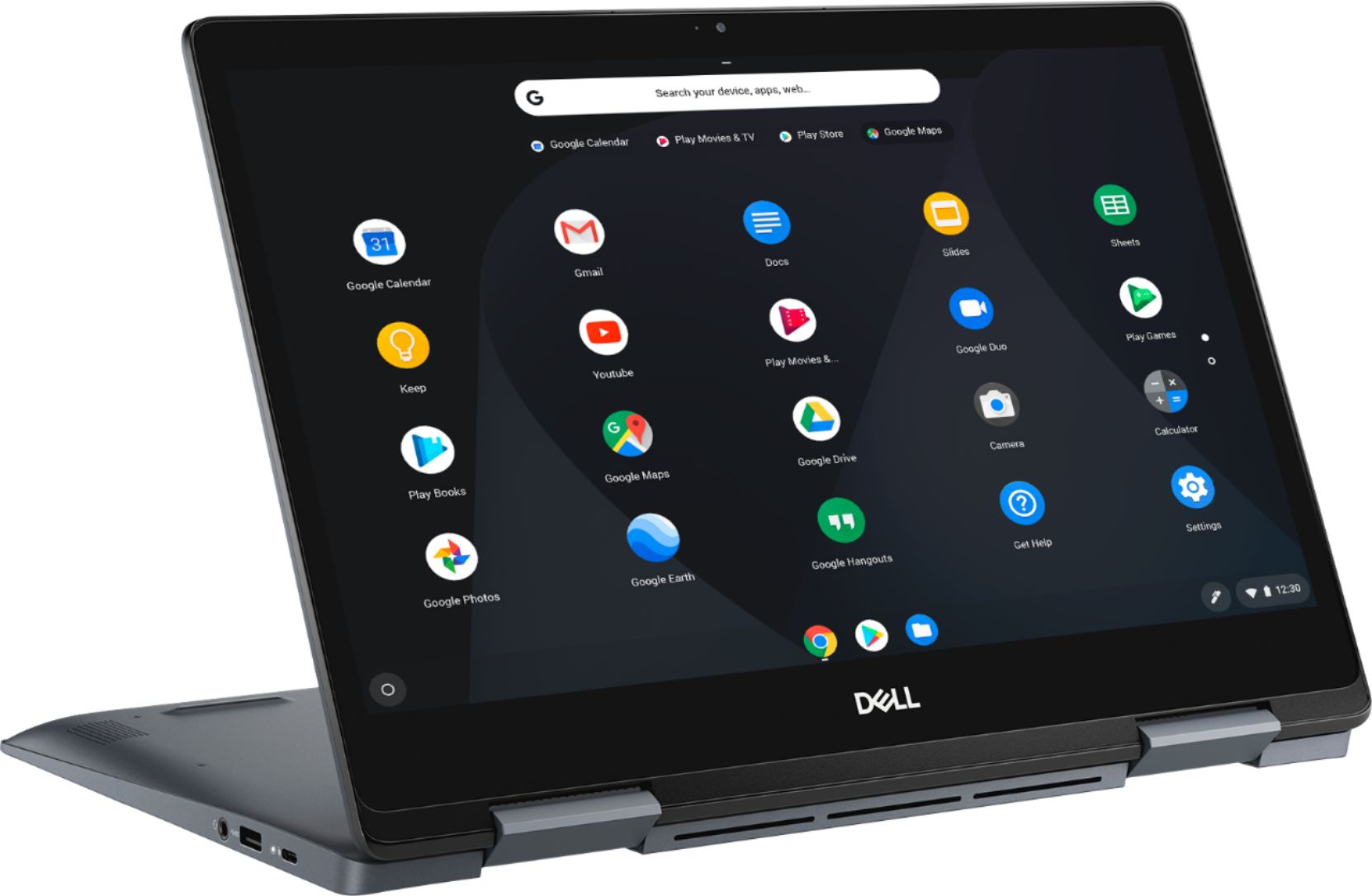
||Posted . Owned for 1 month when reviewed.This reviewer received promo considerations or sweepstakes entry for writing a review.This is a nice machine but I was hoping Dell would have put together something special. This doesn't quite make it. While converting from laptop to tablet mode is a snap, it wont completely return to laptop mode without a restart. Also, I wanted this for Amazon Prime Video, which i used frequently on my Samsung Chromebook Plus with downloaded movies. Not so much on the Dell. The video freezes and jumps constantly and I'm not trying to play the highest quality video. Disappointing Dell. I was hoping this would be a keeper.
No, I would not recommend this to a friendBrand response from YourDellTeam
Posted .KennyP,
Thanks for your feedback on your Chromebook 2-in-1. We're sorry to hear about the troubles that you've been having. As far as our Chromebook technical team is concerned, you should not have to restart your computer each time that you convert it from tablet back to laptop mode. You may want to check the settings on your Chromebook to see if any adjustments need to be made.
We'd also recommend the following steps if your picture is continuing to jump and freeze:
1. Turn off your Chromebook, then turn it back on.
2. Close all your apps and browser windows.
3. If a specific tab in your browser causes your Chromebook to crash or freeze, hard refresh the page: Ctrl + Shift + r.
4. If you've installed any new apps or extensions recently, uninstall them.
5. Reset your Chromebook.
6. Recover your Chromebook.
You can read the full article here: http://bit.ly/2XkwjwG.
Lastly, you can check for any updates to your Chromebook Operating System by following these steps:
1. Turn on your Chromebook.
2. Connect your Chromebook to Wi-Fi.
3. At the bottom right, select the time.
4. Select Settings.
5. Select Menu and then About Chrome OS.
6. Under "Google Chrome OS," you'll see which version of the Chrome operating system your Chromebook is using.
7. Select Check for Updates.
8. If your Chromebook finds a software update, it will start to download automatically.
You can read the full article here: http://bit.ly/2E4lNRd.
Best,
Bryan
1-800-624-9896