Customer Ratings & Reviews





- Model:
- C7486-3250GRY-PUS
- SKU:
- 6299820
Rating by feature
- Battery Life
Rating 4.0 out of 5 stars
- Speed
Rating 4.0 out of 5 stars
- Display
Rating 4.5 out of 5 stars
Customers are saying
Customers are impressed with the Inspiron 2-in-1 Chromebook's ease of use, responsive touchscreen, and excellent battery life. Many also praised its performance and value for the price, particularly appreciating the 14” screen size. However, some customers found the device to be heavy, and a few expressed concerns about the limited RAM and compatibility with certain applications. The lack of an HDMI port was also noted as a minor drawback by some users.
This summary was generated by AI based on customer reviews.
Returned
||Posted . Owned for 3 weeks when reviewed.This reviewer received promo considerations or sweepstakes entry for writing a review.Once I found out i could not install microsoft software and geek squad could not either I returned it.
No, I would not recommend this to a friendBrand response from YourDellTeam
Posted .Flawless,
We're sorry that you were not happy with your Chromebook's performance. In the future, to use Office on your Chromebook, install the Office mobile apps through the Google Play Store.
If your Chromebook uses the Chrome Web Store instead, you can install Office Online to create, edit, and collaborate on your Office files in your browser.
Here's a link to the full article: http://bit.ly/2PnJskH.
Best,
Bryan
1-800-624-9896
- Pros mentioned:Battery life, Touchscreen

Fast Computer that Meets Most User Needs
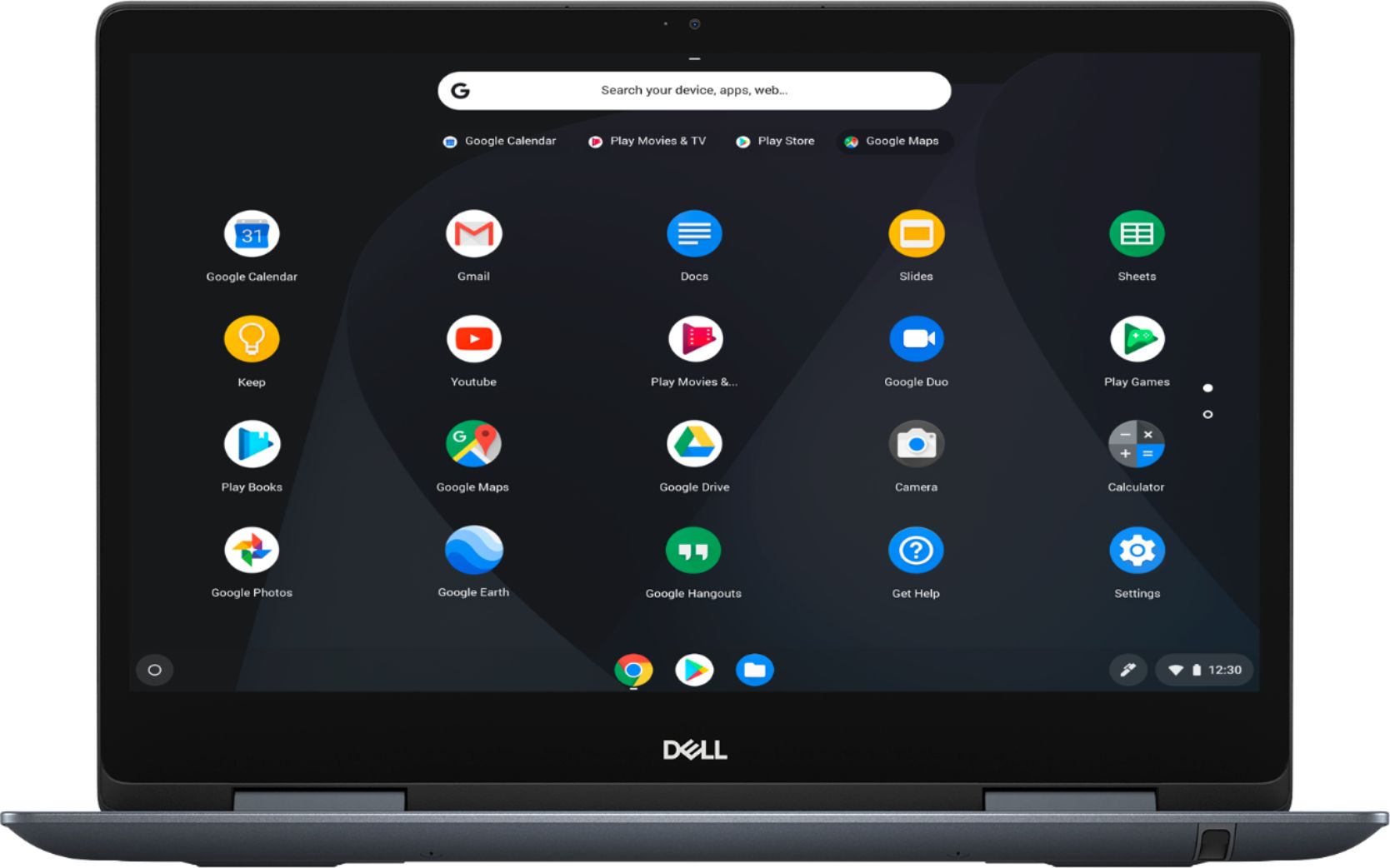
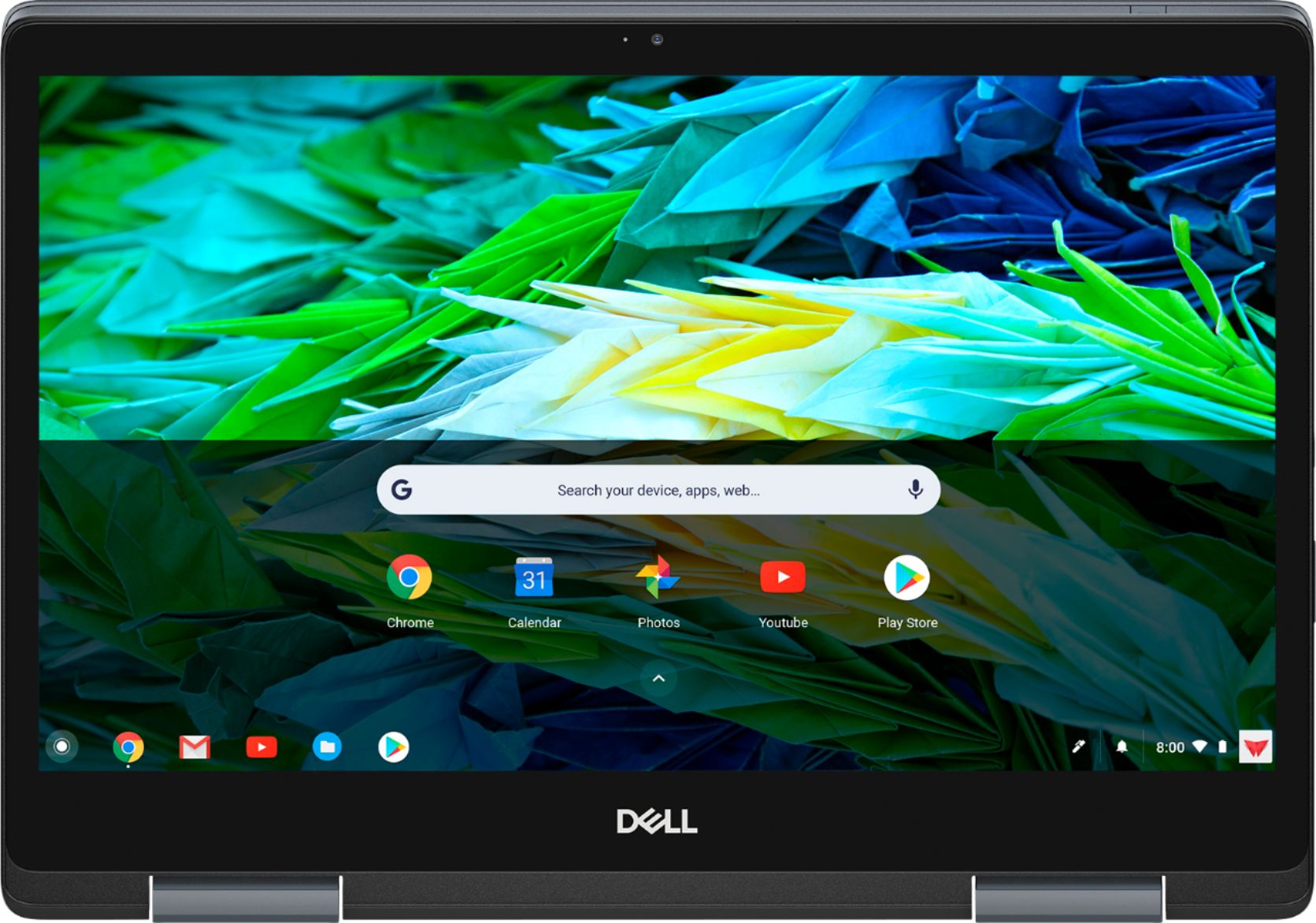
|Posted .This reviewer received promo considerations or sweepstakes entry for writing a review.To put this in perspective, I am a longtime PC user. I have mostly used Windows but I am also familiar with MacOS. On the tablet side, I have used both IOS and Android. I have also dabbled some with Chromebooks but that was before they began merging Android apps with the Chrome operating system. This Dell has a bright 14 inch touch display and runs the latest version of the Chrome operating system. It has an i3 processor, 4GB ram, a 128GB ssd, a lighted keyboard, an included pen, and excellent battery life. In light use, I was able to get approximately two days of use between charges. Because it uses the latest version of Chrome, it is able to access the Google Play Store and utilize the Android apps. I found this very useful since almost all of the apps that I was used to running on my Android tablet worked well on the Chromebook. The combination of the these apps and a full desktop web browser with access to Google Docs and other Google goodies makes this a very powerful and easy to use computer for most of my needs. The included pen was also very useful for annotations on web pages, etc. In summary, if you do not need to run Windows I would highly recommend this Chromebook. It is very fast, easy to use, has with long battery life, and meets most people's computer needs.
I would recommend this to a friend Its complicated
||Posted . Owned for 3 weeks when reviewed.This reviewer received promo considerations or sweepstakes entry for writing a review.The computer itself is nice but I got it for a sister that is mentally disabled. It it a different set up than the Dell laptops im used to. I will upgrade my stars after I've spoken with a tech on how to use it as we installed Microsoft on it and cannot even seem to find it. It doesnt seem to be awesome friendly or easy to use.
No, I would not recommend this to a friendBrand response from YourDellTeam
Posted .Brandi,
We're sorry that your sister's new computer is not setting up as well as you'd like it to. We'd recommend checking to make sure that your computer's Operating System is up to date:
1. Turn on your Chromebook.
2. Connect your Chromebook to Wi-Fi.
3. At the bottom right, select the time.
4. Select Settings.
5. Select Menu and then About Chrome OS.
6. Under "Google Chrome OS," you'll see which version of the Chrome operating system your Chromebook is using.
7. Select Check for Updates.
8. If your Chromebook finds a software update, it will start to download automatically.
You can read the full article here: http://bit.ly/2E4lNRd.
Here are some steps to help you with the setup of the Chromebook:
1. Turn on your Chromebook
2. Follow the onscreen instructions
3. Sign in with your Google Account
4. Choose your profile photo
You can read the full article here: http://bit.ly/2Vfeay6.
Here's a link to the computer's Product Support Page if you have additional questions: https://dell.to/2GiL9h6.
Best,
Bryan
1-800-624-9896
It was ok
||Posted . Owned for 3 weeks when reviewed.This reviewer received promo considerations or sweepstakes entry for writing a review.Ok for the price but i didn’t like how cold the keyboard gets.
No, I would not recommend this to a friendBrand response from YourDellTeam
Posted .Catt3r,
Thanks for your review and we're glad that your Chromebook is working well for you for the most part. If you have any questions about your computer you can check our Product Support Page here: https://dell.to/389MYZo.
Best,
Bryan
1-800-624-9896
Fine for what I need
||Posted . Owned for 3 weeks when reviewed.This reviewer received promo considerations or sweepstakes entry for writing a review.Works fine for what I need it for. Not fast enough to run Prime Video.
I would recommend this to a friendBrand response from YourDellTeam
Posted .Hi Tree,
Thanks for your review. We're sorry that your computer is not as fast as you hoped it would be. We'd recommend running the Windows Performance Troubleshooter to see if your computer can run faster for you:
1. Close all open windows.
2. Press the Windows logo key + X key on the keyboard.
3. Click Control Panel.
4. Click System and Security.
5. Under Security and Maintenance, select Troubleshoot common problems.
6. Under System and Security, click Run maintenance tasks.
7. Follow the on-screen instructions and prompts to complete the process.
8. Restart the PC.
You can read the full article here - http://dell.to/2tSulGV.
Best,
Bryan
1-800-624-9896
actually thinking of returning it
||Posted . Owned for 3 weeks when reviewed.This reviewer received promo considerations or sweepstakes entry for writing a review.the wifi goes in and out sometimes, it takes 30 seconds to come back on.
No, I would not recommend this to a friendBrand response from YourDellTeam
Posted .jkl23,
We're sorry to hear about the connectivity issues that you're having. We'd recommend checking to make sure that your Chromebook Operating System is up to date:
1. Turn on your Chromebook.
2. Connect your Chromebook to Wi-Fi.
3. At the bottom right, select the time.
4. Select Settings.
5. Select Menu and then About Chrome OS.
6. Under "Google Chrome OS," you'll see which version of the Chrome operating system your Chromebook is using.
7. Select Check for Updates.
8. If your Chromebook finds a software update, it will start to download automatically.
You can read the full article here: http://bit.ly/2E4lNRd.
Best,
Bryan
1-800-624-9896
Laptop
||Posted . Owned for 1.5 years when reviewed.This reviewer received promo considerations or sweepstakes entry for writing a review.Not the best but definitely does the job , nice screen
I would recommend this to a friendBrand response from YourDellTeam
Posted .gmk33,
Thanks for your review and we're glad that you enjoy the screen and the performance on your new Chromebook. If you have any questions about your computer you can check our Product Support Page here: https://dell.to/389MYZo.
Best,
Bryan
1-800-624-9896
No wife for printer
||Posted . Owned for 3 weeks when reviewed.This reviewer received promo considerations or sweepstakes entry for writing a review.Was told would WiFi print with my printer. Nomgonn
No, I would not recommend this to a friendBrand response from YourDellTeam
Posted .Ccmjim,
Thanks for your review. We're sorry that your computer is not properly connecting to your printer over WIFI. Here are some tips for printing from your Chromebook: https://dell.to/2U4yc0G. You may need to download drivers from your printer's manufacturer before you are able to properly setup your printer preferences on your Chromebook.
We hope this helps your printing abilities.
Best,
Bryan
1-800-624-9896
Get Compelling Overall Value
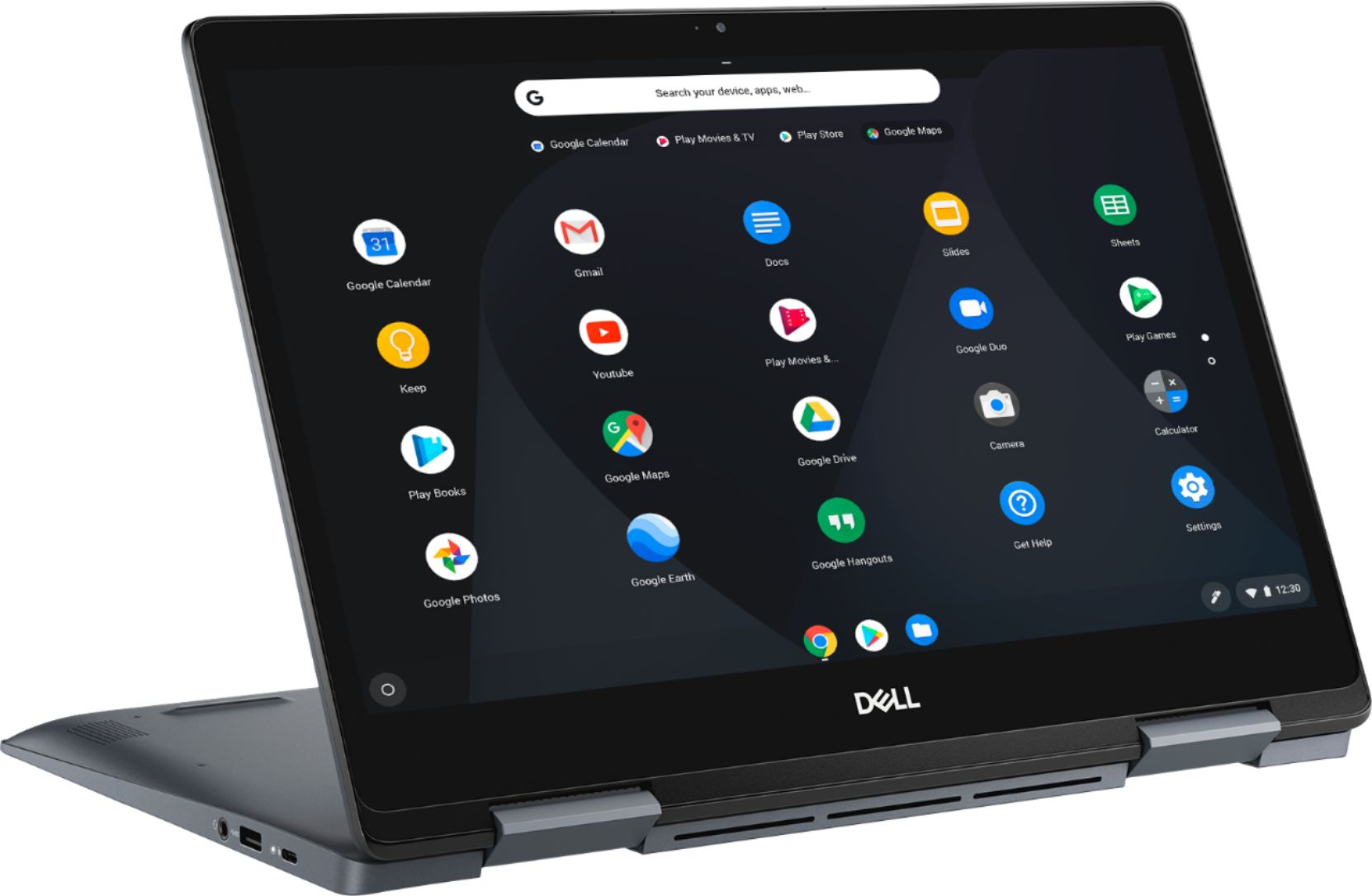
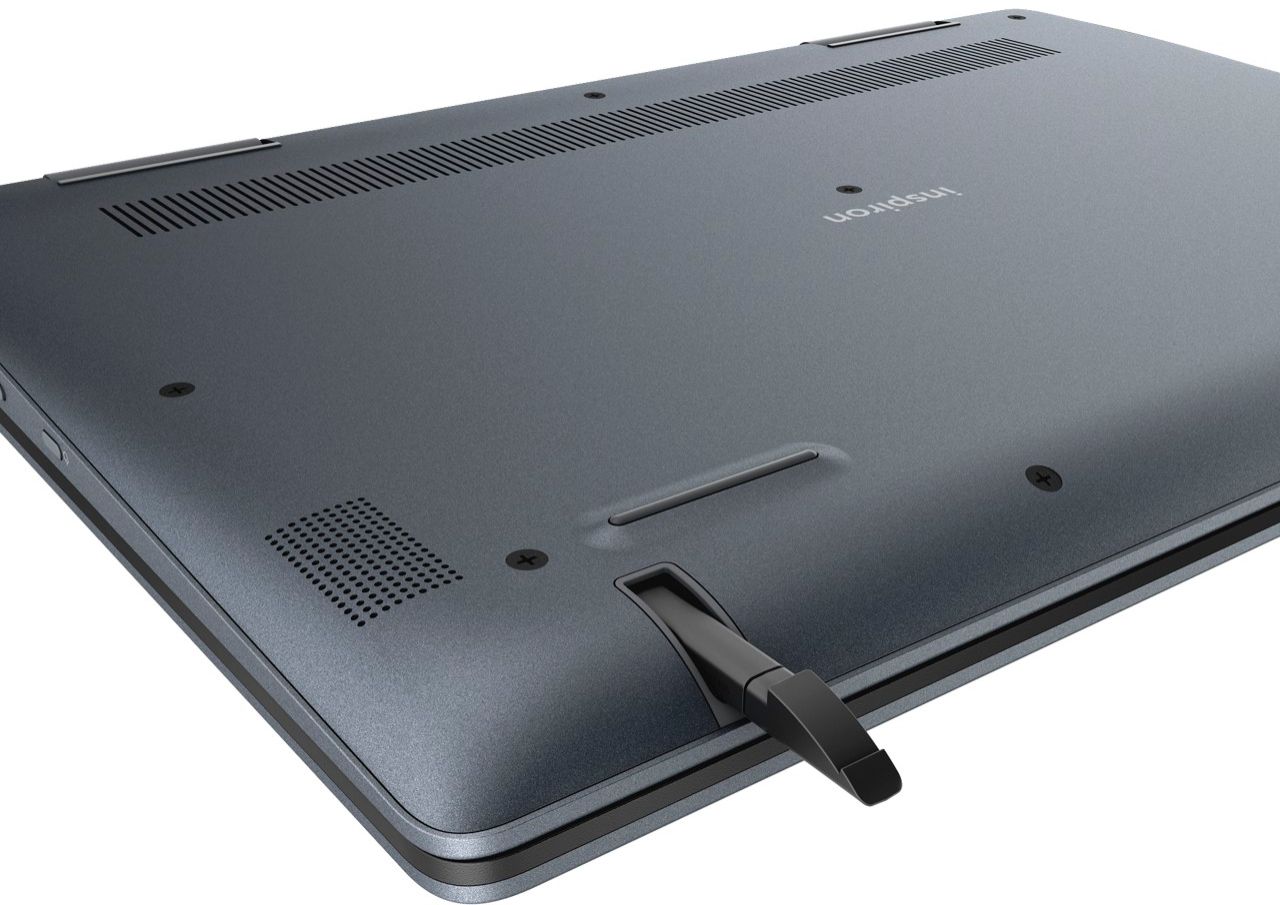
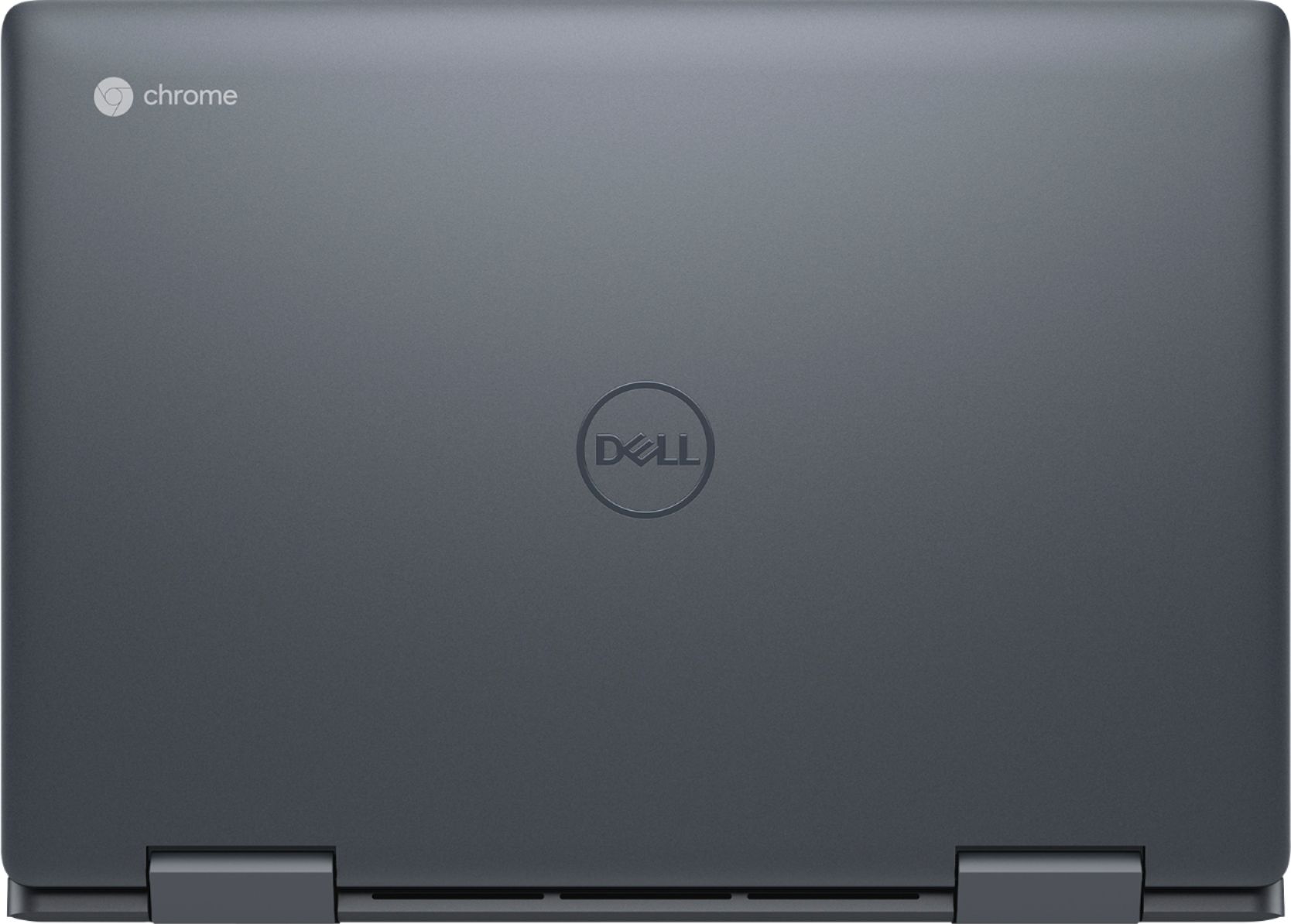
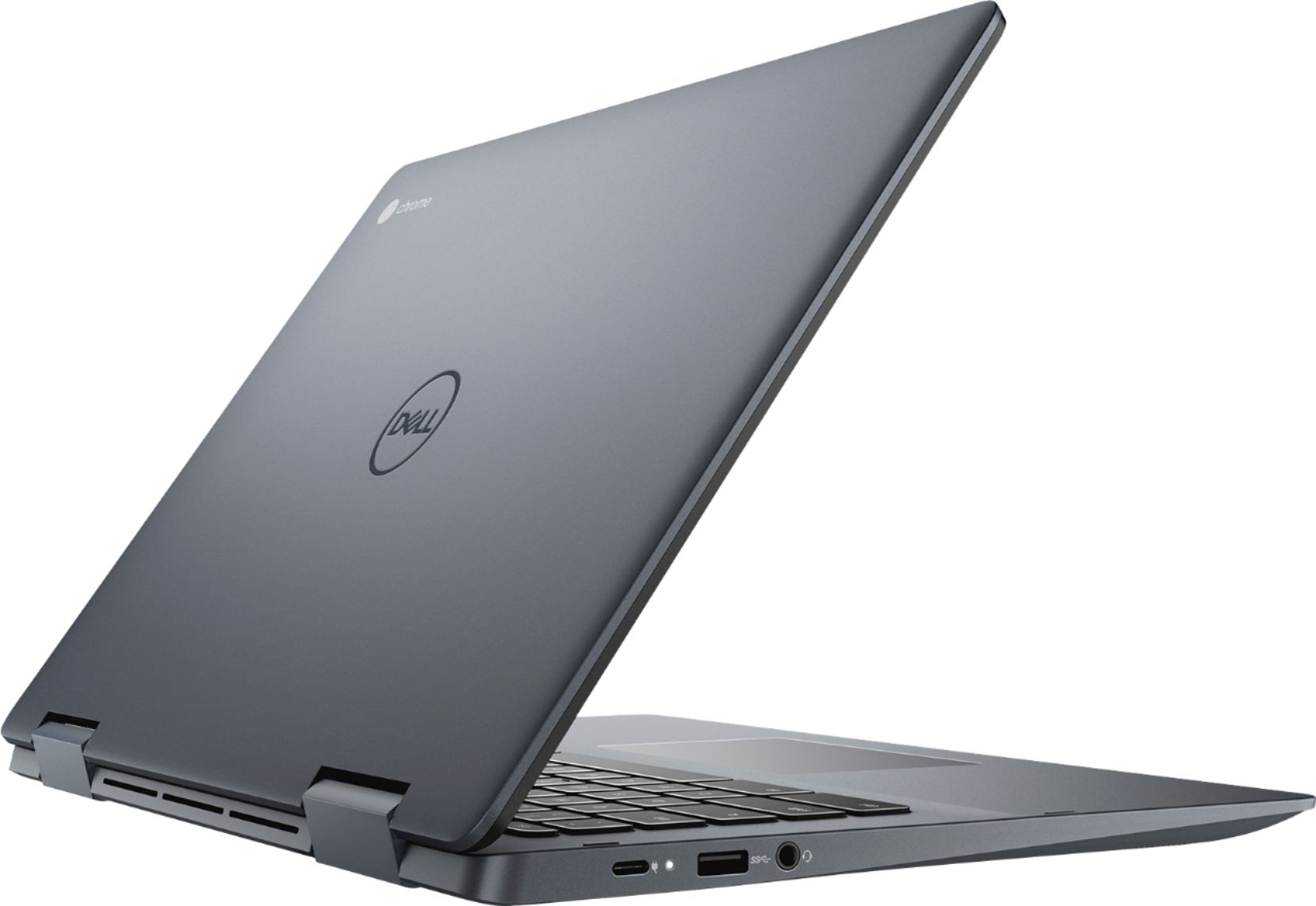
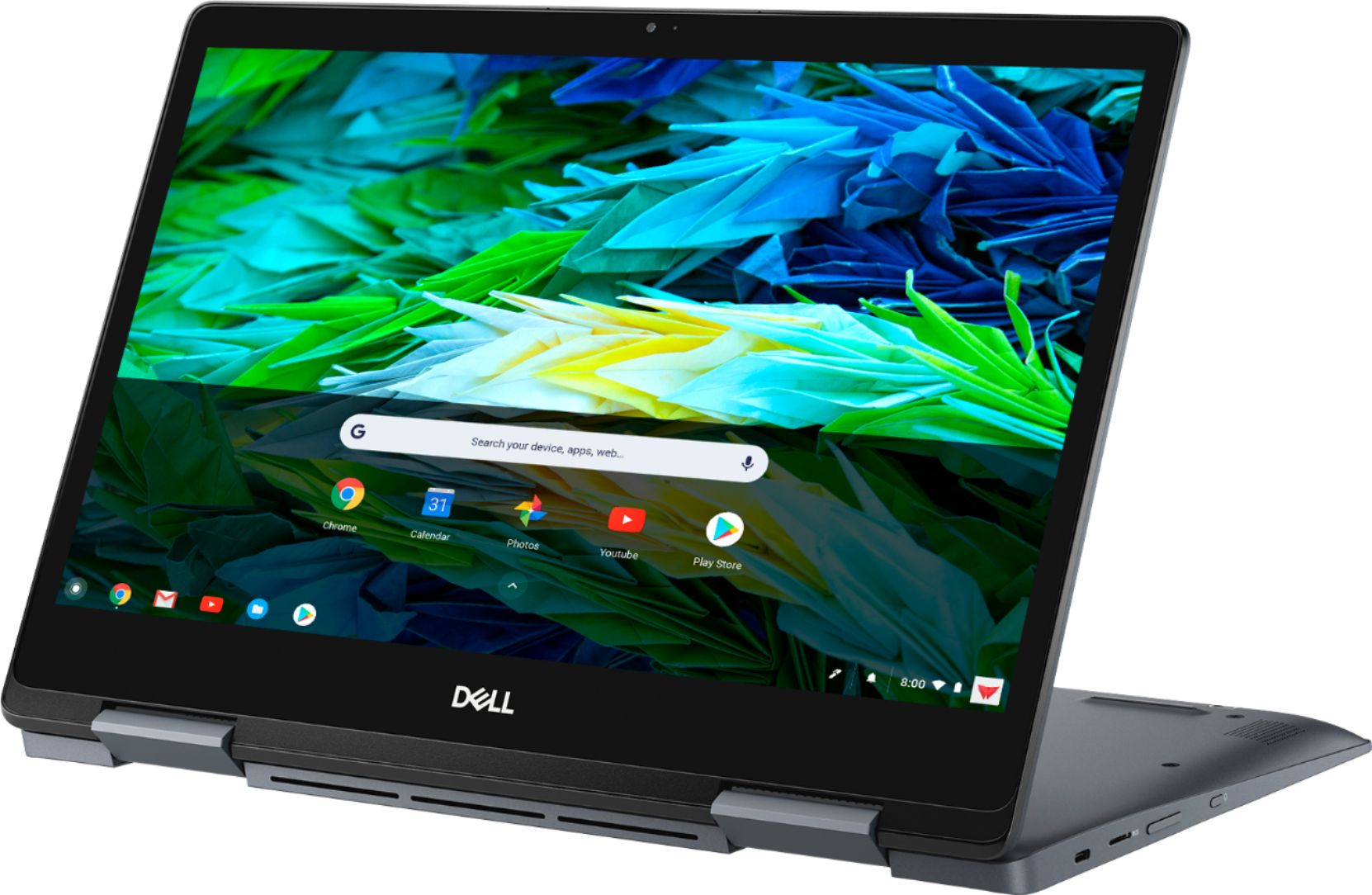
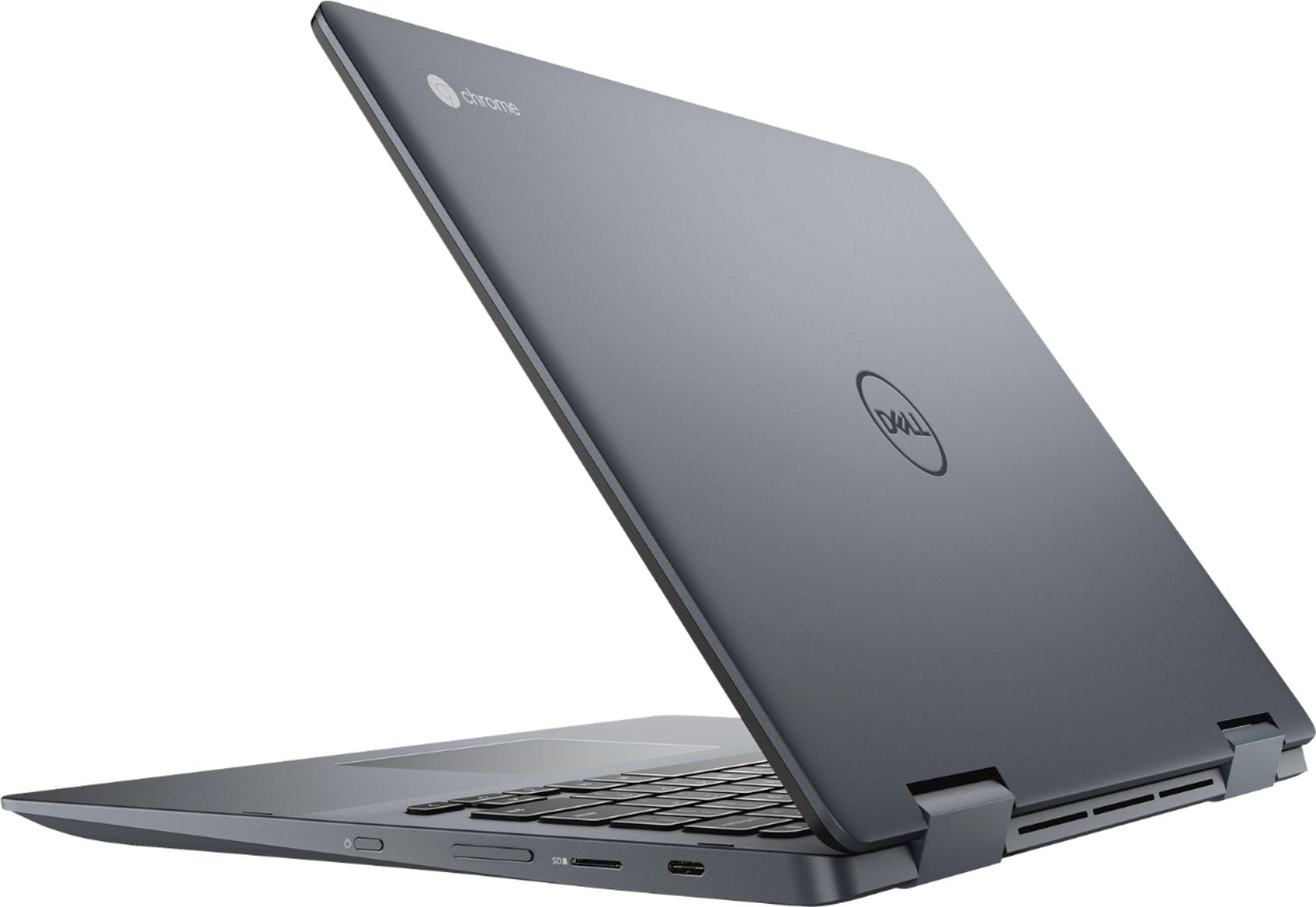
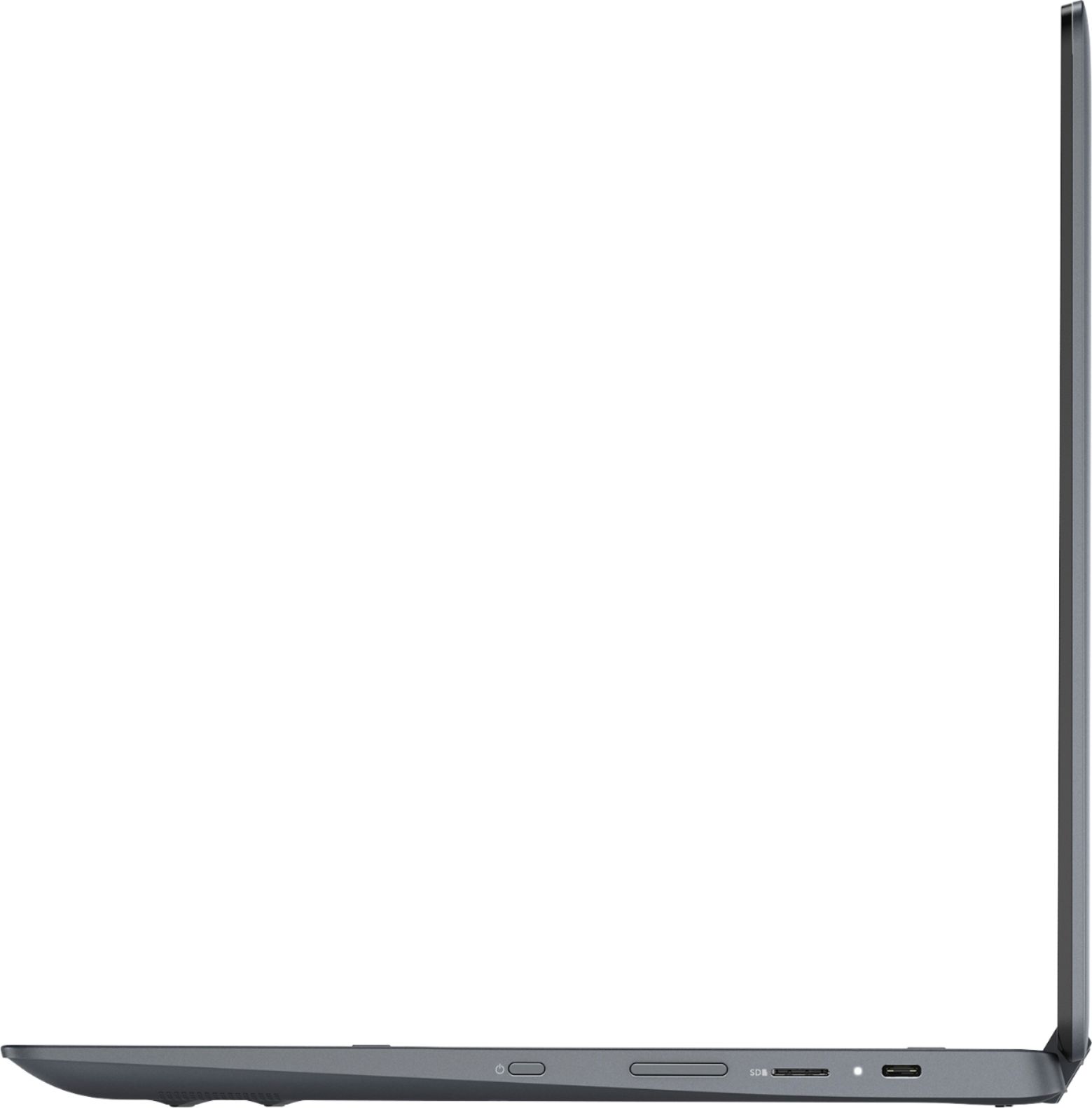
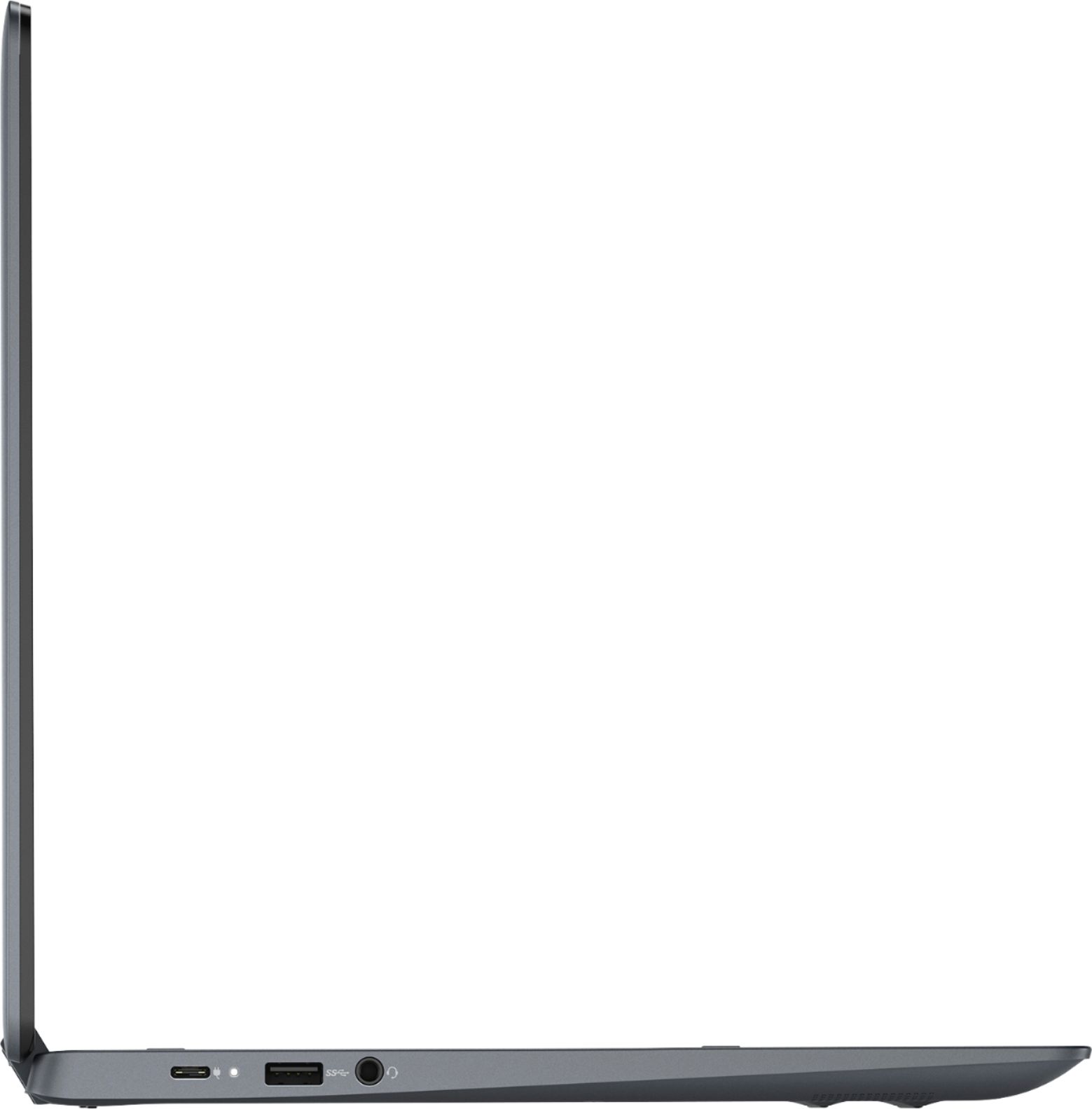
|Posted .This reviewer received promo considerations or sweepstakes entry for writing a review.Dell Inspiron 2-In-1 14" Touch-Screen Chromebook - Urban Gray Model: C7486-3250GRY-PUS SKU: 6299820 UNBOXING and PRESENTATION I really wanted for this to be something special from Dell since this is their first premium Chromebook, but you get the standard Dell treatment. Nothing spectacular… just a brown box with plastic bags protecting the finishes. It seems Dell has the same packaging for you whether you spend $300 with them or $3,000. In the box you find the charging brick, the Chromebook, some instruction manuals, and plastic with your cardboard. I was immediately struck by how solidly built this is though! It has some heft to it. More to follow… - BUILD, PERFORMANCE, and DESIGN This is Dell's 1st premium Chromebook and they did well for their first build. It's beautifully designed and follows the Inspiron design language. I would say this is better construction than the XPS line. Here you get a beautiful matte gun metal gray hefty aluminum chassis and you can tell when you pick it up. It tips the scale at almost 4lbs which may be a deal breaker for some users. Chromebooks are very light in this price range. I found it a bit heavy to take with me after I have used my PixelBook. There are some sharp lines that take away from the overall feel of the device in your hands, but otherwise perfect. The processor is top notch not a Pentium or Celeron chip. You get an air cooled 2.2GHz 8th-gen Intel® Core™ i3-8130U chip. That means efficiency and performance BOTH! With 4GB you have plenty for productivity, gaming, streaming, etc all while multitasking like a boss. If you are buying this to run a bunch if Linux applications you may want to get a model with more RAM. Wireless performance is great. It supports up to AC wireless. Connections are solid and speedy. I feel this device provides just enough connections for external devices and for the price it is a top contender. The screen is the best you will find at this price point offering a bright and crisp picture. It is a FullHD 1080p IPS touchscreen display in the more recognizable 16:9 aspect ratio we are used to seeing. Nothing special as far as touch responsiveness, it is just average. The keyboard is black lit and may take some getting used to as far as key spacing. The strokes are smooth but a bit mushy for me, and have a nice tactile feel. The trackpad is above average in build, but I don't find it as accurate as I'd like it to be. I have to swipe multiple times to get it to move where I want it be and I find myself tapping on the screen a few times. Unfortunately because of design choices, you will need to use two hands to open it. Don't think you can use two fingers to start opening it, these hinges are super tight. Again, attributed to the solid build quality. The screen half of the device is very light and the two parts lack a cutout for finger placement. I can tell you the build quality is excellent if you can deal with the weight. The hinges are tight and do not wobble and wiggle with slight pressure like cheaper built laptops. I do have a testimonial concerning the durability here. This laptop fell from my kitchen counter to the hardwood floor and nothing major happened but a small dent in the corner of the body. It landed on the corner of the screen while closed and it just separated to absorb shock. I quickly snapped the bezel to the body and it was good as new. No screen crack or internal damage. An unintentional drop test that passes with flying colors. - USER EXPERIENCE AND FEATURES The experience on this Chromebook is on par with the PixelBook. No lagging and it works great. It runs ChromeOS and that means you get Chrome Webstore and Google Play Store access! That is something I love… OPTIONS! Now there is no need for an Android tablet if you have this. One less thing to charge. Battery life is excellent netting me around 7 to 7.5 hours of my heavy use. This means with video streaming, gaming, email, and some Microsoft Office work. The average user will not get this battery life, they will see closer to the 8-11hr range. I love that updates are handles directly by Google and this does not have Dell bloatware you find on Windows laptops. THANK GOD! As a result, this thing is snappy and very responsive while being power efficient. It boots up very quickly in under 8 seconds. The screen is very bright with accurate color and excellent viewing angles. The touchscreen is just average to me. The provided stylus is an added bonus I use for note taking. When I don't have my Note 9, this will be the fill in. The stylus itself is constructed well out of plastic. It does not need to be charged A compelling overall package put together by Dell. SPECS -4GB DDR4 Memory one slot available only. -128GB EMMC Flash Memory -Air Cooled 2.2GHz 8th-gen Intel® Core™ i3-8130U -Built-In Webcam and Backlit keyboard -14" 1920 x 1080 (Full HD) LED IPS Touchscreen - this is a nice display. Colors close to accurate but a little on the cooler side. There isn't any oleophobic coating (like smartphones) to guard against fingerprints so be prepared to clean this screen a lot. -3.5mm microphone-in/headphone-out combo jack, 1 USB, and 1 HDMI out -Intel® Wireless-AC connectivity (2x2, 867 Mbps) and Bluetooth 4.0. Lots to like... -Chrome OS - Auto updates and software patches from Google directly! Nothing better than that. It is a hybrid OS that blends Android and ChromeOS together in perfect harmony. Not all apps are optimized yet, but there has been great progress. -Stylus Builtin - This is just a nice to have. It isn't spectacular like a Wacom but it is functional. -2in1 Design w/ 360 flip & fold - this is a plus for a 2in1. They offer options but cannot completely separate from the keyboard. Not to like -Lack of Options - If you want more ram or a different chip in this frame factor… oh well. There is no option to upgrade RAM or storage. This is not your typical Dell build-a-product. There are no options. Take this or leave it. -Bluetooth 4.0 - Why are we still releasing 4.0 devices? It's almost 2019, we need BT 5.0 for more range with wireless and power efficiency. -Sharp Edges - This is just my preference, but I would like them to refine the edges and smooth things a bit. -Weight - I'd like this too be .5lbs lighter to be more comparable to other Chromebooks in this range. -It is kind of an awkward aspect ratio so it feels big for no reason. Tablet mode isn't close to a true tablet experience. It is big but weight is distributed evenly. -Non-upgradable RAM! Enough said. No option for them to or you to DIY it. Very disappointing. SHARE MY THOUGHTS GO/NOGO If you can deal with the weight, this is for you. 4lbs isn't much but compared to other Chromebooks this is on the beefier side. I would say this is great for a student or person invested in the Android ecosystem. Professionals can look here too for a portable work device. Lastly, this is built to last. This one is the best overall package on this price range.
I would recommend this to a friendI do not recommend
||Posted . Owned for 6 months when reviewed.This reviewer received promo considerations or sweepstakes entry for writing a review.My daughter had this computer for a month and the screen started having issues, the computer randomly freezes and makes weird sounds like a key is stuck down. I took it back to best buy and they told me it could be 6weeks to get it back and recommended I send directly to to the manufacturer...what is my daughter supposed to use for school in the interim? Read reviews on Dell and multiple websites before purchasing- this was a total waste of money.
No, I would not recommend this to a friendBrand response from YourDellTeam
Posted .Dear Valued Customer,
We're sorry to hear about the issues that your daughter is having with this Chromebook so far. If the computer is still freezing you can try these steps: If you have any questions once you get your computer back you can check our Product Support Page here:
1. Turn off your Chromebook, then turn it back on.
2. Close all your apps and browser windows.
3. If a specific tab in your browser causes your Chromebook to crash or freeze, hard refresh the page: Ctrl + Shift + r.
4. If you've installed any new apps or extensions recently, uninstall them.
5. Reset your Chromebook.
6. Recover your Chromebook.
You can read the full article here: http://bit.ly/2XkwjwG.
Best,
Bryan
1-800-624-9896
- Pros mentioned:Processor speed, Touchscreen
Lots of bang for your buck
|Posted .This reviewer received promo considerations or sweepstakes entry for writing a review.I really like the size and weight of this Chromebook. Love the color, and the finish looks to be high end. With a smaller laptop/tablet, don't expect the speakers to sound great... to me this is really a non issue as I use headphones 99% of the time and don't expect to have great speakers in a 14" laptop. Screen looks great in laptop and tablet mode. It was super responsive to my tough using my hand or the included stylus. Track pad was responsive with no lag. The laptop is very quick, especially when i compared it to one of my older ones... I forgot how nice it is to have a computer that doesn't lag! Ah yes, the way its supposed to be! I was super worried about the hinges on this tablet/laptop.... but honestly they are robust and strong... After flipping it from tablet to laptop mode a bunch of times, I'm no longer worried. Overall, this is a great Chromebook.
I would recommend this to a friend - Pros mentioned:Battery life, Processor speed, TouchscreenCons mentioned:Hdmi
Premium Chromebook
Posted .This reviewer received promo considerations or sweepstakes entry for writing a review.Metallic construction and glass covered screen makes it look and feel more expensive than it really is. Boots up really fast. Long battery life. (about 10 hours on medium brightness). Reasonably light for a 14 inch 2-in-1 laptop/tablet. Backlit keyboard. Runs Android games and apps. Includes stylus. Excellent device for multimedia entertainment. Two USB 3.1 Type C ports than can also be used for charging. Small AC adapter. Snappy 8th gen Intel Core I3 SoC and eMMC storage. Quiet and doesn't get hot. Cons: some backlight bleeding in dark environments. Glass on screen is a fingerprint magnet and prone to glare and reflections. No HDMI (minor complaint as the USB-C ports can be used for external display connection)
I would recommend this to a friend DELL CHROME BOOK
||Posted .This reviewer received promo considerations or sweepstakes entry for writing a review.Issues with this laptop not functioning properly.. turning off or blank screen random times. Runs hot.
No, I would not recommend this to a friendI dont like it
||Posted . Owned for 1 month when reviewed.This reviewer received promo considerations or sweepstakes entry for writing a review.Don't have it any more cause it stop work so I had to get another one and I have to pay more for another one
No, I would not recommend this to a frienddifficult for general use
||Posted .This reviewer received promo considerations or sweepstakes entry for writing a review.google operating system is difficult. Autoorientation is inoperative is any input or output is in use, e.g. Bluetooth.
No, I would not recommend this to a friendBrand response from YourDellTeam
Posted .trubl,
We're sorry that your computer setup is not going easy for you. Here are some tips to help with setup:
1. Turn on your Chromebook
2. Follow the onscreen instructions
3. Sign in with your Google Account
4. Choose your profile photo
You can read the full article here: http://bit.ly/2Vfeay6.
Best,
Bryan
1-800-624-9896
Doesn’t last
||Posted . Owned for 1.5 years when reviewed.This reviewer received promo considerations or sweepstakes entry for writing a review.Less than 2 years old and won’t turn on. Best Buy can’t help me at all. Told me to call dell, buy a battery myself and then bring it in and they’ll fix it for me. I thought geek squad handled that but I guess I’ll do all the work for them since they can’t handle a simple part purchase and repair.
No, I would not recommend this to a friendBrand response from YourDellTeam
Posted .Dear Valued Customer,
We're sorry to hear about the issues that you're having with your new Chromebook. Here are some steps to try to troubleshoot the issue that you're having:
First, check if the battery is charging by plugging your Chromebook into a power outlet. (Usually, you'll see a light turn on.)
If your Chromebook is charging, let it charge for at least 30 minutes. If it still won't turn on, recover your Chromebook.
If your Chromebook still isn't charging:
1. Check if the charger or adapter cables are completely plugged in, both to your Chromebook and the wall.
2. Make sure that the power outlet is working.
3. Unplug your charger from the wall and your Chromebook.
4. Optional: Remove the battery from your Chromebook, then re-insert it.
5. Plug your charger back in to your Chromebook, then the wall.
6. Charge the device for at least 30 minutes. If these steps don't fix the problem, reset your Chromebook.
You can read the full article here: http://bit.ly/2XkwjwG.
Here's a link to a helpful video: http://bit.ly/2U3767P.
Best,
Bryan
1-800-624-9896
Bad laptop
||Posted . Owned for 1 month when reviewed.This reviewer received promo considerations or sweepstakes entry for writing a review.Stopped working after 2 weeks. Besides that not a bad laptop
No, I would not recommend this to a friendBrand response from YourDellTeam
Posted .Mica,
We're sorry to hear about the issues that you're having with your new computer. We'd recommend reaching out to Dell's Technical Support team for additional assistance: http://dell.to/2sH7Qlm.
You can read the terms of Dell's One Year Limited Warranty here: http://dell.to/2tNsVOs.
Best,
Bryan
1-800-624-9896
Complete Junk
||Posted . Owned for 1 month when reviewed.This reviewer received promo considerations or sweepstakes entry for writing a review.This was sold to me to be used as a tablet replacement. It was claimed that it would run my phone apps just as my phone does. Not the case. This also had a hard time processing video. Another claim that didn't actually work. Most things Dell are not high quality.
No, I would not recommend this to a friendBrand response from YourDellTeam
Posted .E007,
Thanks for your review. We're sorry to hear that your Chromebook is not performing the way that you hoped it would. We'd recommend checking to make sure that everything is up to date on your Chromebook:
1. Turn on your Chromebook.
2. Connect your Chromebook to Wi-Fi.
3. At the bottom right, select the time.
4. Select Settings.
5. Select Menu and then About Chrome OS.
6. Under "Google Chrome OS," you'll see which version of the Chrome operating system your Chromebook is using.
7. Select Check for Updates.
8. If your Chromebook finds a software update, it will start to download automatically.
You can read the full article here: http://bit.ly/2E4lNRd.
We hope that there are updates to your Chromebook that will help it run the way you hoped it would.
Best,
Bryan
1-800-624-9896
Keyboard quit working in only 4 months
||Posted . Owned for 5 months when reviewed.This reviewer received promo considerations or sweepstakes entry for writing a review.This had to have the keyboard replaced because it had stopped working. This happened to another Chromebook we bought as well.
No, I would not recommend this to a friendBrand response from YourDellTeam
Posted .krystalroz,
We're sorry to hear about the problems that you've had with your Chromebook keyboard. We hope that everything is resolved now. Your computer comes with a One Year Limited Warranty from Dell that you can find out more information about here: http://dell.to/2tNsVOs.
Best,
Bryan
1-800-624-9896
This was the wrong machine for our needs.
||Posted . Owned for 3 weeks when reviewed.This reviewer received promo considerations or sweepstakes entry for writing a review.The Dell chromebook came with absolutely no instructions! It was the wrong machine for our needs so we returned it and got a Samsung 10" tablet. Best Buy was great to deal with and gave us full credit.
No, I would not recommend this to a friend