Customer Ratings & Reviews





- Model:
- C7486-3250GRY-PUS
- SKU:
- 6299820
Rating by feature
- Battery Life
Rating 4.0 out of 5 stars
- Speed
Rating 4.0 out of 5 stars
- Display
Rating 4.5 out of 5 stars
Customers are saying
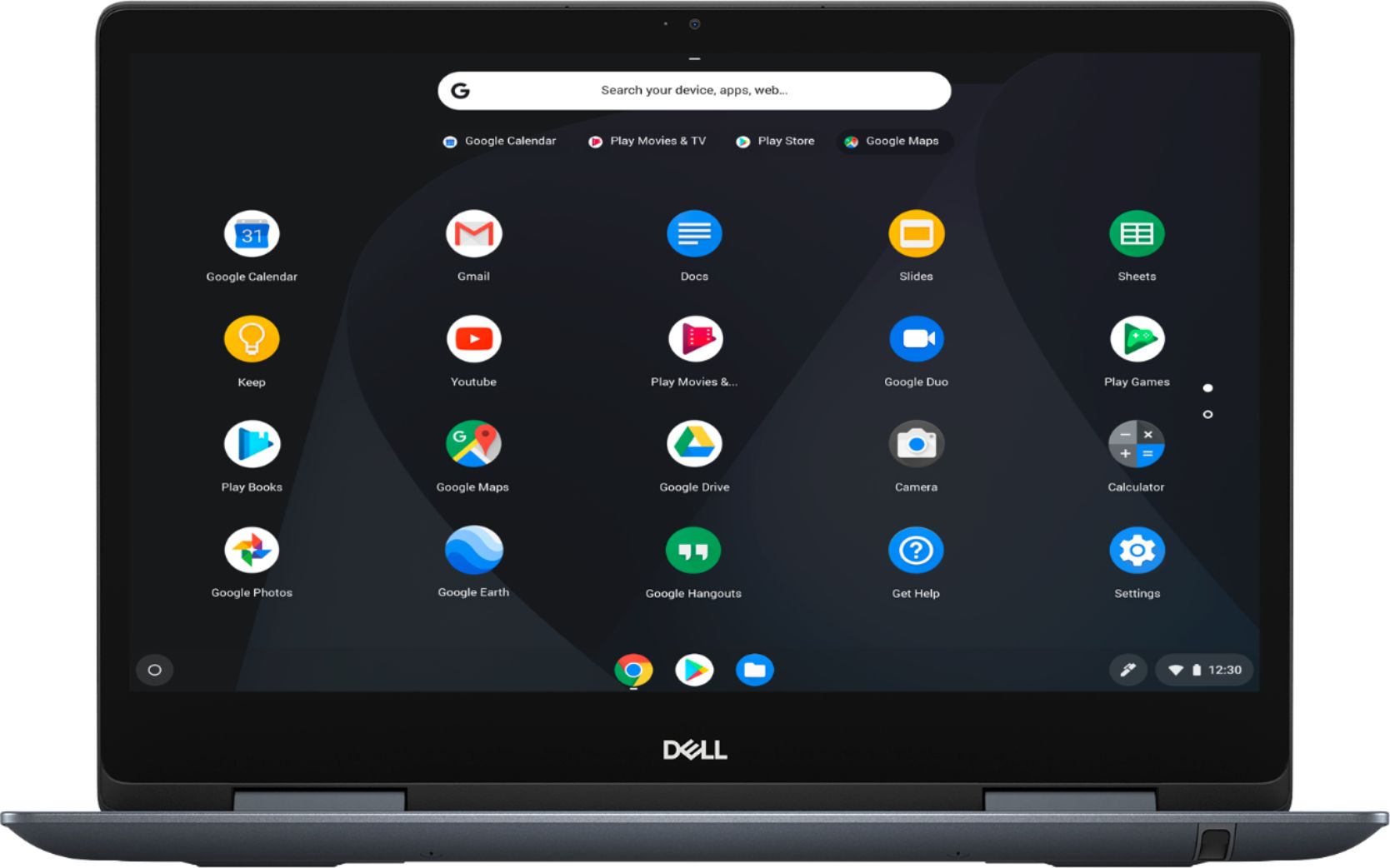
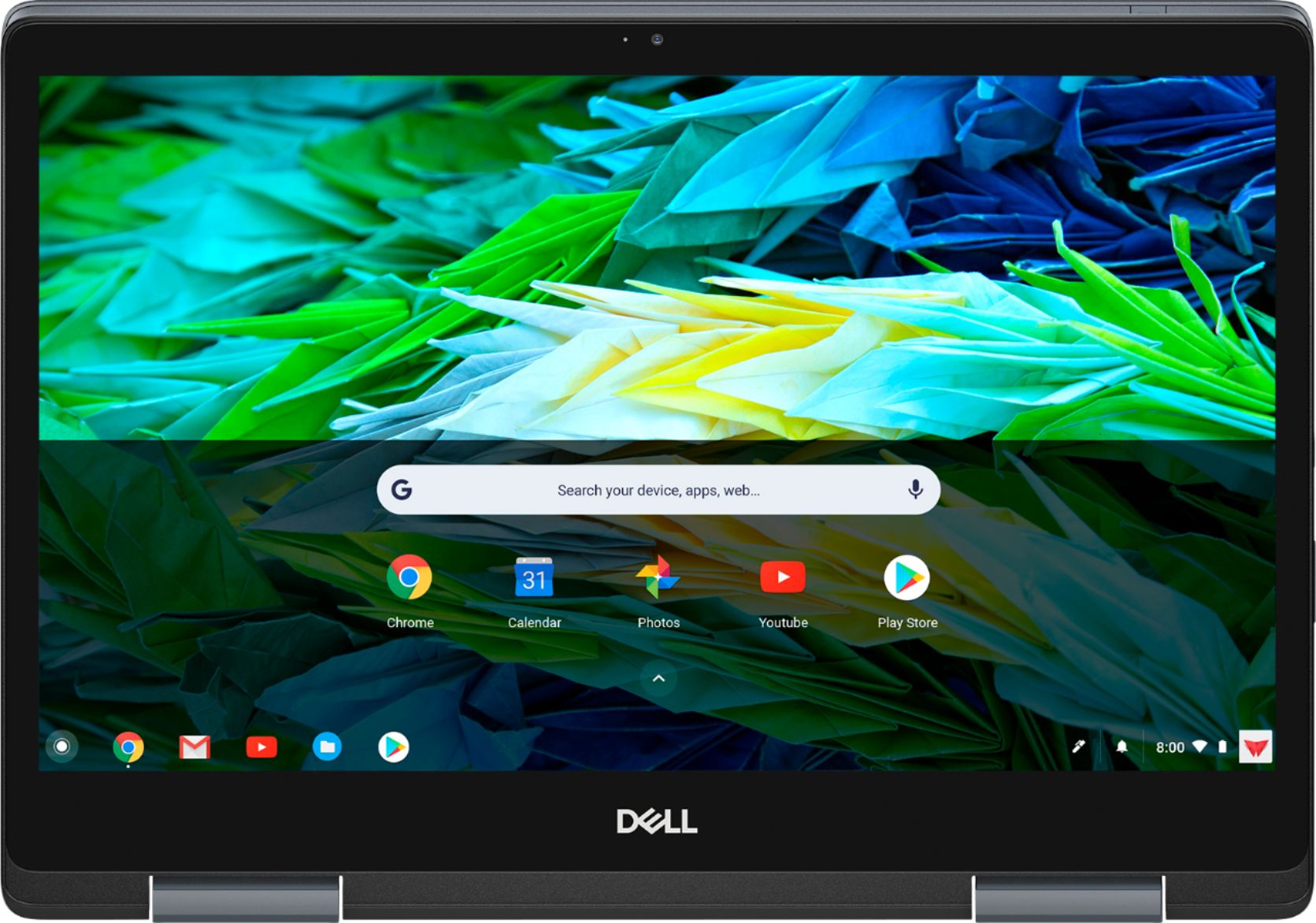
Customers are impressed with the Inspiron 2-in-1 Chromebook's ease of use, responsive touchscreen, and excellent battery life. Many also praised its performance and value for the price, particularly appreciating the 14” screen size. However, some customers found the device to be heavy, and a few expressed concerns about the limited RAM and compatibility with certain applications. The lack of an HDMI port was also noted as a minor drawback by some users.
This summary was generated by AI based on customer reviews.
- Pros mentioned:Processor speed
Great For A Retiree
Posted .This reviewer received promo considerations or sweepstakes entry for writing a review.There are may reviews describing the technical capabilities of this Chromebook and I am not a techie so I will not bother to add any more. Getting ready to downsize from multiple Windows desktops was a no brainer with this Chromebook. For a person that now spends most of his time writing emails, browsing the web, creating a few spreadsheets, and playing a few games this thing is perfect. I love the Chrome environment. It's fast. There are no continual upgrades. My Office 365 apps run better on Chrome than Windows. Between the USB ports, the SD card, and pocket sized SSD portable drive there is enough storage for the rest of my life. It interfaces with my 20 year old HP printer. Internet speed are as fast as my Dell i7 monster. It's the perfect solution for a senior.
I would recommend this to a friend 
Great laptop
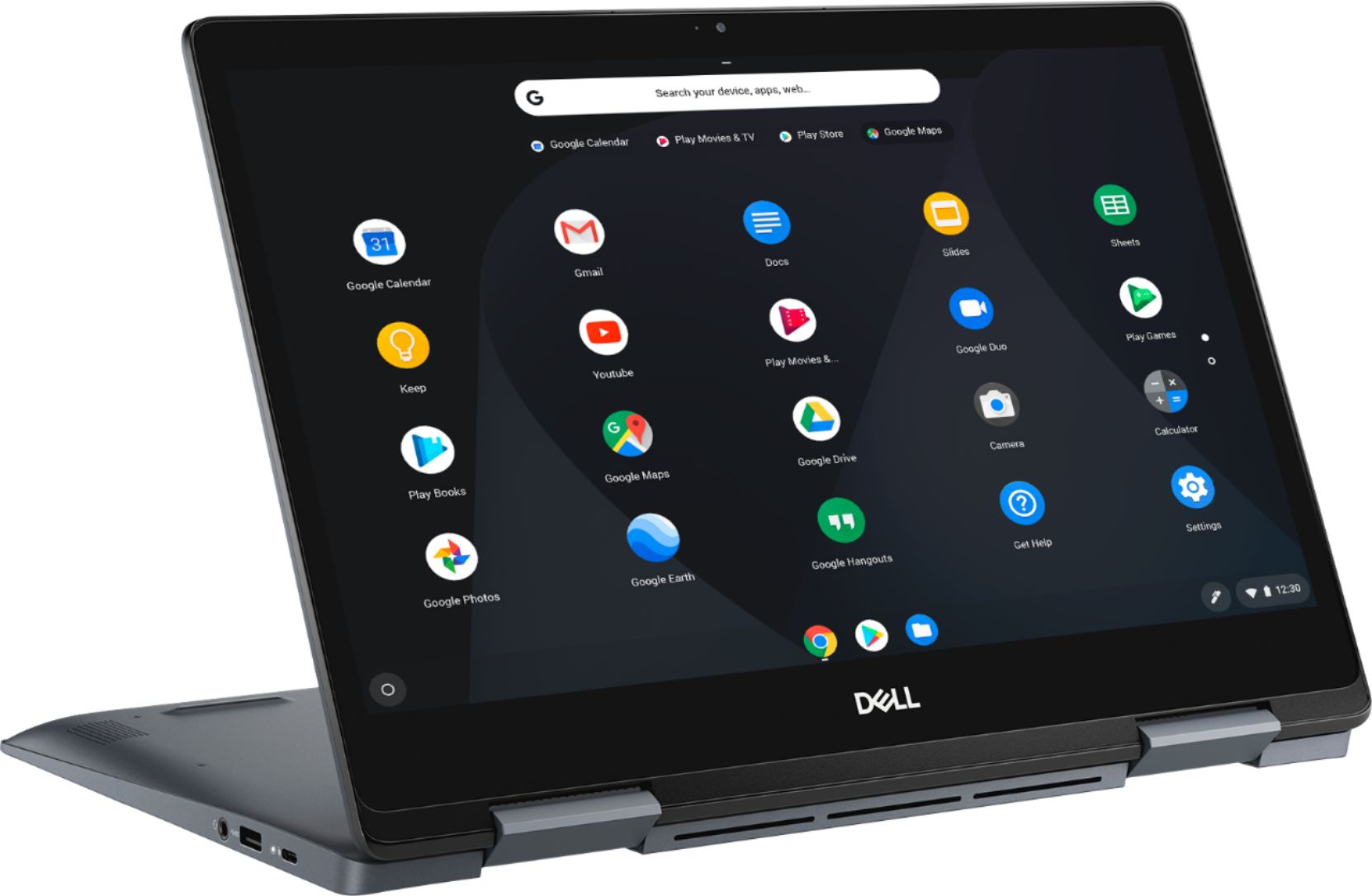
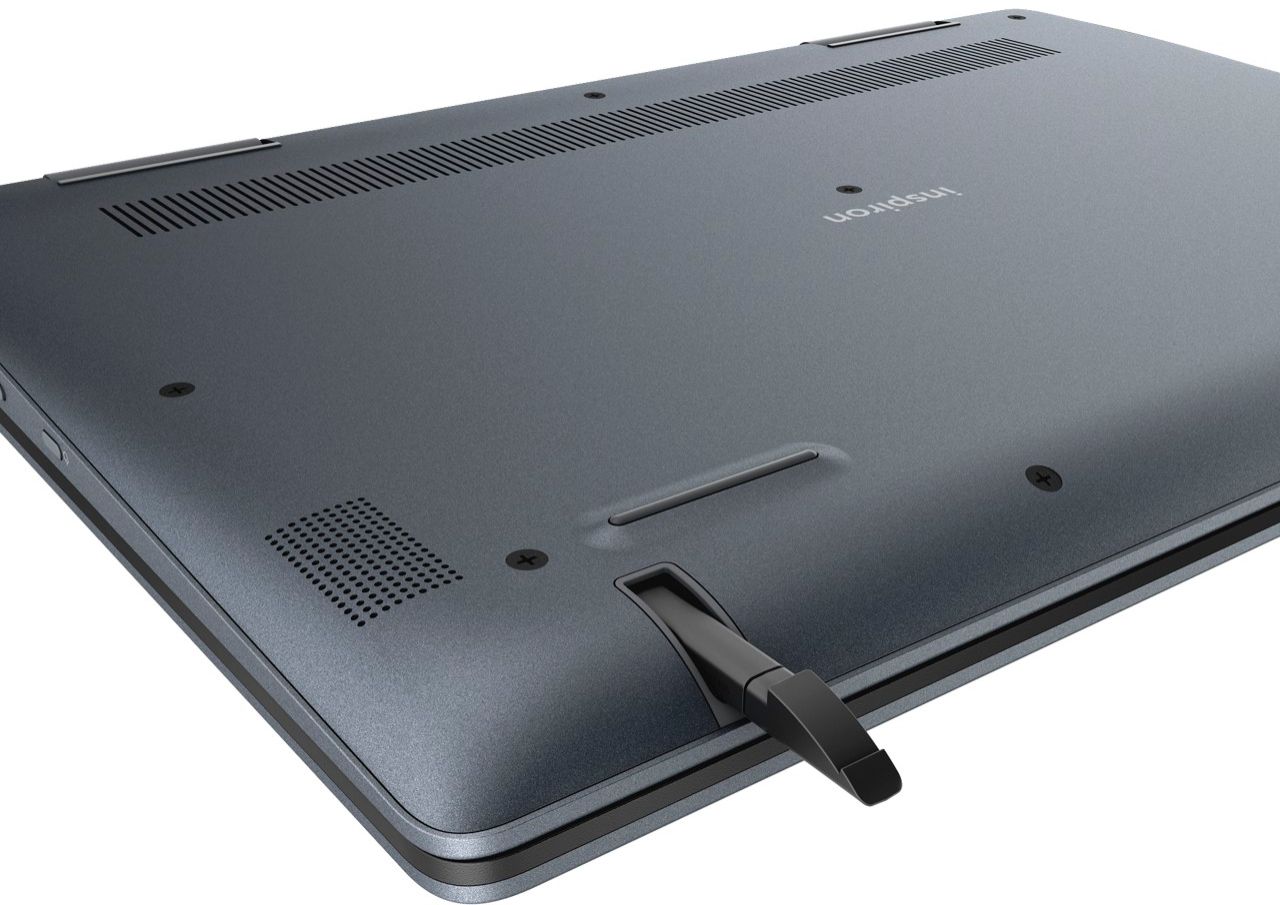
|Posted .This reviewer received promo considerations or sweepstakes entry for writing a review.This laptop was very easy to set up . Love the versatility. The pen works really well. Laptop folds back to use as a tablet. Great option. So far I am enjoying using it. Highly recommend .
I would recommend this to a friendGreat screen and keyboard, fast, just ok trackpad
Posted .This reviewer received promo considerations or sweepstakes entry for writing a review.The device feels super premium, as good as any dell laptop. ChromeOS with an i3 processor just flies. The screen is nice and very bright (brighter than my xps 13). Works perfectly with the Dell WD15 USB C dock connected to two 1080p monitors. Keyboard feels great to type on. The touch pad is a little "sticky" on my slightly moist fingers. Compare that to the xps 13's trackpad which is super smooth 100% of the time. The pen works great although I'm not an artist. I couldn't see any delay when drawing or writing in the Google Keep app. My only other complaint besides the trackpad is the weight. It feels heavy at 4lbs, although that isnt an outrageous weight for a 14" laptop.
I would recommend this to a friend- Pros mentioned:Processor speedCons mentioned:Weight
Excellent buy.
Posted .This reviewer received promo considerations or sweepstakes entry for writing a review.Fast. Convenient. Fairly durable. The only drawback is that it's very heavy.
I would recommend this to a friend - Pros mentioned:Ease of use
Good Laptop
Posted .This reviewer received promo considerations or sweepstakes entry for writing a review.Laptop starts up quickly and and is very easy to use. There is a small learning curve if you have never used the Google chrome operating system.
I would recommend this to a friend Terrible Laptop
Posted .This reviewer received promo considerations or sweepstakes entry for writing a review.I am a college student who is studying to become an elementary teacher and working at a daycare. I wanted a laptop that could also be used as a tablet because it’s helpful with the work I do. I like to use a laptop when working with kids because I can connect it to a big screen and have them use technology to enhance their learning experience. I also need to keep all of my lessons and information stored for future use. I bought a Dell Inspiron because the Best Buy worker kept pushing me to buy it, and it sounded like a good laptop. I cannot afford an expensive laptop, so I chose it because they were having a student sale, and it brought down the price significantly. This was two years ago, and my dell inspiron laptop has broken three times. The first time, the touch screen stopped working, and this was within the first 6 months of purchasing the laptop. The second time, the screws inside of laptop fell out and one of the hinges came out of the inside of the computer. After that, I only had one hinge keeping the top and bottom pieces together. The top piece was dangling and about to completely break off. I found someone to fix it, and it held up for a few months. My laptop is now doing the same thing it was doing before. A screw just fell out of the inside of the screen, and the hinge is beginning to come out. I have only used this laptop twice as a tablet because it makes a cracking noise any time you try to push the screen back. This laptop is supposed to be used as a tablet, and that was one of the reasons I bought it, but I can’t even use it for how it was intended. Beware if you are buying this product. The hinges are not made to even be moved at all. If you’re going to buy this, I would not suggest closing your laptop EVER. Don't even think about taking it to class or work because after a few times of opening and closing the laptop, it’ll break.
No, I would not recommend this to a friendBrand response from YourDellTeam
Posted .Makenna,
We're very sorry to hear about the hinges on your new Chromebook. This is not the experience that we want any of our customers to have. We hope that you are still able to use your Chromebook in the condition that it is in now. If you have additional questions about your Chromebook you can check our Product Support Page here: https://dell.to/2GiL9h6.
Best,
Bryan
1-800-624-9896
Beware get a second opinion not from geek squad
Posted .This reviewer received promo considerations or sweepstakes entry for writing a review.Well bought my son a chrome book for school due to covid figured I was getting a deal (open box) But nope worked first couple of days then went out had me thinking he did something to it took it to the same people that certified it satisfaction as good and said we can look at again for 80$ or send it to Dell and it could cost you 100 -300$. On a whelm decided to take to a computer store and get their opinion and come to find out the insides are corroded .and it's best to send to Dell. Well lesson behind the story take your item immediately to and non best buy computer tech to check it out before the 90 30 60 or( 14 day return )in my case expires. So disappointed in best buy and their geek squad cause I'm sure they new it was corroded and dropped the ball and issue on the next man a loyal customer they need to have negative stars 1 star is way to much.
No, I would not recommend this to a friendPretty much worthless
Posted .This reviewer received promo considerations or sweepstakes entry for writing a review.Laptop is quite poor and complete over priced. Slow. Keyboard is poor. Battery performance is much worse than advertised. Start up is slower than my 6 year old Windows laptop. Slow processor. Visuals are OK, but 90% of apps (including Facebook, Instagram) are not designed to run on a Chromebook so are almost impossible to use. Chrome OS is an absolutely catastrophe. Stay away from any Chromebook. Does not remember apps you have downloaded or which you have pinned to the self.
No, I would not recommend this to a friendBrand response from YourDellTeam
Posted .HonestFeedback,
We're sorry to hear that your Chromebook is not performing the way that you hoped it would. We'd recommend checking to make sure that everything is up to date with your Chromebook:
1. Turn on your Chromebook.
2. Connect your Chromebook to Wi-Fi.
3. At the bottom right, select the time.
4. Select Settings.
5. Select Menu and then About Chrome OS.
6. Under "Google Chrome OS," you'll see which version of the Chrome operating system your Chromebook is using.
7. Select Check for Updates.
8. If your Chromebook finds a software update, it will start to download automatically.
You can read the full article here: http://bit.ly/2E4lNRd.
We hope that this improves the functionality of your Chromebook.
Best,
Bryan
1-800-624-9896
Worst product
Posted .This reviewer received promo considerations or sweepstakes entry for writing a review.My adapter port broke and I sent it to Dell. They have been repairing it for than a month. Now I was told I need a new motherboard too. It is only a 1 1/2 month old. No more Dell.
No, I would not recommend this to a friendBrand response from YourDellTeam
Posted .gggman35,
We're sorry to hear that your computer has been in repair for as long as it has. Once you get your computer back if you have any questions you can check our Product Support Page here: https://dell.to/2GiL9h6.
Best,
Bryan
1-800-624-9896
Thumbs Down
Posted .This reviewer received promo considerations or sweepstakes entry for writing a review.Do not buy, not easy to use or work. Basic laptop better option
No, I would not recommend this to a friend