Customer Ratings & Reviews

- Model:
- RUX-J42
- |
- SKU:
- 4532100
Customer reviews
Rating 4.6 out of 5 stars with 2653 reviews
(2,653 customer reviews)Rating by feature
- Value4.6
Rating 4.6 out of 5 stars
- Quality4.6
Rating 4.6 out of 5 stars
- Ease of Use4.6
Rating 4.6 out of 5 stars
Customers are saying
Customers commend Chromecast Audio for its ease of use, excellent sound quality, and reasonable price. Many appreciate its seamless streaming capabilities and compatibility with other Google devices. While some users wish for a longer range and a built-in battery, the overwhelmingly positive feedback centers on the device's ease of setup and superior audio performance compared to Bluetooth alternatives. The convenience of using WiFi for audio streaming is also frequently highlighted.
This summary was generated by AI based on customer reviews.
- Pros mentioned:Ease of use
Rated 4 out of 5 stars
Excellent way to get your music to your existing g
||Posted .This reviewer received promo considerations or sweepstakes entry for writing a review.The Chromecast Audio was exceptionally easy to setup and just as easy to use. It works with a large number of mobile devices and with computers with the Google Chrome browser! I can't wait to test out the multi-room audio capabilities when I buy a few more!
I would recommend this to a friend - Pros mentioned:Bluetooth
Rated 5 out of 5 stars
Great way to cast your mobile audio to speakers
||Posted .This reviewer received promo considerations or sweepstakes entry for writing a review.This device works really well with my favorite music streaming service, Napster. I use my stereo system to pick up the cast from my iPad and iPhone wirelessly via Chromecast Audio. Don’t need Apple TV to do this.
I would recommend this to a friend Rated 3 out of 5 stars
Good first attempt at multi-room audio
||Posted .This reviewer received promo considerations or sweepstakes entry for writing a review.I am using this for multi-room audio in a large home. I actually have 15 ChromeCast Audio (CCA) in conjunction with 6 old receivers using their 5.1 and 7.1 multi-channel inputs, feeding a total of 30 speakers. The DAC on the CCA sounds very good. You can redirect the audio from any Android device to the CCA. Or you can cast from apps that are cast-enabled on both Android and iOS . There is desktop support in the Google Chrome browser too casting from tabs. I have been using the device primarily with Tidal on Android so far, and Youtube on Android using device redirection. You can create device groups of CCA in the Google Home app - I am using Whole House, Upstairs, Downstairs, and Outdoors. I have a love-hate relationship with this device. When it works, it is really nice. There are many problems, however, some rather serious : - the networking is incompatible with most Wifi mesh systems, such as my Netgear Orbi. I also tried Linksys Velop and CCAs don't work either. The problem is that some CCAs randomly disappear from the Google home app. I could have any number of CCA between 0 and 15 show up. This made the multi-room feature completely unusable. The only way I was able to solve this was by wiring each device with Ethernet, using an interface that costs an additional $15 per Chromecast, plus ethernet cable, plus ethernet switches. This drives up the cost significantly. Because 8 of my CCA upstairs were in a room not directly wired to my router, I had to use Powerline AV1200 to make the ethernet work. I also had to buy an extra ethernet switch. - the CCA will drop off the network if internet access is lost, even if it's just for a few seconds. This is true whether CCA is connected by Wifi or ethernet. CCA will go back to Wifi setup mode. This is a security issue, as well as brain-dead, since you could be playing local content to the CCA that doesn't require internet access, but the playback will stop anyway if you stop your internet. It means you cannot use the CCA at all on a private network not connected to the internet. I have a less than 100% reliable internet connection with Comcast, and am really suffering due to this problem as my playback often stops if I lose internet, for no good technical reason at all. - the google home app needs work in terms of managing the CCA if you have more than one. You first need to open the app, go to "devices"'. Then, all the devices and groups will appear, but in random order. And you will have to scroll many screens to find the one you want. There is no sorting. This is a big usability issue. It should be possible to display the list of all the CCAs and groups on a single screen, and they should be in a sorted order. Furthermore, if you want to change the volume on only one of the CCAs in a group, you need to select that group, click the volume icon, click the mixer icon in the top right of the screen, and then finally use the slider to change volume on the one you want. This is simply far too many steps. The app is functional but not ergonomic at all. The app is constantly changing and the steps change over time also. But so far, the app seems to have changed for the worse. Ie. it requires even more screen presses now than it did a few weeks ago. Overall, I'm enjoying my CCA, but some of the design and implementation decisions in the firmware and software are terrible and need to be addressed.
No, I would not recommend this to a friend- Pros mentioned:Sound quality
Rated 5 out of 5 stars
Audio Streaming on a Budget
||Posted .This reviewer received promo considerations or sweepstakes entry for writing a review.I am aware there are pricier alternatives to streaming music to speakers and/or older stereo equipment, but the price and features of the Google Chromecast Audio make it stand out. You can stream various audio platforms (such as Spotify), but I've used it to stream my collection of CDs I've ripped and then uploaded to Google Music. You can use either a 1/8" mini stereo plug or mini-optical cable to connect from the Chromecast Audio to an amplified speaker, a receiver, mini-system, or a portable stereo. For older systems, a y-adapter converting the 1/8" jack to a pair of RCA connectors is a must, as well as turning on the Full Dynamic Range setting for the Chromecast Audio device. (If you don't use the Full Dynamic Range setting on a receiver or mini-stereo system, the audio output won't sound right. For an amplified speaker like those pill speakers, that setting isn't really necessary.) I'll admit that my newest stereo receiver is a 15 year old NAD that only has one optical input (located on a video input, naturally), so I used the 1/8" jack and a y-adapter without much trouble. This setup also sounds much nicer than simply running a y-adapter from a cell phone or a tablet. I presume that if you use the optical connection and rely upon a receiver's DAC capability the sound would be even better, but I'm not planning on getting a new receiver any time soon to verify this. This is my third Chromecast Audio I've purchased, as I'm pulling my 30 year old Pioneer receiver out of storage and will be setting it up in a work area of the basement. I love that I can use my cell phone, tablet, or even a PC to handle the capabilities typically reserved by a remote control, as these devices give me more control than the average included remote does. One final item of note: the Chromecast Audio relies upon WiFi to work, not Bluetooth or cellular connections. This is good for two reasons: WiFi connections are more energy efficient (so you don't have your smartphone blow through a charge in record time), and the Chromecast Audio won't chew up your cell data. Both are wins in my book.
I would recommend this to a friend - Pros mentioned:Ease of use, Sound quality
Rated 5 out of 5 stars
works great
||Posted .This reviewer received promo considerations or sweepstakes entry for writing a review.this works great, easy hook up, great sound,no complaints. i have told many people about this..if you want video too make sure you get the HDMI connection
I would recommend this to a friend - Pros mentioned:Sound quality
Rated 5 out of 5 stars
Perfect!
||Posted .This reviewer received promo considerations or sweepstakes entry for writing a review.I was setting up a no nonsense digital music system with an external tube amp and bookshelf speakers, and after much consideration of using a dedicated DAC and music player, I decided to instead go with Chromecast Audio, and boy am I glad, This compact unit actually includes a 192kHz 24-Bit Stereo DAC (found that info online) and the sound using Google Music (high quality setting) is flawless. Overall, very impressed, purchased two for audio and two for video.
I would recommend this to a friend - Pros mentioned:Ease of use, Sound quality
Rated 5 out of 5 stars
Modernize your Speakers
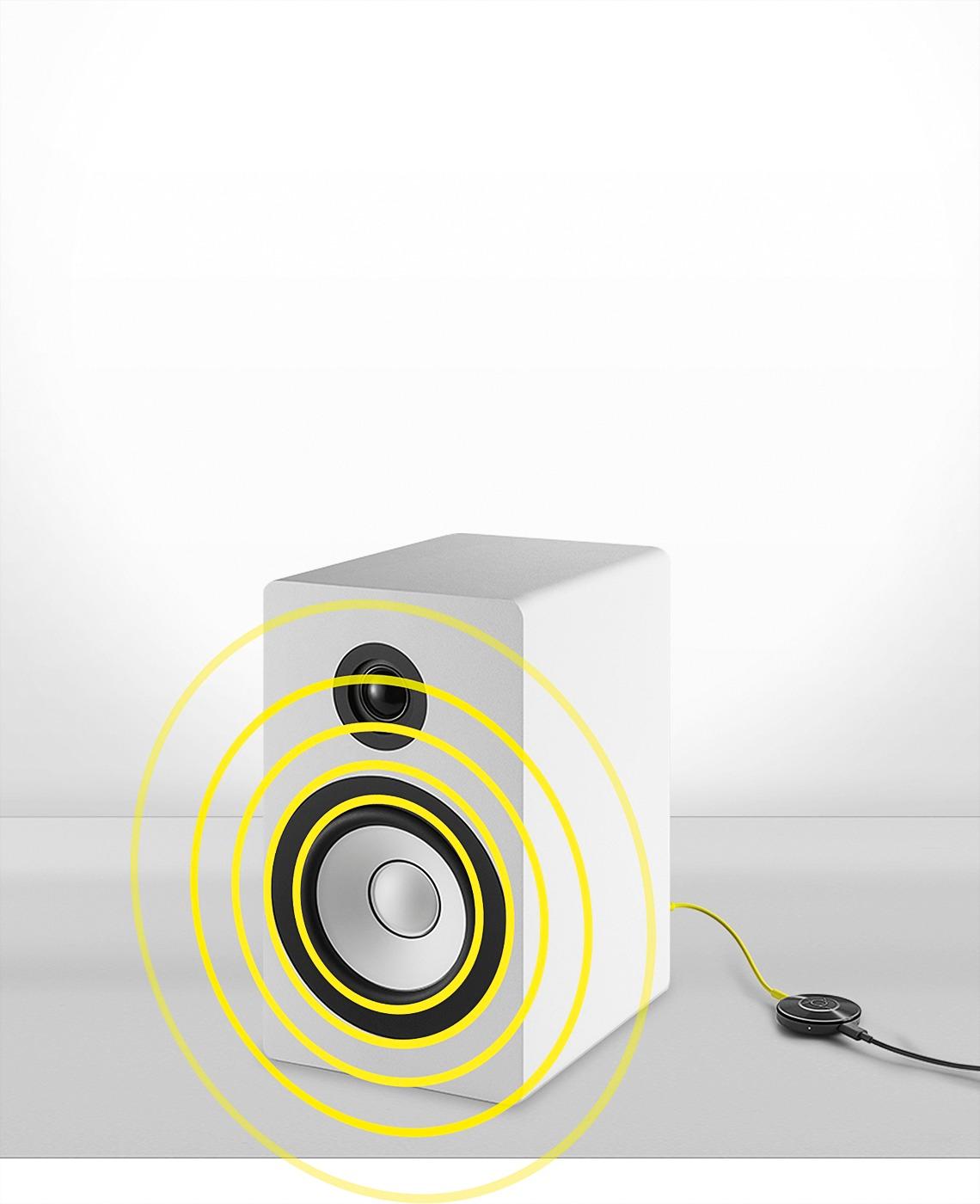
||Posted .This reviewer received promo considerations or sweepstakes entry for writing a review.A great, inexpensive way to modernize your speaker/audio equipment to wirelessly stream music from your mobile devices. Easy to set up and the audio quality is fantastic. Highly recommend.
I would recommend this to a friend - Pros mentioned:Sound qualityCons mentioned:Range
Rated 5 out of 5 stars
Great little device
||Posted .This reviewer received promo considerations or sweepstakes entry for writing a review.Easy to use and install and provides much better sound than you would with bluetooth. Also you no longer have to deal with the dropping of sound when you get more than 30 or so feet away.
I would recommend this to a friend - Pros mentioned:Bluetooth, Sound quality
Rated 4 out of 5 stars
Great Device!
||Posted .This reviewer received promo considerations or sweepstakes entry for writing a review.Excellent audio quality. Love the ability to link multiple Chromecast audio to control all simultaneously throughout my home. Very convenient to extend audio with Bluetooth speakers through out the home.
I would recommend this to a friend - Pros mentioned:Ease of use, Sound quality
Rated 5 out of 5 stars
Love the Chromecast Audio!
||Posted .This reviewer received promo considerations or sweepstakes entry for writing a review.I'm amazed at the sound quality and ease of use of this little gadget. I can't wait for Google to roll out the music syncing feature..that'll definitely make it a Sonos killer!
I would recommend this to a friend - Pros mentioned:Bluetooth
Rated 5 out of 5 stars
Wonderful Way to Extend our Google Home.
||Posted .This reviewer received promo considerations or sweepstakes entry for writing a review.We bought a Google Home about a month ago for our apartment and love it. One of the things we have always wanted to do, though, was to hook it up to our existing Bluetooth speakers we'd already spent a ton of money on. It actually turned out to be a great purchase when you consider that for just $25-35 you're adding valuable Wi-Fi functionality to a Bluetooth item, which would have cost so much more if you had bought a similar speaker with Wi-Fi and Bluetooth built in. It's a GREAT way to give new life to your existing peripherals. We love it and are so glad we bought it!
I would recommend this to a friend - Pros mentioned:Ease of use
Rated 5 out of 5 stars
It just works. Highly recommended.
||Posted .This reviewer received promo considerations or sweepstakes entry for writing a review.Extremely easy to set up; setup really pretty automated. Needed to set it up with 3 Chromecast-Audios. The group feature initially seemed like it was being a bit flaky but I started from scratch and the group feature is working flawlessly. Much more reliable than Airfoil/Airport/Apple streaming that we used to us. Highly recommended and the price is great. Check carefully about the offers that Google makes when you buy one of these...the advertising at one Best Buy store and at bestbuy.com was not accurate about distinguishing between the "Chromecast" as opposed to "Chromecast-Audio." The deals ARE different!
I would recommend this to a friend - Pros mentioned:Ease of use, Sound quality
Rated 4 out of 5 stars
Ditch the bluetooth dongles
||Posted .This reviewer received promo considerations or sweepstakes entry for writing a review.Easily connects to your Google account and Spotify. Better sound quality than bluetooth and makes any speaker a smart wifi connected system which is controled by your phone.
I would recommend this to a friend - Pros mentioned:Price, Setup, Sound quality
Rated 4 out of 5 stars
Great Sound
||Posted .This reviewer received promo considerations or sweepstakes entry for writing a review.Stable streaming, Sounds great, extremely simple setup, extremely affordable, Multi-room audio support.
I would recommend this to a friend - Pros mentioned:Setup
Rated 5 out of 5 stars
Best Tech of the Year - If you love Music
||Posted .This reviewer received promo considerations or sweepstakes entry for writing a review.I was tempted to purchase a Sonos speaker for the kitchen as we love to listen to music (Spotify) and podcasts, then I read about the chromecast audio. For $35 it does what Sonos will do for $200. I have 4 chromecasts and set up multiple party groups to listen to them at same time. Best features are while you listen to audio your battery on phone/iPad won't get drained and setting up the group speaker modes. We had a Christmas party and had all 4 speakers going, it was awesome. Loved that I could repurpose old speakers and connect them. Even my 80s era boom box is now a wifi speaker!
I would recommend this to a friend - Pros mentioned:Ease of use, Price
Rated 5 out of 5 stars
Great Product for a Great Price
||Posted .This reviewer received promo considerations or sweepstakes entry for writing a review.This is a great product for a great price. Very easy to set up. I bought several of them and stream to multiple systems in multiple rooms simultaneously.
I would recommend this to a friend - Pros mentioned:Setup
Rated 4 out of 5 stars
Great way to create wifi speakers cheap
||Posted .This reviewer received promo considerations or sweepstakes entry for writing a review.Simple setup, download the Chromecast app, plug the Chromecast into ANY speaker with a 3mm input. From app, put in your wifi settings, name your speaker. Also from the app you can use internet radio stations to listen. I used two Chromecast and am able to send to either one set of speakers in the bedroom or another in the living room or both. Very cool, beats spending hundreds of dollars on wifi speakers. I used old computer speakers just to try it out. They keep adding more features, nice product.
I would recommend this to a friend Rated 4 out of 5 stars
Excellent way to stream audio.
||Posted .This reviewer received promo considerations or sweepstakes entry for writing a review.Picked up three of these babies for around $100 total. Setup was super easy using the iphone chrome cast app. Can stream NPR, Spotify and Google music straight from the internet - frees up phone to make calls, text, etc. Can also use Google Cast extension for chrome to cast audio to the device. Has analog and digital optical out (same as on Apple Airport Express). Sound is very good (make sure to select the HDR audio in settings). Currently, software does not allow for "multicasting" or selecting multiple devices to play same music, but it is promised in a future update. Does not support direct streaming of Apple Music. Overall - a great way to turn a set of speakers into a makeshift (and cheap) Sonos substitute.
I would recommend this to a friend- Pros mentioned:Ease of use, Sound quality
Rated 5 out of 5 stars
Easy setup and nice price
||Posted .This reviewer received promo considerations or sweepstakes entry for writing a review.Very easy to setup. Hooked up to my old receiver and was listening to music from my phone instantly. Happy with the setup and sound quality!
I would recommend this to a friend - Pros mentioned:Sound quality
Rated 4 out of 5 stars
Very good sound
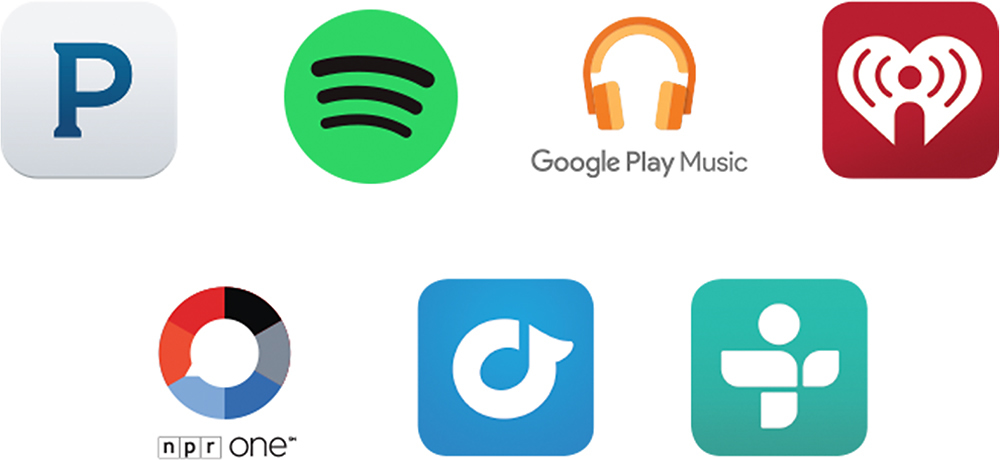
||Posted .This reviewer received promo considerations or sweepstakes entry for writing a review.I have four Google Cast audio streaming devices. Three of them are connected to AV receivers using a mini Toslink connector. My goal is to create a low-cost / high quality alternative to Sonos. I have a Sonos 5 and believe this is an ideal device for music streaming. Unlike Sonos, there is no single interface. Instead, you need to identify applications that are compatible with Google's casting standard. Pandora, iHeart and Google Music Play are some of the applications that are compatible. You start listening on your phone and then transfer the stream to your audio cast device. The advantage over Bluetooth is that you phone is now freed up for other purposes. None of the alert sounds are transferred to the audio cast and the phone doesn't have to stay on or be close by once the stream is started. The biggest drawback that I have found is that the system can sometimes be stubborn. Sometimes the streaming target doesn't show up as one of the options and other times, the streaming takes a while to get started. When it does work, the sound is great.
I would recommend this to a friend