Customer Ratings & Reviews







- Model:
- Envy 6155/C2WR7A#B1H
- SKU:
- 6673259
to a friend
Customers are saying
Customers recognize the exceptional print quality and overall performance as the standout features of this product. Users frequently highlight how easy the device is to set up and operate, while also appreciating its sleek, compact design. Additionally, many are pleased with the seamless wireless connectivity and the quiet operation of the unit.
This summary was generated by AI based on customer reviews.
- Pros mentioned:Ease of use
HP 6155 All in one printer
||Posted . Owned for 2 weeks when reviewed.This reviewer received promo considerations or sweepstakes entry for writing a review.I bought this printer and it working for me .You can beat the price.Its easier to operate.I would tell somebody to purchase this prioduce
I would recommend this to a friend - Pros mentioned:Connectivity, Design, Print quality

Not the speediest, but good prints
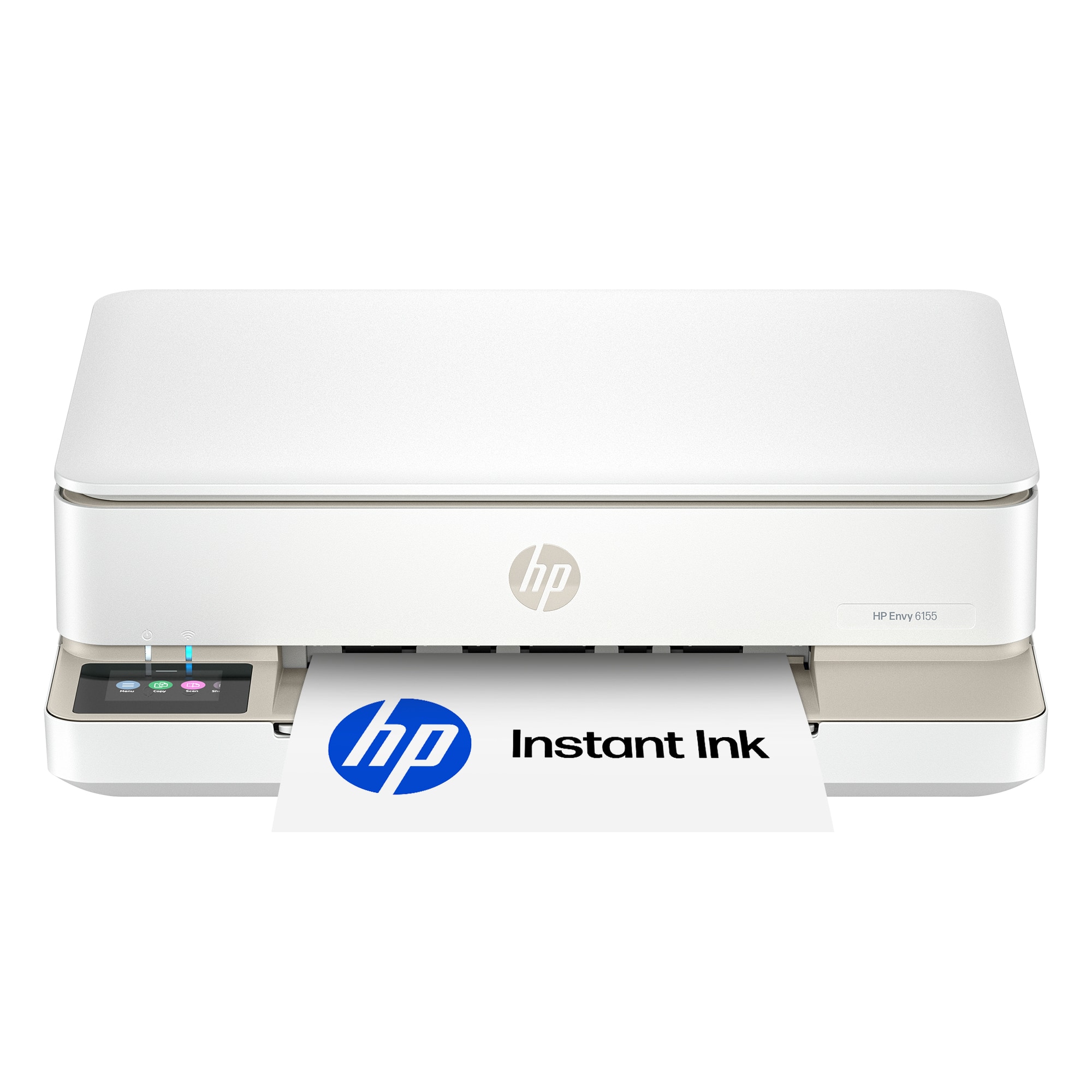
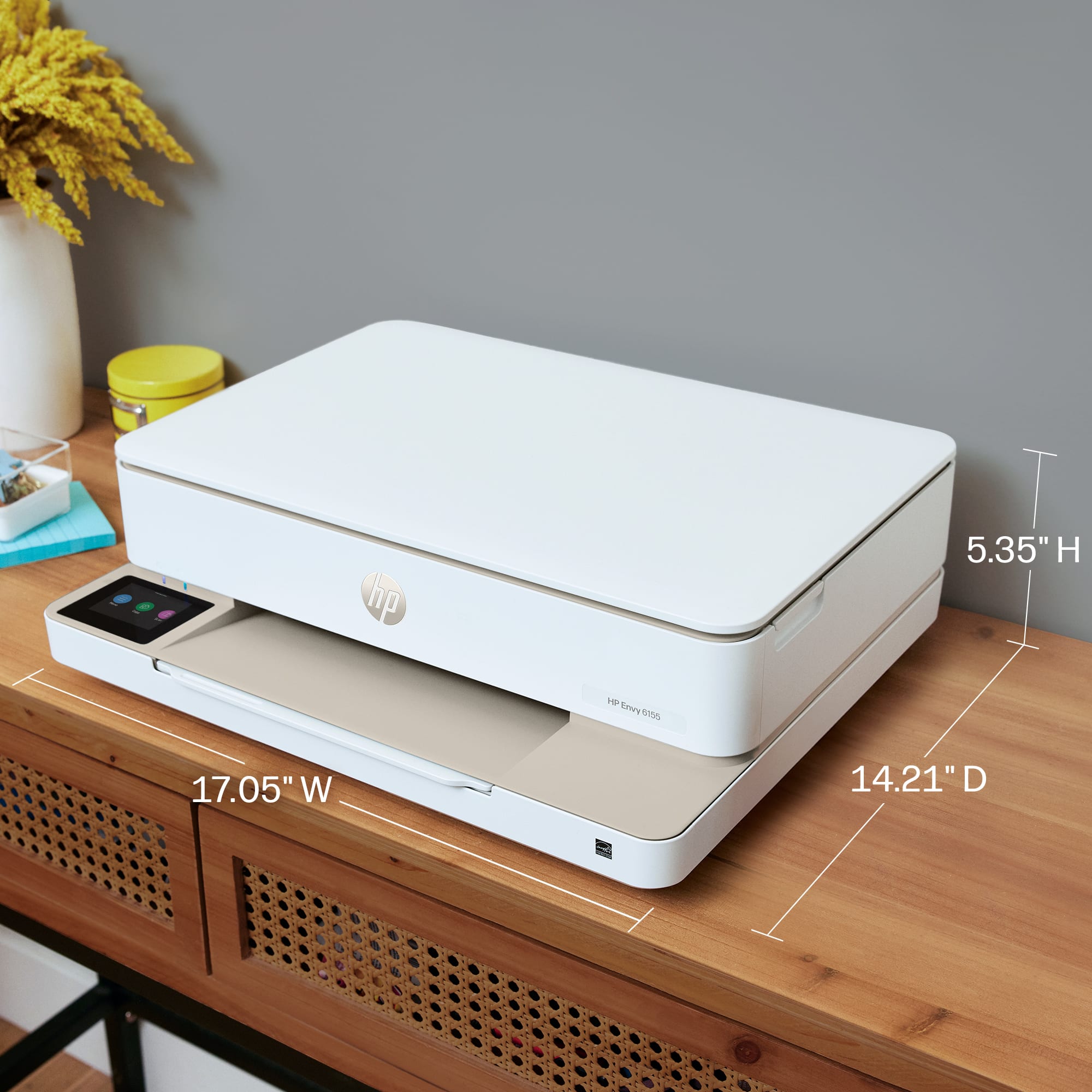
|Posted .This reviewer received promo considerations or sweepstakes entry for writing a review.For small footprint the HP 6155 does a good bit. Print, Copy, & Scan in a space that's not much bigger than a unit that only prints. The minimal design makes it blend in background without being too gaudy or with too many flashy lights. My daughter pretty much snatched the printer from me as soon as I got it set up. Connecting to wifi was easy and we had our first print in under 30 minutes. Windows is the main OS that will be feeding documents to the printer and there really wasn't any I had to do. After putting the printer on the network, windows saw it and I added it. Bam! Print out 2 minutes later. Print quality is pretty good. Not as crisp on with text as a laser, but still pretty good. On standard 20# paper there wasn't much bleeding and just a bit of overspray. Excellent for an inkjet. The test print was a maze to show how it handled solid lines, text, and minor graphics. While a bit slow it wasn't overly so. If we did black and white it would have bumped the speed a bit, but not a whole lot. So far we're pretty happy with the printer and look forward to putting it to some real use.
I would recommend this to a friend - Pros mentioned:Connectivity, Design, Print quality
A solid entry level printer
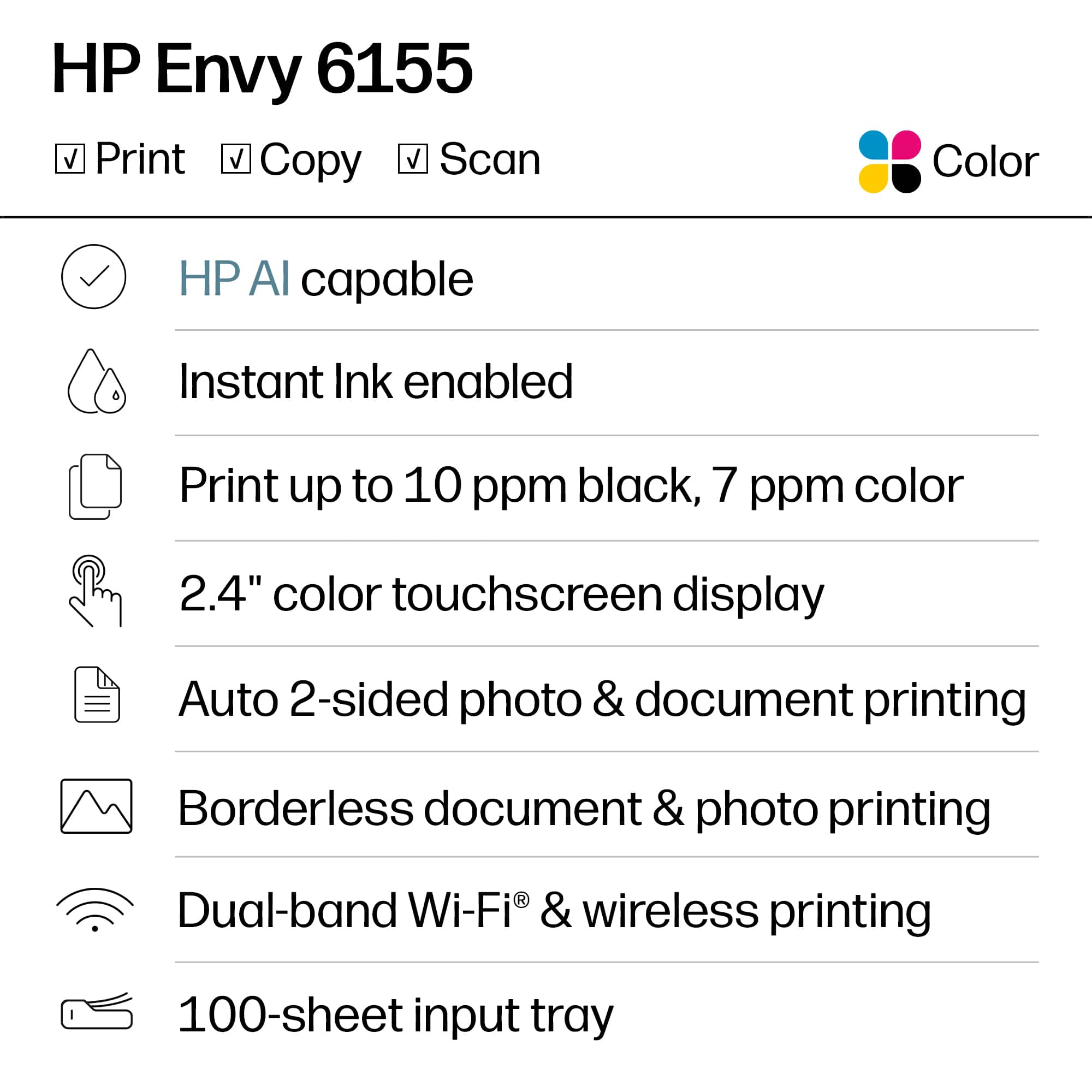
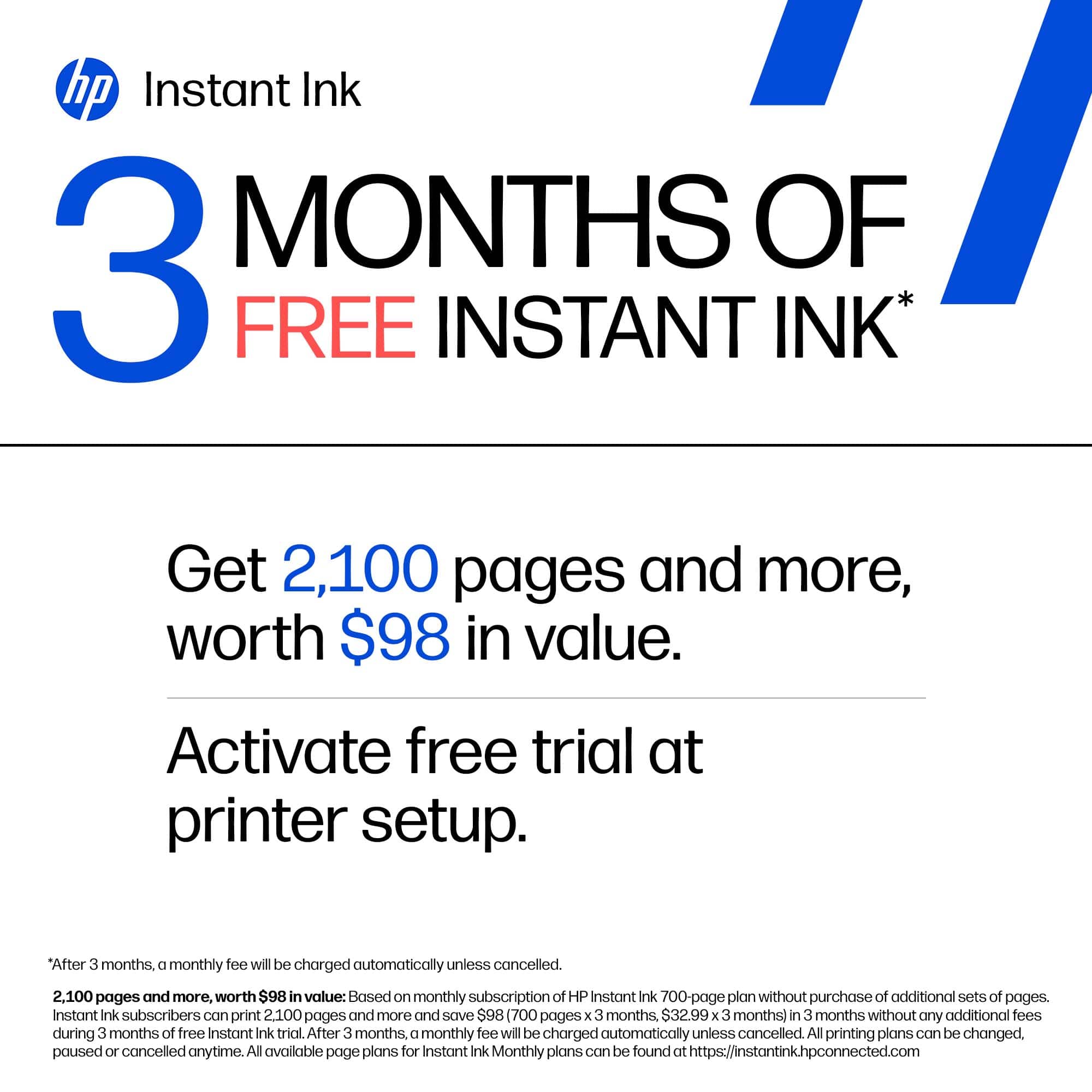
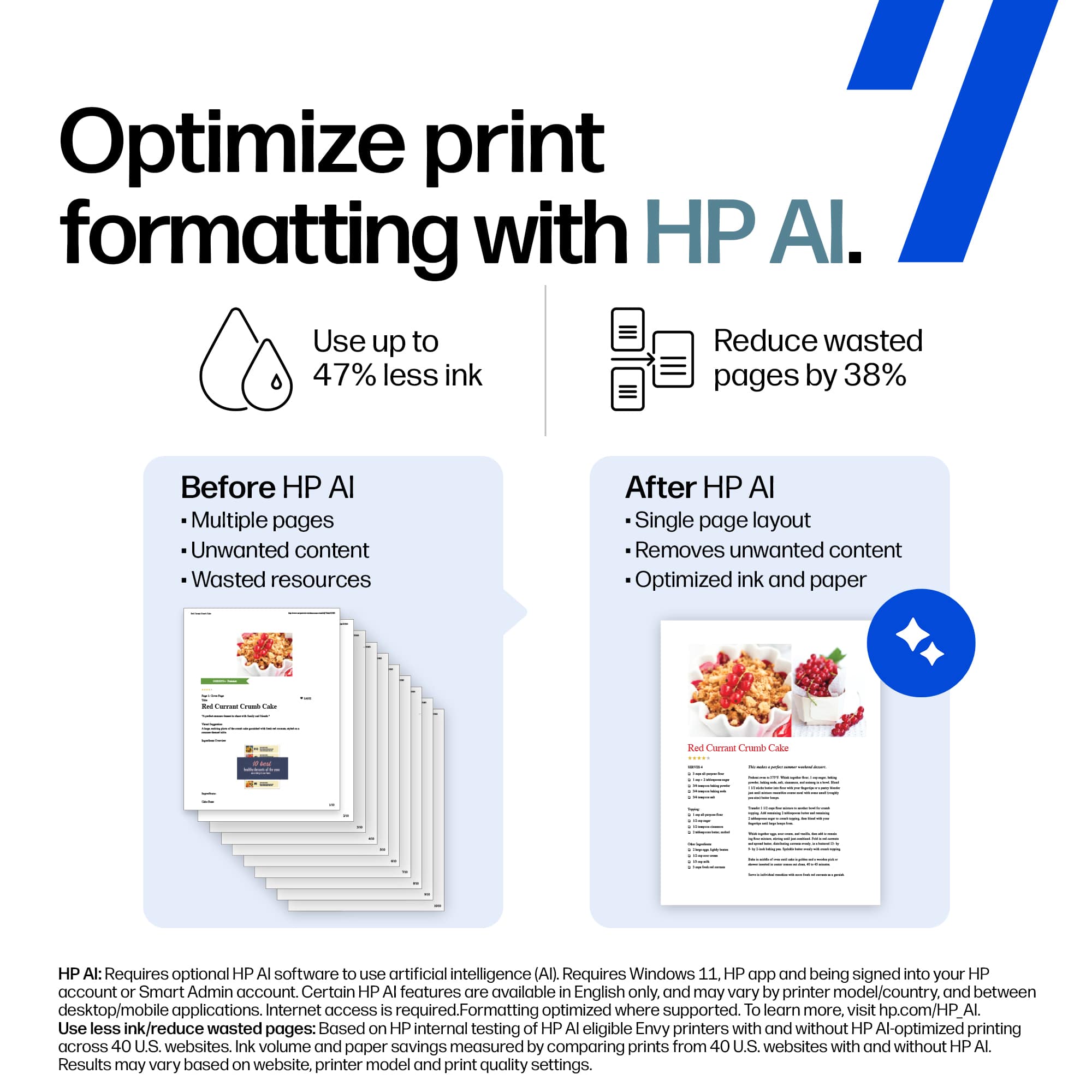
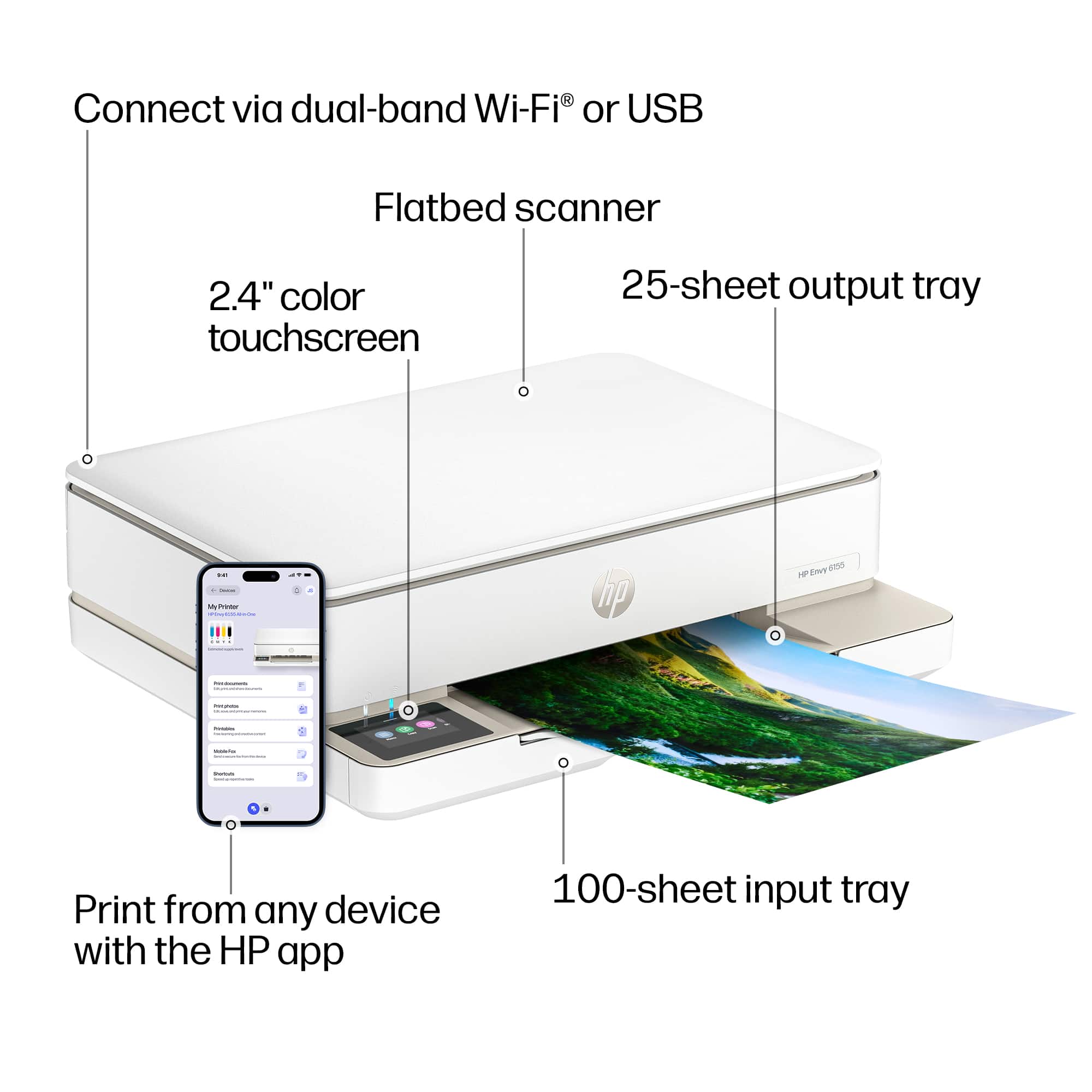
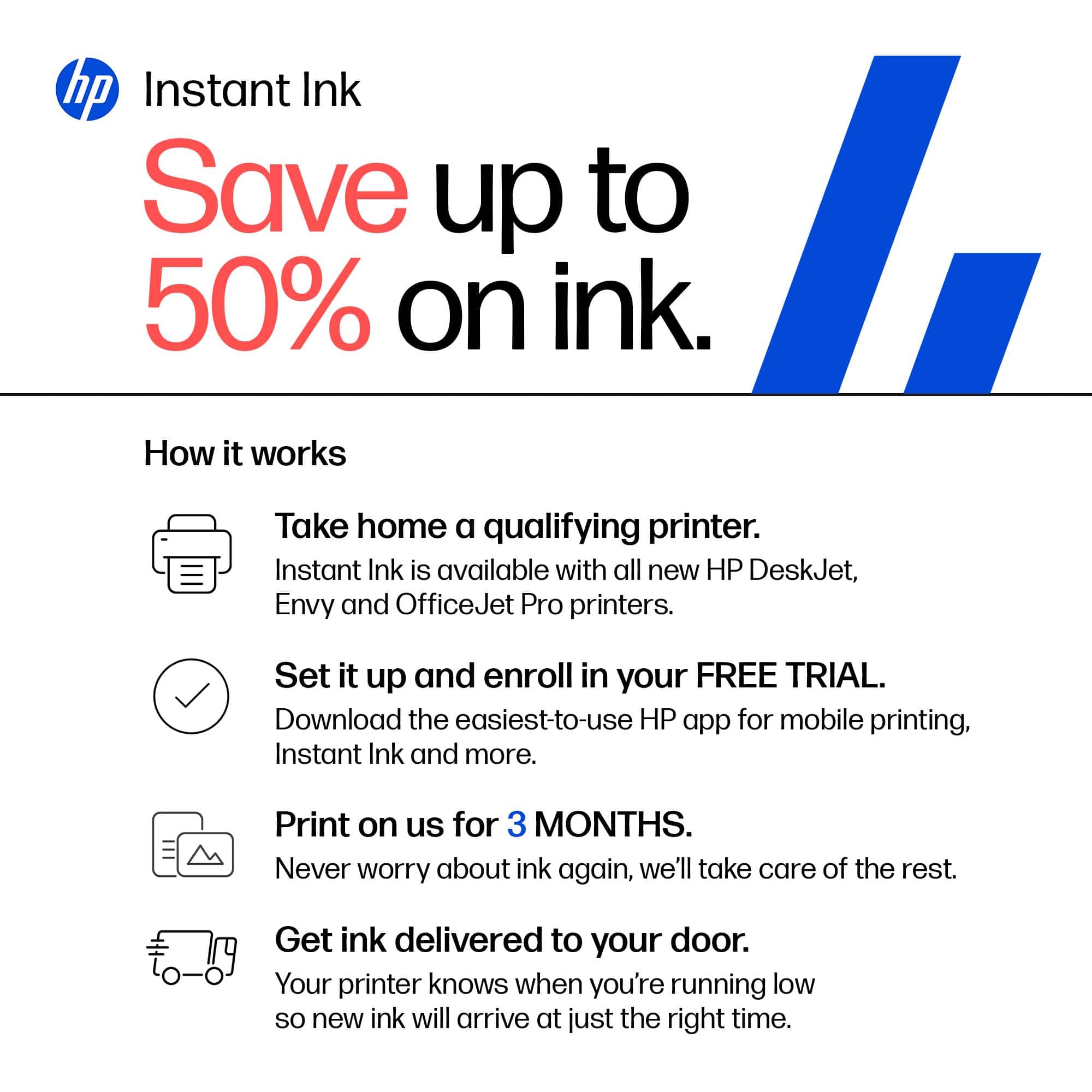
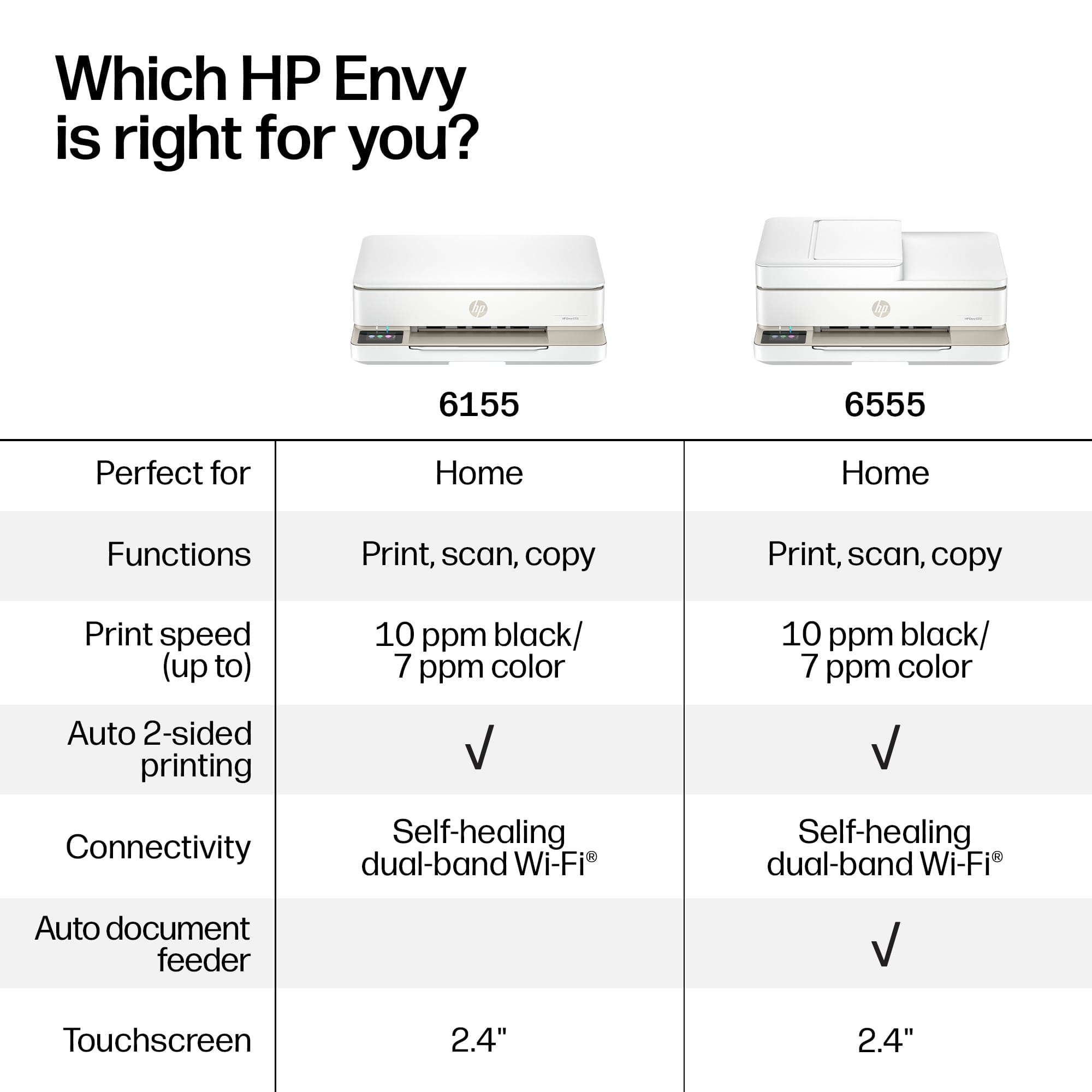
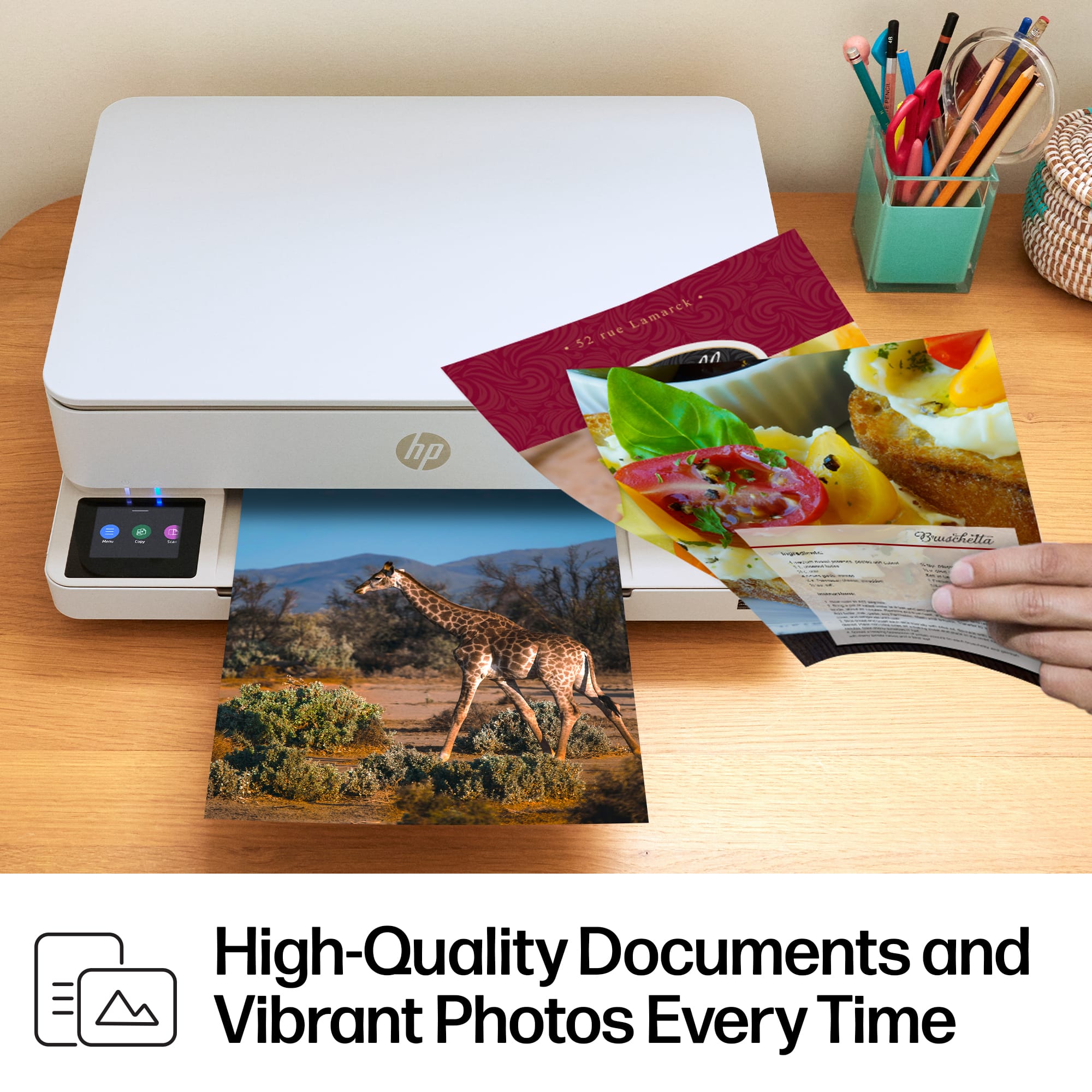
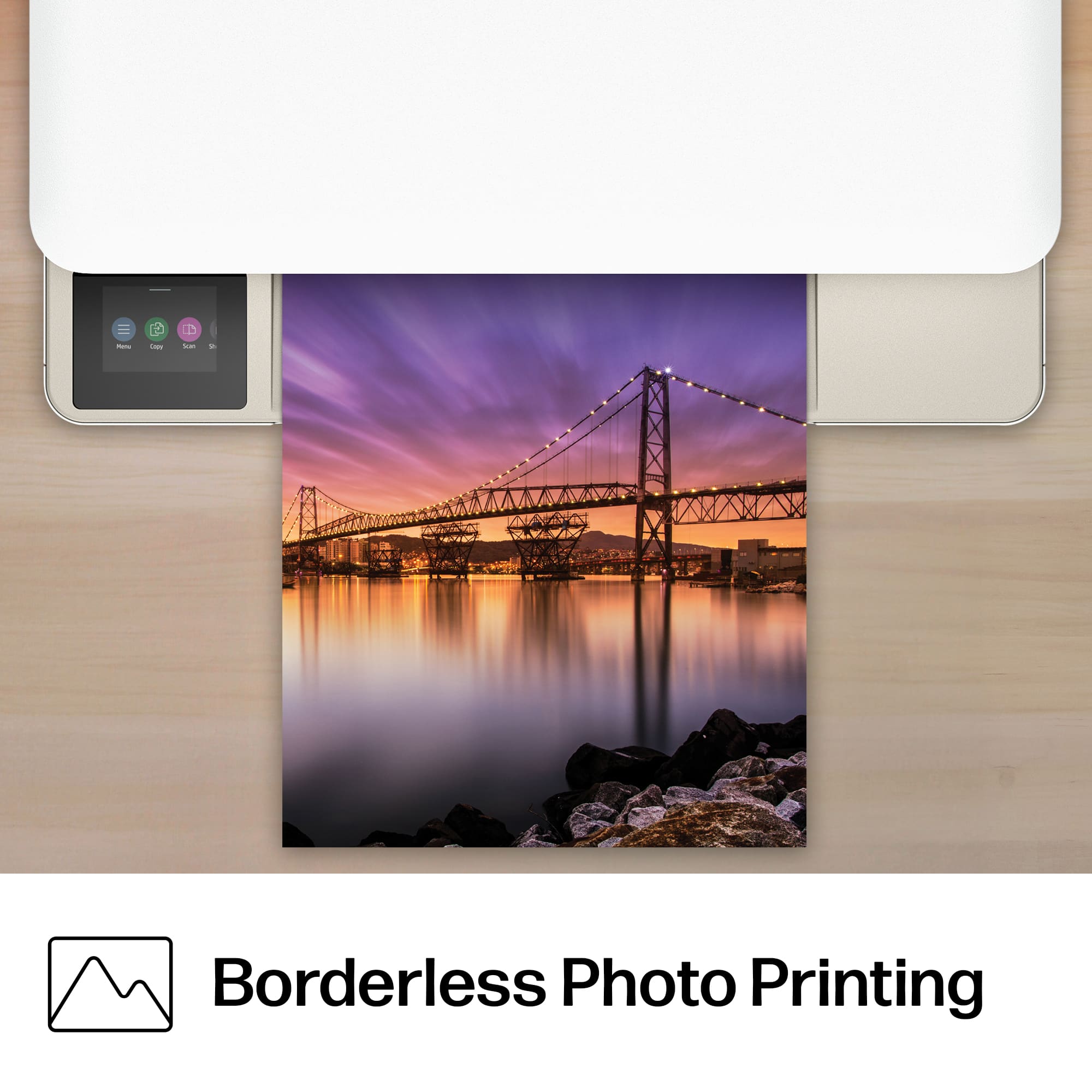
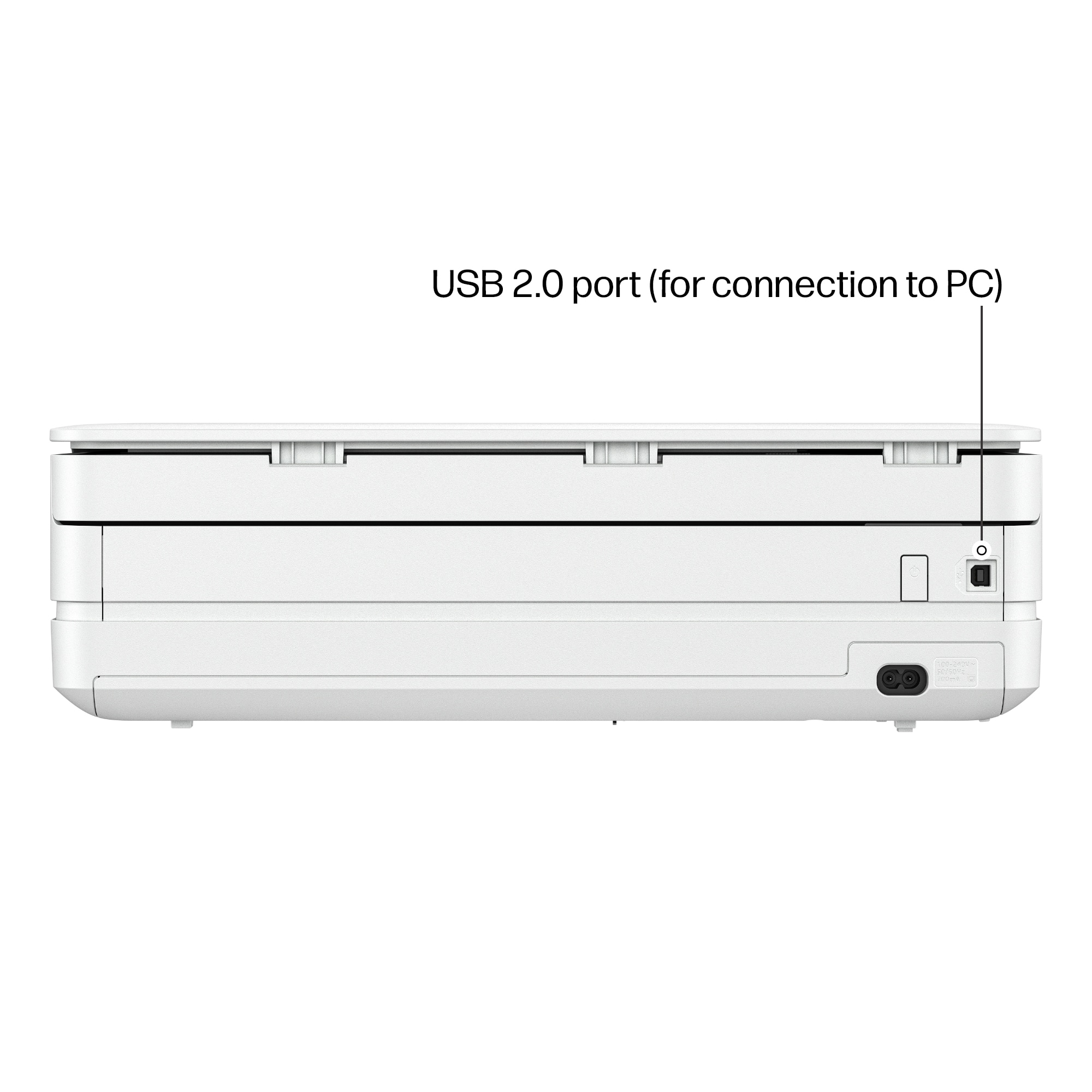
|Posted .This reviewer received promo considerations or sweepstakes entry for writing a review.The HP Envy 6155 is HP’s latest entry level inkjet printer to be released by HP. It is exactly the same as the other HP Envy 6155e save for one feature or rather limitation but let me explain that later. To start with, the HP 6155 is a basic printer scanner combo. But unlike other printers in its class, it has a sleeker form factor. First, it is thinner than most similar printers which makes it look sleeker in my opinion. It does not have a back fed auto sheet feeder but rather in front. For me I prefer this over my HP 4200 as the 6155 simply looks cleaner that way. HP claims the printer can load 100 pages. But in reality, that would really depend on the paper used. HP printer uses 20lb paper. However, I use 24lb paper, so really your mileage may vary but in that is just negligible. Setup is pretty simple. The power switch is located at the back and there is a USB port for those who want a wired connection but there is no cable included. But then again most HP printers are now wi-fi enabled. To setup the HP 6155 has a colored touch screen often found in higher models such as the 8100 series and not like my b/w screen in my HP4200. Unlike older models that rely on 2.4Ghz, the 6155 is dual band which makes setup a breeze. Of course, you would need to download also the HP Smart app from either the Windows or Apple Stores. There is also the legacy HP app available from HP, but that really adds bloatware for most Windows computers. HP’s Smart App is fine. As for print quality, output is at par with higher end models. Print speeds are up to 10 ppm in b/w and 7 ppm for colored. But obviously if you’re printing full page pictures, printing is slower. But unlike other entry level printers, it can do borderless and back-to-backprinting, something my HP 4200 can’t handle. The HP 6155 uses two cartridges – one black and one colored. Now some would prefer individual colored ink cartridges as obvious some colors would run out first. But if you subscribe HP’s Instant Ink program, this wouldn’t be a problem as once your ink starts to run low, you’ll already be sent a replacement cartridge. And this model comes with a free three month trial of Instant Ink. Now as to the difference between the 6155 and the 6155e, I have read elsewhere that the later is limited by HP+ features which in reality limits the printer to HP original ink. But if you subscribe to Instant Ink, this is moot. As for the the AI features, it’s mostly enabled most for wi-fi enabled HP printers. Personally, I really haven’t used AI features since it came save for cleaning scanned documents. Overall, this is a solid entry level printer.
I would recommend this to a friend - Pros mentioned:Ease of use, Overall performance, Print quality
Great print quality - perfect display position
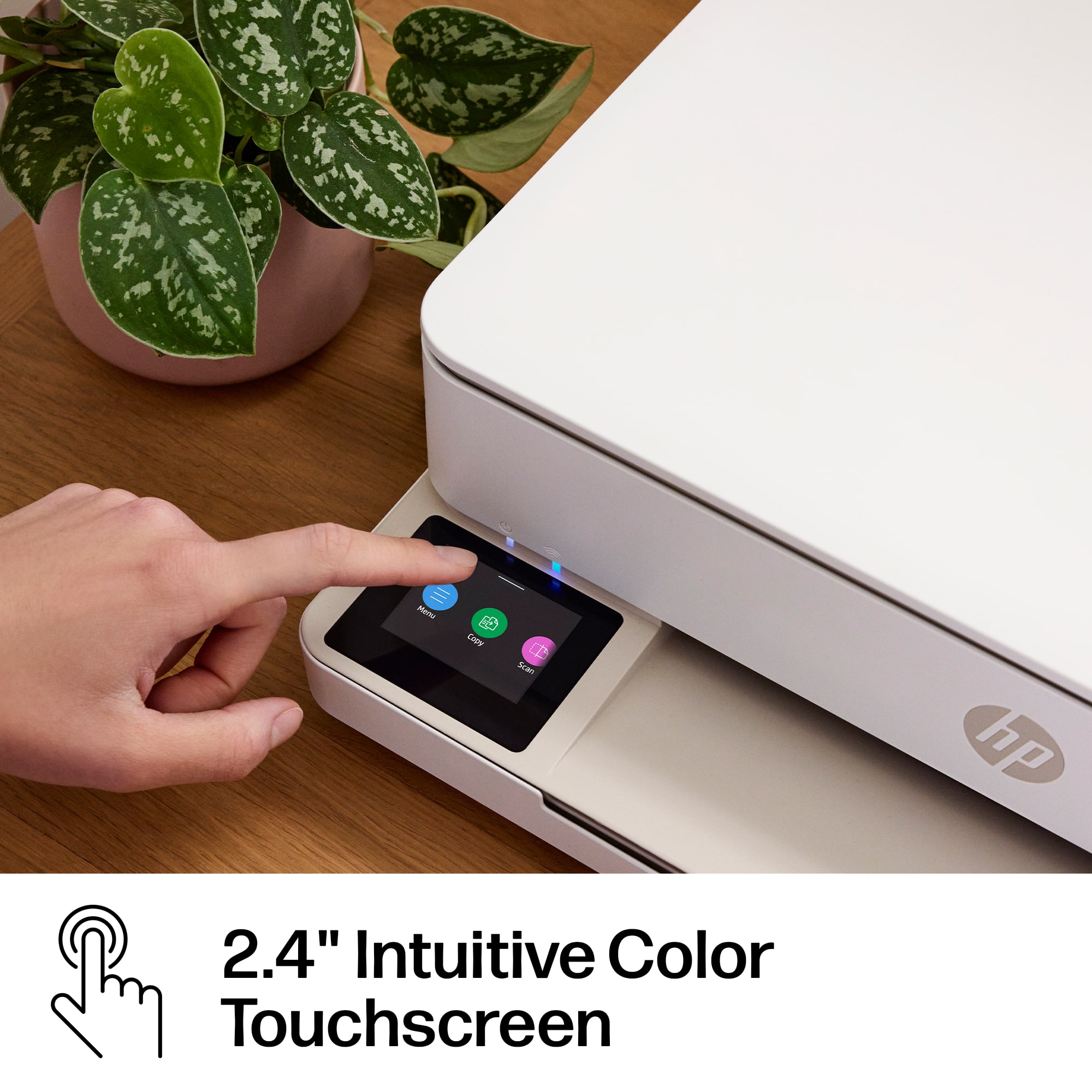
|Posted .This reviewer received promo considerations or sweepstakes entry for writing a review.The HP Envy 6155 came well packaged, with handholds on each side that make the box easy and comfortable to carry — a small detail, but one that shows thoughtful design. Setup is straightforward. The quick start guide is clear, simple, and easy to follow. The printer itself has a large, bright display positioned at just the right angle, making it easy to read during setup and everyday use. For installation, the printer gives you the option to scan a QR code or visit a website to complete setup and install the software and ink. The QR code didn’t work, so I switched to my phone. While I would have preferred to complete the entire setup directly on the printer, the mobile installation process was excellent — clean visuals, clear instructions, and very easy to follow. After that, I had to download additional HP software to connect the printer to Wi‑Fi. It wasn’t difficult, but it did feel like more steps than necessary. Once everything was up and running, the performance was solid. Print quality is good, colors are accurate, and the speed is perfectly acceptable for home use. I printed four full‑color labels, and they came out crisp and clean. Overall, the HP Envy 6155 delivers good print quality and an easy setup experience, with just a few extra steps that could be streamlined. It’s a reliable choice for everyday printing needs. I also like the HP Ink option - a monthly service and they send you ink when needed.
I would recommend this to a friend - Pros mentioned:Connectivity, Print quality
Works well for our basic needs.
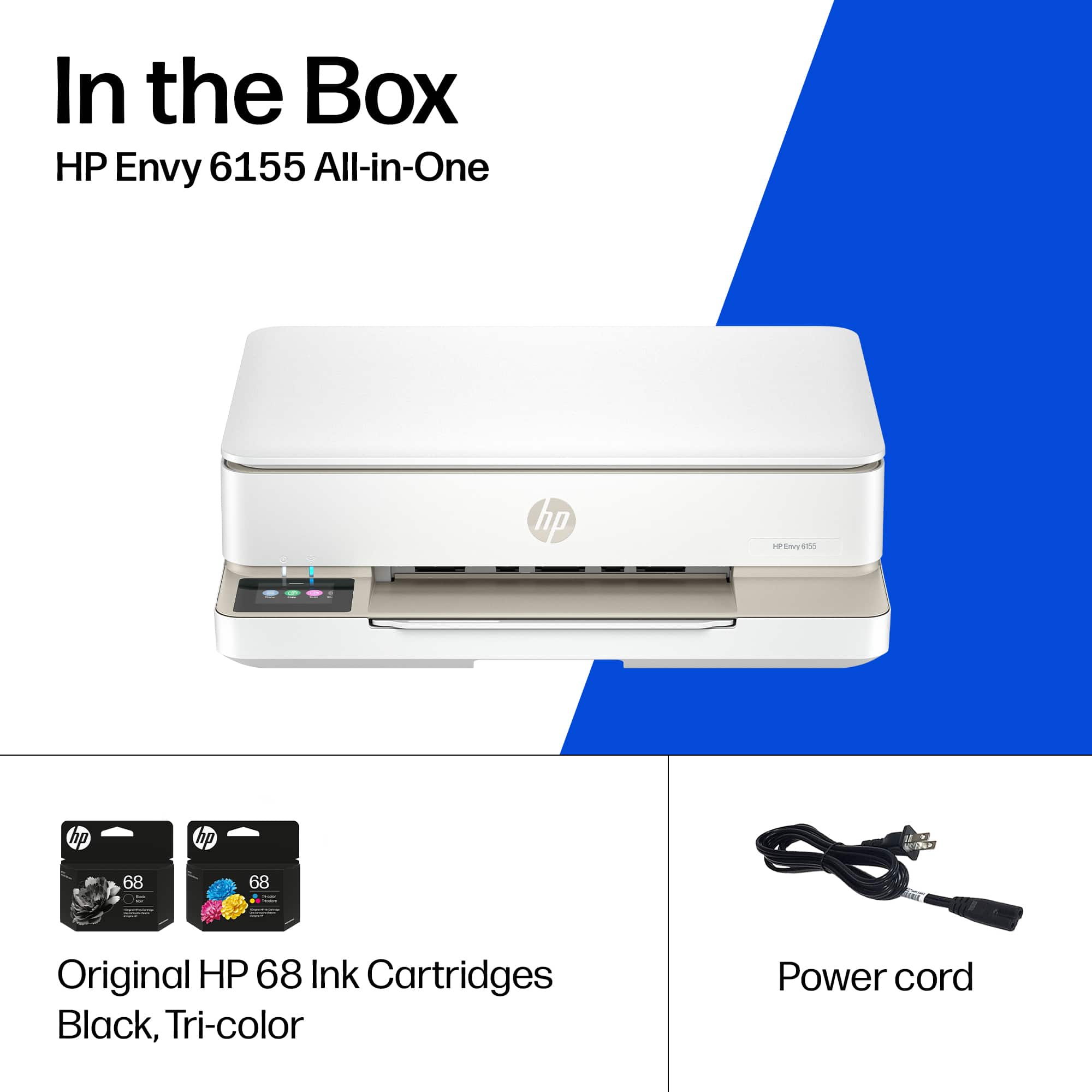
|Posted .This reviewer received promo considerations or sweepstakes entry for writing a review.I haven’t had a printer for many years. Never really needed one and my best friend( roommate ) had an old one that had to be hard wired to his desktop computer. Unfortunately it stopped working properly recently and I have been having to ask people at one of my work sites to print me a few different forms. But mainly they were Amazon return labels. I didn’t want to continue to bother them, so I decided to give this wireless printer a try. So far it’s been great with no issues. Set up was very easy and done in about 10 minutes after signing into the hp app. It will automatically detect the printer and set everything up for you. Pretty straightforward and I’m sure people who aren’t tech savvy will appreciate the easy process. When setting up it will ask you to align the printer, print a copy and help you with the scanning part of the printer. All together took 15 minutes max. Prints come out clear and vibrant. Air printing works amazingly, now I don’t have to have it connected right next to my Pc. I can place anywhere in the house and the whole family can access it easily. This model comes with 3 free months of “instant ink” though we do not need that option as we will not use it as often as others. So we declined that offer. You can use the 2 ink cartridges that comes with it and just replace as needed. Great news as you aren’t stuck with something you do not need. But yes it works well, looks nice and is wireless. You really can’t ask for much more. Only issue I have is that to my understanding you can only use HP ink and no 3rd party brands. While I get why they do this. I like being able to have the option. But the prices of the blank and color inks are not very expensive. So that’s fine. Also I’d say the msrp is reasonable but try to get it on sale if possible.
I would recommend this to a friend - Pros mentioned:Print quality
Great printer for small home or room.
|Posted .This reviewer received promo considerations or sweepstakes entry for writing a review.HP has been in printing industry for decades and I have been using HP since the 90's. Anyway back to this printer the HP ENVY 6155. Box was pretty low carbon footprint. Plastic bag is recyclable. Most of the packing is cardboard except the foam glass protector and the tape to secure the printer. Setup was super duper easy. Pull printer out. Unpacked, powered on, installed the app, follow step by step instructions on the app. It comes with 3 months of free ink. I signed up for the free ink. If you don't have an HP account you will need to sign up so you can proceed. Size is small size for a multi function and small room use. Touch as screen is easy to use. Print speed is decent. Color and detailed print is good. Scanning and copying is straight forward. No document feeder so you have to feed individual pages 1 at a time. App use is easy. They use a combination of web based and app based interface. Color is modern white sleek look Solid small home or room printer. Great buy. Would recommend.
I would recommend this to a friend - Pros mentioned:Connectivity, Ease of use
Good printer but missing some features
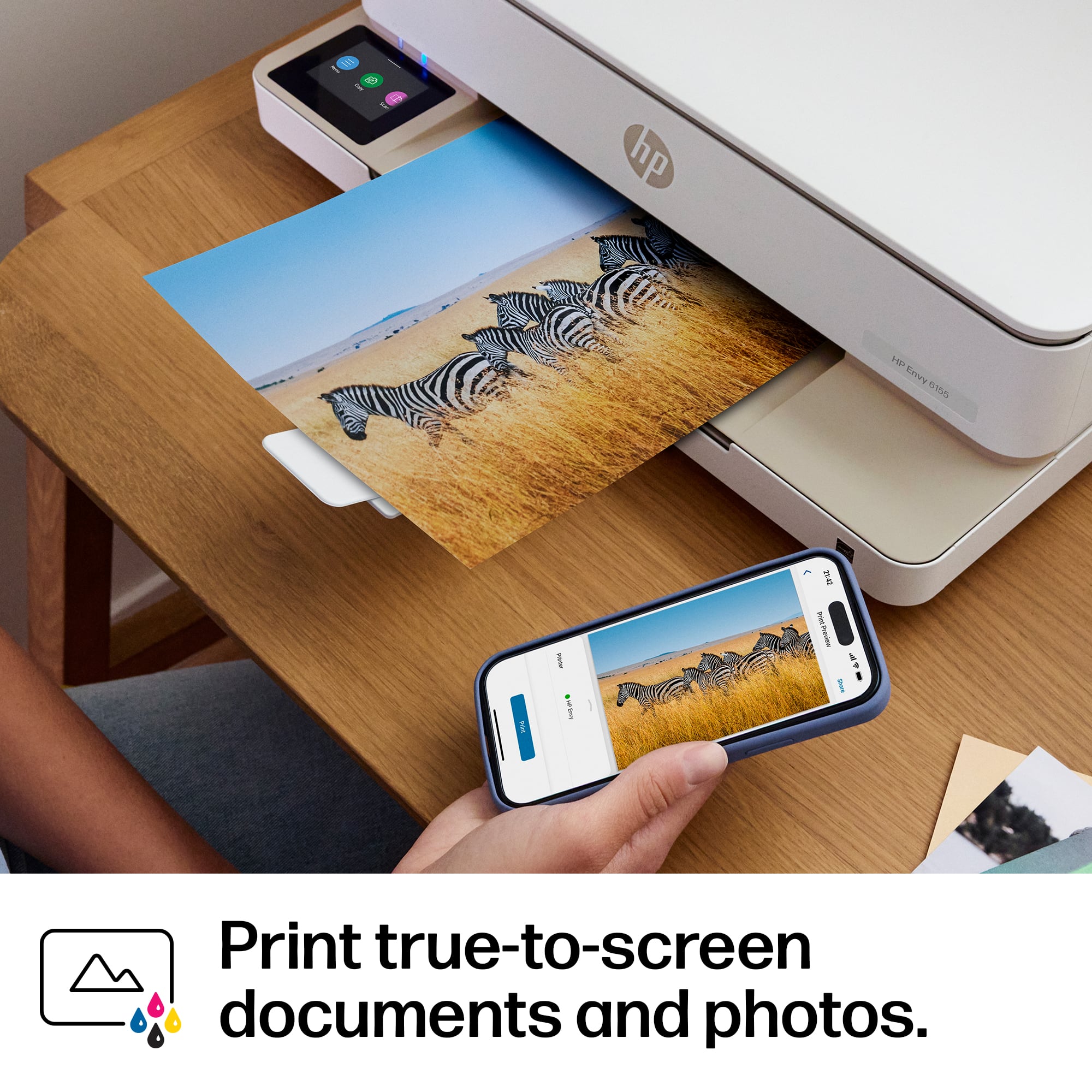
|Posted .This reviewer received promo considerations or sweepstakes entry for writing a review.This was very quick and easy to setup, I already have an older HP printer so I had the app. Connection was instant to my iPhone, iPad and WiFi. This also comes with an instant ink subscription , which I recommend. If you’re not familiar with it, they keep track of your ink levels through Wi-Fi on your printer and send you ink automatically. There are different plans with the lowest being $1.99 a month for 10 pages. I posted that because it recently is due to go up in price. The color screen is easy to reach and navigate through, it enables you to change settings and also copy scan or print. I have an older Mac laptop and desktop, which don’t even connect to my current printer, and I tried connecting with this one and all it keeps saying is off-line, I made sure I was on the same network and still says off-line. The size of the printer is fairly small, it’s not bulky at all and it’s lightweight. I just wish it came in black. The photo quality was good but while using the HP app or just printing through my phone I could never get the whole picture to print, I tried four times and every time it was half a picture no matter what setting I had it on, thankfully I don’t print very many pictures. (See pics below). It also would not print photos unless the tray was full of paper. I moved on to print our insurance cards and they came out very small. Turns out no matter what paper setting I had in the app. I had to change it on the printer itself. I had to modify the paper settings every time, this was getting a bit annoying. I also think that it prints a bit slow and loud. The paper tray seems a bit cheap and I really miss the separate trays that they used to have for photo paper and letter paper that made it so convenient because you didn’t have to remove the paper each time you wanted to print. The output paper tray is just a small flimsy piece of plastic. This prints good for everyday use, I will use it as backup when my printer finally quits but I still prefer my older HP printer over this one, the features and quality just don’t seem to be there anymore
I would recommend this to a friend - Pros mentioned:Overall performance, Print quality
Excellent for Home Use
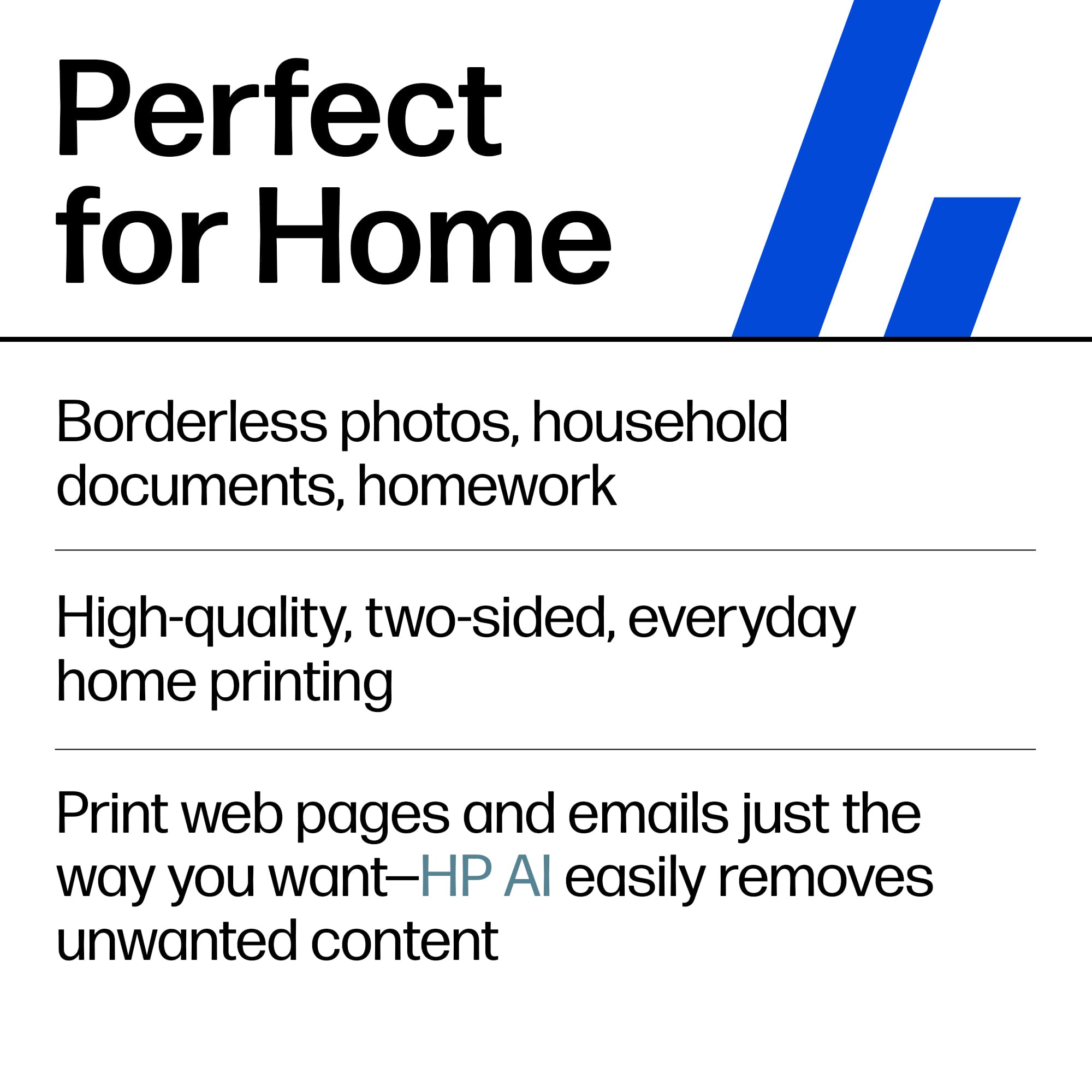
|Posted .This reviewer received promo considerations or sweepstakes entry for writing a review.This is a great printer for home use. Every once in a while, family members need to print something, whether it’s a label for returns, school projects, or documents. This printer can handle it all. The all-in-one design also includes a scanner. Design The printer is fairly compact and doesn’t take up much space. It looks and feels premium, with an attractive white finish. It relies heavily on the touchscreen and companion apps, and the touchscreen is generally responsive and easy to use. Setup Setting up the printer took some time, though that was likely due to my router, which can be particular when new devices join the network. HP recommends using the mobile app for setup, so I tried both an iPhone and an Android device. I started with the iPhone, but when that didn’t fully work, I switched to Android. It turns out the iPhone setup was only partially successful as the printer connected to my Wi Fi 7 network, but the router did not assign it an IP address. The Android setup also took quite a while, so I decided to use the printer’s on-screen setup instead. That process was faster and worked well, and the printer now connects to my Wi Fi 6 network. Performance Overall, this is a very good printer. I printed a shipping label wirelessly on label paper, and the result was excellent. It also handled document printing well. Print speed is average, though I would have liked it to be a bit faster. Wireless printing from mobile phones is convenient, practical, and easy to use. Printer cartridges can be expensive, so HP offers a subscription-based ink model. The printer also came with a free three-month supply of ink to help you get started. Conclusion This is a great printer for home use.
I would recommend this to a friend - Pros mentioned:Design, Print quality
A reason to be Envied
|Posted .This reviewer received promo considerations or sweepstakes entry for writing a review.I've printed a whole lot of documents, photos and event passes, from many an HP ink jet. For the most part, they've been decent units. Until my last one. The 4100 series has me questioning if I wanted to revisit the Hewlett-Packard brands for my copy experience. Not that it was a terrible experience. It just felt lacking in a few departments. But thank all that tech-centric, that the Envy 6100 not only improved on my old printer, but exceeded my expectations. The full-color touch screen, alone made me feel like research and development was listening to us. A paper tray. I know. It sounds mundane, yet obvious. But no. I was missing that feature. I like to have paper ready to do a workload that's larger than 25 sheets. And fast? I can appreciate that it can print double sided with efficiency while staying pretty quiet. Using the app can still be tedious and setup did require a restart, but once it was up and I was signed in, it was showtime. I also like how easy it is to install and replace ink cartridges. And the design just looks sleek yet productive. Basically, it will look good at home or in your office space. I finally signed up for the ink program. That should tell you how much faith that I have in this one. So yes. I think my friend Envy my new printer. Yours can Envy you, as well. Put it in your cart.
I would recommend this to a friend - Pros mentioned:Design, Ease of use, Print quality
The summer traveling printer
||Posted . Owned for 1 month when reviewed.This reviewer received promo considerations or sweepstakes entry for writing a review.Easy setup and use. Love the compact design. Print quality is great. Just what we needed in our 5th wheel RV.
I would recommend this to a friend - Pros mentioned:Connectivity, Ease of use, Print quality
Hp printer
||Posted . Owned for 1 week when reviewed.This reviewer received promo considerations or sweepstakes entry for writing a review.This printer is so easy to use. Connected all my devices with mo problem. The printing is very clear. Exactly what I needed
I would recommend this to a friend - Pros mentioned:Ease of use, Overall performance, Print quality
Printer
||Posted . Owned for 1 week when reviewed.This reviewer received promo considerations or sweepstakes entry for writing a review.The new HP printer we purchased was so fast and easy to set up and works great!
I would recommend this to a friend - Pros mentioned:Ease of use, Overall performance
Super Easy!
||Posted . Owned for 1 month when reviewed.This reviewer received promo considerations or sweepstakes entry for writing a review.Great printer, easy to use, super easy to set up. Great price!
I would recommend this to a friend - Pros mentioned:Design, Ease of use, Overall performance
HP Envy 6155
||Posted . Owned for 3 weeks when reviewed.This reviewer received promo considerations or sweepstakes entry for writing a review.Excellent printer, easy to set up and use. Looks sleek in my office.
I would recommend this to a friend - Pros mentioned:Connectivity, Overall performance, Print quality
Works great and provide good prints!
||Posted . Owned for 1 week when reviewed.This reviewer received promo considerations or sweepstakes entry for writing a review.Works great and provide good prints! Able to use WIFI anywhere.
I would recommend this to a friend - Pros mentioned:Design, Ease of use
thank Matt for this one
||Posted . Owned for 1 week when reviewed.This reviewer received promo considerations or sweepstakes entry for writing a review.Matt showed me a variety of printers, this was his first suggestion and he was spot on. It works very well, easy to set up and has a sleek design that works well on home environment. Thank you to Matt for steering me to this very nice printer.
I would recommend this to a friend - Pros mentioned:Connectivity, Print quality
Excellent, reliable printer
||Posted . Owned for 1 week when reviewed.This reviewer received promo considerations or sweepstakes entry for writing a review.I’ve been using this printer and it has been fantastic. It was incredibly easy to set up, and the print quality is sharp and clean for both documents and photos. The wireless connectivity is seamless, and having the scanner and copier built-in is super convenient. Highly recommend it!
I would recommend this to a friend - Pros mentioned:Design, Print quality
We'll see
||Posted . Owned for 1 month when reviewed.This reviewer received promo considerations or sweepstakes entry for writing a review.I purchased this after buying an epson printer that didn't work straight out the box so I returned it and got this one. We haven't used it enough but I can say it is sleek and fits nicely on a small desk area. My husband used it and said it prints, so that's a good sign! Lol
I would recommend this to a friend - Pros mentioned:Overall performance
Easy set-up and decent performance
||Posted . Owned for 1 week when reviewed.This reviewer received promo considerations or sweepstakes entry for writing a review.If all else fails, read the set-up directions. I, of course, didn't which explains why it took me a little extra time. Free form time excluded, this set-up was smooth and pretty dang fast. Im sure there are fancier printers out there, but this one is a good performer at $110 on sale.
I would recommend this to a friend Does what it should, easily and reliably
||Posted . Owned for 1 week when reviewed.This reviewer received promo considerations or sweepstakes entry for writing a review.We bought the HP Envy 6155 for home because we've both had years of experience with HP printers in the office. Setup could not have been easier: unpack it, plug it in, and you're ready to copy. Connecting to WiFi was easy, too. Printing is very quick, but that means a little more noise than you might be used to, which is a small sacrifice. Where things get a little wonky is that you have to set up a sort of account for users. Then, when you copy or scan, you need to use the display on the unit to tell it which user should get what you're scanning. OK, that makes sense. But then you have to tell it whether you want to receive that scan by email (yes, you have to give the machine an email address for each user), or you want the scan to go to the mysterious cloud. HP's clarity here takes a hit; I've scanned several things to the cloud, and they don't 'make it easy to figure how to get it from the cloud to your actual computer. Scanning to email is pretty reliable, although it takes a (very) short while to get to your email. Scanning to the cloud? I'm baffled. And HP's guidance there was not plentiful and not helpful. Beyond that, we have no complaints at all. Also, we signed up for the "HP Instant Ink" program, which (apparently) monitors usage of the unit and sends ink when it senses that we're getting low. And those replacement ink cartridges are a heck of a lot less expensive this way than going to any store and getting them there. We're looking forward to that, even if it is a little spooky that HP is monitoring how many pages we're printing so they can send us ink when we need it. I guess that's a small price to pay for a great and inexpensive convenience.
I would recommend this to a friend