Customer Ratings & Reviews




- Model:
- WDBNHE0020BWT-HESN
- SKU:
- 6341751
to a friend
Customers are saying
Customers are impressed with the Smart Photo Manager's storage capacity, ease of setup, and sharing features. They appreciate the 2 TB of storage, find the device easy to set up and use, and enjoy the ability to share photos with others. However, some customers have expressed concerns about the lack of organization options, such as the inability to easily create albums or select multiple photos at once.
This summary was generated by AI based on customer reviews.
- Pros mentioned:Storage

Nice wireless storage device
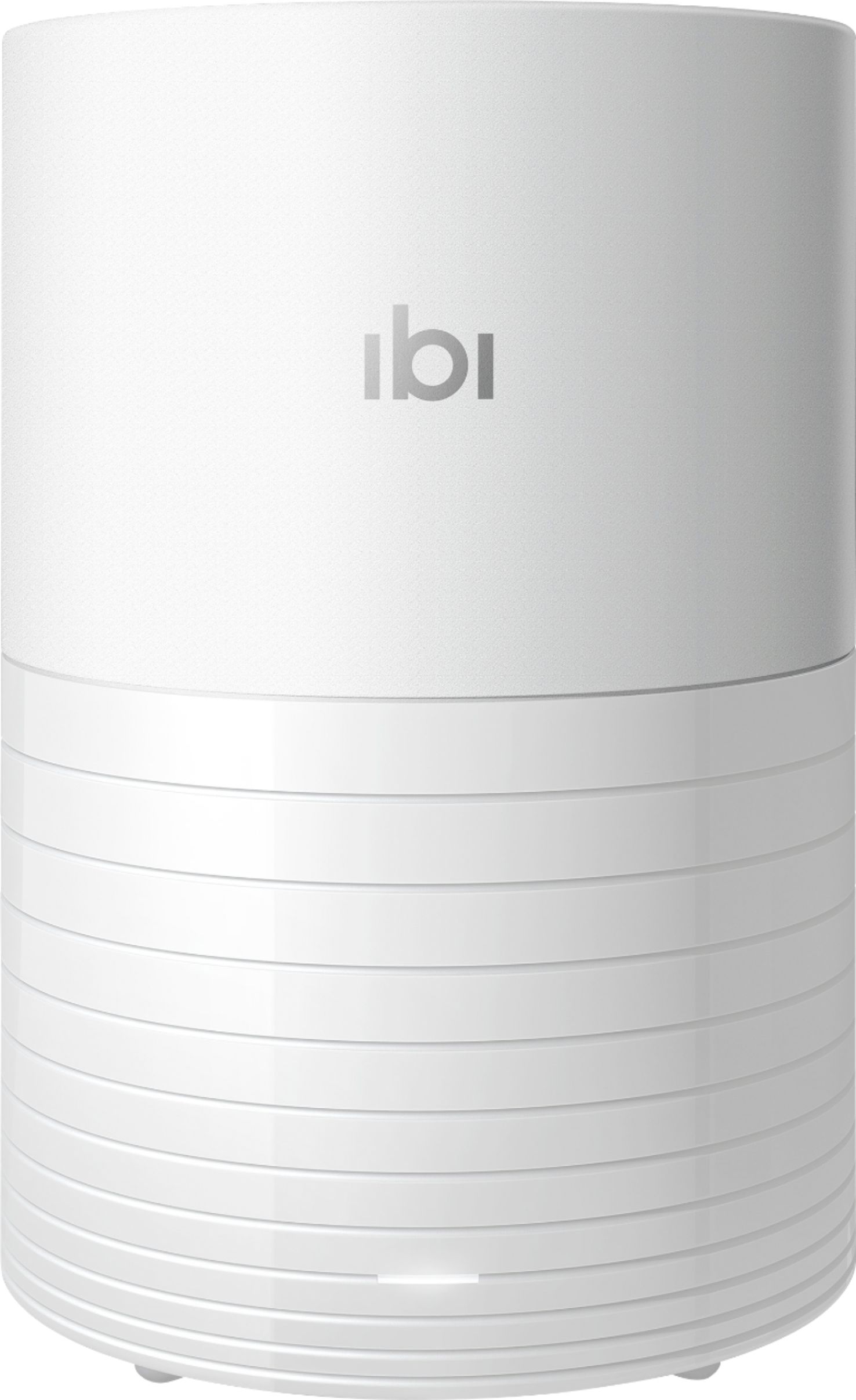
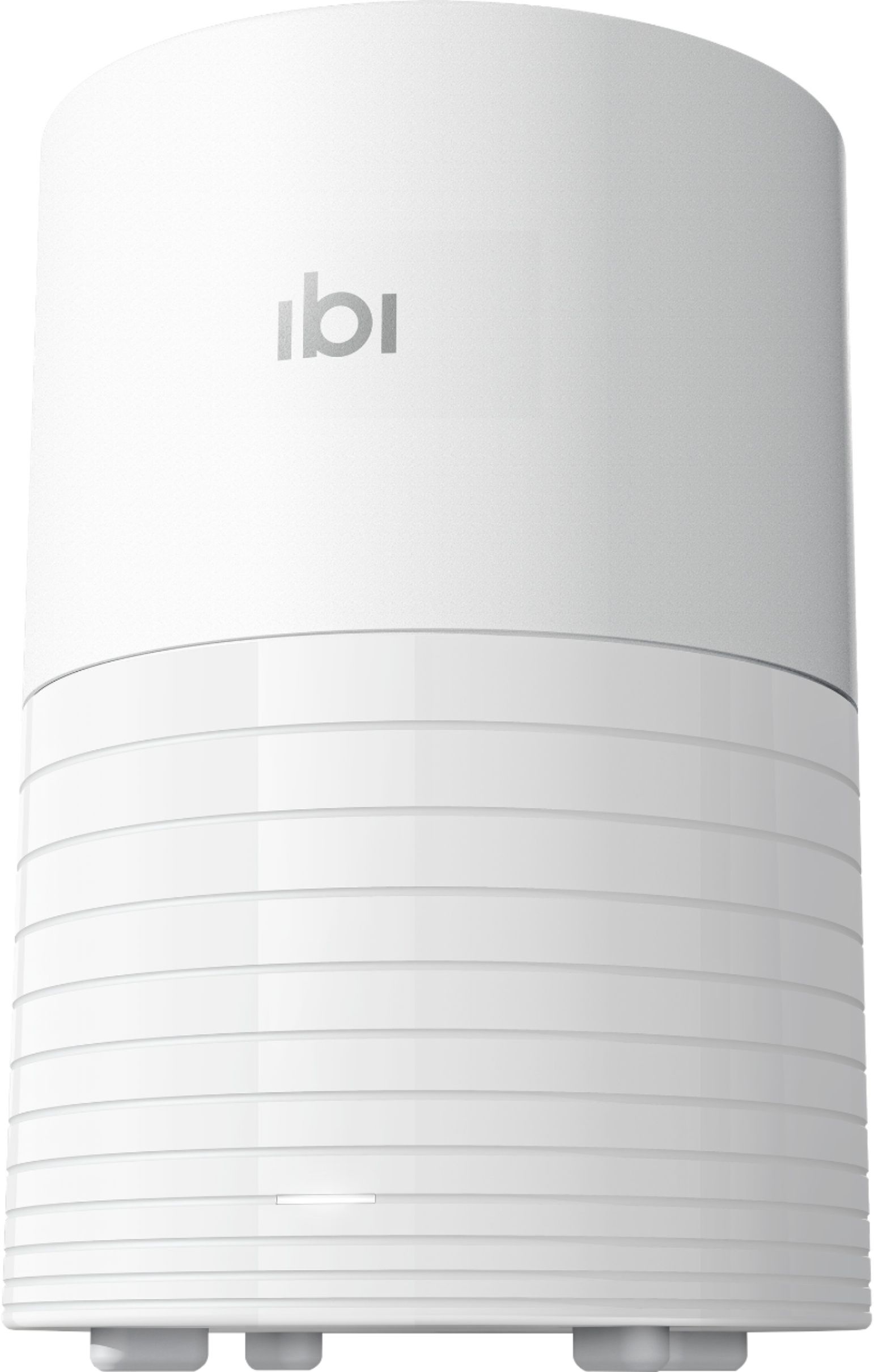
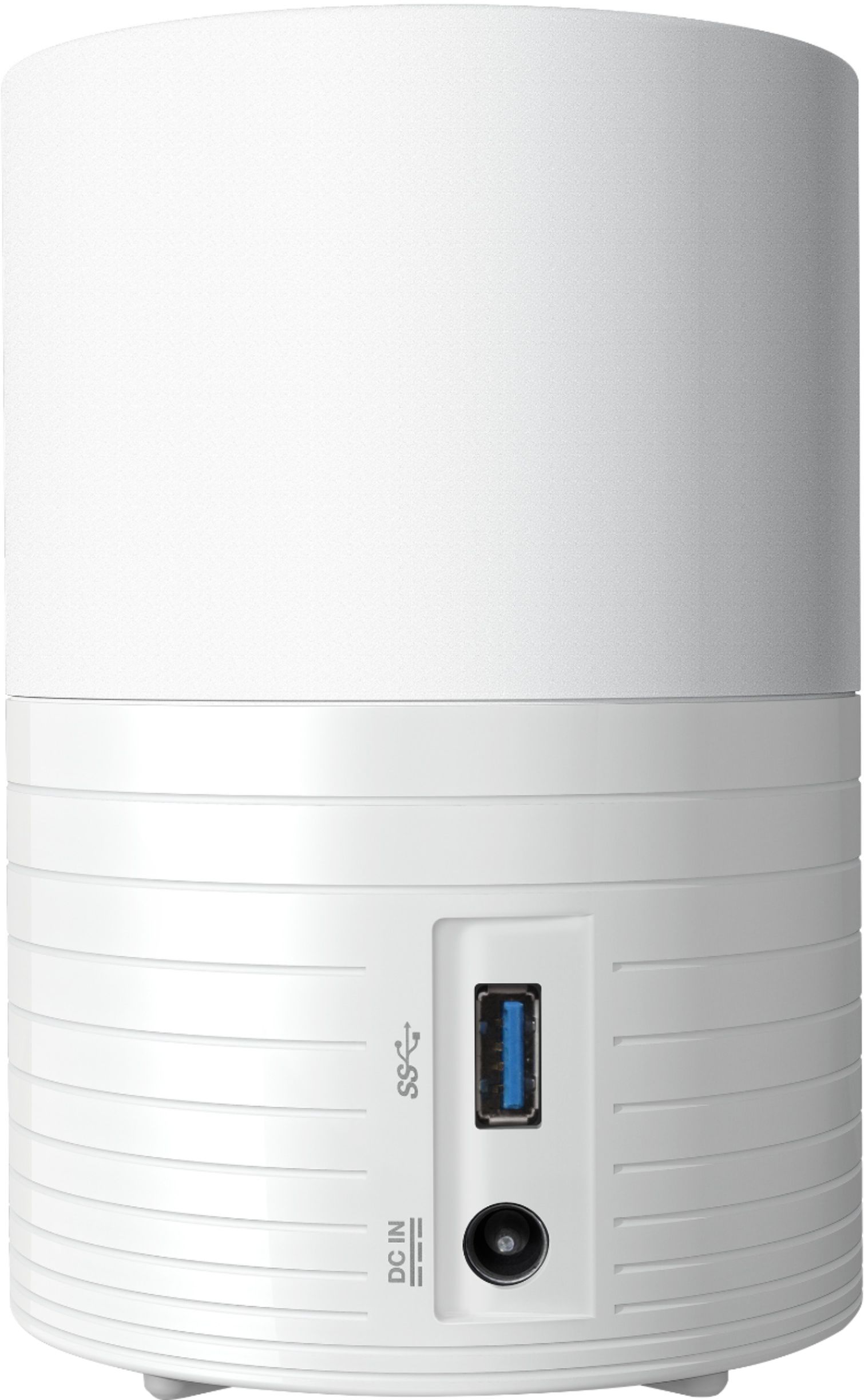
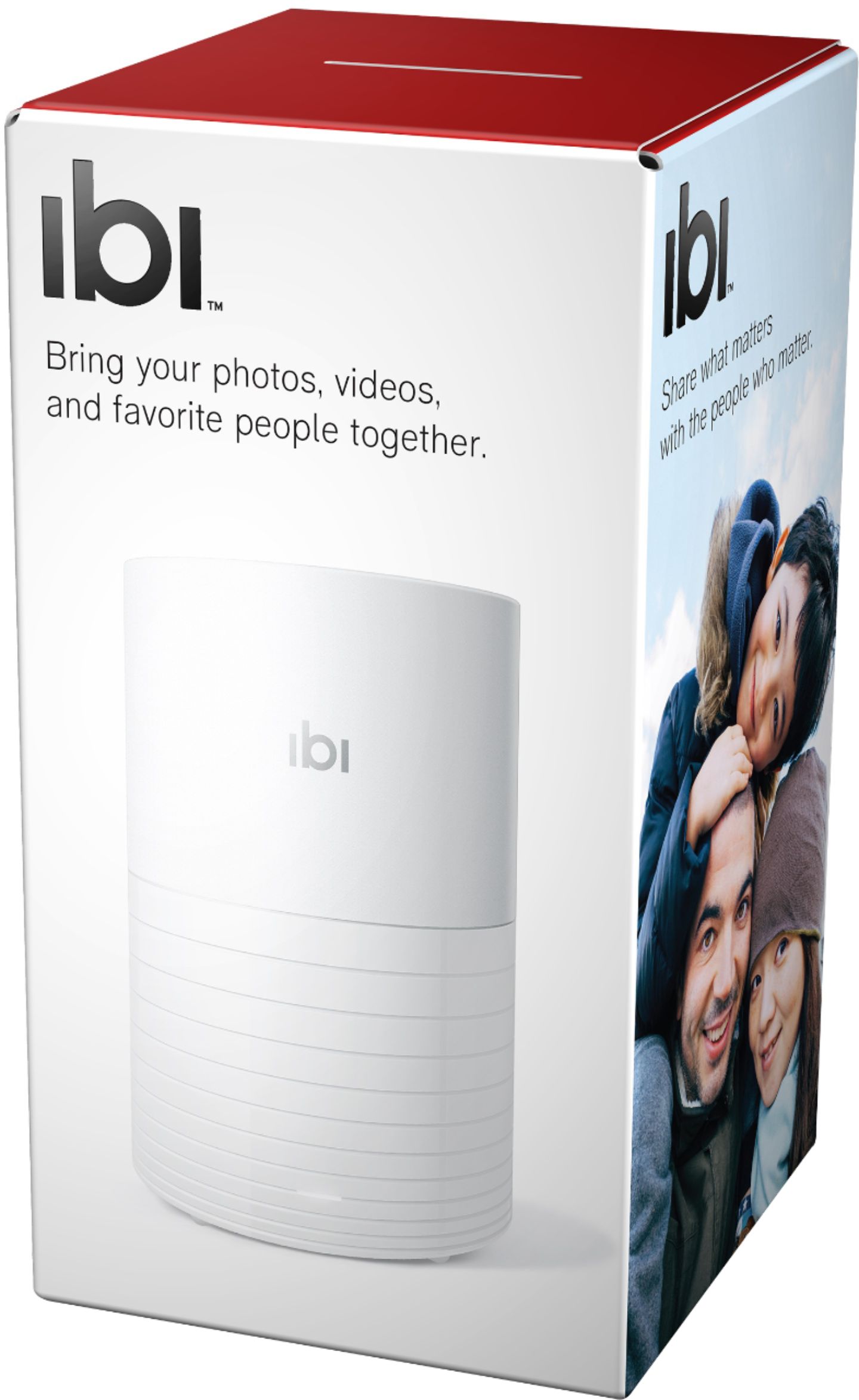
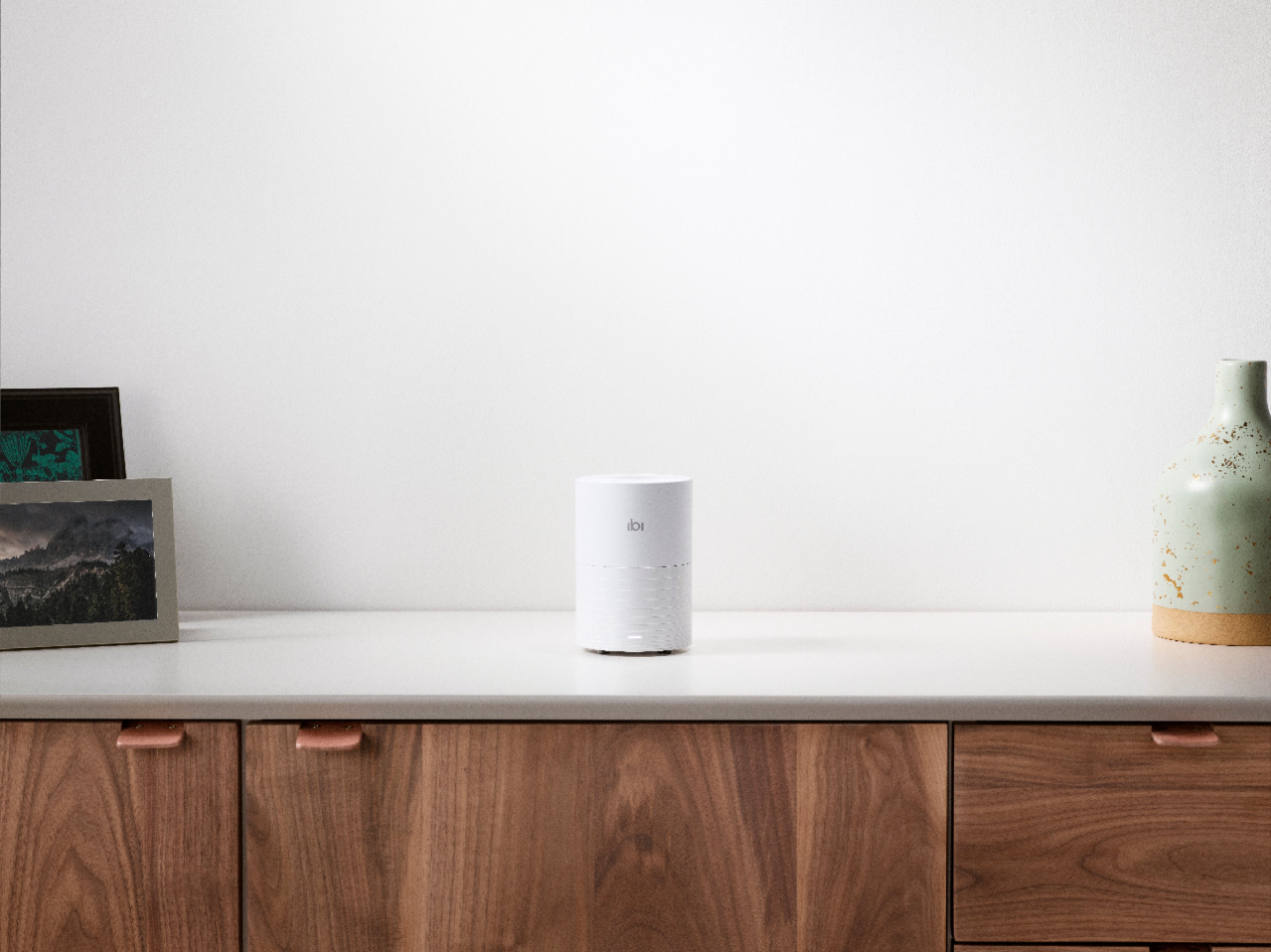
|Posted .This reviewer received promo considerations or sweepstakes entry for writing a review.I currently have a 6tb Netgear NAS we use to back up all our media, important files and system backups. I saw this new Ibi device and wanted to give it a try as my NAS is getting old and I like to have everything backed up in multiple places, especially digital pictures. My wife and I have collected well over 20k pictures over the years and I really don’t want them lost due to a hardware failure. First impressions: When I received the shipping box I was wondering about the weight because it was so light. After opening the box and unpacking the Ibi I was greeted with a small tubular device around 5” high and 2.5” in diameter, white plastic. It almost looked like a piece of white PVC pipe. It’s very light weight and minimalistic with only a white LED on the front of it showing the power is on. There are ventilation holes on both ends of the device to help keep the internal 2tb drive nice and cool, a power port on the back along with a USB port. Setting up: The first thing the instructions ask you to do is download the app from either the Android or iOs store. Once you have the app installed it will guide you through the setup. You do have to connect to the device using it's internal Wi-Fi connection initially “this is where I had some issues”, but after doing a full reset of the device I was able to connect to it and set up our home Wi-Fi. Use: The Ibi is pretty much a Wi-Fi enabled mini NAS with a single drive. You can use the app to back up your photos on your smart device, and you can download the desktop app which will set it up as a networked drive on your local file explorer. You can also use your browser to access the device if you wish by clicking on the icon in the task bar and selecting either “open in Explorer / open in Browser”. Using the browser option you’ll have to enter your credentials to access the drive. Once have access through your browser you can create albums, upload photos and set up your “Inner Circle” so you can share photos/albums with friends. I also set this up on my wife’s laptop and phone so all her photos are automatically backed up there. She likes that she can create a new photo album and share it with her friends without giving them full access, they can view but can’t do anything else, pretty simple picture sharing. I also like the fact that I can use Windows Explorer to access the drive, just like my NAS, I can set up different folders and store all my important files there if I wish. So far I haven’t had any problems with storing documents although this is really meant for media storage. There’s a Roku app that you can set up and view all your photos and media files, it worked pretty well but sometimes it paused while loading, probably from the device powering down due to in activity. Conclusion: If you want a simple wireless network attached storage device, something you can store photos and media on to share with friends and family this is a pretty simple device. I’m also using it as a secondary backup for my media files. The wireless connection is pretty slow if you are moving a lot of files, it took a few hours to back up around 200gb, but it worked in the background so the amount of time really didn’t matter. I do have some concern with the device itself as it seems to be running all the time and never goes into standby, “at least it hasn’t yet”, I can place my hand on top of it anytime and feel heat coming out of the vents and very slight vibration from the drive running. To me this is a big waste of energy if the device isn’t in use. Hopefully the manufacturer will come up with an update that will allow this device to sleep. Otherwise if you want a simple, wireless, net-workable, personal cloud storage device, this may be the one for you.
I would recommend this to a friend - Pros mentioned:StorageCons mentioned:Transfer speed
Essential because we always carry a camera!
|Posted .This reviewer received promo considerations or sweepstakes entry for writing a review.If you take tons of casual pictures on your smart phone and post some to social media, you really need this. This is a great general use device for collecting your pictures, privately sharing the pictures directly with people, and making a back-up so you don't lose stuff, and it gives you a very generous 2 terabytes of space. I wouldn't consider it a high-end photo manager, so I'm reviewing this based on the intended usage. The setup is super easy as long as you have WiFi access to the internet and a smartphone to configure the device. Step 1, plug in the device. Step 2, download the app to your smartphone and run it. Step 3, create an account using the app. I like how it directs you to create an account specifically for this device rather than use social media login. Step 4, decide if you want it to sync the pics from your phone. Step 5, link up your social media and cloud storage accounts. There's lots more you can do from there -- invite other people to hop on the Ibi to sync/store/share their stuff, and you can share your stuff with them, or keep stuff private. You have really granular control over what you let people see. It does a one-way sync. That means that it will dump all the pics from wherever you have it linked, but if you delete a source picture, it won't delete the local copy. For example, if you have it linked to Facebook, it will grab all your Facebook pics. If you delete things from your Facebook account, it won't delete it from the Ibi. However, I did notice that when I linked OneDrive and Google Drive, it backed-up EVERYTHING, not just the pictures. I would like to see more control over which folders it syncs. Another caveat -- I have thousands and thousands of pictures. It can take a few days to get all the pics. I gotta read the fine print because I'm not sure whether it caches your pics in the cloud somewhere, but it's awfully handy to be able to get to any picture from anywhere. It also has a really powerful search feature, so you can look for pictures by keywords. For example, it knows what a dog looks like and when I search for dogs, it pulls up all my dog pictures. It sorts by date, which is handy, except that there doesn't appear to be a way to correct dates, so lots of my pictures are scattered across time. The interface is super easy to use, except that adding social media accounts is a little hidden. You gotta go to "do more" to add a social media account. I'd totally recommend this to someone who isn't super technical because it is so easy to set up and use and it performs a very valuable service of collecting and saving your pictures from all over the internet. I'd love to see more advanced features or a professional-grade version, but now I know what gifts to get my parents!
I would recommend this to a friend - Pros mentioned:Storage
Easily configured smartphone pic/video back-up
|Posted .This reviewer received promo considerations or sweepstakes entry for writing a review.What it is – a nice easily configured smartphone continual backup for your videos/pictures. What it isn’t – a true NAS or RAID device If you are looking for something to do the former – I definitely would recommend this. If you are wanting something to work as the later – look elsewhere. My impressions/use; Very small and looks good. Very quiet. Could easily be mis-taken for a smart home speaker. Has 2TB of 2.5-inch spin drive space. Had it set it up and running within a few minutes. Just plug it in, download your iphone or android app and go thru the setup. It is connected thru your wifi only – no ethernet cable connection. As such your speed will be affected by other device loads within your network as well as your systems modem/router speeds. Once your account has been created and verified you can setup your backup easily. Within settings you can set/find a lot of info; If you click on the name of your ibi it will detail how much space is used/left as well as network name, connection type, inner circle access, analytics, software version, serial #, register your ibi, reboot it, erase all data (nice feature) or shut ibi down. Add member Add another ibi – I checked with SanDisk and did not get a definitive answer as to whether you could add another ibi and have both do same backups at the same time – thus creating your own “clone” or RAID 1. Has USB 3.0 connector but it is not very conveniently located in the back of the device and can only be used to import from another drive. Can send an invite to others for them to create their own account at which point during setup they are allocated their own backup “partition” within the device. Each user can only see their files/folders Also can invite others to inner circle to allow more detailed/global access. Seems you can only have 1 inner circle – would be nice to have options to create/invite others. Seems to work well with one drive and google backup on my phone - as you can NEVER have to many backups. My backup seemed to work very quickly and accessing your data from the phone app is relatively simple. Initially it shows all data in descending order by year/month. You cannot change the sort but can select by year and month. For some reason it put all of my videos in the current month – VERY disappointing. It did seem to get most of my pictures correct though. Also, I have separate folders on my smartphone for each grandchild’s pictures and videos. The backup lumped them all together. This has been my experience with one drive and google – but was hopeful ibi might be different. There is a desktop Windows app you can download. You can send an email from the smartphone app that has the link which is https://ibi.sandisk.com/apps#. I loaded this on my desktop and it allows you access to your backed-up data as well as drag and drop ability to any files on your desktop. It does NOT allow a synch option for desktop files/folders. I do still highly recommend you use this option if possible. I did contact ibi support with a couple of questions/issues and they could not have been nicer. They seemed genuinely interested in my comments and were very quick to respond to any questions. I did mention I was part if Best Buy TIN network but truly think I did not receive any special treatment – they just have great support and what this product to succeed. Overall a nice option, especially for non-techies, anyone tired of paying for extra storage or want more direct ownership to your picture/video backup data/process.
I would recommend this to a friend - Pros mentioned:StorageCons mentioned:Transfer speed
Not Ibi Fault Losing A Star
|Posted .This reviewer received promo considerations or sweepstakes entry for writing a review.It is nice having a automatic sync to a home device. Think any online sharing service by phone makers but syncs with social media and major personal public cloud vendors and your hardware. You can share what is saved and have multiple users that have control of their files too. My ONLY negative is not the Ibi's fault. The documentation to sync Google Photos from Google is not working. I can go into my Google Drive and see the shortcut folder but I can not access from Ibi. Basically this is a 2 TB home NAS (Network Attached Storage) device for media. It automagically syncs phone, laptop, cloud seamlessly. It will take a while to sync with Facebook and Instagram. Unfortunately it looks like Google Drive API may be flawed. If you are looking for some photo storage for your local network that can pull down what you have shared...THIS IS IT. It is easier searching Ibi than Facebook or Instagram to find photos you have posted.
I would recommend this to a friend - Pros mentioned:Storage, Usb
Nice little device to backup pictures to
|Posted .This reviewer received promo considerations or sweepstakes entry for writing a review.This device was really easy to setup and does exactly what it was advertised to do. I installed the app on my phone and setup my account and within a matter of minutes i was backing up pictures from my phone to my profile. You can add multiple profiles which is nice as well as share pictures with others in your family. You can give them access or only allow them to view your pictures and not make changes to them. It also allows you to link to your one drive, google drive, box, facebook, instagram, etc... That was a pretty easy process as well and it is nice being able to quickly scroll down by month/year to access pictures from a specific time period. The amount of space will give you plenty of years worth of storage and you can even backup from a USB if you want to plug it into the actual device itself. Overall very happy with this device for backup up the pictures from my phone and my wife's phone quickly and easily.
I would recommend this to a friend - Pros mentioned:Storage
Personal Photo Cloud Storage With Issues
|Posted .This reviewer received promo considerations or sweepstakes entry for writing a review.A few months ago I was planning on recycling an old pc when I thought I should take one last look on the hard drive for any important files prior to wiping the drive clean. Upon searching it I came across a folder of images that I had forgotten and which I had stored nowhere else. Included were tons of images of some great memories that were nearly lost forever. I have them saved now but a duplicate backup would be even better. When I saw the SanDisk Ibi with its automatic backup capabilities I was intrigued by the peace of mind it offered. In the box you find the Ibi and a power cord. The Ibi itself is a small cylindrical white device with a bunch of vents. It looks pretty nondescript sitting on a shelf. Peering inside I could spy what sure looks like a laptop hard drive. You’re instructed to download the app to set it up. Here I had some difficulty getting it to connect. I had to reset the device repeatedly and then but on perhaps the fourth attempt it just worked. You’re prompted within the app to sign up for an account. I did the setup on my iPad but you can use Android devices too and there is even a desktop app as well. I currently have over 12,000 photos on my iPad. I understand that iCloud backs up my images but in my mind the Ibi amounts to a personal at home cloud storage solution for all my images across multiple devices. The Ibi has a 2TB capacity so I know it will hold a ton of images and videos. I selected automatic update during the Ibi setup so it promptly started backing up my iPad photos. Peeking at the progress I knew this would take awhile. It was nearly time for bed so I let it do its thing overnight. I did notice that the Ibi was pretty noisy while it worked away at backing up my photos. The following morning I found all my photos has been backed up. I like the Ibi app interface for viewing photos and the ability to view photos by month or year. There’s even a cool smart search feature that finds items based on content of the photo. For instance one can search for cat and the Ibi app displays photos with cats. Pretty cool. The Ibi is not just a cloud backup device. Within the Ibi app you can invite friends or family to your device and they then have space on the Ibi for their own image storage. You can’t see their photos and they can’t see yours unless you share the photos you select. They call this your Inner Circle. You can also create albums within the app to organize your photos. You can then share entire albums with friends or family. You can also share individuals photos with anyone via email or text by way of a web link where they can view and download the photo. I do like these sharing features. As I continue to use the Ibi I do find a few things that are annoying and concerning. For one thing when you sign up for an account your email is your user name but you also enter your first and last name. However, within the app my name shows up as an abbreviation of my email address instead of my name. Very weird. I have also noticed that when saving a photo to my iPad that the backup to Ibi is not exactly instantaneous. I do understand that an upload needs to take place but there is some odd lag to this process before these newly added images actually appear in the Ibi app. Even refreshing Ibi doesn’t seem to expedite this upload. Seems to me I need to force close the app and reopen it in order to get new images to appear. The concerning part is that some images seem to never get uploaded. For instance I have noticed that say if I save 8 new photos to my iPad only two appear in the Ibi app?? This is alarming as it defeats the purpose of the device if all photos aren’t being backed up. Another annoyance is a tiny red dot that appears in the app from time to time which I suspect indicates that an upload is taking place. How about an indicator which makes that point more obvious? I love the concept of the Ibi as a personal cloud storage for photos. The Ibi functions as an image insurance policy but I do sense that it is perhaps a work in progress. Hopefully updates will fix the glitches I experienced.
I would recommend this to a friend - Pros mentioned:Size
Does as advertised
|Posted .This reviewer received promo considerations or sweepstakes entry for writing a review.I am always looking for a storage solution for my many photos. Ive tried several, with some good experiences, but when Ibi came along I thought I should give it a try. So far so good, with no complaints. The unit itself is small, which is good, leaves a nice small footprint. Set up is simple, plug it in, download the app, create an account, connect to home wifi, and you are ready to go. So far I have only used this to store pictures from my phone, and it has been just fine. Upload times seem to be fairly quick, and there are no issues that I had getting my photos uploaded. You can create folders and send links to others so that they can have access to the photos you want them to see. I am no real organized, so simple folders are just fine with me. I would say if you are looking for a storage solution, give Ibi a try, it works for me.
I would recommend this to a friend - Pros mentioned:StorageCons mentioned:Transfer speed
Poor User Interface
|Posted .This reviewer received promo considerations or sweepstakes entry for writing a review.I develop software for a living. The software that comes with what sounds like a needed piece of hardware for the personal security conscious parent is some of the worst software I've used in a long time. It took me what seemed like forever to make the initial connection, having to reboot my phone and reset the ibi with a paperclip a couple of times in the process. Multiple times it seemed like I had connected to the ibi to only have it ask me to check if the light on the device was solid or flashing. One time, the light was totally off, which wasn't an option to select. I had high hopes for simplicity with this device as the instructions are literally plug it in and download a phone app, w/ a QR Code available even. Boy was that deceiving. Once the ibi was setup, I then had to install the desktop app as that is where my pictures are located that I wanted to work with on the device. I found the install UI for the desktop app unreliable for reporting progress. It was showing in text I was at 18% progress for install, for instance, but the visual indicator was well over 50%. I picked what I felt was a small subset of pictures to start, just under 40 gigabytes (and perhaps 10,000 files). Given the device has 2 terabytes of space, that didn't seem unreasonable. This prompted me to open Explorer to copy files, so I did. What started with a time estimate of fifteen minutes grew to over an hour then to about two hours with just 8% done, then to four hours at 9% complete, at which point I aborted. Even deleting the one sub-directory that it had started to copy took over 30 minutes, as I wanted to start fresh and redo everything from the command-line to see if that was any faster. While command-line copying with xcopy did appear at first to be faster, every once in a while the copy paused for what seemed like longer than it should before continuing with the copy, taking 20+ minutes for that initial copy, which was certainly faster than copying within Explorer. I like the general concept of the product. Whenever we upgrade a laptop, preserving photos is one of the top priorities. With a device like ibi, that problem would go away completely. You also maintain better control over who sees the files/photos. I just can't recommend the product. It is no more than a glorified network accessible harddrive
No, I would not recommend this to a friend - Pros mentioned:Storage
Finally! An easy to use photo organizer
|Posted .This reviewer received promo considerations or sweepstakes entry for writing a review.I've been on the hunt for a good photo storage solution for years, but everything so far has been too complicated with uploading photos from multiple sources and then trying to comb through them all once uploaded to make some sense of it all...well, no more of that drama. Enter ibi on the scene. It was super simple to setup on my device and immediately I started saving photos to it. The desktop app was a little more challenging, but not to use. Just challenging to find. I looked everywhere for it and had finally resigned myself to calling Customer Care when I read the full email they sent me that include a link to download the app. So they make it easy, if you read your email. For those of us that expect everything to be more intuitive and Google searchable, it would be good if they make the download available somewhere online vs. relying on people reading email. The user interface is easy to use and easy to search by date. You can also invite others to join so multiple people can save pictures all to the hefty 2 TB memory that comes on your ibi. I'm super excited to create shared albums with family quickly and securely. Overall, I'm a big fan of ibi and look forward to discovering even more of its great features!
I would recommend this to a friend It's OK, but has some weaknesses
|Posted .This reviewer received promo considerations or sweepstakes entry for writing a review.I think the only thing the Ibi brings to the table is a limited backup solution for people that are suspicious of using "the cloud" to backup their photos and videos. It's basically a physical, spinning 2 TB hard drive with apps for your mobile devices and laptops to automatically back up photos to it. It is nice to be able to plug a USB drive in and back up those photos so you can access them through the Ibi app, but that's not a huge advantage. My concern would be relying on this as your only photo/video backup. For one, the hard drive will eventually fail. Yes, you can easily back up the Ibi to a USB drive, but you 1) have to remember to do that and 2) keep the backup in a safe place. If, heaven forbid, a tornado or fire wipes out your house then you've lost your archive. The alternative is you can use one of the many options out there like Google Photos, Prime, OneDrive, etc. to automatically backup everything to the cloud for you. Those apps are more fully-featured, and I know my stuff will be there even if something happens to my house. The first thing I noticed was the app didn't back up anything but the camera folder on my phone. And, I couldn't find a way to pick and choose other folders to backup. This is a pretty standard feature with all the other cloud apps out there and I'm surprised they didn't include that feature. It could be an easy app update, though. The few others negatives include it only having 2 TB of storage which could fill up pretty quickly with videos, or if you want to add all the photos/videos that you've been collecting over the last 15 years. You should also put the Ibi on UPS power since unexpectedly killing power to the hard drive can cause problems. It also does generate some heat and make a little noise so you'll want to consider that when figuring out where to put it. On the plus side, it was very easy to set up and get the Ibi app working. Unfortunately, in my opinion it just falls short in features and I'm also worried about using it as a reliable backup for my photos.
No, I would not recommend this to a friend- Pros mentioned:Size
Love it!!!
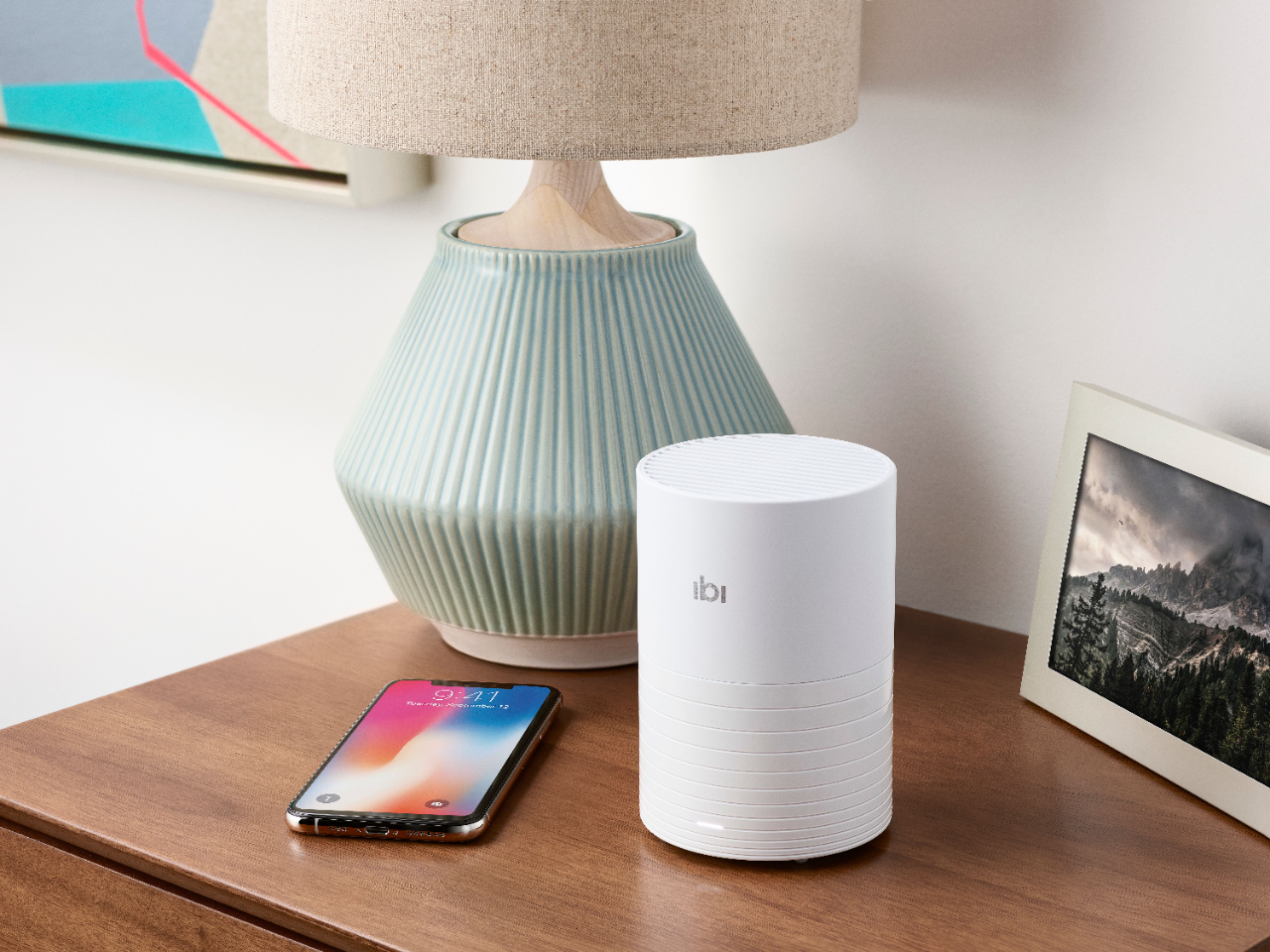
|Posted .This reviewer received promo considerations or sweepstakes entry for writing a review.After recently having a sd card go bad and losing all my pictures I was excited to try this! I love being able to quickly store my pictures without having to download them from my phone or taking out my sd card and uploading them to a computer. It was super easy to setup and start using. I love being able to share only pictures I choose with other people by way of an email link. You can add members so that you family can also store their pictures in the Ibi but still have their own privacy unless they wish to share. Very small and compact in size but not in memory! It can hold up to 2tb in total so that is more than enough for us! It is very inconspicuous sitting on our entryway table. Buy it you won't be sorry, it is money well spent!
I would recommend this to a friend Excellent photo manager
|Posted .This reviewer received promo considerations or sweepstakes entry for writing a review.The Ibi photo manager is a basic photo management system on steroids. The best way for me to describe it is taking Dropbox, google drive or one drive and consolidating all your photos in one place. It is giving you the ability to take all the photos on your FB, Insta, or on your phone and uploading them instantly and safely. No need to keep your photos on your phone and taking up a ton of room. This handle it for you. You can organize your photos how you want to, not how the app does it for you. It does videos and photos. Although the consolidate though the device, you can get the photos on the go from your mobile device. There are apps for your phone, PC and you can go through the web. It is easy it get started too. Just plug in the device and download the app. It steps you through the rest. After you create your account you are ready to go. It’s very intuitive and easy for a novice. The best feature for me was the ability to share photos privately. Specifically, you establish private links to your photos so those you choose can view your photos. So you can share securely and safely. This is a cool thing for someone that wants to free up room on their mobile device. Also for anyone that takes a lot of photos or for a family location to consolidate photos. So far so good for me, it’s pretty useful for my family. I recommend it for those reasons.
I would recommend this to a friend- Pros mentioned:Storage
Nice storage for my high resolution pictures!
|Posted .This reviewer received promo considerations or sweepstakes entry for writing a review.I have loads of high resolution pictures and with this device I can have a pictures only storage! It has a mobile app and a desktop app. Highly recommend.
I would recommend this to a friend Somewhat Useful for Photo Backup, Not Much Else
|Posted .This reviewer received promo considerations or sweepstakes entry for writing a review.Between smartphones and digital cameras, we take a lot of pictures in our family. I was really hoping that ibi would be a useful tool for managing, organizing, and sharing those images. Unfortunately, the ibi hardware is really just a hard drive that connects directly to your Wi-Fi network, and the software (mobile app, desktop app, and web interface) are underwhelming all around. The device itself is a hard drive inside a cylinder-shaped plastic housing. You can look down into the top and see the drive inside, as well as the empty space surrounding it. Maybe that space is good for keeping the drive cool. It certainly doesn't help with the noise. I can hear the drive clicking and spinning from at least a few feet away, so don't place it in a room where you need quiet. Downloading the app was straightforward. Creating an ibi account with Sandisk was required, though. Setting up the ibi and getting it connected to my home Wi-Fi network was also trouble-free. The first thing the app offered to do was to transfer photos from my phone. It works, but on my (Android) phone, it does not transfer photos in the background, even when I’m home and connected to the same Wi-Fi network as the ibi, and even though the ibi app is constantly running in the background on my phone. It will only transfer photos when I open the app manually. What’s the point of running the background, then? And who wants to remember to open the app all the time just to move photos over? The next thing the app offered was to import photos from my social media and cloud storage accounts. I gave that a try, and at least that import happened in the background. Photos from a social media account transferred over successfully with date/timestamps. However, the photos from my cloud storage account lost their date/time in the transfer process… those photos (hundreds of them) all show up within ibi looking like they were taken on the day I set the device up. As far as managing photos goes, that’s not great either. There doesn’t seem to be any way to organize photos by location where they were taken (even though most of my photo files have location included) or by which people are in the pictures. All I can really sort and organize on is the source of the file and the date (which isn’t always correct). There is a search box where I can type in a search term and ibi does a poor job of finding matches. I tried “beach” and got back 20 results. Of those, 10 had an actual beach in them, another 3 had non-beach bodies of body of water (a lake, a creek, and a puddle), 3 were snowy landscapes, and 4 had a friend holding a baby in a living room. None of the photos from my vacation to a Caribbean beach resort last year appeared in the results. Next, I tried something easier, and searched for “car.” I got 23 results. Of those, 12 had a car or truck either as a primary subject or prominently featured. Another 7 had cars in them, but were clearly not the main focus of the shot. Two were kinda close (a golf cart, and an air conditioner with a vent that maybe resembles a car’s grill). The remaining 3 results had no cars or other vehicles in them at all. One was taken inside an office, one was a photo of a pair of sunglasses, and one was just two friends posing in front of a brick wall. There are dozens of other photos in my ibi that have cars in them, and I don’t know why they weren’t included in the results. The other thing ibi claims to do is make it easy to share photos. I can click on photos or albims in my ibi and generate sharing links. At first, I thought this could be moderately helpful to someone who really doesn’t want to use any of the major social media or online photo services. But really, those links just go to the online cloud photo service offered by Sandisk, the company behind ibi. If you want to share photos privately, you can invite friends and family to your ibi’s user list. If you want to share to someone without forcing them to sign up, you get a link to a page on a Sandisk website that has your photo (or albim), a download link, and a panel where Sandisk advertises the ibi to your contacts. It’s never made clear whether photos shared via this link are being stored on the Sandisk their server or if the website is just a conduit to the ibi sitting on your desk. The whole thing is clunky. I’m not finding much value or benefit to the ibi. Sure, it can store photos. But it’s really just a single hard-drive, with no suggestion that it’s doing any replication or backing up elsewhere. So, if (when?) the hard drive fails, everything is lost. For that reason, I would only use ibi for backing up photos that are also stored or backed up elsewhere. As far organizing and managing photos? In this area, ibi is very rudimentary, lacking many features that are available in other products and services. Sharing photos? There are also much better options out there. Overall, this product really disappointed me. I would not recommend it.
No, I would not recommend this to a friendHorrible customer service, decent app.
Posted .This reviewer received promo considerations or sweepstakes entry for writing a review.Let me start off by saying I have two of ibis. One for photos and the other for data. It is a good method to access your data anywhere, but make sure to keep a NAS or other backup for this device. The first one worked like a charm and the new updates to their software are pretty good, but still missing crucial features such as the ability to share your photos or data. The issue I had was with the second unit taking me 8 hours to set up, then it would turn off by itself and become unrecognizable. After 7 resets and hours of troubleshooting, I had an expensive paper weight. Customer service for Ibi is worse than AT&T! They put me in circles for over 8 weeks then finally told me they will replace the unit. Do not buy if you do not have a device to backup all content from these devices, they will fail you at one point or another and customer service will be of no help. In fact, they will add insult-to-injury and regret your purchase. Had I known of their horrible customer service, I would have never purchased the product!
No, I would not recommend this to a friendRun IBI Device
Posted .This reviewer received promo considerations or sweepstakes entry for writing a review.Had this device one month and it stops working. I called CS and they tell me after troubleshooting the device needs to be returned to the store. I ask what about my photos he politely says you will have to pay for data recovery to get your photos off the device. Save yourself the time and frustration and don’t be this junk.
No, I would not recommend this to a friendFrustrating
Posted .This reviewer received promo considerations or sweepstakes entry for writing a review.Why won't my Google photos import to ibi? It keeps saying 'preparing to import'.
No, I would not recommend this to a friendNegative stars! Worthless, save your money.
Posted .This reviewer received promo considerations or sweepstakes entry for writing a review.Seems like a great idea but not. Application is terrible and limited. The device keeps going offline and is unreachable. If I were sure it was clean, I'd give it away. Unfortunately with no way to know, I'll smash and put into electronics recycle. Real waste...
No, I would not recommend this to a friendsave your money
Posted .This reviewer received promo considerations or sweepstakes entry for writing a review.photos not very clear. runs to slow to look at your photos. stay with google photos much better.
No, I would not recommend this to a friend