Customer Ratings & Reviews
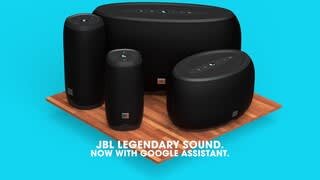
- Model:
- JBLLINK10WHTUS
- SKU:
- 6086201
Rating by feature
- Value
Rating 4.0 out of 5 stars
- Quality
Rating 4.0 out of 5 stars
- Ease of Use
Rating 4.0 out of 5 stars
Customers are saying
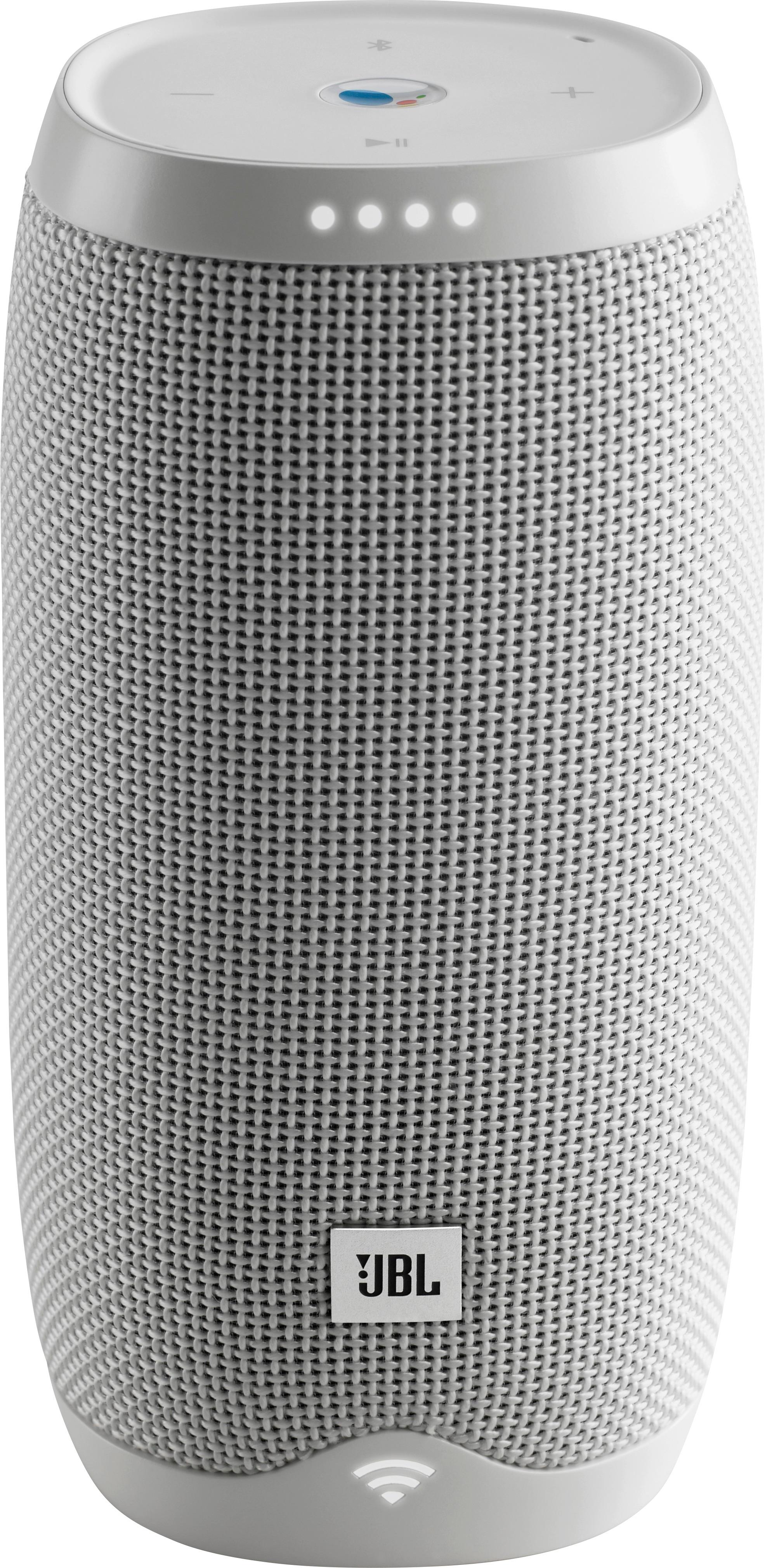
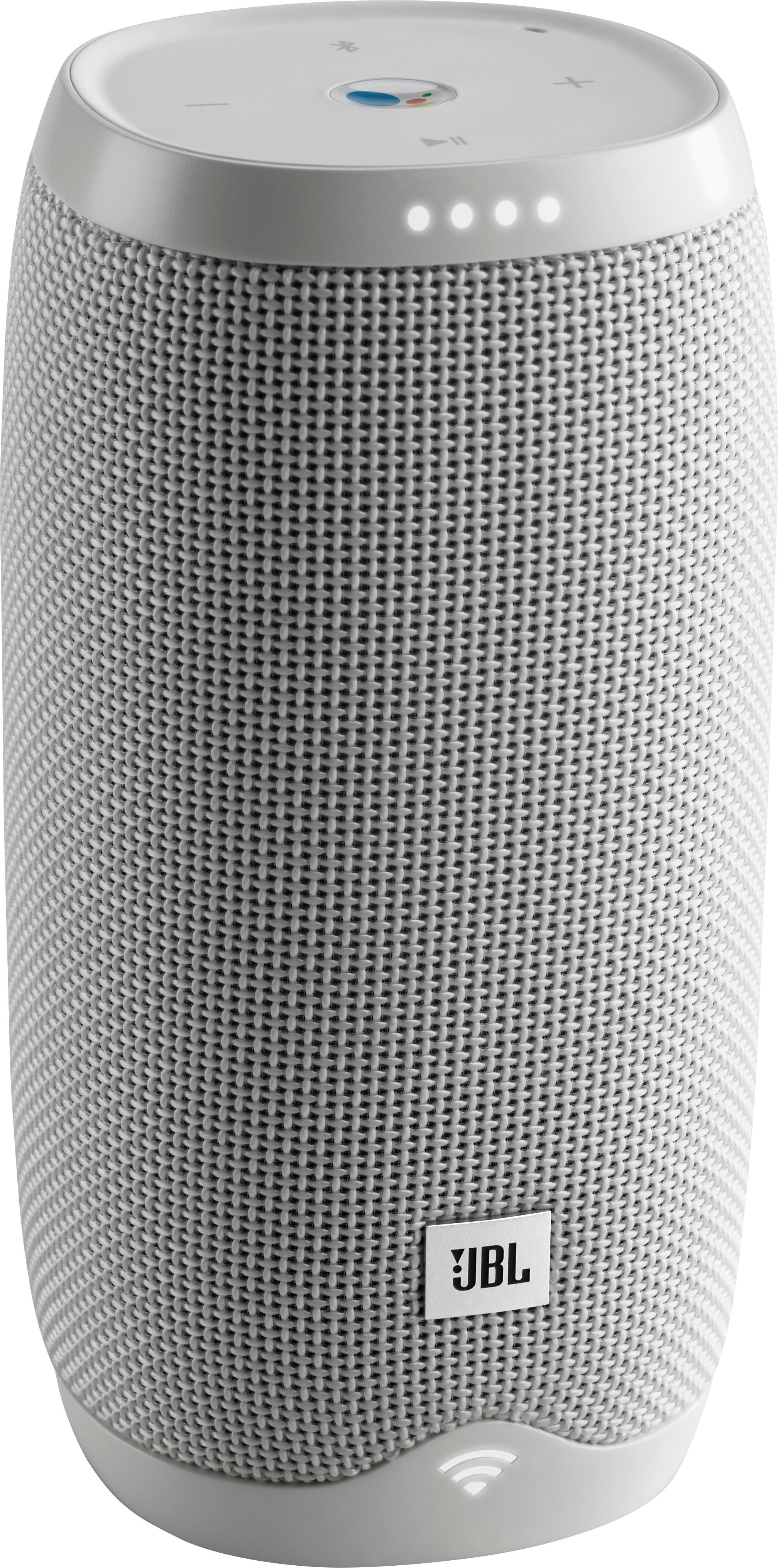
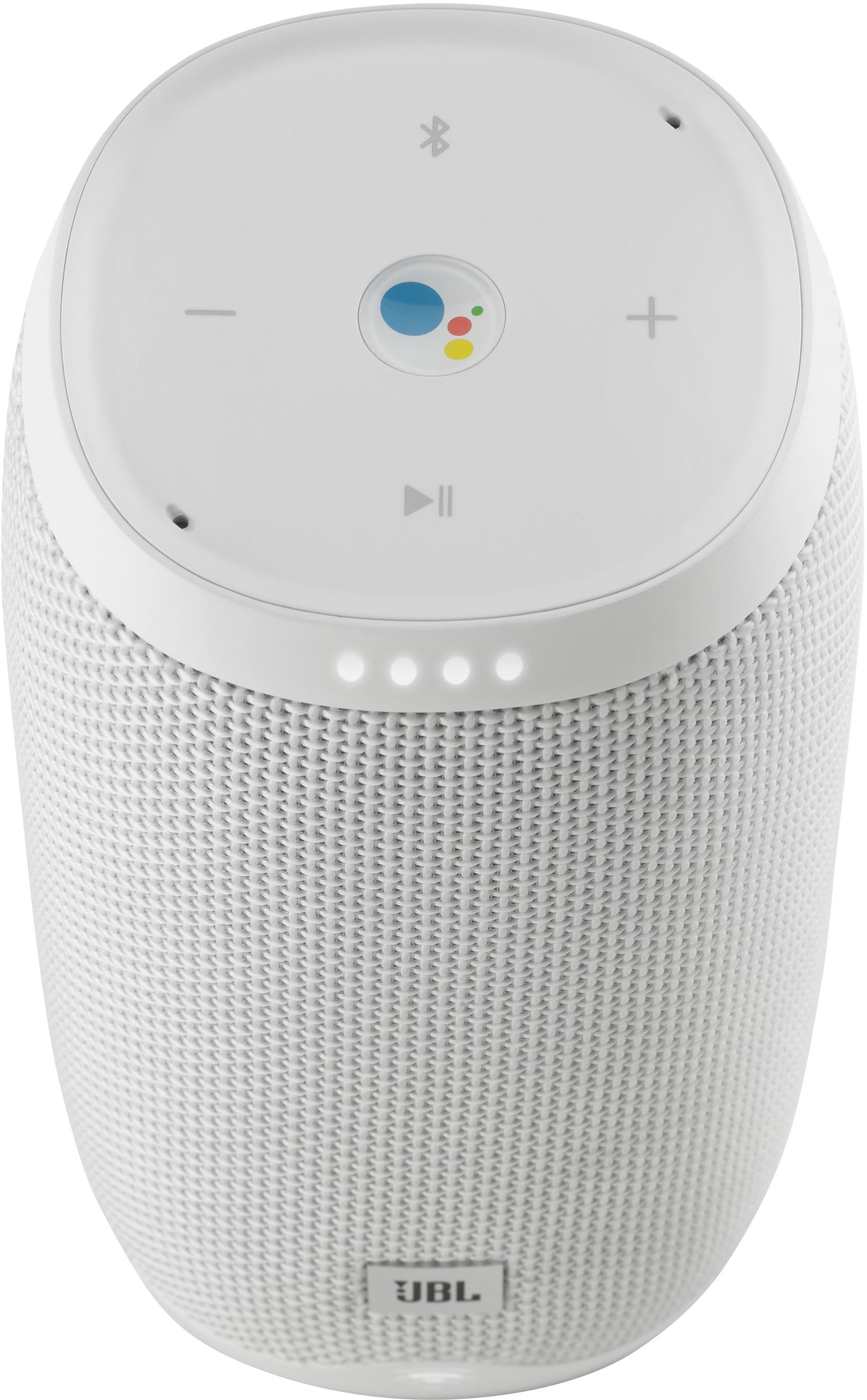
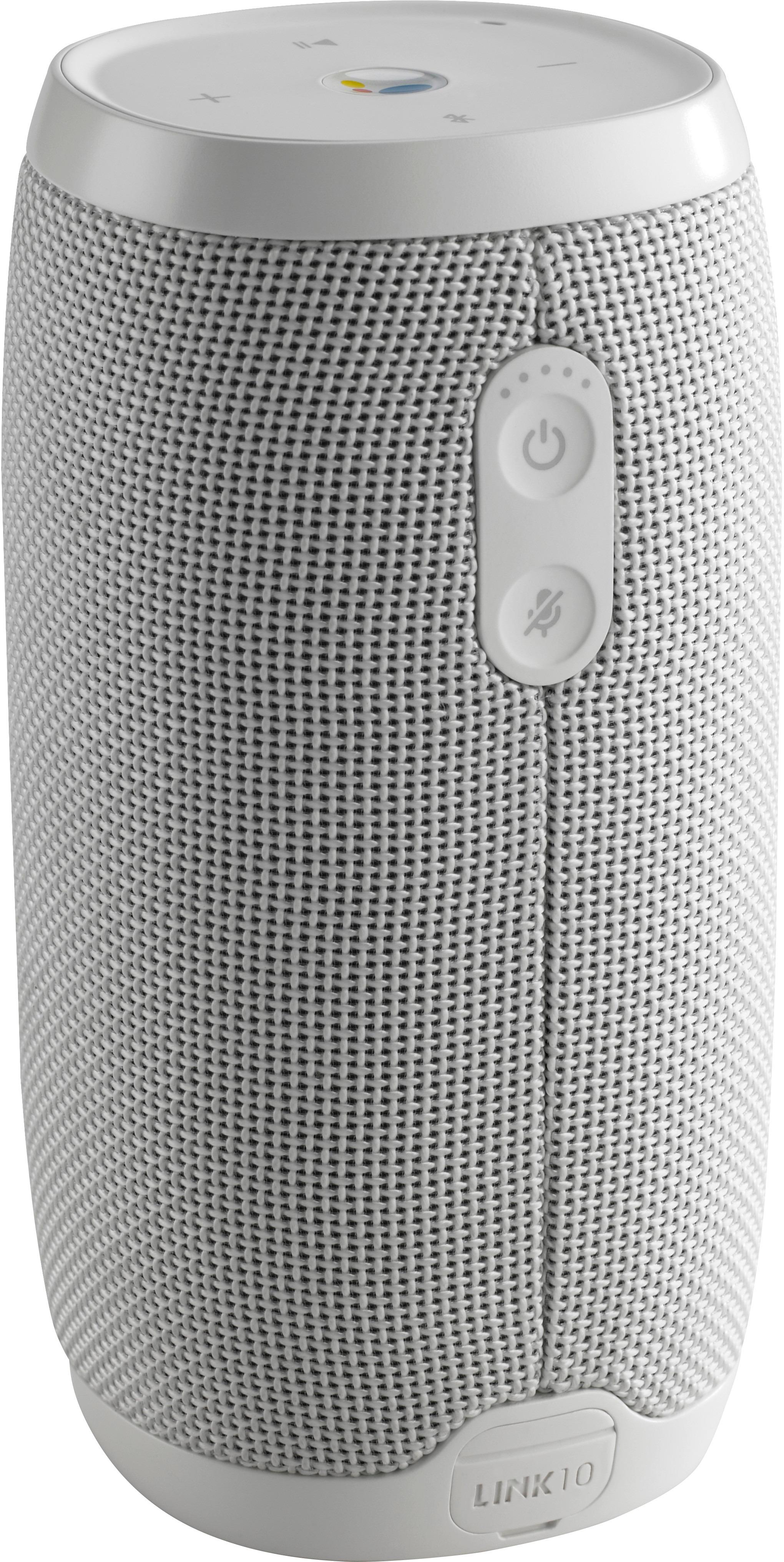
Customers are impressed with the LINK 10 Smart Portable Bluetooth Speaker's sound quality, ease of use, and Google Assistant integration. Many also appreciate its compact size and the waterproof design, finding it convenient for various settings. However, some users experienced issues with battery life and connectivity, while others reported problems with the charging port and power button.
This summary was generated by AI based on customer reviews.
nice speaker
||Posted .This reviewer received promo considerations or sweepstakes entry for writing a review.i love the speaker, and yes I'm would recommend any friend
I would recommend this to a friendSound is great.
||Posted .This reviewer received promo considerations or sweepstakes entry for writing a review.The google assist sometimes says things without asking.
I would recommend this to a friendGreat price! Great buy!
||Posted . Owned for 1 month when reviewed.This reviewer received promo considerations or sweepstakes entry for writing a review.I purchased the item on sale but I would have easily bought it at regular price! It’s a great quality item.
I would recommend this to a friendGoogle Home Mini On Steroids
||Posted .This reviewer received promo considerations or sweepstakes entry for writing a review.Using this as a supplement to my google home mini. Great value and haven't even explored all it's functions yet.
I would recommend this to a friendLearning
||Posted .This reviewer received promo considerations or sweepstakes entry for writing a review.I started using this speaker and have it hooked up in my home. It works wonderfully. But when I take it on the road google assistant does not work . I think I do not know how to connect it properly. Will keep working on it and if I figure it out, I will re-review it.
I would recommend this to a friendBrand response from JBL Support
Posted .Thank you for taking the time to provide us with your feedback. This is because the Google Assistant only work when it's connected to your home Wi-Fi network. When outside, you would need to connect it to a different wi-fi network or hotspot. To do so, please follow the steps below:
Switching to a new Wireless Network connection for your LINK device: Android
- Make sure your mobile device is connected to the same Wireless Network as your JBL LINK device.
- Open your Google Home app Google Home app.
- In the top right corner of the Home screen, tap Devices Devices to see your available devices on your Wireless Network.
- In the top right corner of the LINK device you want to change the Wireless Network for, then tap the device card menu More Menu > Settings > Wi-Fi. The Wireless Network you are seeing is the one you are currently connected to.
- To change the Wireless Network connection, then tap Forget and then Forget network.
- Tap the back arrow next to Devices (top left corner of app screen) and then Devices Devices .
- Scroll to find the device card for the JBL LINK device you want to set up on a new network and then SET UP.
- Follow the set up instructions on screen.
- Your LINK device is now connected to a new Wireless Network, Enjoy!
Switching to a new Wireless Network connection for your LINK device: iOS
- Make sure your mobile device is connected to the same Wireless Network as your JBL LINK device.
- Open your Google Home app Google Home app.
- In the top-right corner of the Home screen, tap Devices Devices to see your available devices on your Wireless Network.
- In the top-right corner of the device card for which you're changing the Wi-Fi, tap the device card menu More Menu and then Settings and then Wi-Fi. The Wireless Network you are seeing is the one you are currently connected to.
- To change the Wireless Network connection, then tap Forget this network > Forget Wi-Fi network.
- Tap the back arrow next to Devices (top-left corner of app screen) and then Devices Devices .
- Scroll to find the device card for the JBL LINK device you want to set up on a new networkand then SETUP.
- Follow the set up instructions on screen.
- Your LINK device is now connected to a new Wireless Network, Enjoy!
If you have questions or concerns, please submit a case request at https://www.jbl.com/support-contact.html and the Customer Service Team will be more than happy to assist you.
Big sound
||Posted . Owned for 10 months when reviewed.This reviewer received promo considerations or sweepstakes entry for writing a review.The Mic and speaker work well. I would recommend.
I would recommend this to a friendGreat speaker
||Posted .This reviewer received promo considerations or sweepstakes entry for writing a review.This was not my intended purchase, but I’m glad I bought it. It has a great sound and works well with my WiFi.
I would recommend this to a friendI use this l the time at the pool.
||Posted . Owned for 1.5 years when reviewed.This reviewer received promo considerations or sweepstakes entry for writing a review.Love how it just connects to wifi and tell it what music you want to hear and it plays it.
I would recommend this to a friendGreat speaker
||Posted .This reviewer received promo considerations or sweepstakes entry for writing a review.I would highly recommend it google is awesome get it
I would recommend this to a friendFun Thing To Have
||Posted . Owned for 1 year when reviewed.This reviewer received promo considerations or sweepstakes entry for writing a review.This was fun to ask questions to. Out grandkids loved it so we gave it to them.
I would recommend this to a friendGood sound
||Posted .This reviewer received promo considerations or sweepstakes entry for writing a review.JBL is a great addition to Google. Great for searches.
I would recommend this to a friendGet the job done
||Posted .This reviewer received promo considerations or sweepstakes entry for writing a review.Great value Speaker with added Perks, excellent. A+
I would recommend this to a friendGreat Speaker with google home
||Posted .This reviewer received promo considerations or sweepstakes entry for writing a review.Wanted google home and a Bluetooth speaker and this was my choice. Excellent sound quality and google is fun for all
I would recommend this to a friend- Cons mentioned:Battery life, Connectivity
complete waste
||Posted .This reviewer received promo considerations or sweepstakes entry for writing a review.total ripoff. does not work. will not hold a charge. takes 5 minutes to connect to device, if it connects at all.
No, I would not recommend this to a friendBrand response from JBL Support
Posted .Thank you for your review, our sincerest apology for the inconvenience. Your feedback will be communicated to the proper department to improve our current and future product line. We would like to work with you directly, please submit a case request at www.jbl.com/support-contact.html and the Customer Service team will be more than happy to further assist you.
Almost had my heart
||Posted .This reviewer received promo considerations or sweepstakes entry for writing a review.I didn't like that I had to download app and setup up everything on app. Seems like the speaker would've been great if I could just connect without the google home. I think it would be perfect for those with google home. I returned to store.
I would recommend this to a friendBrand response from JBL Support
Posted .Hey there, thanks for the review on our JBL LINK 20 speaker. We're always looking for ways to improve so we'll make sure this gets to the right team. This is one of our voice-activated speaker that works with the Google Home app but it seems as though you need something that connects to Bluetooth only. We suggest checking out our other portable Bluetooth speakers that doesn't require you to connect it to an app before using it. You can check it out here: https://www.jbl.com/bluetooth-speakers/
i likr it
||Posted . Owned for 10 months when reviewed.This reviewer received promo considerations or sweepstakes entry for writing a review.works great in my home chromecast, also it is great for back yard when i grilling
I would recommend this to a friendJBL-LINK10
||Posted .This reviewer received promo considerations or sweepstakes entry for writing a review.This Bluetooth speaker is exceptional in sound. It’s crisp and I can highly recommend it.
I would recommend this to a friendGreat
||Posted . Owned for more than 2 years when reviewed.This reviewer received promo considerations or sweepstakes entry for writing a review.Very reliable product will make sure friends and family purchases it
I would recommend this to a friendFantastic Gift
||Posted .This reviewer received promo considerations or sweepstakes entry for writing a review.This gift was for my husband. He loves music and will be able to get it whenever he was.
I would recommend this to a friendGreat sound & great price
||Posted .This reviewer received promo considerations or sweepstakes entry for writing a review.I gave it as a gift to my niece. She has used it several times, and it works wonderfully.
I would recommend this to a friend