Customer Ratings & Reviews
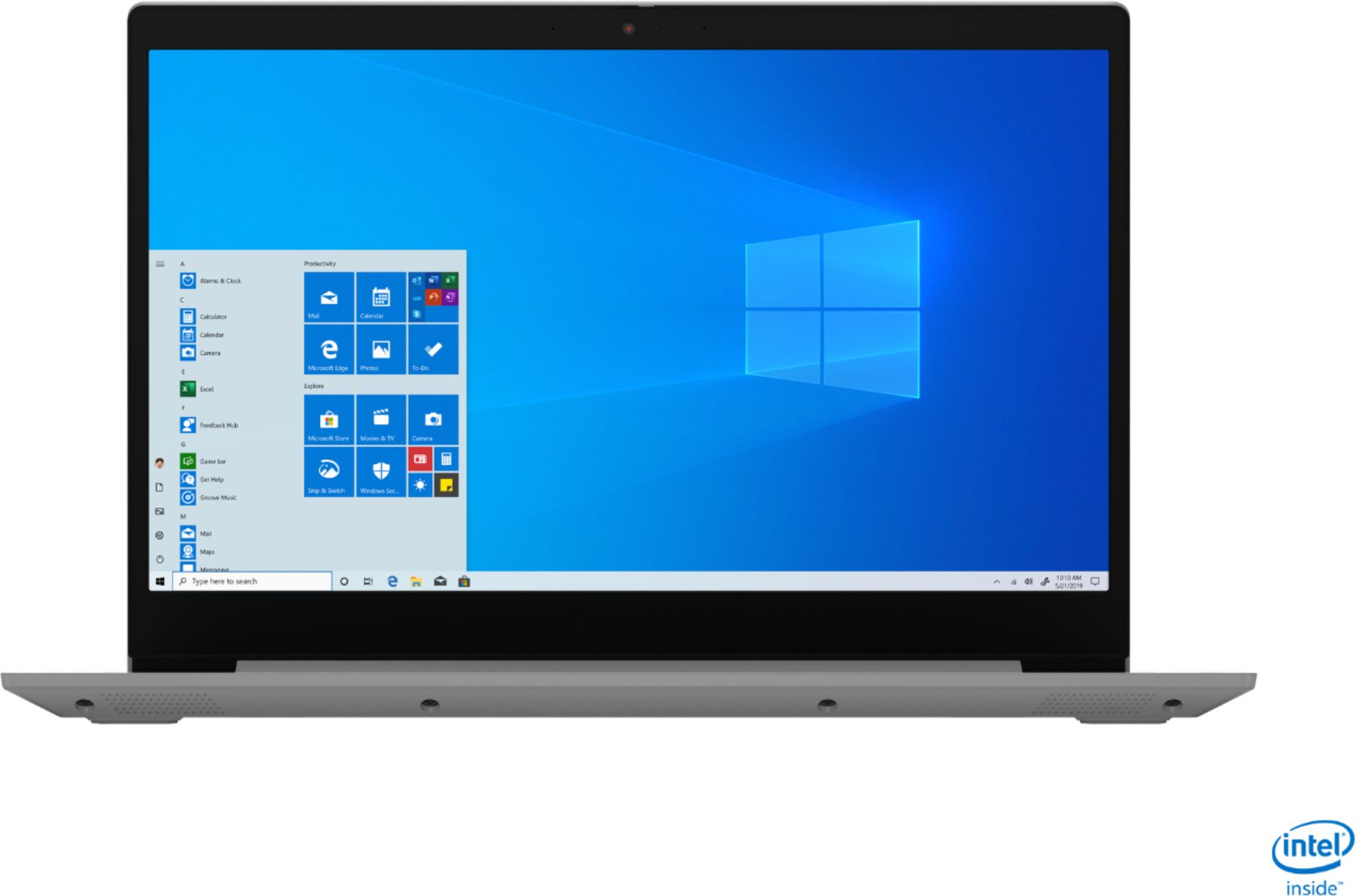
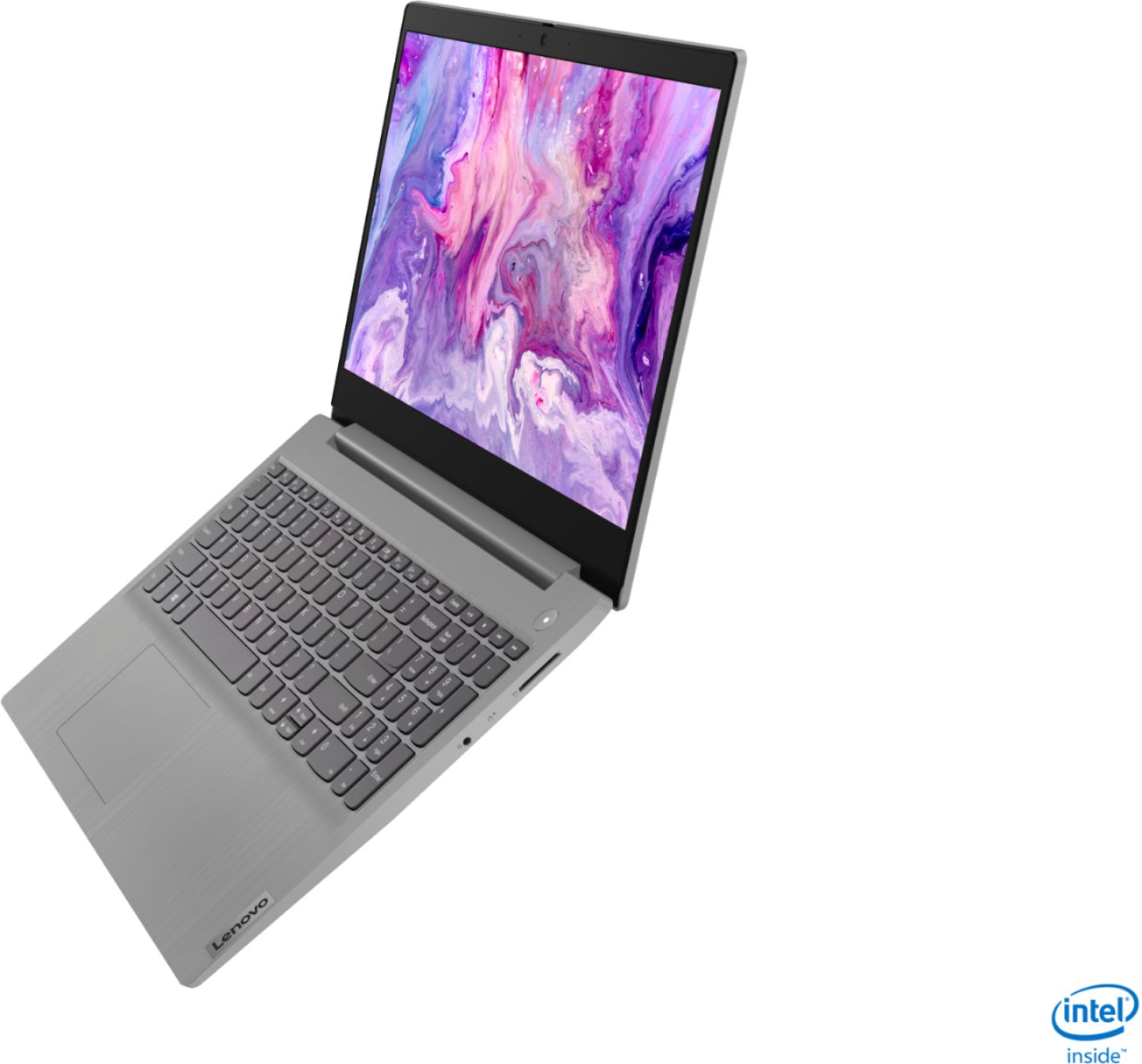
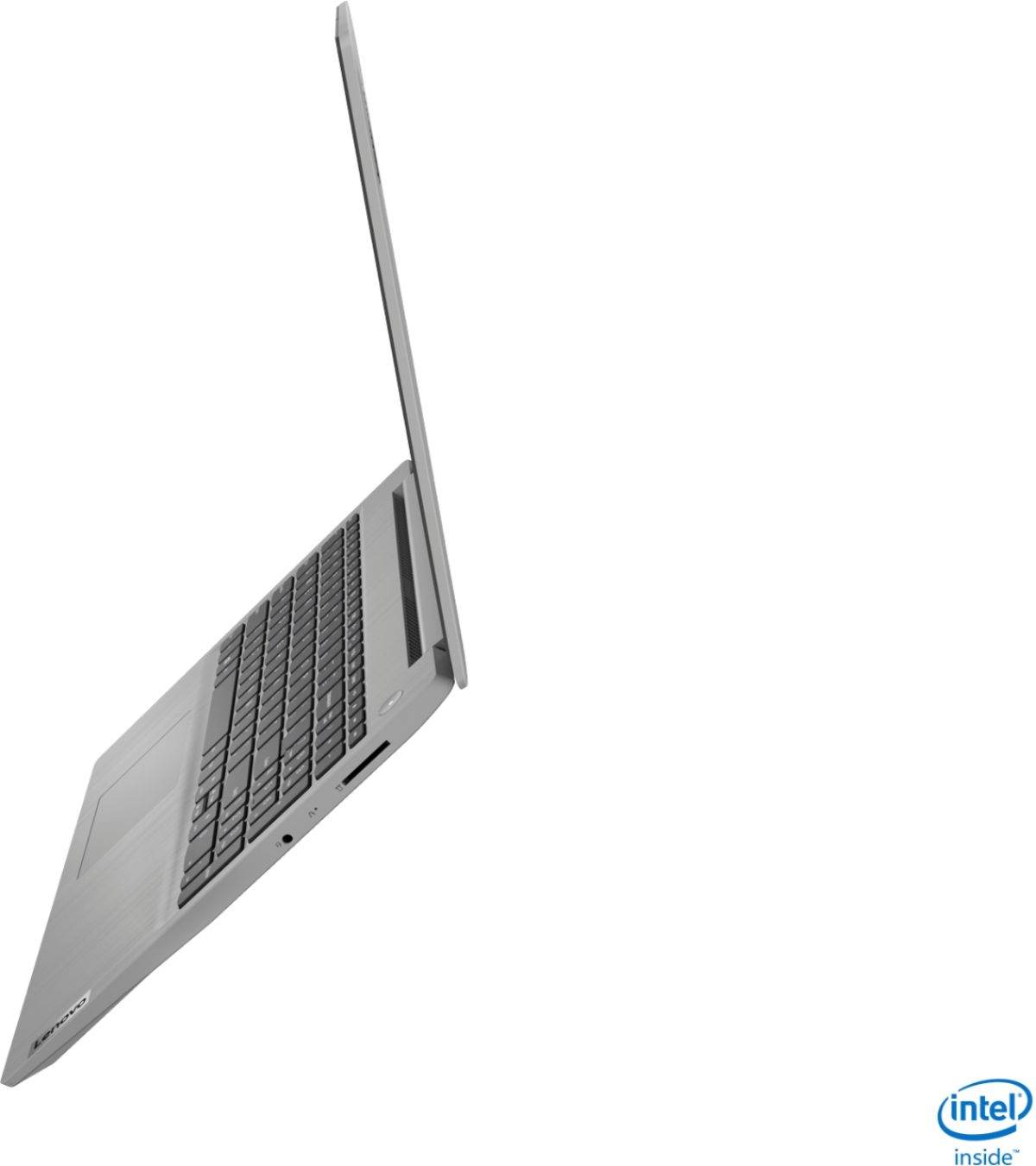


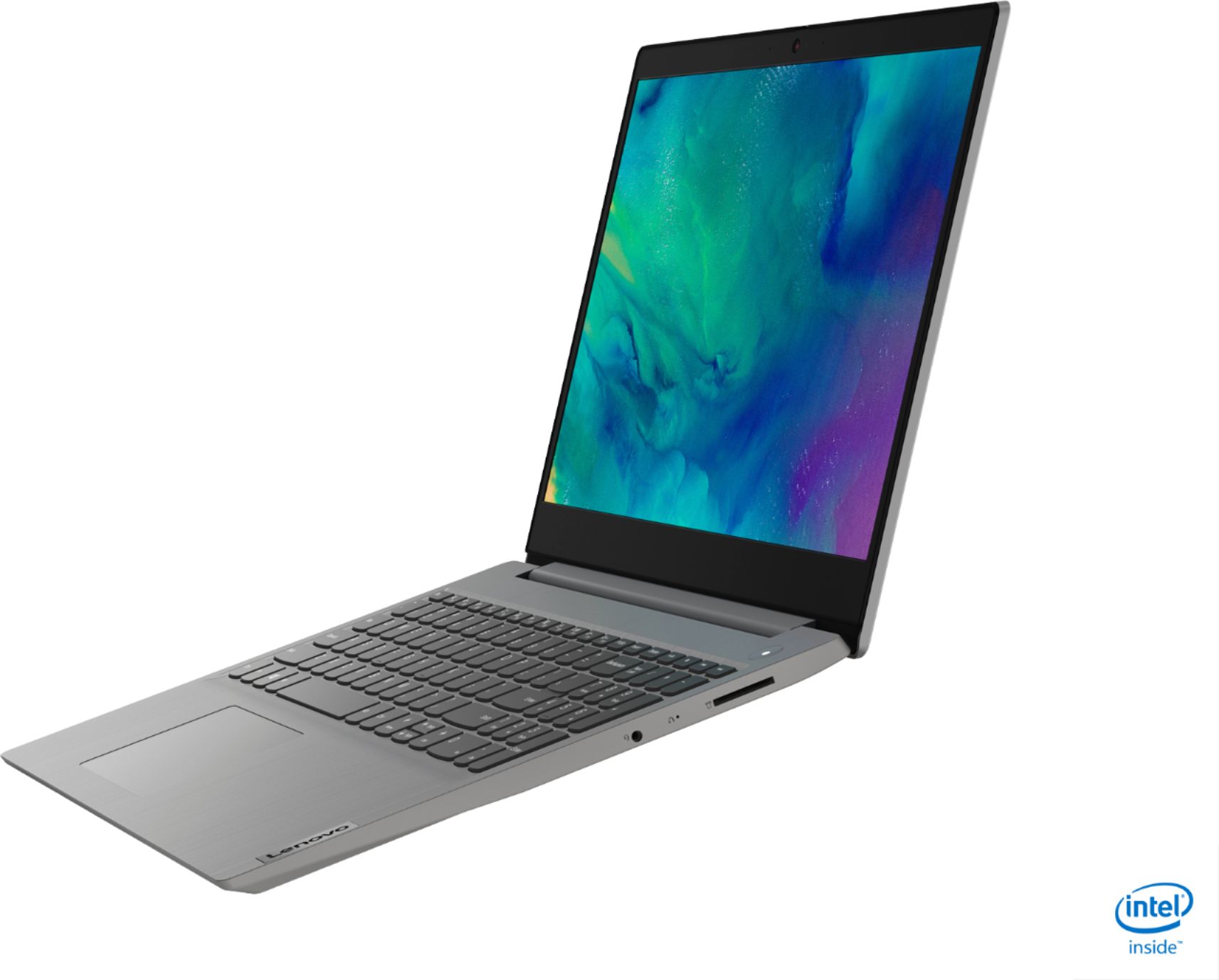


- Model:
- 81WE011UUS
- SKU:
- 6426707
Rating by feature
- Battery Life
Rating 4.2 out of 5 stars
- Speed
Rating 4.4 out of 5 stars
- Display
Rating 4.5 out of 5 stars
Customers are saying
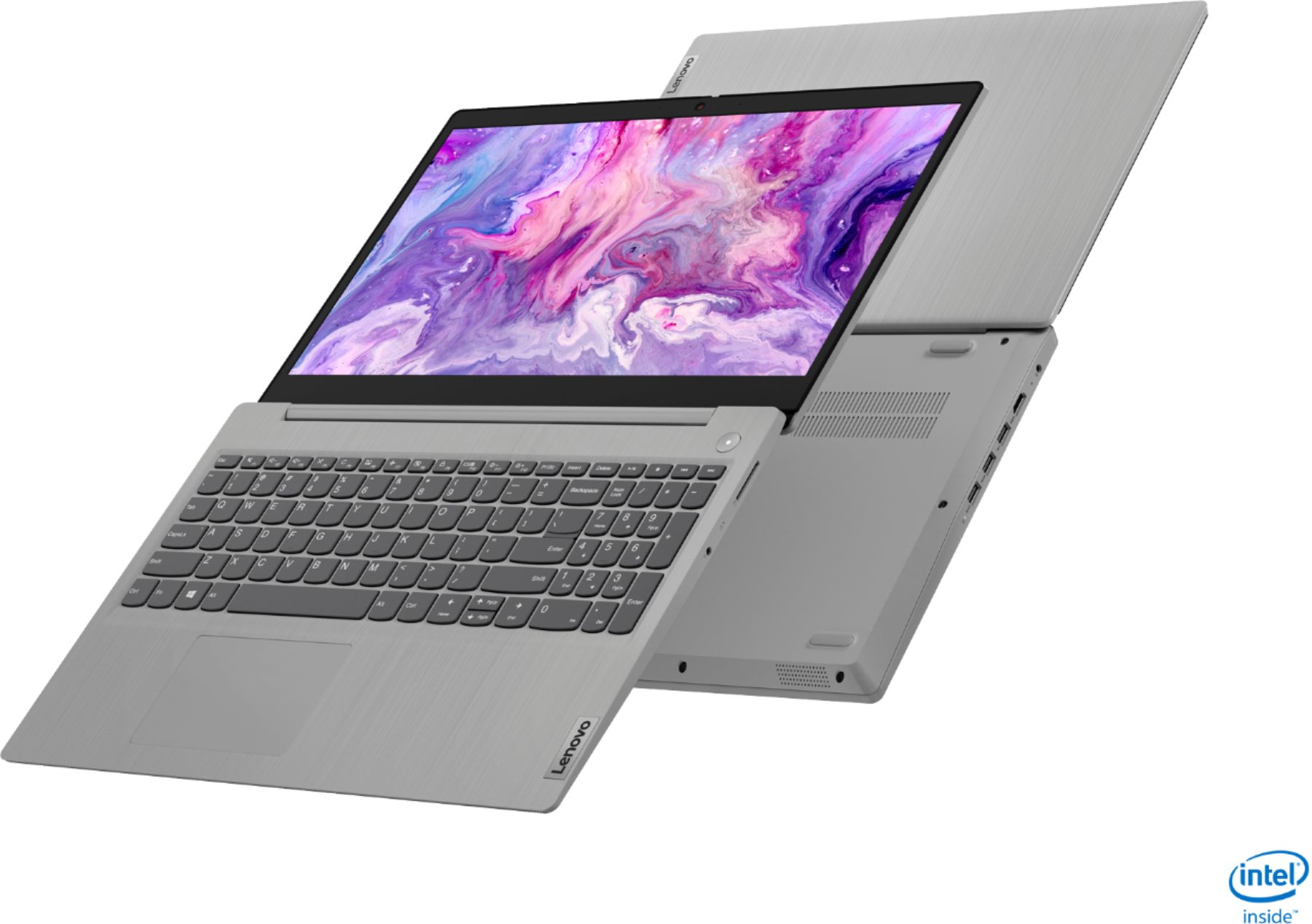
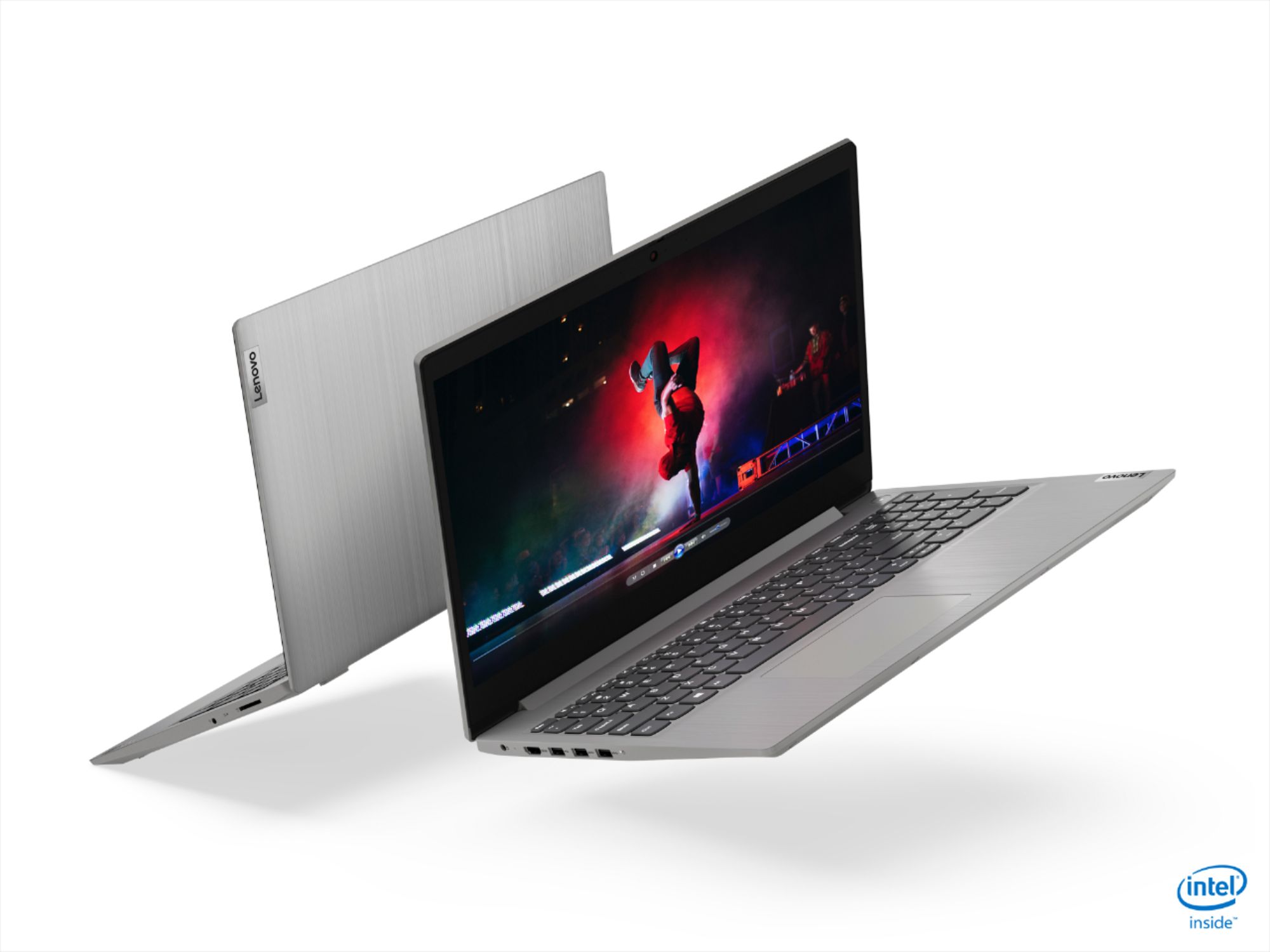
Customers often highlight the IdeaPad 3 15" Laptop's affordability, user-friendly interface, and lightweight design as its main advantages. Many users appreciate its clear screen and satisfactory performance. However, some users have concerns about its battery life, build quality, and the initial difficulty in disabling S mode.
This summary was generated by AI based on customer reviews.
- Pros mentioned:Price
Great Home Laptop for the Price!
||Posted . Owned for 1 month when reviewed.This reviewer received promo considerations or sweepstakes entry for writing a review.I caught this on sale for $300. It is a very nice laptop. I purchase for my wife to browse the net and office functions. Extremely happy with the performance. It is very thin, and light. Lots of value for the price. I thought of purchasing a 2nd one just for me. I highly recommend for a general purpose/ family PC.
I would recommend this to a friend - Cons mentioned:S mode
Good value
||Posted . Owned for 3 weeks when reviewed.This reviewer received promo considerations or sweepstakes entry for writing a review.A good basic laptop for light users. Good for email and internet use. Fast easy set-up. Fast boot up and a decent screen. Apps are limited from Microsoft due to S mode and contain too many adds. Makes for a good back up machine but too limited for serious use. You can disable S mode if desired but I have not so can't comment on that.
I would recommend this to a friendBrand response from Lenovo Product Expert
Posted .Thank you for choosing the Lenovo IdeaPad 3 15 Laptop, model number 81WE011UUS. We are pleased to hear that the easy setup and performance of the IdeaPad 3 15 meets your computing needs so well.

- Pros mentioned:Price, Speed
Great laptop at a budget price
||Posted . Owned for 2 months when reviewed.This reviewer received promo considerations or sweepstakes entry for writing a review.It is fast enough for most people - I used it for editing document, emails, youtube, remote access to my company pc, etc. It is pretty fast, better than I expected. At $300 price, I could not find a better one. The only thing I do not like is the mouse pad, which is not at the center, so it took a while to get used to the keyboard.
I would recommend this to a friendBrand response from Lenovo Product Expert
Posted .Hello. Thank you for choosing the Lenovo IdeaPad 3 laptop. We are pleased to hear that the value and performance of the IdeaPad 3 meets your computing needs so well! Since this unit has a standard QWERTY keyboard with a 10 key numeric pad included, the touchpad is centered over the QWERTY keys so that when the typist's hands are in the home position the trackpad is directly under their hands.
- Pros mentioned:PriceCons mentioned:Battery life
So far so good
||Posted . Owned for 2 weeks when reviewed.This reviewer received promo considerations or sweepstakes entry for writing a review.I bought this product at the Black Friday sale price, around $300. Switching from Window Edge to Window 10 Home was easy. The battery life is not great, as other reviewers had pointe out. Occasionally there have been internet connection issues, but not too bad. It's been about 2 weeks since I started to use it. So far so good.
I would recommend this to a friendBrand response from Lenovo Product Expert
Posted .Thank you for choosing the Lenovo IdeaPad 3 15 Laptop, model number 81WE011UUS. This model ships with a 2CELL_35WH_INTERNAL, Lithium Polymer Battery, with up to a 7 hour battery life, depending on the work the device is performing. Regarding WiFi connectivity, be sure you have the latest version of Windows 10 one the computer. Then update all of the BIOS files and driver up to that latest version of Windows 10. You can easily accomplish this by scanning the computer with the Lenovo Utility software available on this computer. This system has Lenovo utilities installed to help maintain the health of the device and keep the operating system software up to date. Type "Lenovo Vantage" in the Cortana Search window (if Lenovo Vantage is not installed on your device, you can download the APP and install it now). Select Lenovo Vantage from the list. In the window that opens, click on "Health and Support". In the expanded menu, select "Hardware Scan" In the window that opens, select "Run Quick Tests". This will scan your entire system for errors. Follow any directions that may pop up. If the problem continues after this scan, now click on "System Update". First select Windows update from the menu. Scan your system to be sure you have the latest version of Windows 10. Once that scan is complete, select "Additional Updates". This will scan your device to be sure there are no new BIOS/Driver updates needed. Follow any instructions that may pop up. Regarding system battery life, if you are getting substantially less battery life, first, set your screen brightness at less than 100-percent - try 80-percent to start with. Then, be sure Battery conservation Mode is turned off. This power management setting should only be used when the laptop is plugged in all the time. It will prolong overall battery life by only charging the battery to 60-percent of capacity. Here is a link to instructions for turning off Battery Conservation Mode: https://support.lenovo.com/us/en/solutions/ht103159. Also check what programs are running in the background on the computer. Be sure only the programs you want running in the background are. These programs will drain the battery. Here is a link to information about how to find out what programs are running in the background on your Windows 10 computer and how to manage them for better system performance: https://www.windowscentral.com/how-prevent-apps-running-background-windows-10. Then, finally, be sure any software you installed is compatible with Windows 10. Incompatible software will drain the battery at a faster rate. There is no need to install Microsoft Office software. The software is already part of the operating system, you just need to activate the software with a purchased product key. If you have installed a copy of Microsoft Office, this is conflicting with the existing copy on the system and this will slow your system down. If you have installed a 3rd party anti-virus program, be sure that Windows Defender is turned off and that the trial version of McAfee Anti-Virus software is uninstalled. There can only be one anti-virus program on the system. You may need to restore your system to original factory default settings if any of the programming errors have occurred. You can do that by typing "restore" in the Cortana search window. Just click on the magnifying glass icon at the bottom left of your Windows 10 Desktop. Click on "Reset This PC" Then click on "Get Started" and follow the on screen directions to restore to factory defaults. If the problem persists, we recommend you contact Lenovo Tech Support at: 877-453-6686.
- Pros mentioned:Speed, Weight
High value laptop for everyday common use
||Posted . Owned for 1 month when reviewed.This reviewer received promo considerations or sweepstakes entry for writing a review.Bought this laptop for my girlfriend who needed a new one after 10 years. Runs fast and has the sufficient specs in terms of RAM and storage for browsing the web, streaming, and running Office programs. Decent battery life considering battery size, and lightweight considering the large screen size.
I would recommend this to a friendBrand response from Lenovo Product Expert
Posted .Thank you for choosing the Lenovo IdeaPad 3 15 Laptop, model number 81WE011UUS, for your girl friend. We are pleased to hear that the value, features and performance of the IdeaPad 3 15 meets the computing needs of your girl friend so well.
- Cons mentioned:Build quality
Great for sale price
||Posted . Owned for less than 1 week when reviewed.This reviewer received promo considerations or sweepstakes entry for writing a review.$300 sale price makes this a winner. Not the most solid build (all plastic with cheap feel) but performs well for the price. Speedy with good display should handle all the basics. Very little bloatware makes for easy initial configuration and optimizing.
I would recommend this to a friendBrand response from Lenovo Product Expert
Posted .Thank you for choosing the Lenovo IdeaPad 3 laptop. We are pleased to hear that the value and performance of the IdeaPad 3 meets your computing needs so well!
- Pros mentioned:Price
Excellent display 1080p starts and runs fast
||Posted . Owned for less than 1 week when reviewed.This reviewer received promo considerations or sweepstakes entry for writing a review.Got this on sale for $299 and it is a excellent entry level laptop. Starts and runs fast and the screen is actually very good at 1080p, The first time I got about 4 hours from the battery from full charge which is reasonable. No complaints get this if you are looking for a good budget laptop.
I would recommend this to a friendBrand response from Lenovo Product Expert
Posted .Hi, Thanks for choosing the Lenovo IdeaPad 3 15" laptop model #81WE011UUS. This unit has an estimated battery life of 7.5 hours. If you are getting substantially less battery life, please adjust your screen brightness settings. A setting of 100% brightness will drain your battery much faster than a lower setting. We recommend setting the screen brightness to some value below 100% that is still comfortable for you to view. Next be sure Battery conservation Mode is turned off. This power management setting should only be used when the laptop is plugged in all the time. It will prolong overall battery life by only charging the battery to 60-percent of capacity. Here is a link to instructions for turning off Battery Conservation Mode: https://support.lenovo.com/us/en/solutions/ht103159. Also check what programs are running in the background on the computer. Be sure only the programs you want running in the background are. These programs will drain the battery. Here is a link to information about how to find out what programs are running in the background on your Windows 10 computer and how to manage them for better system performance: https://www.windowscentral.com/how-prevent-apps-running-background-windows-10. Then, finally, be sure any software you installed is compatible with Windows 10. Incompatible software will drain the battery at a faster rate. There is no need to install Microsoft Office software. The software is already part of the operating system, you just need to activate the software with a purchased product key. If you have installed a copy of Microsoft Office, this is conflicting with the existing copy on the system and this will slow your system down. If you have installed a 3rd party anti-virus program, be sure that Windows Defender is turned off and that the trial version of McAfee Anti-Virus software is uninstalled. There can only be one anti-virus program on the system. You may need to restore your system to original factory default settings if any of the programming errors have occurred. You can do that by typing "restore" in the Cortana search window. Just click on the magnifying glass icon at the bottom left of your Windows 10 Desktop. Click on "Reset This PC" Then click on "Get Started" and follow the on screen directions to restore to factory defaults. If the problem persists, we recommend you contact Lenovo Tech Support at: 877-453-6686.
- Pros mentioned:Price
Very good laptop purchased for an excellent price
||Posted . Owned for 1 month when reviewed.This reviewer received promo considerations or sweepstakes entry for writing a review.This laptop, which we purchased for the Black Friday sale, is very good for the price point ($299), with features indicative of a laptop which usually goes for a much higher price point, for example a 1080p screen and a 256 GB Solid State Drive. It boots very fast, due to the SSD, and the i3 processer is speedy and quite decent when performing heavy tasks, along with the 8 GB of RAM being able to handle multiple tabs open in an internet browser along with other tasks such as editing photos and using Microsoft Office. The integrated graphics card is good enough to play battle-royale games such as Fortnite at medium specs at around 30-40 FPS (frames per second). All in all, a very good laptop with excellent features, especially considering the price that we paid for it.
I would recommend this to a friendBrand response from Lenovo Product Expert
Posted .Hello. Thank you for choosing the Lenovo IdeaPad 3 laptop. We are pleased to hear that the value and performance of the IdeaPad 3 meets your computing needs so well!
- Pros mentioned:Price, Speed
Good price for a fast laptop
||Posted .This reviewer received promo considerations or sweepstakes entry for writing a review.Laptop was a gift for my daughter. It's the perfect size for bringing to school in her backpack. The laptop runs fast for any social media and school programs that she uses. Can't beat the price for the specs of this laptop.
I would recommend this to a friend - Pros mentioned:Price
Lenovo is A1
||Posted . Owned for less than 1 week when reviewed.This reviewer received promo considerations or sweepstakes entry for writing a review.It's ok to go with 'open box's.... Performs excellent. Great lap top for the price I payed. Purchased this model and it is as if it were brand new from the factory. Not a scratch or blemish of any kind. Incredibly great value for the power and performance. Very happy and would recommend this lap top to anyone.
I would recommend this to a friendBrand response from Lenovo Product Expert
Posted .Hello. Thank you for choosing the Lenovo IdeaPad 3 laptop. We are pleased to hear that the value and performance of the IdeaPad 3 meets your computing needs so well! We appreciate your recommendation!
- Pros mentioned:Lightweight, Price
Great laptop, I highly recommend
||Posted . Owned for 3 weeks when reviewed.This reviewer received promo considerations or sweepstakes entry for writing a review.So far, so good. This laptop is definitely an upgrade for me. Lightweight considering it's a 15" with numeric keypad. My last laptop weighed a ton! Based on the price I didn't expect much, but I am pleasantly surprised. I recommend this laptop, especially if you can get it on sale.
I would recommend this to a friendBrand response from Lenovo Product Expert
Posted .Thank you for choosing the Lenovo IdeaPad 3 15 Laptop. We are pleased to hear that the value, features and performance of the IdeaPad 3 15 meets your computing needs so well.
- Pros mentioned:Price
Good laptop. - Tech Savvy Guy
||Posted . Owned for less than 1 week when reviewed.This reviewer received promo considerations or sweepstakes entry for writing a review.There are NOT better laptops to be had at this pricepoint of 299. If it is not on sale, DO NOT BUY. You can do better at its regular MSRP. It has a great screen and a great keyboard. It's a good average laptop only suitable for people who are not willing to spend more than 300 dollars on laptops.
I would recommend this to a friend - Pros mentioned:Lightweight, Speed
Lenovo
||Posted .This reviewer received promo considerations or sweepstakes entry for writing a review.The computer works great!!! It's fast, and easy to set-up. It doesn't lag, and is lightweight. I had a HP laptop before that was very slow. Will never buy another. From here on out it will always be the LENOVO.
I would recommend this to a friendBrand response from Lenovo Product Expert
Posted .Hello. Thank you for choosing the Lenovo IdeaPad 3 laptop. We are pleased to hear that the value and performance of the IdeaPad 3 meets your computing needs so well! We appreciate your loyalty to the Lenovo brand.
Extremely happy with this laptop
||Posted . Owned for less than 1 week when reviewed.This reviewer received promo considerations or sweepstakes entry for writing a review.I am particularly pleased with this laptop. I bought this for my parents. I bought an Acer Aspire 5 as well (from a different vendor). Both laptops have the same RAM, SSD type and size and screen size (physical). However the Acer has Intel i5 processor. The Lenovo with an i3 beats the Acer hands down. Physically more appealing (not plasticky!). Less bloat software. Fast. 1920 x 1080. Even the keyboard layout is better than the Acer. Less need rounds of Windows update, even after I switched to standard Windows Home 64 bit from the Windows Home S. Therefore, faster setup. Go with Lenovo, you can't go wrong. This is the second Lenovo in my family. I've been extremely fortunate in finding very good deals for laptops and desktops at Best Buy. I've never had to buy one at list price. I've always found discounts of $150 or more at Best Buy. These deals beat what you get at Amazon, Costco and Walmart.
I would recommend this to a friendBrand response from Lenovo Product Expert
Posted .Hello. Thank you for choosing the Lenovo IdeaPad 3 laptop. We are pleased to hear that the value, design, and performance of the IdeaPad 3 meets your computing needs so well! We appreciate your loyalty to the Lenovo brand!
- Cons mentioned:Battery life
lenovo laptop
||Posted . Owned for 2 weeks when reviewed.This reviewer received promo considerations or sweepstakes entry for writing a review.Nice little laptop. A nice full hi def screen with decent speakers. A good amount of RAM and a nice quick solid state hard drive. For $300 it was a great deal. My only minor complaint is the battery. It doesnt last that long but besides that its a great laptop !!!
I would recommend this to a friend - Pros mentioned:Price, Speed
best deal ever
||Posted . Owned for 1 week when reviewed.This reviewer received promo considerations or sweepstakes entry for writing a review.I love my new Lenovo - IdeaPad 3 15" Laptop - Intel Core i3-1005G1 - 8GB Memory - 256GB SSD . what fantastic Speed and very reasonable price. i purchased this for me, but my son love this laptop so i gave to him. i differently recommend to my Friends and everyone.
I would recommend this to a friend - Pros mentioned:Price
I needed a replacement laptop, NOW!
||Posted . Owned for 1 month when reviewed.This reviewer received promo considerations or sweepstakes entry for writing a review.I work from home and woke up to discover that my trusty HP laptop was not working. I needed something that day and went to Best Buy. I found the Lenovo IdeaPad 3 and thought that it would serve my purposes until I could get the old reliable back up and running. I purchased it for a very reasonable price, took it home and set it up. The setup was very simply, except for the fact that the laptop does not have a CD/DVD drive and many of my programs are on disk. I had to purchase an external drive, but still the cost overall was acceptable. Next, when I started using the laptop, it would freeze sometimes if I had multiple windows/programs open, so I upgraded the memory to 20GB and that solved that problem. My only criticism is that I have to press the function key + up/down arrow for paging up or down. It's annoying, but I'll get used to it. Overall, the laptop is a good basic computer. Now that I have the upgrades, it does everything I need it to do and it does it well.
I would recommend this to a friend - Pros mentioned:Price
Great budget laptop
||Posted . Owned for 2 months when reviewed.This reviewer received promo considerations or sweepstakes entry for writing a review.I bought this when it was on sale for Thanksgiving for under $200. It is fantastic for what it is. My wife uses it for basic internet and productivity. I'd highly recommend the product - strongly suggest that you remove all bloat-ware so the system will run smoothly and efficiently.
I would recommend this to a friend - Pros mentioned:Speed, Weight
Great laptop for mom.
||Posted . Owned for 1 month when reviewed.This reviewer received promo considerations or sweepstakes entry for writing a review.Just the right size for my 80+ yr old mother. Light enough if she wants to travel with it, powerful enough for what she wants to do and fast enough to last through the next 3-5 years without slowing down. A definite step up from the core 2 duo she was using.
I would recommend this to a friendBrand response from Lenovo Product Expert
Posted .Thank you for choosing the Lenovo IdeaPad 3 15 Laptop, model number 81WE011UUS, for your mother. We are pleased to hear that the IdeaPad 3 15 meets your mother's computing needs so well.
- Pros mentioned:Lightweight, Speed
Great Value!
||Posted . Owned for 1 month when reviewed.This reviewer received promo considerations or sweepstakes entry for writing a review.This is a wonderful laptop! We needed something for work and school and this laptop fits the bill. The SSD makes the laptop so much lighter than laptops with a regular hard drive, and the SSD makes this laptop run faster as well! Would highly recommend!
I would recommend this to a friendBrand response from Lenovo Product Expert
Posted .Hello. Thank you for choosing the Lenovo IdeaPad 3 laptop. We are pleased to hear that the value and performance of the IdeaPad 3 meets your computing needs so well! We appreciate your recommendation.