Customer Ratings & Reviews




- Model:
- 81WE011UUS
- SKU:
- 6426707
Rating by feature
- Battery Life
Rating 4.2 out of 5 stars
- Speed
Rating 4.4 out of 5 stars
- Display
Rating 4.5 out of 5 stars
Customers are saying
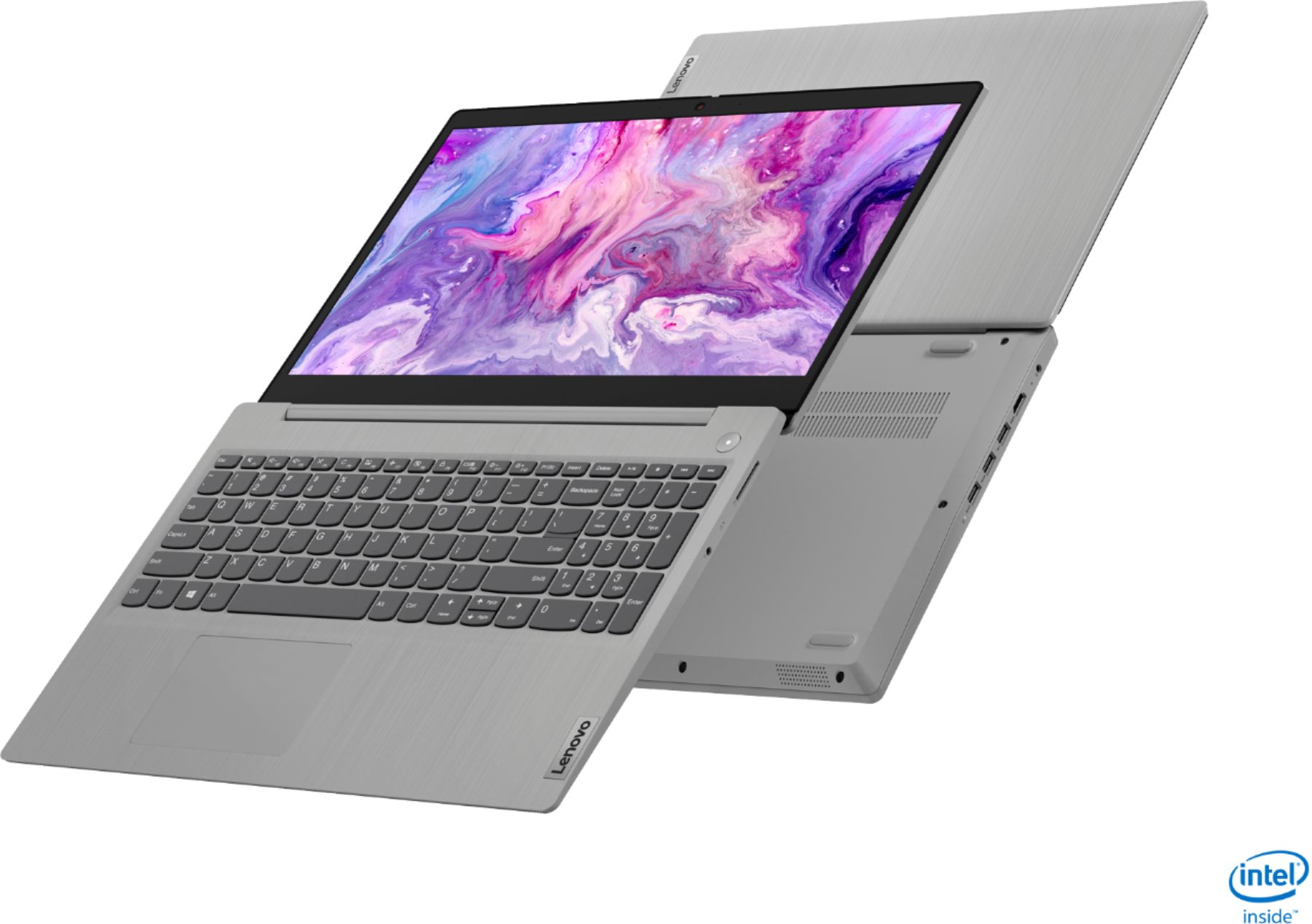
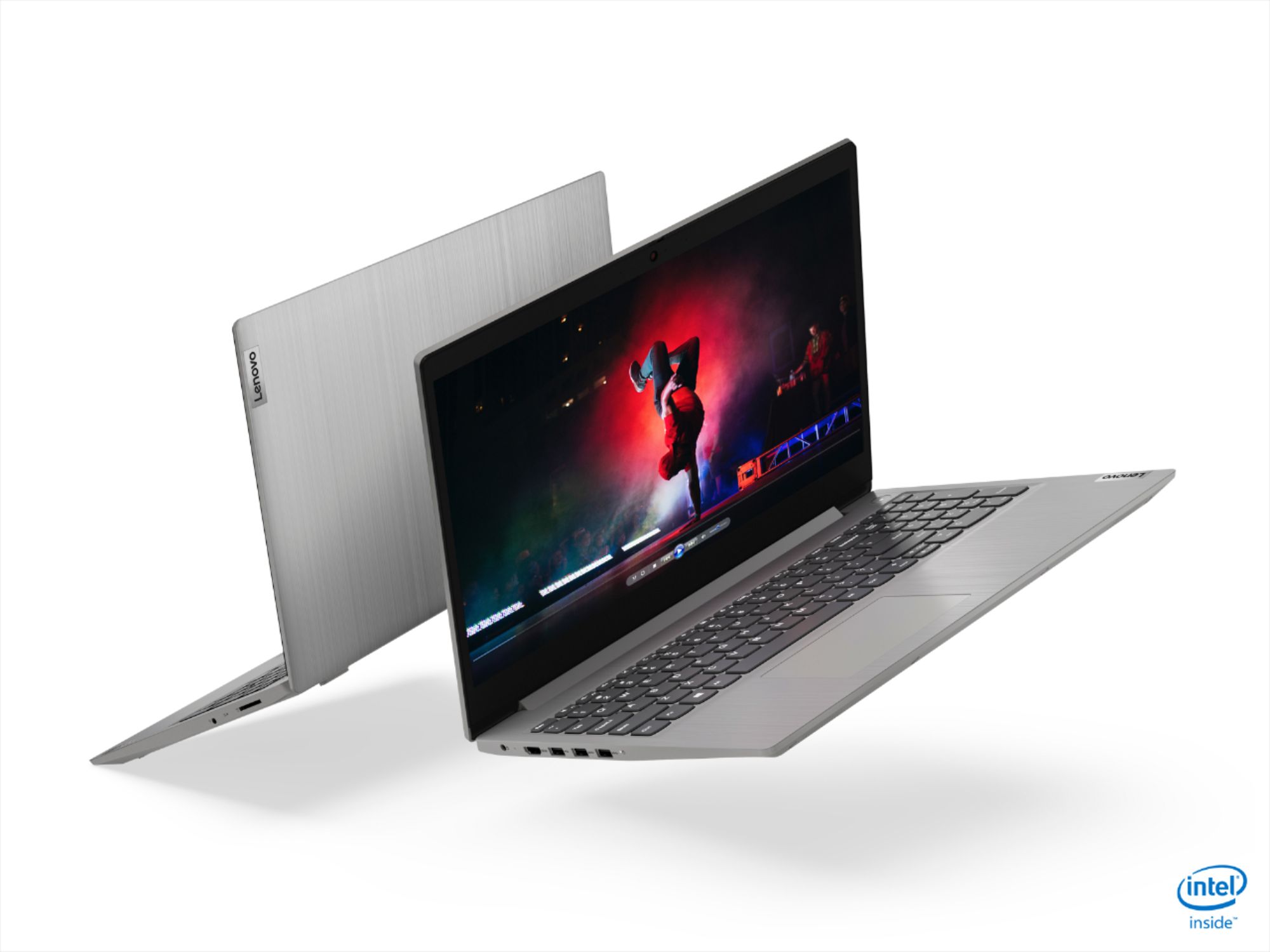
Customers often highlight the IdeaPad 3 15" Laptop's affordability, user-friendly interface, and lightweight design as its main advantages. Many users appreciate its clear screen and satisfactory performance. However, some users have concerns about its battery life, build quality, and the initial difficulty in disabling S mode.
This summary was generated by AI based on customer reviews.
- Pros mentioned:PriceCons mentioned:Build quality
Performance if good , Quality not impressive
||Posted . Owned for 1 year when reviewed.This reviewer received promo considerations or sweepstakes entry for writing a review.In overall is suitable for light tasks. The built quality is not good, and you feel it is made of plastic. And you are expected to handle it with care. The windows home S must be renewed, and I wouldn't say I like it. for the price it was reasonable.
I would recommend this to a friend - Pros mentioned:Price
On sale for $299, this is a must buy laptop!
||Posted . Owned for 3 months when reviewed.This reviewer received promo considerations or sweepstakes entry for writing a review.I purchased this when it was on sale for $299. For the price it cannot be beat. It is for my daughter to replace her chromebook, as the Windows laptop allowed her to do more and use other applications that required Windows or Mac. For the price it cannot be beat and using it for school it is more than sufficient. An Intel core i3 is fine, 8GB is good enough. I would have liked it to have a USB-C port that would allow it to charge the laptop, but that is mainly found to much more expensive laptops. For the money saved, I'm ok with that. One aspect she has to get used to is the trackpad is not centered on the laptop. She is still getting used to that. Otherwise, she loves it. Plus, Win10 now enables to link her Android phone to the computer. She can now text, take calls, and use her phone apps right on the computer! I think that's a really good feature.
I would recommend this to a friendBrand response from Lenovo Product Expert
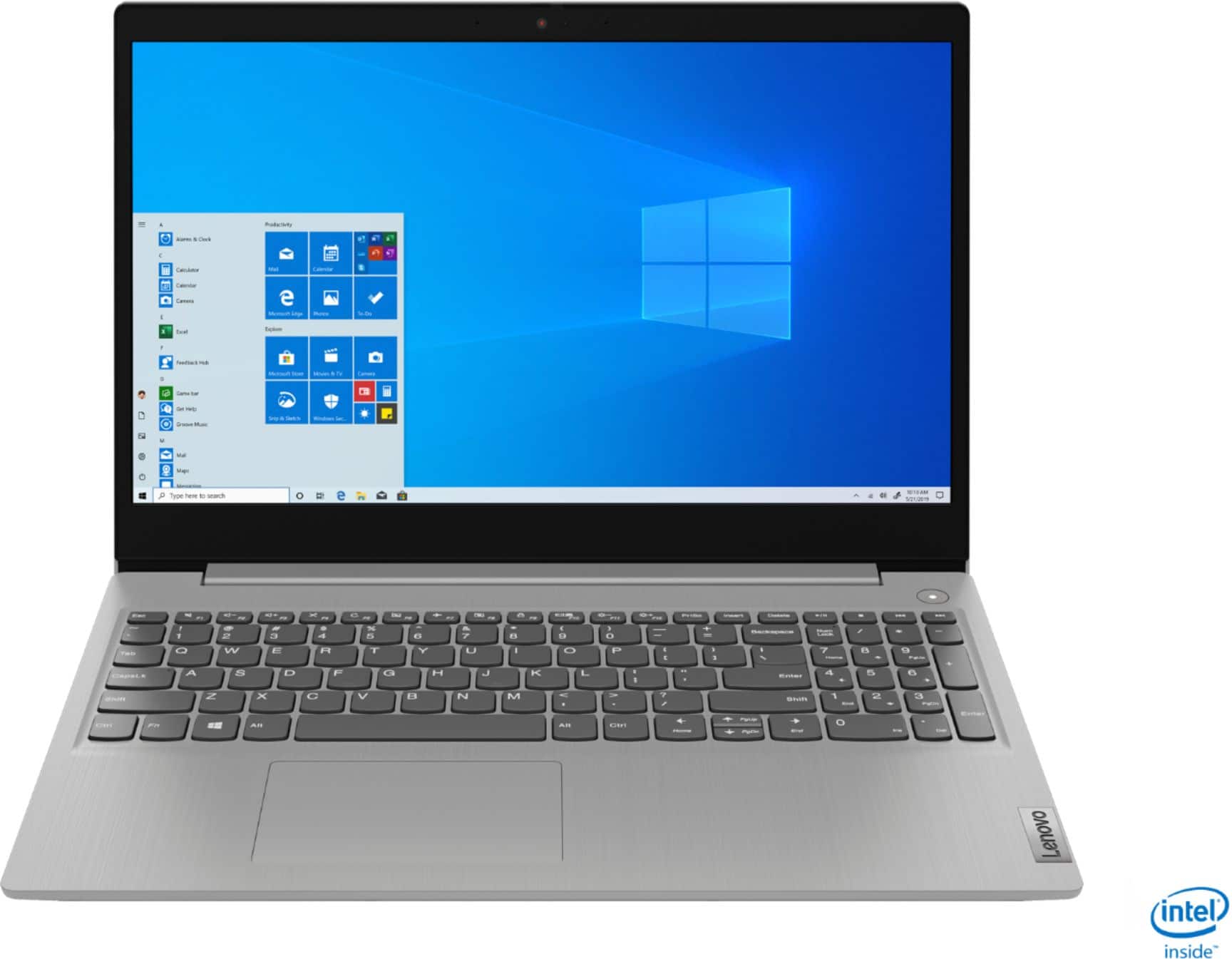
Posted .Hello. Thank you for choosing the Lenovo IdeaPad 3 15" laptop. We are pleased to hear that the value and performance of the IdeaPad 3 meets your computing needs so well! Since this unit has a standard QWERTY keyboard with a 10 key numeric pad included, the touchpad is centered over the QWERTY keys so that when the typist's hands are in the home position the trackpad is directly under their hands.

- Cons mentioned:Battery life
Decent laptop for the price
||Posted . Owned for 9 months when reviewed.This reviewer received promo considerations or sweepstakes entry for writing a review.I purchased this laptop on sale almost a year ago. It's a great laptop and has a nice amount of space which I havent ran out of as of yet and I use it daily but I do try not to put alot of nonsense on it. I like that it can go into tablet mode but it seems to get stuck at times. My biggest issue has been that whenever I shut it down to power off it doesnt stay off. I purchased 2 and both do the samething as far as never shutting completely down no matter how many times you do it. Being it doesnt shut down it constantly needs to charge a little more than I feel it should. Besides that I have no problems with this product. The volume isnt great but its decent. I have no problems with zoom calls or online business. As long as I can hear and be heard Im cool. The camera is decent so no complaints there. I really just wish it would stay off when powered off.
No, I would not recommend this to a friend - Pros mentioned:Lightweight, Price
Good functionality for a low priced laptop
||Posted . Owned for less than 1 week when reviewed.This reviewer received promo considerations or sweepstakes entry for writing a review.Purchased this laptop to complete a project using this laptop and a tower computer and monitor. The laptop functioned as expected. It is lightweight and easy to set up and use. The price was right, and I will continue to use this laptop for travel and additional projects.
I would recommend this to a friendBrand response from Lenovo Product Expert
Posted .Hello. Thank you for choosing the Lenovo IdeaPad 3 laptop. We are pleased to hear that the value and performance of the IdeaPad 3 meets your computing needs so well!
- Pros mentioned:Easy to use, Lightweight
So much for such a reasonable cost
||Posted .This reviewer received promo considerations or sweepstakes entry for writing a review.Such an effort to have to replace your old laptop - but this turned out to be an immediate joy - being So easy to use, So much faster and very lightweight with a comfortable keyboard - All in all for a very reasonable price! Highly Recommended.
I would recommend this to a friend - Pros mentioned:Lightweight, Price
Perfect Balance
||Posted . Owned for 2 weeks when reviewed.This reviewer received promo considerations or sweepstakes entry for writing a review.Great laptop with a balance of price and performance. The system is easily upgradeable for free to the Windows Home version. The laptop is lightweight with plenty of battery power.
I would recommend this to a friend - Pros mentioned:Price, Speed
great laptop
||Posted . Owned for 1.5 years when reviewed.This reviewer received promo considerations or sweepstakes entry for writing a review.Excellent laptop for the average user. IT has good speed and plenty of memory. IT also had a great price point. I like the ease of use and being able to set it up remotely for family.
I would recommend this to a friend - Pros mentioned:Easy to use, Price
Great laptop
||Posted . Owned for 1 month when reviewed.This reviewer received promo considerations or sweepstakes entry for writing a review.I ordered this laptop to work from home. It is a great little laptop and has all the features that I need for work. Extremely affordable, amazing display, very easy to use, just an all around great laptop. Extremely pleased.
I would recommend this to a friend - Pros mentioned:Price, Weight
A great value for the money
||Posted . Owned for 1 month when reviewed.This reviewer received promo considerations or sweepstakes entry for writing a review.This is a great value for the money. My son travels a lot and I wanted to get him a powerful but light weight laptop to use while he is abroad. I selected this unit because it was a great price and had many 5 star reviews.
I would recommend this to a friend - Pros mentioned:PriceCons mentioned:S mode
Great Entry Level Laptop for the Price
||Posted . Owned for 3 weeks when reviewed.This reviewer received promo considerations or sweepstakes entry for writing a review.This has been a great purchase for remote learning, browsing and light to moderate gaming. Switch windows out of S Mode to install non-Microsoft store software and this is a great entry level laptop for a great price.
I would recommend this to a friend - Pros mentioned:Speed
Good to Surf the Web
||Posted . Owned for 1 month when reviewed.This reviewer received promo considerations or sweepstakes entry for writing a review.Father-in-law primarily uses the computer to surf the web. He needed to replace his 8 year old Windows 7 machine. This computer met all of his needs. The screen was large enough to see, and the computer was much faster than his old one.
I would recommend this to a friend - Pros mentioned:Price, Speed
Nice laptop in this price range
||Posted .This reviewer received promo considerations or sweepstakes entry for writing a review.Very nice laptop in this price range. Speed is more than sufficient for internet browsing and normal home use Good build quality The only downside is, inbuilt webcam video quality not very good. Overall value for money laptop
I would recommend this to a friend - Pros mentioned:PriceCons mentioned:Battery life
Good Cheap Laptop
||Posted . Owned for 1 month when reviewed.This reviewer received promo considerations or sweepstakes entry for writing a review.Great for something really cheap and simple. If you don't need a touchscreen and only use office and web based services, it's more than enough. Battery life should be better, but when it's on sale there's nothing to complain about.
I would recommend this to a friendBrand response from Lenovo Product Expert
Posted .Hello. Thank you for choosing the Lenovo IdeaPad 3 laptop model #81WE011UUS . This unit hat a battery life of up to 7.5 hours. If you are getting substantially less battery life, please adjust your screen brightness settings. A setting of 100% brightness will drain your battery much faster than a lower setting. We recommend setting the screen brightness to some value below 100% that is still comfortable for you to view. Next be sure Battery conservation Mode is turned off. This power management setting should only be used when the laptop is plugged in all the time. It will prolong overall battery life by only charging the battery to 60-percent of capacity. Here is a link to instructions for turning off Battery Conservation Mode: https://support.lenovo.com/us/en/solutions/ht103159. Also check what programs are running in the background on the computer. Be sure only the programs you want running in the background are. These programs will drain the battery. Here is a link to information about how to find out what programs are running in the background on your Windows 10 computer and how to manage them for better system performance: https://www.windowscentral.com/how-prevent-apps-running-background-windows-10. Then, finally, be sure any software you installed is compatible with Windows 10. Incompatible software will drain the battery at a faster rate. There is no need to install Microsoft Office software. The software is already part of the operating system, you just need to activate the software with a purchased product key. If you have installed a copy of Microsoft Office, this is conflicting with the existing copy on the system and this will slow your system down. If you have installed a 3rd party anti-virus program, be sure that Windows Defender is turned off and that the trial version of McAfee Anti-Virus software is uninstalled. There can only be one anti-virus program on the system. You may need to restore your system to original factory default settings if any of the programming errors have occurred. You can do that by typing "restore" in the Cortana search window. Just click on the magnifying glass icon at the bottom left of your Windows 10 Desktop. Click on "Reset This PC" Then click on "Get Started" and follow the on screen directions to restore to factory defaults. If the problem persists, we recommend you contact Lenovo Tech Support at: 877-453-6686.
- Pros mentioned:Price
i3 Laptop with Excellent performance.
||Posted . Owned for less than 1 week when reviewed.This reviewer received promo considerations or sweepstakes entry for writing a review.This is my first time owning a laptop with an i3 Intel processor. It was purchase to replace a 2nd Generation MS Surface. for the price the performance is excellent and exceeded my expectations. Great for students.
I would recommend this to a friendBrand response from Lenovo Product Expert
Posted .Thank you for choosing the Lenovo IdeaPad 3 laptop. We are pleased to hear that the value and performance of the IdeaPad 3 meets your computing needs so well!
- Pros mentioned:Price
Decent low price Laptop for simple tasks
||Posted . Owned for 3 weeks when reviewed.This reviewer received promo considerations or sweepstakes entry for writing a review.I've had this laptop for almost a month now. I wanted a cheap laptop for personal use, mainly for shopping and video chat. It was easy to set up and works pretty fast. I haven't had any problems with it yet and works well for simple internet browsing and documents. I've used it to skype a few times and the camera works fine. The battery seems to last about 3 or 4 hours but I can just plug it in so it's ok for me. Will keep it in S mode until I need to download additional apps. Glad I bought it for $300, found it to be a good purchase.
I would recommend this to a friendBrand response from Lenovo Product Expert
Posted .Thank you for choosing the Lenovo IdeaPad 3 15 Laptop, model number 81WE011UUS. This model ships with a 2CELL_35WH_INTERNAL, Lithium Polymer Battery, with a battery life of up to 7 hours. If you are getting substantially less battery life, First, set your screen brightness at less than 100-percent - try 80-percent to start with. Then, be sure Battery conservation Mode is turned off. This power management setting should only be used when the laptop is plugged in all the time. It will prolong overall battery life by only charging the battery to 60-percent of capacity. Here is a link to instructions for turning off Battery Conservation Mode: https://support.lenovo.com/us/en/solutions/ht103159. Also check what programs are running in the background on the computer. Be sure only the programs you want running in the background are. These programs will drain the battery. Here is a link to information about how to find out what programs are running in the background on your Windows 10 computer and how to manage them for better system performance: https://www.windowscentral.com/how-prevent-apps-running-background-windows-10. Then, finally, be sure any software you installed is compatible with Windows 10. Incompatible software will drain the battery at a faster rate. There is no need to install Microsoft Office software. The software is already part of the operating system, you just need to activate the software with a purchased product key. If you have installed a copy of Microsoft Office, this is conflicting with the existing copy on the system and this will slow your system down. If you have installed a 3rd party anti-virus program, be sure that Windows Defender is turned off and that the trial version of McAfee Anti-Virus software is uninstalled. There can only be one anti-virus program on the system. You may need to restore your system to original factory default settings if any of the programming errors have occurred. You can do that by typing "restore" in the Cortana search window. Just click on the magnifying glass icon at the bottom left of your Windows 10 Desktop. Click on "Reset This PC" Then click on "Get Started" and follow the on screen directions to restore to factory defaults. If the problem persists, we recommend you contact Lenovo Tech Support at: 877-453-6686.
- Pros mentioned:SpeedCons mentioned:Battery life
It's good
||Posted .This reviewer received promo considerations or sweepstakes entry for writing a review.Laptop runs really quickly and smoothly. Windows 10 is like a really annoying helicopter parent. Battery life was a complete lie, only 4 hours on average and that's with light use (no gaming, mostly web browsing and writing).
I would recommend this to a friendBrand response from Lenovo Product Expert
Posted .Hello. Thank you for choosing the Lenovo IdeaPad 3 laptop model # 81WE011UUS. This unit has a battery life of up to 7.5 hours. If you are getting substantially less battery life, please adjust your screen brightness settings. A setting of 100% brightness will drain your battery much faster than a lower setting. We recommend setting the screen brightness to some value below 100% that is still comfortable for you to view. Next be sure Battery conservation Mode is turned off. This power management setting should only be used when the laptop is plugged in all the time. It will prolong overall battery life by only charging the battery to 60-percent of capacity. Here is a link to instructions for turning off Battery Conservation Mode: https://support.lenovo.com/us/en/solutions/ht103159. Also check what programs are running in the background on the computer. Be sure only the programs you want running in the background are. These programs will drain the battery. Here is a link to information about how to find out what programs are running in the background on your Windows 10 computer and how to manage them for better system performance: https://www.windowscentral.com/how-prevent-apps-running-background-windows-10. Then, finally, be sure any software you installed is compatible with Windows 10. Incompatible software will drain the battery at a faster rate. There is no need to install Microsoft Office software. The software is already part of the operating system, you just need to activate the software with a purchased product key. If you have installed a copy of Microsoft Office, this is conflicting with the existing copy on the system and this will slow your system down. If you have installed a 3rd party anti-virus program, be sure that Windows Defender is turned off and that the trial version of McAfee Anti-Virus software is uninstalled. There can only be one anti-virus program on the system. You may need to restore your system to original factory default settings if any of the programming errors have occurred. You can do that by typing "restore" in the Cortana search window. Just click on the magnifying glass icon at the bottom left of your Windows 10 Desktop. Click on "Reset This PC" Then click on "Get Started" and follow the on screen directions to restore to factory defaults. If the problem persists, we recommend you contact Lenovo Tech Support at: 877-453-6686
- Pros mentioned:Price
Great IPS screen!
||Posted . Owned for 4 months when reviewed.This reviewer received promo considerations or sweepstakes entry for writing a review.Excellent FHD IPS display and brushed metal finish. This laptop was a fantastic value and punches well above its weight for the money paid. It even had a WD SN530 Nvme drive for excellent performance!
I would recommend this to a friend - Pros mentioned:PriceCons mentioned:Battery life
Happy with it!
||Posted . Owned for 2 weeks when reviewed.This reviewer received promo considerations or sweepstakes entry for writing a review.So far I really like this computer. I have noticed the battery doesn’t hold out for the full 7 hours but I’m going to check out some the suggestions given to remedy it. Great computer especially for the price.
I would recommend this to a friendBrand response from Lenovo Product Expert
Posted .Hello. Thank you for choosing the Lenovo IdeaPad 3 laptop. We are pleased to hear that the value and performance of the IdeaPad 3 meets your computing needs so well! This unit is rated for 7 hours. If you are getting substantially less battery life, please adjust your screen brightness settings. A setting of 100% brightness will drain your battery much faster than a lower setting. We recommend setting the screen brightness to some value below 100% that is still comfortable for you to view. Next be sure Battery conservation Mode is turned off. This power management setting should only be used when the laptop is plugged in all the time. It will prolong overall battery life by only charging the battery to 60-percent of capacity. Here is a link to instructions for turning off Battery Conservation Mode: https://support.lenovo.com/us/en/solutions/ht103159. Also check what programs are running in the background on the computer. Be sure only the programs you want running in the background are. These programs will drain the battery. Here is a link to information about how to find out what programs are running in the background on your Windows 10 computer and how to manage them for better system performance: https://www.windowscentral.com/how-prevent-apps-running-background-windows-10. Then, finally, be sure any software you installed is compatible with Windows 10. Incompatible software will drain the battery at a faster rate. There is no need to install Microsoft Office software. The software is already part of the operating system, you just need to activate the software with a purchased product key. If you have installed a copy of Microsoft Office, this is conflicting with the existing copy on the system and this will slow your system down. If you have installed a 3rd party anti-virus program, be sure that Windows Defender is turned off and that the trial version of McAfee Anti-Virus software is uninstalled. There can only be one anti-virus program on the system. You may need to restore your system to original factory default settings if any of the programming errors have occurred. You can do that by typing "restore" in the Cortana search window. Just click on the magnifying glass icon at the bottom left of your Windows 10 Desktop. Click on "Reset This PC" Then click on "Get Started" and follow the on screen directions to restore to factory defaults. If the problem persists, we recommend you contact Lenovo Tech Support at: 877-453-6686.
- Pros mentioned:Speed, Weight
Great laptop
||Posted . Owned for 1 month when reviewed.This reviewer received promo considerations or sweepstakes entry for writing a review.I bought this to replace my 4 year old dell laptop. This is great for my use. I use this for word documents, online banking, and family tree applications. This is a great laptop. Light and fast
I would recommend this to a friend BEST BUDGET LAPTOP OF THE YEAR
||Posted . Owned for less than 1 week when reviewed.This reviewer received promo considerations or sweepstakes entry for writing a review.Guess what guys? This laptop right here is the best budget laptop of the year. why? For only $299 You'll get a Ultra Fast Responsive Laptop, Since i bought this i never had any lags or delays . It Runs Smooth and fast than any laptops i've ever had. Imagine having a 8gb of ram and a 10TH GEN. INTEL PROCESSOR AND A SSD. FOR ONLY $299? . YES YOU CAN! PROS. BEST CAMERA SHUTTER FEATURE EVER. PROTECTION AT ITS FINEST. FASTEST LAPTOP YOU COULD HAVE FOR THAT PRICE. DOLBY AUDIO WOULD BLOW YOU AWAY WHEN YOU PLAY SONGS USING ITS SPEAKER. THE FINISHING TOUCH WOULD FEEL LIKE YOUR USING A GRAND PRICE LAPTOP. THE KEYBOARDS ARE SO INTUITIVE THAT YOU WANT ASK FOR MORE. LIST OF GAMES I COULD PLAY "SMOOTHLY", FORTNITE, LEAGUE OF LEGENDS, VALORANT, DOTA 2( LOW SETTINGS ), GTAV NORMAL SETTINGS . CONS: TOO MUCH GOODNESS FOR THAT PRICE.
I would recommend this to a friend