Customer Ratings & Reviews
- Model:
- 81MV0001US
- |
- SKU:
- 6323665
Customer reviews
Rating 4.1 out of 5 stars with 1239 reviews
(1,239 customer reviews)Rating by feature
- Battery Life4.0
Rating 4.0 out of 5 stars
- Speed3.1
Rating 3.1 out of 5 stars
- Display3.8
Rating 3.8 out of 5 stars
Customers are saying
Customers love the IdeaPad S145 15.6" Laptop for its budget-friendly price, easy setup, and lightweight design. However, some users have expressed concerns about its slow performance, limited RAM, short battery life, and touchpad issues.
This summary was generated by AI based on customer reviews.
Rated 4 out of 5 stars
Erik's computer
||Posted . Owned for 1.5 years when reviewed.This reviewer received promo considerations or sweepstakes entry for writing a review.item not purchased in 2020 . was a good buy and had no problems. was a gift to my son
I would recommend this to a friendRated 4 out of 5 stars
Great for web browsing
||Posted . Owned for 3 weeks when reviewed.This reviewer received promo considerations or sweepstakes entry for writing a review.This product has an OS windows in secure mode, with this you really dont need an antivirus for your system.
I would recommend this to a friendRated 4 out of 5 stars
Not the best
||Posted . Owned for 3 weeks when reviewed.This reviewer received promo considerations or sweepstakes entry for writing a review.Seems to be a little on the cheaper side as far as performance and looks. I hope it does ok for school work.
I would recommend this to a friendBrand response from Lenovo Product Expert
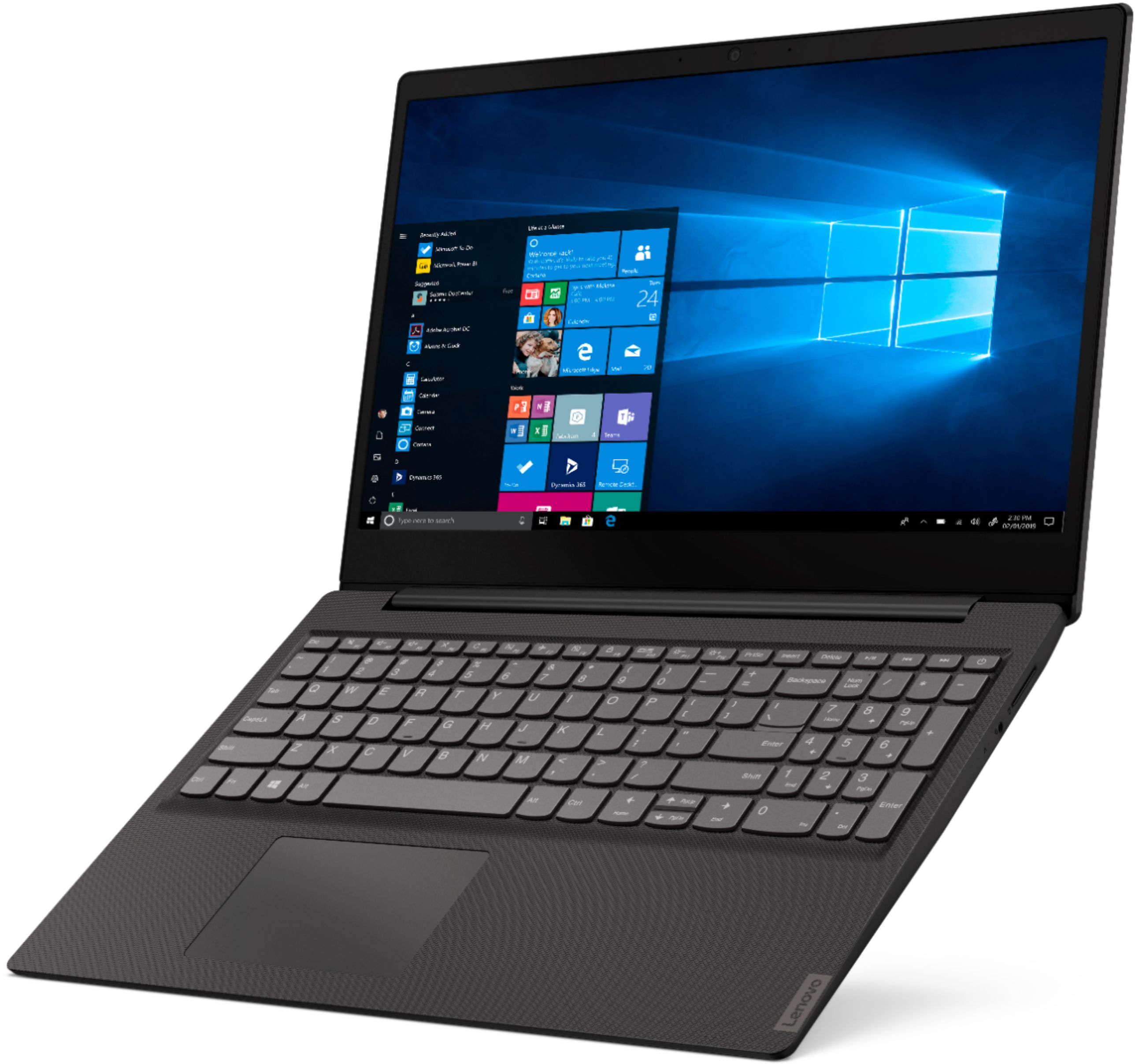
Posted .The Lenovo IdeaPad S145-15 laptop is an entry level, light use system with its Intel Pentium processor. It is not meant for multi-tasking or demanding programs. It is good for Microsoft Office and light internet browsing. This model ships with Windows 10 S-Mode Operating System. Windows 10 S-Mode provides added security by only allowing APPs available ( and therefore certified by Microsoft) at the Microsoft Store. If you don't need the added security or you need to install APPs not available at the Microsoft Store, you can switch to standard Windows 10 Home 64-bit Operating System, at no additional cost.
- Cons mentioned:Slow
Rated 3 out of 5 stars
You get what you pay for
||Posted . Owned for 1 month when reviewed.This reviewer received promo considerations or sweepstakes entry for writing a review.Bulky and slow. It’s not bad if you have a low budget, but not very good.
No, I would not recommend this to a friendBrand response from Lenovo Product Expert
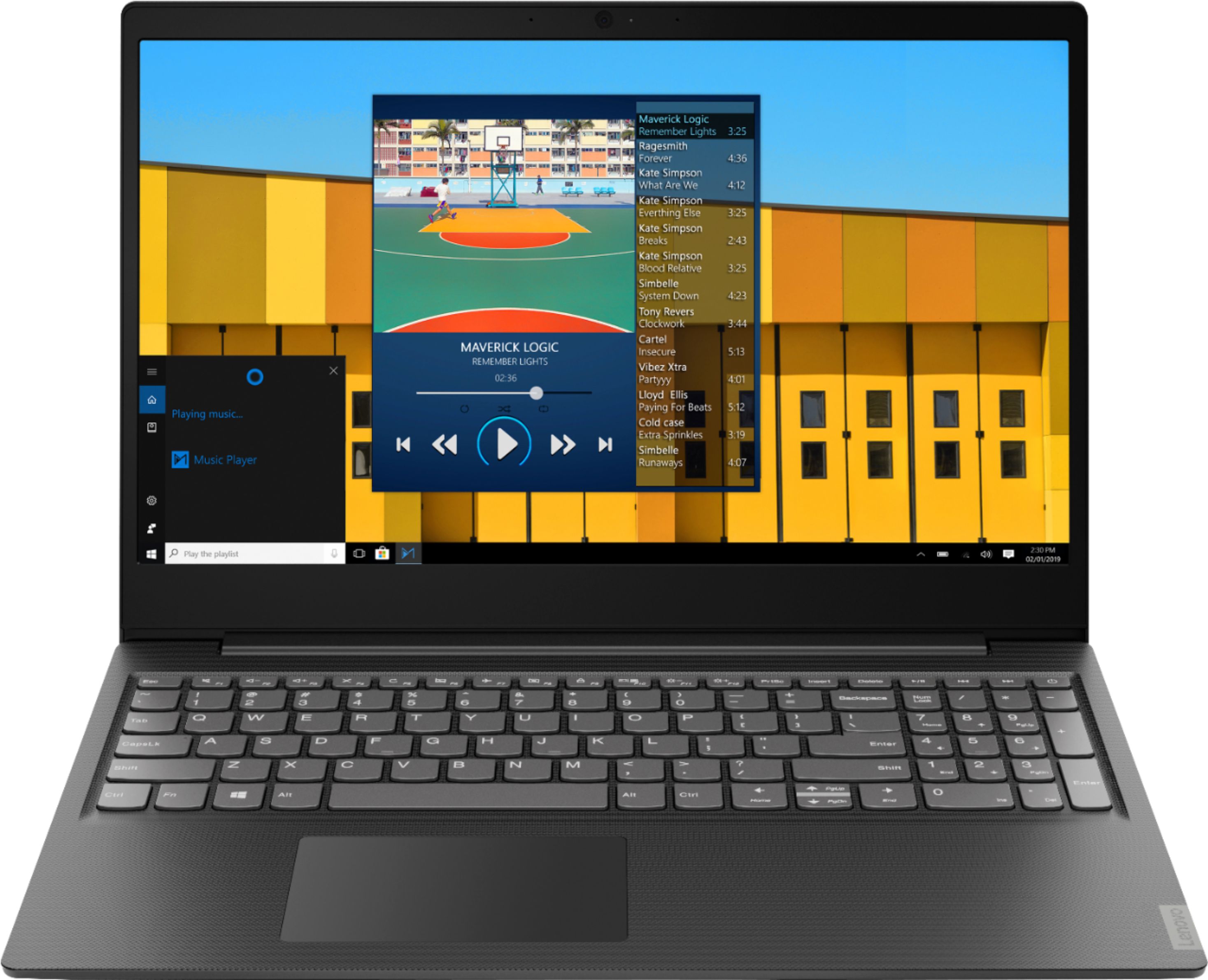
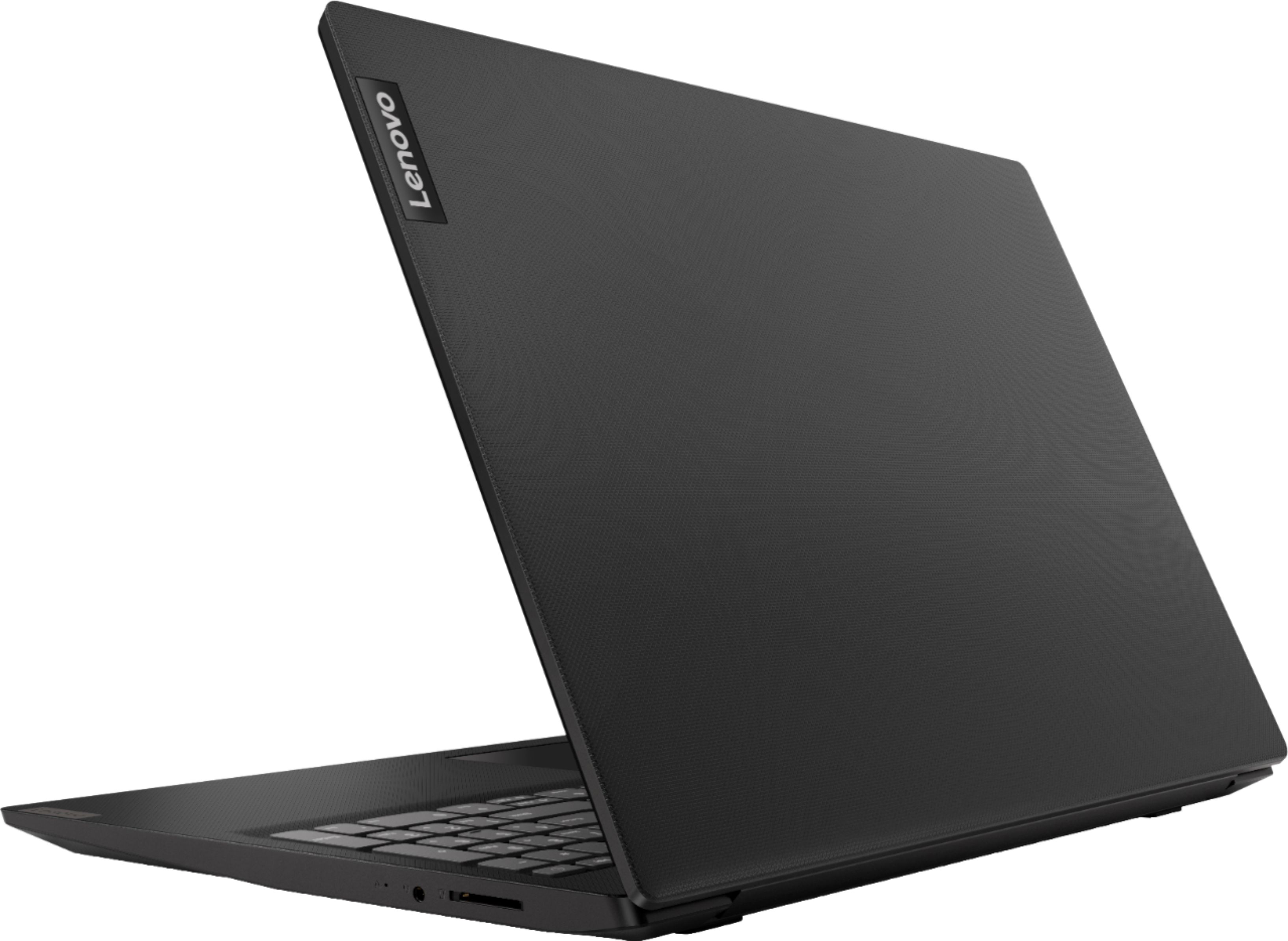
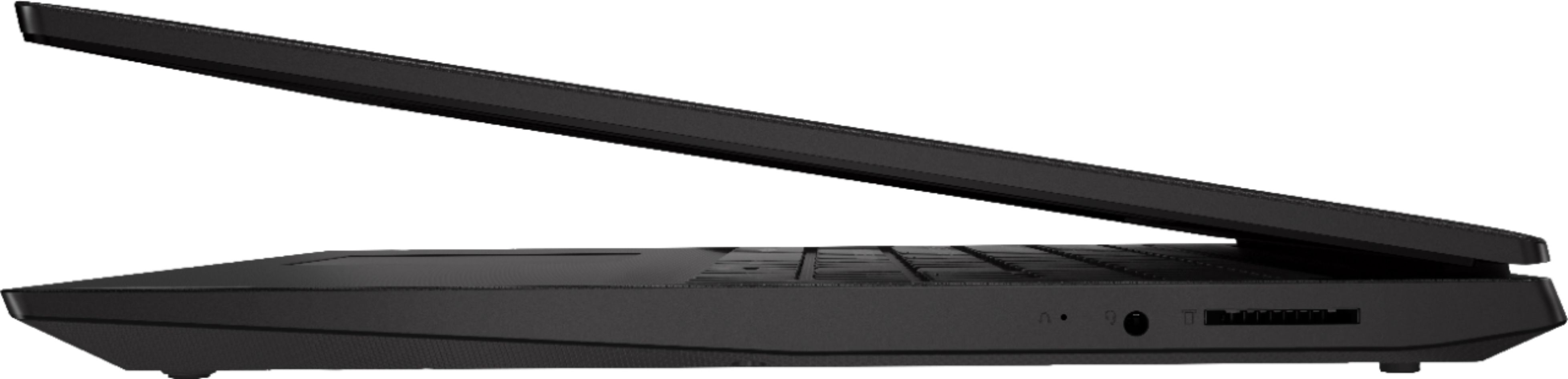
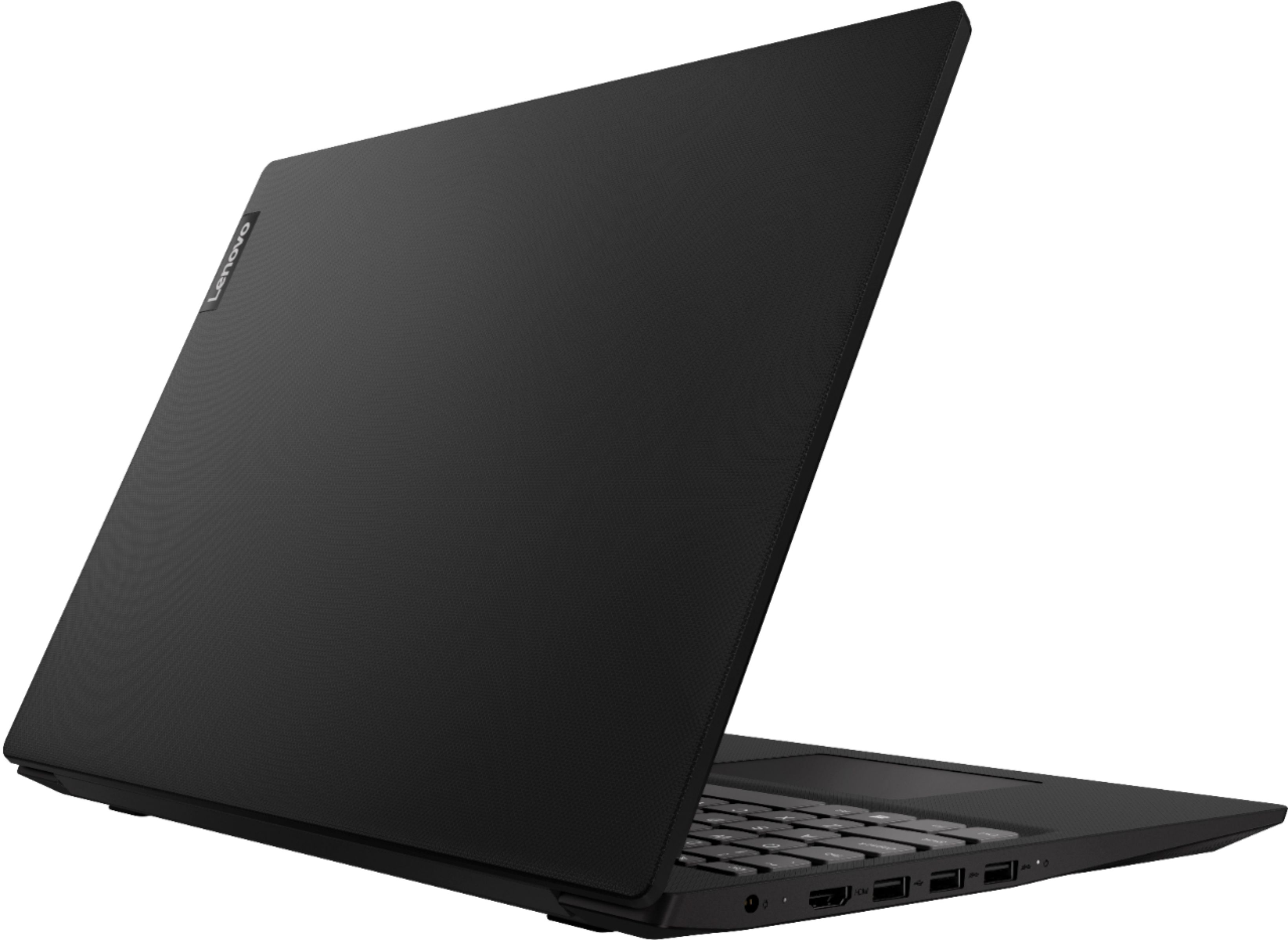
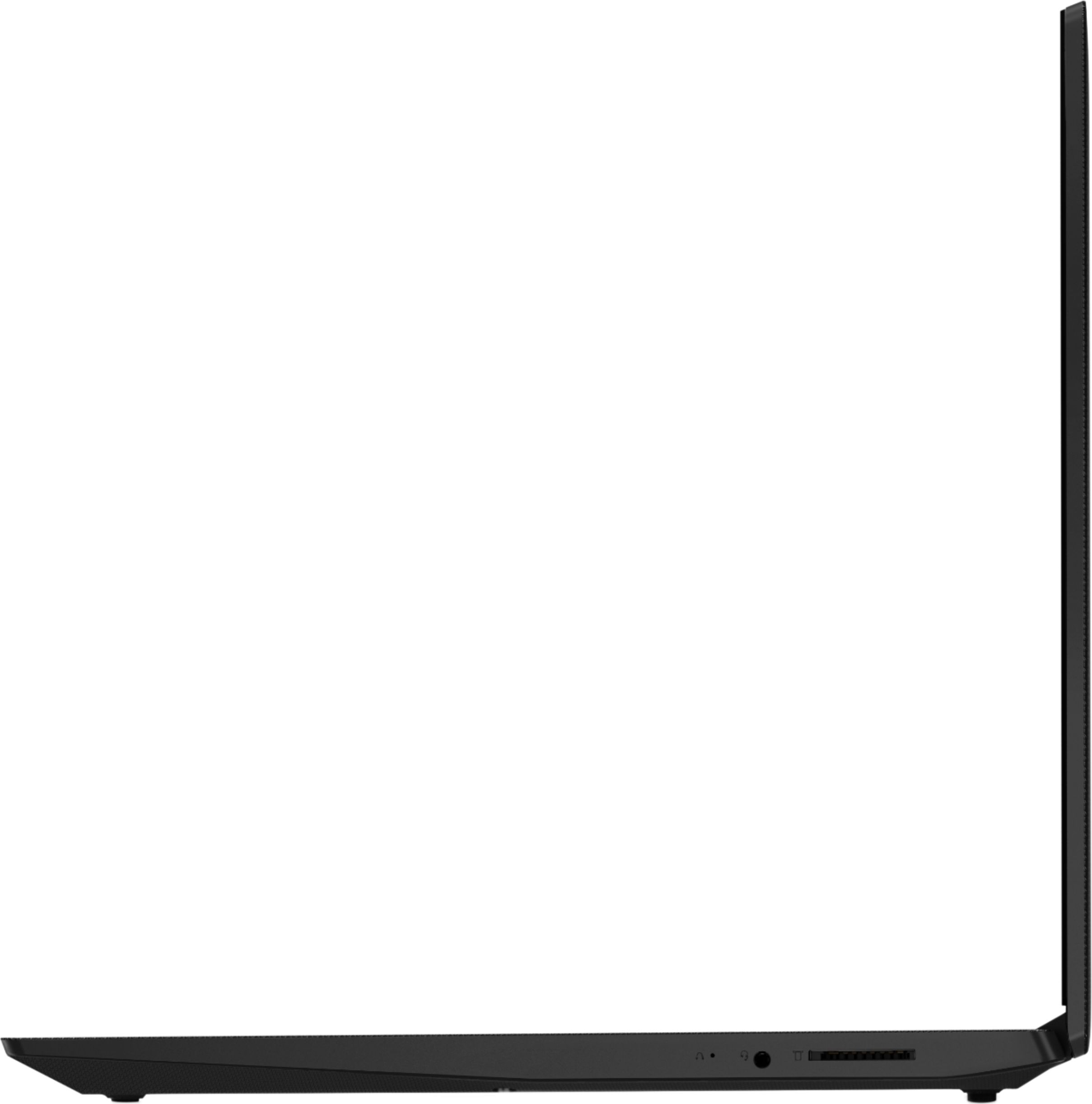
Posted .The Lenovo IdeaPad S145-15 laptop is a full size, traditional laptop with a 15.6-inch screen (screen size measured diagonally) but the overall device dimensions are only: 14.26 x 9.90 x 0.78 inches and weighs just 4.07 lbs. This is an entry level, light use system with its Intel Pentium processor. It is not meant for multi-tasking or demanding programs. It is good for Microsoft Office and light internet browsing. This model ships with Windows 10 S-Mode Operating System. Windows 10 S-Mode provides added security by only allowing APPs available ( and therefore certified by Microsoft) at the Microsoft Store. If you don't need the added security or you need to install APPs not available at the Microsoft Store, you can switch to standard Windows 10 Home 64-bit Operating System, at no additional cost.
Rated 4 out of 5 stars
Lenovo Laptop
||Posted . Owned for 1 year when reviewed.This reviewer received promo considerations or sweepstakes entry for writing a review.Great for internet browsing and general use. Has slowed down a lot since purchase.
I would recommend this to a friendRated 1 out of 5 stars
Total failure after 4 months of light usage
||Posted . Owned for 4 months when reviewed.This reviewer received promo considerations or sweepstakes entry for writing a review.This is easily the worst experience I have ever had with a laptop. I started getting an error where the disk usage would show that it is at 100% usage even though there was only almost no activity on the computer. It now runs so slowly that it won't boot most of the time and even when it does it runs too slowly to do anything. It is complete garbage four months after I bought it. I barely used it at all. I never dropped it or spilled anything on it. The only thing I ever downloaded was Google Chrome. Dont waste your money on this.
No, I would not recommend this to a friendBrand response from Lenovo Product Expert
Posted .We are sorry to hear that you are having issues with your Lenovo IdeaPad S145-15 laptop. Be sure any software you installed is compatible with Windows 10. There is no need to install Microsoft Office software. The software is already part of the operating system, you just need to activate the software with a purchased product key. If you have installed a copy of Microsoft Office, this is conflicting with the existing copy on the system and this will slow your system down. If you have installed a 3rd party anti-virus program, be sure that Windows Defender is turned off and that the trial version of McAfee Anti-Virus software is uninstalled. There can only be one anti-virus program on the system. You may need to restore your system to original factory default settings if any of the programing errors have occurred. You can do that by typing "restore" in the Cortana search window. Just click on the magnifying glass icon at the bottom left of your Windows 10 Desktop. Click on "Reset This PC" Then click on "Get Started" and follow the on screen directions to restore to factory defaults. If the problem persists, we recommend you contact Lenovo Tech Support at: 877-453-6686.
Rated 4 out of 5 stars
Pleasant surprise
||Posted .This reviewer received promo considerations or sweepstakes entry for writing a review.I had to replace my laptop due to an emergency and picked this up. It performs better than expected
I would recommend this to a friendBrand response from Lenovo Product Expert
Posted .Thank you for choosing the Lenovo IdeaPad S145-15 laptop. This is an entry level, light use system with its Intel Pentium processor. It is not meant for multi-tasking or demanding programs. It is good for Microsoft Office and light internet browsing. This model ships with Windows 10 S-Mode Operating System. Windows 10 S-Mode provides added security by only allowing APPs available ( and therefore certified by Microsoft) at the Microsoft Store. If you don't need the added security or you need to install APPs not available at the Microsoft Store, you can switch to standard Windows 10 Home 64-bit Operating System, at no additional cost.
- Cons mentioned:Slow, Touchpad
Rated 1 out of 5 stars
This is junk
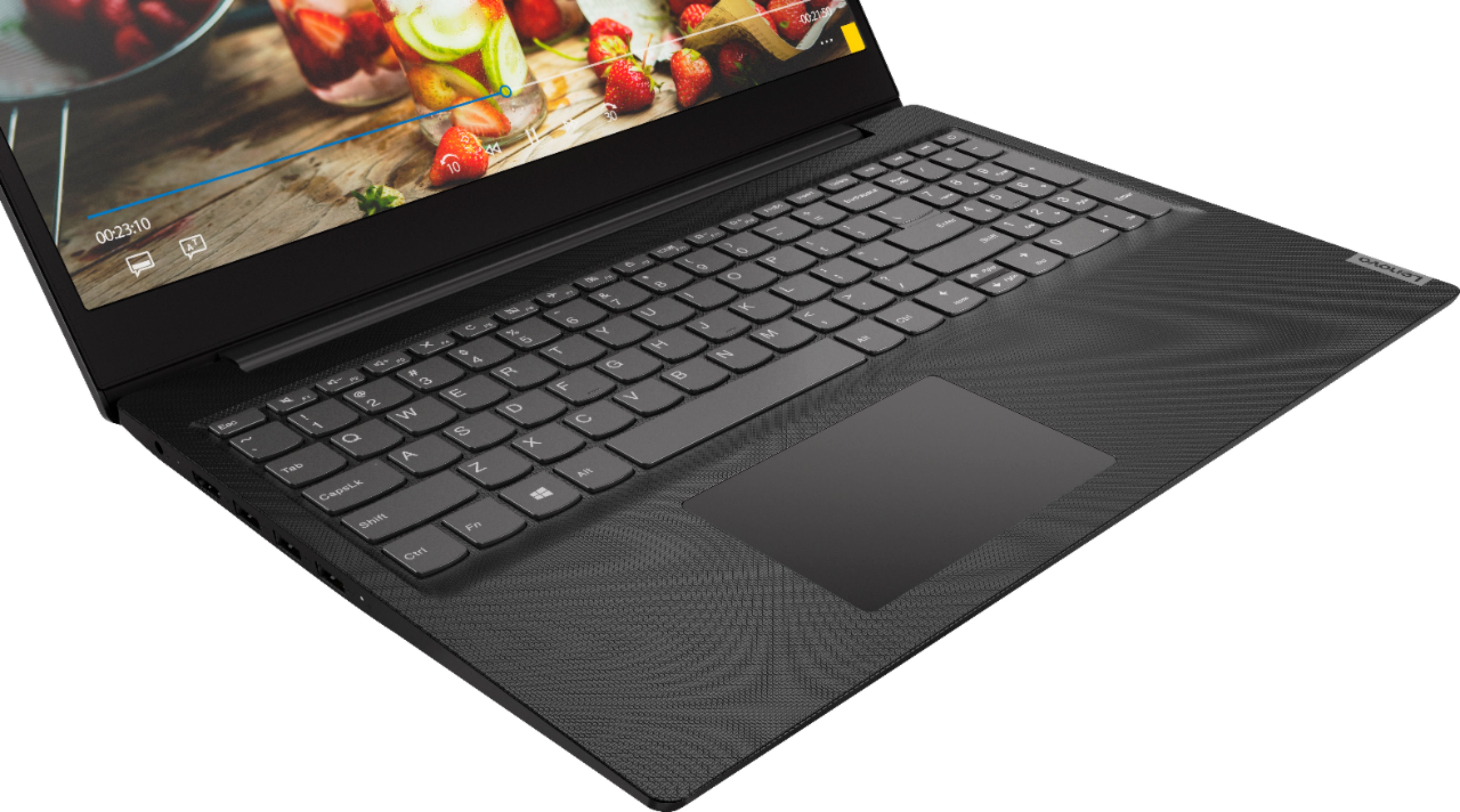
||Posted . Owned for 3 weeks when reviewed.This reviewer received promo considerations or sweepstakes entry for writing a review.This computer is horrible! The touchpad doesn’t work. I have to use a wireless mouse to do anything. It runs extremely slow. I absolutely hate it! I should have returned it immediately.
No, I would not recommend this to a friendBrand response from Lenovo Product Expert
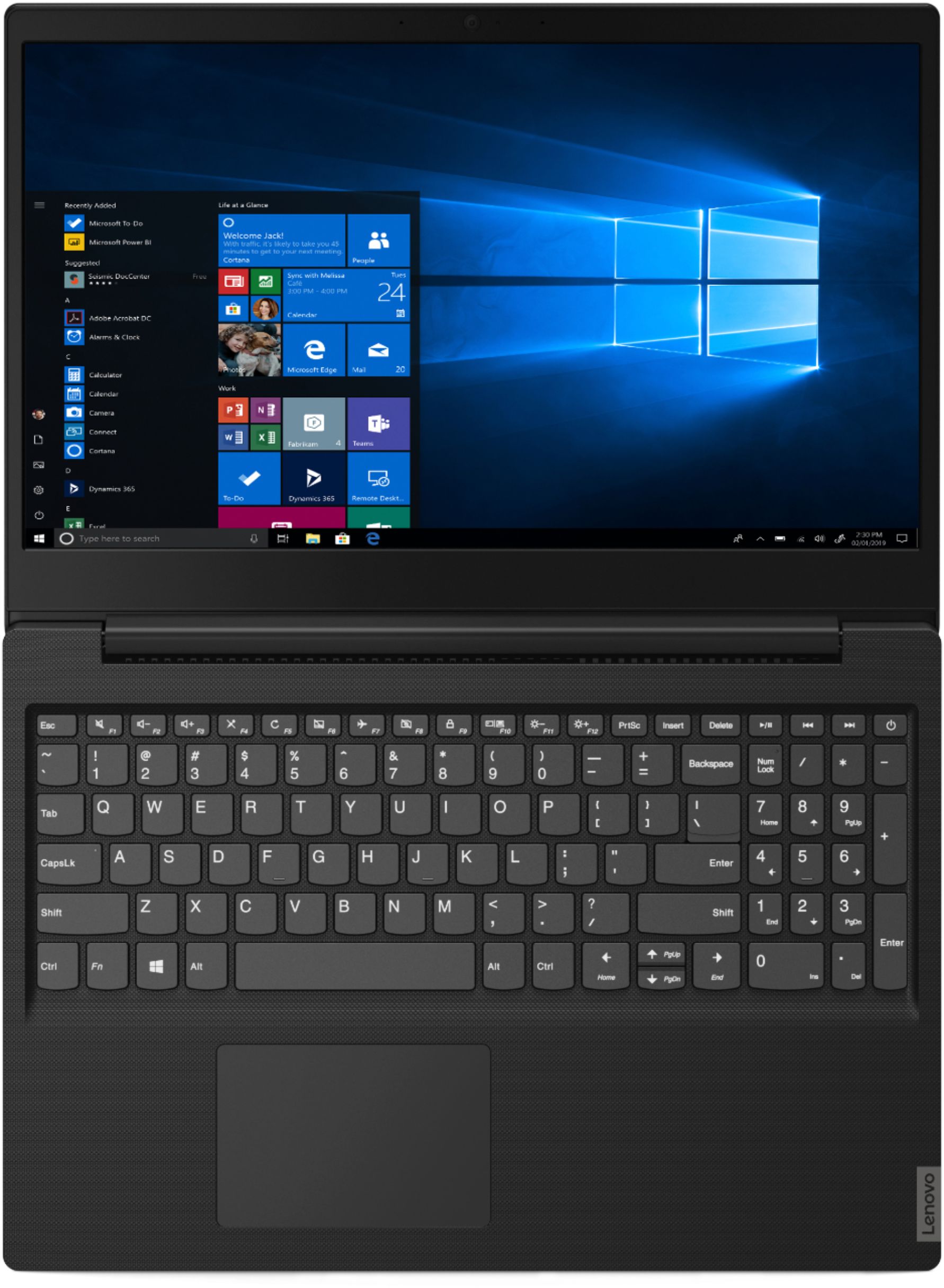
Posted .To turn on the touchpad, try tapping the HotKey in the F6 position on your keyboard. This HotKey toggles the touchpad on/off. Additionally, you can make adjustments to the touchpad in your system settings. You can get there by clicking on the magnifying glass at the bottom left of your Windows 10 screen. Type "touchpad" in the search window. Select "Mouse & touchpad settings" from the list of choices. You can make general adjustments to the touchpad there. You can also select "Additional mouse options" for more detailed adjustments to the touchpad sensitivity by increasing the delay of the touchpad. Please keep in mind, this is an entry level, light use system with its Intel Celeron processor. It is not meant for multi-tasking or demanding programs. It is good for Microsoft Office and light internet browsing. Be sure any software you installed is compatible with Windows 10. There is no need to install Microsoft Office software. The software is already part of the operating system, you just need to activate the software with a purchased product key. If you have installed a copy of Microsoft Office, this is conflicting with the existing copy on the system and this will slow your system down. If you have installed a 3rd party anti-virus program, be sure that Windows Defender is turned off and that the trial version of McAfee Anti-Virus software is uninstalled. There can only be one anti-virus program on the system. You may need to restore your system to original factory default settings if any of the programing errors have occurred. You can do that by typing "restore" in the Cortana search window. Just click on the magnifying glass icon at the bottom left of your Windows 10 Desktop. Click on "Reset This PC" Then click on "Get Started" and follow the on screen directions to restore to factory defaults. If the problem persists, we recommend you contact Lenovo Tech Support at: 877-453-6686
Rated 4 out of 5 stars
Good laptop.
||Posted .This reviewer received promo considerations or sweepstakes entry for writing a review.Good laptop. Nice touchscreen but the display should be better.
I would recommend this to a friendRated 4 out of 5 stars
Restricted
||Posted . Owned for 3 weeks when reviewed.This reviewer received promo considerations or sweepstakes entry for writing a review.Don't like the way window 10 is now in "S" mode which tries to force you into their store for their apps
No, I would not recommend this to a friendBrand response from Lenovo Product Expert
Posted .The Lenovo IdeaPad S145-15 laptop ships with Windows 10 S-Mode 64-bit Operating System. Windows 10 S-Mode provides added security by only allowing APPs available ( and therefore certified by Microsoft) at the Microsoft Store. If you don't need the added security or you need to install APPs not available at the Microsoft Store, you can switch to standard Windows 10 Home 64-bit Operating System, at no additional cost. Here is a link to instructions for switching from S-Mode to Windows 10 Home 64-bit Operating System:  https://support.microsoft.com/en-us/help/4456067/windows-10-switch-out-of-s-mode
Rated 4 out of 5 stars
good price
||Posted . Owned for 9 months when reviewed.This reviewer received promo considerations or sweepstakes entry for writing a review.Very good laptop for web browsing, check email, text processing programs.
I would recommend this to a friendRated 4 out of 5 stars
Great resolutions just for the kids eye..
||Posted . Owned for 3 weeks when reviewed.This reviewer received promo considerations or sweepstakes entry for writing a review.Is a good laptop.. i made my son happy and his only using it to play with his friends and counsins...
I would recommend this to a friendBrand response from Lenovo Product Expert
Posted .Thank you for choosing the Lenovo IdeaPad S145-15 laptop for your son. This is an entry level, light use system with its Intel Pentium processor. It is not meant for multi-tasking or demanding programs. It is good for Microsoft Office and light internet browsing. This model ships with Windows 10 S-Mode Operating System. Windows 10 S-Mode provides added security by only allowing APPs available ( and therefore certified by Microsoft) at the Microsoft Store. If you don't need the added security or you need to install APPs not available at the Microsoft Store, you can switch to standard Windows 10 Home 64-bit Operating System, at no additional cost.
- Pros mentioned:Price
Rated 3 out of 5 stars
Great
||Posted . Owned for 3 weeks when reviewed.This reviewer received promo considerations or sweepstakes entry for writing a review.I use this for school and it works great for what I need! Affordable
I would recommend this to a friend Rated 5 out of 5 stars
Fantastic utility laptop
||Posted . Owned for 1 year when reviewed.This reviewer received promo considerations or sweepstakes entry for writing a review.This is a fantastic deal for a work or student laptop. I use 365 so software is not an issue. Single ram stick, so I upgraded to 16gb. Enough power for light gaming. Great battery life for work. Super thin and light weight as well.
I would recommend this to a friendRated 4 out of 5 stars
Good
||Posted . Owned for 1 year when reviewed.This reviewer received promo considerations or sweepstakes entry for writing a review.I didn’t know if I would l own of like a laptop. This one is great. Easy to Maneuver.
I would recommend this to a friend- Pros mentioned:Price
Rated 3 out of 5 stars
Good Value
||Posted . Owned for 1 month when reviewed.This reviewer received promo considerations or sweepstakes entry for writing a review.Good price, average computer. Would recommend depending on the need.
I would recommend this to a friendBrand response from Lenovo Product Expert
Posted .The Lenovo IdeaPad S145-15 laptop is an entry level, light use system with its Intel Pentium processor. It is not meant for multi-tasking or demanding programs. It is good for Microsoft Office and light internet browsing. This model ships with Windows 10 S-Mode Operating System. Windows 10 S-Mode provides added security by only allowing APPs available ( and therefore certified by Microsoft) at the Microsoft Store. If you don't need the added security or you need to install APPs not available at the Microsoft Store, you can switch to standard Windows 10 Home 64-bit Operating System, at no additional cost.
Rated 4 out of 5 stars
Nice laptop for the price
||Posted . Owned for 1 month when reviewed.This reviewer received promo considerations or sweepstakes entry for writing a review.Bought this a replacement for an older Lenovo laptop and am not disappointed. Easy to set up and use.
I would recommend this to a friendRated 5 out of 5 stars
My sons freshman year
||Posted . Owned for 1 week when reviewed.This reviewer received promo considerations or sweepstakes entry for writing a review.My wife and I wanted to purchase a laptop that would be perfect for a freshman In college,but we didnt want to break the bank. After some careful research my wife found this laptop at best buy. Cost effective and ideal for a college student. It works perfect...
I would recommend this to a friendBrand response from Lenovo Product Expert
Posted .Thank you for choosing the Lenovo IdeaPad S145-15 laptop for your son. We are pleased to hear that the value and performance of the IdeaPad S145-15 meets your son's computing needs so well. This is an entry level, light use system with its Intel Pentium processor. It is not meant for multi-tasking or demanding programs. It is good for Microsoft Office and light internet browsing. This model ships with Windows 10 S-Mode Operating System. Windows 10 S-Mode provides added security by only allowing APPs available ( and therefore certified by Microsoft) at the Microsoft Store. If you don't need the added security or you need to install APPs not available at the Microsoft Store, you can switch to standard Windows 10 Home 64-bit Operating System, at no additional cost.
Rated 4 out of 5 stars
Good laptop for new starters.
||Posted . Owned for 1 month when reviewed.This reviewer received promo considerations or sweepstakes entry for writing a review.Bought this for my roommate who has never had a laptop before. She loves it. It was easy to set up.
I would recommend this to a friendBrand response from Lenovo Product Expert
Posted .Thank you for choosing the Lenovo IdeaPad S145-15 laptop. This is an entry level, light use system with its Intel Pentium processor. It is not meant for multi-tasking or demanding programs. It is good for Microsoft Office and light internet browsing. If this describes your computing needs, the IdeaPad S145-15 would be a good choice.
Rated 4 out of 5 stars
Good perfromance for light use
||Posted . Owned for 3 weeks when reviewed.This reviewer received promo considerations or sweepstakes entry for writing a review.This is not supposed to be a powerful laptop for high performance, but good enough for light use
I would recommend this to a friendBrand response from Lenovo Product Expert
Posted .The Lenovo IdeaPad S145-15 laptop is an entry level, light use system with its Intel Pentium processor. It is not meant for multi-tasking or demanding programs. It is good for Microsoft Office and light internet browsing. This model ships with Windows 10 S-Mode Operating System. Windows 10 S-Mode provides added security by only allowing APPs available ( and therefore certified by Microsoft) at the Microsoft Store. If you don't need the added security or you need to install APPs not available at the Microsoft Store, you can switch to standard Windows 10 Home 64-bit Operating System, at no additional cost.