Customer Ratings & Reviews
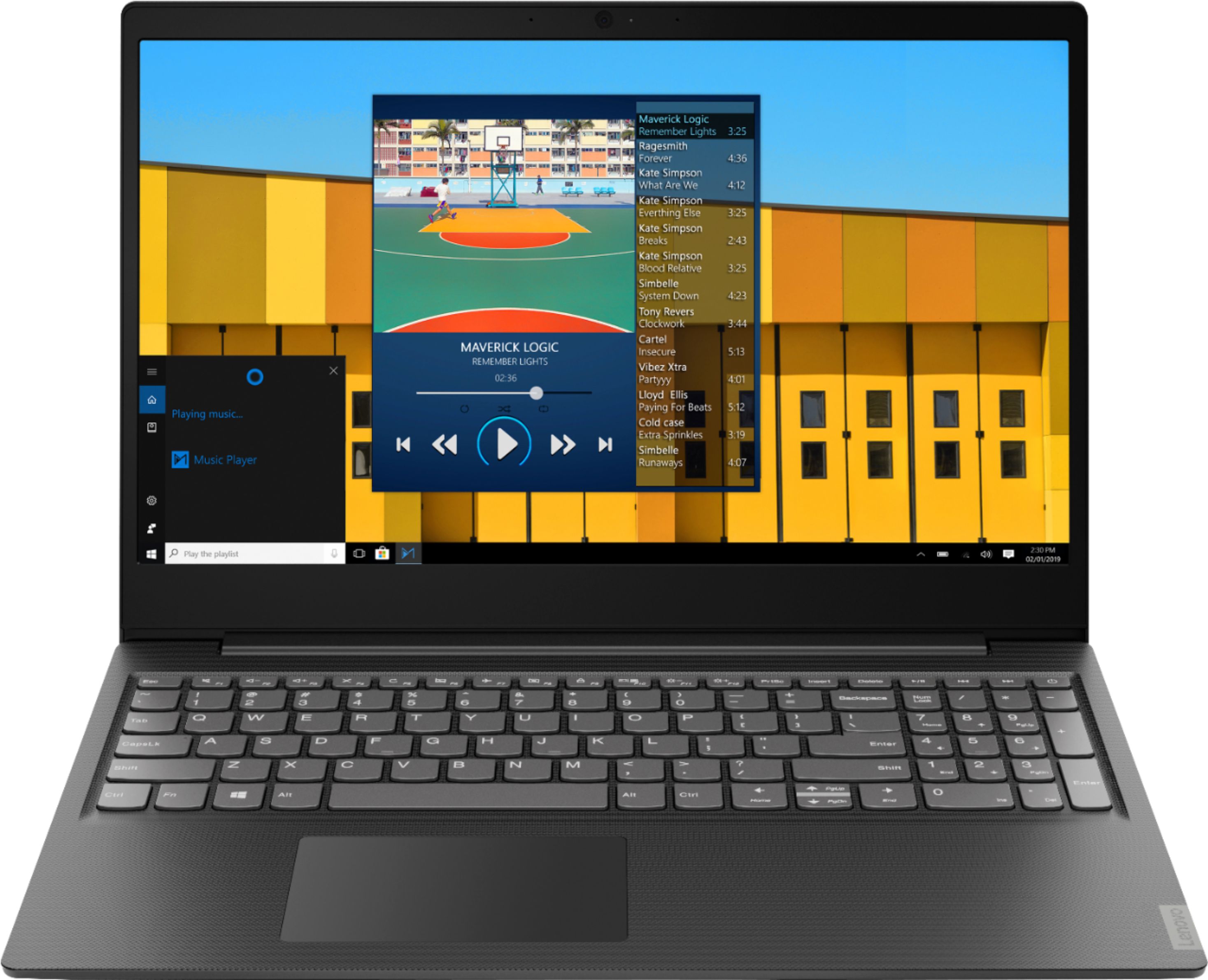
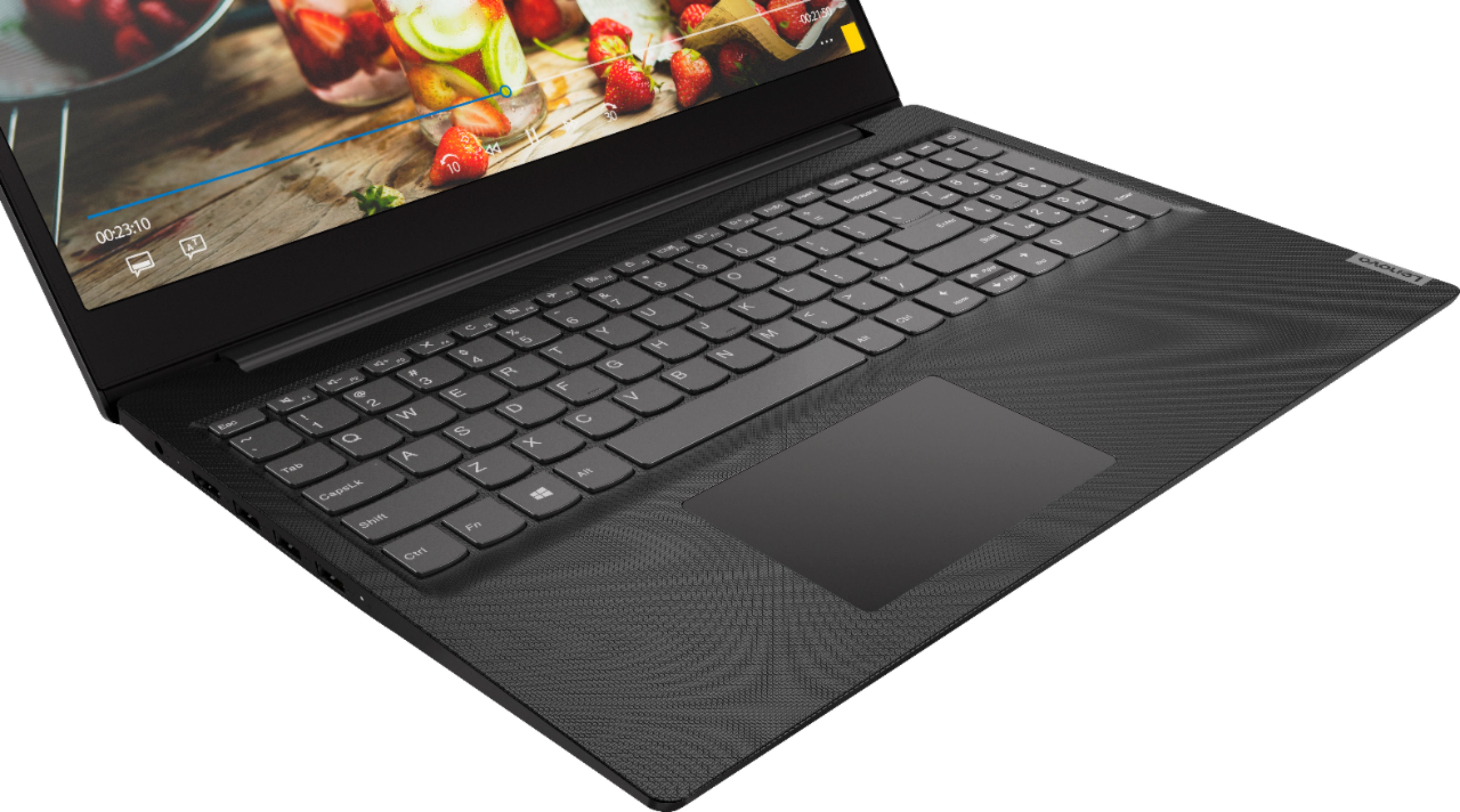

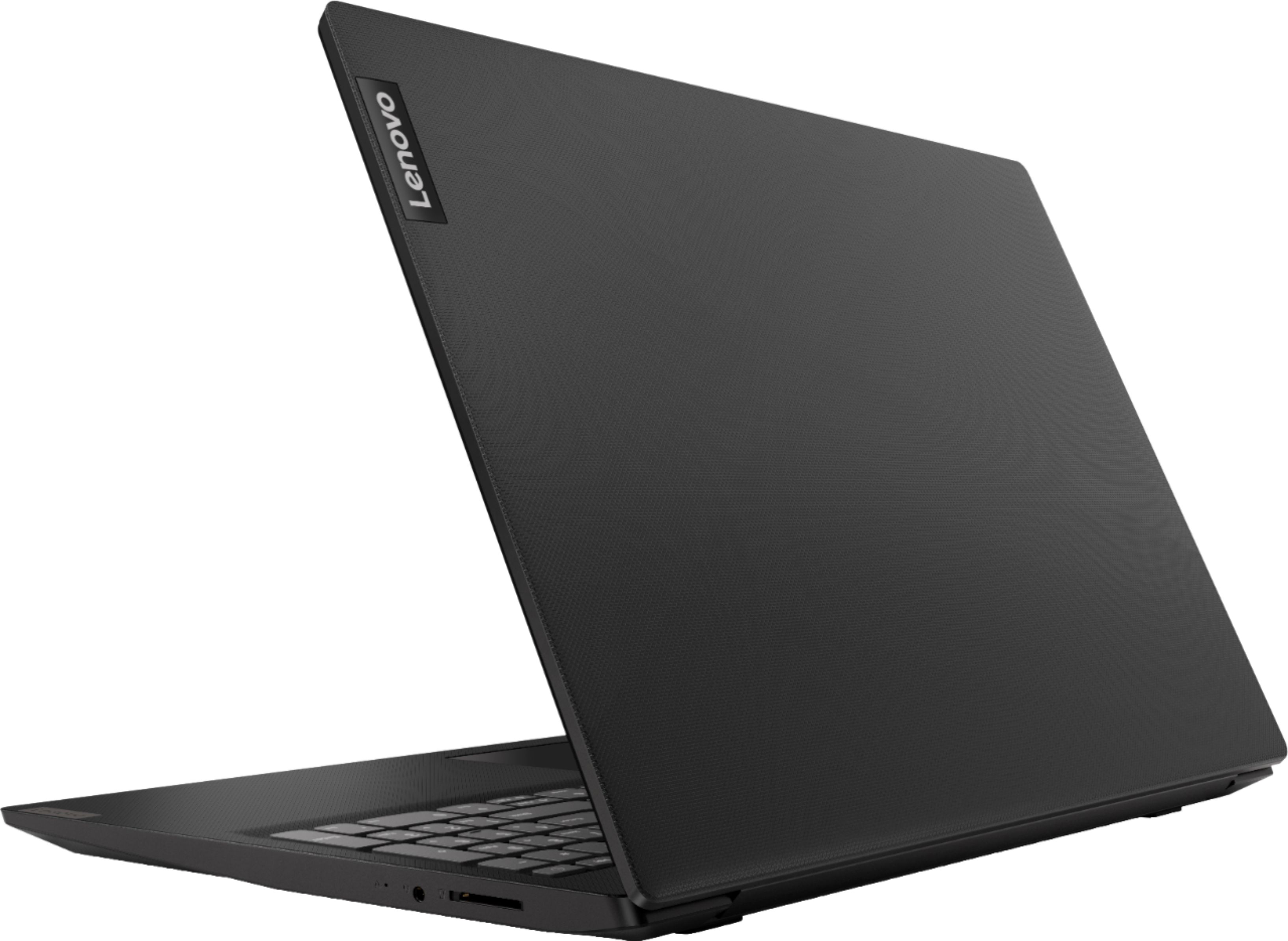
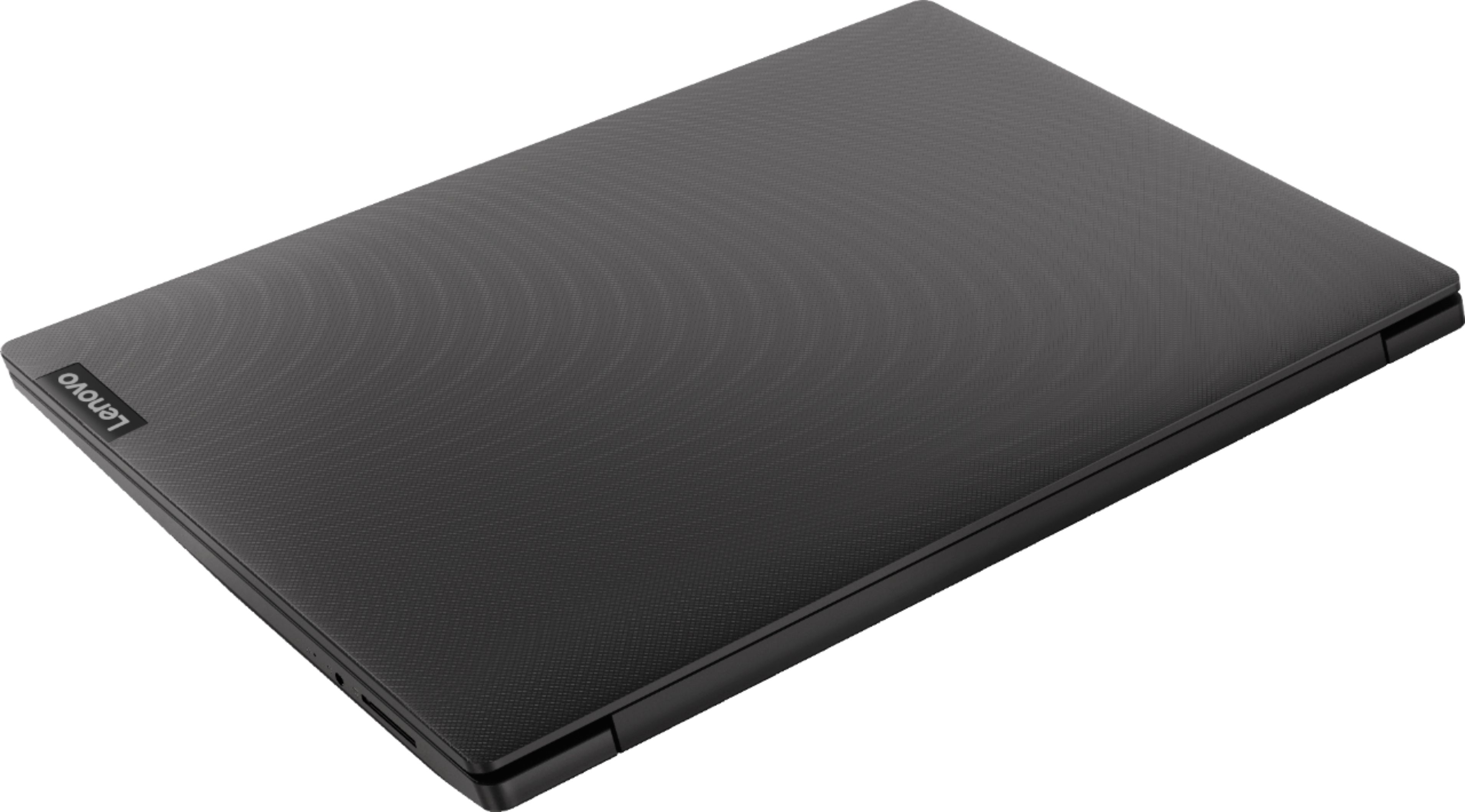


- Model:
- 81MV0001US
- SKU:
- 6323665
Rating by feature
- Battery Life
Rating 4.0 out of 5 stars
- Speed
Rating 3.1 out of 5 stars
- Display
Rating 3.8 out of 5 stars
Customers are saying
Customers love the IdeaPad S145 15.6" Laptop for its budget-friendly price, easy setup, and lightweight design. However, some users have expressed concerns about its slow performance, limited RAM, short battery life, and touchpad issues.
This summary was generated by AI based on customer reviews.
Terrible laptop super slow and makes noise!
||Posted . Owned for 3 weeks when reviewed.This reviewer received promo considerations or sweepstakes entry for writing a review.Terrible runs super slow Makes a crackling noise Waste of my money !!!!!!!!!!!!
No, I would not recommend this to a friendBrand response from Lenovo Product Expert
Posted .The Lenovo IdeaPad S145-15 laptop is an entry level, light use system with its Intel Pentium processor. It is not meant for multi-tasking or demanding programs. It is good for Microsoft Office and light internet browsing. This model ships with Windows 10 S-Mode Operating System. Windows 10 S-Mode provides added security by only allowing APPs available ( and therefore certified by Microsoft) at the Microsoft Store. If you don't need the added security or you need to install APPs not available at the Microsoft Store, you can switch to standard Windows 10 Home 64-bit Operating System, at no additional cost.

Disappointed
||Posted . Owned for 3 months when reviewed.This reviewer received promo considerations or sweepstakes entry for writing a review.Bought this laptop for school but returned it for not included voltage plug
No, I would not recommend this to a friendBrand response from Lenovo Product Expert
Posted .All new Lenovo Laptop computers ship with a AC adapter/charger included.
laptop
||Posted . Owned for 1 week when reviewed.This reviewer received promo considerations or sweepstakes entry for writing a review.came back in and got a new laptop hated Lenovo it was bad got a hp love it.
No, I would not recommend this to a friendBrand response from Lenovo Product Expert
Posted .The Lenovo IdeaPad S145-15 laptop is an entry level, light use system with its Intel Pentium processor. It is not meant for multi-tasking or demanding programs. It is good for Microsoft Office and light internet browsing. This model ships with Windows 10 S-Mode Operating System. Windows 10 S-Mode provides added security by only allowing APPs available ( and therefore certified by Microsoft) at the Microsoft Store. If you don't need the added security or you need to install APPs not available at the Microsoft Store, you can switch to standard Windows 10 Home 64-bit Operating System, at no additional cost.
Maybe good for a student.
||Posted .This reviewer received promo considerations or sweepstakes entry for writing a review.Cheap like its price. Set it up and mouse would not work. Returned same day
No, I would not recommend this to a friendBrand response from Lenovo Product Expert
Posted .We are sorry to hear that you are having issues with the touchpad on your Lenovo S145-15 laptop. Try tapping the HotKey in the F6 position on your keyboard. This toggles the touchpad on/off. If this does not fix the issue, be sure you have the latest version of Windows 10 on the computer and that all of the supporting BIOS files and drivers are also up to date. This system has Lenovo utilities installed to help maintain the health of the device and keep the operating system software up to date. Type "Lenovo Vantage" in the Cortana Search window (if Lenovo Vantage is not installed on your device, you can download the APP and install it now). Select Lenovo Vantage from the list. In the window that opens, click on "Health and Support". In the expanded menu, select "Hardware Scan" In the window that opens, select "Run Quick Tests". This will scan your entire system for errors. Follow any directions that may pop up. If the problem continues after this scan, now click on "System Update". First select Windows update from the menu. Scan your system to be sure you have the latest version of Windows 10. Once that scan is complete, select "Additional Updates". This will scan your device to be sure there are no new BIOS/Driver updates needed. Follow any instructions that may pop up. If the issue still continues after these updates, we recommend you call Lenovo Tech Support at: 877-453-6686 for additional help.
Not for me
||Posted . Owned for 8 months when reviewed.This reviewer received promo considerations or sweepstakes entry for writing a review.Low quality laptop. I don’t really like Lenovo brand
No, I would not recommend this to a friendVery slow freezes
||Posted . Owned for 3 weeks when reviewed.This reviewer received promo considerations or sweepstakes entry for writing a review.Should have spent a little more. Freezes and is very slow.
No, I would not recommend this to a friendBrand response from Lenovo Product Expert
Posted .Windows 10 should not freeze. The Lenovo IdeaPad S145-15 laptop is an entry level, light use system with its Intel Pentium processor. It is not meant for multi-tasking or demanding programs. It is good for Microsoft Office and light internet browsing. This model ships with Windows 10 S-Mode Operating System for added security. Windows 10 S-Mode provides added security by only allowing APPs available ( and therefore certified by Microsoft) at the Microsoft Store. If you don't need the added security or you need to install APPs not available at the Microsoft Store, you can switch to standard Windows 10 Home 64-bit Operating System, at no additional cost. If you have switched out of S-Mode, be sure any software you installed is compatible with Windows 10. There is no need to install Microsoft Office software. The software is already part of the operating system, you just need to activate the software with a purchased product key. If you have installed a copy of Microsoft Office, this is conflicting with the existing copy on the system and this will slow your system down. If you have installed a 3rd party anti-virus program, be sure that Windows Defender is turned off and that the trial version of McAfee Anti-Virus software is uninstalled. There can only be one anti-virus program on the system. You may need to restore your system to original factory default settings if any of the programing errors have occurred. You can do that by typing "restore" in the Cortana search window. Just click on the magnifying glass icon at the bottom left of your Windows 10 Desktop. Click on "Reset This PC" Then click on "Get Started" and follow the on screen directions to restore to factory defaults. If the problem persists, we recommend you contact Lenovo Tech Support at: 877-453-6686.
Nice laptop
||Posted . Owned for 1 month when reviewed.This reviewer received promo considerations or sweepstakes entry for writing a review.Did not meet criteria for job usage. I had to return it.
No, I would not recommend this to a friendBrand response from Lenovo Product Expert
Posted .The Lenovo IdeaPad S145-15 laptop is an entry level, light use system with its Intel Pentium processor. It is not meant for multi-tasking or demanding programs. It is good for Microsoft Office and light internet browsing. If this describes your computing needs, the IdeaPad S145-15 would be a good choice.
Do not buy.
||Posted .This reviewer received promo considerations or sweepstakes entry for writing a review.Do not buy. Pentium processor will not run Windows 10.
No, I would not recommend this to a friendBrand response from Lenovo Product Expert
Posted .The Lenovo IdeaPad S145-15 laptop is an entry level, light use system with its Intel Pentium processor. It is not meant for multi-tasking or demanding programs. It is good for Microsoft Office and light internet browsing. This model ships with Windows 10 S-Mode Operating System. Windows 10 S-Mode provides added security by only allowing APPs available ( and therefore certified by Microsoft) at the Microsoft Store. If you don't need the added security or you need to install APPs not available at the Microsoft Store, you can switch to standard Windows 10 Home 64-bit Operating System, at no additional cost.
Slow operating system
||Posted . Owned for 3 weeks when reviewed.This reviewer received promo considerations or sweepstakes entry for writing a review.The system running very slow and constantly freeze
No, I would not recommend this to a friendBrand response from Lenovo Product Expert
Posted .We are sorry to hear that you are having issues with your Lenovo IdeaPad S145-15 laptop. Windows 10 should not freeze. Be sure any software you installed is compatible with Windows 10. There is no need to install Microsoft Office software. The software is already part of the operating system, you just need to activate the software with a purchased product key. If you have installed a copy of Microsoft Office, this is conflicting with the existing copy on the system and this will slow your system down. If you have installed a 3rd party anti-virus program, be sure that Windows Defender is turned off and that the trial version of McAfee Anti-Virus software is uninstalled. There can only be one anti-virus program on the system. You may need to restore your system to original factory default settings if any of the programing errors have occurred. You can do that by typing "restore" in the Cortana search window. Just click on the magnifying glass icon at the bottom left of your Windows 10 Desktop. Click on "Reset This PC" Then click on "Get Started" and follow the on screen directions to restore to factory defaults. If the problem persists, we recommend you contact Lenovo Tech Support at: 877-453-6686.
- Cons mentioned:Ram
IT'S GOOD WHEN UPGRADED, BUT AT A PRICE.
Posted .This reviewer received promo considerations or sweepstakes entry for writing a review.I have had this laptop for a week as it was on sale for $199.99. I will say the truth that the laptop at first is really slow and sometimes unusable. As the slow 500gb HDD is a major set back especially including the 4gb of ram. So before the purchase of this product I did do the research of any upgrade ability. And found that the RAM and Hard Drive were upgrade able. I purchased a 250gb ssd (I HIGHLY RECOMMEND GETTING AN SSD IN ANY COMPUTER.) as well as a 8gb ram chip and installed both upgrades. And will i say that it was a major improvement. Upgrading the laptop took only about 10 minutes of my time. It was so easy that anyone can do it.( I used a tool set from IFIXIT when I replaced a battery) But having the upgrades allows me boot up the laptop and open fire fox to do my summer semester assignments for college. Having the 8gb of RAM allows me to multi task at with quick preference. It does suck to have a Pentium processor in the laptop but hey, you get what you pay for. The computer does come with a major bloat ware and WINDOWS 10 S. So i highly recommend installing windows 10 new on a the hard drive to get rid of any problems. ( i installed windows 10 a bought a key for PRO) I'm able to as well play some old school retro gaming with great performance. PROS: Is available to upgrade the ram and the HDD CONS: The SCREEN is terrible The Pentium CPU is a set back but it is usable The hard drive is really slow ( sometimes 4 minute bootup times) 4gb of ram makes the computer function even slower Comes with Windows 10 S is terrible What is it useful for? It is useful for causal use What I recommend? I say to get this laptop on sale if you look forwarder to something cheap and small, hopefully below the price of $199.99 and upgrade the hard drive to an SSD and install an 8gb RAM stick. What i think of it? I am enjoying the laptop and would recommend it to anyone willing to upgrade it only.
I would recommend this to a friendBrand response from Lenovo Product Expert
Posted .The Lenovo IdeaPad S145-15 laptop is not user upgradable. A certified technician must do all of the work, so as to not void the warranty. The Lenovo IdeaPad S145-15 laptop is an entry level, light use system with its Intel Pentium processor. It is not meant for multi-tasking or demanding programs. It is good for Microsoft Office and light internet browsing. If this describes your computing needs, the IdeaPad S145-15 would be a good choice. For 2018, Lenovo retained its place for a second year as the best laptop vendor:
https://www.laptopmag.com/articles/laptop-brand-ratings
- Cons mentioned:Slow
Meh
Posted .This reviewer received promo considerations or sweepstakes entry for writing a review.Had this laptop for over 4 years now with the sole purpose of running my plex server even though majority of the time, it was slow. I guess I got my moneys worth. Overall, its an ok laptop.
No, I would not recommend this to a friend - Cons mentioned:Touchpad
Overall really good laptop as of now
Posted .This reviewer received promo considerations or sweepstakes entry for writing a review.I bought this laptop on july 27th 2019 and I can say that im pretty satisfied with it. But some problems that I have with it is the touchpad. It isn't really responsive on little touches and the touchpad isn't really stable- it makes a bit too much noise whenever u tap it. Oh and the camera quality is actually terrible. Don't plan on doing anything with the camera like making video calls unless youre okay with a camera quality with that of a 2000 nokia phone. Another thing is the chargers cable length; its a bit short.
I would recommend this to a friendBrand response from Lenovo Product Expert
Posted .With regard to the touchpad, you can make adjustments to the touchpad in your system settings. You can get there by clicking on the magnifying glass at the bottom left of your Windows 10 screen. Type "touchpad" in the search window. Select "Mouse & touchpad settings" from the list of choices. You can make general adjustments to the touchpad there. You can also select "Additional mouse options" for more detailed adjustments to the touchpad sensitivity by increasing the delay of the touchpad. The Lenovo IdeaPad S145-15 laptop model number 81MV0001US, ships with a 300p web cam and microphone. The IdeaPad S145-15 is an entry level, light use system with its Intel Pentium processor. It is not meant for multi-tasking or demanding programs. It is good for Microsoft Office and light internet browsing. This model ships with Windows 10 S-Mode Operating System. Windows 10 S-Mode provides added security by only allowing APPs available ( and therefore certified by Microsoft) at the Microsoft Store. If you don't need the added security or you need to install APPs not available at the Microsoft Store, you can switch to standard Windows 10 Home 64-bit Operating System, at no additional cost.
Awesome To Upgrade!
Posted .This reviewer received promo considerations or sweepstakes entry for writing a review.Hello there! I actually bought this laptop after reading some other comments about how easy this thing is to upgrade, so I wanted to throw my two cents in about putting Linux on it with some hardware upgrades. 1. Ease of Opening: This thing is really easy to get into. I have an iFixit kit, but all you really need is a smaller Phillips screwdriver. When you're taking these screws out, pay attention to where you took them out of! They are not all the same size and if you screw them in incorrectly, you'll screw them straight through the deck-lid panel (like I did). You'll just need to pop the bottom off and you'll be in business. 2. Booting Linux: Linux is my OS of choice for a secondary laptop like this, and Ubuntu is the flavor of the month. You won't have WiFi adapters on start up, but this is an easy fix (a great video on how to fix this is on YouTube --> https://www.youtube.com/watch?v=vPfLVsyQU_A&feature=youtu.be). Note: this laptop does not have an Ethernet port, so you'll either need to tether your phone to the laptop to download the correct drivers, or you'll need to buy a USB to Ethernet adapter. 3. RAM and HDD: This is a single slot laptop for RAM, so upgrades will need to be a single stick of DDR4 8GB or 16GB. It also supports a full side HDD, so I'd recommend throwing a SSD in this to make the Pentium processor feel that much snappier. Overall, happy so far with the purchase!
I would recommend this to a friendBrand response from Lenovo Product Expert
Posted .The Lenovo IdeaPad S145-15 laptop model is not user upgradable. A certified technician must do all of the work, so as to not void the warranty.
Good value. Competent laptop.
Posted .This reviewer received promo considerations or sweepstakes entry for writing a review.I bought this, but returned it for a better laptop. But I was impressed with what you get in return for the price. It was on sale for $219. Once the laptop boots, it is competent. You can get work done pretty easily. However, I returned it because of the slow boot up (2 min 40 seconds), the matted display and resolution was not attractive to look at, and the 15.6" screen size. When I bought it, I thought I could live with the screen size and display resolution. But I decided to spend and another $100 to get a nicer laptop. But if you only have less than $250. This is a great value.
I would recommend this to a friendBrand response from Lenovo Product Expert
Posted .The Lenovo IdeaPad S145-15 laptop will boot from off to the Windows 10 desktop in less than 40 seconds. If you are experiencing slower boot up, be sure any software you installed is compatible with Windows 10. There is no need to install Microsoft Office software. The software is already part of the operating system, you just need to activate the software with a purchased product key. If you have installed a copy of Microsoft Office, this is conflicting with the existing copy on the system and this will slow your system down. If you have installed a 3rd party anti-virus program, be sure that Windows Defender is turned off and that the trial version of McAfee Anti-Virus software is uninstalled. There can only be one anti-virus program on the system. You may need to restore your system to original factory default settings if any of the programing errors have occurred. You can do that by typing "restore" in the Cortana search window. Just click on the magnifying glass icon at the bottom left of your Windows 10 Desktop. Click on "Reset This PC" Then click on "Get Started" and follow the on screen directions to restore to factory defaults. If the problem persists, we recommend you contact Lenovo Tech Support at: 877-453-6686. For 2018, Lenovo retained its place for a second year as the best laptop vendor:
https://www.laptopmag.com/articles/laptop-brand-ratings
- Pros mentioned:Lightweight
Great Windows 8 Laptop
Posted .This reviewer received promo considerations or sweepstakes entry for writing a review.This laptop is really easy and nice to use. Its Powerful Intel Pentium Gold is great for photo editing on the go. Use of the new Windows 8 operating system also made it a breeze and is very modern to use. I love Metro tiles and the layout. The new Office 2013 runs great on this Laptop. I highly recommend this laptop to anyone who needs a fast, easy and modern lightweight laptop to use with Microsofts newest operating system. Thank you for providing such a great product Lenovo.
I would recommend this to a friendBrand response from Lenovo Product Expert
Posted .The Lenovo S145-15 ships with Windows 10 Home in S mode. You can switch to Windows 10 Home 64-bit operating system for free if you choose. This is not a Windows 8 system. This is an entry level, light use system with its Intel Pentium processor. It is not meant for multi-tasking or demanding programs. It is good for Microsoft Office and light internet browsing. If this describes your computing needs, the IdeaPad S145-15 would be a good choice. For 2018, Lenovo retained its place for a second year as the best laptop vendor:
https://www.laptopmag.com/articles/laptop-brand-ratings
Great laptop
Posted .This reviewer received promo considerations or sweepstakes entry for writing a review.Great laptop, fast and reactive. Had since 2019 without any issues.
I would recommend this to a friend- Pros mentioned:LightweightCons mentioned:Slow
Not so great.
Posted .This reviewer received promo considerations or sweepstakes entry for writing a review.Maybe I’m just an impatient person but I watched a whole episode of a Judge Faith before the laptop actually turned on. After I signed in, it was extremely too slow for me. Although it was the perfect size and light weight which is ideal. I returned it the next day. You get what you pay for so I guess it’s worth the cheap price.
No, I would not recommend this to a friendBrand response from Lenovo Product Expert
Posted .The Lenovo IdeaPad S145-15 laptop will boot from off to the Windows 10 desktop in less than 40 seconds. If you were turning on the computer for the first time, the device was probably updating the Windows 10 S-Mode operating system. If you had already setup the device, be sure any software you installed is compatible with Windows 10. There is no need to install Microsoft Office software. The software is already part of the operating system, you just need to activate the software with a purchased product key. If you have installed a copy of Microsoft Office, this is conflicting with the existing copy on the system and this will slow your system down. If you have installed a 3rd party anti-virus program, be sure that Windows Defender is turned off and that the trial version of McAfee Anti-Virus software is uninstalled. There can only be one anti-virus program on the system. You may need to restore your system to original factory default settings if any of the programing errors have occurred. You can do that by typing "restore" in the Cortana search window. Just click on the magnifying glass icon at the bottom left of your Windows 10 Desktop. Click on "Reset This PC" Then click on "Get Started" and follow the on screen directions to restore to factory defaults. If the problem persists, we recommend you contact Lenovo Tech Support at: 877-453-6686
- Pros mentioned:Price
Great Value
Posted .This reviewer received promo considerations or sweepstakes entry for writing a review.Great value---works well. BUT -- when I disconnect plug, battery power makes the screen difficult to read. I have gone through all the windows switches for max. power as well as Best Buy On-Line tried. No Success. Can anyone help me figure out why this computer forces dim on battery, or is there a way to get full screen brightness and crispness.
No, I would not recommend this to a friend - Pros mentioned:Easy to use
The laptop overall is Good.
Posted .This reviewer received promo considerations or sweepstakes entry for writing a review.It is very easy to use. Great for the Price. It is fast and very responsive.
I would recommend this to a friend Not bad not great
Posted .This reviewer received promo considerations or sweepstakes entry for writing a review.Not good for anything other then basic remedial tasks. (i.e Microsoft word, basic internet surfing and maybe YouTube videos). Outside of that was fairly reliable for a short period of time
No, I would not recommend this to a friend