Customer Ratings & Reviews



- Model:
- F0E50000US
- SKU:
- 6325579
Rating by feature
- Value
Rating 4.1 out of 5 stars
- Quality
Rating 4.3 out of 5 stars
- Ease of Use
Rating 4.4 out of 5 stars
Customers are saying
Customers recognize the Yoga A940's large screen size and strong performance as significant advantages, frequently praising its ease of use and the convenient wireless charging feature. However, some users have noted that the fan can be noisy at times and that the included pen could be improved. Concerns were also raised regarding the device's tendency to overheat.
This summary was generated by AI based on customer reviews.
- Pros mentioned:Processor speed
Worth a look
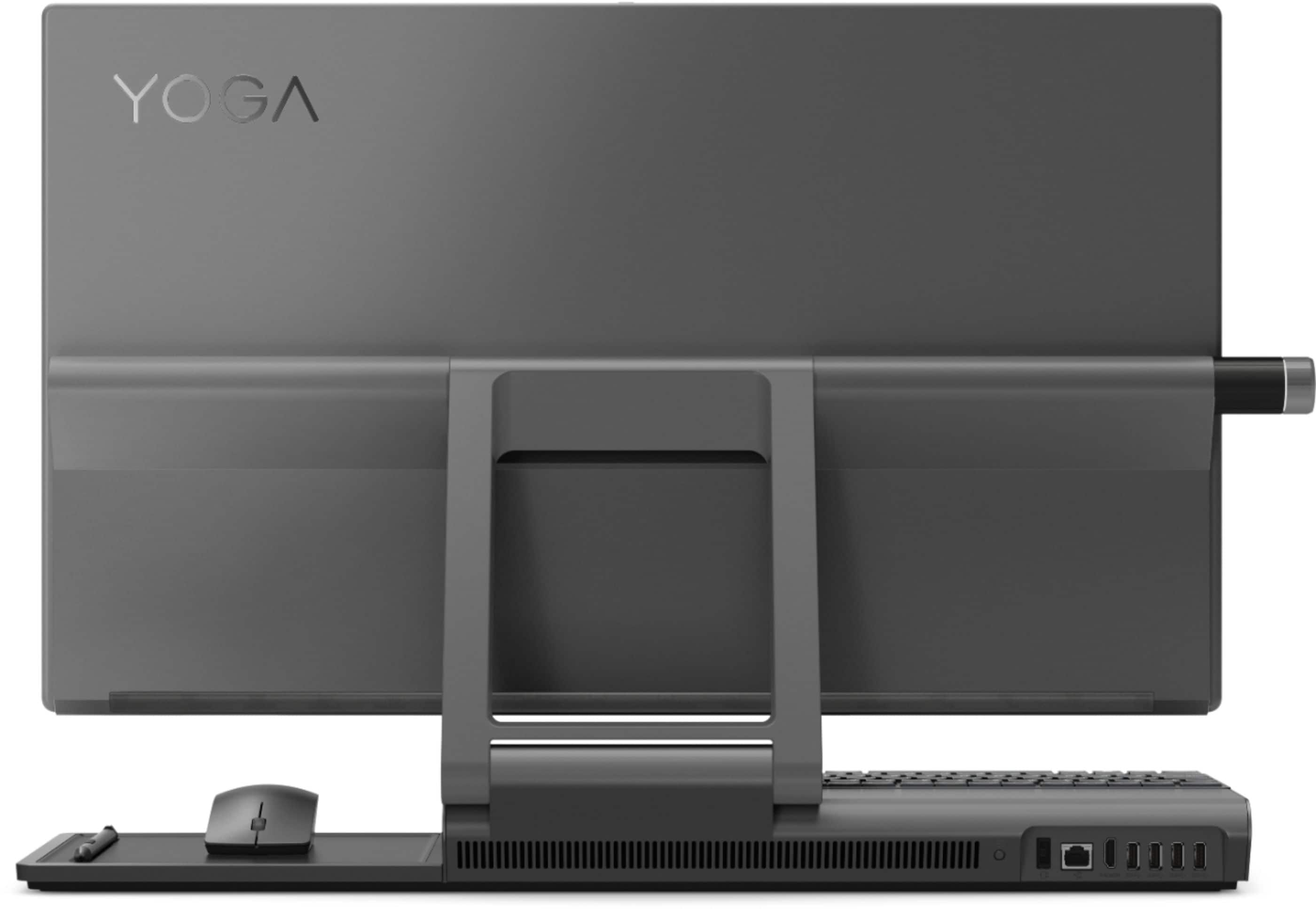
||Posted . Owned for 1 month when reviewed.This reviewer received promo considerations or sweepstakes entry for writing a review.Good computer. Good speed, video and audio. Plenty of USB ports. Phone charger is an added plus. The only negative I would have is that the monitor cannot be swiveled horizontally, you have to move the entire unit. Other than that, no complaints.
I would recommend this to a friend First-time Lenovo user and loving it!
||Posted . Owned for 3 weeks when reviewed.This reviewer received promo considerations or sweepstakes entry for writing a review.Needed a computer ASAP and didn't even look at the Lenovo. Went to Best Buy and found out that the computers I was looking at were not available. The agent suggested the Lenovo Yoga A940 since it offered the features I wanted, including a 27" screen, hard drive + SSD, 16GB memory, and lots of ports. Was able to pick the computer up later that same day, and I was very excited. Easy set-up, stunning color on screen, and lots of other features, some of which I have yet to explore. The wireless keyboard and mouse provided with the computer work well enough for me to accomplish what I initially bought the computer for- work at home. Overall, I am very happy with my Lenovo Yoga A940 and would highly recommend it!
I would recommend this to a friendBrand response from Lenovo Product Expert
Posted .Once again, thank you for choosing the Lenovo Yoga A940-27 All-In-One system. You can keep your computer running at its best by keeping the Windows 10 Operating System and all supporting BIOS files and drivers up to date. You can easily accomplish this by scanning the computer with the Lenovo Utility software available on this computer. This system has Lenovo utilities installed to help maintain the health of the device and keep the operating system software up to date. Type "Lenovo Vantage" in the Cortana Search window (if Lenovo Vantage is not installed on your device, you can download the APP and install it now). Select Lenovo Vantage from the list. In the window that opens, click on "Health and Support". In the expanded menu, select "Hardware Scan" In the window that opens, select "Run Quick Tests". This will scan your entire system for errors. Follow any directions that may pop up. If the problem continues after this scan, now click on "System Update". First select Windows update from the menu. Scan your system to be sure you have the latest version of Windows 10. Once that scan is complete, select "Additional Updates". This will scan your device to be sure there are no new BIOS/Driver updates needed. Follow any instructions that may pop up. If you ever need additional help with your Lenovo computer, we recommend you call Lenovo Tech Support at: 877-453-6686 for additional help.

- Pros mentioned:Screen size
Great Purchase
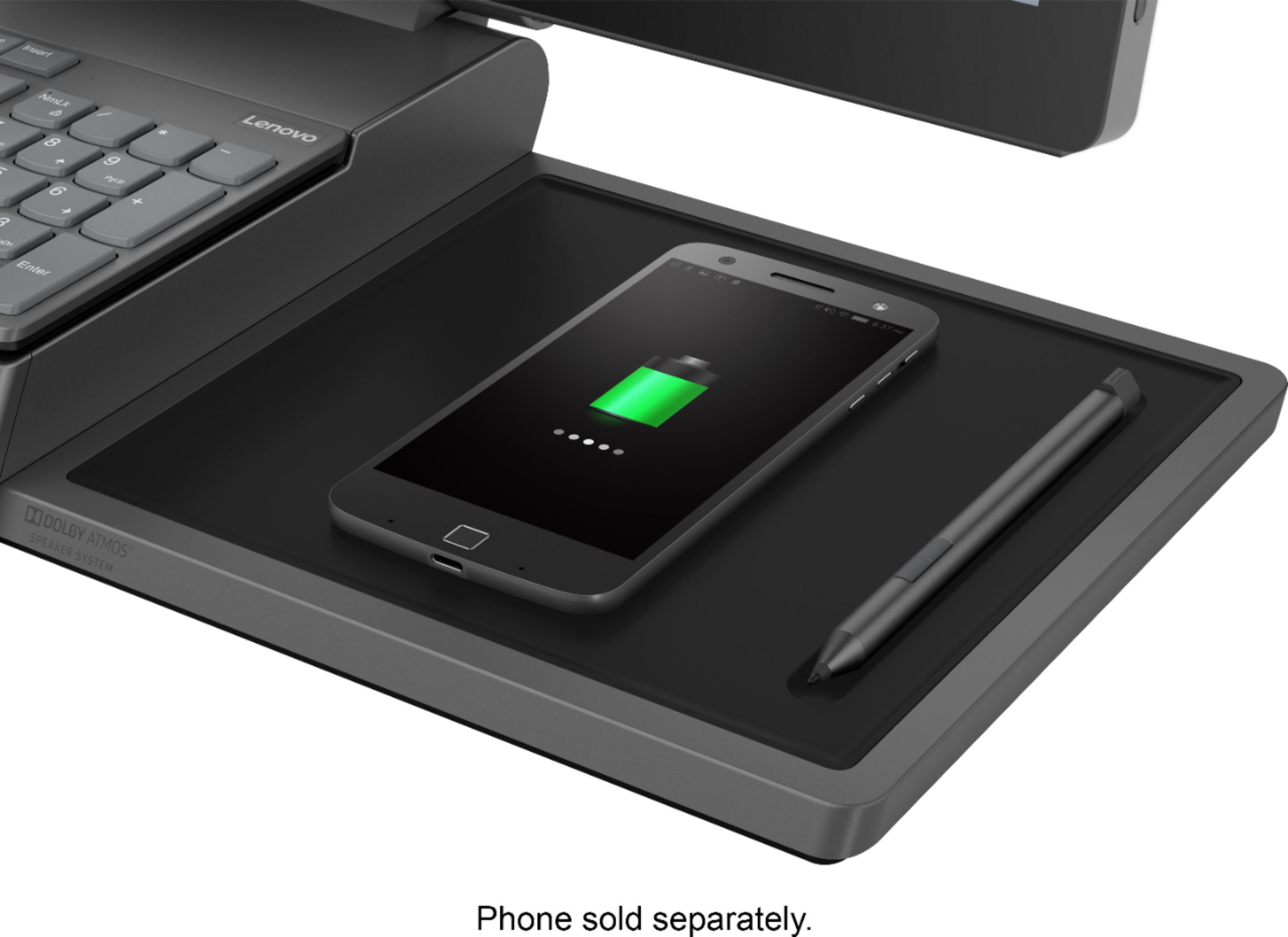
||Posted . Owned for 5 months when reviewed.This reviewer received promo considerations or sweepstakes entry for writing a review.I purchased this to go back to school online to finish my bachelors. I works perfectly! I love the large screen, and the all-in-one design is a great space saver. The charging pad on the right-hand side is great for charging my phone while I work.
I would recommend this to a friend Lenovo Yoga A940 -- So far so good
||Posted . Owned for 1 month when reviewed.This reviewer received promo considerations or sweepstakes entry for writing a review.Bought this all in one because as much as I love HP, their new AIOs don't do well if you have progressive lenses in your glasses... soooo next option please. The unit was easy to set up & get windows configured... One thing I found annoying was pulling the unit apart to install the upgraded memory I bought to boost the unit to 32gB. Getting the back of the unit off was awful... I finally got it off (yes, I followed the instructions -- and a youtube video... but it was still a fight). That aside, a little over a month later, and the Lenovo Yoga AIO is doing great. I'm very happy with it (time will tell).
I would recommend this to a friendBrand response from Lenovo Product Expert
Posted .Thank you for choosing the Lenovo Yoga A940 27 All-In-One system. We are pleased to hear that the Yoga A940 27 AIO is working out so well for you.
- Pros mentioned:Screen size
Kevin's desktop
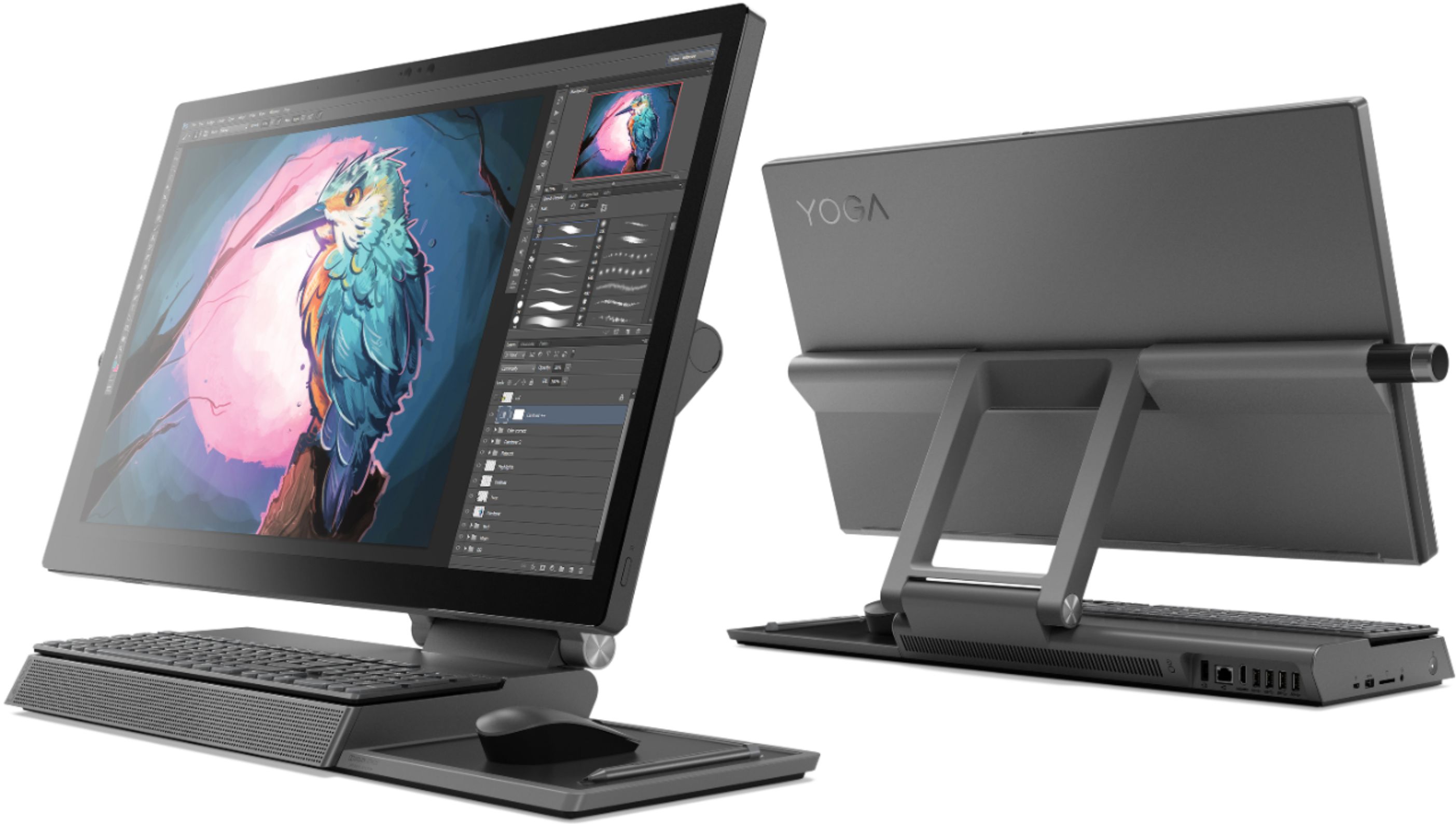
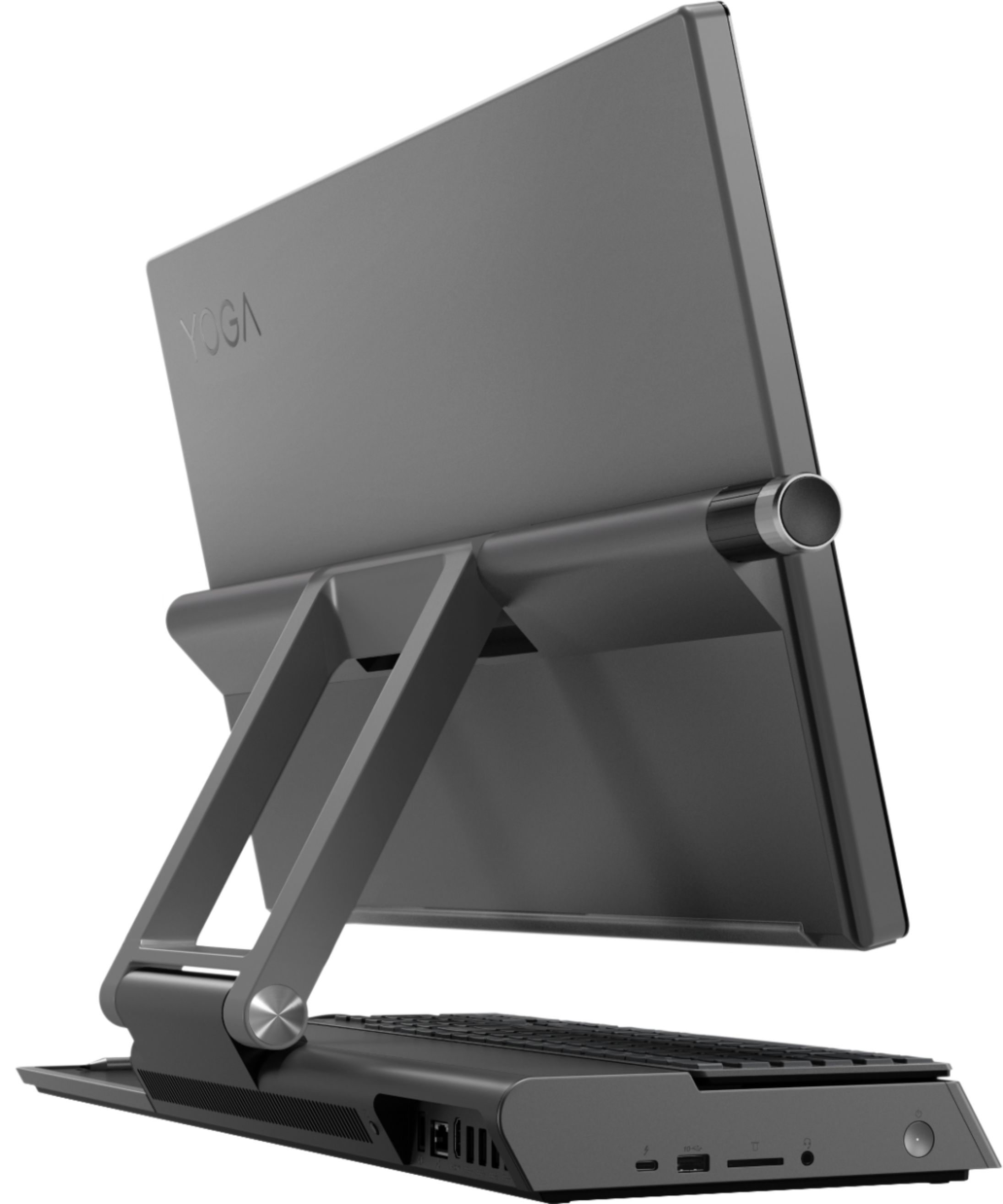
||Posted .This reviewer received promo considerations or sweepstakes entry for writing a review.Very well designed desktop touchscreen PC. It stands on a very platform and folds to be able to employ a pen interface easily. It is very fast with a stunning screen. It has multiple access ports and an nfc chargers for android phone.
I would recommend this to a friend - Pros mentioned:Screen size
I'm SO happy with this purchase!
||Posted . Owned for 3 weeks when reviewed.This reviewer received promo considerations or sweepstakes entry for writing a review.I love the large screen and the touch screen capabilities. I'm an artist and I'm going to love working with this computer. Its a recent purchase so I haven't had time to explore everything yet.
I would recommend this to a friendBrand response from Lenovo Product Expert
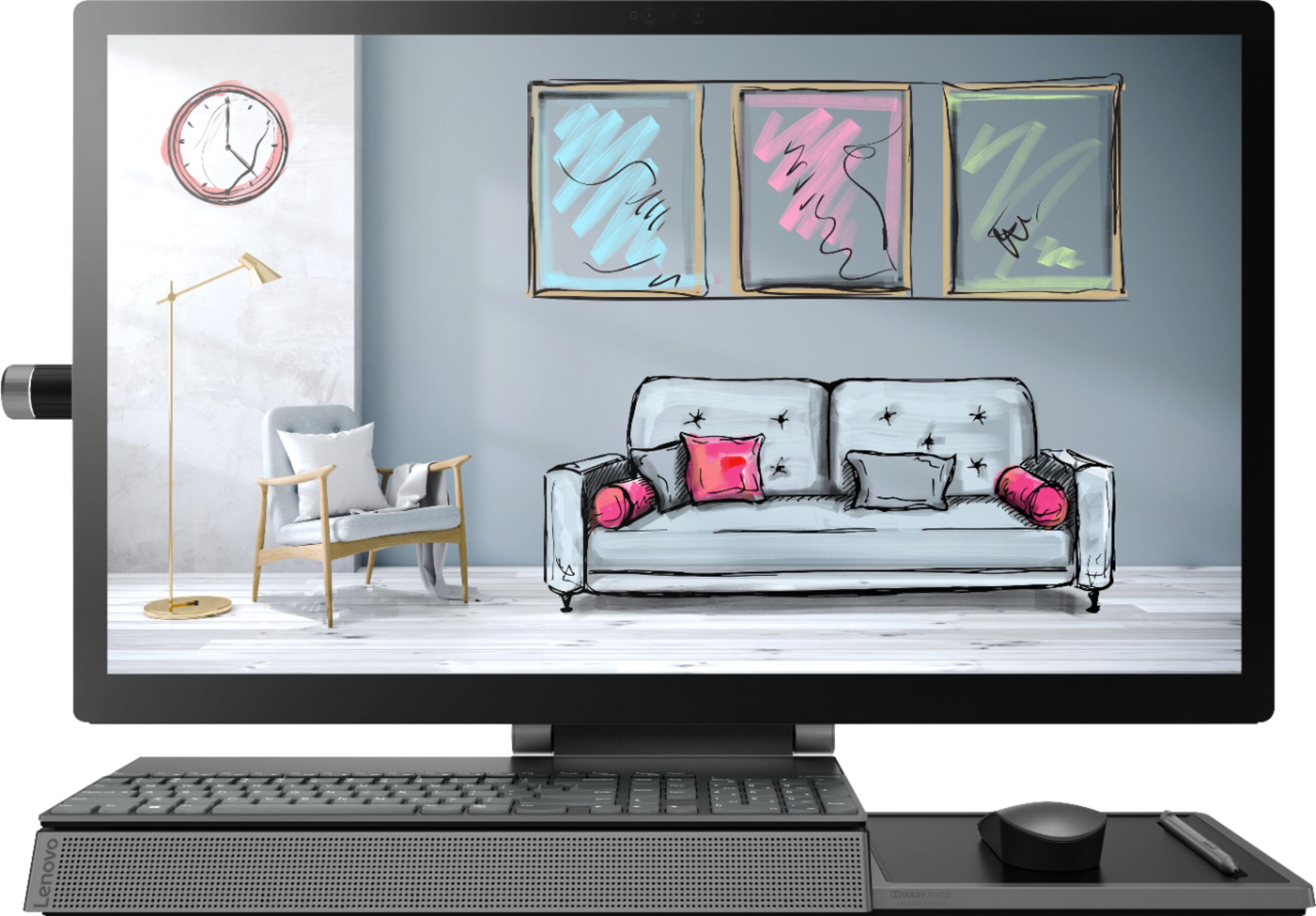
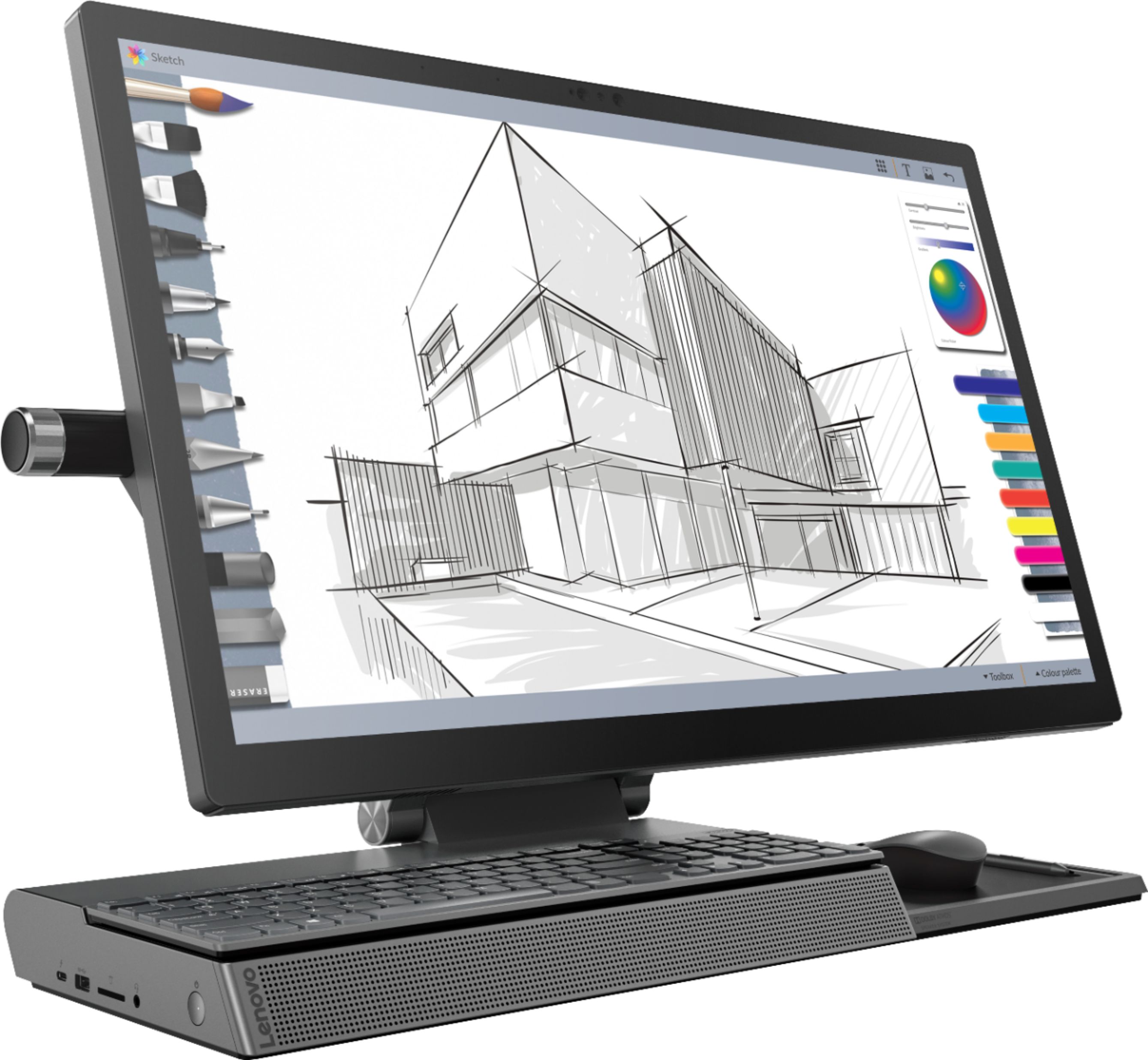
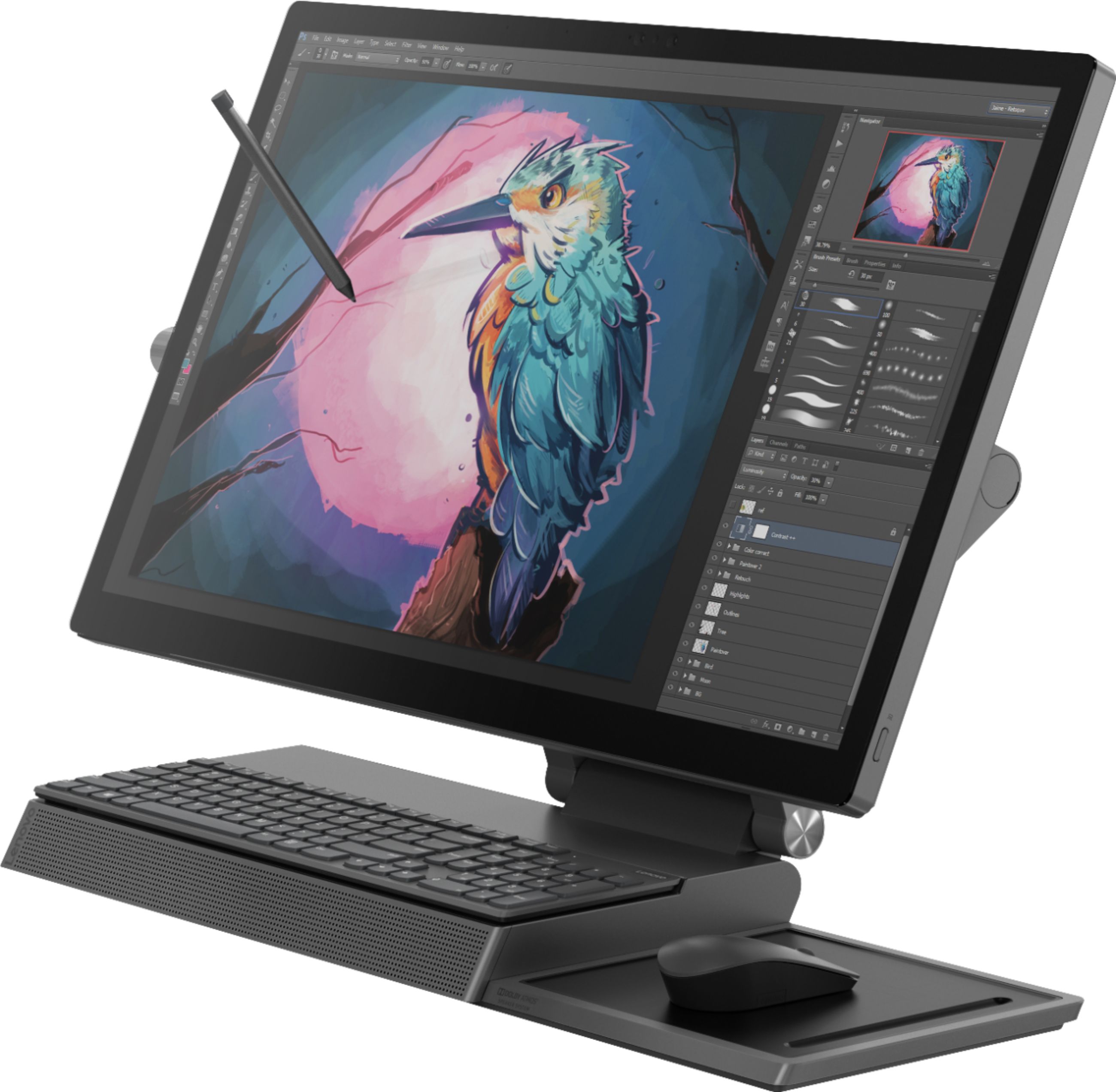
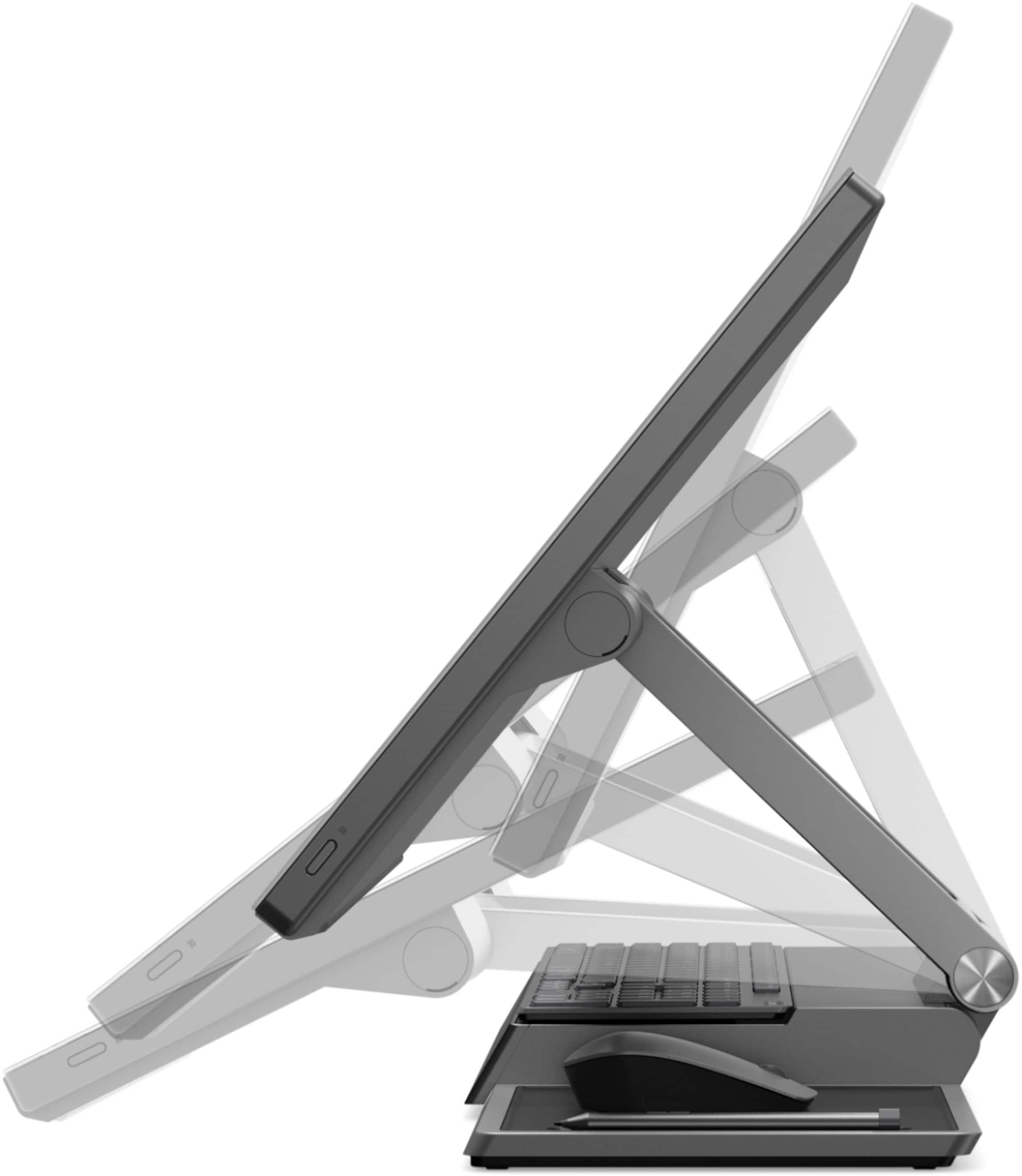
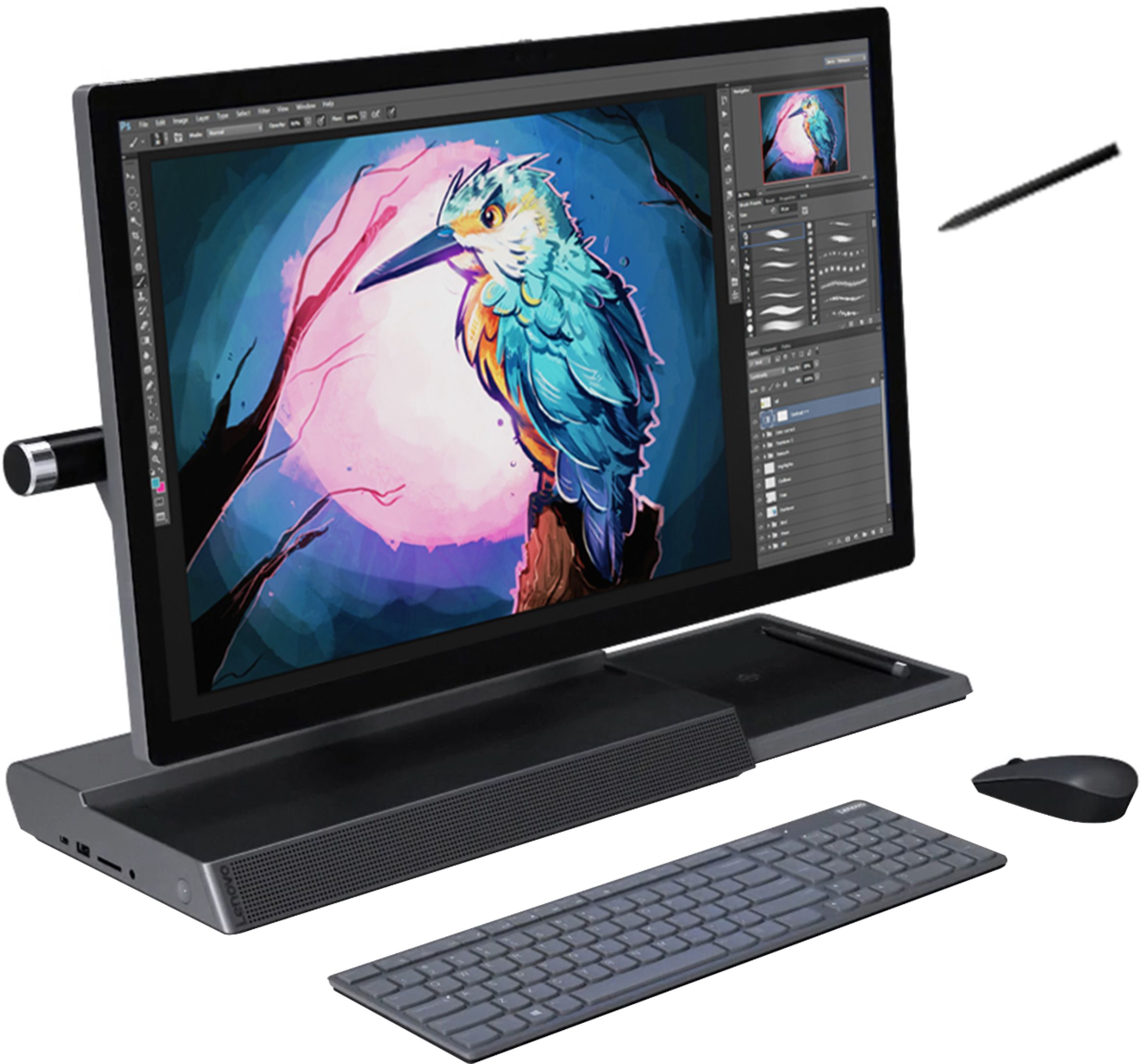
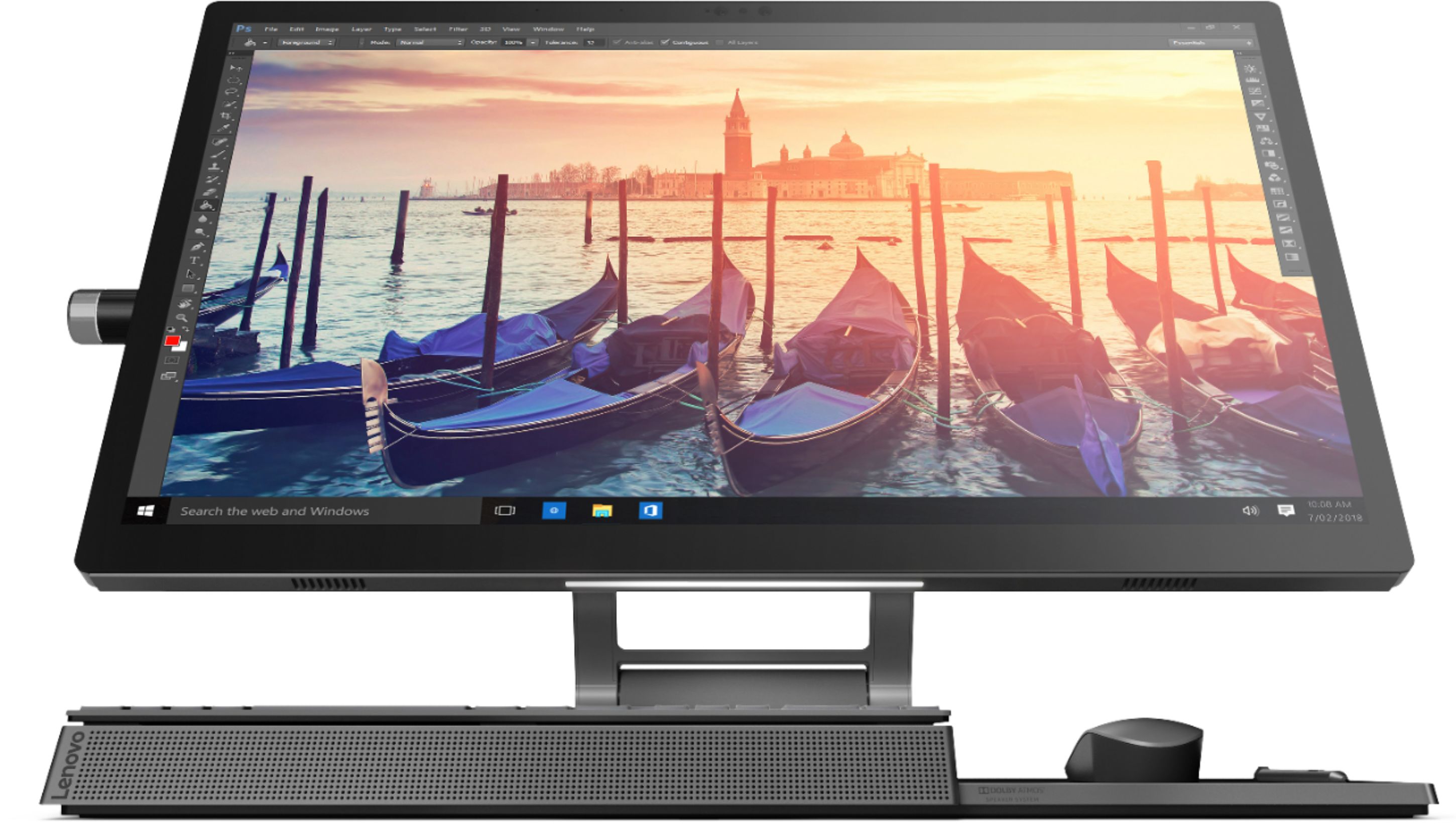
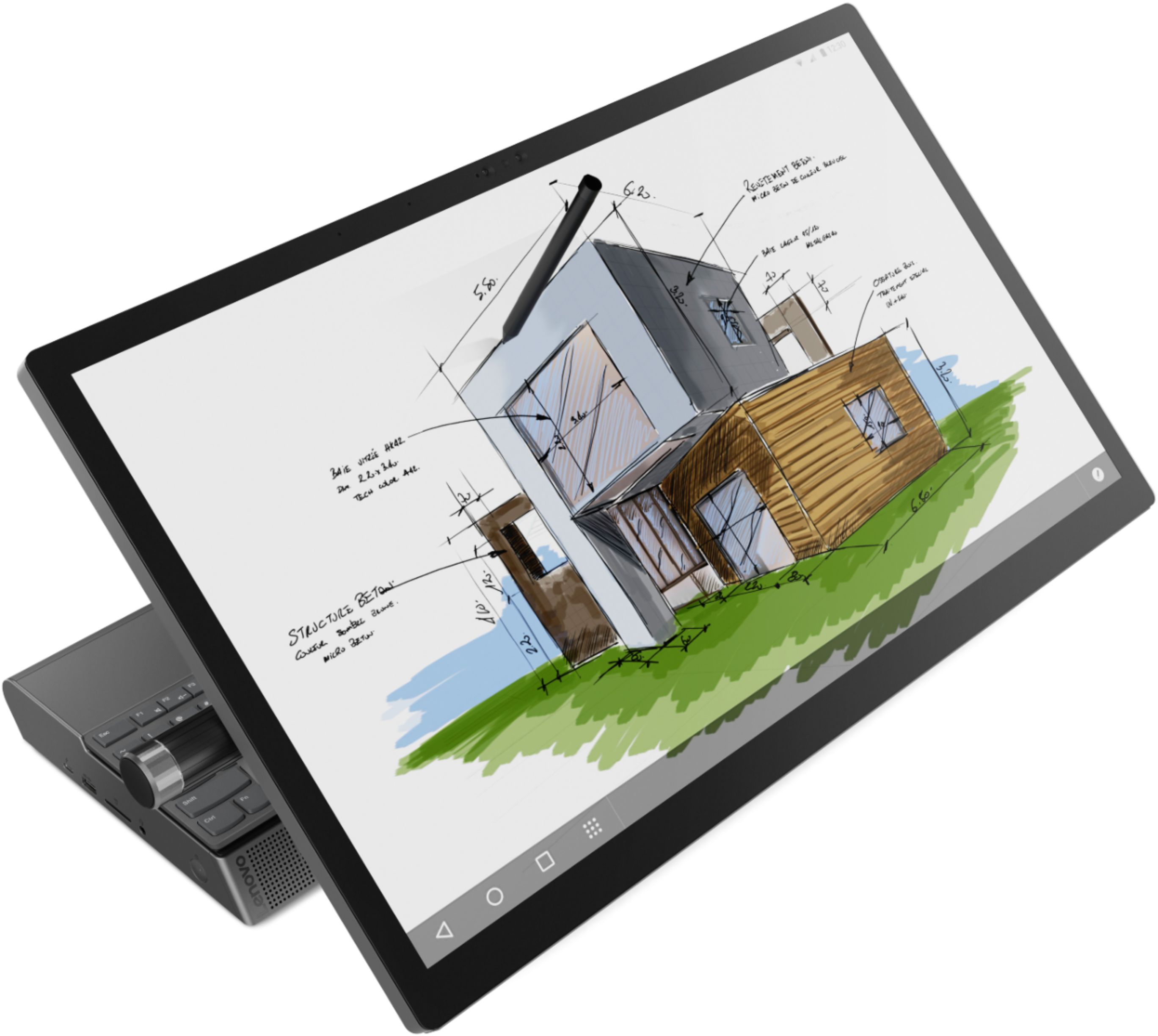
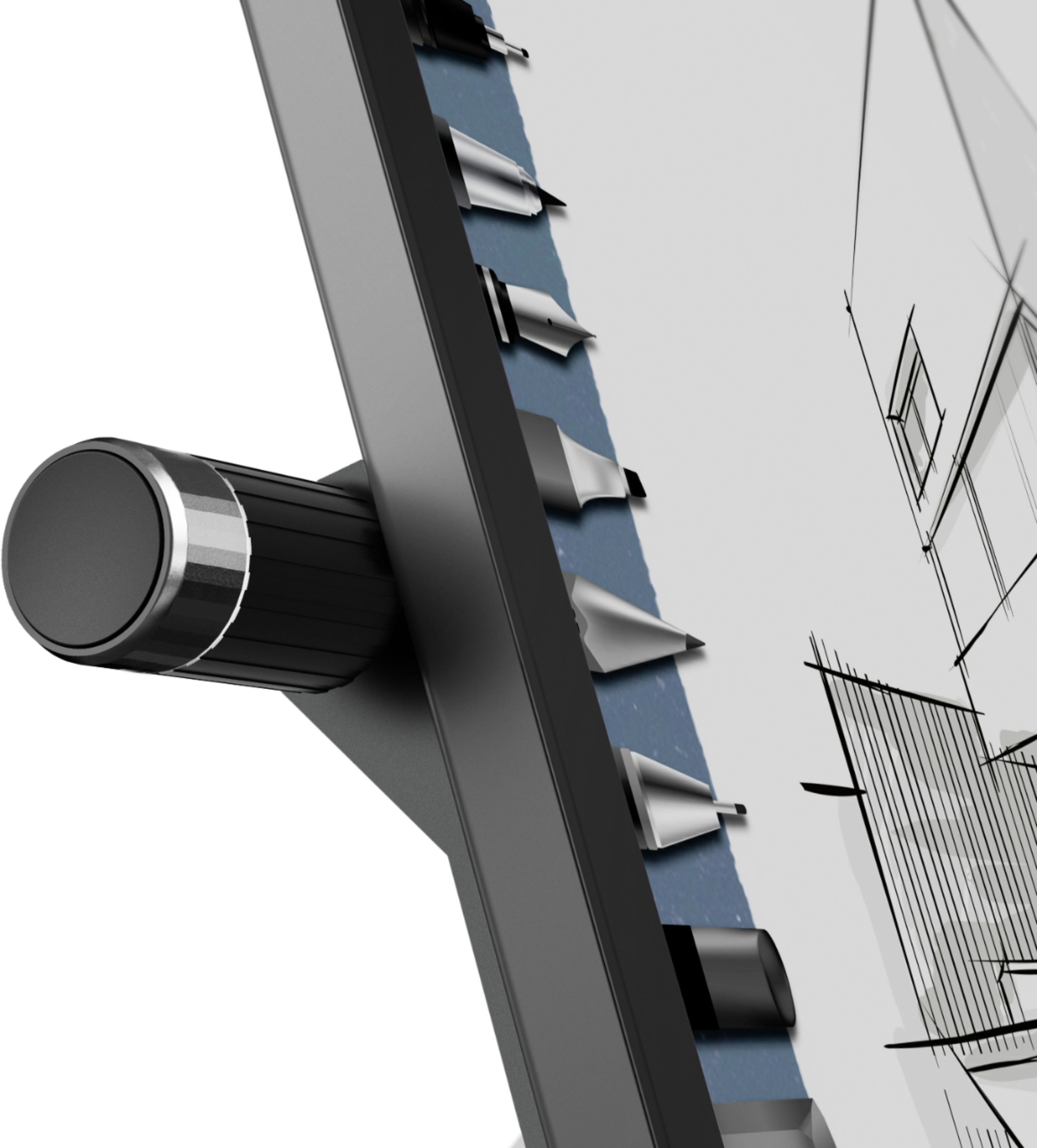
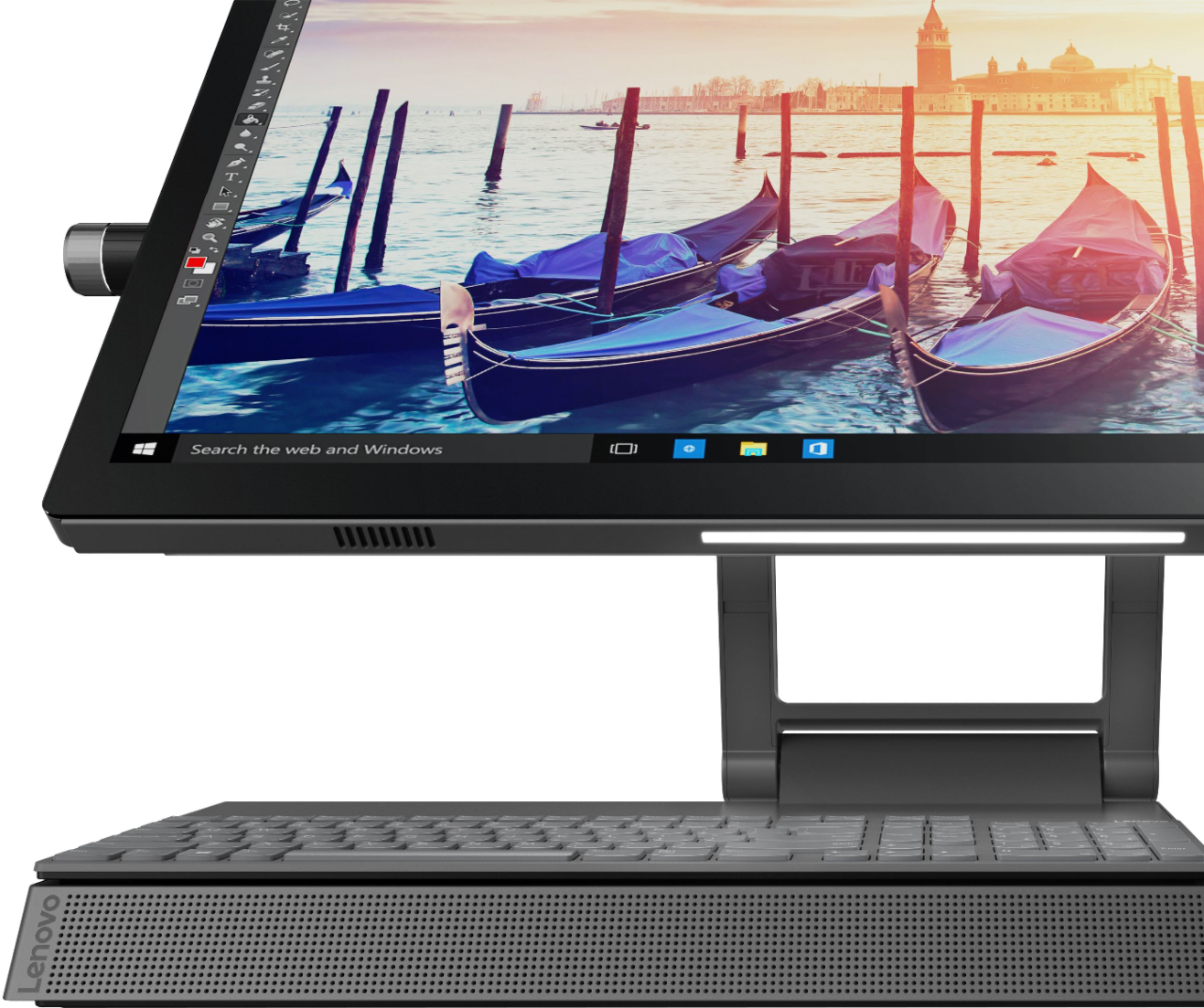
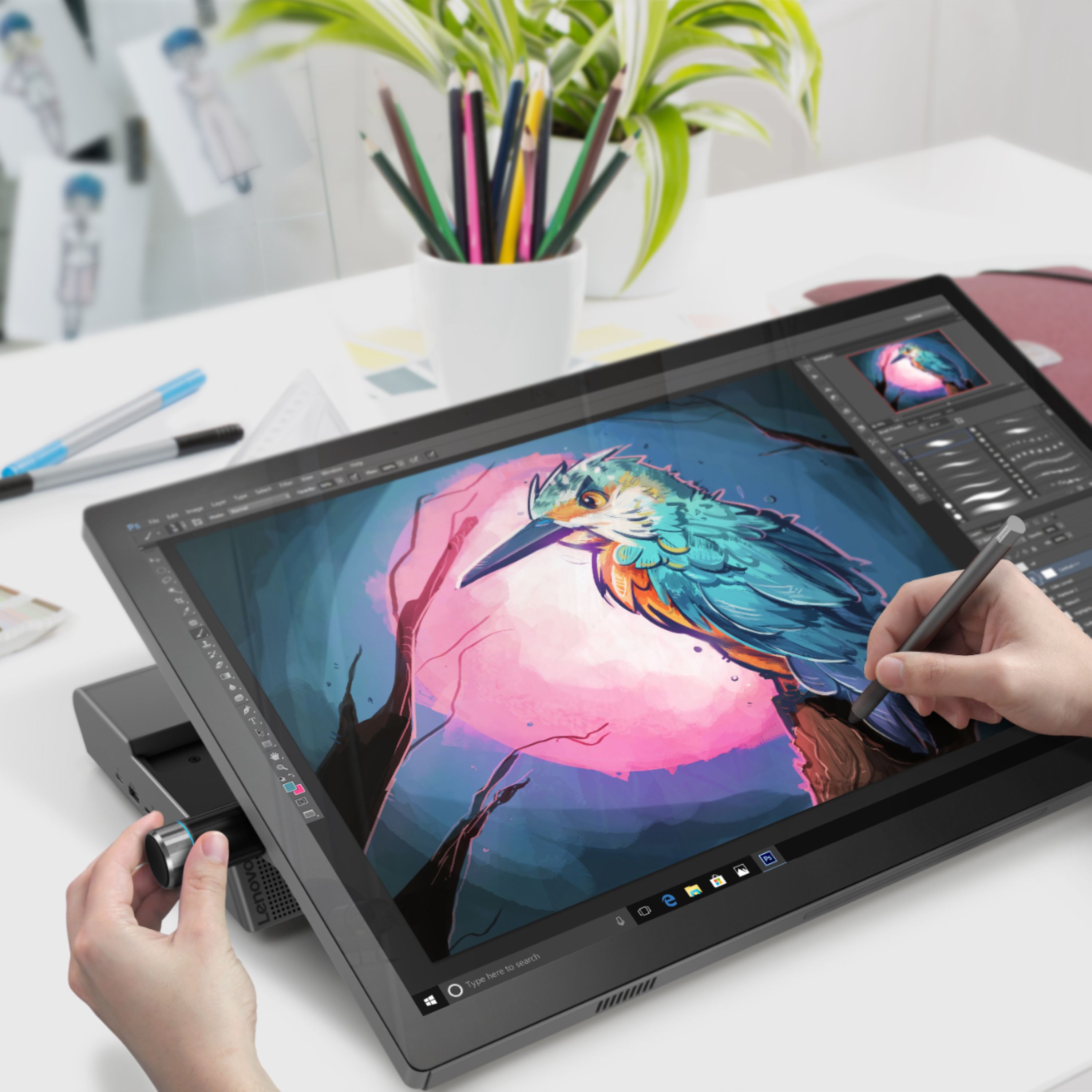
Posted .Tilt the Yoga A940's 27inch display to 25-degrees with a rotating hinge that provides stability for drawing and writing with a digital pen. The innovative dual hinge design makes it easier to slide into drafting mode with one hand- and palm-rejection technology provides a pen-to-paper experience whether you’re sketching out your next project or tweaking details in Lightroom. Scroll, calibrate, and make precise adjustments to your work with a twist of the Yoga A940's content creation dial. Use it to assign settings and features in Adobe Illustrator, Photoshop, Lightroom and more. Better yet, the dial can be placed on either the left or right side of the display to ensure maximum comfort for left-handed, right-brained creators. Experience stunning color, contrast, and detail in 4K resolution on a 27-inch wide-angle display optimized with Dolby Vision HDR. The Yoga A940 also offers powerful sound in every mode, with the user-facing Dolby Atmos Speaker System. Encased underneath the display is a second set of speakers, designed to maximize sound even when the display is tilted into drafting mode. The Yoga A940 offers premium 8th Generation Intel Core i7 processing with six processor cores for intelligent, ultrafast performance. Combined with powerful AMD Radeon RX560 discrete graphics, this all-in-one PC delivers lightning-fast responsiveness whether you’re editing or creating content.
- Pros mentioned:Performance
Great all in one
||Posted . Owned for 1 month when reviewed.This reviewer received promo considerations or sweepstakes entry for writing a review.The Lenovo Yoga A940 performs great and has a small footprint which makes it easy to setup in limited space areas. Fast response with solid state drive and additional 1TB for storage.
I would recommend this to a friendBrand response from Lenovo Product Expert
Posted .Thank you for choosing the Lenovo Yoga A940-27 All-In-One System. We are pleased to hear that the easy setup, features and performance of the Yoga A940-27 AIO meets your computing needs so well. Tilt the Yoga A940's 27-inch display to 25-degree with a rotating hinge that provides stability for drawing and writing with a digital pen. The innovative dual hinge design makes it easier to slide into drafting mode with one hand- and palm-rejection technology provides a pen-to-paper experience whether you’re sketching out your next project or tweaking details in Lightroom. Experience stunning color, contrast, and detail in 4K resolution on a 27-inch wide-angle display optimized with Dolby Vision HDR. The Yoga A940 also offers powerful sound in every mode, with the user-facing Dolby Atmos Speaker System. Encased underneath the display is a second set of speakers, designed to maximize sound even when the display is tilted into drafting mode. The Yoga A940 ships with the 6-Core/12-Thread Intel Core i7-8700 processor, for intelligent, ultrafast performance. Combined with powerful AMD Radeon RX560 discrete graphics, this all-in-one PC delivers lightning-fast responsiveness whether you’re editing or creating content.
Great Service
||Posted .This reviewer received promo considerations or sweepstakes entry for writing a review.The first one I bought had a fan error right when I opened it which I ignored until about three weeks after I bought it when I started having issues with the camera. I brought it to geek squad to get looked at it and they did an exchange for me and gave me a brand new computer! I worked with Gio, Chris & Jazmin and have no complaints. They were all so friendly, and the process was so fast. I was in and out within maybe 15 minutes. Even though the first computer I purchase had an issue right away, I was very happy with how it was handled and the service I received.
I would recommend this to a friendRough Start
||Posted . Owned for 1 month when reviewed.This reviewer received promo considerations or sweepstakes entry for writing a review.The First one I received from Best Buy was missing the 1TB hard drive, contacted Lenovo, and they sent tech to install one the following day. Then the computer would continually lock up and the only way to restart was unplug the power cord and reboot. Return computer to Best Buy and exchanged for another one. So far this unit works. for my purposes I wish Best Buy would sell one with more Ram installed and an SSD 1TB drive.
I would recommend this to a friend- Pros mentioned:Processor speed
Awesome computer for pro creators
||Posted . Owned for 2 months when reviewed.This reviewer received promo considerations or sweepstakes entry for writing a review.I'm still figuring out all of it's details, but this computer is a beast. It runs adobe software really well, and I love the dial feature. Awesome purchase.
I would recommend this to a friendBrand response from Lenovo Product Expert
Posted .Thank you for choosing the Lenovo Yoga A940-27 All-In-One system. We are pleased to hear that the Yoga A940-27 AIO is working out so well for you. Tilt the Yoga A940's 27-inch display to 25-degrees with a rotating hinge that provides stability for drawing and writing with a digital pen. The innovative dual hinge design makes it easier to slide into drafting mode with one hand- and palm-rejection technology provides a pen-to-paper experience whether you’re sketching out your next project or tweaking details in Lightroom. Make it perfect - Scroll, calibrate, and make precise adjustments to your work with a twist of the Yoga A940's content creation dial. Use it to assign settings and features in Adobe Illustrator, Photoshop, Lightroom and more. Better yet, the dial can be placed on either the left or right side of the display to ensure maximum comfort for left-handed, right-brained creators. Experience stunning color, contrast, and detail in 4K resolution on a 27-inch wide-angle display optimized with Dolby Vision HDR. The Yoga A940 also offers powerful sound in every mode, with the user-facing Dolby Atmos Speaker System. Encased underneath the display is a second set of speakers, designed to maximize sound even when the display is tilted into drafting mode. he Yoga A940 ships with Intel Core i7-8700 6-Core/12-Thread processing for intelligent, ultrafast performance. Combined with powerful AMD Radeon RX560 discrete graphics, this all in one PC delivers lightning-fast responsiveness whether you’re editing or creating content.
- Pros mentioned:Screen size
Love it!!
||Posted .This reviewer received promo considerations or sweepstakes entry for writing a review.I’m very happy with my purchase! Using it for photography. Big screen so it easy to see.
I would recommend this to a friendBrand response from Lenovo Product Expert
Posted .Thank you for choosing the Lenovo Yoga A940-17 All-In-One system. The Yoga A94027 AIO Features a 27" tilting 4K display with pen support, a content creation dial, and other innovative solutions, it's an all-in-one PC engineered to provide the ultimate workspace for your creativity. Lenovo is the number #1 manufacturer of computers in the World:
https://venturebeat.com/2019/01/10/gartner-and-idc-hp-and-lenovo-shipped-the-most-pcs-in-2018-but-total-numbers-fell/
- Pros mentioned:Ease of use
Great Desktop All-In-One
||Posted . Owned for 3 weeks when reviewed.This reviewer received promo considerations or sweepstakes entry for writing a review.I love my new desktop all-in-one computer. It is easy to use, fast start & great for artists. It is like the cheaper version of a Microsoft Studio computer
I would recommend this to a friendBrand response from Lenovo Product Expert
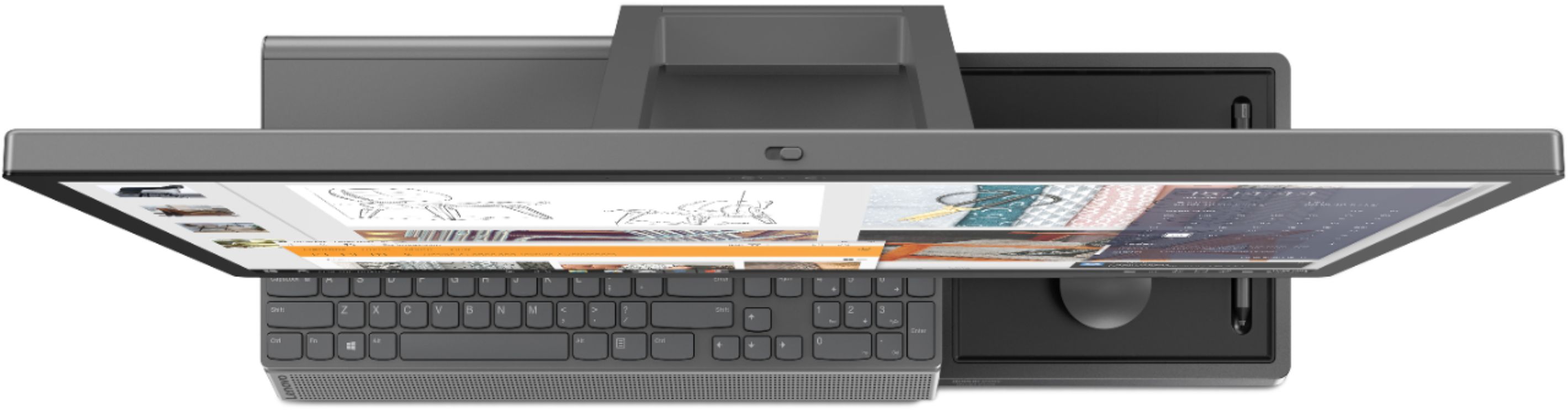
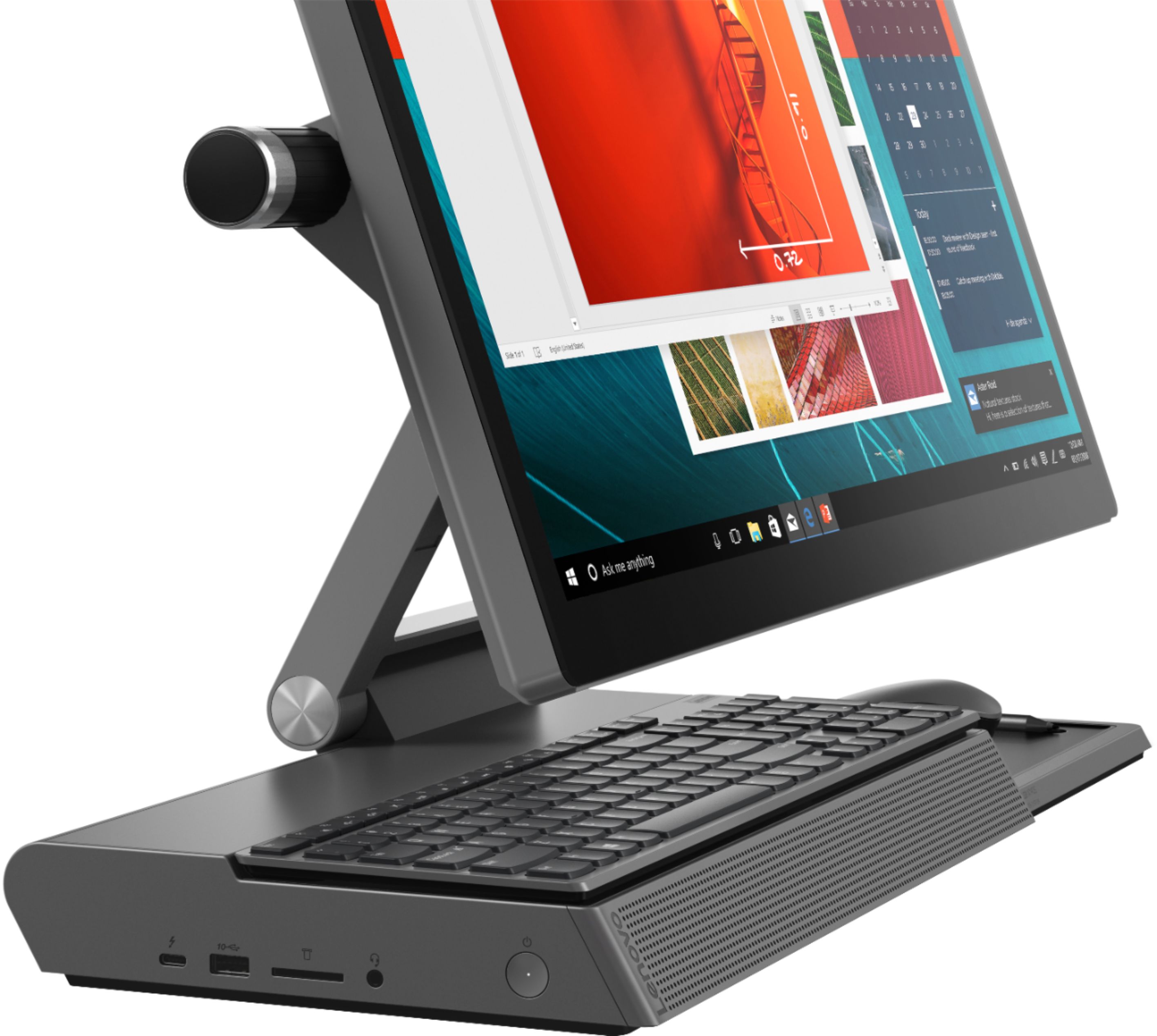
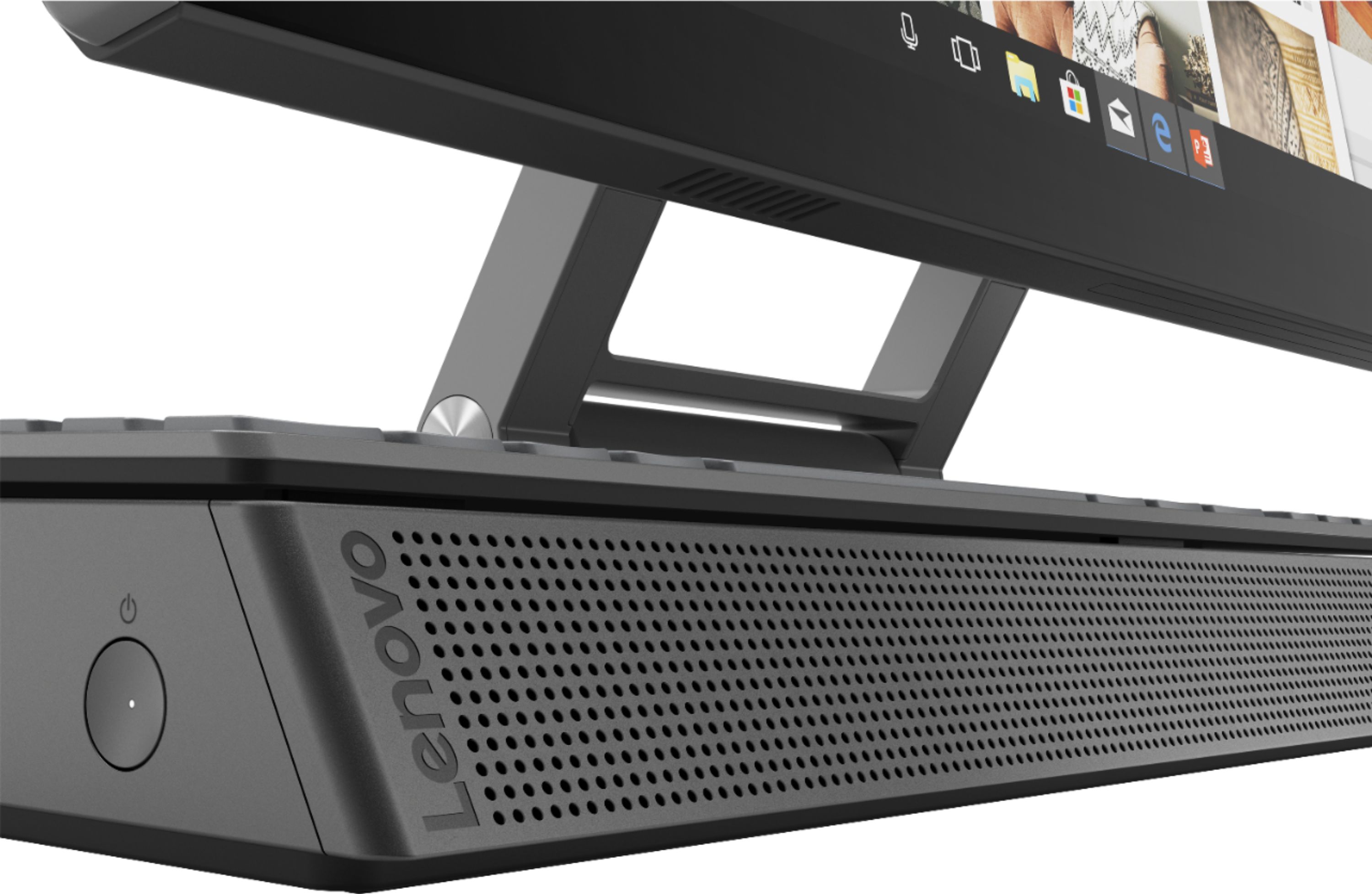
Posted .Thank you for choosing the lenovo Yoga A940-27 All-In-One System. We are pleased to hear that the value, features and performance of the Yoga Z940-27 AIO meets your computing needs so well. Tilt the Yoga A940s 27-inch display to 25-degrees with a rotating hinge that provides stability for drawing and writing with a digital pen. The innovative dual hinge design makes it easier to slide into drafting mode with one hand- and palm-rejection technology provides a pen-to-paper experience whether you’re sketching out your next project or tweaking details in Lightroom. Experience stunning color, contrast, and detail in 4K resolution on a 27-inch wide-angle display optimized with Dolby Vision HDR. The Yoga A940 also offers powerful sound in every mode, with the user-facing Dolby Atmos Speaker System. Encased underneath the display is a second set of speakers, designed to maximize sound even when the display is tilted into drafting mode. The Yoga A940 offers up to 8th Generation Intel Core i7 processing with six processor cores for intelligent, ultrafast performance. Combined with powerful AMD Radeon RX560 discrete graphics, this all-in-one PC delivers lightning-fast responsiveness whether you’re editing or creating content. Keep it simple with a wireless charging dock and a groove for pen storage. The Yoga A940 is designed for your convenience, featuring dedicated spots for your keyboard and mouse that minimize clutter and keep your desk clean. It also boasts an LED light under the display for working in low-light conditions.
- Pros mentioned:Processor speed
very fast
||Posted . Owned for 5 months when reviewed.This reviewer received promo considerations or sweepstakes entry for writing a review.It is fast but the image quality did not exceed expectations
I would recommend this to a friend - Pros mentioned:Screen size
Lenova
||Posted .This reviewer received promo considerations or sweepstakes entry for writing a review.Good family and gaming vr computer... touch screen
I would recommend this to a friendBrand response from Lenovo Product Expert
Posted .Thank you for choosing the Lenovo Yoga A940 27 All-In-One System for your family. We are pleased to hear that the Yoga A940 27 AIO is working out so well for your family.
Save your time and money - DO NOT BUY THIS JUNK!
Posted .This reviewer received promo considerations or sweepstakes entry for writing a review.Of course, right after the 30 day Best Buy warranty I started having CPU fan failure messages popping up. I pressed F2 to enter Windows, but the fan would continue to get loud and the computer still gets very hot. I purchased my computer in February! It is now June and there has still been no "48-hour" call back as promised over the phone. DO NOT BUY THIS OVERPRICED JUNK! Save yourself time and $2,000 and get something reliable. This continues to crash and show black screens with CPU fan error messages.
No, I would not recommend this to a friendBrand response from Lenovo Product Expert
Posted .We are sorry to hear that you are having issues with your Lenovo Yoga A940-27 All-In-One system. First, Be sure any software you installed is compatible with Windows 10. There is no need to install Microsoft Office software. The software is already part of the operating system, you just need to activate the software with a purchased product key. If you have installed a copy of Microsoft Office, this is conflicting with the existing copy on the system and this will slow your system down. If you have installed a 3rd party anti-virus program, be sure that Windows Defender is turned off and that the trial version of McAfee Anti-Virus software is uninstalled. There can only be one anti-virus program on the system. You may need to restore your system to original factory default settings if any of the programming errors have occurred. You can do that by typing "restore" in the Cortana search window. Just click on the magnifying glass icon at the bottom left of your Windows 10 Desktop. Click on "Reset This PC" Then click on "Get Started" and follow the on screen directions to restore to factory defaults. If there is no incompatible software installed but the issues persist, check to be sure you have the latest version of Windows 10 on the computer. Then update all BIOS files and drivers up to that latest version of Windows 10. You can easily accomplish this by scanning the computer with the Lenovo Utility software available on this computer. This system has Lenovo utilities installed to help maintain the health of the device and keep the operating system software up to date. Type "Lenovo Vantage" in the Cortana Search window (if Lenovo Vantage is not installed on your device, you can download the APP and install it now). Select Lenovo Vantage from the list. In the window that opens, click on "Health and Support". In the expanded menu, select "Hardware Scan" In the window that opens, select "Run Quick Tests". This will scan your entire system for errors. Follow any directions that may pop up. If the problem continues after this scan, now click on "System Update". First select Windows update from the menu. Scan your system to be sure you have the latest version of Windows 10. Once that scan is complete, select "Additional Updates". This will scan your device to be sure there are no new BIOS/Driver updates needed. Follow any instructions that may pop up. If the issue still continues after these updates, we recommend you call Lenovo Tech Support at: 877-453-6686 for additional help.
Nice All-in-1
||Posted . Owned for 3 weeks when reviewed.This reviewer received promo considerations or sweepstakes entry for writing a review.This is the 1st computer other than a laptop I have ever bought for myself. I have always built my own computers since 1990. I like the size on the monitor and the lack of cables every where. The PCI SSD drive gets this computer up and running fast. I just wished that it had windows 10 pro instead of the home version. The sound is pretty good. I'm using my own keyboard and mouse. not the one that came with it. Although they do seem of good quality. It would have been nice if there was a usb port or two in the front.
I would recommend this to a friendBrand response from Lenovo Product Expert
Posted .Once again, thank you for choosing the Lenovo IdeaCentre Yoga A940-27. You can keep your computer running at its best by keeping the Windows 10 Operating System and all supporting BIOS files and drivers up to date. You can easily accomplish this by scanning the computer with the Lenovo Utility software available on this computer. This system has Lenovo utilities installed to help maintain the health of the device and keep the operating system software up to date. Type "Lenovo Vantage" in the Cortana Search window (if Lenovo Vantage is not installed on your device, you can download the APP and install it now). Select Lenovo Vantage from the list. In the window that opens, click on "Health and Support". In the expanded menu, select "Hardware Scan" In the window that opens, select "Run Quick Tests". This will scan your entire system for errors. Follow any directions that may pop up. If the problem continues after this scan, now click on "System Update". First select Windows update from the menu. Scan your system to be sure you have the latest version of Windows 10. Once that scan is complete, select "Additional Updates". This will scan your device to be sure there are no new BIOS/Driver updates needed. Follow any instructions that may pop up. If you ever need additional help with your Lenovo computer, we recommend you call Lenovo Tech Support at: 877-453-6686 for additional help.
- Pros mentioned:Processor speed
Awesome Computer for Retired Couple
||Posted . Owned for 1 month when reviewed.This reviewer received promo considerations or sweepstakes entry for writing a review.This is an awesome computer ... super fast and convenient ... we love the charging station for our I-Phones. We are continuing to learn more and more about its capabilities.
I would recommend this to a friendBrand response from Lenovo Product Expert
Posted .Thank you for choosing the Lenovo Yoga A940-27 All-in-One system. We are pleased to hear that the Yoga A940-27 AIO is working out so well for you. The Yoga A940-27 AIO, Features a 27" tilting 4K display with pen support, a content creation dial, and other innovative solutions, it's an all-in-one PC engineered to provide the ultimate workspace for your creativity.
- Pros mentioned:Screen size
Love my computer
||Posted . Owned for 2 months when reviewed.This reviewer received promo considerations or sweepstakes entry for writing a review.Love the touch screen love then pen but it stopped working tho after a few uses hopefully geek squad will be able to fix
I would recommend this to a friend - Pros mentioned:Screen size
The is my second best computer
||Posted . Owned for 3 weeks when reviewed.This reviewer received promo considerations or sweepstakes entry for writing a review.works great love that i can move the screen down closer to me to draw or whatever im doing on it.def worth the money
I would recommend this to a friend - Pros mentioned:Performance
Lenovo Yoga
||Posted . Owned for 1.5 years when reviewed.This reviewer received promo considerations or sweepstakes entry for writing a review.Great product. I have had this product for over a year now. I have not had any problems with it so far.
I would recommend this to a friendBrand response from Lenovo Product Expert
Posted .Thank you for choosing the Lenovo A940 27 All-In-One System. We are pleased to hear that the Yoga 940 27 AIO meets your computing needs so well.