Customer Ratings & Reviews





- Model:
- ZA3S0136US
- SKU:
- 6296005
Rating by feature
- Value
Rating 3.6 out of 5 stars
- Quality
Rating 4.2 out of 5 stars
- Ease of Use
Rating 3.6 out of 5 stars
to a friend
Great laptop
||Posted . Owned for 1 month when reviewed.This reviewer received promo considerations or sweepstakes entry for writing a review.Loved this little laptop use it everyday. Great for beginners.
I would recommend this to a friendHorrible purchase
||Posted . Owned for 4 months when reviewed.This reviewer received promo considerations or sweepstakes entry for writing a review.I'm not going to lie, the laptop's touchscreen keyboard got me. I should've researched more into this tablet before getting it. Despite being advertised as having a long battery life, in my experience the laptop drains the battery and needs a charging after 1-2 hours. I have watched as this laptop deteriorated into a piece of junk all with minimal usage. The keyboard, when touched, makes a loud vibrating sound. The button to change the settings no longer works. At random times, the display would change despite the laptop's orientation not being shifted. This has been one of the worst purchases of my life.
No, I would not recommend this to a friendPatricia, my Wife has been dead since August 2020.
||Posted . Owned for 1 month when reviewed.This reviewer received promo considerations or sweepstakes entry for writing a review.I need you to update my information. Remove her name from your list. Replace it with mine. Transfer any points that may be in her account to my account. Thank you.
No, I would not recommend this to a friendNot great
||Posted .This reviewer received promo considerations or sweepstakes entry for writing a review.Disappointed with the product. It needs more updating before I would classify it a good product. Lags on videos and screeen randomly shuts off so I returned it.
No, I would not recommend this to a friendPoor condition
||Posted . Owned for 2 months when reviewed.This reviewer received promo considerations or sweepstakes entry for writing a review.Product was sold in very poor condition, sold as open box but, found that it was used for more than a year. Battery doesn't last, no charger no accessories. Manufacturer warranty have been used and expired. It was a second hand. In poor condition. Unfortunately I was busy and didn't get to check it and work with it until the return period was expired.
No, I would not recommend this to a friendHorrible item
||Posted . Owned for 1 month when reviewed.This reviewer received promo considerations or sweepstakes entry for writing a review.Cool idea but just simply a horrible experience altogether. Tech support is basically useless from the manufacturer and doing anything on the device is awfully slow. Neat idea though just not useful in any realistic applications.
No, I would not recommend this to a friendBrand response from Lenovo Product Expert
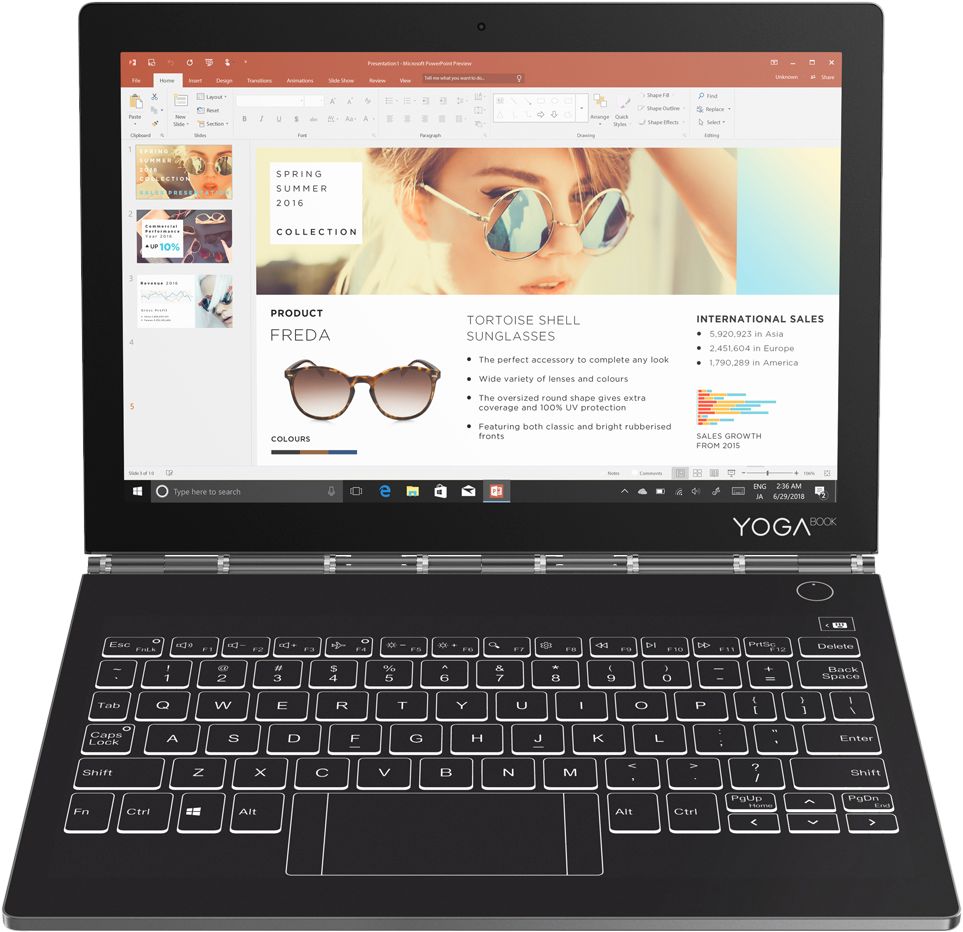
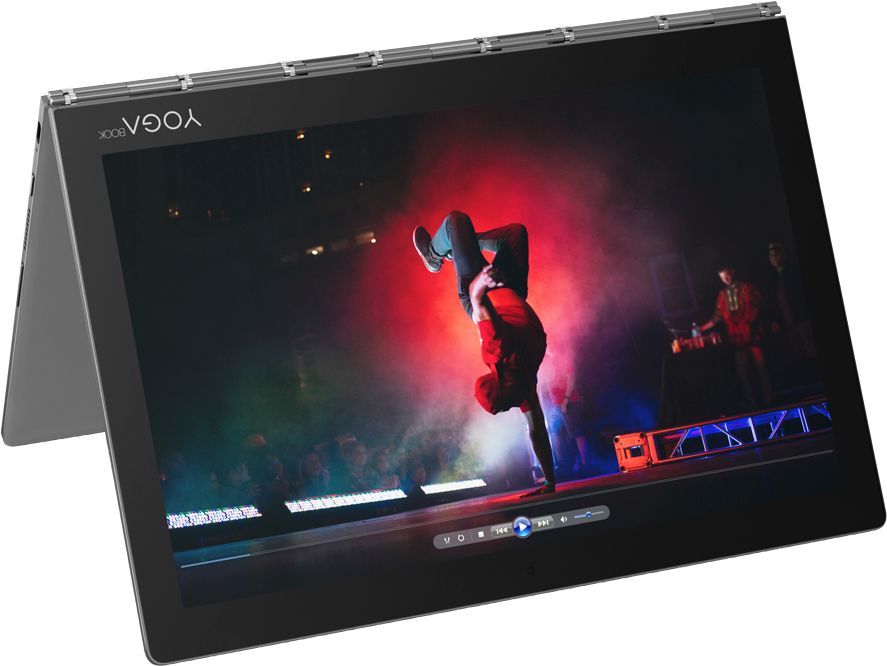
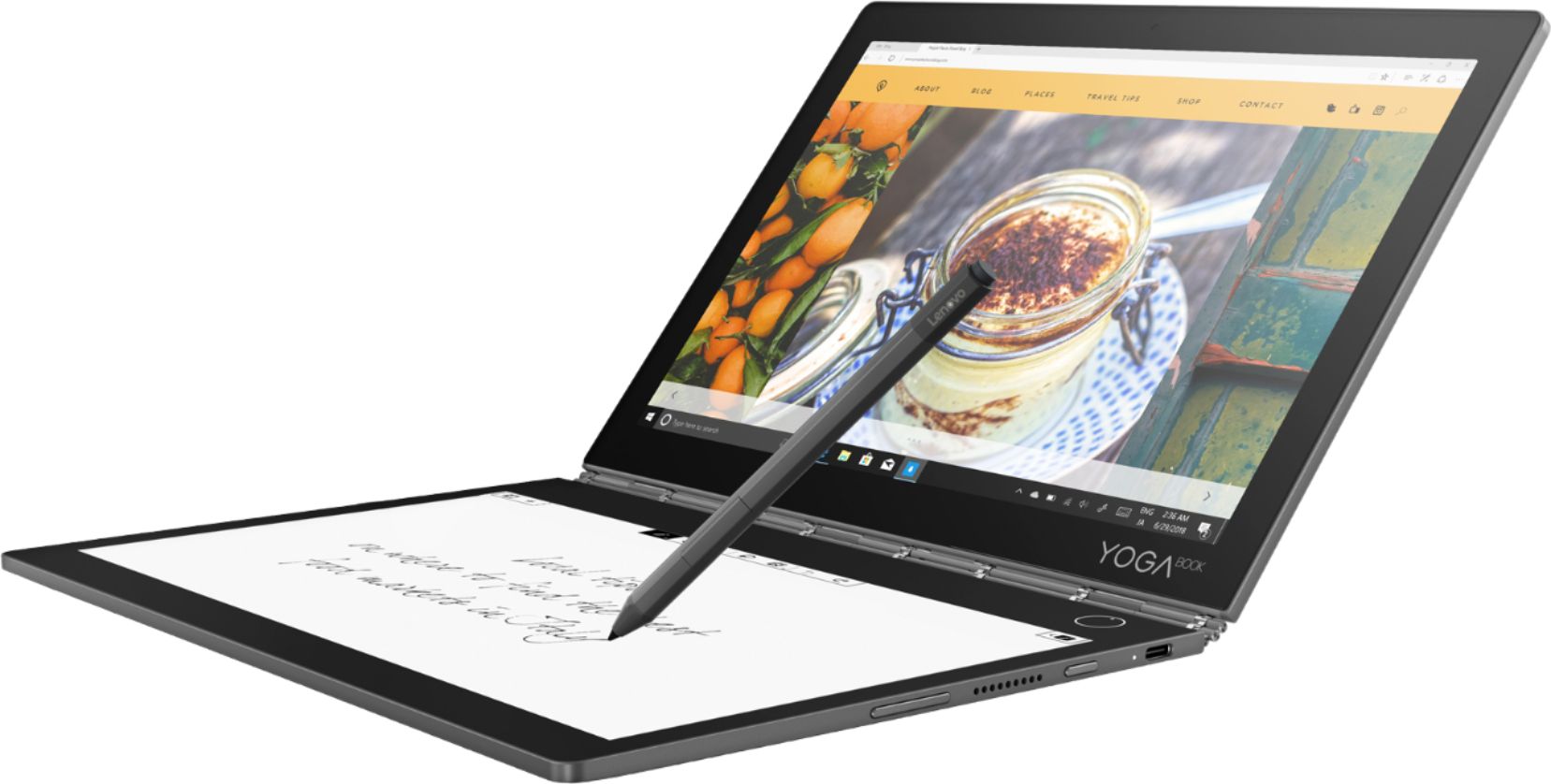
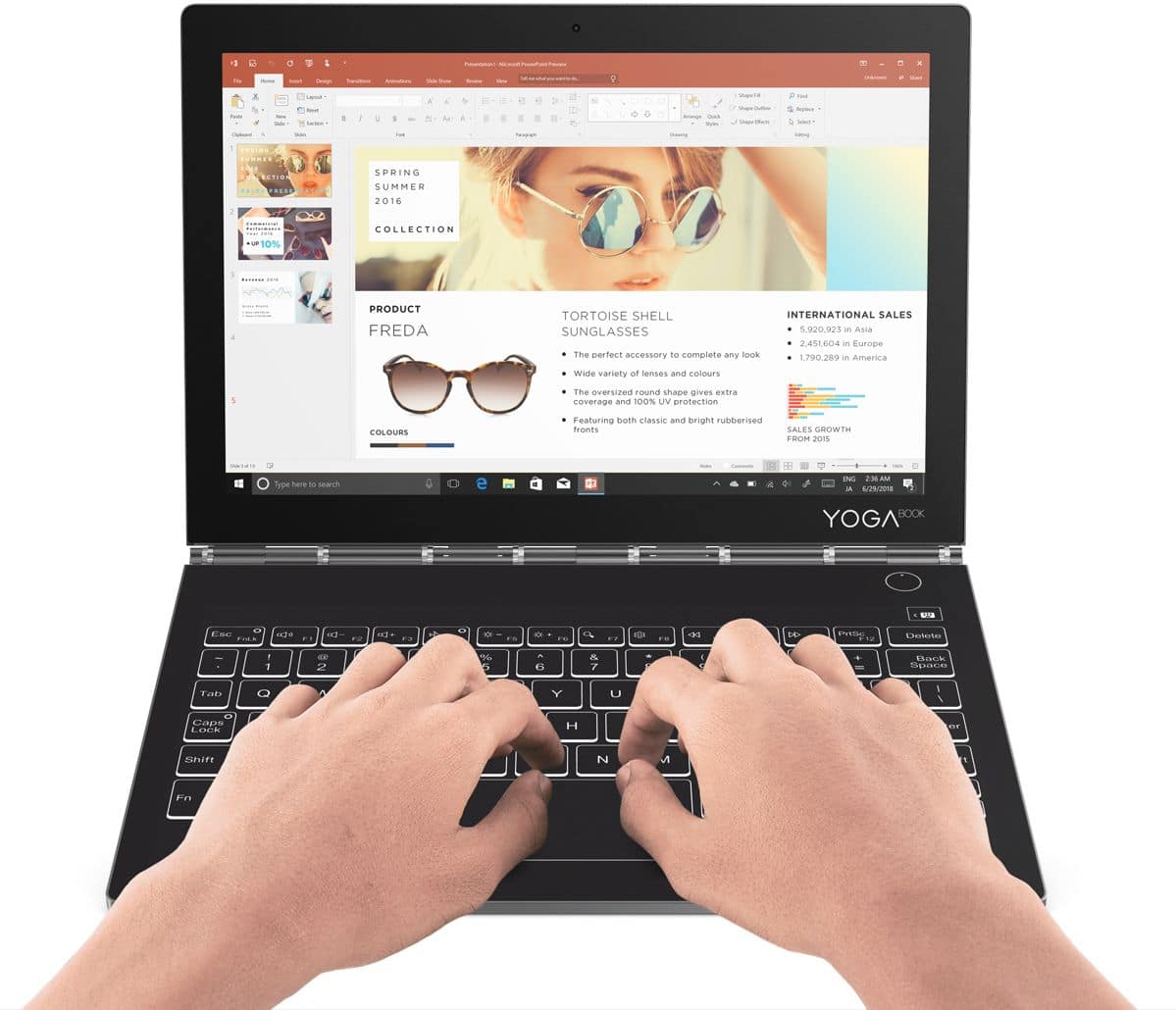
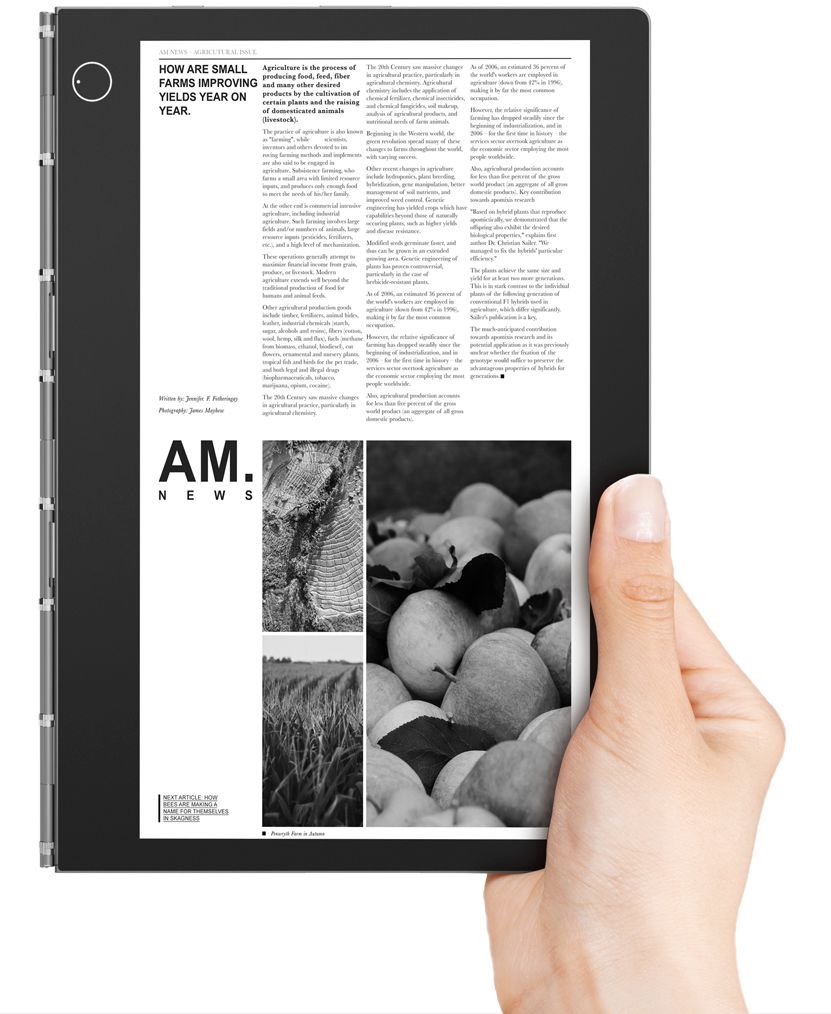
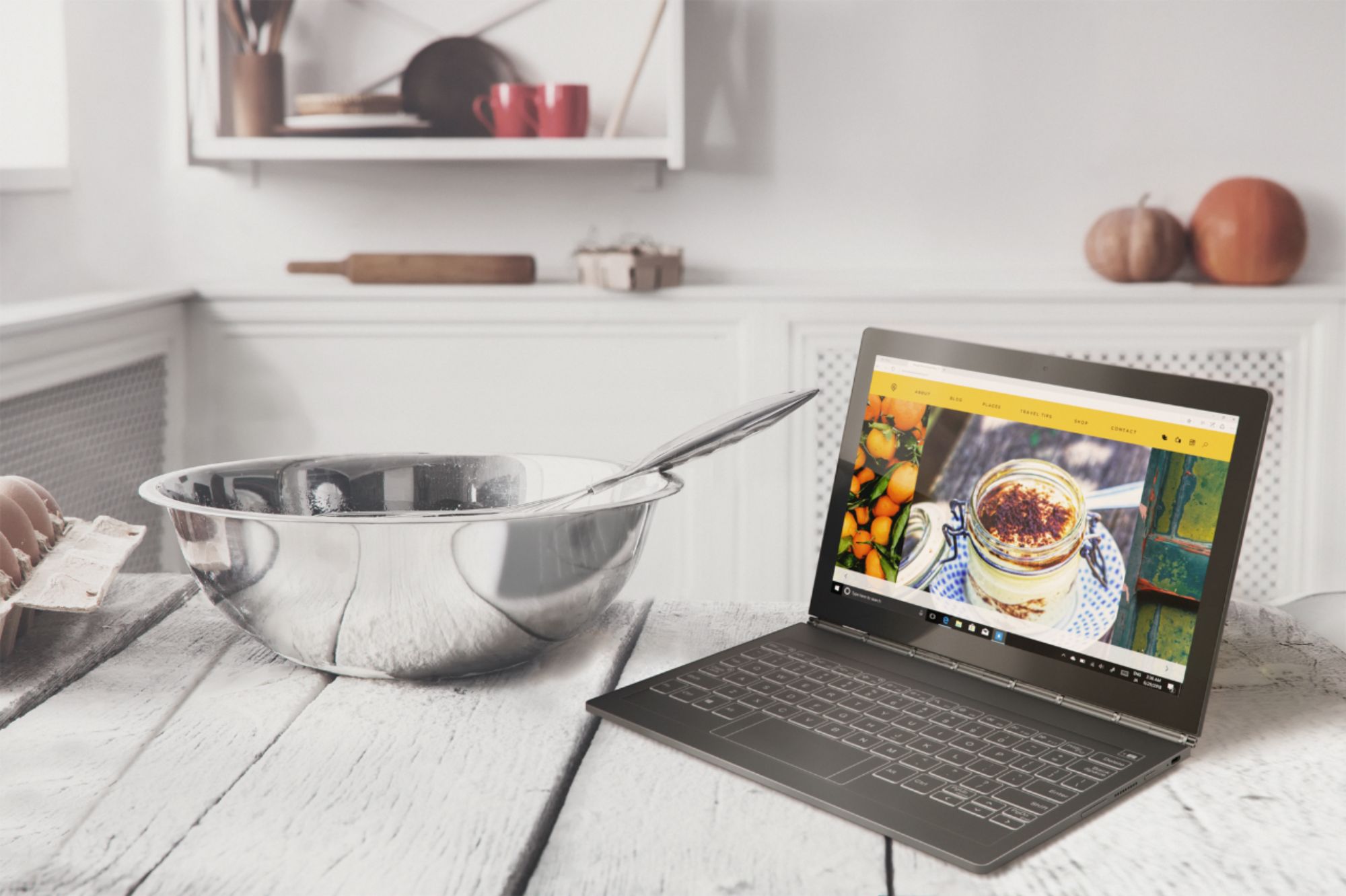
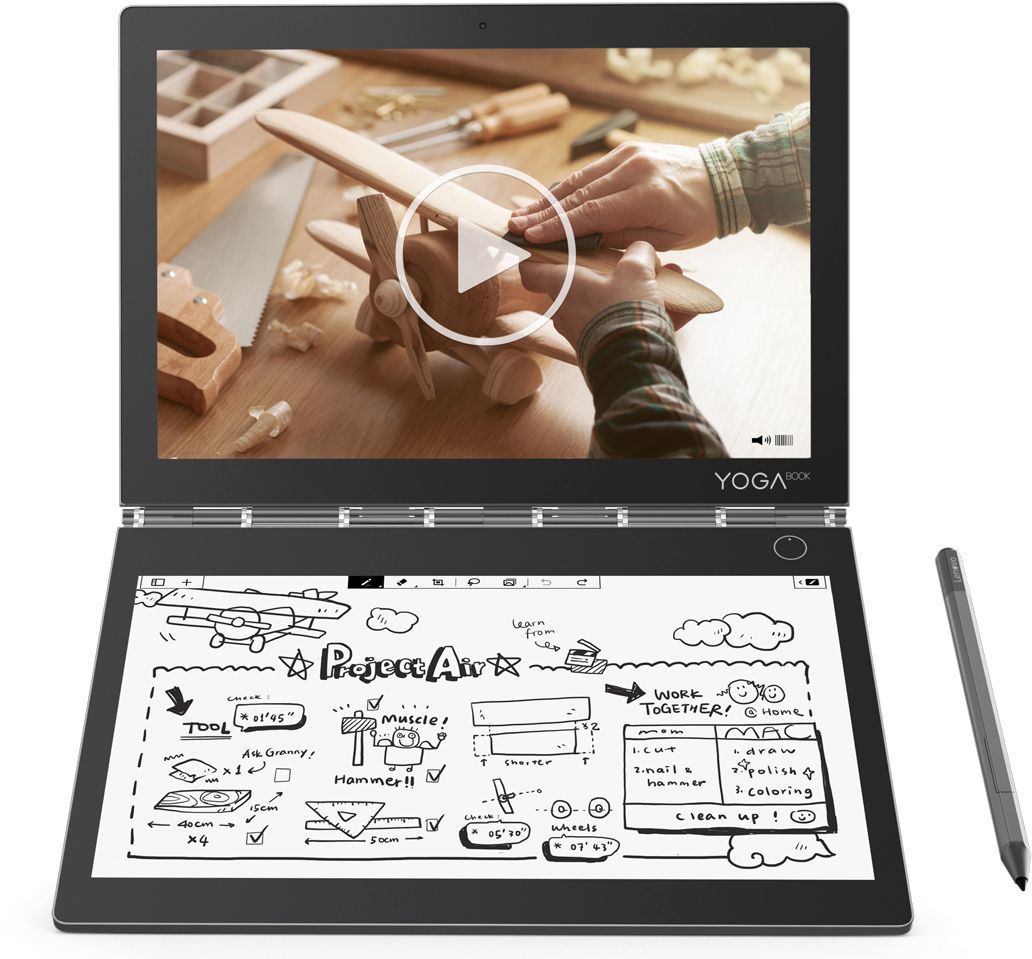
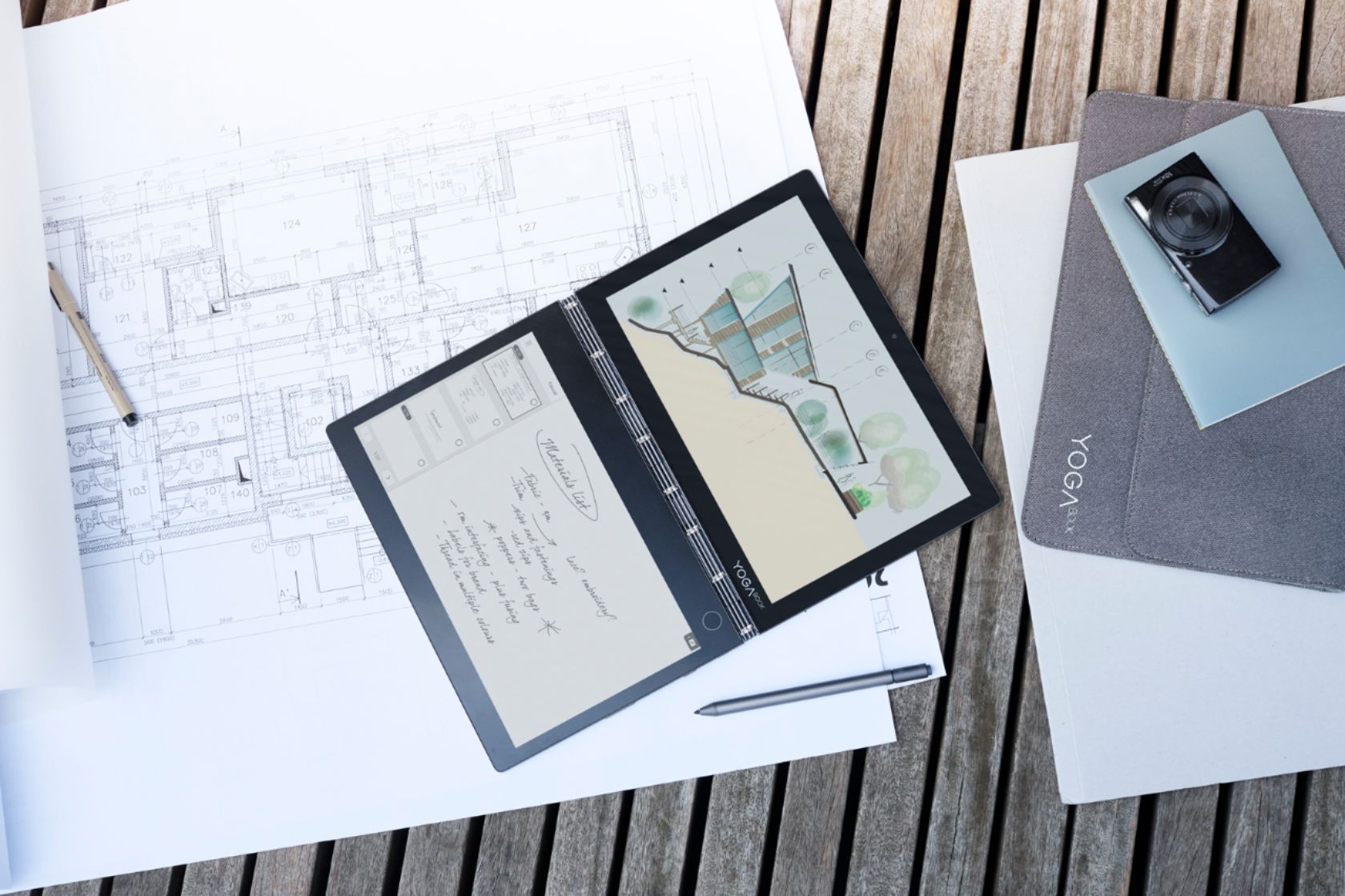
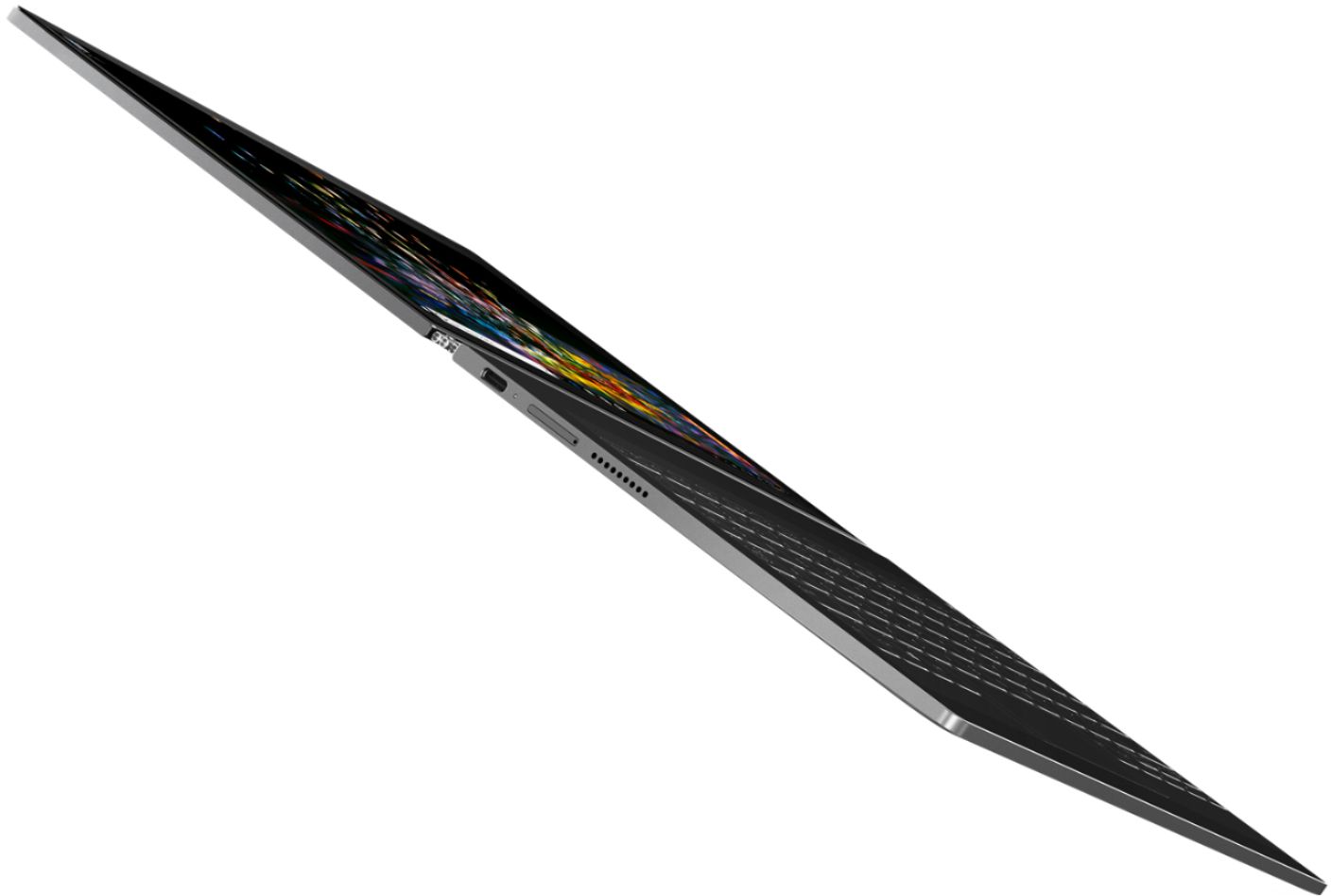
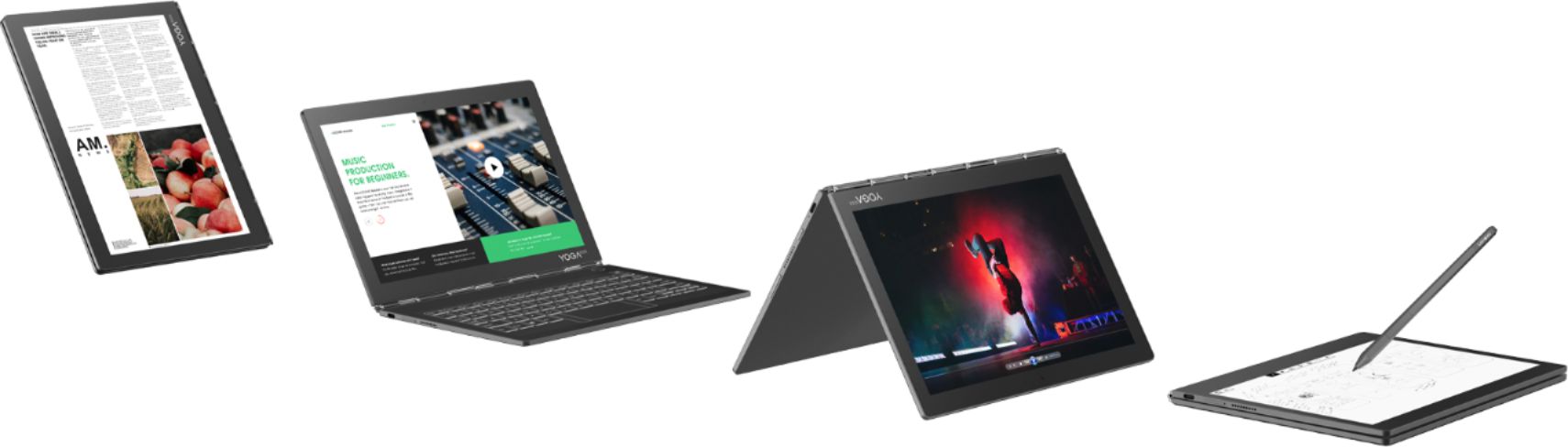
Posted .The Yoga Book C930 combines a gorgeous QHD (2560 x 1600) display with a second E Ink panel that allows for multiple functions. It’s also easier on the eyes, and lower in power consumption. With just one click, the E Ink display transforms from sketchpad to flat halo keyboard to e-reader. With two screens side by side, you’ll be able to amp up your creativity and productivity: Take notes while you watch a video; interact with multiple programs or websites at the same time; screen grab a presentation, and make edits directly; or sketch out an idea with a photograph or video on the main screen. Enjoy natural and intuitive typing on the Yoga Book C930’s E Ink Keyboard, one of the E Ink panel’s three functions. Featuring visual and haptic feedback that mimic a real keyboard, it offers a 22 percent increase in typing productivity from our previous Yoga Book. It’s powered by AI, which means the more you use it, the more accurate it becomes. Plus, you’ll be able to customize the keyboard depending on your preferred language and format. Sketch, write, develop formulas, and more on the Yoga Book C930 with E Ink Note. Then digitize the image or text with a few clicks, and effortlessly add it to Microsoft Word or other programs on the main display. E Ink Note works seamlessly with Windows 10 apps, syncing with One Note so you won’t lose a single thought. The Yoga Book C930’s included Precision Pen provides the natural feel of a pen-on-paper experience with 4,096 levels of pen sensitivity. Whether you’re enjoying a lazy afternoon at a cafe or commuting to work, you’ll be able to read across multiple E-book formats including EPUB, MOBI, and TXT. The 10.8-inch FHD E Ink display is covered with durable Gorilla Glass and coated with an anti-glare finish for an easy-on-the-eyes, paper-like feel. And with up to 13 hours of reading time in e-reader mode, you could fly from San Francisco to Beijing without needing to charge. It’s a laptop, tablet, and e-reader—in one impossibly slim, incredibly light package. At just 9.9 mm thin and featuring a fanless aluminum design, it’ll go anywhere in style. With a form factor this slim, we thought some users might appreciate a shortcut for easy access. Double knock on the Yoga Book C930’s lid to see it open as if by magic. The Yoga Book C930’s patented 360-degree watchband hinge makes it easier than ever to quickly transform from laptop into tablet or stand mode. We've tested it with more than 50,000 full rotations to ensure smooth transitions, so you'll enjoy a seamless experience whether you’re typing, reading, or more.

Computer kept freezing
||Posted . Owned for 1 month when reviewed.This reviewer received promo considerations or sweepstakes entry for writing a review.Computer kept freezing had to do a hard restart 3 times within the 1st week of purchasing the machine.
No, I would not recommend this to a friendDon’t buy
||Posted . Owned for 3 weeks when reviewed.This reviewer received promo considerations or sweepstakes entry for writing a review.Keyboard is beyond faulty. This is a must not buy.
No, I would not recommend this to a friendBrand response from Lenovo Product Expert
Posted .The Lenovo Yoga C930-14 ships with a standard QWERTY keyboard. If the keyboard is not functioning properly, be sure any software you installed is compatible with Windows 10. There is no need to install Microsoft Office software. The software is already part of the operating system, you just need to activate the software with a purchased product key. If you have installed a copy of Microsoft Office, this is conflicting with the existing copy on the system and this will slow your system down. If you have installed a 3rd party anti-virus program, be sure that Windows Defender is turned off and that the trial version of McAfee Anti-Virus software is uninstalled. There can only be one anti-virus program on the system. You may need to restore your system to original factory default settings if any of the programming errors have occurred. You can do that by typing "restore" in the Cortana search window. Just click on the magnifying glass icon at the bottom left of your Windows 10 Desktop. Click on "Reset This PC" Then click on "Get Started" and follow the on screen directions to restore to factory defaults. If the problem persists, we recommend you contact Lenovo Tech Support at: 877-453-6686.
Good, but not the best
Posted .This reviewer received promo considerations or sweepstakes entry for writing a review.I really wanted to love this device, but the best I got was "like". To start: This device is amazingly light, and so unique it boggles the mind. I loved how it felt in my hand. Using it in Tablet mode was fun and laptop mode was great! The typing experience (for me) was enjoyable, fun and something I looked forward to! I honestly made very few typos! The E Ink was the downside, sort of. The sketching on the E Ink was slow, typing was faster for me. In Tablet mode the E Ink shuts off but you double tap it to activate it (which subsequently shuts off the Windows 10 portion) which is what you would want to happen... however the "double tap" was super sensitive, slight vibrations kept setting it off so while I was actively using the Win10 portion the screen would just shut off randomly. A simple double tap on the Win10 portion would bring it back but it was frustrating how easily it switched between the modes. Seriously, my wife sitting in the auditorium chair next to me shifted slightly and it vibrated the seat enough (which was connected to my armrest which my arm was resting on) and it switched modes. My only other complaint is the battery, I figured it wouldn't be the best battery life trying to run 2 screens but it was very inconsistent. I would say it lasted me an average of 4-5 hours of using both screens. But one day I got about 7 hours out of it, the next day only 4. I would recommend this device, however. My reasons are this... it's so dang sexy! Seriously, there will be people out there that is perfect for and I hope they try it out and not be scared away by my review. Lenovo makes awesome products and I really hope the iron out the small issues I had or perhaps the next model will be really kickin'! The CPU, IMO, is a great choice. It runs fast and can handle anything you may throw at it for a device this size. I honestly wished Microsoft used this CPU in the GO, I would have paid the extra money for it. It does tend to get warm a bit while charging, but nothing too hot to handle and nothing like my old SP3 used to get. Like I said I really wanted to love this device but I'm going to return it for now (mostly cuz I'm afraid I might break or damage it) and keep an eye on the E Ink progress and maybe get it again in the near future (perhaps a post holiday season sale?)
I would recommend this to a friendBrand response from Lenovo Product Expert
Posted .Thank you for your feedback. We are sorry to hear that you feel that some of the features are to sensitive for you and that the e-ink feature does not meet your expectations. The Yoga Book is designed to have a small form factor and do several different jobs. With the press of a button, it’s your keyboard, notepad,
and reader. When fully charged, the battery has standby time of over 16 days and for general usage has about 8 Hours.
I Wrote 35,000 words in a Month on This Laptop
Posted .This reviewer received promo considerations or sweepstakes entry for writing a review.First, let me just say that if you're intention with a laptop is to have something thin, lightweight, functional, nice, and you mainly plan to use it to surf the internet and hammer out some emails, you won't find anything better than this. Thin, great screen, surprisingly awesome sound, it's perfect for all of that and more. The number one complaint I’ve seen across the board for both this and the former model of the Lenovo Yoga Book, however, portends to the ability to write, or rather write a lot. To be fair, if you’re a touch-typist this thing will likely be difficult for you, or at least there will be a steeper learning curve. No matter what there will be a learning curve, and yes typing a lot on a flat surface, even with haptic feedback, will be challenging at first (granted, though, the C930 I’ve noticed has much more localized feedback than the previous version, which I also had and admired, so it will likely be much easier to learn on). But give it time, and not only will it work, it will have a side benefit that has served me unnaturally well: no wrist pain. I’ve struggled with tendinitis for the past three years, and I tried everything to make it better. When I say I tried everything I mean I tried everything except the one thing I needed to do and could not: take a break, stop typing. As a student and someone who writes as a hobby, it was unnaturally frustrating to not even be able to type out an email without excruciating pain. However, for some reason, typing on a flat surface, without having to actually press down on a keyboard, causes no strain or pain whatsoever. This laptop basically allowed me to let my wrists get the break they needed while still being able to type just as much as I needed. I’m not a doctor, so I won’t say this type of keyboard is definitely the 100% percent cure to tendinitis, but it allows me to go back to writing 1000 words a day with zero pain afterwards. If tendinitis is an issue for you and you’re willing to take a chance, I highly recommend this machine for that reason alone. I know Lenovo likely didn’t make this machine with the intention of helping with tendinitis, but for me, it’s been amazing and I’m grateful they took a risk on this odd, but for me amazing, laptop.
I would recommend this to a friendBrand response from Lenovo Product Expert
Posted .Thank you for choosing the Lenovo Yoga Book C930. We are pleased to hear that the features and performance of the Yoga Book C930 is working out so well for you.
Design from the future, performance from the past
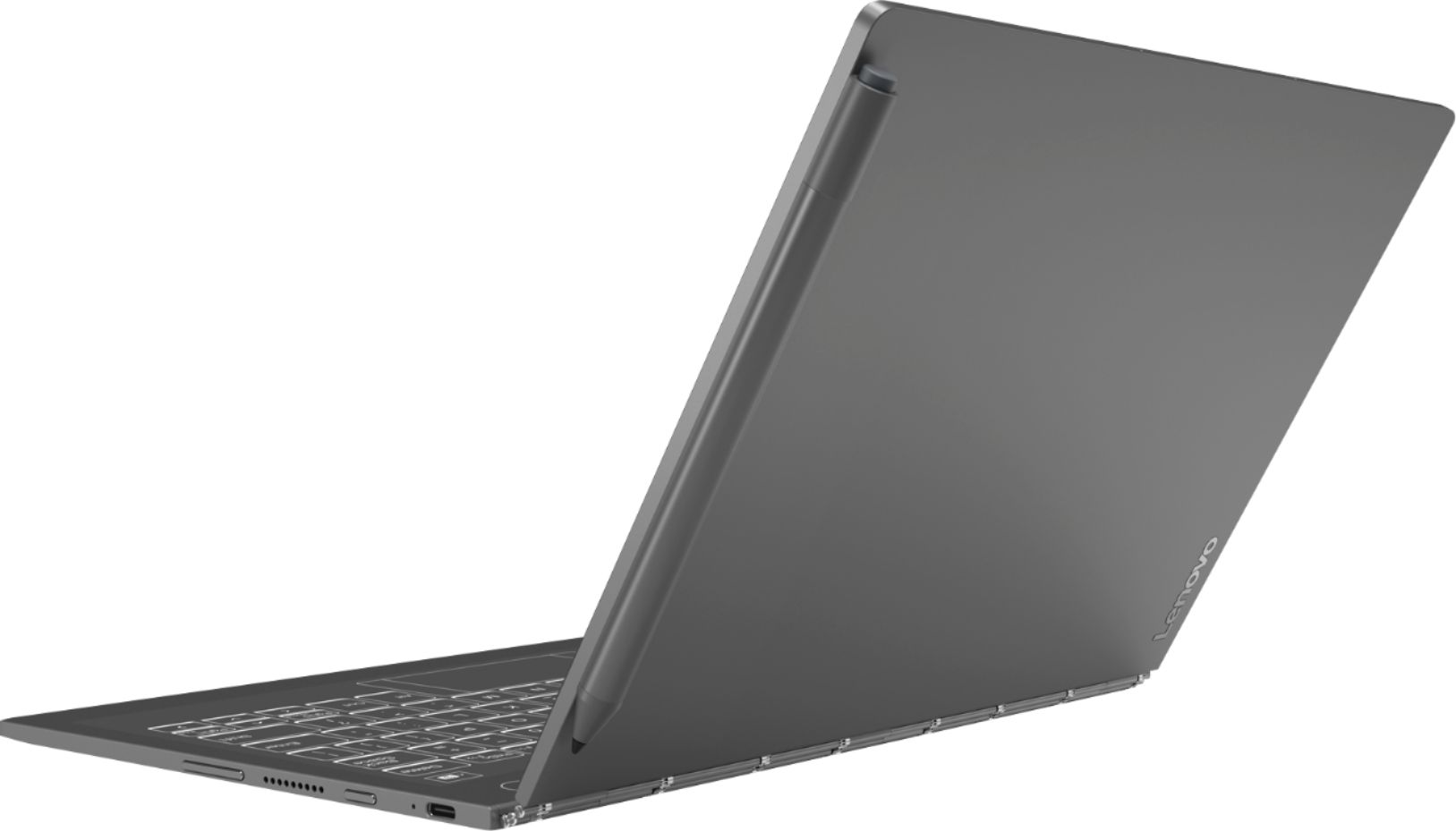
Posted .This reviewer received promo considerations or sweepstakes entry for writing a review.What's wrong? There are so many things it is hard to know where to start?? The fingerprint sensor is terrible. I could only get it to work with my thumb. It would simply not finish the setup process if I used my fingers (and I tried several). Only my thumb would work enough to complete the setup process. So right away, this computer is a bit of a letdown. The knock to open feature is neat, but works about 1/3 to ½ of the time. You’ll be rapping on the top cover like a fool trying to get this thing to open. Even worse, the opening delay is variable so sometimes it DOES work but seems like it didn’t so just when you’re starting the second knock-knock it pops open just to be pushed closed again. The e-Ink panel is very slow to update, which is no fault of Lenovo (it is how the tech works) but it is highly impractical to use it for viewing PDFs. Moving from page-to-page is SLOOOOOW and forget about annotating PDFs. Not supported. Selecting a portion of the screen is possible but just moving the grab handles around on the e-ink is really janky. Also the e-ink is not backlit. Even a cheap Kindle reader is backlit. Makes typing and viewing in low light a pain. As others have noted, Kindle books do not work on the e-ink display either. So basically the e-ink panel is pretty worthless. The pen magnetically attaches to the lid in two different configurations, but not strongly enough to stay put in a bag or even when carrying. Plan on losing the stylus in short order, or not taking it with you which defeats a big part of the reason for owning the Yoga Book. Charging is glacially slow. A 29-watt USB C charger couldn’t even keep up with use and the battery slowly drained while plugged in. Even with a fast 67 watt USB-C charger the device was charging at about 10% AN HOUR while being used. That’s horrible. I would estimate that it would take the better part of a work day to charge this device and use it at the same time. Other reviewers have mentioned slow charging but this is almost non-functional. Perhaps the biggest surprise is that Lenovo chose to use a relatively speedy processor and SSD and then skimped on the RAM. 4GB is simply not enough to run Windows 10 in 2019. Opening more than a couple of apps (or a few browser tabs) leads to weird delays and hiccups in the experience particularly when switching between apps. However, even loading a web page with a lot of ads or media cause a very strange slowdown. The 8GB Surface Go, the laptop which is probably in many ways closest to the C030 by comparison runs slow and steady most of the time whereas the Lenovo runs fast and then slows briefly to a crawl, presumably as the contents of memory are paged in and out of swapfile on the SSD. Constant swapfile use by the way, will lower SSD life. Of all the issues, the slow speed of a $1000 laptop is just not acceptable. Typing is, strangely enough, not the worst part of the device. Sure, it is nowhere near as good as a real keyboard but it works well enough. Vibration feedback is decent and there were no delays while typing. The virtual trackpad also works pretty well although click-and-drag is kind of funky. Still, it is very usable. Unfortunately, because the e-ink is so badly done, I feel like the loss of a keyboard doesn’t bring much in return. I really really really wanted to like the Yoga Book c930. If the overall system speed would have been better (helped immensely no doubt by another 4GB of RAM) and the charging had worked better, I could have and would have overlooked some of the other quirks. But as it stands, it is an extremely poor value that fails to offset its downsides by its unique design. Why 2 stars instead of 1? I give it an extra star for pure creativity. Admire it in the store. And then keep walking toward other laptops.
No, I would not recommend this to a friendBrand response from Lenovo Product Expert
Posted .Thank you for your feedback. The C90 Yoga Book is the world's thinnest dual display laptop with E-Ink and is designed for the mobile end user with plenty of power for Windows 10 and Microsoft Office.
Lenovo™ Yoga™ Book C930 rewrites the rules of productivity with not one, but two displays, including one built with E Ink. The versatile E Ink screen morphs itself to meet all your needs. Typing out an e-mail or report? The E Ink screen turns into a dynamic, customizable keyboard with multi-language support. Capturing ideas for a big project? Turn your E Ink screen into digital paper at the touch of a button, and capture it all with the Precision Pen. Reviewing documents for an extended amount of time? Flip them into E Ink format, saving strain on your eyes. Combine all this in a supremely thin and light form factor with marathon battery life, and you have a truly portable productivity device to get all your work done.
Still missed the mark
Posted .This reviewer received promo considerations or sweepstakes entry for writing a review.This is definitely a big improvement from last year's model but still missed the mark. I'm very much thankful that a fingerprint reader was added but I wish that it allowed for multiple different prints. I love the different keyboard layouts but wish it was back-lit. It would be great to be able to write on the PDFs. I hope that these suggestions/recommendations will be considered for the next edition.
I would recommend this to a friendFor what it is...
Posted .This reviewer received promo considerations or sweepstakes entry for writing a review.For what it is, I am giving this a top rating. If you take this Yoga Book for what it is meant for, a very portable e-reader and note-take with the ability to also be used as a Windows notebook computer, then this device is the best in its class. There is nothing out there that can do all this in one device. Granted, for this device to be truly useful, the user needs to know his/her way around tech. If you do, it is a dream. If not, it could be problematic. With that all said, I'm thoroughly satisfied with this device.
I would recommend this to a friendHorrible device - avoid
Posted .This reviewer received promo considerations or sweepstakes entry for writing a review.Only because of my extensive tech history was I able to fix many things out of the box from poor design. One thing I cannot fix is the horrible implementation of the e-ink screen. It turns itself on while using the normal screen in 360 mode. Even sitting in my lap, it turns itself on and disables the main screen. Without a fix to this, the device is useless. Plus, the device always wakes itself up past the power save settings. It is a seriously flawed device. I am past the return allowance because I am traveling. Will have to sell and lose a lot of money on it. Worst purchase made in at least 20 years. Also, very misrepresented by store people at Best Buy.
No, I would not recommend this to a friendBrand response from Lenovo Product Expert
Posted .We are sorry to hear that you are having some problems with your Yoga Book C930 are unable to return it because it is past the return period. We are not aware of any running problems with this product. Please contact our customer support for help and trouble shooting for this device @ 877-453-6686.