Customer Ratings & Reviews


- Model:
- 81TC003LUS
- SKU:
- 6388036
Rating by feature
- Battery Life
Rating 4.3 out of 5 stars
- Speed
Rating 4.4 out of 5 stars
- Display
Rating 4.5 out of 5 stars
Customers are saying
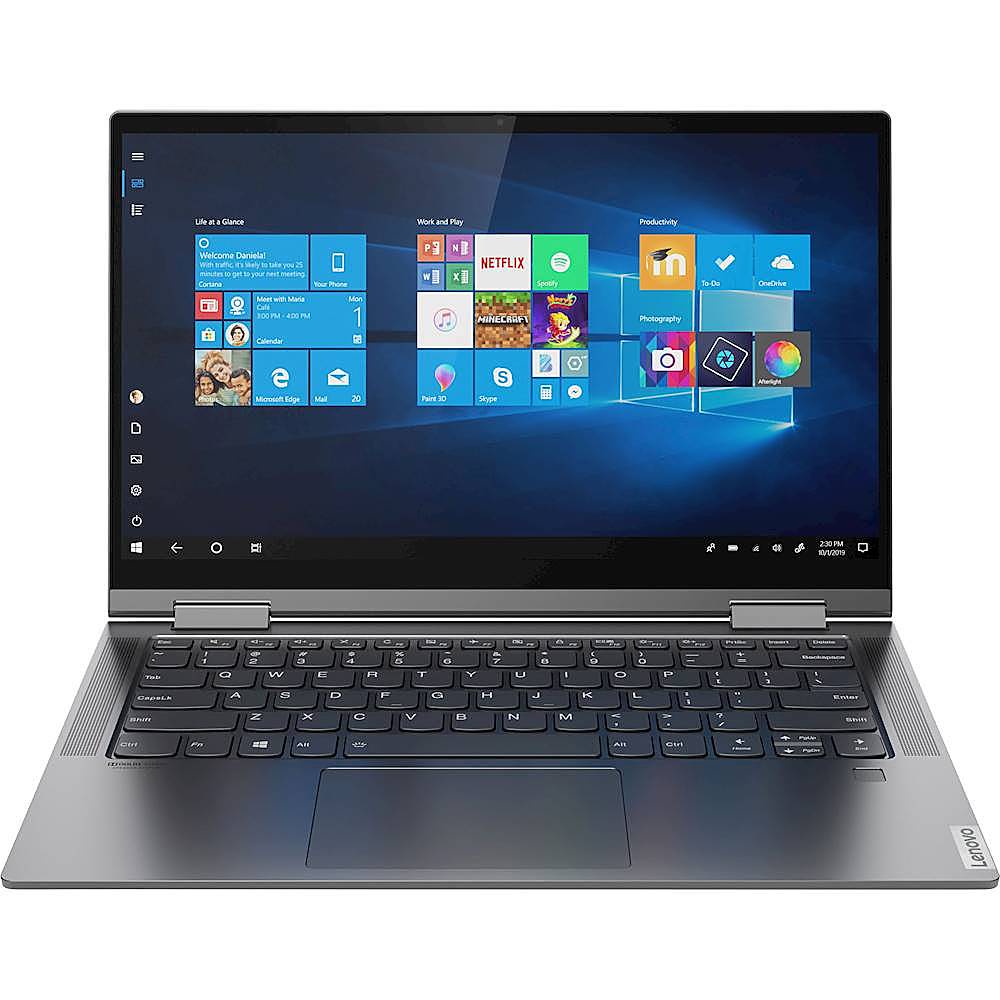
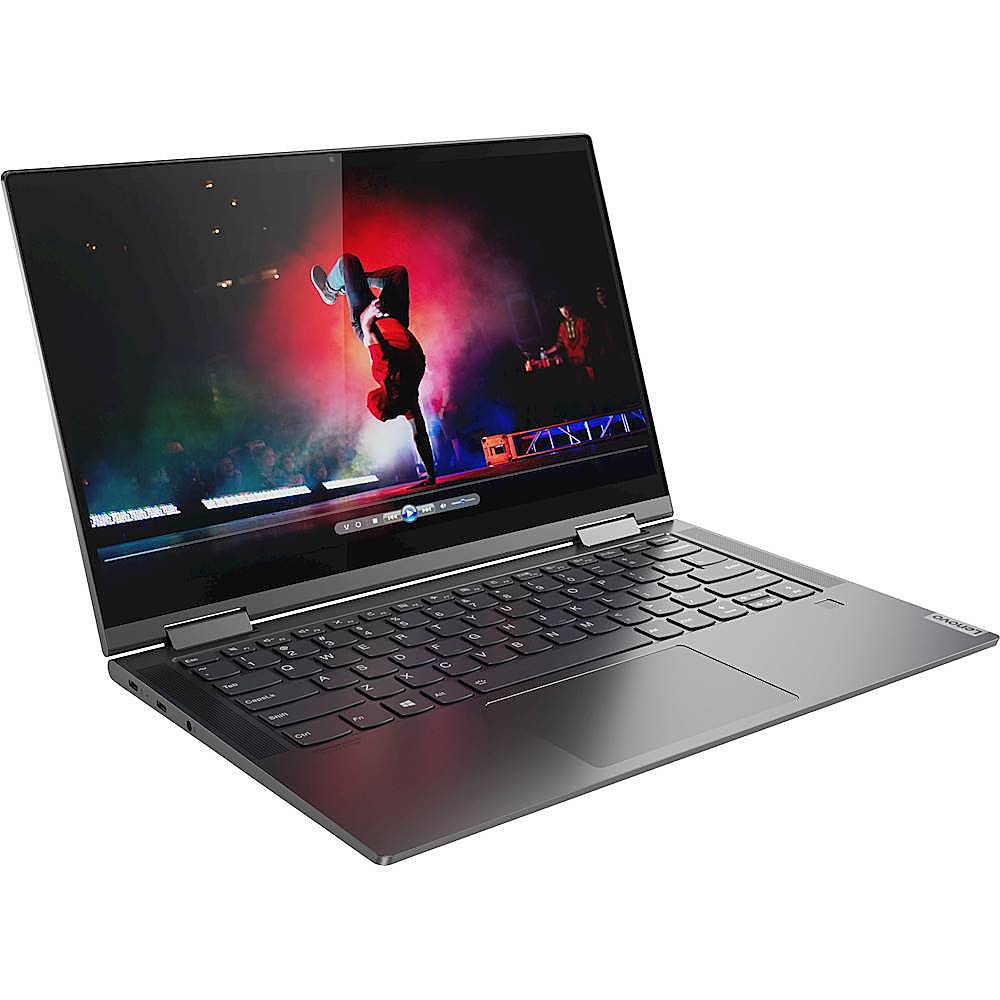
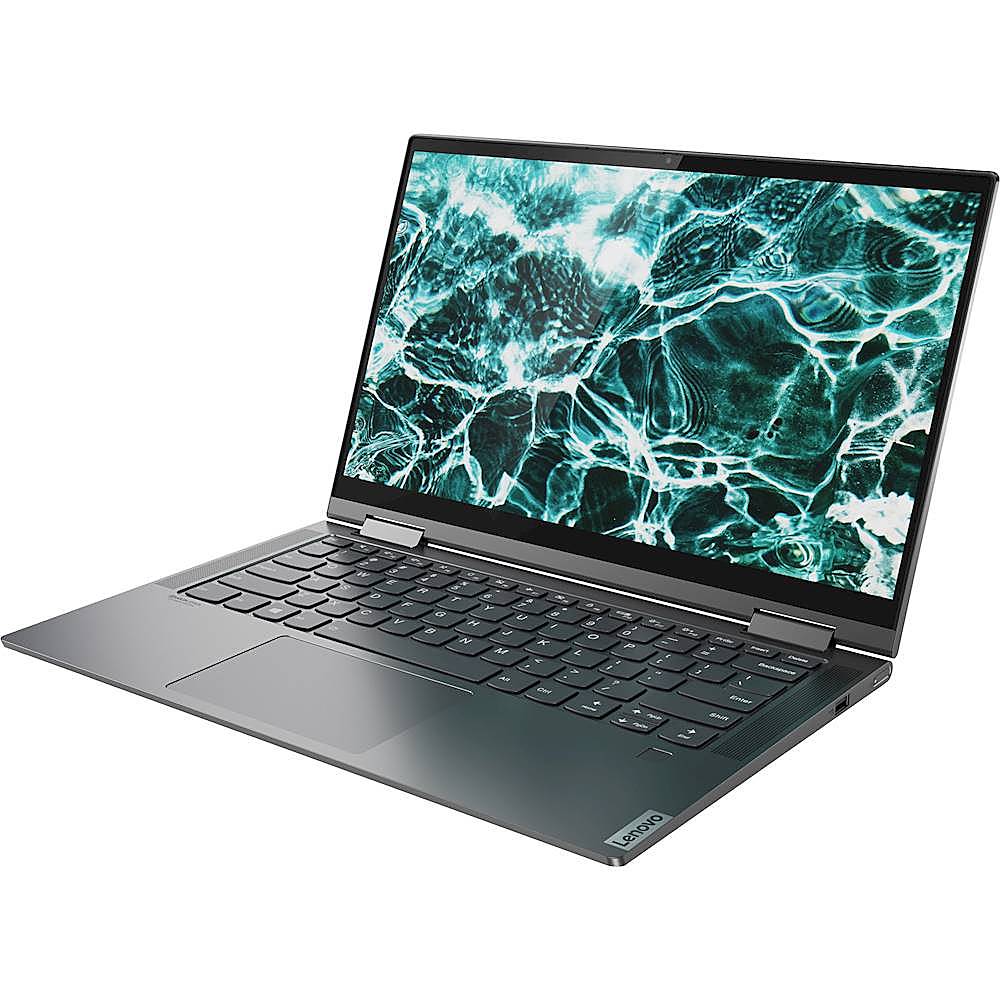
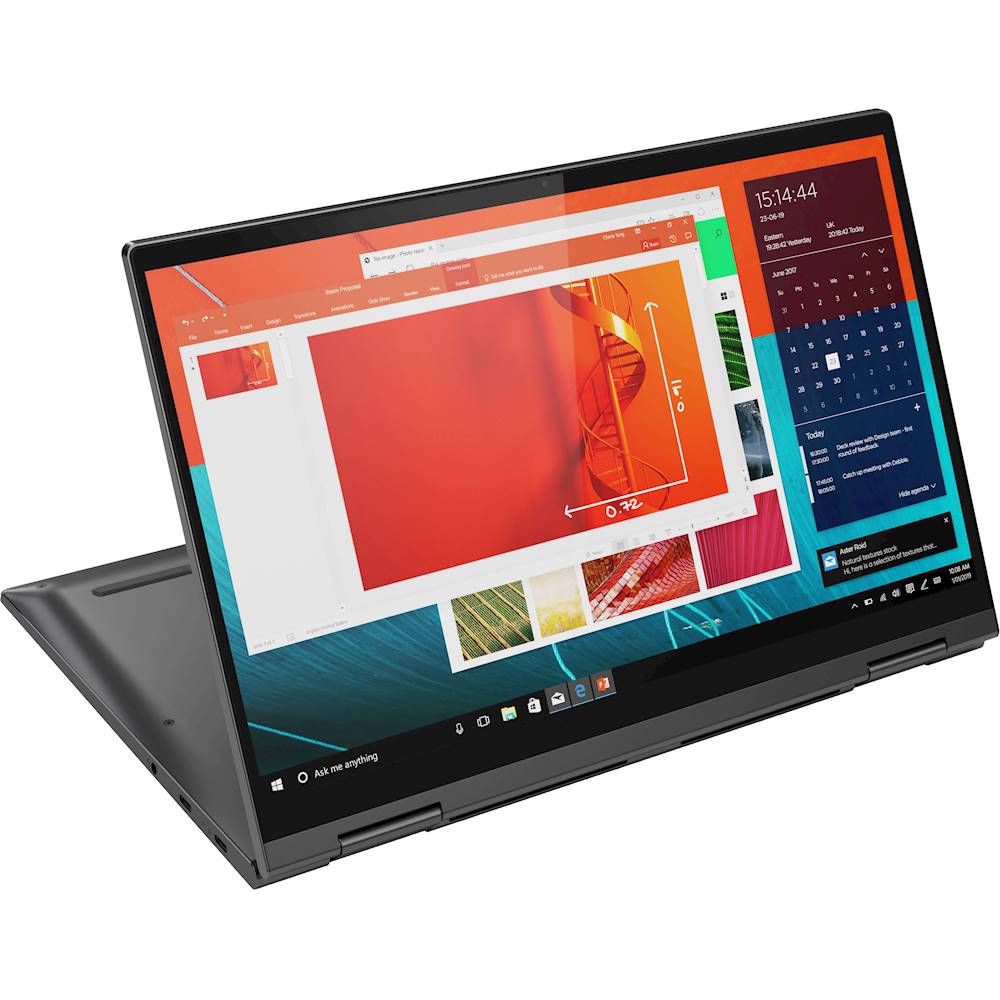
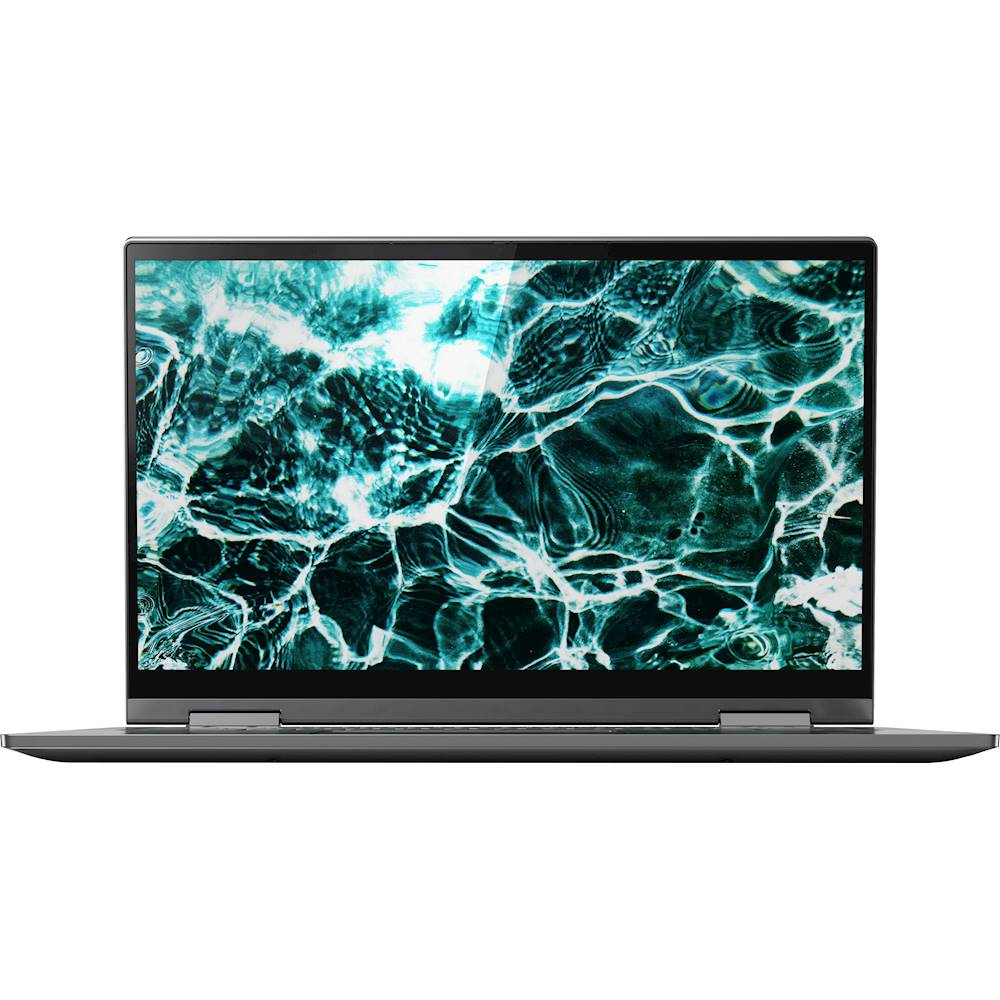
Customers admire the Yoga C740 2-in-1 laptop for its touchscreen capabilities, describing it as convenient and easy to use. They also appreciate its fast performance, light weight, and affordable price. While some users have concerns about the limited number of ports, fan noise, camera quality, overheating, and Wi-Fi connectivity, the overall positive feedback suggests that the Yoga C740 is a well-received product.
This summary was generated by AI based on customer reviews.
Glad I purchased this
||Posted . Owned for 1 month when reviewed.This reviewer received promo considerations or sweepstakes entry for writing a review.Everything about this laptop is stunning.appropriate for all types of use
I would recommend this to a friendLaptop
||Posted .This reviewer received promo considerations or sweepstakes entry for writing a review.Amazing laptop. Love it. Great for travel. Small and compact.
I would recommend this to a friendLove it
||Posted . Owned for 10 months when reviewed.This reviewer received promo considerations or sweepstakes entry for writing a review.Love this laptop! Easy use, perfect for college! Would recommend.
I would recommend this to a friendEasy setup!
||Posted . Owned for less than 1 week when reviewed.This reviewer received promo considerations or sweepstakes entry for writing a review.The resolution was great and I was able to setup the computer without a problem!
I would recommend this to a friendBrand response from Lenovo Product Expert
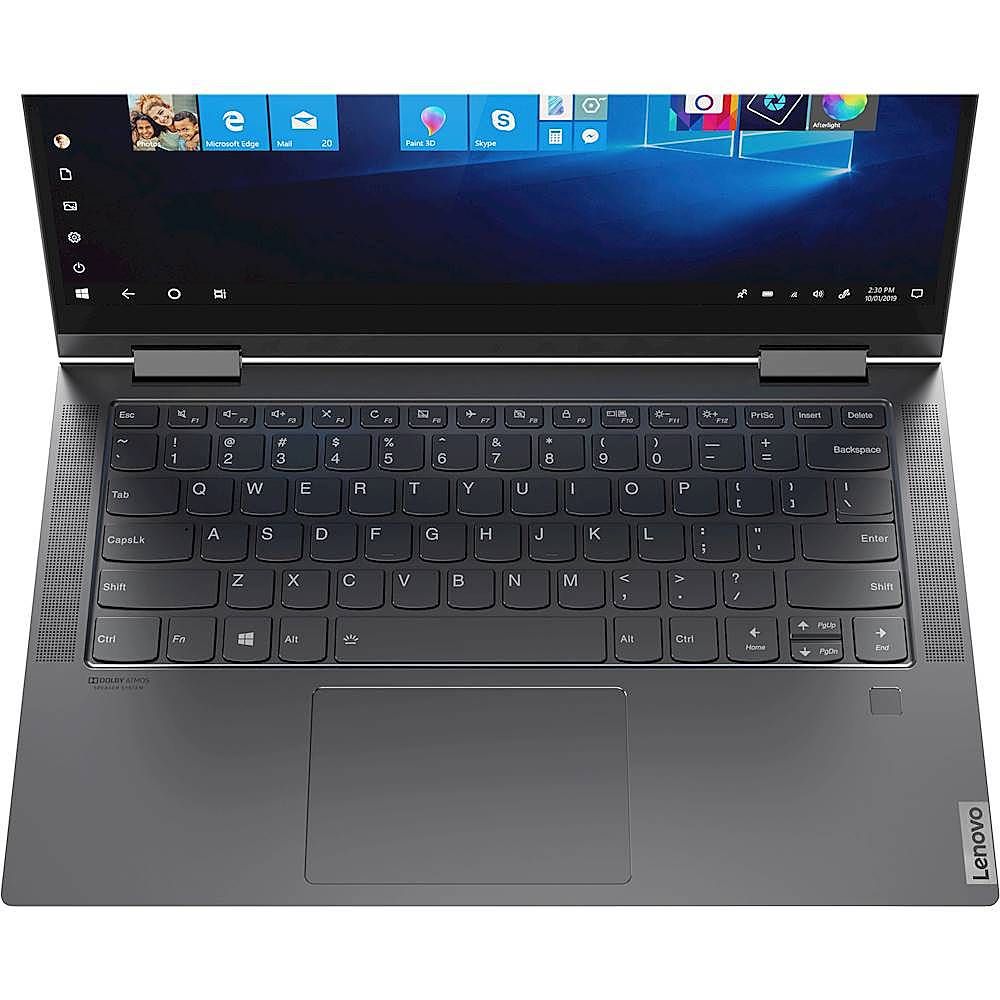
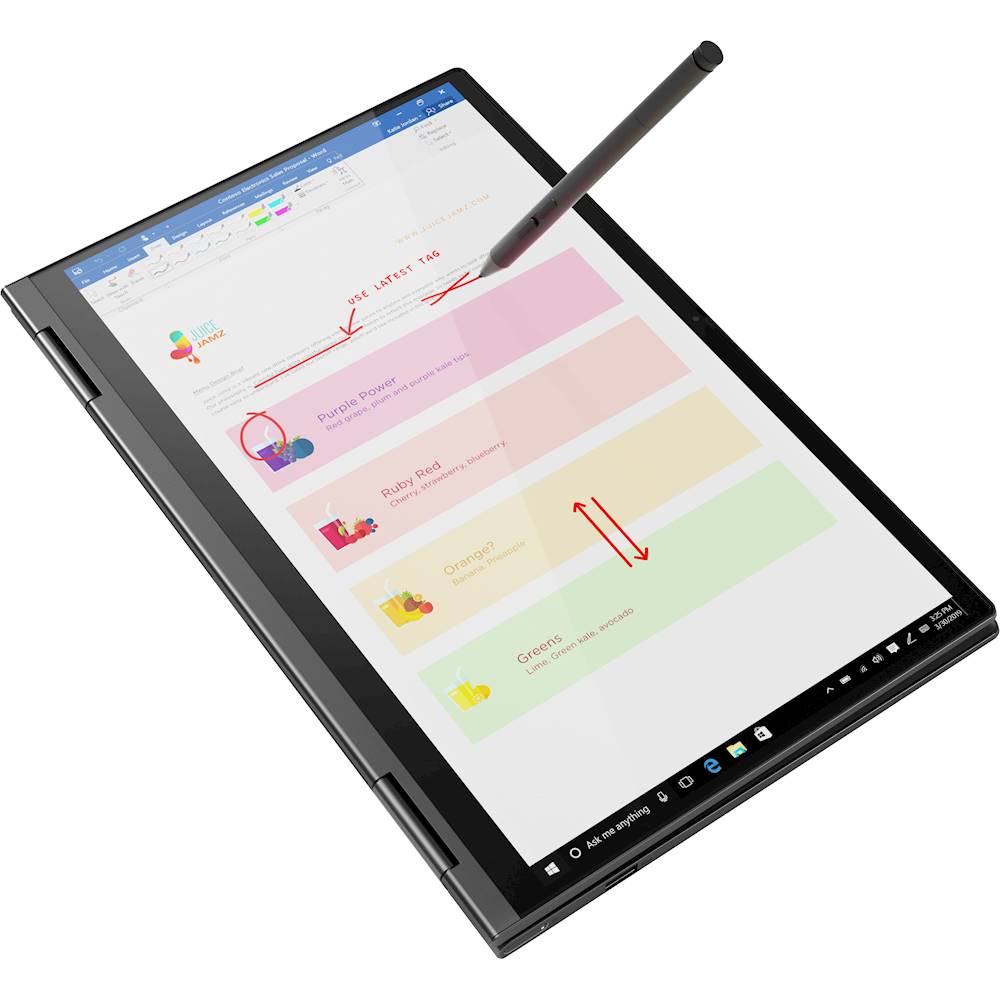
Posted .Thank you for choosing the Lenovo Yoga C740-14. We are pleased to hear that the features and performance of the Yoga C740-14 meets your computing needs so well. Combining heavyweight performance with lightweight portability, the Yoga C740-14 10th Gen Intel Core i5 processor enables longer battery life, high-speed connectivity and ultra-responsive multi-tasking performance in a sleek package. Featuring the vibrant color and clarity of a high-resolution display with narrow borders on all sides, the Yoga C740 offers a powerful entertainment experience on the go. To match the stunning visuals, the C740’s user-facing Dolby Atmos speaker system creates an unmatched audio experience in which sound flows above and around you. Featuring sandblasted premium aluminum, this 2-in-1 convertible laptop is all about the details—a color-matched keyboard, subtly rounded edges for comfortable holding, and smoother transitions when you flip from laptop mode into tablet and back. Work and play in style. Yoga is committed to protecting your privacy. Log in with your fingerprint; or slide the Yoga C740’s TrueBlock Privacy Shutter closed for true peace of mind when you’re not using the webcam.

My Lenovo Laptop
||Posted . Owned for 3 weeks when reviewed.This reviewer received promo considerations or sweepstakes entry for writing a review.I have been enjoying my new laptop since it arrived early January 2021.
I would recommend this to a friendBrand response from Lenovo Product Expert
Posted .Thank you for choosing the Lenovo Yoga C740-14. We are pleased to hear that the Yoga C740-14 is working out so well for you.
Laptop
||Posted . Owned for 8 months when reviewed.This reviewer received promo considerations or sweepstakes entry for writing a review.Good computer. Would like it to be lighter though. Otherwise good value
I would recommend this to a friendBrand response from Lenovo Product Expert
Posted .The Lenovo Yoga C740-14 is an ultra-portable 2 in 1 design. It weighs only 3.08 lbs.
Great computer for my college freshman
||Posted . Owned for 3 weeks when reviewed.This reviewer received promo considerations or sweepstakes entry for writing a review.Very sleek looking and excellent visual. My son loves the lighted key board.
I would recommend this to a friendBrand response from Lenovo Product Expert
Posted .Thank you for choosing the Lenovo Yoga C740-14 for your son. We are pleased to hear that theYoga C740-14 is working out so well for your son. Combining heavyweight performance with lightweight portability, the Yoga C740-14 10th Gen Intel Core i5 processor enables longer battery life, high-speed connectivity and ultra-responsive multi-tasking performance in a sleek package. Featuring the vibrant color and clarity of a high-resolution display with narrow borders on all sides, the Yoga C740 offers a powerful entertainment experience on the go. To match the stunning visuals, the C740’s user-facing Dolby Atmos speaker system creates an unmatched audio experience in which sound flows above and around you. Featuring sandblasted premium aluminum, this 2-in-1 convertible laptop is all about the details—a color-matched keyboard, subtly rounded edges for comfortable holding, and smoother transitions when you flip from laptop mode into tablet and back. Work and play in style. Yoga is committed to protecting your privacy. Log in with your fingerprint; or slide the Yoga C740’s TrueBlock Privacy Shutter closed for true peace of mind when you’re not using the webcam.
First computer for my son.
||Posted . Owned for 3 weeks when reviewed.This reviewer received promo considerations or sweepstakes entry for writing a review.My son’s first computer he loves it .very easy to use and fun.
I would recommend this to a friendBrand response from Lenovo Product Expert
Posted .Once again, thank you for choosing the Lenovo Yoga C740-14 for your son. This computer can continue running at its best by keeping the Windows 10 Operating System and all supporting BIOS files and drivers up to date. You can easily accomplish this by scanning the computer with the Lenovo Utility software available on this computer. This system has Lenovo utilities installed to help maintain the health of the device and keep the operating system software up to date. Type "Lenovo Vantage" in the Cortana Search window (if Lenovo Vantage is not installed on your device, you can download the APP and install it now). Select Lenovo Vantage from the list. In the window that opens, click on "Health and Support". In the expanded menu, select "Hardware Scan" In the window that opens, select "Run Quick Tests". This will scan your entire system for errors. Follow any directions that may pop up. If the problem continues after this scan, now click on "System Update". First select Windows update from the menu. Scan your system to be sure you have the latest version of Windows 10. Once that scan is complete, select "Additional Updates". This will scan your device to be sure there are no new BIOS/Driver updates needed. Follow any instructions that may pop up. If you ever need additional help with your Lenovo computer, we recommend you call Lenovo Tech Support at: 877-453-6686 for additional help.
Good
||Posted . Owned for 3 weeks when reviewed.This reviewer received promo considerations or sweepstakes entry for writing a review.It is very good in both the appearance and the quality and my son loved it
I would recommend this to a friendLenovo
||Posted .This reviewer received promo considerations or sweepstakes entry for writing a review.Is a good computer but is not what I was looking for
I would recommend this to a friendGreat laptop!
||Posted . Owned for 1 month when reviewed.This reviewer received promo considerations or sweepstakes entry for writing a review.Perfect size. Works Great for my high school student on her virtual classes.
I would recommend this to a friendBrand response from Lenovo Product Expert
Posted .Thank you for choosing the Lenovo Yoga C740-14 for your child. We are pleased to hear that the Yoga C740-14 is working out so well for your student. Combining heavyweight performance with lightweight portability, the Yoga C740-14 10th Gen Intel Core i5 processor enables longer battery life, high-speed connectivity and ultra-responsive multi-tasking performance in a sleek package. Featuring the vibrant color and clarity of a high-resolution display with narrow borders on all sides, the Yoga C740 offers a powerful entertainment experience on the go. To match the stunning visuals, the C740’s user-facing Dolby Atmos speaker system creates an unmatched audio experience in which sound flows above and around you. Featuring sandblasted premium aluminum, this 2-in-1 convertible laptop is all about the details—a color-matched keyboard, subtly rounded edges for comfortable holding, and smoother transitions when you flip from laptop mode into tablet and back. Work and play in style. Yoga is committed to protecting your privacy. Log in with your fingerprint; or slide the Yoga C740’s TrueBlock Privacy Shutter closed for true peace of mind when you’re not using the webcam.
Very lightweight
||Posted . Owned for 3 months when reviewed.This reviewer received promo considerations or sweepstakes entry for writing a review.Amazing quality & features. Great size. Nice graphics! Very lightweight
I would recommend this to a friendBrand response from Lenovo Product Expert
Posted .Thank you for choosing the Lenovo Yoga C740-14. We are pleased to hear that the Yoga C740-14 is working out so well for you.
New Computer
||Posted . Owned for 3 weeks when reviewed.This reviewer received promo considerations or sweepstakes entry for writing a review.The computer works well and is easy to transport. I’ll be using it for school.
I would recommend this to a friendBrand response from Lenovo Product Expert
Posted .Once again, thank you for choosing the Lenovo Yoga C740-14. You can keep your computer running at its best by keeping the Windows 10 Operating System and all supporting BIOS files and drivers up to date. You can easily accomplish this by scanning the computer with the Lenovo Utility software available on this computer. Just type "Lenovo Vantage" in the Cortana Search window (if Lenovo Vantage is not installed on your device, you can download the APP and install it now). Select Lenovo Vantage from the list. In the window that opens, click on "Health and Support". In the expanded menu, select "Hardware Scan" In the window that opens, select "Run Quick Tests". This will scan your entire system for errors. Follow any directions that may pop up. If the problem continues after this scan, now click on "System Update". First select Windows update from the menu. Scan your system to be sure you have the latest version of Windows 10. Once that scan is complete, select "Additional Updates". This will scan your device to be sure there are no new BIOS/Driver updates needed. Follow any instructions that may pop up. If you ever need additional help with your Lenovo computer, we recommend you call Lenovo Tech Support at: 877-453-6686 for additional help.
New
||Posted . Owned for 1 month when reviewed.This reviewer received promo considerations or sweepstakes entry for writing a review.Computer is great exactly what I wanted and needed for school and my life.
I would recommend this to a friendBest Budget laptop for student
||Posted . Owned for 1 month when reviewed.This reviewer received promo considerations or sweepstakes entry for writing a review.Terrific performance and overall build. Perfect for students and movie lovers.
I would recommend this to a friendBrand response from Lenovo Product Expert
Posted .Thank you for choosing the lenovo Yoga C740-14. We are pleased to hear that the Yoga C740-14 meets your computing needs so well. Combining heavyweight performance with lightweight portability, the Yoga C740-14 10th Gen Intel Core i5 processor enables longer battery life, high-speed connectivity and ultra-responsive multi-tasking performance in a sleek package. Featuring the vibrant color and clarity of a high-resolution display with narrow borders on all sides, the Yoga C740 offers a powerful entertainment experience on the go. To match the stunning visuals, the C740’s user-facing Dolby Atmos speaker system creates an unmatched audio experience in which sound flows above and around you. Featuring sandblasted premium aluminum, this 2-in-1 convertible laptop is all about the details—a color-matched keyboard, subtly rounded edges for comfortable holding, and smoother transitions when you flip from laptop mode into tablet and back. Work and play in style. Yoga is committed to protecting your privacy. Log in with your fingerprint; or slide the Yoga C740’s TrueBlock Privacy Shutter closed for true peace of mind when you’re not using the webcam.
Laptop YOGA
||Posted . Owned for 3 weeks when reviewed.This reviewer received promo considerations or sweepstakes entry for writing a review.So user friendly and couldn’t be any happier and would recommend to all
I would recommend this to a friendBrand response from Lenovo Product Expert
Posted .Thank you for choosing the Lenovo Yoga C740-14. We are pleased to hear that the Yoga C740-14 is working out so well for you.
Great value
||Posted . Owned for 1 month when reviewed.This reviewer received promo considerations or sweepstakes entry for writing a review.Lightweight Great speakers Super fast Only complaint no is drive...just a usbc
I would recommend this to a friendBrand response from Lenovo Product Expert
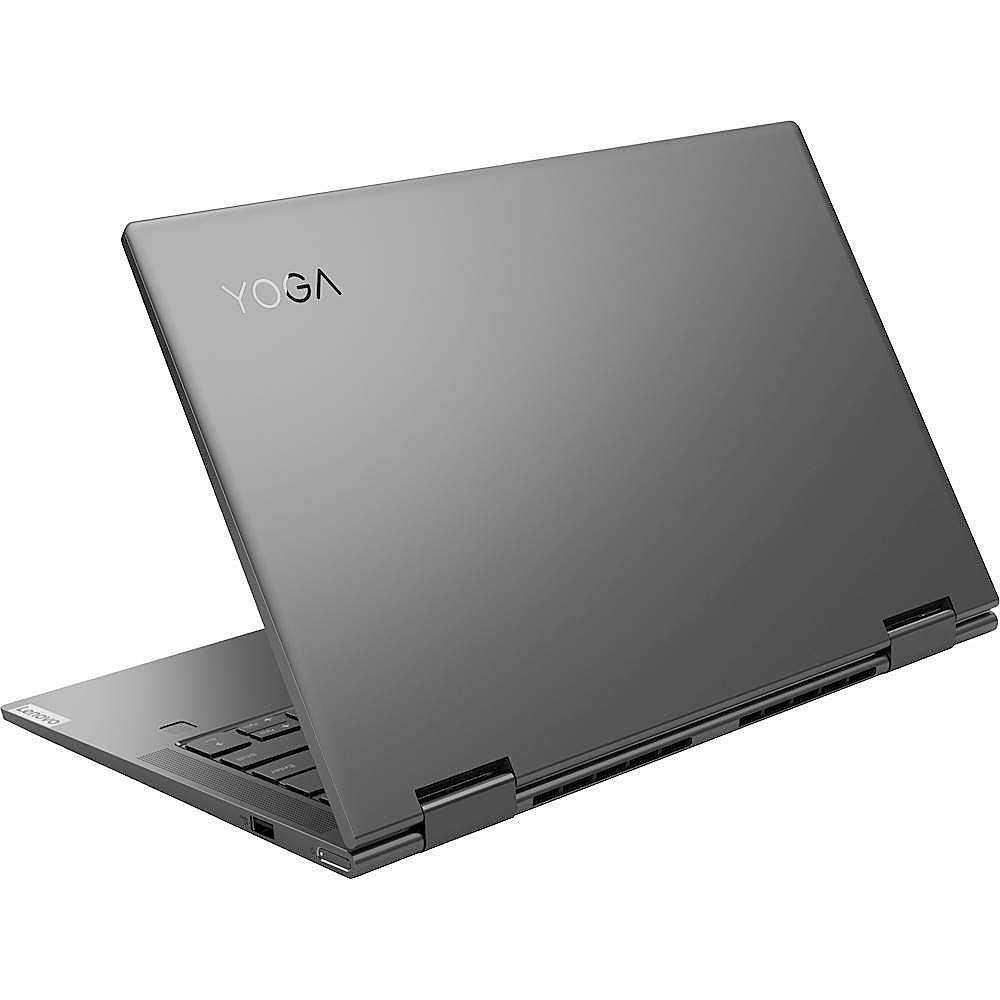
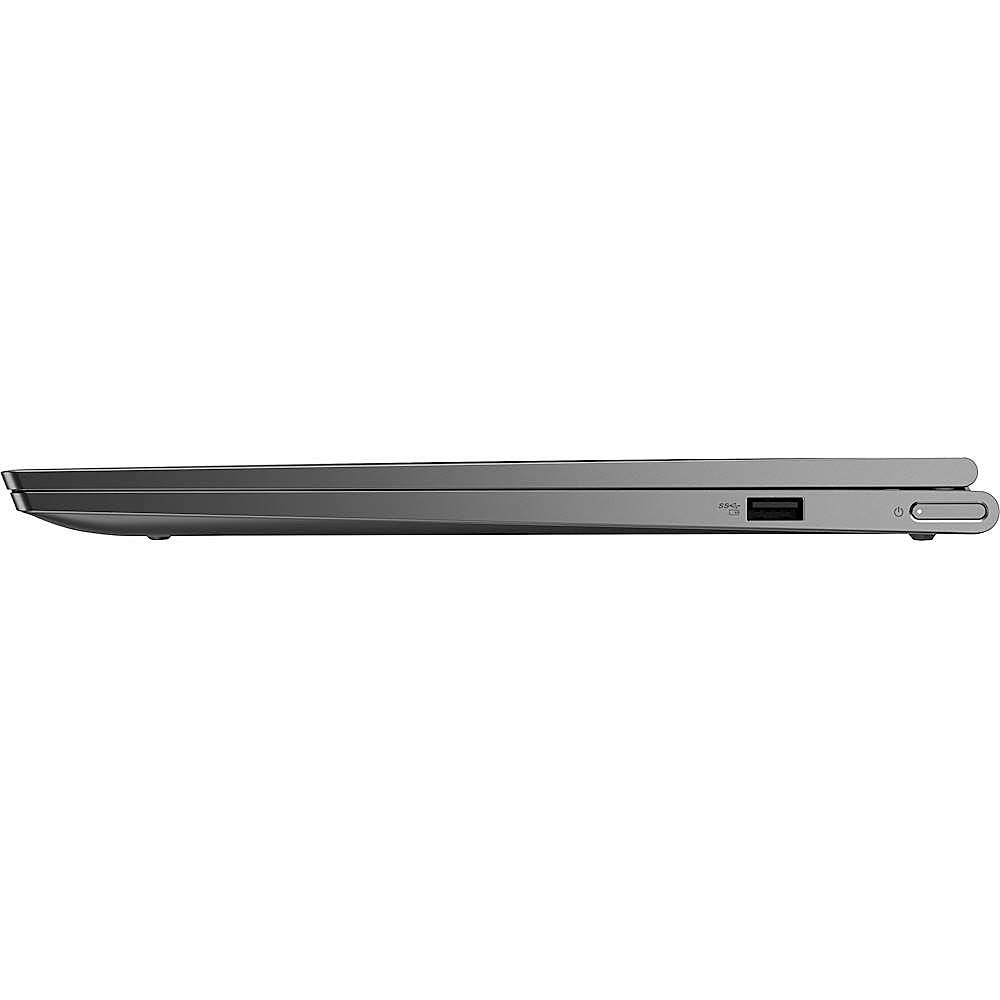
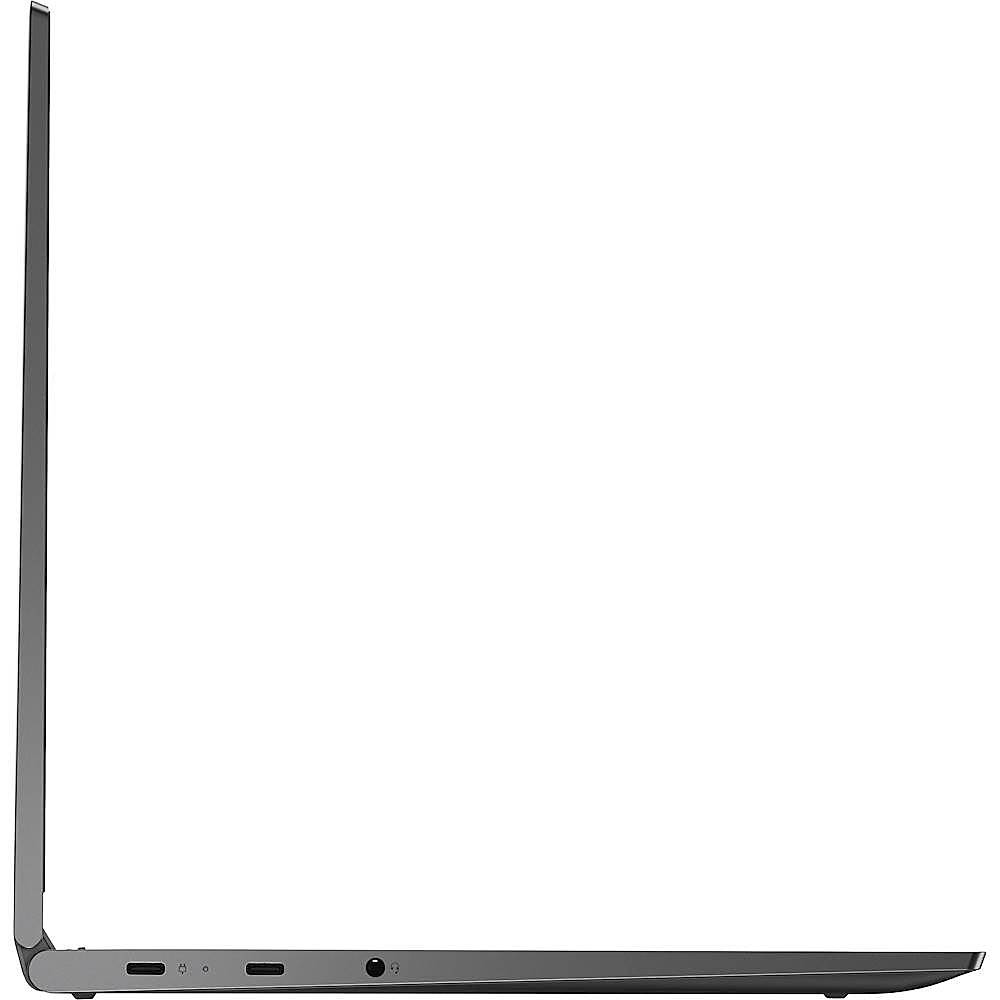
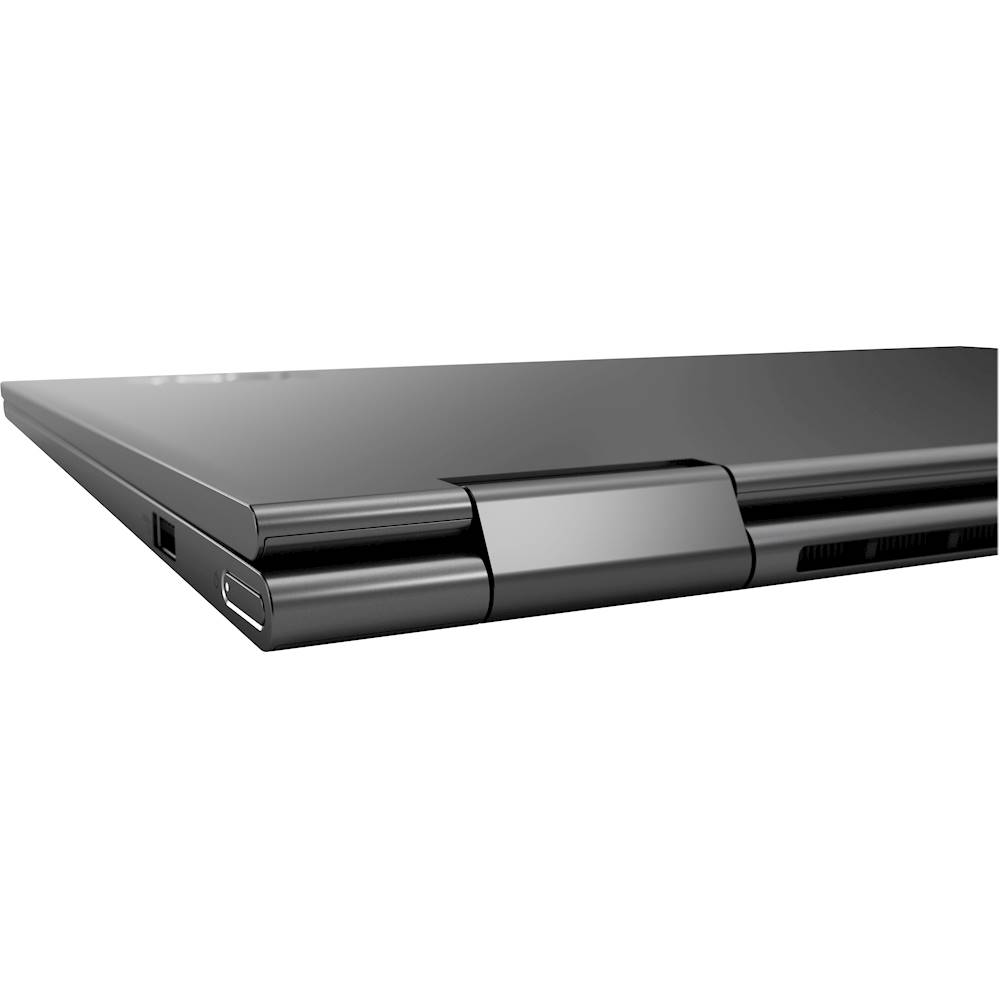
Posted .The Lenovo Yoga C740-14 model number 81TC000JUS, has one standard USB Type A port and two USB-c ports. One carries a video out signal for connecting an external monitor. You can connect an HDMI monitor to this laptop by using a USB-c to HDMI adapter.
Overall good but need dark color keyboard
||Posted . Owned for 2 weeks when reviewed.This reviewer received promo considerations or sweepstakes entry for writing a review.it is overall a good laptop. The only complain I have is the color combination of keyboard and the letters. it is very hard to see white letters on the light color shiny keyboard if you don't turn on the backlit. I wish they can make the keyboard darker as Mac does.
No, I would not recommend this to a friendBrand response from Lenovo Product Expert
Posted .Hey there! Thanks for choosing the Lenovo Yoga C740 Laptop. We are pleased to hear the design, performance, and features of the C740 Laptop are meeting your computing needs so well! We appreciate your feedback and you can turn off or on the backlit keyboard any time by pressing the FN+Spacebar button.
Great
||Posted . Owned for 3 weeks when reviewed.This reviewer received promo considerations or sweepstakes entry for writing a review.Bought this computer to use for streaming and it is great. Will recommend.
I would recommend this to a friendBrand response from Lenovo Product Expert
Posted .Hey there! Thanks for choosing the Lenovo Yoga C740 Laptop. We are pleased to hear the value, performance, and features of the C740 Laptop are meeting your computing needs so well! We appreciate your recommendation!
- Cons mentioned:Overheating
Terrible battery life, overheats
||Posted . Owned for 1 month when reviewed.This reviewer received promo considerations or sweepstakes entry for writing a review.I bought this laptop a month ago in the hopes that all the reviews would be true! Unfortunately, it's been a nightmare. The battery goes down to 18% after 2-3 hours (even after a full night of charging). The system constantly overheats, to the point where it's too hot to the touch. And the headphone jack works sometimes (sometimes it won't play through headphones and I have to restart). I'm really disappointed, as I had a Lenovo ThinkPad for four years and loved it. I only bought this one as the ThinkPad died and I needed an immediate, next-day replacement. I'd like to return it but BestBuy only takes 15 day returns.
No, I would not recommend this to a friendBrand response from Lenovo Product Expert
Posted .We are sorry to hear that you are having issues with your Lenovo Yoga C740-14. First the battery issue, this model ships with a 4CELL_51WH_INTERNAL, Lithium Polymer Battery, with a battery life of up to 13 hour battery life, depending on the work the device is performing. If you are getting substantially less battery life, be sure Battery Conservation Mode is turned off. This power management setting is for those laptops that are plugged in all of the time. The software will only charge the battery to 60-percent, to prolong the overall battery life. Additionally, if your computer is running hot, the workload is near maximum. This obviously drains the battery at a faster rate than normal as well. Be sure any software you installed is compatible with Windows 10. There is no need to install Microsoft Office software. The software is already part of the operating system, you just need to activate the software with a purchased product key. If you have installed a copy of Microsoft Office, this is conflicting with the existing copy on the system and this will slow your system down. If you have installed a 3rd party anti-virus program, be sure that Windows Defender is turned off and that the trial version of McAfee Anti-Virus software is uninstalled. There can only be one anti-virus program on the system. You may need to restore your system to original factory default settings if any of the programming errors have occurred. You can do that by typing "restore" in the Cortana search window. Just click on the magnifying glass icon at the bottom left of your Windows 10 Desktop. Click on "Reset This PC" Then click on "Get Started" and follow the on screen directions to restore to factory defaults. If the problem persists, we recommend you contact Lenovo Tech Support at: 877-453-6686.