Customer Ratings & Reviews

- Model:
- WRT32X
- SKU:
- 5882521
Rating by feature
- Value
Rating 3.9 out of 5 stars
- Quality
Rating 4.1 out of 5 stars
- Ease of Use
Rating 4.3 out of 5 stars
Customers are saying
Customers are pleased with the WRT32X AC3200 Dual-Band Wi-Fi Gaming Router's easy setup, strong performance, and wide range. Many appreciate its user-friendly interface and the ability to prioritize devices. While some experienced connectivity or firmware issues, the positive feedback on setup, performance, and range outweighs the negative. The router's design also receives praise.
This summary was generated by AI based on customer reviews.
- Pros mentioned:Ease of use, Range, Speed
Great Gaming Router!
Posted .This reviewer received promo considerations or sweepstakes entry for writing a review.I am completely happy with this router! Upgrading from an older WRT1900AC, I saw significant boosts to both range and speed. Both of the computers on this router are Gaming PC's, one from Razer and one from MSI. Having the Killer Networking Software on the Router and Computers does seem to have a noticeable performance gain, more than I would have thought otherwise. On the whole, the onboard configuration software is easy to use, and does what it says, however I do have a few minor quibbles. First, this router is currently not compatible with the Linksys App I used to use for quick network configuration tasks, and given the premium price tag, I would expect it to be. Also, while the onboard software has some nice features between the Killer Prioritization engine and the onboard Speed Test app, there are a few strange omissions. I cannot find a place in the router configuration to view the WAN IP{ Address assigned by my ISP, nor can I see Mac addresses of connected devices. Some of the older ones default to a name of "Network Device", so tracking down which is which is a bit annoying. Despite those minor software quirks, the router has performed fantastically, and I still give it 5 stars, as well as recommend it to anyone looking for a good gaming router.
I would recommend this to a friend - Pros mentioned:Ease of use, Range, Speed

Excellent router, love the new interface
|Posted .This reviewer received promo considerations or sweepstakes entry for writing a review.I really like Linksys routers since Belkin bought the company, which is weird because I always had problems with Belkin's routers in the past. That said, I was sent the WRT32x to review and it works. I have 4 Roku's in the house streaming Spectrum tv and all the other apps. I also have connected both wired and wireless a WII, PS3, WDTV Live, a Samsung Bluray w/ network apps, 2 smart tv's, a Google Pixel, a Nook, a few tablets and handhelds, as well as a number of pcs and a mac mini. They are all connected as doing what they do in the background without issue. Downloads and updates are completed without my assistance, making my user experience that much easier. Installation was easy, well as easy as installing a router can be. I would continue to use this router if not for the fact that I currently run a EA9500. The tri band unit with it's 8 gigabit ports are needed for my current setup. I could invest in a switch thereby allowing me to use the WRT32x, but for now, it will have to wait. I may use it as a bridge/hub but I also have 2 extenders in the house already and I can get wifi on my tablet across the street inside my mom's house, so I'm good. If I didn't own the EA9500 (AC5400), I would leave this beast connected, who knows, I may just in the next few weeks.
I would recommend this to a friend - Pros mentioned:SetupCons mentioned:Lag
Router with gaming prioritization
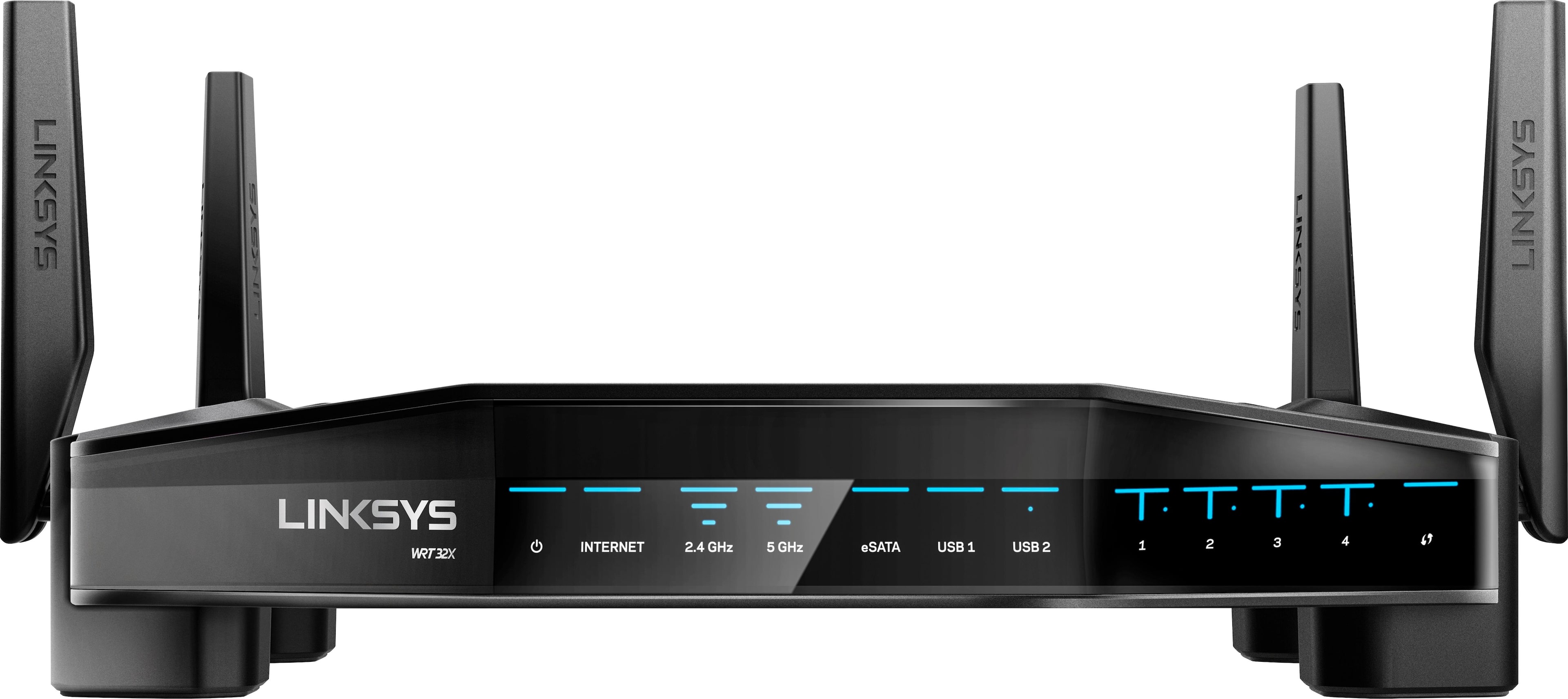
|Posted .This reviewer received promo considerations or sweepstakes entry for writing a review.This router is specifically targeted towards gamers. Unlike the regular/traditional router, this comes with prioritization engine for games related traffic with minimal lag when playing online. If you have Killer enabled devices, then this router automatically identifies and puts the device at top priority. You can still manually prioritize the devices, but this is a nice feature. The setup is pretty easy, just like any other router. It is strongly advised that you customize it the first time you use so you can change all the default settings. Performance wise, this thing runs smooth and I haven't had any connection drops, even when using all my 10+ devices. If you find the LEDs are distracting, you can easily turn it off in the settings. As with the newest routers, this one also combines both 2.4 GHZ and 5 GHZ and automatically manages the wireless devices that are connected with the best signal. You can change it if you want the two networks separate. Another great feature is that this router is certified for Dynamic frequency selection (DFS), which means stronger signal and less interference by operating at 160 MHz. Linksys routers are one of the best in the market and I have been using Linksys routers for a long time.
I would recommend this to a friend Great router
||Posted .This reviewer received promo considerations or sweepstakes entry for writing a review.I bought this router. It’s awesome really fast and reliable
I would recommend this to a friendGreat
||Posted .This reviewer received promo considerations or sweepstakes entry for writing a review.This is such a great product highly recommend it!!
I would recommend this to a friendAwesome router
||Posted .This reviewer received promo considerations or sweepstakes entry for writing a review.Surpassed my expectations best router I’ve ever purchased
I would recommend this to a friendWorks great
||Posted .This reviewer received promo considerations or sweepstakes entry for writing a review.Easy to install. Great customer support to help set up.
I would recommend this to a friend- Pros mentioned:Ease of use, Performance
Say Goodbye to Latency
|Posted .This reviewer received promo considerations or sweepstakes entry for writing a review.The WRT32X router is truly amazing. To start, the WRT32X has the most stunning design of any router I've ever owned. It's not only wonderful to look at, it also delivers stunning performance for your network. I participate in online gaming regularly. Since I started using the WRT32X router I have noticed significant improvement in response time while gaming. Setup: This router is easy to setup. Connect the antennas, plug it in and define your wireless network and you are connected to the outside world in no time. The router also offers advanced features like traffic prioritization, storage sharing and guest networking. Wireless Performance: The wireless signal strength is very impressive. I get a solid and consistent connection on my wireless devices regardless of my location in my home. Areas that were dead spots with my older router are now useable. I stream music and movies pretty often and it is nice to not have to worry about signal loss. I also noticed that if multiple gaming systems are active at the same time, there no loss of network availability on either system. Other devices in the house on the network are not negatively impacted either.
I would recommend this to a friend There’s better ones out there
||Posted . Owned for more than 2 years when reviewed.This reviewer received promo considerations or sweepstakes entry for writing a review.I wasn’t too happy with this writer had to return it for a better one sorry
No, I would not recommend this to a friendReplacement wifi
||Posted .This reviewer received promo considerations or sweepstakes entry for writing a review.Old blackhawk router blew so I bought this one. It's okay .
I would recommend this to a friend- Pros mentioned:SpeedCons mentioned:Lag
Power and Lag free Speed in a beautiful design
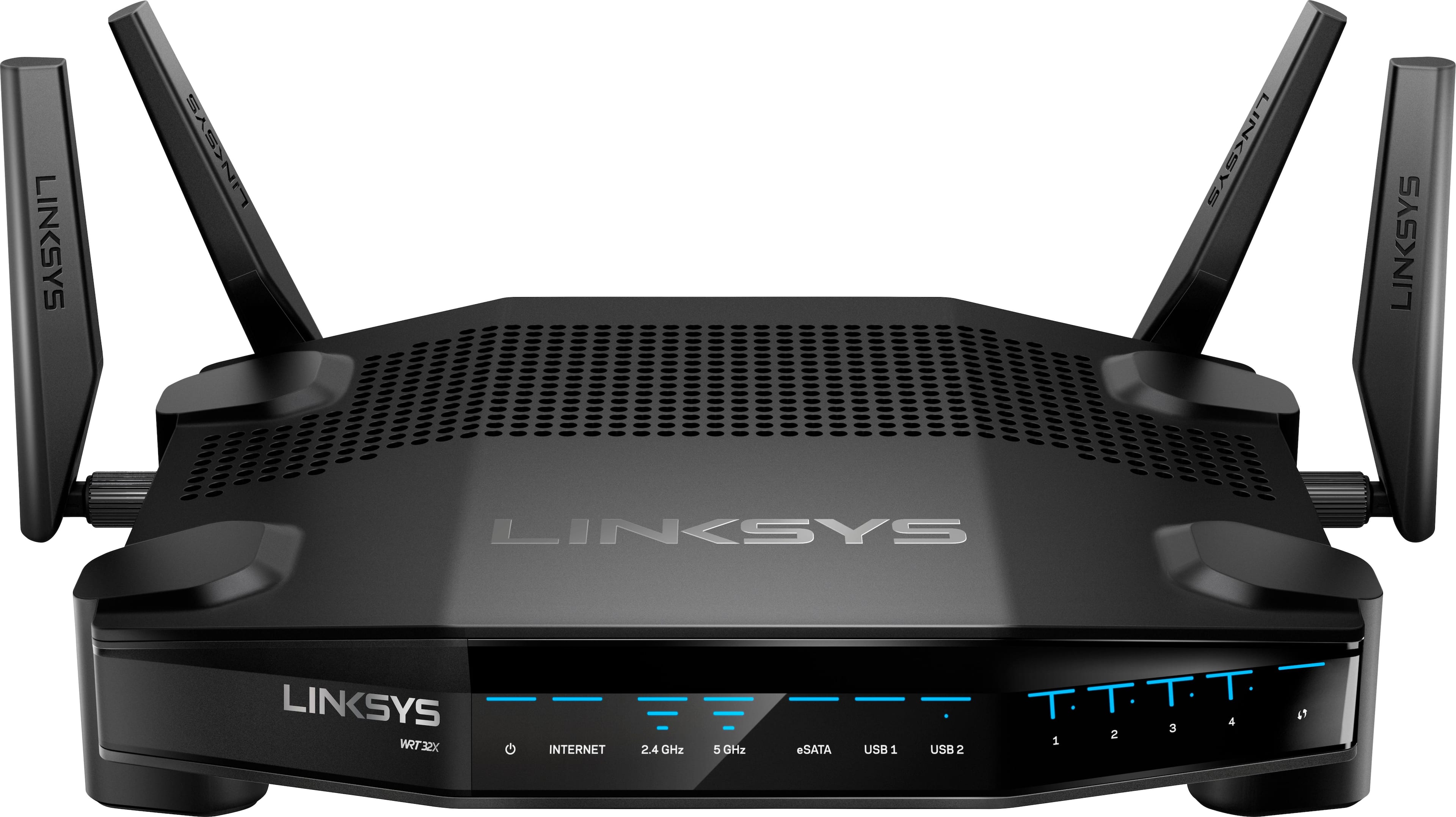
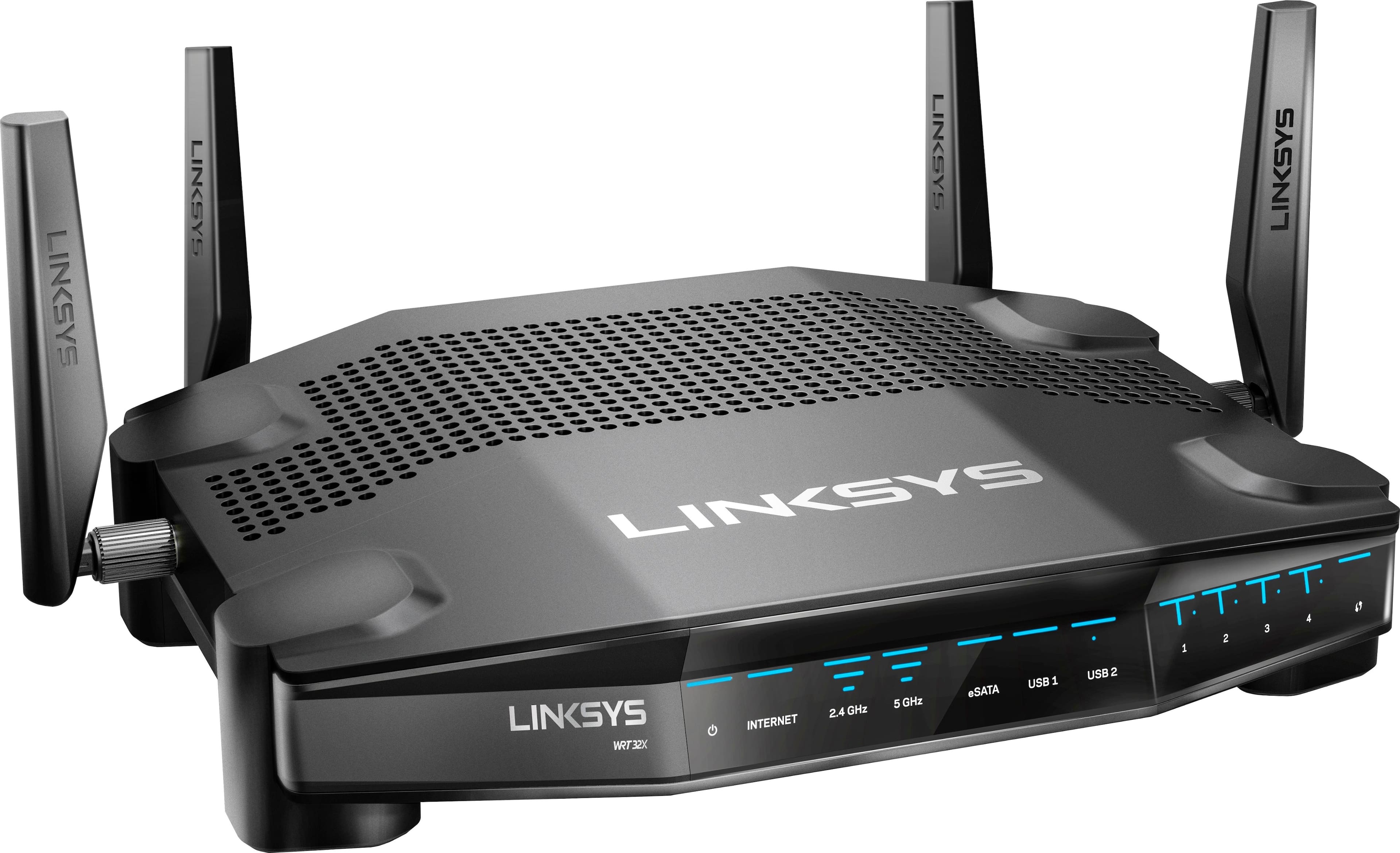
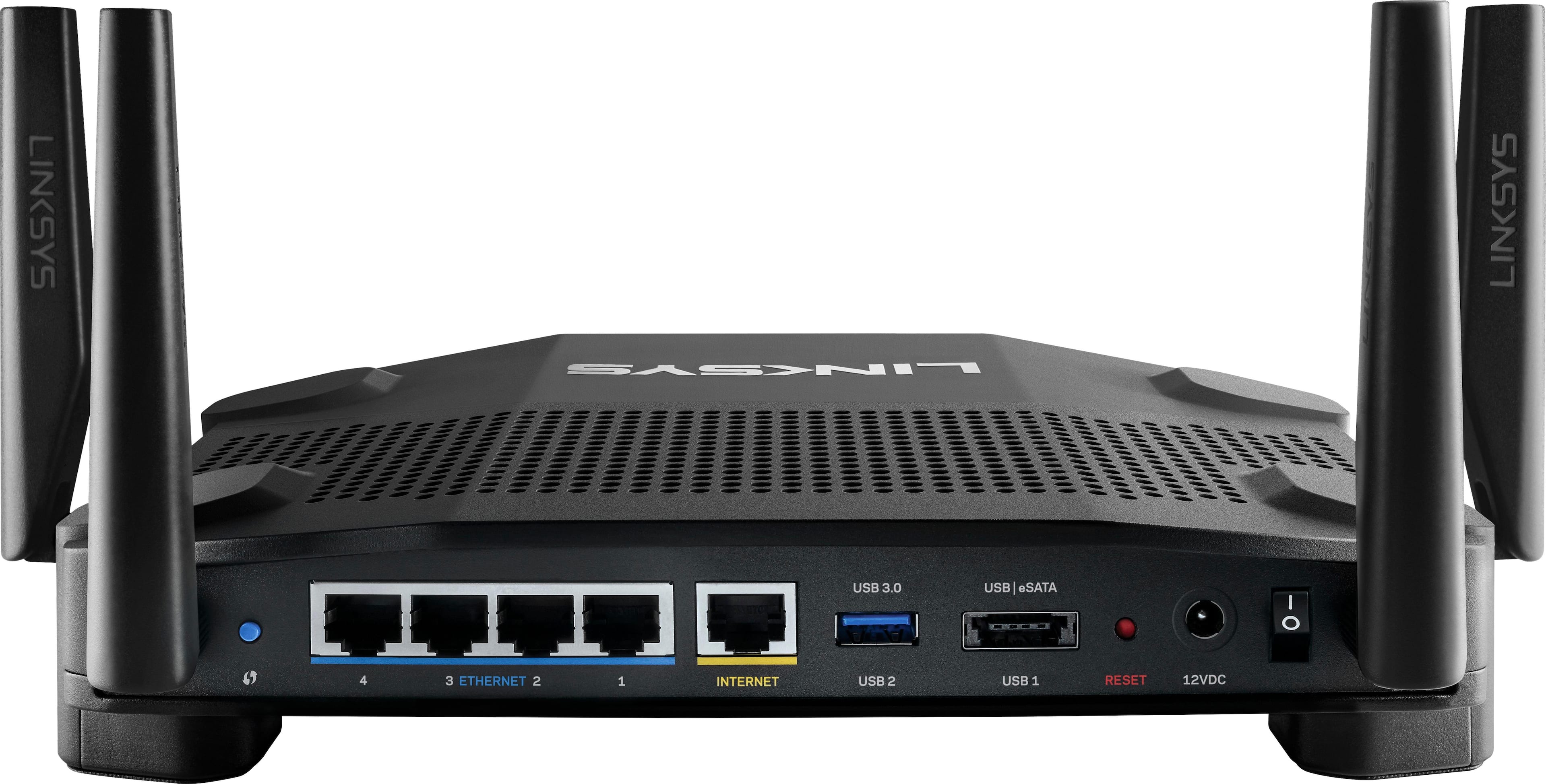
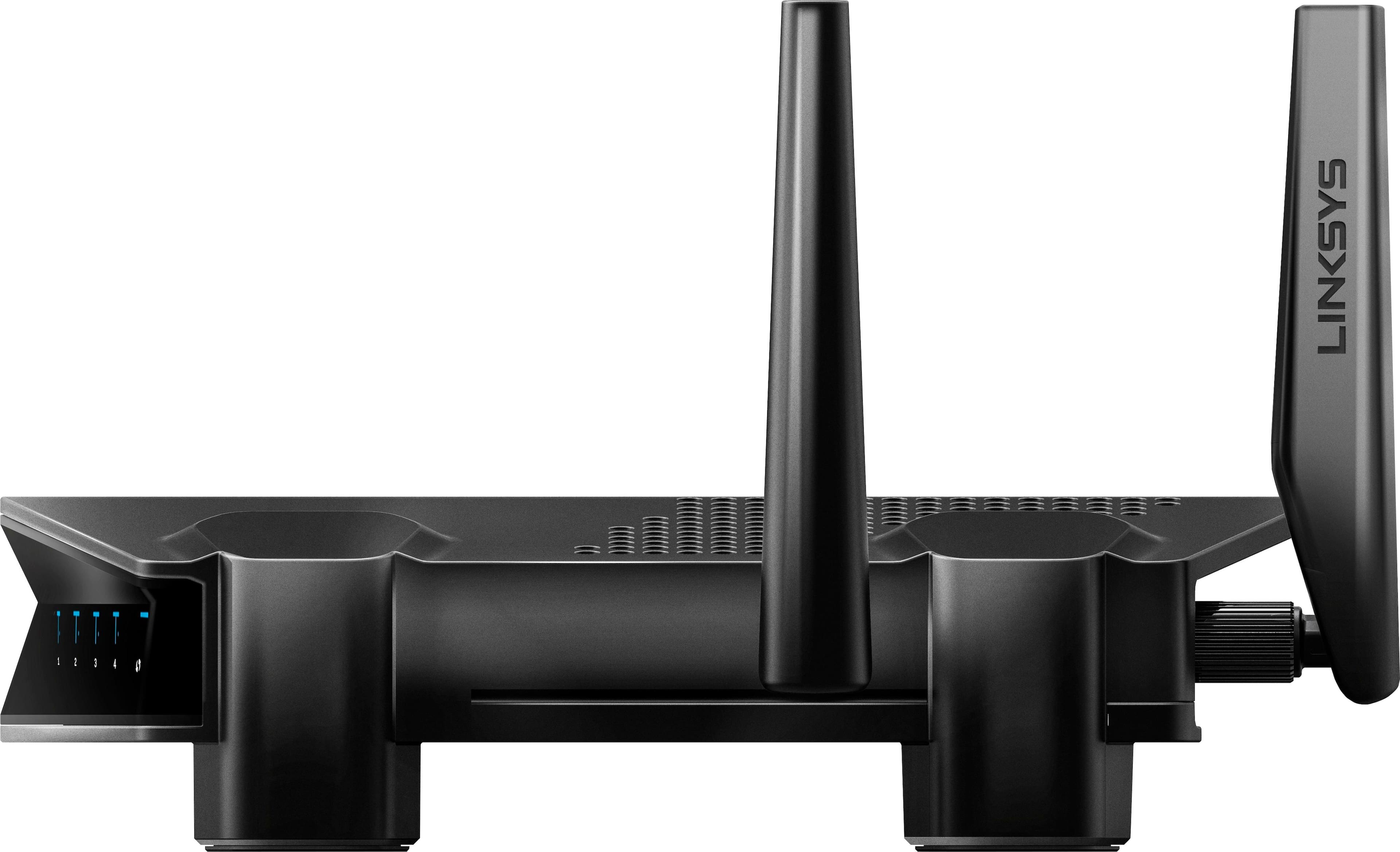
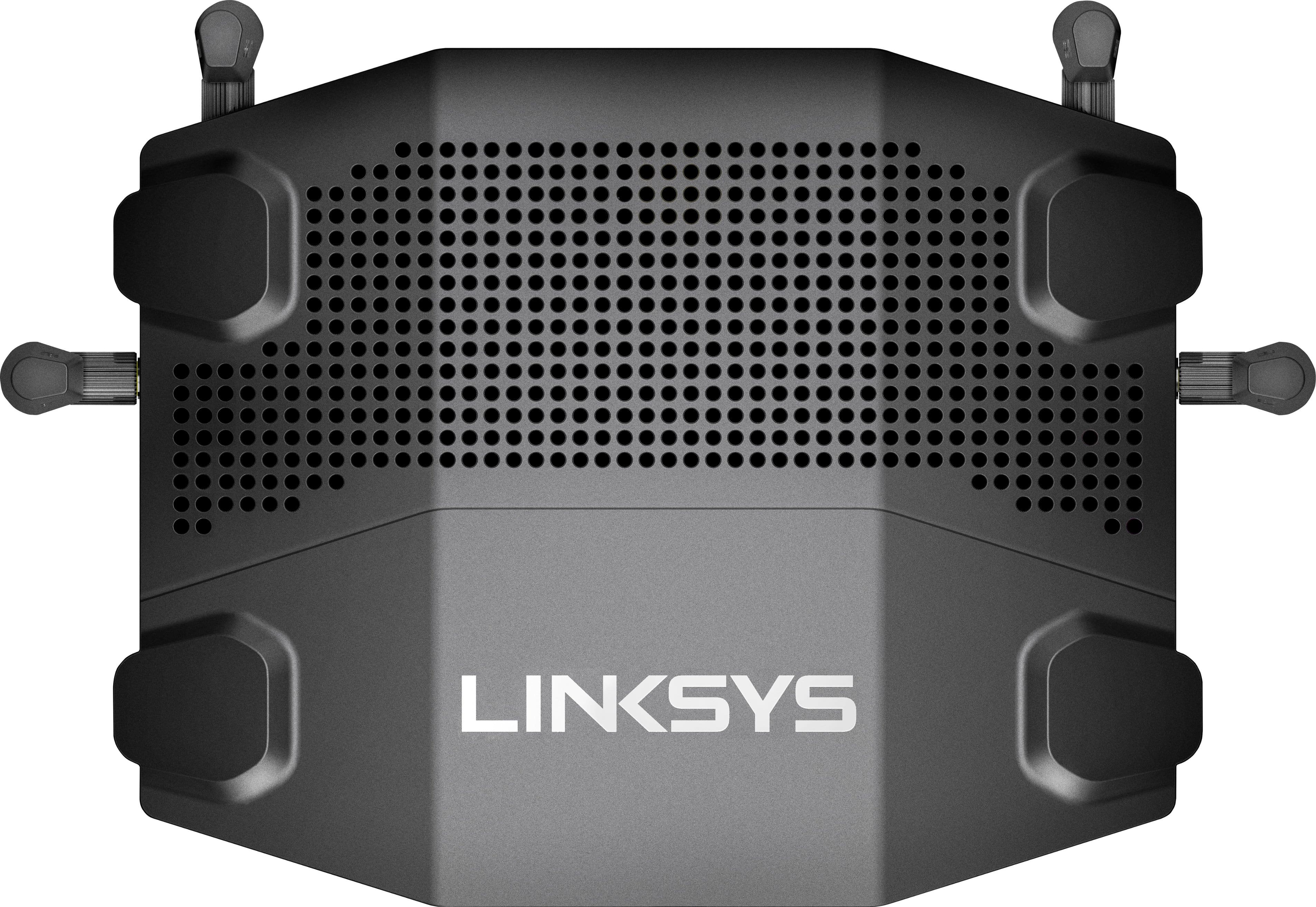
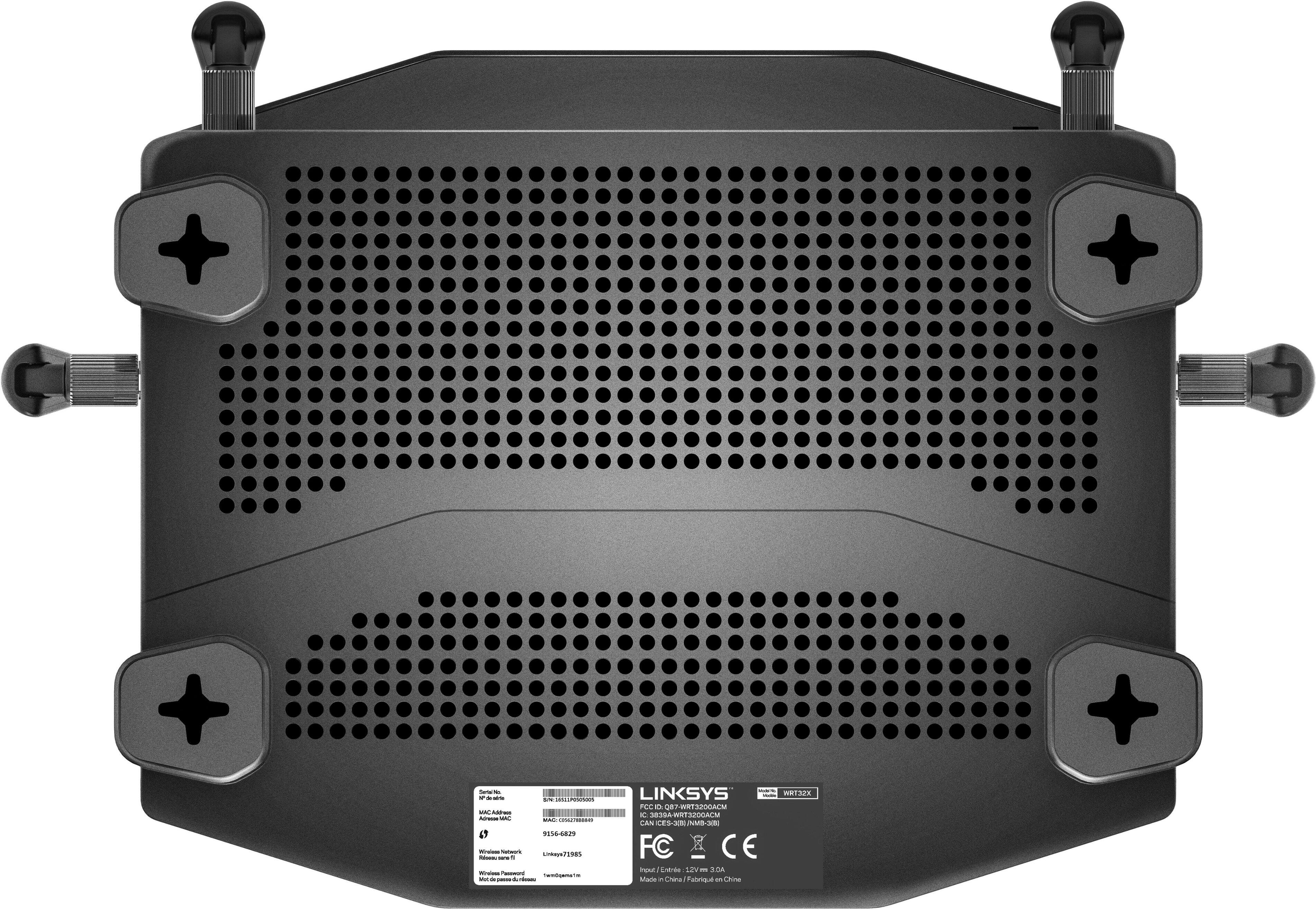
|Posted .This reviewer received promo considerations or sweepstakes entry for writing a review.Usually unboxing a product is nothing special. But this is done pretty cool. The top of the box is a flip open lid with nice black protective foam on the inside. It flips up to reveal the router. In the box is the router, 4 antenna's, 1 Ethernet cable, the AC adapter, and a quick start guide. The router itself is one of my favorite colors which is a flat/ matte looking black. It will easily fit in to any set up. Half of the top of the router has got ventilation holes to keep it cool. It has 1x Gigabit WAN port and 4x Gigabit LAN ports, a USB 3.0 port, and 1 eSATA/USB 2.0 port. Assembly is very easy and minimal. Just screw in the 4 antenna's, plug in the power and Ethernet cables and you are ready to start the set up. The quick start guide is well laid out with written and illustrated instructions. Its just 6 easy steps and your ready to go. After plugging everything in and waiting for it to boot up you either use a mobile device or a PC to complete the set up. I used my PC and went to the Venom router set up page. A few clicks, a firmware update, and naming the Wireless and I was up and running. It couldnt have been easier. I didnt run into any issues with connectivity, or an errors at all. The router dashboard is laid out very well, easy to read and make settings changes, etc. It has all the basics and an advance settings for more control. Before I set up the router I had tested my old router just to get an idea of the increased performance of the Venom. I use to have drop issues when connected with my phone only one room away. After setting up the Venom I had no issues at all with Wifi. I had full strength and a solid connection throughout the house. I also ran some basic speed tests and got very good speeds for the internet we have. 179 mb/s download and 11 mb/s upload though a wired connection with my PC, and 88 mb/s download and 11 mb/s upload on my phone. This router works excellent for gaming, streaming and general WiFi usage. The solid lag free connection, and power of this router make it a definite for gamers as well as people looking for the very best in streaming, downloading, and mobile use. If you are looking for a top notch router look no further. Highly recommended.
I would recommend this to a friend - Pros mentioned:Ease of use, Range, Speed
A Solid Router
|Posted .This reviewer received promo considerations or sweepstakes entry for writing a review.In the world of a flooded router market, this is another good router. It does everything you want, has good range, didn't experience any drops with it, speeds held up, and easy to use app to manage the hardware. There's nothing really special about it, even though it does have a prioritization for gaming, but I didn't notice a difference there. Overall a good piece of hardware.
No, I would not recommend this to a friend - Pros mentioned:PerformanceCons mentioned:Lag
Technology at Top of Game
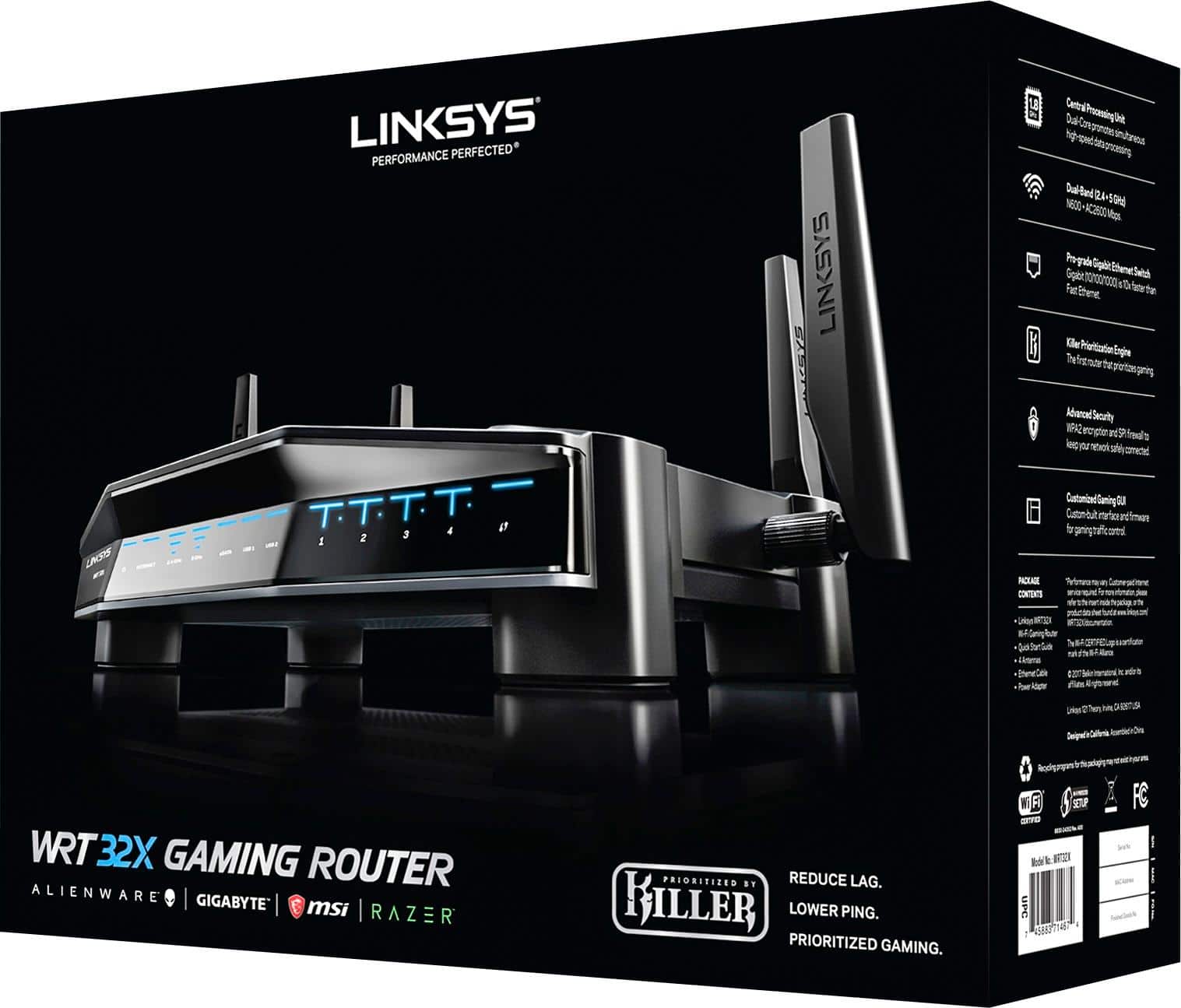
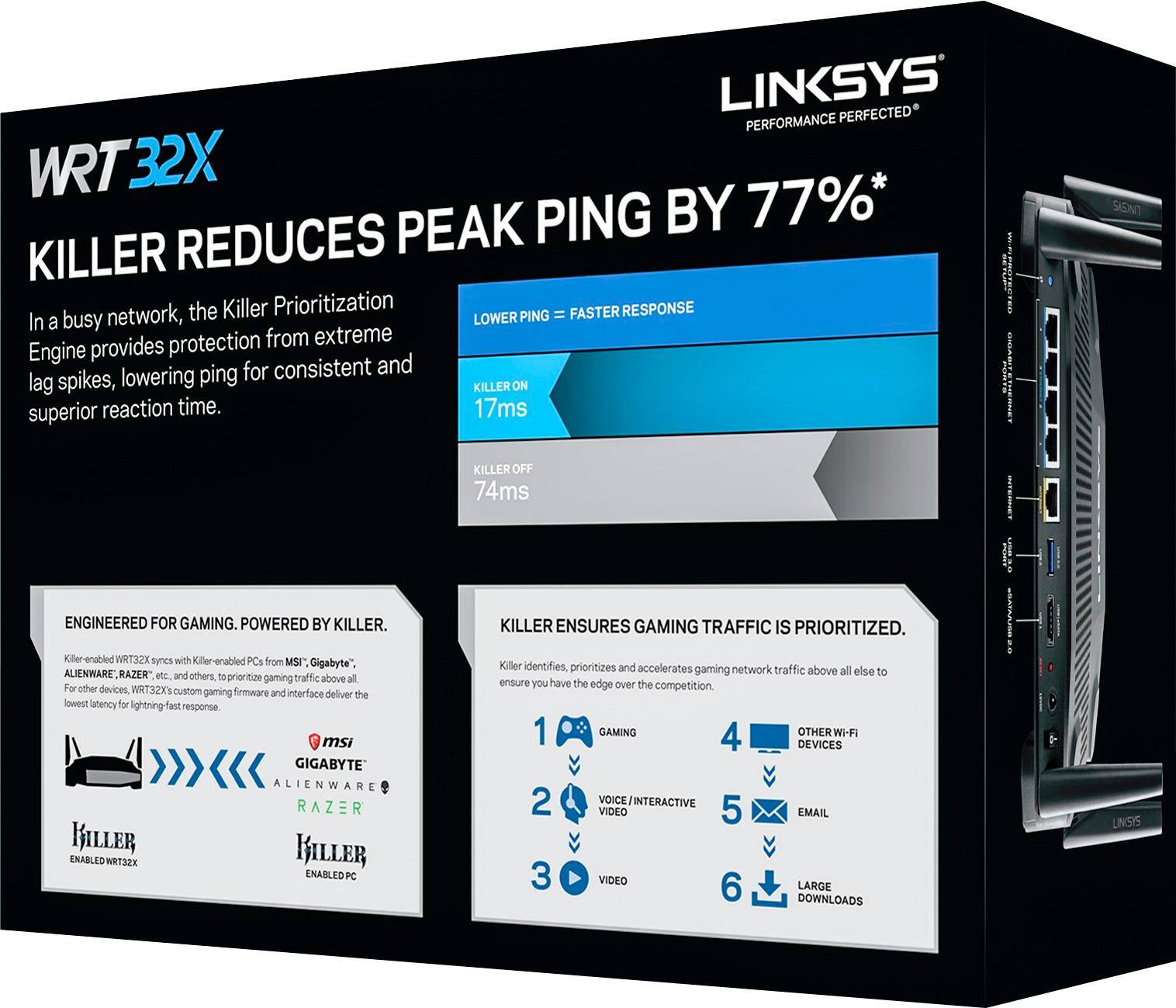
|Posted .This reviewer received promo considerations or sweepstakes entry for writing a review.This WRT32X Gaming Router has firmware that prioritizes your gaming data flow ahead of all other data streams that the network is handling. First thing you will see when you un-box this device is in fact the nice visual appeal. All black with blue LED’s and it has four adjustable antennas. It does support dual band 2.4 GHZ and 5.0 GHZ. It is specifically for gamers and promises to reduce lag, reduce ping and prioritize gaming; more about these later. The router uses KILLER software (this is the software that analyzes your traffic to prioritize gaming-related network activity). If you are not interested in gaming, this router is probably not for you, but if you are, you will find it is going to provide a better gaming experience; not by cobbled together hardware and software but by three things primarily a) the aforementioned priority ranking b) a customizable GUI and c) the integration of components from the Linksys folks with the KILLER engine from Rivet. This is for console-gaming and PC-gaming. This is the first router ever that actually has the KILLER priority engine that prioritizes gaming first. It provides customized gaming GUI so that you can specify how to handle the traffic. This router talks to the Killer Networking chipset and is not just a fancy looking box. In online multiplayer video games, ping is the latency between you and the game server wherever it is. One key claim is that this engine will reduce ‘ping’ by 77%. It did reduce ping as reported by ‘speed-tests’ and I did experience less lag when using this router versus my old (non-gamer) router. So the claim did prove valid. This should be a quantum leap in your gaming experience. I know that gamers are always looking for another improvement whether it is processors or graphics cards and now this: integrated router/KILLER priority engine. Linksys has pulled off a coup here. Router setup is very simple just like you are used to with Linksys products. There is a ‘Quick Start Guide’, very well written and illustrated if you need it. I did not need any help for set up but I expect Linksys continues to have super support as I have used their support on other products and their website and help is first rate. You can see on the box the priority of various types of network demand. This router can distinguish the types of demand and prioritizes them in a specific order with the gaming functions as number 1 – amazing. I can tell you that this is a superstar router in your home for normal functions when not playing games. Indeed against my current NetGear Nighthawk X6 it proved faster and this included faster in devices that were near or farther away, in each case the testing showed the WRT32X provided improvements using two different well-known speed-tests. I chose to play a game via servers in US and in the UK and the lag was non-existent. I would recommend this product for gamers and actually for other folks in their own home network. It is fast with very wide coverage area to my basement and also to my third floor attic. The router was on the second floor. Truly an aggressive move by Linksys to win in the marketplace.
I would recommend this to a friend - Pros mentioned:Performance, Range, Setup
Excellent Router
|Posted .This reviewer received promo considerations or sweepstakes entry for writing a review.I have been very impressed with the performance of this router. I play Dota 2 and I havent had any performance issues with the device. I have a big house and my room is on the upper story and the router is installed on the ground floor. I did not face any issues with regards to connecting or lags. There was not packet data losses as well. I have a Dell XPS 15 which has a killer wifi so I havent had a chance to use it with other wifi cards so cant really comment on the killer prioritization. Overall its very easy to setup and its basically plug and play and you dont have to go to any extra steps to set it up.
I would recommend this to a friend - Pros mentioned:Ease of use, Performance
Best router for online game experience
|Posted .This reviewer received promo considerations or sweepstakes entry for writing a review.Easy to set up , plug and set up with the app. This dual WiFi router is similar to the other Linksys router with dual band , with an exception of the killer prioritization system for a better and faster gaming online, also you can turn off this feature if you like. This killer prioritization engine reduces peak ping by up to 77% making the best experience for the gaming network. It has a 1.8 GHz dual core unit for a fast high speed data processing. The four antennas make it better to connect throughout the house. I really recommend this router for those game players that wants a fast connecting WiFi experience.
I would recommend this to a friend - Pros mentioned:Setup, Speed
Solid Router
Posted .This reviewer received promo considerations or sweepstakes entry for writing a review.Bought this to replace an old TP-Link router that was having issues broadcasting wifi throughout the house. This router has no issues covering the whole house (~2300 square feet) and consistently tests at higher speeds. Set up was very simple, took less than 10 minutes. Admin interface is intuitive and allows you to change tons of settings. The prioritization feature is also cool; don't worry, you can prioritize devices that don't have a killer network interface. Overall I'm happy with the purchase and highly recommend this if you are looking to replace an aging or upgrade your gaming set up.
I would recommend this to a friend - Pros mentioned:Setup
Great gaming AND everyday router!
|Posted .This reviewer received promo considerations or sweepstakes entry for writing a review.I love this router. It's sleek, easy to set up, and works great with gaming and even other devices. It is a fairly large router but that is not a deal breaker for me. It comes in a thick box, almost like a case, and it is packaged like it is a crowned jewel. The router sits in thick foam cutouts as well as the WiFi antenna. It includes the power cord, and a 4ft Ethernet cable. It comes with very easy step by step instructions on hooking it up and also setting it up on the computer. It recommends using the provided Ethernet cable to use between the router and the modem. The router will not function until you set it up on the computer, even when using Ethernet hardline cables. It tells you the address to type in, and when you get there, you get to create your own network ID and custom password, all while utilizing WPA2 Security. Then let's you set up your administrator password. Once the WiFi network has been created, you will be directed to the routers home page. Here it will show you your current up and down usage, you can run a speed test, Shows you how many devices are connected to the router, your WiFi network info, and the ability for port forwarding. A menu on the left side will help you navigate to different areas, including a prioritizing area. There you can view all the devices active on your router and set a priority listing for each device in which you want to receive information from first, which I find great so my tablet will use bandwidth before say my phone for instance. It is great for heavy device connectivity and households with more than one gaming device being used at once, like giving bandwidth to your PC before your kids game console, which is what the Killer Engine will do. Protect your gaming. A Killer network card is required to utilize the Killer Engine on this router, but the router will still perform awesome even with out it! So I give it a thumbs up for use as an every day router as well. I have run consistently low ping times using the killer network and usually have the best ping in the lobby. It will diminish the speed on all of your other devices, but that is precisely the purpose of this router, to put your gaming device above all others in priority, so you never have a slow down. Now this router isn't fool proof, it does it's best with how fast of a connection is provided. It won't help if you are running let's say a 3mbps download connection vs. a 75mpbs download connection. Overall I say i'm pleased with this router and it's connection and prioritizing abilities with the killer network and engine. I would recommend it to gamers with heavy network usage from multiple devices, and really anybody looking for a great router, as it has great WiFi range and signal strength with the 4 antennas. You really just cant go wrong.
I would recommend this to a friend Had to return it within a day
||Posted .This reviewer received promo considerations or sweepstakes entry for writing a review.I've always owned Linksys routers and have never had any issues with them but was really disappointed with WRT32X. I did read a lot of negative reviews but decided to take a chance and unfortunately was very disappointed with the result. I had no issue with 2.5ghz band but the 5ghz band just didn't work. I live in a 900sqft 2 bedroom apartment and even though I would get full signal strength in my living room (router is in bedroom) my internet wouldn't work on 5ghz. It only worked if I was within 5ft of the router. Really disappointing for a $300 router.
No, I would not recommend this to a friendBrand response from Linksys Staff
Posted .Hi, Herman.
Your feedback about the WRT32X router has certainly caught our attention. You should be able to get full coverage for both 2.4 GHz and 5.0 GHz wireless networks in your home. Make sure that your unit is running on the latest firmware so that you'd get its optimum performance. Should you need further assistance, reach out to us via LinksysCares@linksys.com so we can have our Escalation Engineers look into your setback better. Please include your contact details with the link of your post for easy reference.
Hoping to hear from you soon.
Harvey
Linksys Support
- Pros mentioned:PerformanceCons mentioned:Price
Simple to use, great performance, but poor value
|Posted .This reviewer received promo considerations or sweepstakes entry for writing a review.The Linksys WRT32X is a router targeting a specific niche—those with "Killer" brand networking hardware in their computers. This review is from the perspective of someone who does not have any "Killer" brand networking hardware in his household. The contents of the box are simple. Inside are the router, 4 antennas, an ethernet cable, an AC adapter, and a short "getting started" guide. Setting up the router was very easy and only took a few minutes to get connected to the internet. The browser-based administration UI is clean and simple and is optimized for desktop and mobile. For advanced networking users (such as myself), you won't find as many advanced settings in the router administration page compared to some other routers—even those offered by Linksys. Linksys is keen on making routers less frustrating and much simpler for the average user, and that's probably a good thing for most people. When placed in an optimal location in your living quarters, the WRT32X delivers low latency, great signal performance and bandwidth. It's only when you place the WRT32X (or any router, for that matter) in a poor location that the signal degredation begins to have a real impact on bandwidth. For example, when I placed the WRT32X in my basment staircase closet with the door shut, I found virtually no signal/bandwidth degredation from the basement or the 1st floor. Very impressive! However, I found that going to the opposite side of the house on the 2nd floor delivered adequate signal, but substantially worse bandwidth. My household has a lot of network traffic and uses many newer wireless devices such as desktop PC's, laptops, tablets, smartphones, IP Cameras, local network storage, game consoles, and set-top boxes. The WRT32X has no problem handling all these devices, nor the content. Whether it's a 4K video or a game that requires low latency or just a large download, the WRT32X handles it without hiccuping. Like many other modern routers, it also has device prioritization so that you can ensure that some devices take network traffic priority over others—that way, your Netflix stream doesn't start buffering when someone else is downloading a game on Steam. It's also important to mention that your results can vary greatly, depending on what hardware you have. If you have the latest and greatest wireless devices, your findings may be very similar to mine. But if you have older devices (perhaps using only 802.11n), your network performance may differ greatly. If you're looking for a high-performance router with Killer optimization, then this could very well be the router you're looking for. It's simple to set up and simple to use while delivering great network performance. However, if you don't need the Killer prioritization, you may want to consider looking at other Linksys offerings, as they're more affordable while delivering features that more advanced users may find desirable. Objectively, this is a product that does a great job while keeping things simple. But with the price considered, I do feel as though it simply isn't a good value for those who want excellent performance and advanced features while also being easy to use.
No, I would not recommend this to a friend - Pros mentioned:Performance
An Amazing Router
|Posted .This reviewer received promo considerations or sweepstakes entry for writing a review.This is an amazing upgrade to over ISP's router (starts with a Q and has no external antenna). While I initially had my doubts that the Linksys WRT32X could perform better than my "Q" router, I was completely wrong. The WRT32X, with its 4 external antennas and dual band capabilities (2.4GHZ and 5GHZ) produces a much stronger signal than what I had settled for from my ISP. While I can't say that I have any hardware that supports the Killer Prioritization Engine natively, the router has the capability to manually let you prioritize traffic to any connected device in descending order. One of the nice features of the WRT32X is within the router interface itself. It will run a bandwidth test on your Internet speeds and allocates this across your devices, whether they be Wifi or directly connected. As a test, I streamed two Netflix 4k videos over wifi at the same time, expecting one or both of them to degrade in picture quality. I was pleasantly surprised that both videos played flawlessly with this test. I also do my PC gaming from a desktop PC. I felt that I wouldn't see much difference, because my PC is directly connected to the router with an Ethernet cable. I actually ended up with lower ping times than with just my ISPs router with the same setup. I have absolutely no complaints as to how well the WRT32X performs, whether it be everyday use or heavy downloading, streaming or playing multiplayer games over the Internet. This router can handle anything you throw at it and it's only limits are how fast of an Internet connection you have. If you have hardware that supports the "Killer" feature of this router, then you'll have little issue with getting that extra speed you need in a heavy network traffic environment. If you don't have any hardware that supports "Killer", no need to worry, the WRT32X is still an easily customizable and powerful router, with plenty of advanced features, an excellent "Dashboard" screen and is beyond capable of managing anything you can throw at it.
I would recommend this to a friend