Customer Ratings & Reviews

- Model:
- 915-000321
- SKU:
- 6323168
to a friend
Customers are saying
Customers recognize the Harmony Express Remote's voice control and ease of use as significant strengths, with many praising its simple setup and convenient size. Positive feedback also highlights the remote's rechargeable battery and sleek design. However, some users experienced compatibility issues with certain devices and limitations with Alexa integration and the lack of a dedicated power button.
This summary was generated by AI based on customer reviews.
- Pros mentioned:Design

Another great Logitech device for your TV
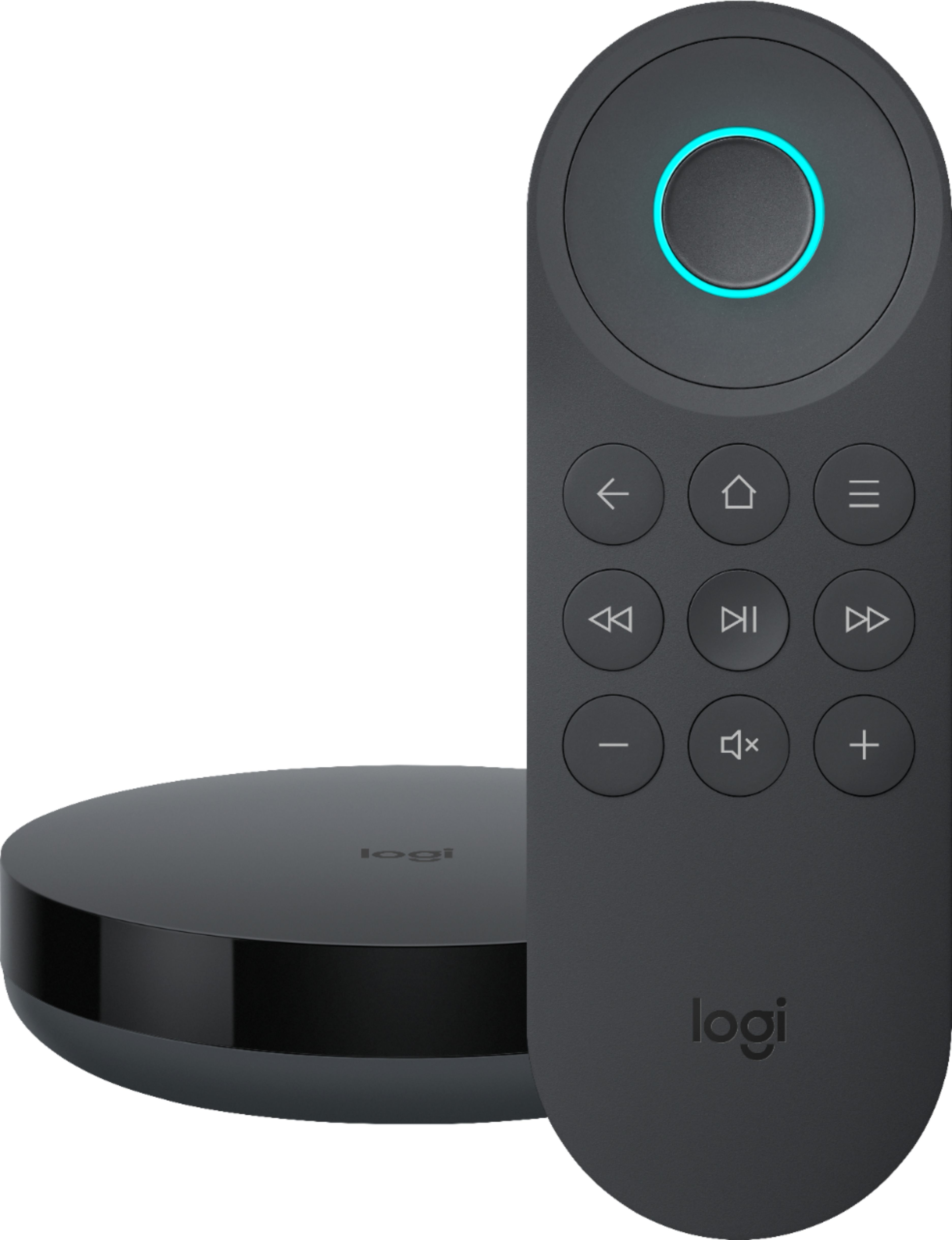
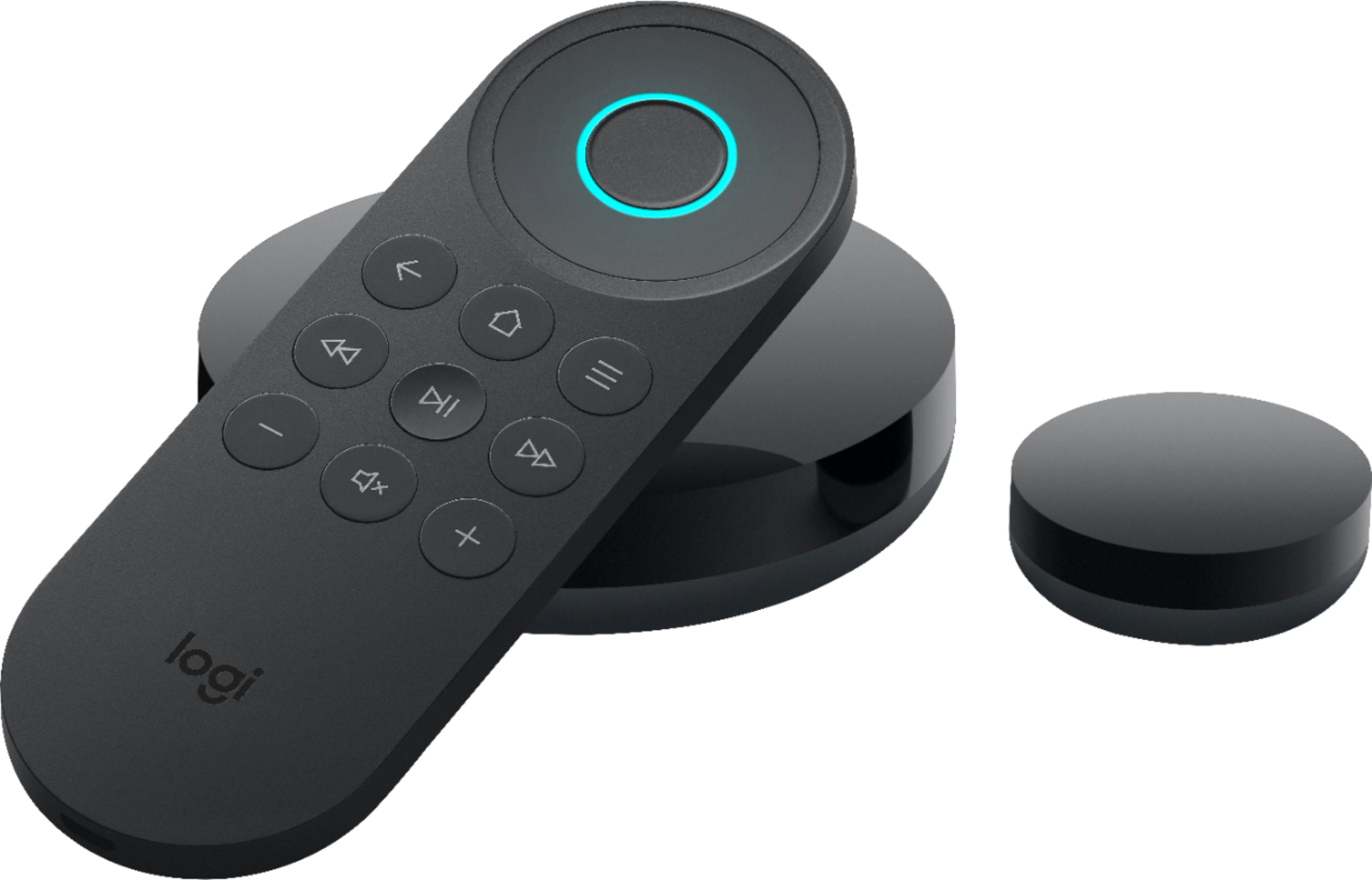
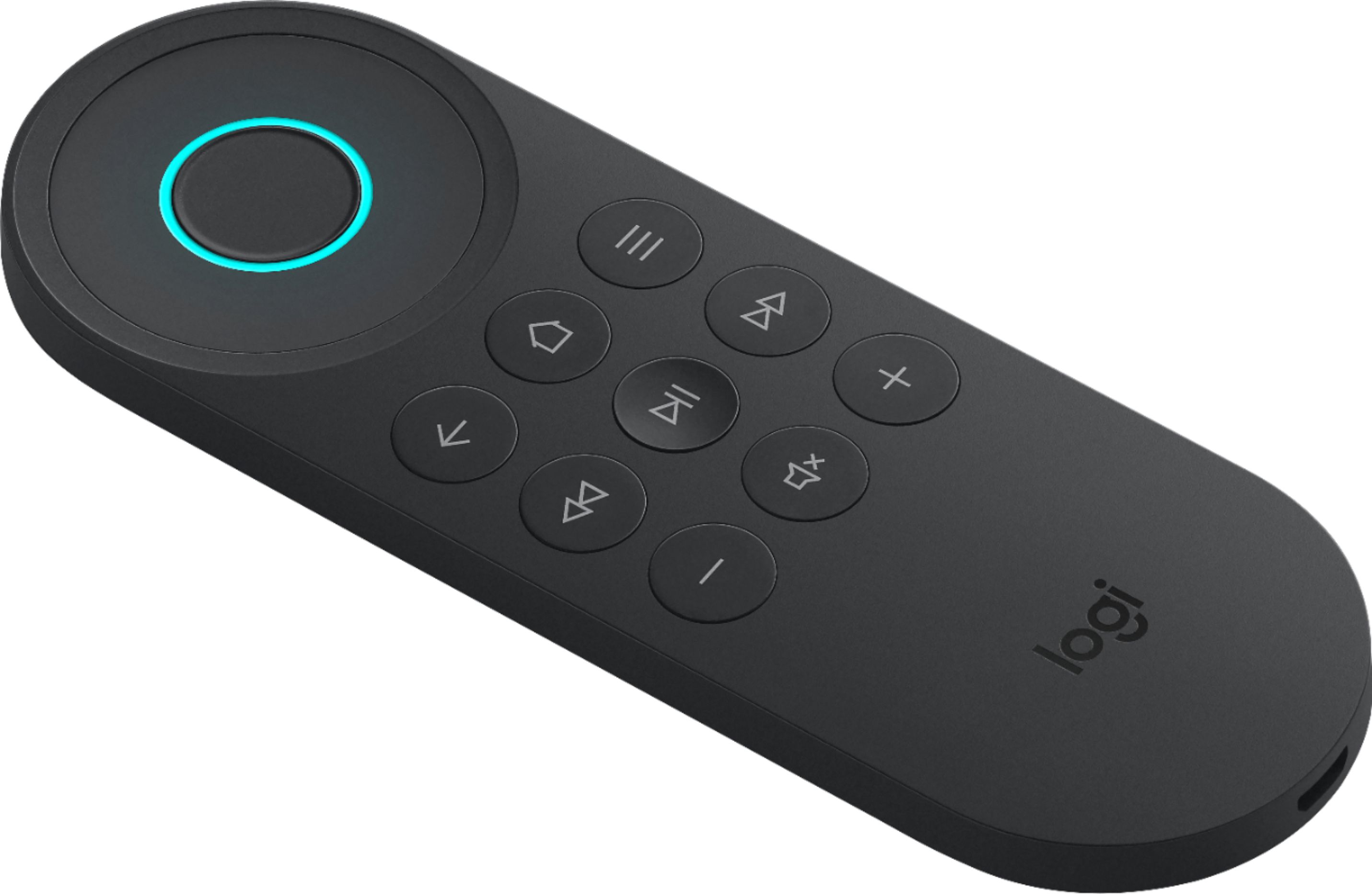
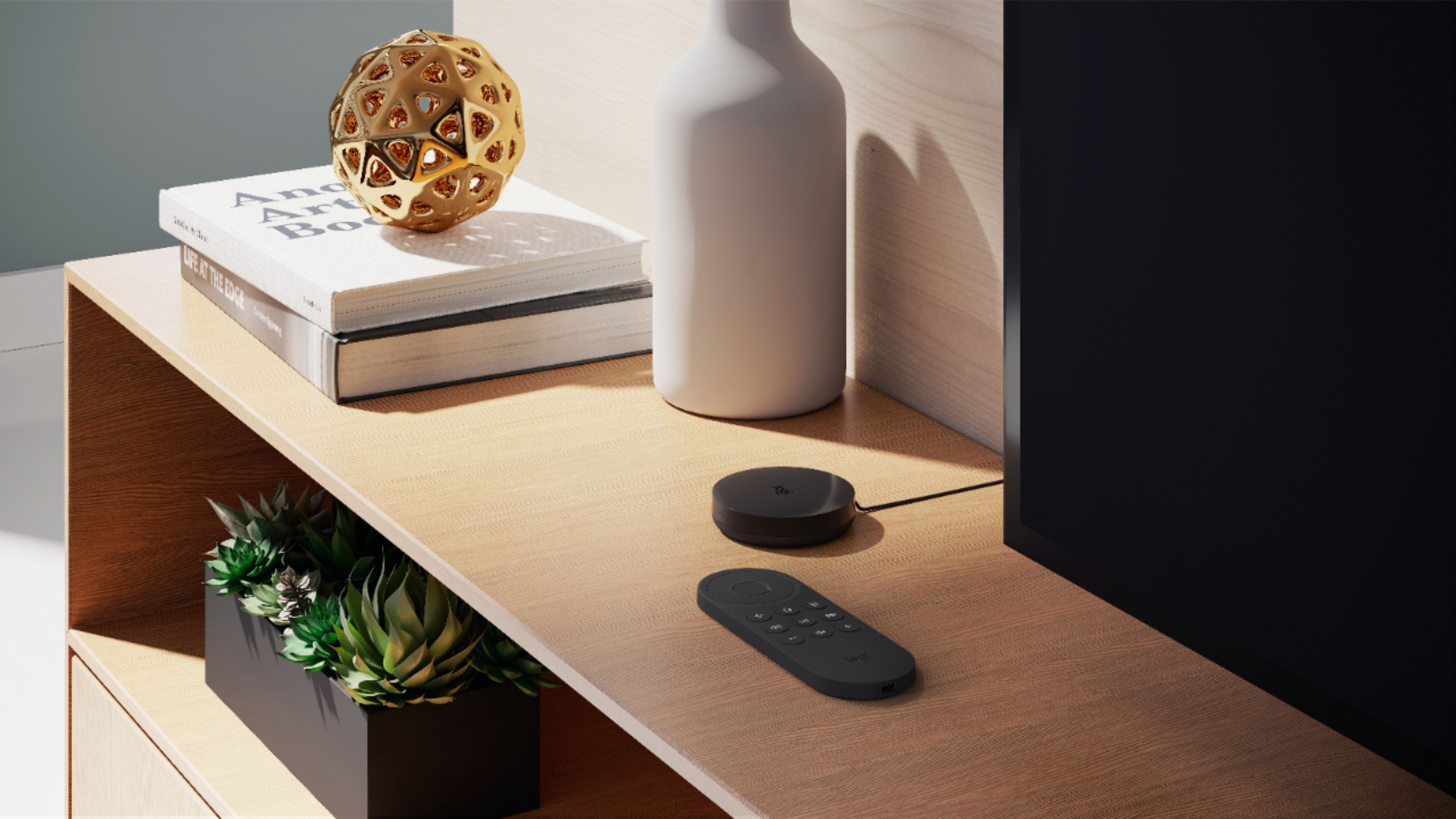
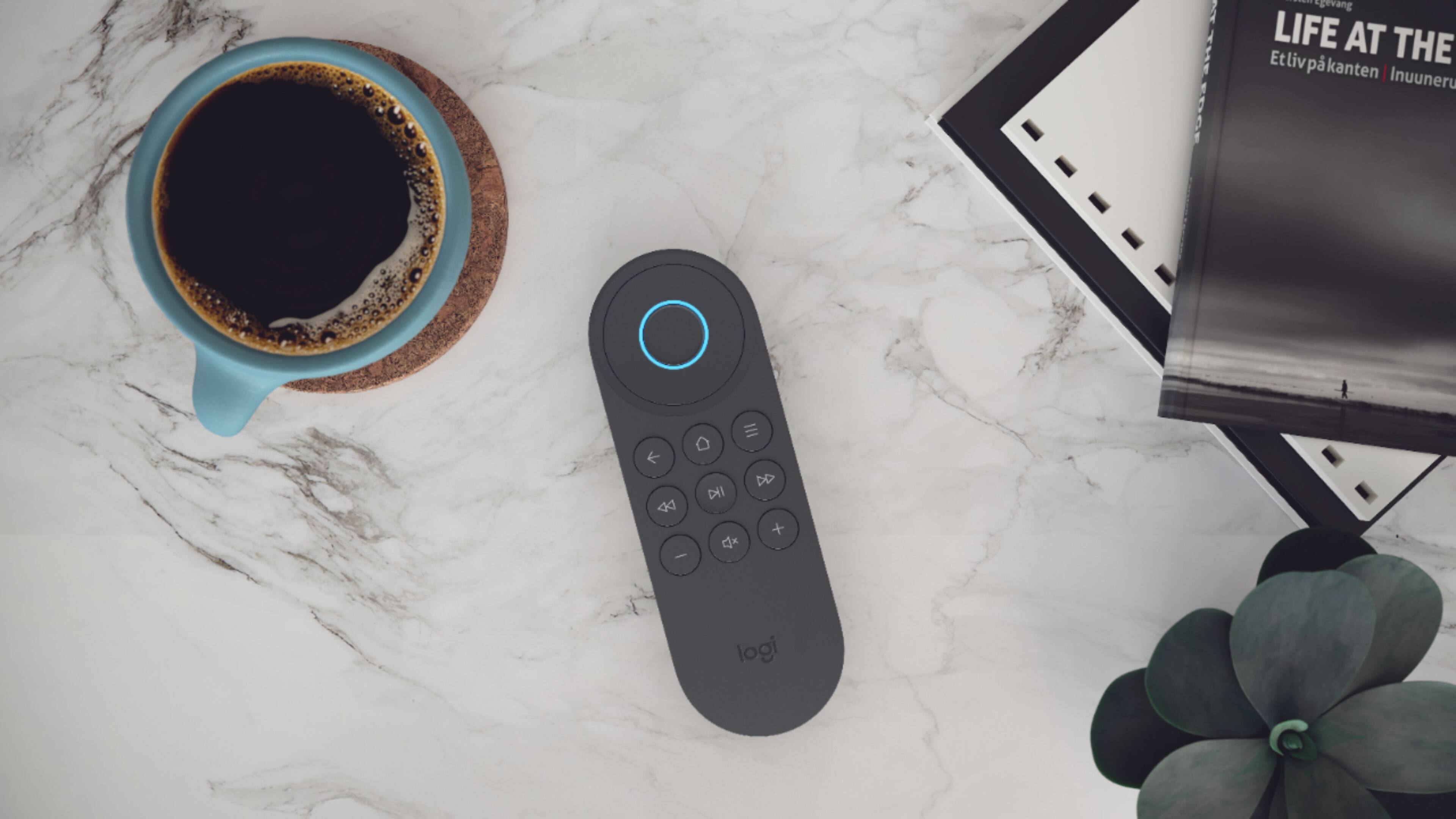
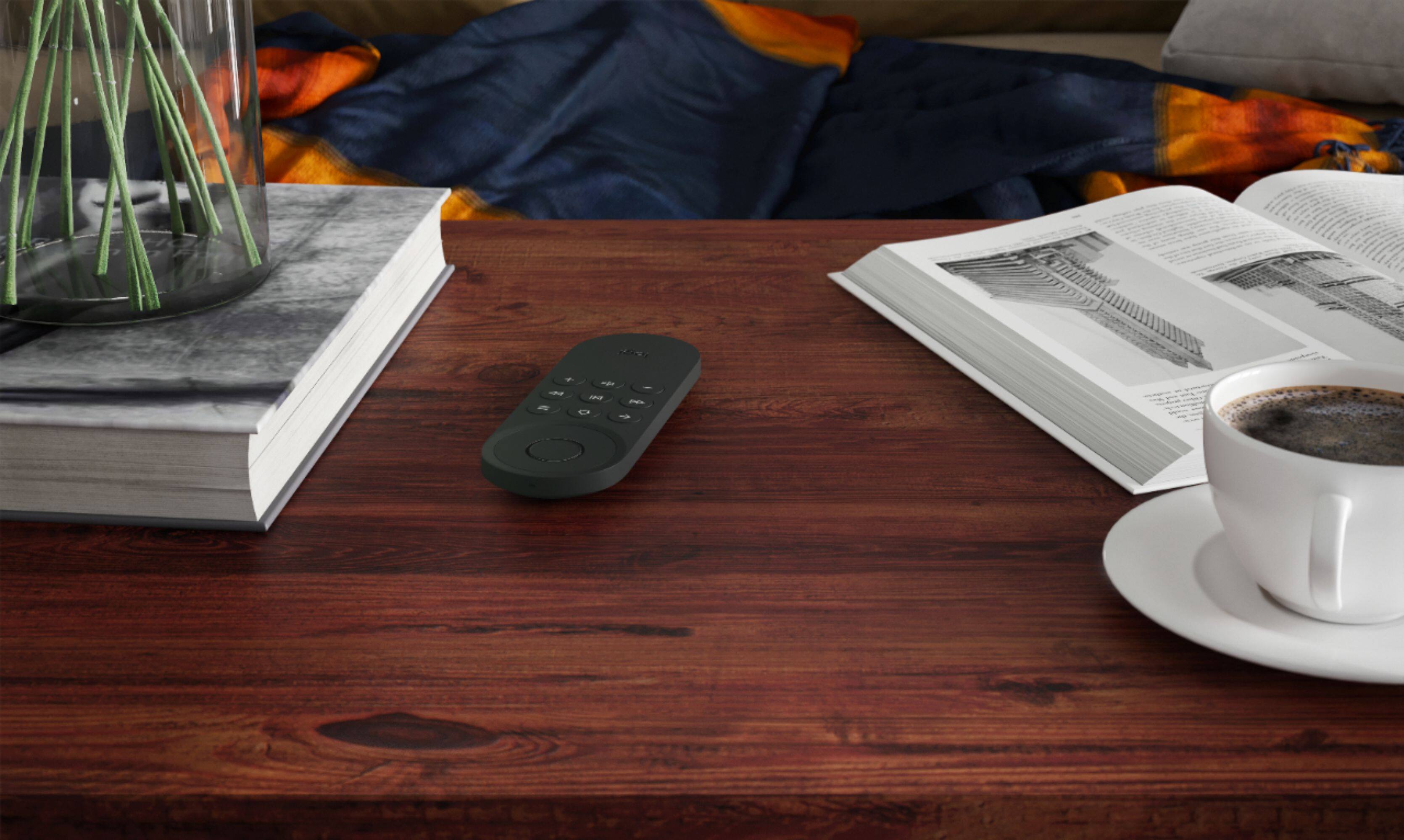
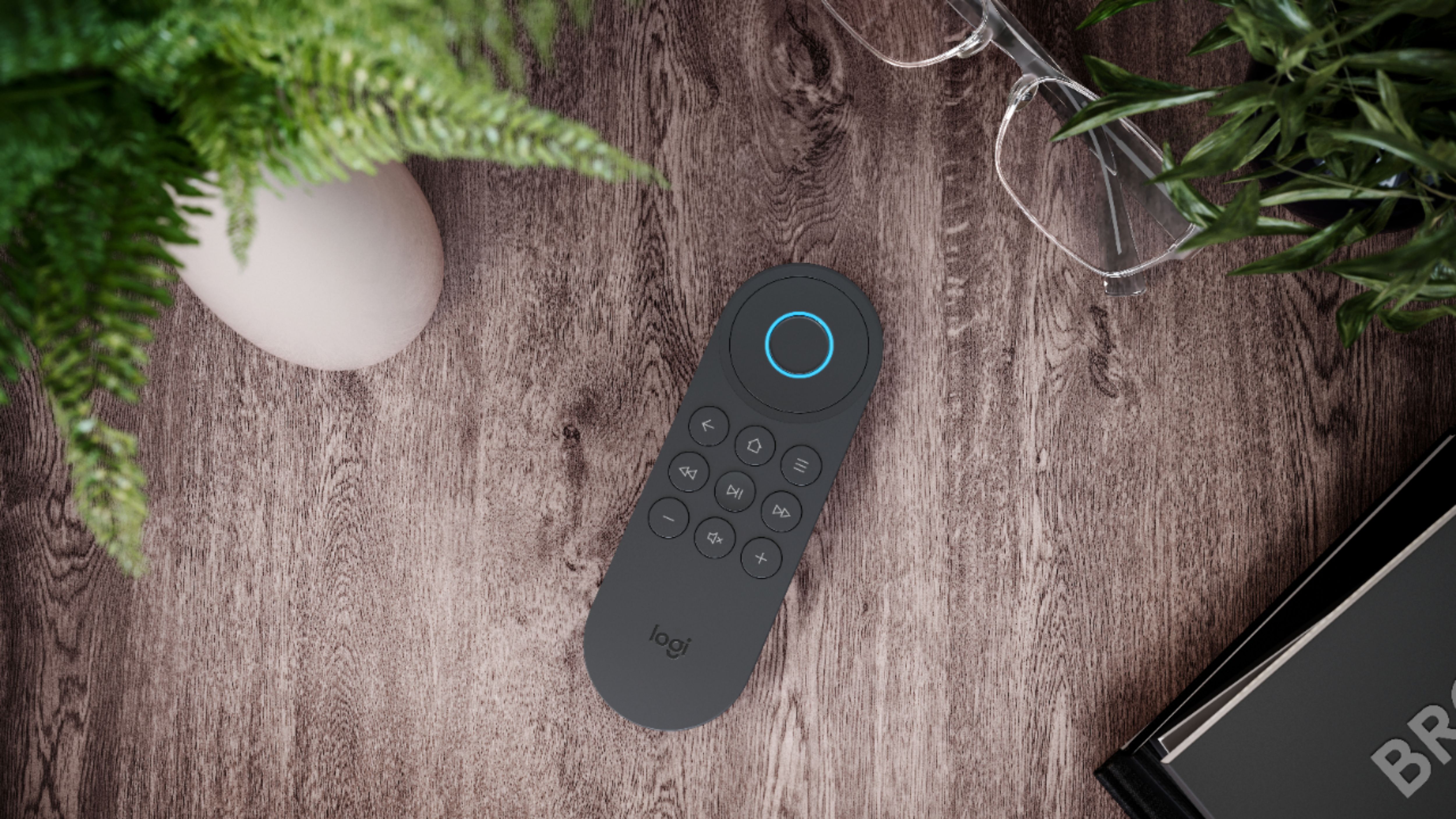
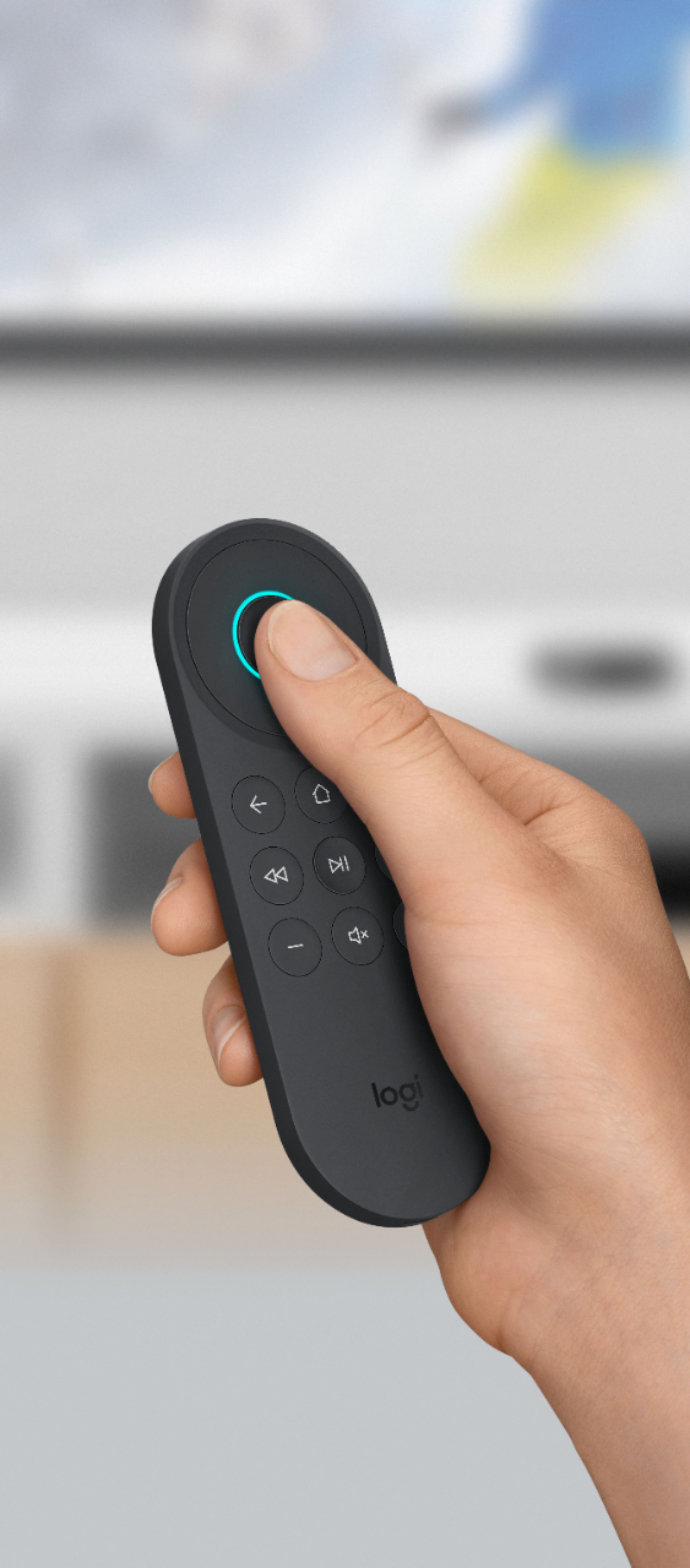
|Posted .This reviewer received promo considerations or sweepstakes entry for writing a review.This is another quality Logitech product for the TV room, following the strong tradition of Logitech devices that allow the user to put away many other remote controls. The Logitech Harmony Express came in quality packaging and came with setup instructions that were simple to use. From your own personal device, download the app. Then, plug in the Logitech devices and follow the directions on the screen. Add every device individually that you would like to be controlled by the Harmony Express, and assign an input to each of those devices. The Harmony Express will attempt to find any device that you have turned on, but if it can't find anything you can manually enter the make and model. Be aware, older devices will likely not be able to be controlled by the Harmony Express. You can assign the startup order for the devices, which is pretty neat because it allows you to synchonize and even delay certain devices from starting up so that they will all display at the same time. From there, you simply use very direct voice commands. It is a well known issue that you can't be vague with your commands and expect the Harmony Express to know what you mean. The instructions come with some sample phrases that you learn how to be precise and accurate with which device you are wanting to control and what you would like to do on that device. Once that becomes second nature, it is smooth sailing from there. One nice feature of the Harmony Express being able to control so many specific devices is that it can be used to access setup menus and other features and apps on the devices. For example, it knows the menus on your TV so you won't need to pull your TV remote back out just to adjust brightness or any other settings. Just do it from the Harmony Express! The remote itself is simple and straight-forward. It feels very nice in the hand, and has a non-slip coating on the back which I appreciated. The buttons are back-lit for use in the dark, and it was cool that it lit up upon pickup from the table. The button are actually buttons that need to be pushed; it isn't a touch device. Both the remote control and the remote speaker have the ability to play sound. The remote speaker wasn't particularly notable, but does a nice job of being clear and loud. One note: if you don't have any other Amazon devices, it may help to download the Alexa app for your phone. When I did that, it seemed that it responded to a wider array of voice commands. Regardless, I can say that it has been very enjoyable to use the Logitech Harmony Express, and I appreciate that I can de-clutter my TV room by putting away all the other device remotes. Logitech is good quality, and this device is high quality and does exactly you need it to do!
I would recommend this to a friend - Pros mentioned:Ease of use
Another Great Remote in the Harmony Line
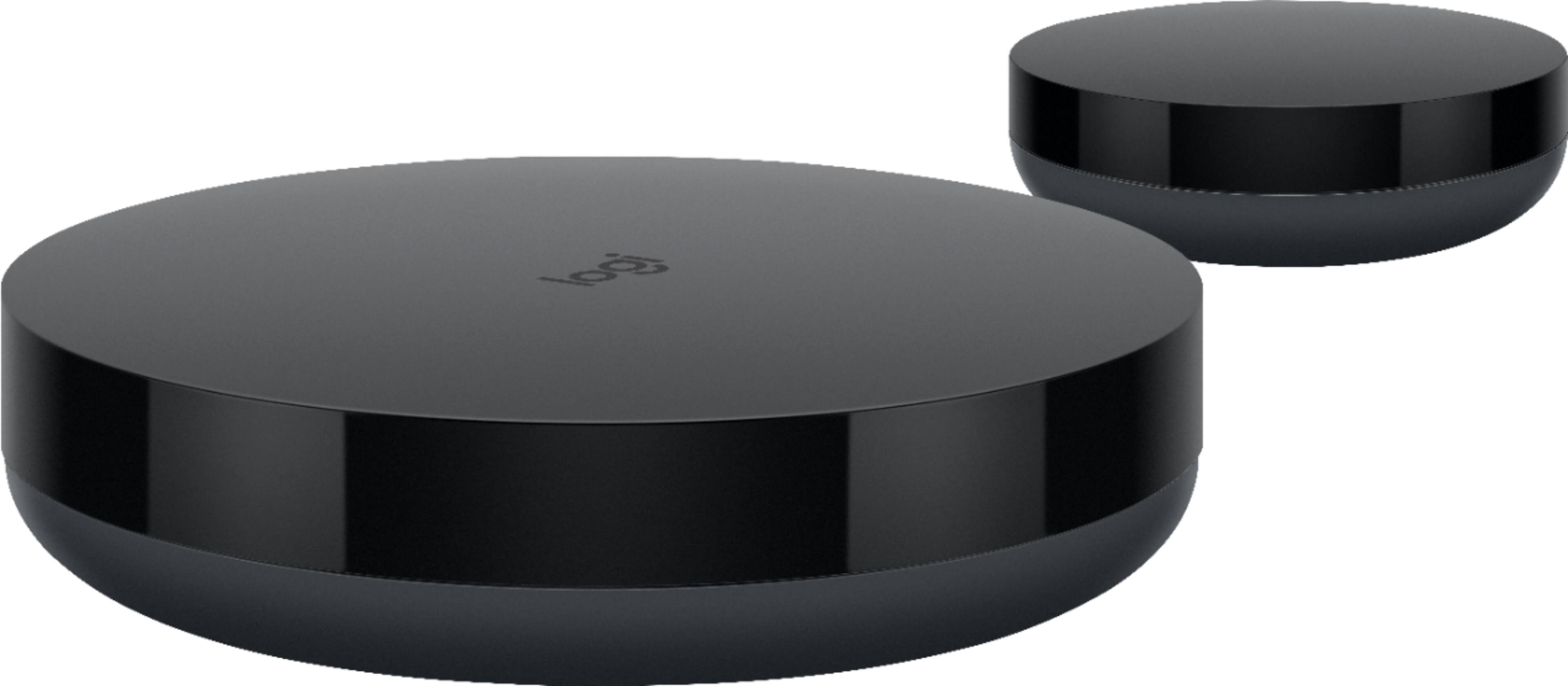
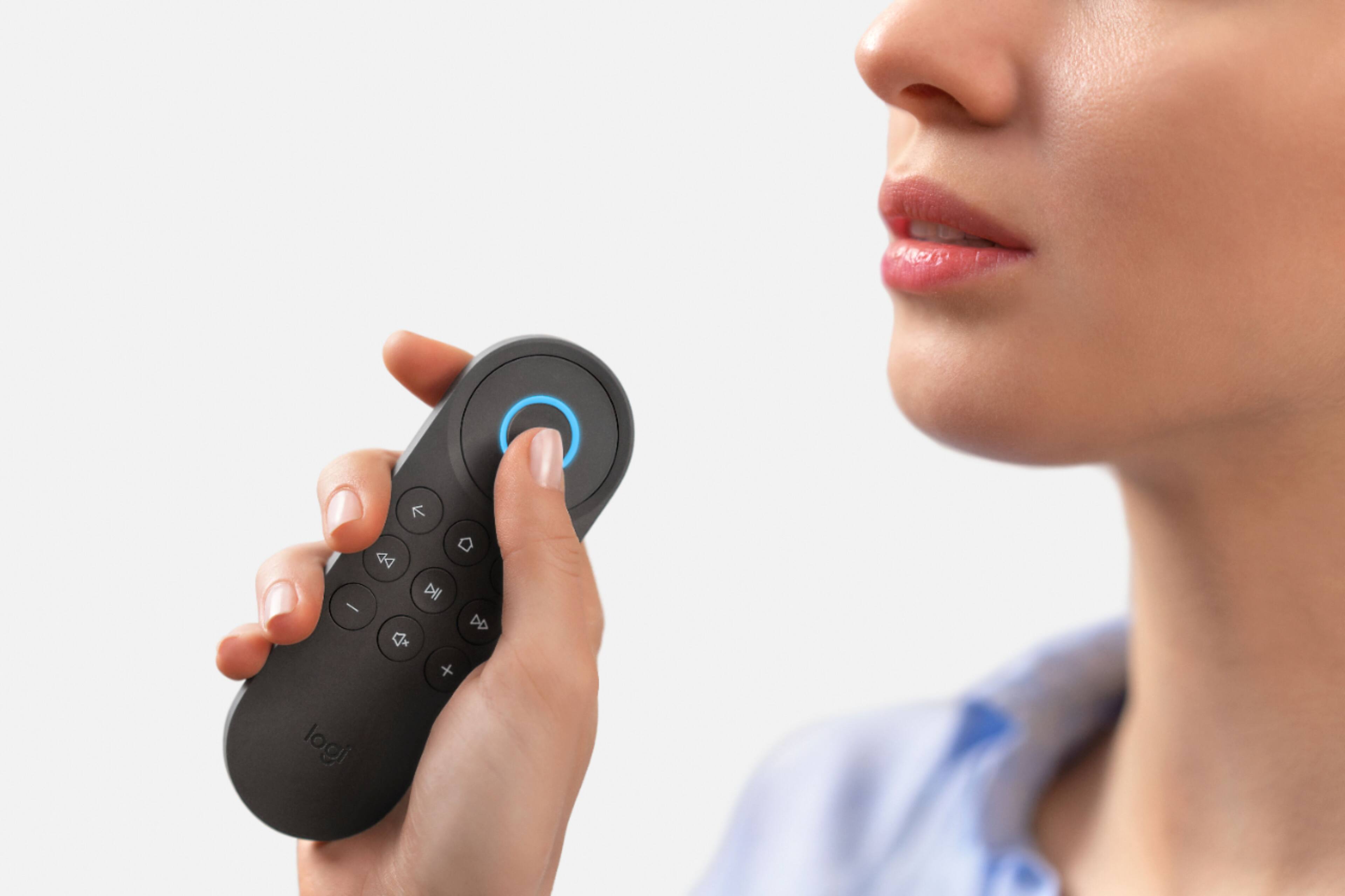
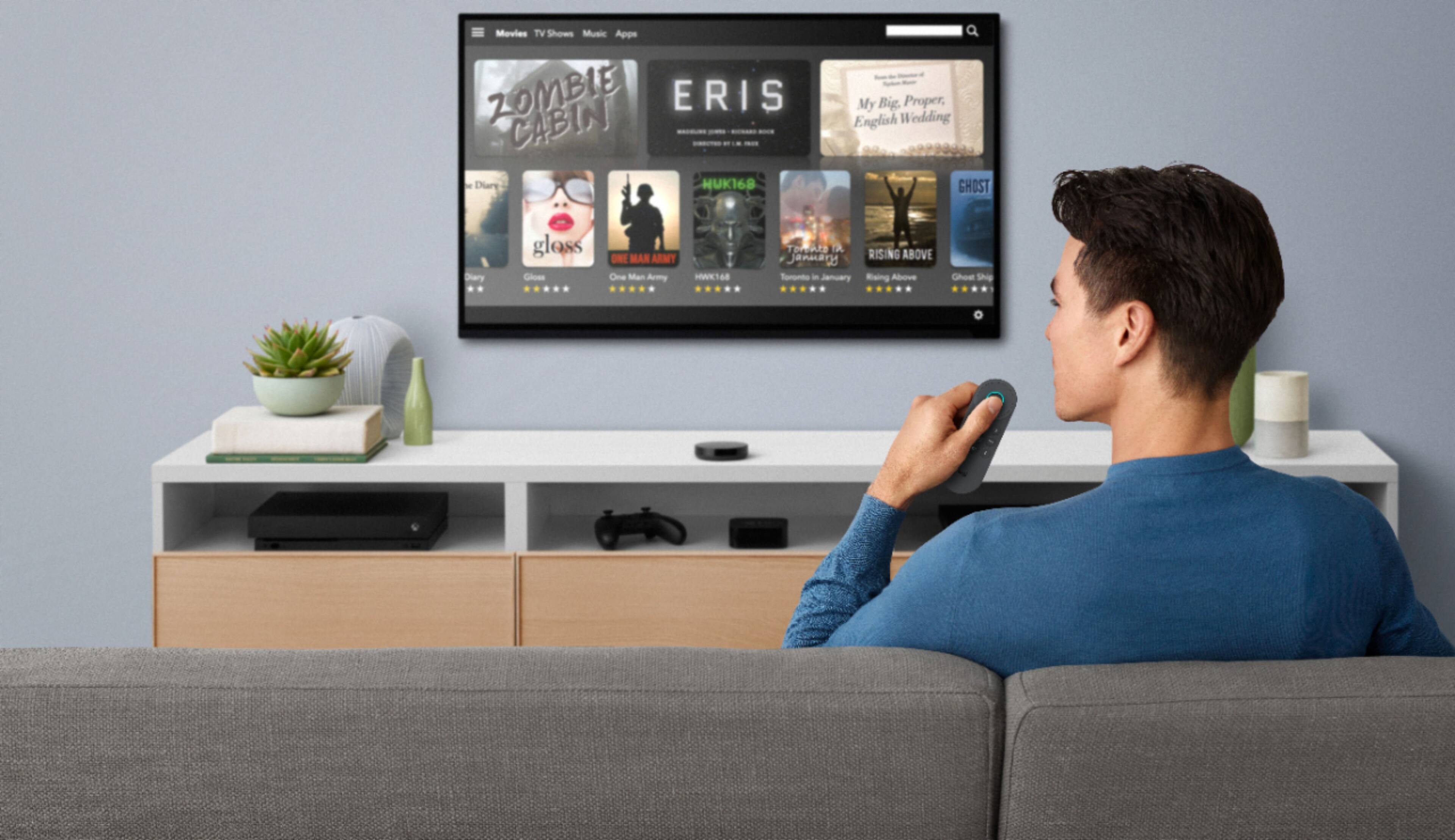
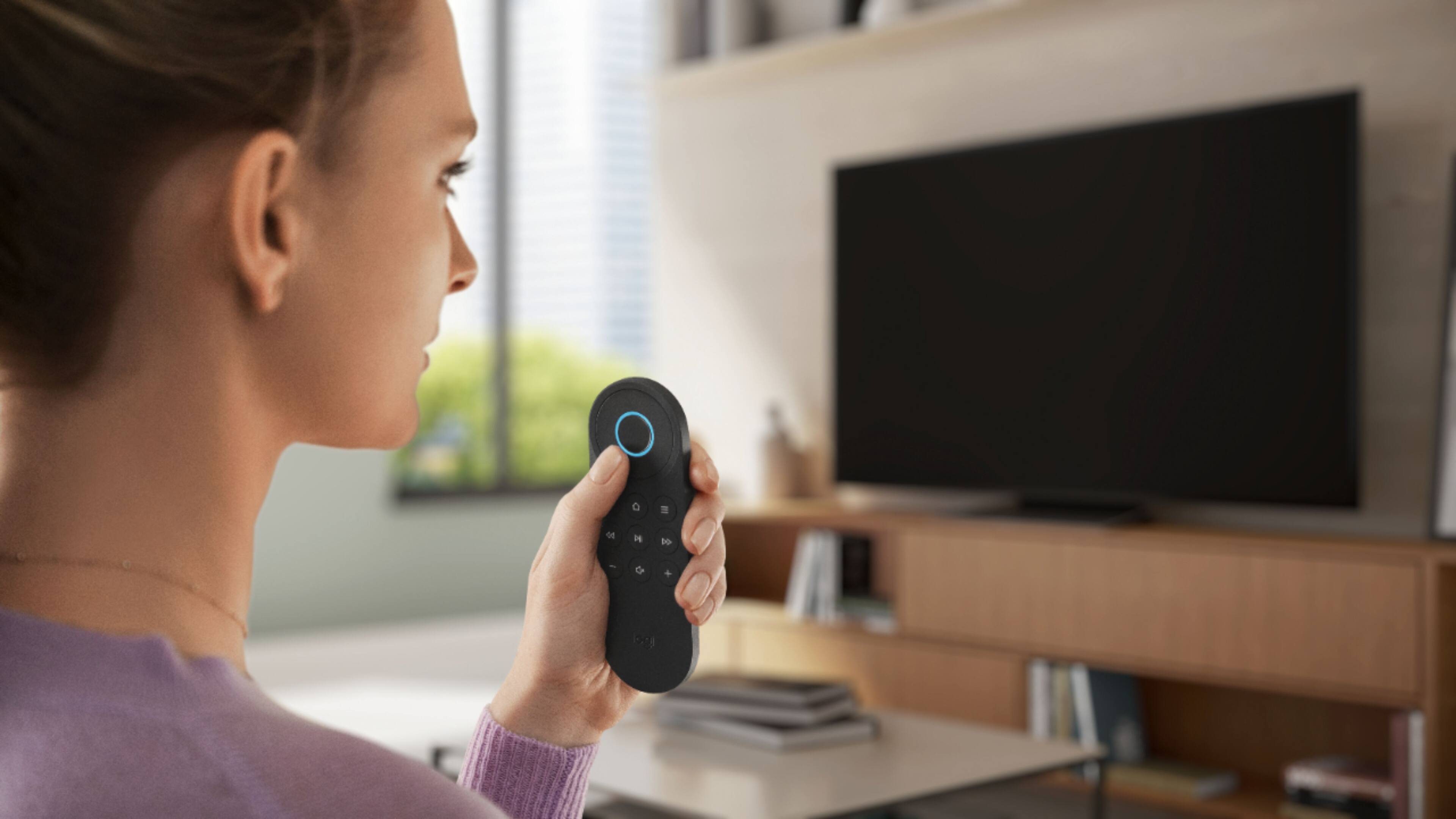
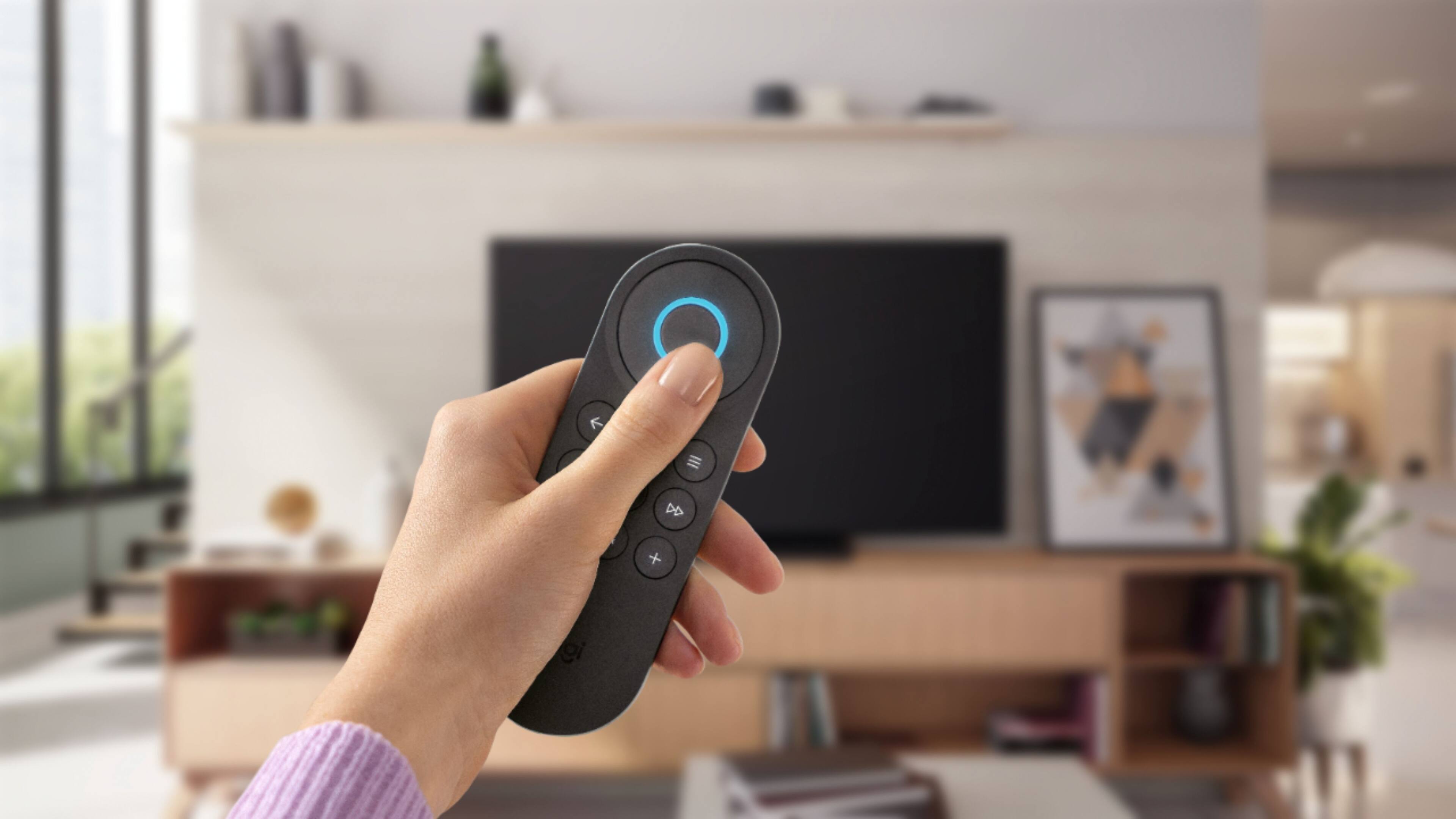
|Posted .This reviewer received promo considerations or sweepstakes entry for writing a review.The Harmony Express is designed to control a single entertainment system. Hardware – Remote, large infrared blaster that you sit in front of your entertainment center, and an IR mini blaster that enables you to control audio and video components that might be hidden. So back to set up. Just have your device name and model numbers handy and know your input settings. Everything is set up through the Express App you download to your smartphone. All my devices were recognized and fully functional. You simply add your devices then tell the app which devices are connected to each input. You will then set up Alexa account and your off to the races. The setup was fairly easy once I got past my security system that feeds into HDMI 1 on the TV. (More unique situation) Unfortunately, that system is not supported or recognized in the Express. Totally understandable. I emailed support and they promptly provide me a work around. All good now. Fantastic customer service! So for most people out there, set up should be a breeze. Once set up, you simply press the center button and tell the remote what you want done…’turn on TV’…’go to Netflix’…’go to channel 4’ among a host of other commands. No Need to say Alexa since you are activating that service by pressing the button If you have an Alexa enabled speaker or Echo, you can use that to do all the same commands. ‘Alexa, turn on the TV’ etc.. This remote is not quite as customizable as my Harmony Ultimate One with hub, but should be great for most entertainment systems. Of course it will come down to how you want to interact with your system, Touch screen and buttons, or basically one button and your voice. You can also control most of your devices using the remote as well, such as Guide, Menu, Volume, FWD, RWD, basic navigation etc. My understanding is Logitech is adding verbal commands for actions where buttons are unavailable for. Bottom line, very cool, easy to use device to add to the rest of a great line of Harmony remotes.
I would recommend this to a friend Harmony with Alexa
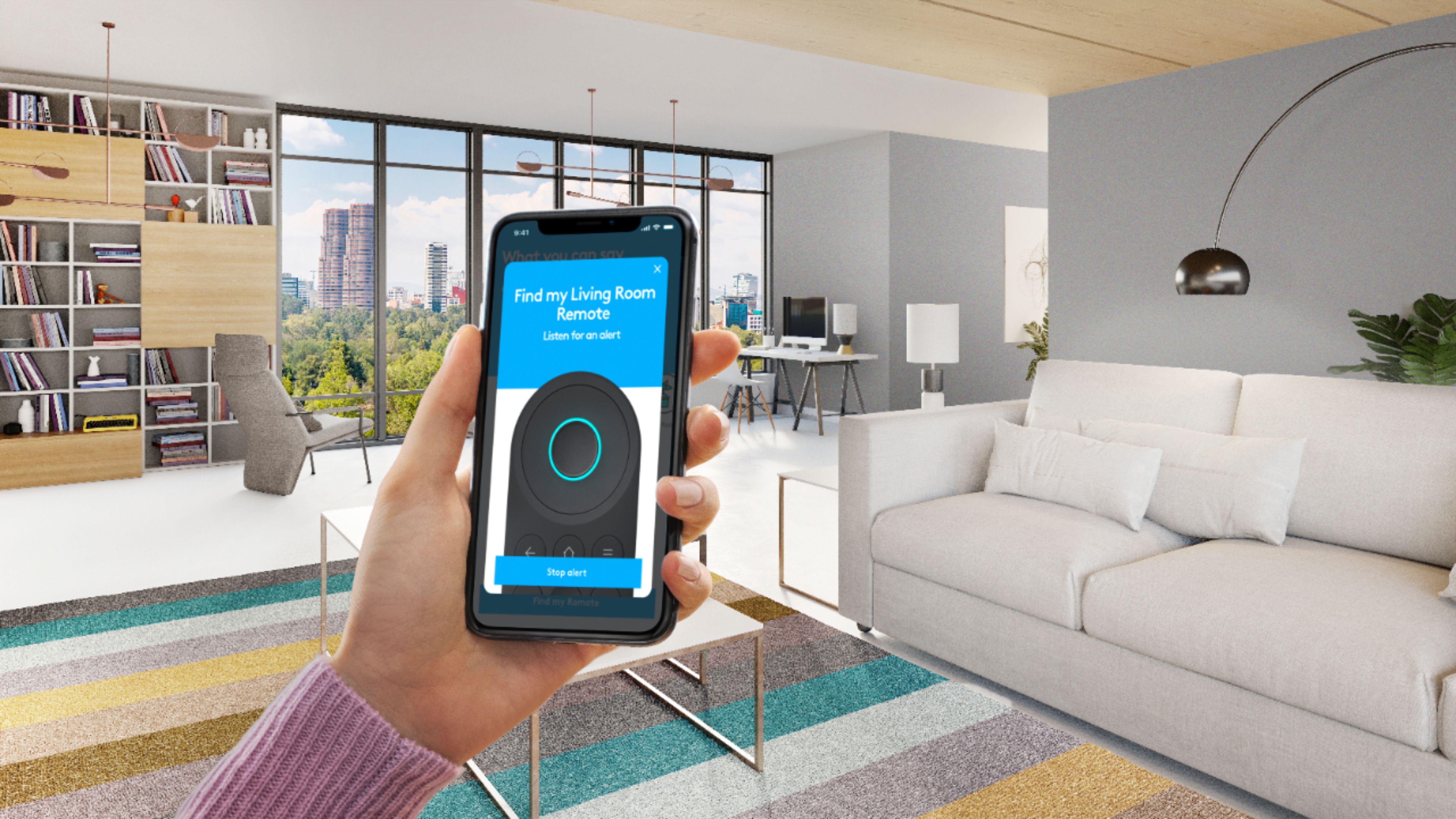
|Posted .This reviewer received promo considerations or sweepstakes entry for writing a review.The short version is this like most other Harmony remotes, but with Amazon Alexa built in. To support this new format, Logitech has created a new phone app to manage the remote and your devices. Setup was pretty straightforward, though adding my Samsung Smart TV and Fire TV was a little wonky and involved restarted the app to get the TV setup, and the Fire TV to get the Fire TV setup (which also requires a Harmony app to be installed). Beyond that, it largely works like any other harmony remote, where it learns what devices are on what inputs, and you can even tell it what apps to launch on what device (e.x. if your TV and Fire TV have Netflix, you can choose which one to launch when you say "open Neflix app"). Then you can press the Alexa button on the remote and tell it what channel to change to, or what app to launch, etc... and it all works pretty well. You can also use the built-in Alexa for most other Alexa tasks such as controlling your smart lights. The reverse also works where you can have your regular Alexa device perform some actions setup by your Harmony remote (though some ambiguous actions don't always work as well as when using the remote). This still has the usual harmony universal remote pitfalls, plus some new ones. For example, if you use the remote to start watching TV, but then switch to PS4 using a different remote or with buttons on your receiver, Harmony doesn't know your inputs have changed. But unlike other remotes where you can use native remote commands (such as manually changing the input with your remote), it's not so easy with this remote, and you might find yourself reaching for your old remotes to fix things. Overall, I really like it, the remote itself is nice, the remote locator feature is nice and I've already used it a couple of times.
I would recommend this to a friendDecent but not amazing
|Posted .This reviewer received promo considerations or sweepstakes entry for writing a review.I have always had an interest in Harmony Remotes. Finding one combined with Alexa seemed like a great idea. In concept, everything should work just like any other Alexa enabled devices. However, there are some quirks if a person has devices enabled throughout their home. Even though Alexa is smart enough to know what room devices are in, the rule somehow does not apply to Harmony. Therefore, my bedroom Echo can control the living room TV and no longer works as well when controlling my Fire TV in my bedroom. Additionally, issuing commands to Alexa will not always control the TV even though issuing the same command on the Harmony remote will execute the action. The other challenge I have is that the remote is scaled down to be much like a streaming viewer remote. It actually works great with Roku. If a person only has a TV, Roku, and surround system, this system does an amazing job. However, it is a challenge when branching out to other devices like the Blu Ray player and cable box. The "play" button is a long press instead of a short press when starting from the main menu. Then it is normal when in the middle of the movie. Overall, it is a little confusing. In the case of cable, the system knows what channels are available in my area. It assumes that I have HD service even though I do not (I stream almost everything and have an antenna for the important stuff). Therefore, asking it to go to a network name will cause it to tune to the HD channel instead of the SD channel. If I tell it a number, it will go to the correct one. Lastly, the system is 100% dependent on people using only the Harmony remote to change inputs. If not, it is completely lost and the system no longer works right. In most households, it will require the tech expert or child who runs the system to get everything back where it needs to be. If I were to give this to my parents, they would probably be calling me for help in less than a week. Lastly, setup was decent but had some challenges. The system requires the model numbers of each device in order to learn how to control them. When the TV is mounted to the wall, that is not the easiest information to find. I have not given up on Harmony and I would still like to try out one of their more proven remotes. However, I am not a huge fan of this one.
No, I would not recommend this to a friendNeeds a few refinements
|Posted .This reviewer received promo considerations or sweepstakes entry for writing a review.I have been using Harmony remotes for years, most recently the Harmony Home so i could control my living room audio/video on my phone as well as Alexa. The remote was always great but the Alexa element was lacking so I was excited to try the new Harmony Express. It could not have been easier to unpack and get set up right away. After downloading the app and signing in, I got everything connected. Logitech could not have made this process any easier. The hub automatically scanned for devices and they all showed up in the app. I just had to associate the HDMI ports and choose my audio source and I was up and running. "Alexa, turn on the TV" works perfectly, as does adjusting the volume. I use an Apple TV for everything. My TV provider is YouTube TV so everything I watch is through an Apple TV app. With the Harmony Express, I can use Alexa to launch specific apps and get to everything quicker. This never worked on the Home Hub, bravo Logitech. It comes with a handy remote that has Alexa built into it. My only gripe is that there are certain gestures that I do on the Apple TV remote, (hold the home button to sleep, double click to close apps), that this remote cannot duplicate. Luckily, you do not need the Alexa speaker on this remote to control devices, I have a Sonos speaker nearby that works perfectly. Unless they can fix this remote through a firmware update, I will continue to use my Apple TV remote and this one will be an extra. My other issue is the lack of a remote in the phone app. Hopefully this is something that can updated later, but it is one of the things I loved about the Home Hub, this really needs to be added please. Overall, this is a big improvement and it is the best Alexa TV control device I have used.
I would recommend this to a friendexcellent design, room for growth
|Posted .This reviewer received promo considerations or sweepstakes entry for writing a review.I have had a chance to use this remote and I have to say I was skeptical about the voice control. I was wrong, it is very convenient to use and super simple to set up. The device itself scans for the devices and picks up most devices, manually adding the devices is pretty easy too. The only issue I had was changing the IR channel on an older dish tv receiver, other than that all the devices are recognized and voice commands work when worded properly. The apps open when the command is worded properly, thats the only tricky thing to get used to. You have to word it properly, similar enough won't do it..for example, "open Netflix" and it wont work. "Go to Netflix app" and it works like a charm. I also love the fact that you can program the physical buttons for a quick button press to get to the menu or certain options. They didn't leave it to voice only operation. You can also teach the harmony express certain commands from your original remote in an easy method, just point the original remote to your smarthub and press the button you want your harmony to learn..simple as that! Last but not least, the app is very, very, in depth. It allows for the complete setup and editing of any operation and device effortlessly. You will not have top login to your Harmony account everytime or open a harmony app to sync remotes...its as simple as open the app and change settings. I took a star off because even tho it may have a thousand and one voice commands, it will not work with every app until it is added to the database. It will open hulu, Netflix but it will not open DC Universe or other newer streaming apps. Overall a great device to simplify the home entertainment process! definitely recommend it!
I would recommend this to a friend- Pros mentioned:Ease of use, Voice control
Simple to Setup and Use, Alexa Voice
|Posted .This reviewer received promo considerations or sweepstakes entry for writing a review.The Harmony Express is easy to set up using an app on either your iPhone or android device. Once set up, it becomes a universal remote controlling your TV and attached components. Alexa is available to change channels and perform other operations. In the age of remotes with many buttons, I found the simplicity of the Express and the use of voice to be very compelling
I would recommend this to a friend - Pros mentioned:Ease of use
Harmony Express Is On Point!!!
|Posted .This reviewer received promo considerations or sweepstakes entry for writing a review.Logitech never ceases to amaze me with all of the technology they come up with in order to enhance the everyday consumer’s life. As a person with many gadgets, this comes right on time as it simplifies the remote-control process significantly for me! Set up could not have been easier by obtaining the app from the Android store and from there, truly it’s a plug and play process after programming the devices that you desire to incorporate for daily usage. Alexa, is truly a useful tool as she controls everything as the ever present useful assistant. My TV already has built in Alexa controls, but the additional devices that I have laying around do not, as such it cleans the clutter by adding it all under “one roof." Logitech has done a wonderful job in adding devices all across the board; thus, if your device by chance isn’t on the list, be patient, as they’re constantly adding devices to make life a little easier and clutter free.
I would recommend this to a friend It works, but with too many limitations.
|Posted .This reviewer received promo considerations or sweepstakes entry for writing a review.I have an older harmony remote, and while it was a bit of a bugger to get set up, it worked pretty well for me. Logitech went a different route with this device, and while it works - it just doesn't work for me. Logitech offers some of the best universal remotes, but the Harmony Express doesn't rise to that level. It's small, attractive and easy to set up, and it uses Amazon Alexa, but rather than using it as a convenient alternative to mashing buttons, it relies on it almost completely. Voice search is a nice bonus to have on remotes, but making voice the central user experience might be taking it a bit too far. It also requires you to use specific phrases. More than once, Alexa responded, "I couldn't find a skill," or, "I'm sorry," when I said the wrong phrase. For example, "Turn on Fire TV," will switch to your Fire TV, but "Switch to Fire TV" won't." Once I got used to its quirks, the Harmony Express worked flawlessly. It also controlled my smart lights, toggling them on and off with voice commands spoken into the remote, just like voice commands spoken to my Amazon Echo. Unfortunately, for me it IS quirky, and Logitech removed a lot of buttons so the Express relies heavily on voice commands, but doesn't eliminate the limitations of voice control. Given the premium price Logitech puts on the Harmony Express, it's quite disappointing and hard to recommend at its price point.
No, I would not recommend this to a friend- Pros mentioned:Voice control
Great remote, but complicated set-up
|Posted .This reviewer received promo considerations or sweepstakes entry for writing a review.Once I got this set up, it was great, but set-up was a pain. You have to download the app and have the model numbers of products the app can't find. The voice recognition is great, and the remote can be used for all you Alexa controlled devices, including non-entertainment options like your smart thermostat. More than a universal remote, this is just a complicated Alexa device.
No, I would not recommend this to a friend Strict voice commands and issues with Apple TV
|Posted .This reviewer received promo considerations or sweepstakes entry for writing a review.Setup of this remote is fairly easy. I had to first position and plug in both the blaster and mini blaster and then download the Harmony app. Setup requires the model numbers of the devices to be entered into the app. This can become a minor headache if the numbers are on the rear of hard to reach devices like a wall mounted TVs or devices in cabinets. After getting everything in place and entering my devices, I was presented with a short tutorial from the remote. After completing the tutorial, I had nothing but problems. The Alexa voice commands did not understand Watch Verizon”, “Watch FiOS”, “Watch television” or “Watch TV”. It simply kept repeating “Here’s what I found, Harmony doesn’t support that”. The only way I could get it to work was to say “watch channel XX”. Most puzzling was my inability to switch to Apple TV. It literally instructed me to do so during the tutorial and worked fine. Once I finished the tutorial, it just kept saying it couldn’t find a skill called Apple TV. I was using the exact same command it instructed me to use during the tutorial. I finally got the remote to turn on the Apple TV again but it only worked once and that was literally all it could do. The menu button didn’t work nor did the voice commands. I eventually had to reach for the Apple remote to get any response from the Apple TV. When I tried turning on the Apple TV again, the Apple TV light flickered and both the TV and receiver switched to the HDMI port that the Apple TV is plugged into but the Apple TV did nothing. Speaking of receivers, all of my devices are connected to a Sony receiver. When I switch between devices, it frequently fails to switch to the correct HDMI input on the receiver. This results in picture but no sound. I have to manually switch to the correct HDMI channel with the old remote because the Harmony remote doesn’t understand “switch to HDMI one”, “HDMI output one” or “input HDMI one”. Like “Turn on Apple TV”, the latter two commands are actually listed in the app to use with my devices. The work-around I use for many of these issues is to use the app or old remotes for any commands the Harmony remote can't understand or execute. That works for everything but the Apple TV. There is also an option to program new remote commands through the app. However, it’s debatable if that will work because it doesn’t even work with many of the pre-programmed commands. Also, I chose this remote to make my life easier, not more complicated. I’d rather use a regular Harmony remote and select my options with buttons than spend time programming new commands. We actually use the companion app more than the remote. As far as the Apple TV, things may be a little more complicated. I’m saying the correct commands and it makes the Apple TV status light flicker but no response beyond that. It appears the Apple TV doesn’t like the Harmony commands for some reason. I’ve re-positioned the mini blaster and even placed it directly in front of the Apple TV but I get the same results. I don't know if this issue is the fault of Apple or Harmony but either way, it's aggravating. This is a promising remote but the voice input feature needs a lot of work to be truly plug and play compatible. This is best for simple setups where everything is directly connected to the television. Even then, users have to get used to the strict voice commands. If you use HDMI passthrough on a surround sound receiver, things get a little more complicated. For my setup, I think we’ll be a little better off with a regular Harmony remote.
No, I would not recommend this to a friend- Pros mentioned:Ease of use
Great Remote!
|Posted .This reviewer received promo considerations or sweepstakes entry for writing a review.The setup process for this remote was easy and trouble free. After plugging up the unit and installing the app, the app walks you through a very easy to follow process for setting up your remote. I was able to easily setup my TV, Apple TV, Chromecast, and Soundbar. I'm able to easily turn on and off all devices with a simple voice command. I'm also able to switch HDMI inputs and change channels with ease. With it's built in Alexa support, I'm able to control my smart home devices, as well as ask it any type of question. At times my WiFi router will drop signals then reconnect. The remote was able to reconnect, but there were times when it was unable to reconnect to my Wifi. I had to unplug the Harmony base, and it would reconnect after a reboot. Overall I'm really impressed with this easy to use remote.
I would recommend this to a friend Not Universal, Except maybe major brands
|Posted .This reviewer received promo considerations or sweepstakes entry for writing a review.My first attempt to get this up and running, which involved installing an app which guided the set up process, I thought both would be promising and also I dreaded whether it would support my "Hisense" video display ("television"). The brand did not seem to have built in support, and further, there was a "manual learn from my exiting remote" option, which resulted in "nothing detected" from the remote (which was 100% transmitting a signal because the TV power was toggling off and on as I was trying to train it). I imagine this thing has potential, it just seems that as of this writing, there is some more work needed on the software side. Mind you, something like extra manufacturer support "could" be added in an app software update, so the hardware is "no necessarily junk" it just needs to wait for the software/code side to catch up.
No, I would not recommend this to a friend- Pros mentioned:Voice control
Great Remote
|Posted .This reviewer received promo considerations or sweepstakes entry for writing a review.This is a well rounded remote that controls virtually everything in my room. The app made setup very easy and simple. The voice control is just wonderful and so accurate.
I would recommend this to a friend Finally a universal remote for my Roku!
|Posted .This reviewer received promo considerations or sweepstakes entry for writing a review.Been waiting forever for this! This Harmony Express fully controls my Roku Streaming Stick (2nd gen) AND my Samsung TV! The integration with Alexa is also pretty cool. It basically sets up your Roku and TV under a "Scene" in your Alexa Smart Home area. Very clever. This allows for "Turn on/off Master Bedroom", etc. It also does quite well at launching apps on the Roku and isn't just for the "top apps" like Netflix, Hulu, and Amazon Video. Instead it appears to correctly voice-recognize any name you give it, but I've had some issues with channels like the Xfinity Stream Beta which don't properly launch. However I'm able to launch things like ABC, NBC, NickJr, and even DisneyNow just by saying their name. Additionally they correctly program the Home, Back, and "hamburger" menus to fully control the Roku exactly as you'd expect; it's everything you need! Overall I'm really impressed with this device. I'm anxious for future improvements in voice recognition to make it 100% reliable for my Roku. I like this so much I may get more for my other Roku-stick setups in my house - I'm curious how more than one on the same Amazon account will work, though.
I would recommend this to a friendNot Sure How This Benefits Anybody
|Posted .This reviewer received promo considerations or sweepstakes entry for writing a review.This "universal" voice-activated Alexa-centered remote fits comfortably in the hand and has an uncluttered face with backlit keys that initialize whenever you move the remote. That's it. The whole selling point for this device is that it allows you to use voice commands to simplify device navigation (effectively reducing the number of buttons on the remote you use). I stopped trying to run the setup (yeah...there's an app for this) after about 90 minutes when I still couldn't get it to recognize my TV which is less than two years old - it wouldn't recognize it by model number and wouldn't recognize it using input from my TV's original remote control. I don't remember spending 90 minutes trying to establish minimal functionality for any electronics EVER. Aside from the significant and unexpected setup issues, it is also worth noting that any links you might establish to your cable provider won't allow you to search for content by voice command. Since you have to use a button to activate the voice command functionality, I don't see how this simplifies turning on a device if you already have a remote control for that device (pressing a button is simpler than pressing a button then dictating a command to turn on that device). Changing the channel? Changing over to YouTube mode? You're still pressing a button and there's a delay associated with voice activation (I assume) that is not a part of my experience with my traditional remote. I think this would be a nifty device if (1) the setup was simpler and actually worked, & (2) there was integration with cable so that you could voice-search for content (alas, I'm sure that's gonna be proprietary stuff for each cable provider). Honestly: I can't imagine how this remote would benefit anybody.
No, I would not recommend this to a friendMy new favorite gadget!
|Posted .This reviewer received promo considerations or sweepstakes entry for writing a review.This remote is really nice. I love the voice command control. It was very easy to set up. And even my non-techy wife can use it with no problems, The only issue that found was going back from a device to another device it will freeze or not respond on occasion. So I just go completely out and I am fine. I am sure with updates this will be resolved. Clear the clutter on the coffee table and get this baby!
I would recommend this to a friend