Customer Ratings & Reviews


- Model:
- L871T8E-2CA2-E
- SKU:
- 6432905
to a friend
Customers are saying
Customers often highlight the excellent camera quality, with praise for the 1080p resolution, clear image, and minimal lag in video playback. The wide field of view and long USB cables are also frequently mentioned as positive aspects. There were no negative customer comments reported.
This summary was generated by AI based on customer reviews.
- Pros mentioned:Image quality, Setup ease

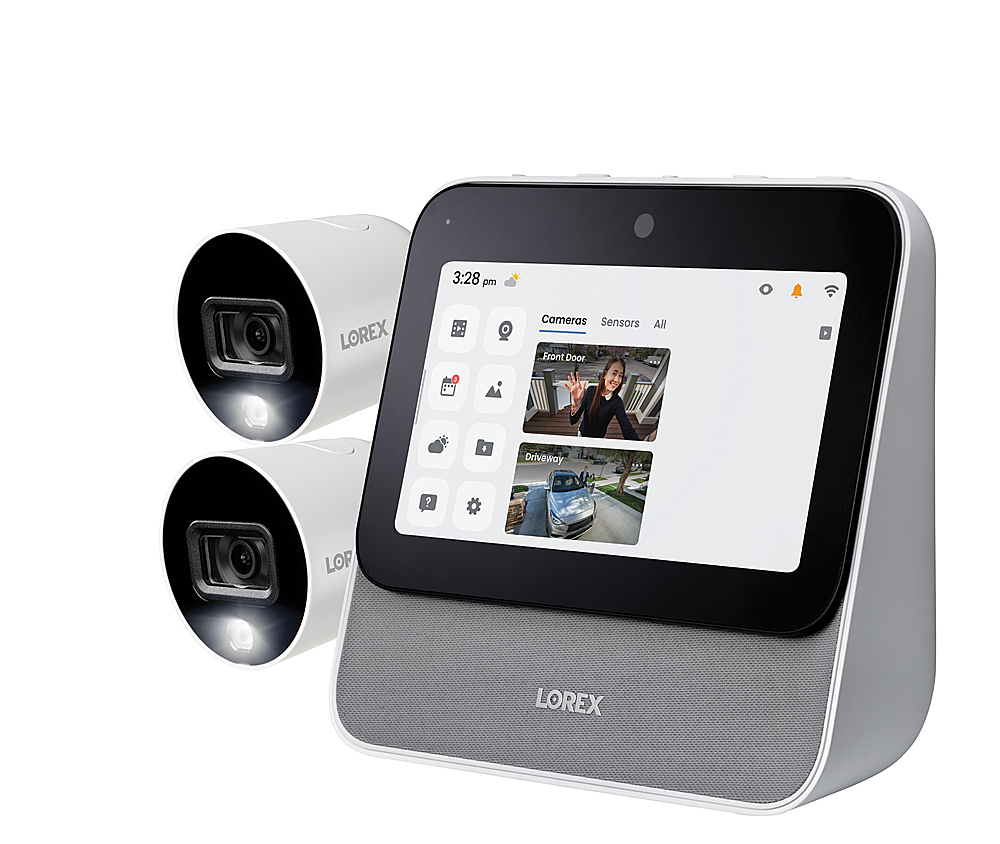
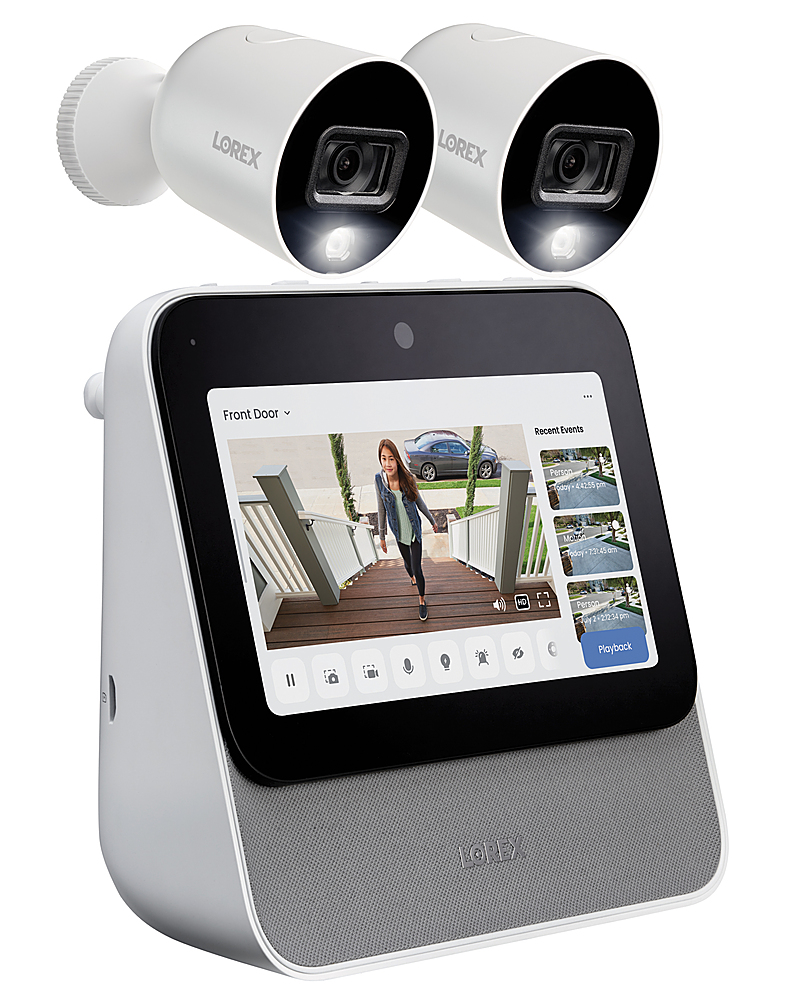
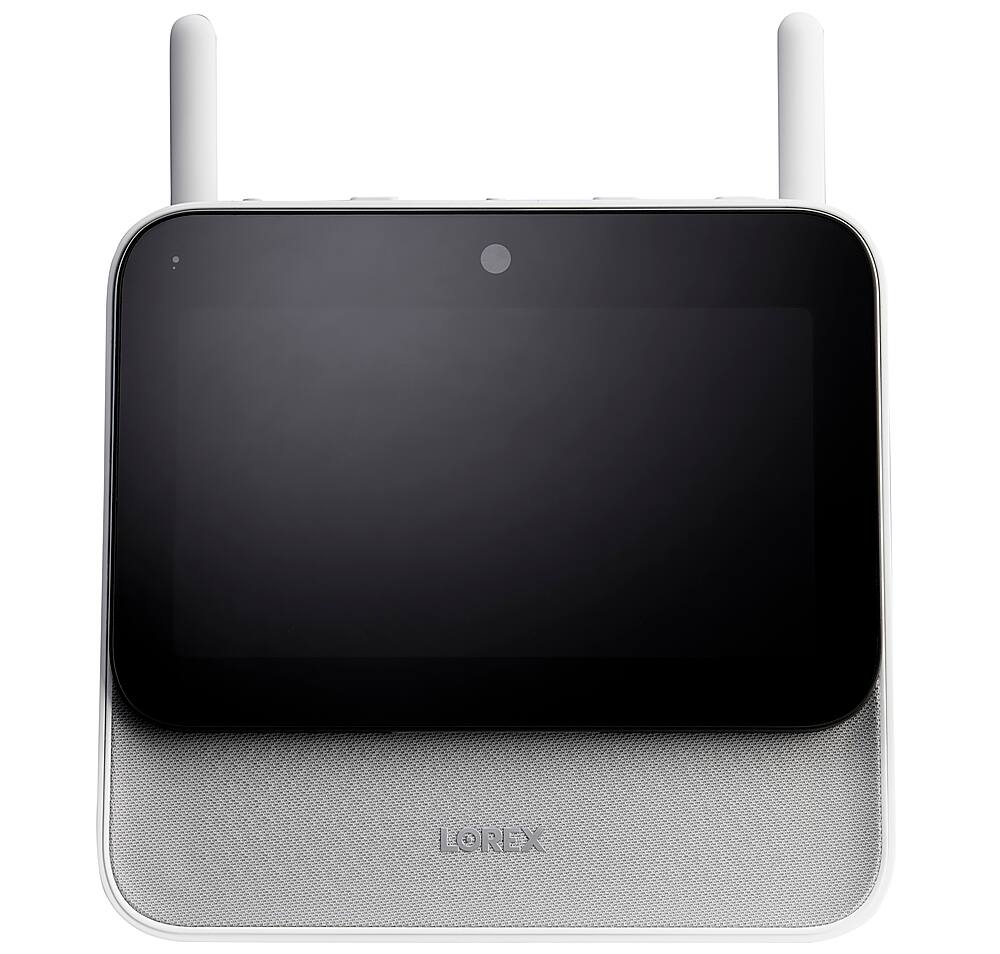
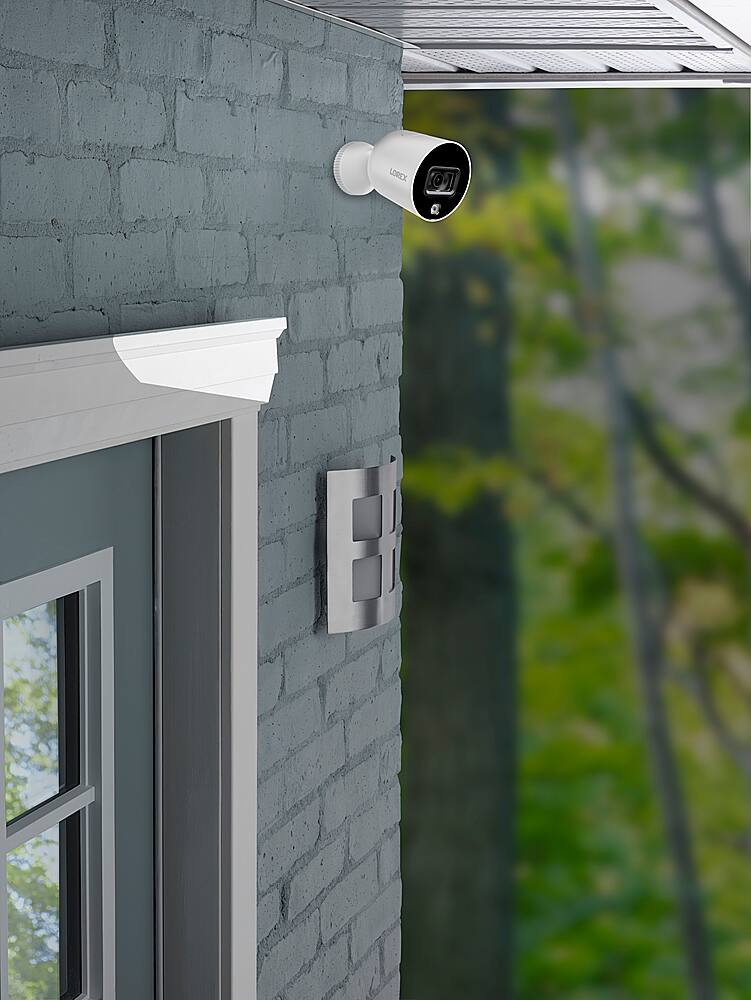
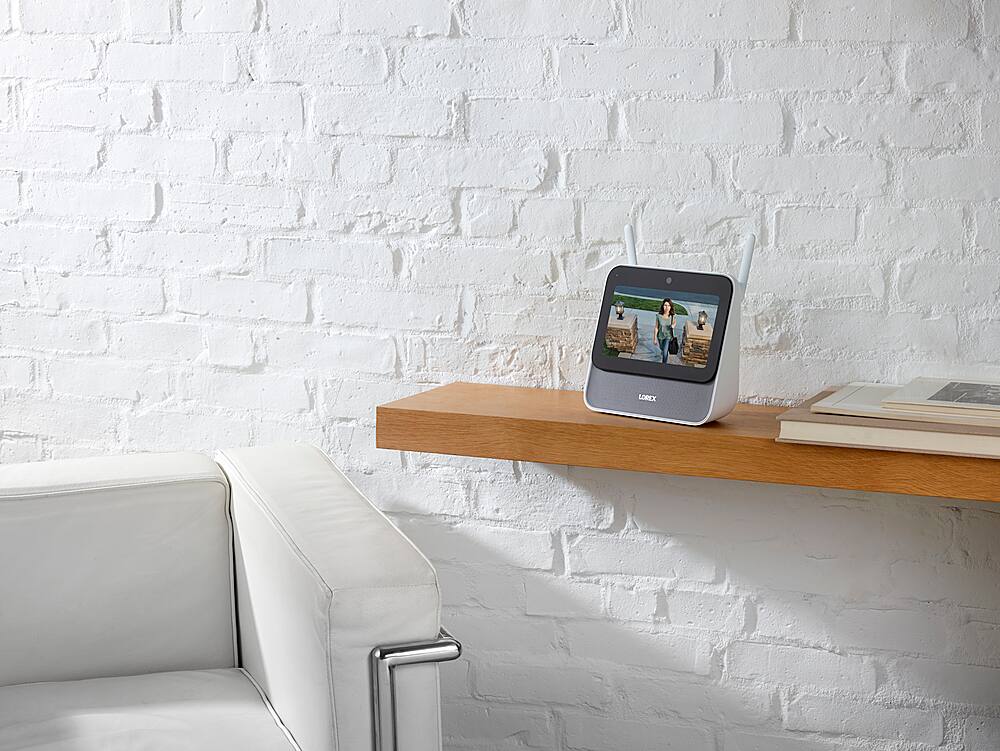
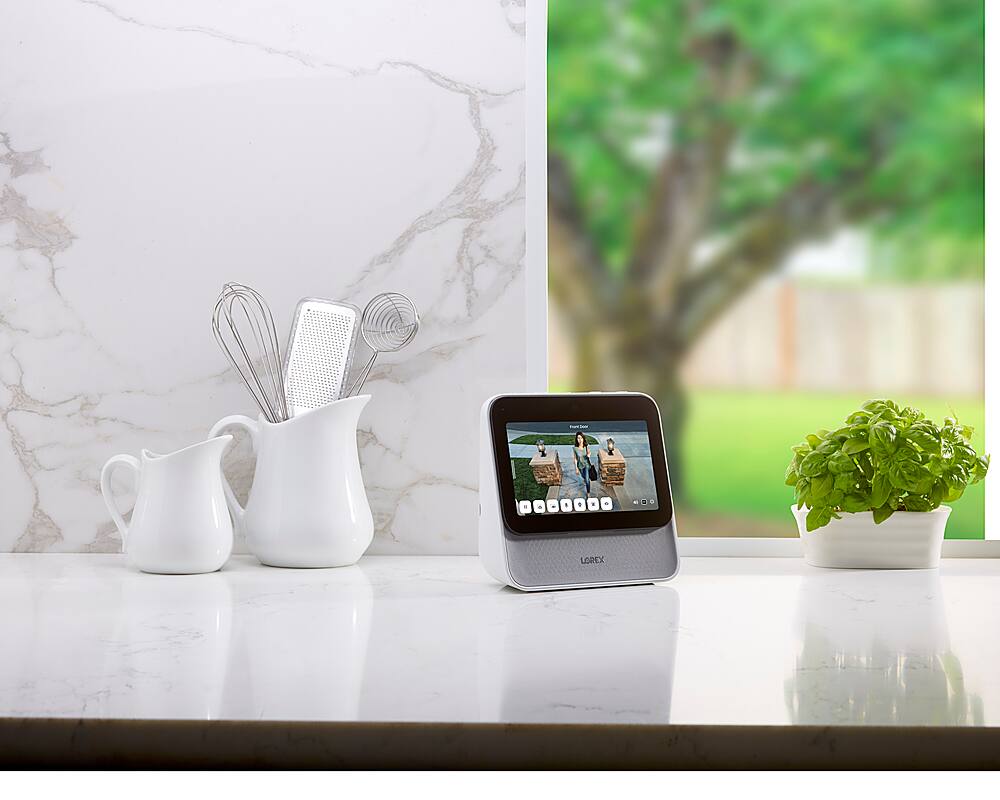
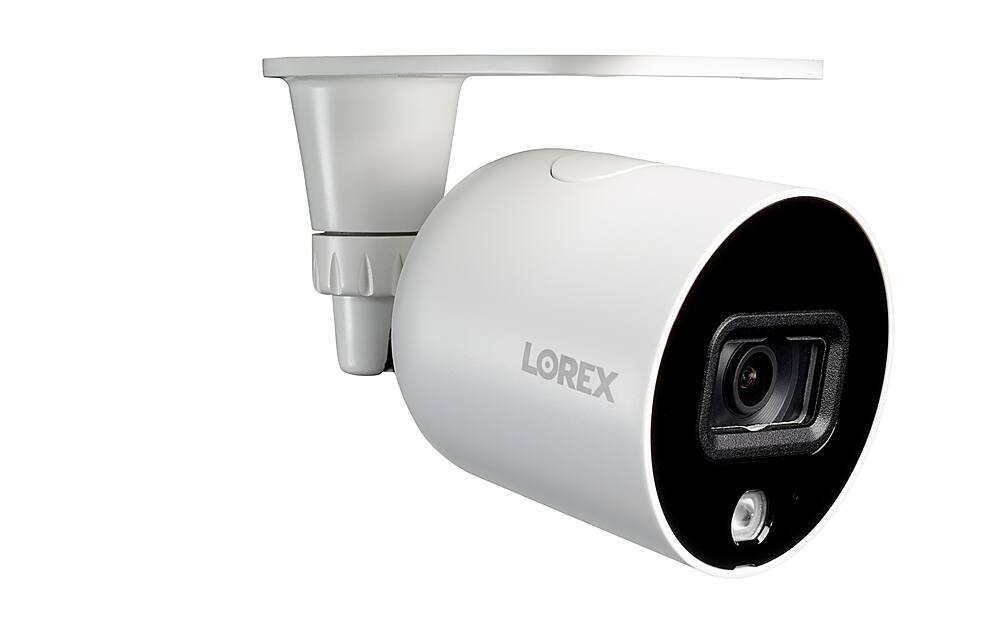
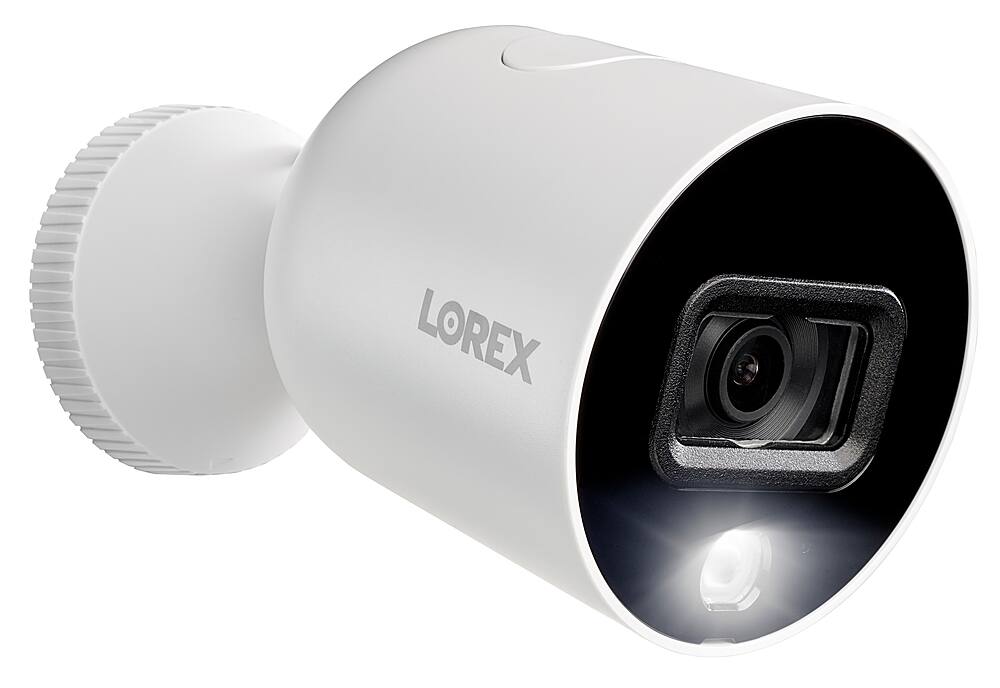
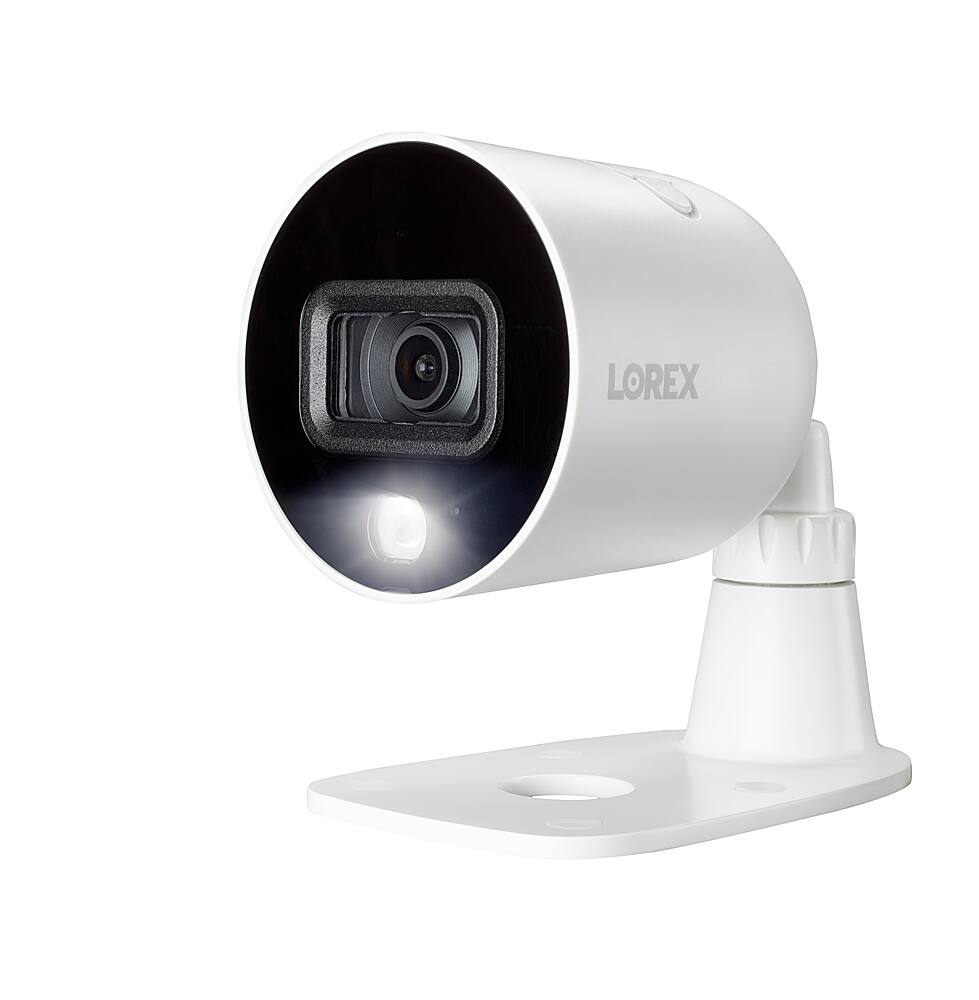
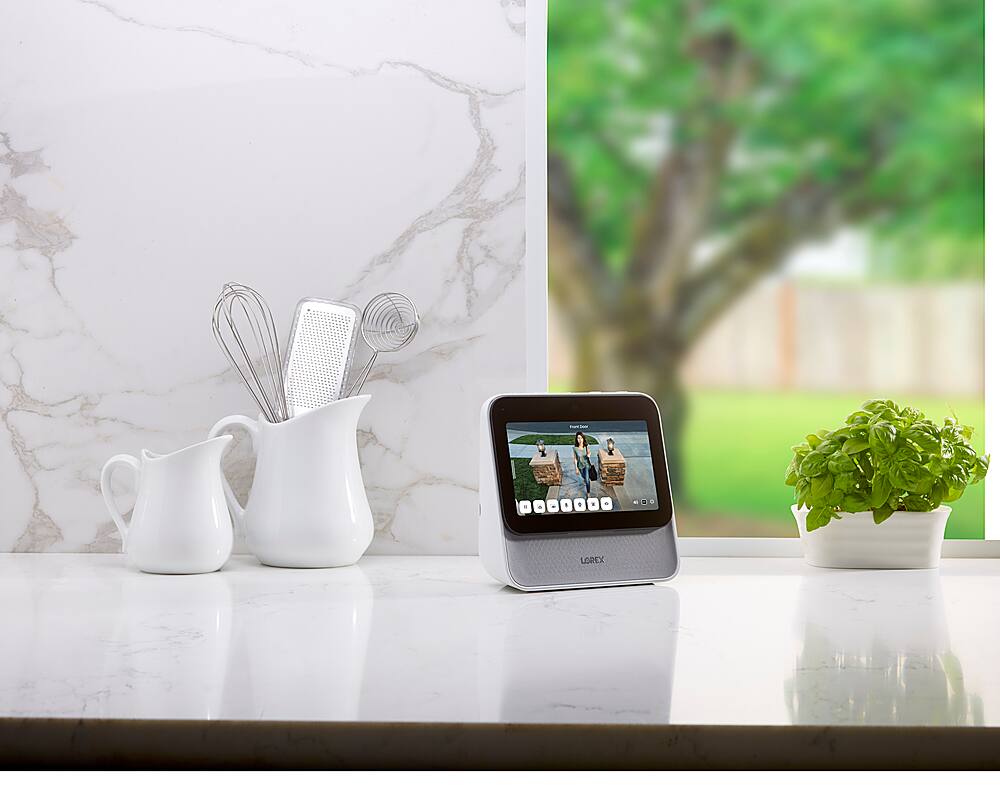
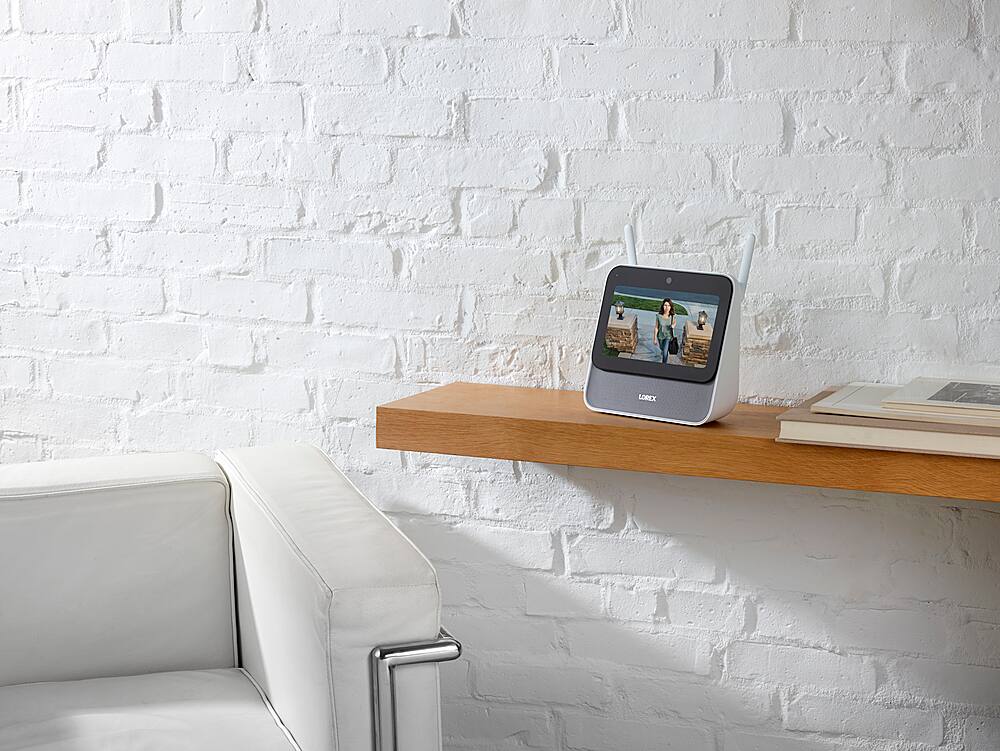
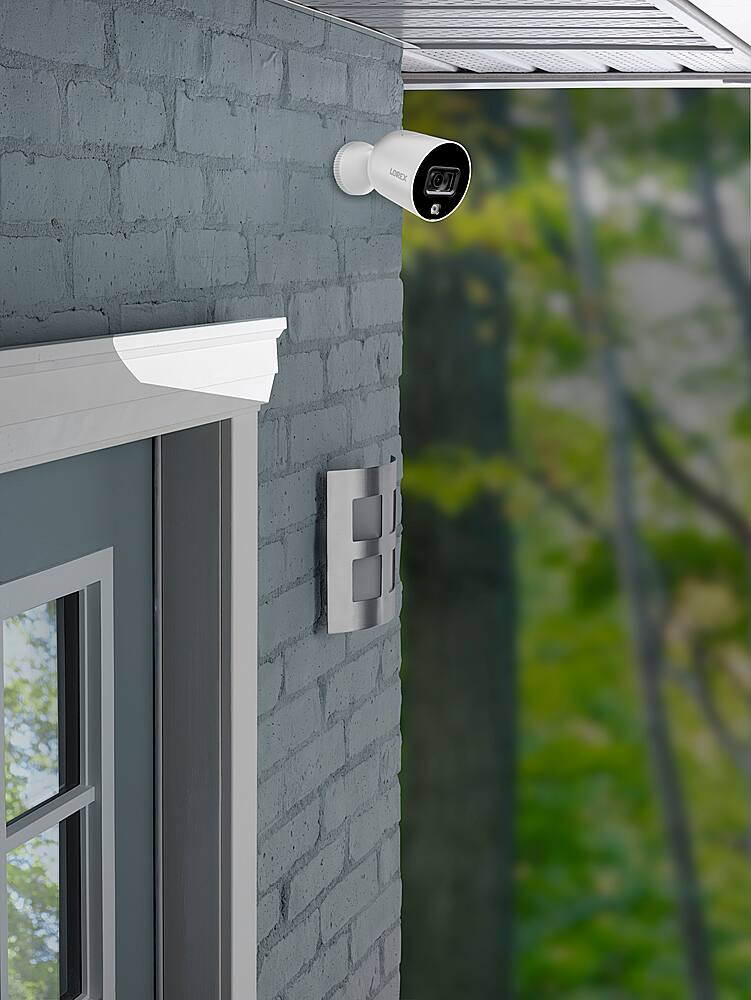
Lorex Home Center w/ 2 1080p Cameras
|Posted .This reviewer received promo considerations or sweepstakes entry for writing a review.Setup was a very simple process made easier with the input from the Home Center. Once you have it up and running, adding the cameras is a very uncomplicated task. The cameras get a clear image, and the LEDs are very bright. As with any other home assistant, it takes a little practice to get used to using. It works with Alexa very well, making it easier to get it to work with my home automation system. I was a little surprised that the cables for the cameras were as long as they are, including the extensions that were sent with them. My only complaint would be that I wish I could have a little more freedom with the Home Center. It seems to be locked down to only a few functions that were included with it, such as weather forecasts, and a screensaver. Of course, I mean outside of viewing the cameras. It would have made it a little more valuable to have the ability to view web pages, especially from cooking sites so that I could make a better argument for keeping it in the kitchen. However, it does what it advertises and does it well.
I would recommend this to a friend - Pros mentioned:Night vision
Lots of Features and Flexibility, and Reliable
|Posted .This reviewer received promo considerations or sweepstakes entry for writing a review.I am writing to those who are either new to home security or struggle with their existing systems. I currently utilize Arlo as my camera system, which I will compare the Lorex system to. While Arlo cannot be beat when it comes to flexibility (battery powered cameras) and ease of setup, I have serious doubts that the cameras will work when they’re supposed to. Plus, Arlo requires a subscription fee to use most of its features. And while that fee isn’t much, with all of the problems I’ve had Lorex is an enticing alternative. The main downside to Lorex (or almost all home security camera systems) is the installation of the cameras. These Lorex cameras are wired. Luckily they only need a power source and communicate with the hub wirelessly (vs. having to run a cable for the camera feed from the camera to the base like most DVR like systems). This is NOT a reason not to get it, but it can be a challenge depending on your level of expertise in running or hiding power cables and the setup of your house (outlets near where you want your cameras). If you know you want cameras inside your house, then it can be as easy as running a power cable from the camera to an electrical outlet and buying some cabling runners (which you can get super cheap). But if you want cameras outside, it complicates matters. Sure, you can plug it into an outside outlet, but then you’ll have a cable outside for any potential intruder to see and unplug. Plus you have to worry about the elements. It’s best to run the power cable through the exterior wall and find a place to plug it in. And even assuming you could do that, it still won’t be a perfectly clean set up as you’ll have a big USB plug in an outlet. But if you’re serious about security cameras, and either don’t mind having some unsightly cables or are confident you can run them, this Lorex system is definitely worth it. It has all the bells and whistles you need (lights on the camera, night vision, animal/human/vehicle detection, store footage locally on camera in the event the internet is out). Not to mention a convenient Wi-Fi hub where you can review your footage (you can also access your footage from the app). It takes a while to get the settings you want, but the settings menu in the HUB is pretty straightforward, it just takes a little time to “get things right.” IN THE BOX The packaging is nice and compact. You open it up and you have a box for your HUB/display and cables, separate box for instructions, and two other boxes each holding the camera and the various mounts. Speaking of mounts. It comes with a table mount (for use primarily indoors) and wall mounts with all the screws you need to put it on the wall. Another nice inclusion is a USB extension cable for the power cord. I should also mention there’s an included 64 GB microSD card in the HUB. And note that each camera has a slot for its own microSD card. CONNECTING CAMERAS and SETTING UP THE HUB Before mentioning installation, a few comments on getting everything to connect. It’s super easy. When you plug in the HUB you will have to create a password and setup face unlock (the latter is optional). The you can either connect your HUB to your router (via ethernet cable) or over Wi-Fi. I would imagine that for most people, your router won’t be near your HUB so you’ll need to connect to Wi-Fi. Then the setup process has you add devices. In this instance, it was the two wired HD camera. I plugged mine in to an outlet near the HUB, and within seconds, the HUB found them and connected. It was super easy. Then I unplugged the cameras and put them where I wanted (one was in the house and the other was in the garage). I should also add that after setup, the HUB puts up a QR code so you can download the app. Taking a picture of the QR, downloading and setting up the app took little to no time and was flawless. CAMERAS AND QUALITY OF IMAGES I found the cameras to be pretty bulky. They’re as large as the biggest Arlo cameras (which are pretty good size) but unlike Arlo cameras, don’t have a battery taking up the bulk of the space in the camera. The image quality is superb. While the camera isn’t 2K or 4K (which really is overkill in most instances) I found the quality and detail in the videos to be more than adequate. Even the night footage was terrific. I was able to zoom in and see plenty of details. COMMENTS ON INSTALLATION As I mentioned before, the biggest issue with ANY DIY security system is the installation of cameras. The cameras themselves are easy to mount. They come with all the necessary accoutrements. The biggest issue is the running of the power cables. If you plan on using these outdoors, you do need to be prepared to drill a hole from the outside and run the power cable inside and locate a power source. It’s certainly worth it, but plan to put aside some time to do it (unless you’re a pro). USAGE AND FEATURES Assuming you get the cameras installed, connected to the HUB and powered up, this unit really shines. You will need to mess with the settings to get the right level of notifications (both in the HUB and on the app). For example, I have a camera in my garage, and I would get a ping notification on my phone (and the HUB would make a noise every time I walked through the garage), even in the middle of the day. Since I don’t have to necessarily worry about storage I don’t mind if it continuously records when it detects notifications I just don’t want to get notified. So I turned off notifications in the evening hours and at night so they didn’t bother me. I found the notifications and detections to be onpoint. There was little to no delay. If you walked in front of the camera at night, the light immediately appeared and it began recording. Unlike my Arlo system which has a delay (which goes to my reservations of it catching everything). The HUB is a terrific idea. For standard home security cameras, you are going to get a system with a HDD and bring your own monitor. Meaning, if you wanted to view the footage on a bigger screen (other than your phone) you have to have a dedicated space and run all the cables to it. Here, the HUB has a decent enough sized screen so you can put 4 camera feeds on it at once and access all of your footage. And the HUB is about the size of a smart home display speaker. Maybe you don’t like that, but I don’t mind it. (although if I had a smart home display, I don’t know if I’d want two on my countertop). The bigger point is the size of the display isn’t all that intrusive. It’s impossible to discuss all the settings and whatnot, but don’t be discouraged. It will take some time to get it right on initial setup, but I promise the menus (both in the HUB and the phone app) are intuitive QUIRKS AND GENERAL COMMENTS There is a camera built into the HUB, and I couldn’t figure out what it does other than face unlock (which doesn’t work well IMHO). But there’s a physical privacy slider to turn it off. There’s some other devices you can buy to make it “smarter” that I wish were included. It would be nice to have some sensors in the package that turned on notifications automatically when you aren’t home (vs. setting a time of day when it sends notifications). And it seems to me that it only handles 4 cameras at once. This can be a big downside for those with bigger houses, but if all you wanted was to have cameras on the outside of your house, 4 should be enough to cover all sides. CONCLUSION Installation is always the difficulty with any home security system that isn’t Arlo, but don’t let that deter you. This is an extremely capable system with lots of features that you can count on. I recommend it to anyone looking to install their own security system.
I would recommend this to a friend - Pros mentioned:Image quality
Quality Wifi camera system with lots to like!
|Posted .This reviewer received promo considerations or sweepstakes entry for writing a review.Lots of features to like, but when it comes to a surveillance system w wifi cameras, the first plus has to do with installation and getting things up and running. Suffice it to say installation and setup were easy. You simply plug in the Lorex monitor/hub, and it walks you through all you need. I liked the face recognition feature to fire up the Lorex display instead of having to enter my password. The downside was that the software is set to only recognize 1 face. This did not go over well with my wife. SHOUTOUT: Hey Lorex, allow 2 faces to be recognized. Plugging in the cameras 1 at a time resulted in their prompt recognition by the Lorex display. I tested the siren and turning on/off the bright light on each camera. Easy as pie. I then set about installing the cameras, one in my garage and one on my lanai. I used the wall bracket for the lanai, the ceiling/table (any flat surface) for the garage. The template provided made locating the areas to drill 2 holes (wall bracket) or 4 holes quick and easy. I angled the cameras and voila -- the views were displayed side by side on the Lorex monitor inside my home. Easy to see both views, or only the display of one camera. The ability to zoom in or go wide angle was again -- easy. With all working, I tested the microphone w my wife and can sum up w 1 word, excellent. The fact that the cameras/microphones can be set to turn on when motion is detected and sensitivity set was another plus. I particularly liked the ability to have a home and away setting. The setup allows you to expand a circle around your location as being home. Whenever the system detects you are out of the range of your circle, you are automatically away, cameras are set, notification messages to your smart phone w the Lorex app become active. Messages automatically turn off when you arrive back in the circle that you defined as being home (can include yard and driveway, shed area, etc.). What about the images displayed? They were excellent both day and night. Colors rendered true, and in hi definition (sharp). The images are stored on a large memory chip in the hub, and so zero fees to maintain recordings with a cloud service. Oh, the cameras have a PRIVACY setting so that recording may be turned off and on by camera. The Lorex Home software makes it extremely easy to find any event by time or camera as they are chronologically stored and viewable. The hub, because of it's limited, but valuable VOICE RECOGNITION makes it easy to find an event by saying "Lorex, display the garage camera between Xpm and Ypm. Voice recognition is nice and fast when you want to display a single camera or all camera view simultaneously with the split screen. I have a few Google Nest Cameras ( Kitchen, Front door bell), and integrating my Lorex cameras with the google system was very easy and quick. It enabled me to use my google Nest Home Max display to ask for and see either one of my 2 Lorex cameras. Alas, a limitation of the integration was that you may only send the display of 1 camera at a time to the google Nest display. You can pick either, but not both. If you want to see both (or 3 or 4 Lorex camera views simultaneously), you must use the Lorex display hub. Summary: An excellent surveillance system with excellent cameras, many features, and considering price -- an excellent buy. I highly recommend the Lorex home system.
I would recommend this to a friend - Pros mentioned:Image quality
Great Stand-Alone Home Security System
|Posted .This reviewer received promo considerations or sweepstakes entry for writing a review.I got this system because it's a complete stand-alone home security system with no apps or internet connection required. (But you can use them to give the system more functionality). I very much liked the idea of not having to be connected, not having any fees, and not having to use a separate device to access and monitor the system. I haven't been disappointed. This is a high-quality system with all the features I expect in a security system. The system's "Home Center" is a mini computer of sorts with a 7 inch touchscreen used to setup, control, and monitor the system. The Home Center has audio and video, can respond to voice commands, and gives audio alerts to events. It walks you through a very simple setup process including connecting wirelessly to the security cameras. Once I had the cameras in place I was up and running in minutes. The cameras are outdoor, 2-way audio, 1080p, w/LED and color night vision. Not battery powered but plug-in, which can be both a pro and a con because it did somewhat limit where I was able to place them. (But I never have to worry about recharging batteries.) They came with their own extension cords which gave them about a twenty foot reach. The camera video quality is excellent as is the recorded video playback. I also like that the system can be added to - extra cameras, video doorbell, motion sensors and range extender. (I didn't need a range extender for the two cameras I have set up so far.) I feel that this system was a good value for the price and would recommend it, especially for anyone who might have no or unreliable internet service.
I would recommend this to a friend Clean, easy setup
|Posted .This reviewer received promo considerations or sweepstakes entry for writing a review.The Home Center (essentially a console) and two 1080p HD cameras were well-packaged. Something I really liked about this setup was that nothing was missing: the cameras’ USB cables were very long, and a long extension was supplied with each one; ample mounting hardware is included, along with several ways to attach the cameras. The control center’s interface is nice: uncomplicated and pretty intuitive. Navigating the screen doesn’t behave as smoothly or as quickly as one would expect from other touch-oriented devices, like a smartphone. Granted, this system doesn’t have the performance needs of a smartphone, but the sluggishness of the display gives a poor impression. I had a great deal of difficulty getting the facial recognition to function. Entering a code isn’t so bad though, especially since this isn’t a device one should need to use very often.
I would recommend this to a friendDefinitely not a Smart Assistant
|Posted .This reviewer received promo considerations or sweepstakes entry for writing a review.Let me preface this review with this: I like Lorex. I really like Lorex. They make great cameras. Their Lorex Home App has come a LONG way and is very user friendly. All of my family have Lorex Cameras in their house. With how happy I have always been with Lorex, I was excited to get my hands on this Lorex Home Center as I saw it as a great step in the evolution in the ever affordable world of home security. This Lorex Home Center is NOT a smart device. I repeat...NOT A SMART DEVICE. It looks like a duck, it quacks like a duck, but if you think this is a device similar to Alexa or Google, you will be frustrated. The device wakes up to "Lorex" like a smart device, but any reasonable command gets you a response that it can't do that. I hope it evolves into a more usable product, because I think it's a great idea. Now that we have that out of the device do? Well...it can allow you to set up your cameras. It can allow you to view your cameras. It will allow you to do about half of the things a dedicated NVR will allow you to do. And setup is amazingly simple. Whether through the Home Center or the Lorex Home App it's a piece of cake. The cameras can be pretty far from the Home Center, which is really nice. Their picture is typical Lorex clear as well. You can add Lorex door and motion alarms to the Home Center, which is also great. But if you have an existing Lorex NVR system, you can not use this Home Center to view those cameras. Or at least I haven't found a way to get it done. Also...the Home Center is NOISY! It beeps constantly, and without notification to why. I ended up muting the Home Center and using Lorex Home exclusively. Ultimately, the Lorex Home Center is a great idea, but it needs to expand and to be polished. I have a lot of faith in Lorex, but I don't think now is the time to by the Home Center. For now, I would stick with one of their NVR systems you can pick up at Best Buy, as they allow you to connect both wired and wireless cameras.
No, I would not recommend this to a friendA Good DIY Security System
|Posted .This reviewer received promo considerations or sweepstakes entry for writing a review.The Lorex Home Center with 1080p WiFi cameras is a good do-it-yourself security system. Setup is relatively straight forward. Mount the cameras where you want them using the supplied hardware and templates and plug them in. The included power cables are long enough to allow for the cameras to be mounted almost anywhere. Once cameras are installed, setting them up in the home center is pretty easy and the home center walks you through it. Pros: * Setup is pretty straight forward * You can setup the mobile app to view your cameras on the go * Can expand system easily with additional cameras, doorbells, etc. * Voice activated home center * No monthly fees * Record locally to SD card * Two way audio on the cameras Cons: * Cameras are 1080p and not 4K * Touchscreen on home center seems “cheap” * Navigation of home center is not overly intuitive * Face recognition on home center to unlock only recognizes one face. Not easy to use with more than one person who may need to check footage. * No subscription fees * Cannot add existing Lorex hardwired cameras to home center. I already had a Lorex system, but they won’t work in the home center, just the remote app. Overall, the Lorex Home Center with WiFi Cameras is a good security starter pack. There are better systems available, but the ease of setup and use with this system means you can be up and running in no time. In the end, I just setup the cameras in the Lorex mobile app and don’t use the home center much. This way I can quickly keep an eye on my camera recording, motion detections, get alerts, etc. right to my phone.
I would recommend this to a friend