Customer Ratings & Reviews
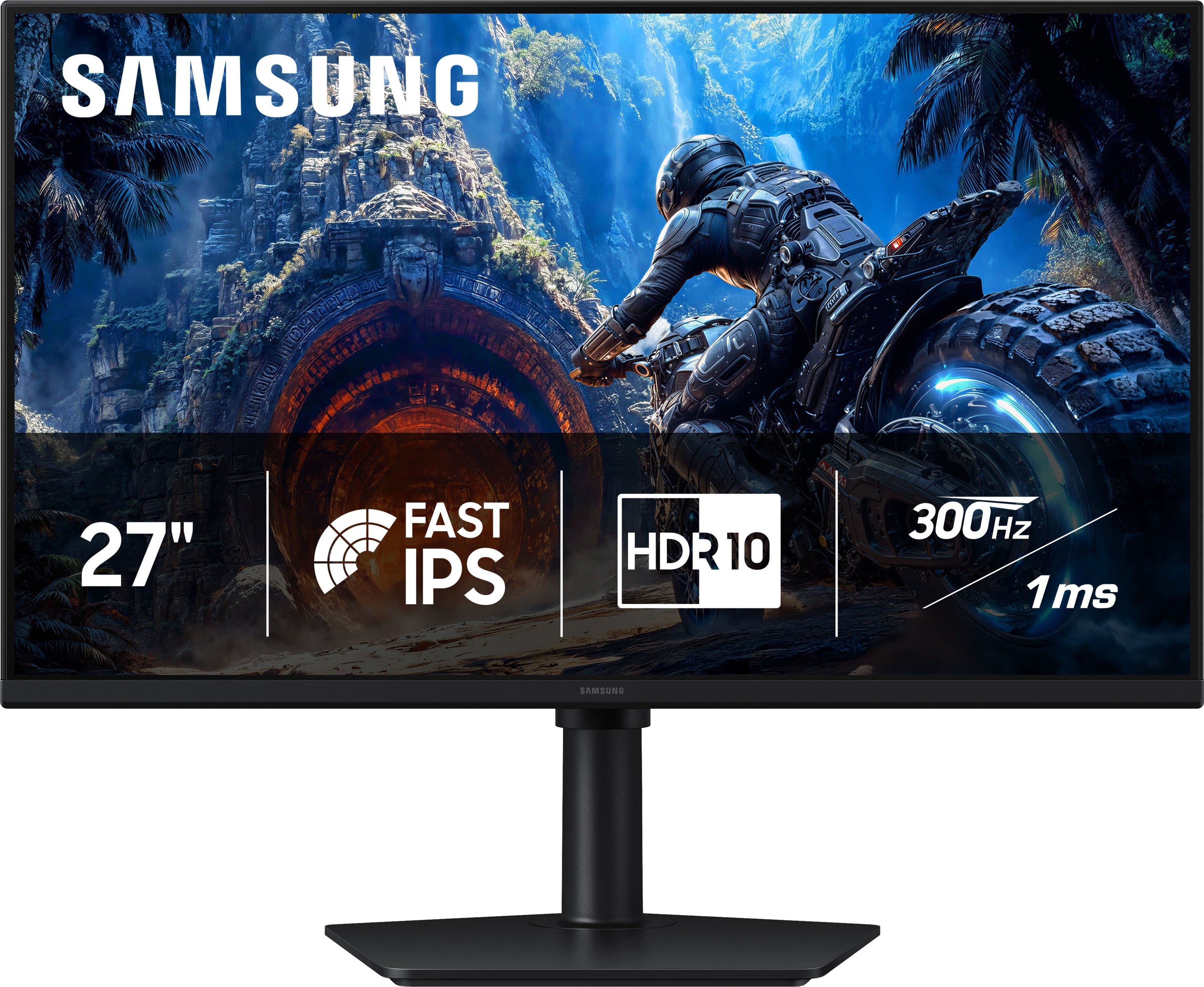
- Model:
- LS27HG40DENXGO
- SKU:
- 6668943
to a friend
Customers are saying
Customers are delighted by the impressive picture quality and high-performance capabilities that make this monitor ideal for gaming. Users also appreciate the smooth 240Hz refresh rate, sleek design, and wide viewing angles that enhance the overall visual experience. While the display excels in performance, some users noted that the limited connectivity options and the lack of built-in speakers are minor drawbacks to consider.
This summary was generated by AI based on customer reviews.
- Pros mentioned:Design, Performance
10/10 would recommend
||Posted . Owned for 2 weeks when reviewed.This reviewer received promo considerations or sweepstakes entry for writing a review.Great product right out of the box. Clean and smooth look with very easy set up and ultimately great visuals and speed to back it up. Great for new and old PC gamers.
I would recommend this to a friend 5 star review!!!!
||Posted . Owned for 2 weeks when reviewed.This reviewer received promo considerations or sweepstakes entry for writing a review.I would like to thank Best Buy and their workers for helping me out in the store. I really appreciate the workers for helping me find the best monitor for the type of games I play. I ended up getting the Samsung 27” Odyssey G4 and I love it! Everything works perfectly fine and was in perfect condition. I recommend everyone to shop at Best Buy if you’re looking to buy any type of electronics/equiptment. Thank you again and you will see me again and again lol
I would recommend this to a friend- Pros mentioned:Picture quality
300hz for the win
||Posted . Owned for 2 weeks when reviewed.This reviewer received promo considerations or sweepstakes entry for writing a review.Great monitor. I got it on sale and I don’t think I could have gotten a better deal
I would recommend this to a friend Good Monitor
||Posted . Owned for 1 week when reviewed.This reviewer received promo considerations or sweepstakes entry for writing a review.pretty good decent monitor for the price tbh holds up really well and has really good performance and graphics.
I would recommend this to a friend- Pros mentioned:Picture quality
Great monitor
||Posted . Owned for 1 week when reviewed.This reviewer received promo considerations or sweepstakes entry for writing a review.Looks great and runs great picture quality is exactly what I wanted
I would recommend this to a friend Great monitor
||Posted . Owned for 2 weeks when reviewed.This reviewer received promo considerations or sweepstakes entry for writing a review.Great monitor, crisp picture, great refresh rate. 9/10
I would recommend this to a friend- Pros mentioned:Picture quality

The best IPS screen I've seen
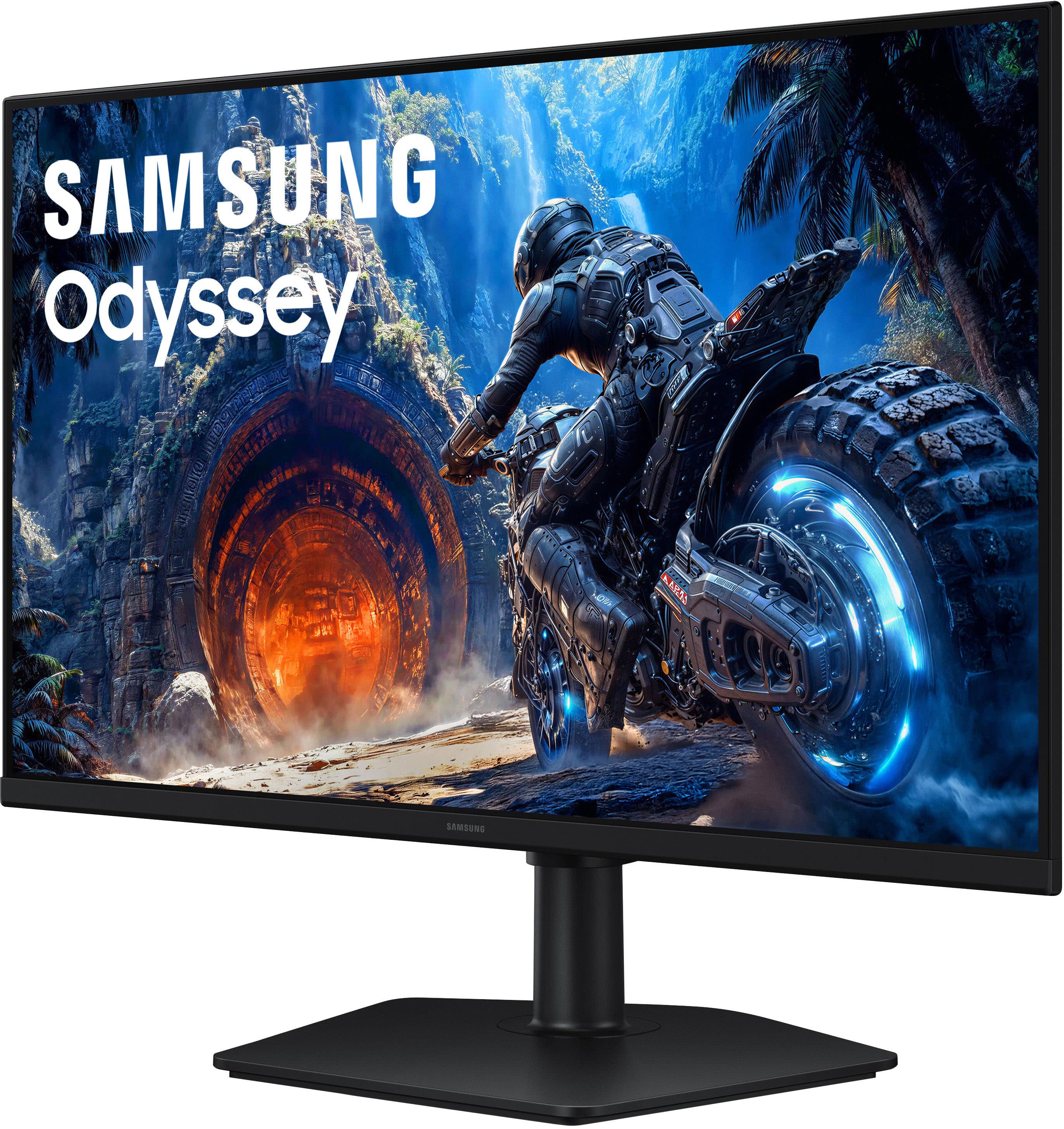
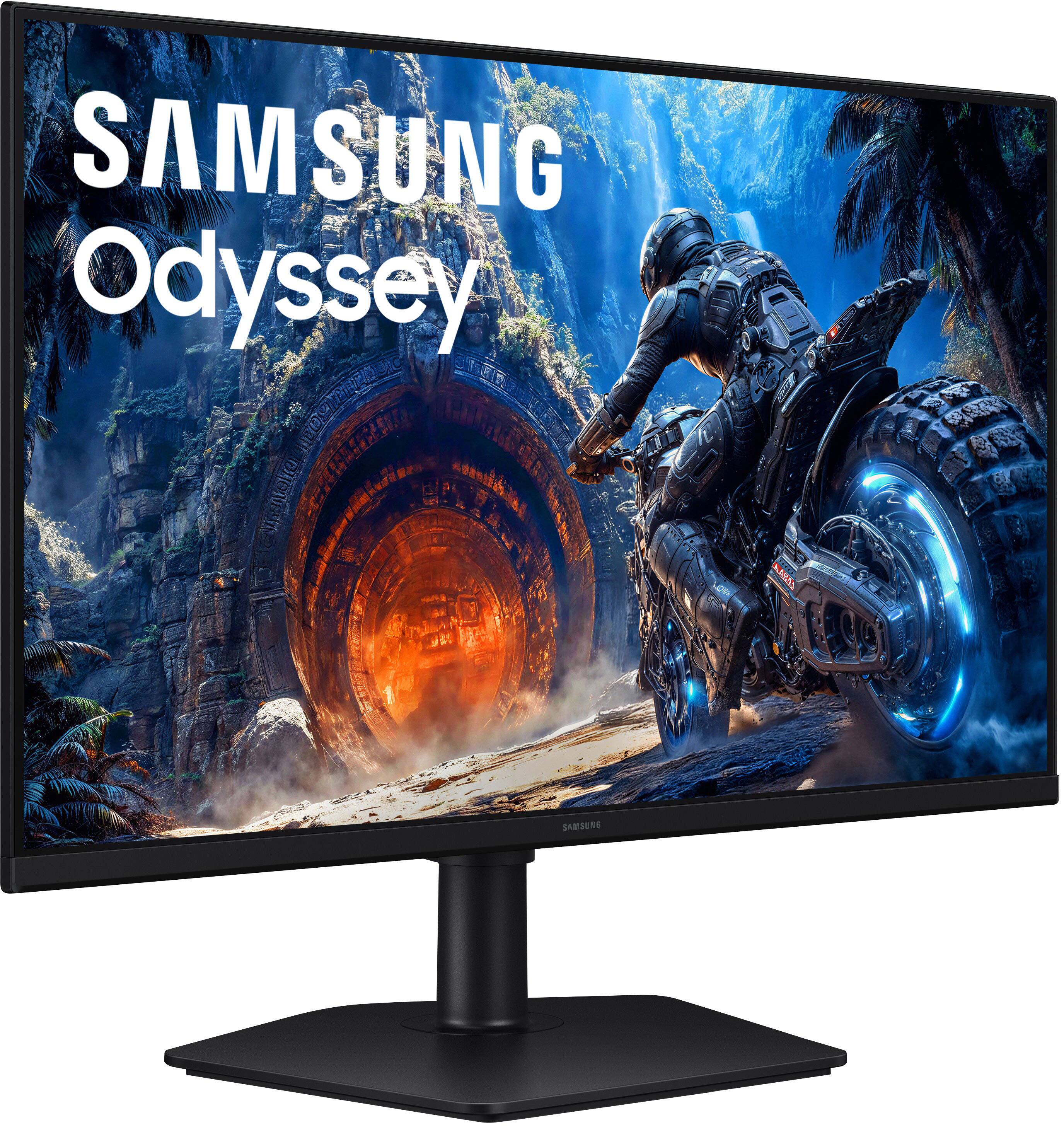
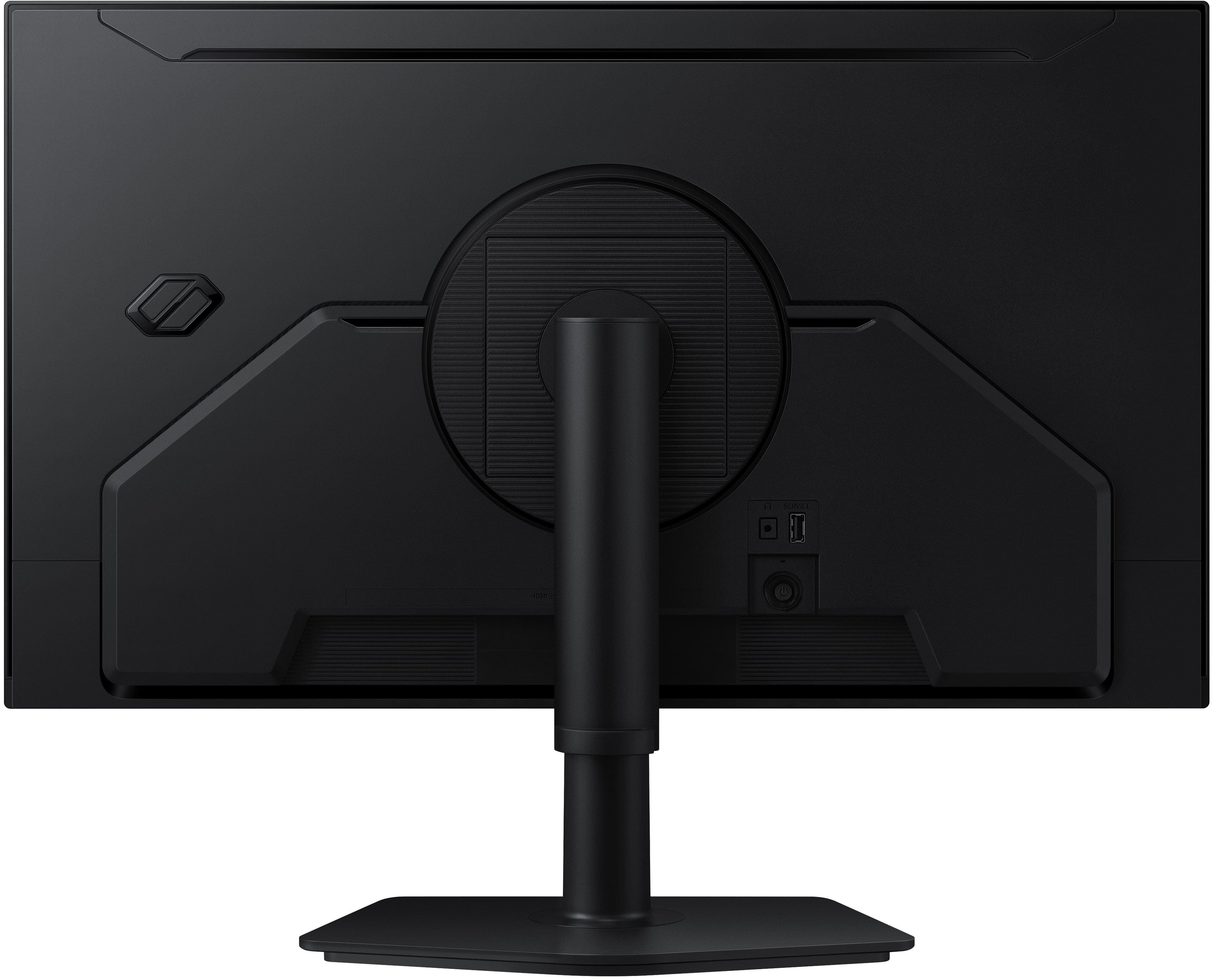
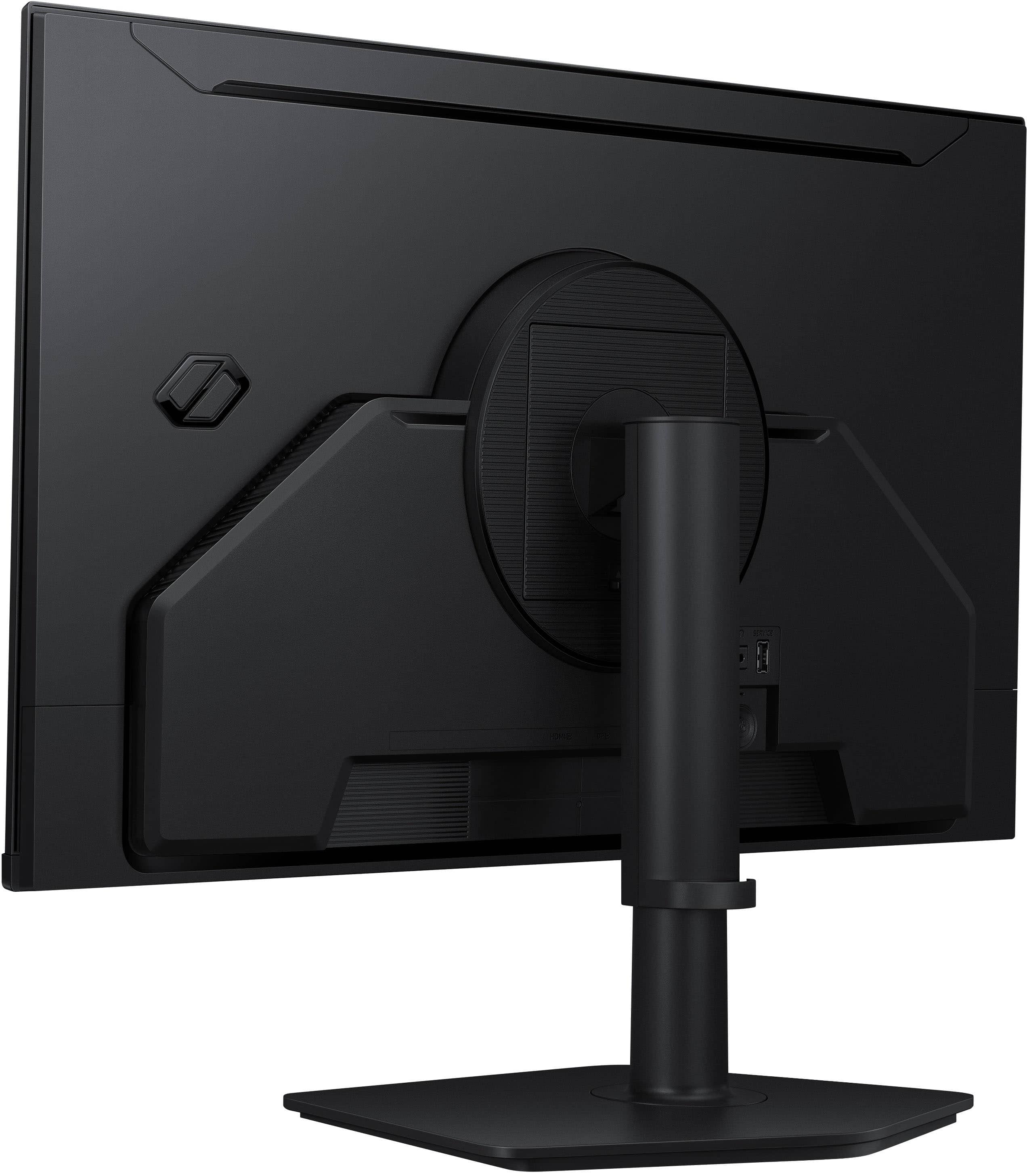
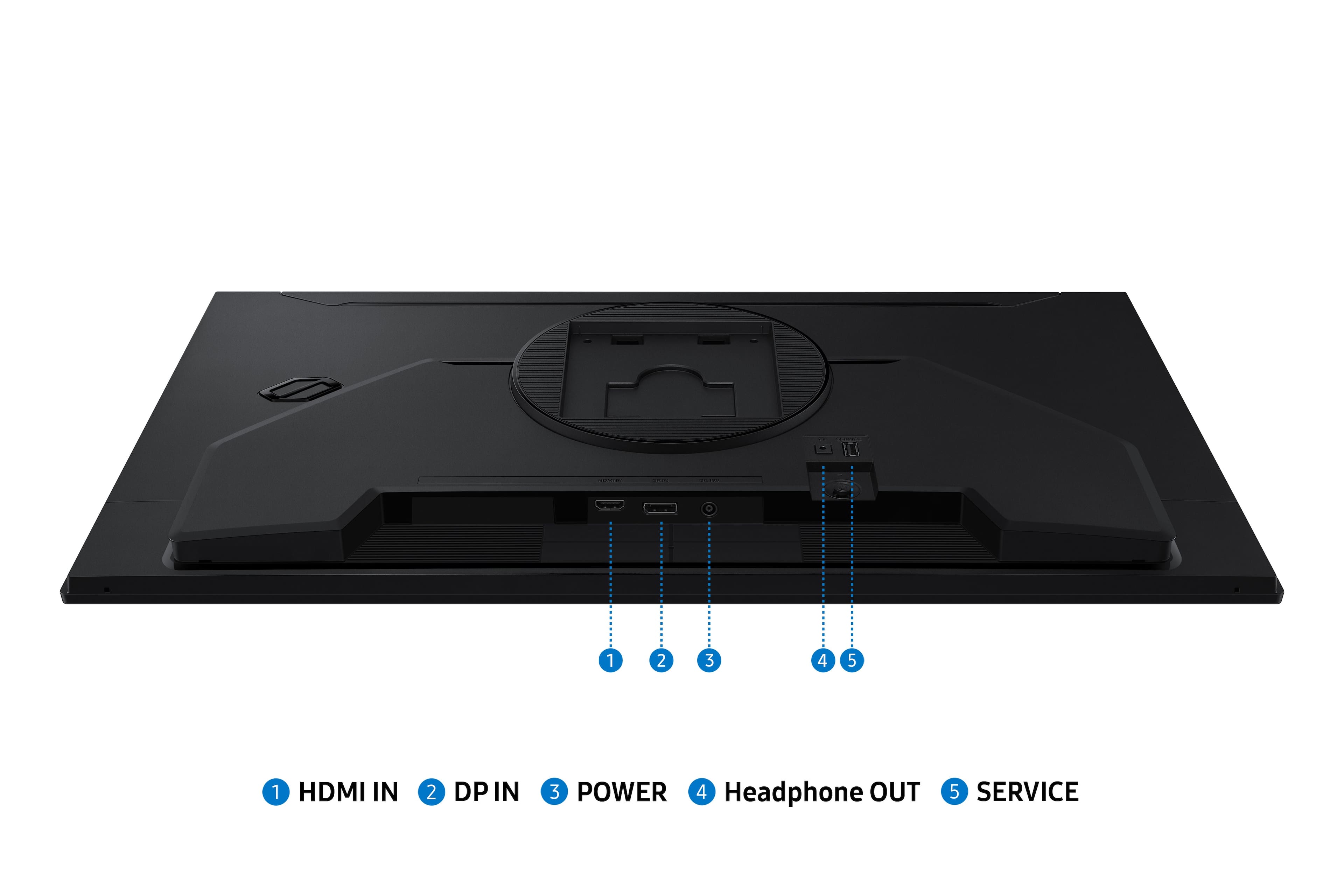
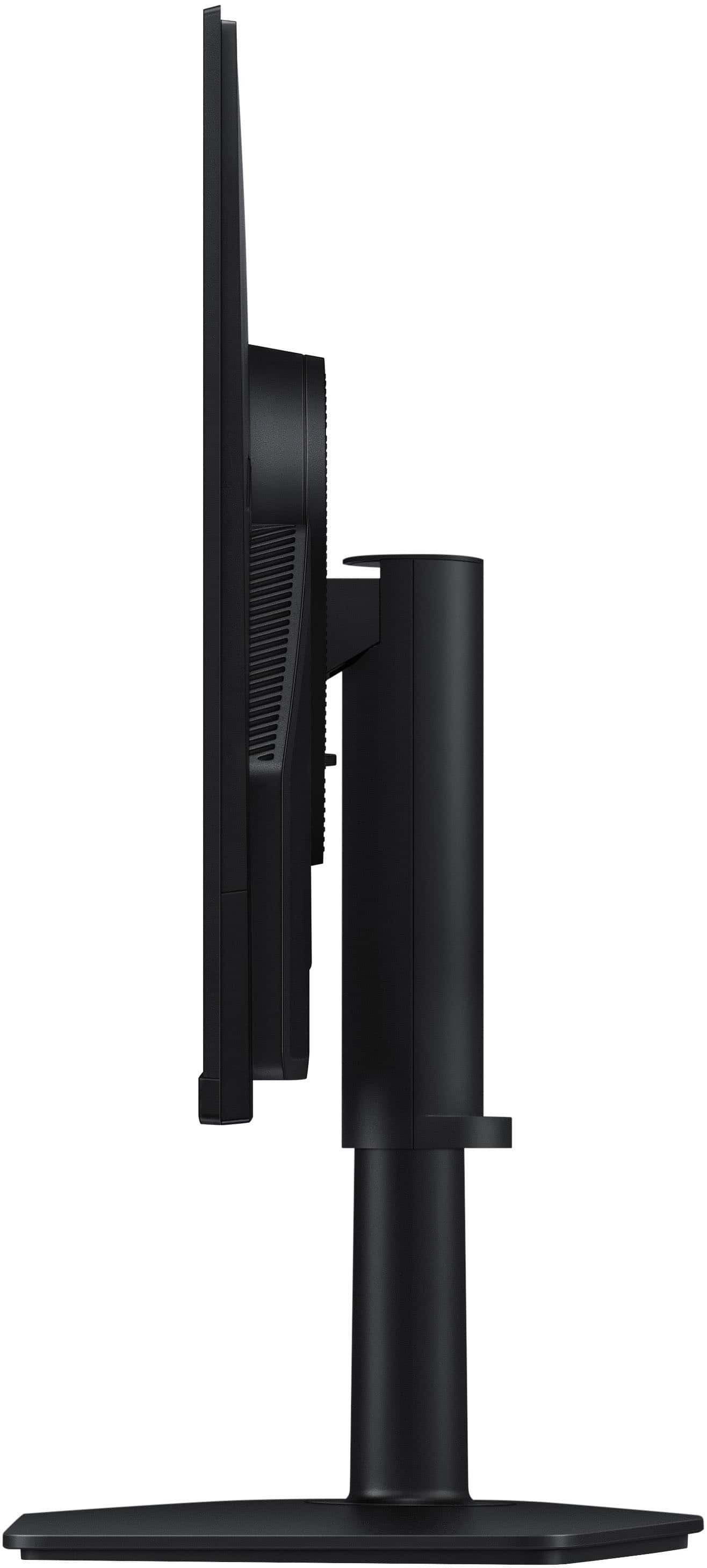
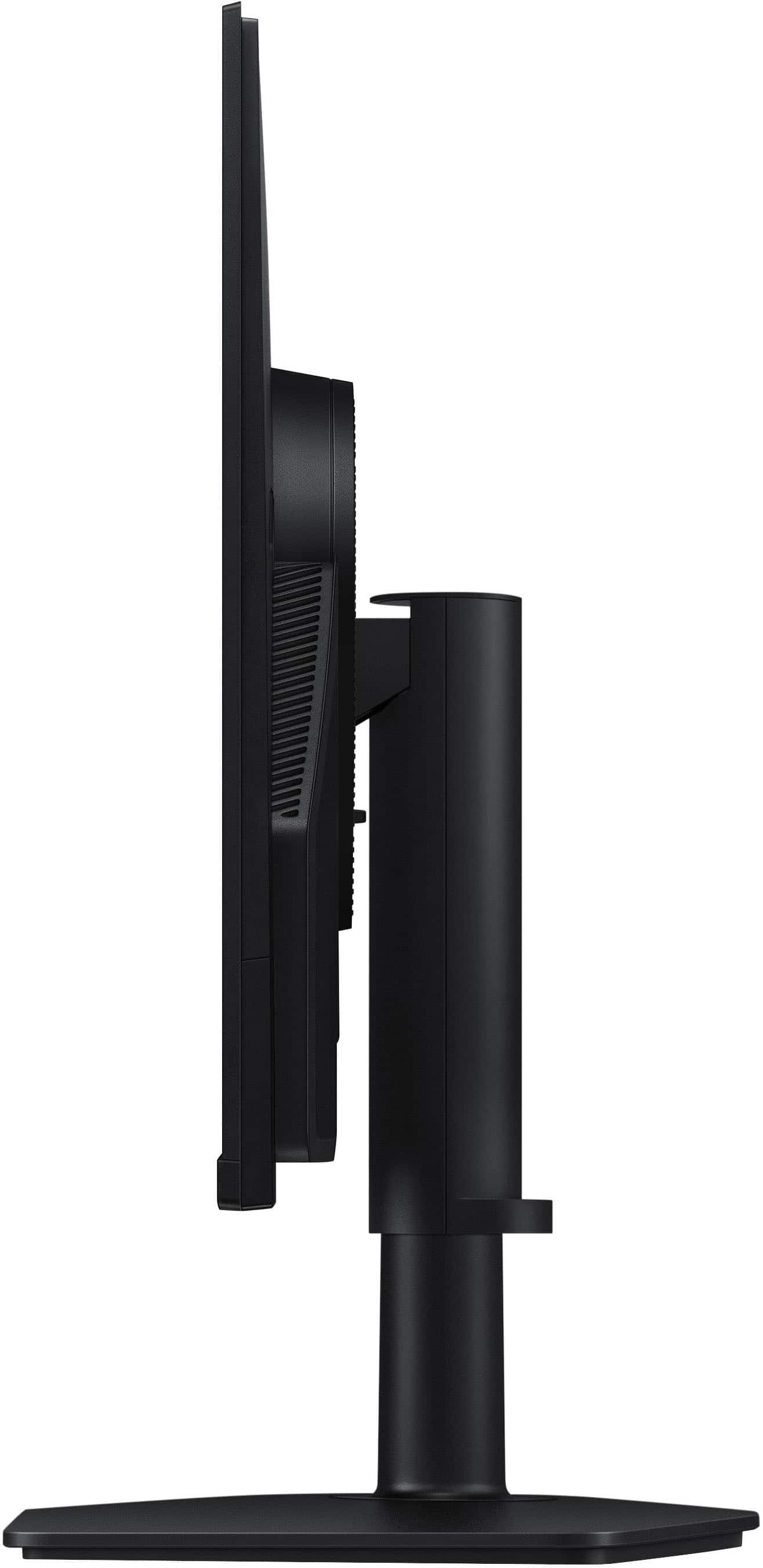
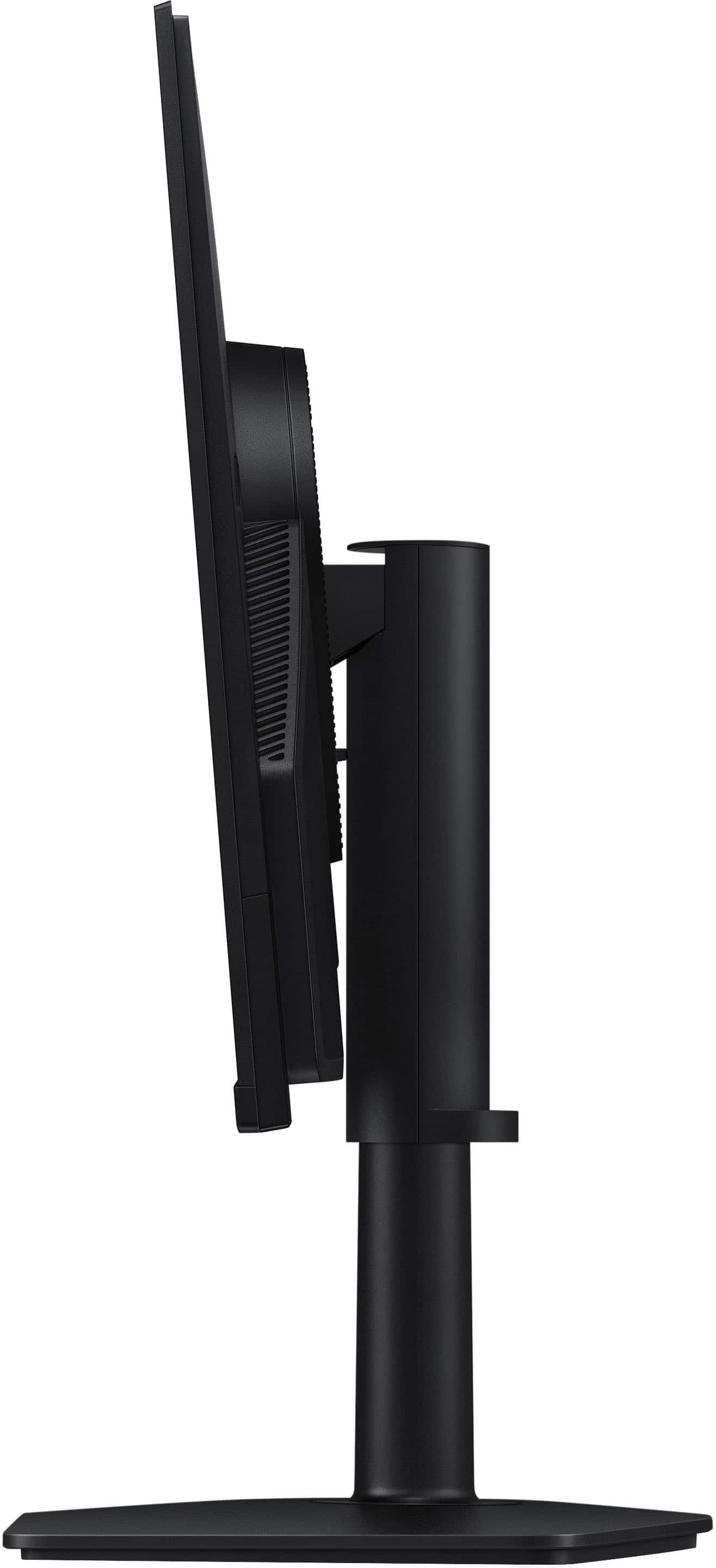
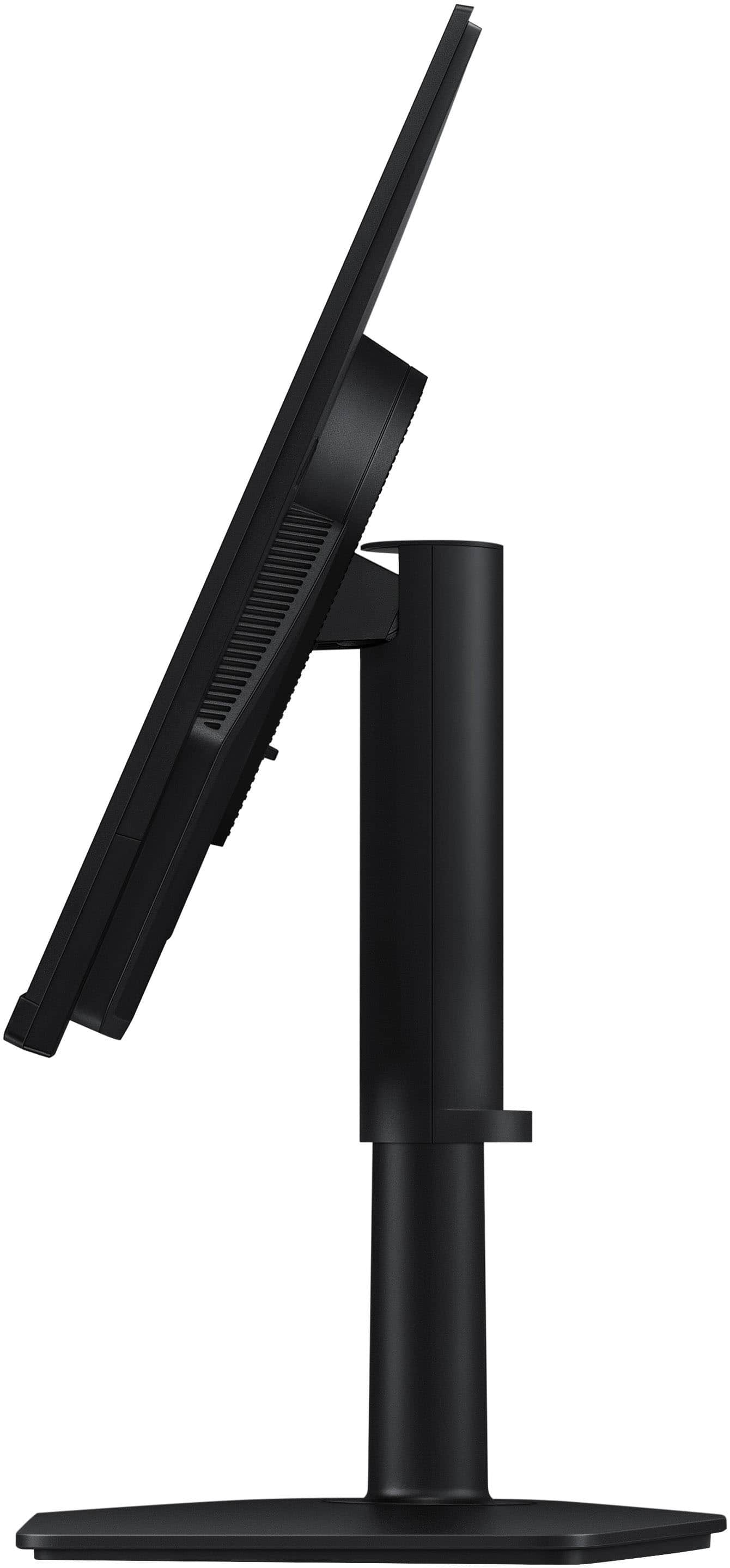
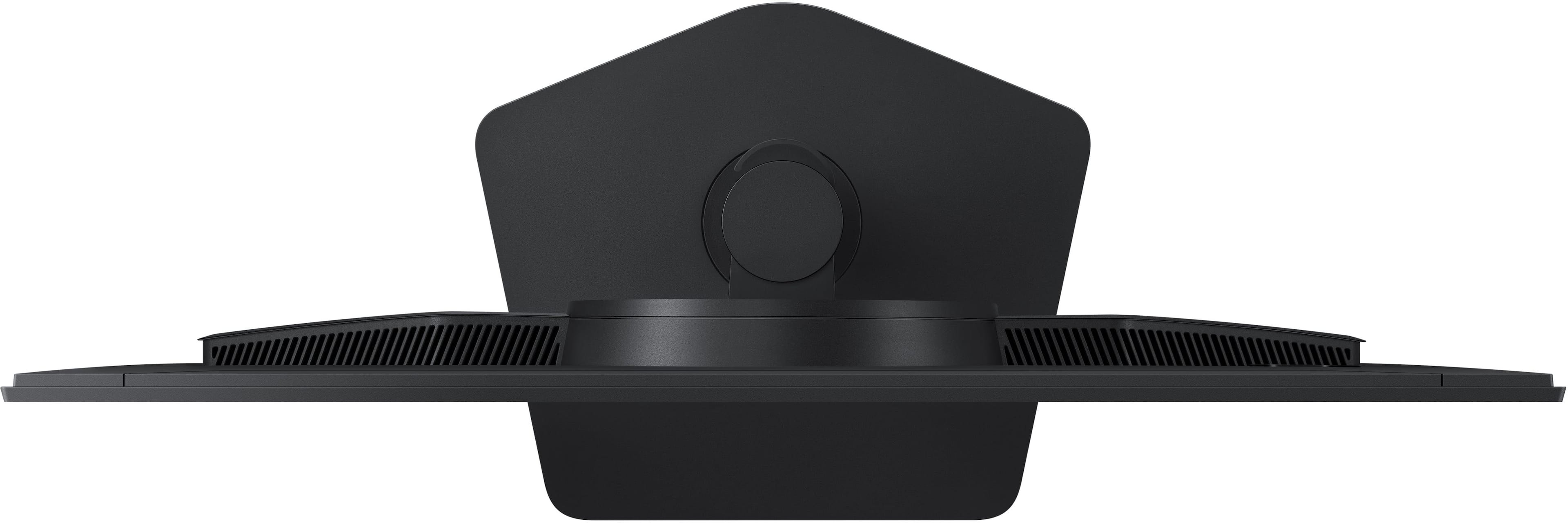
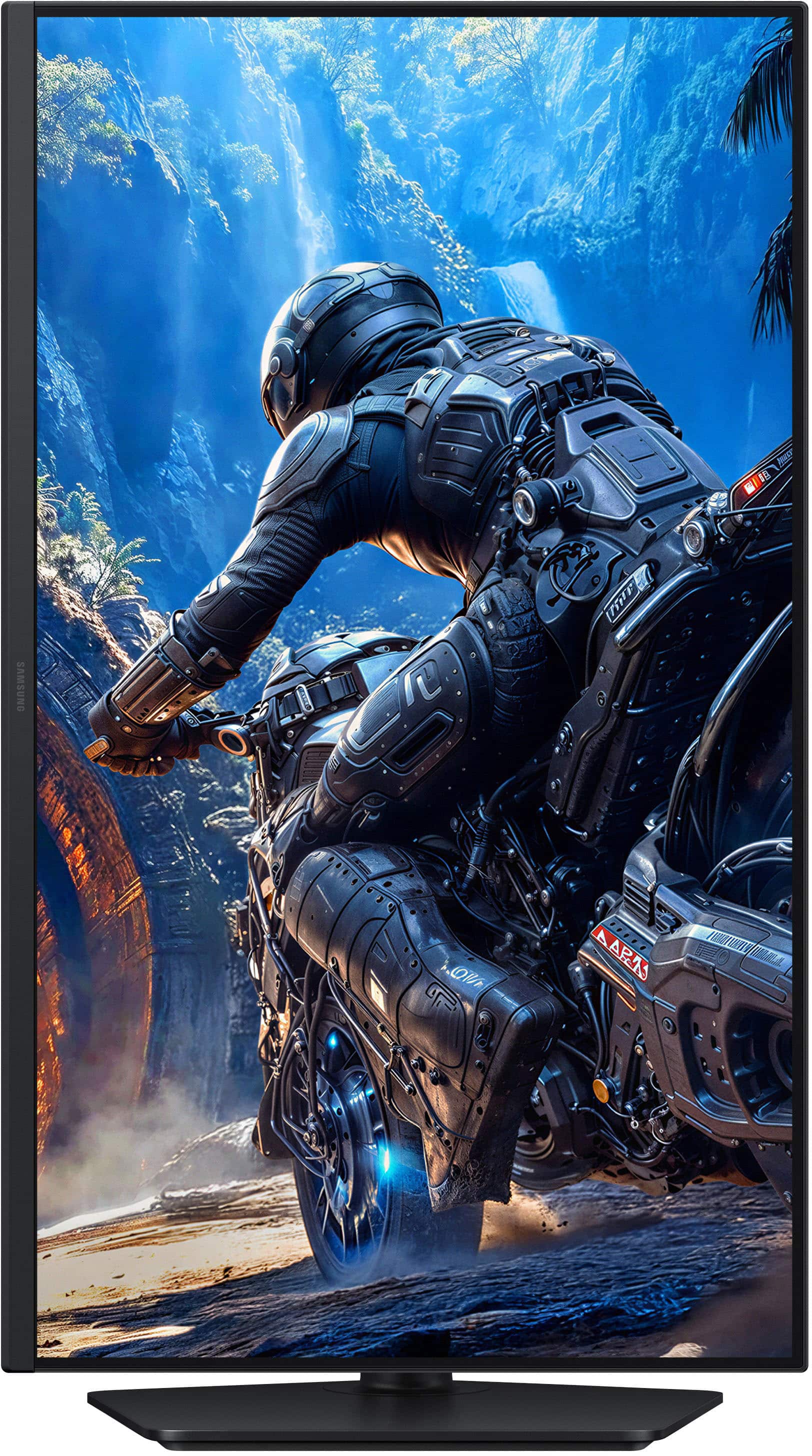
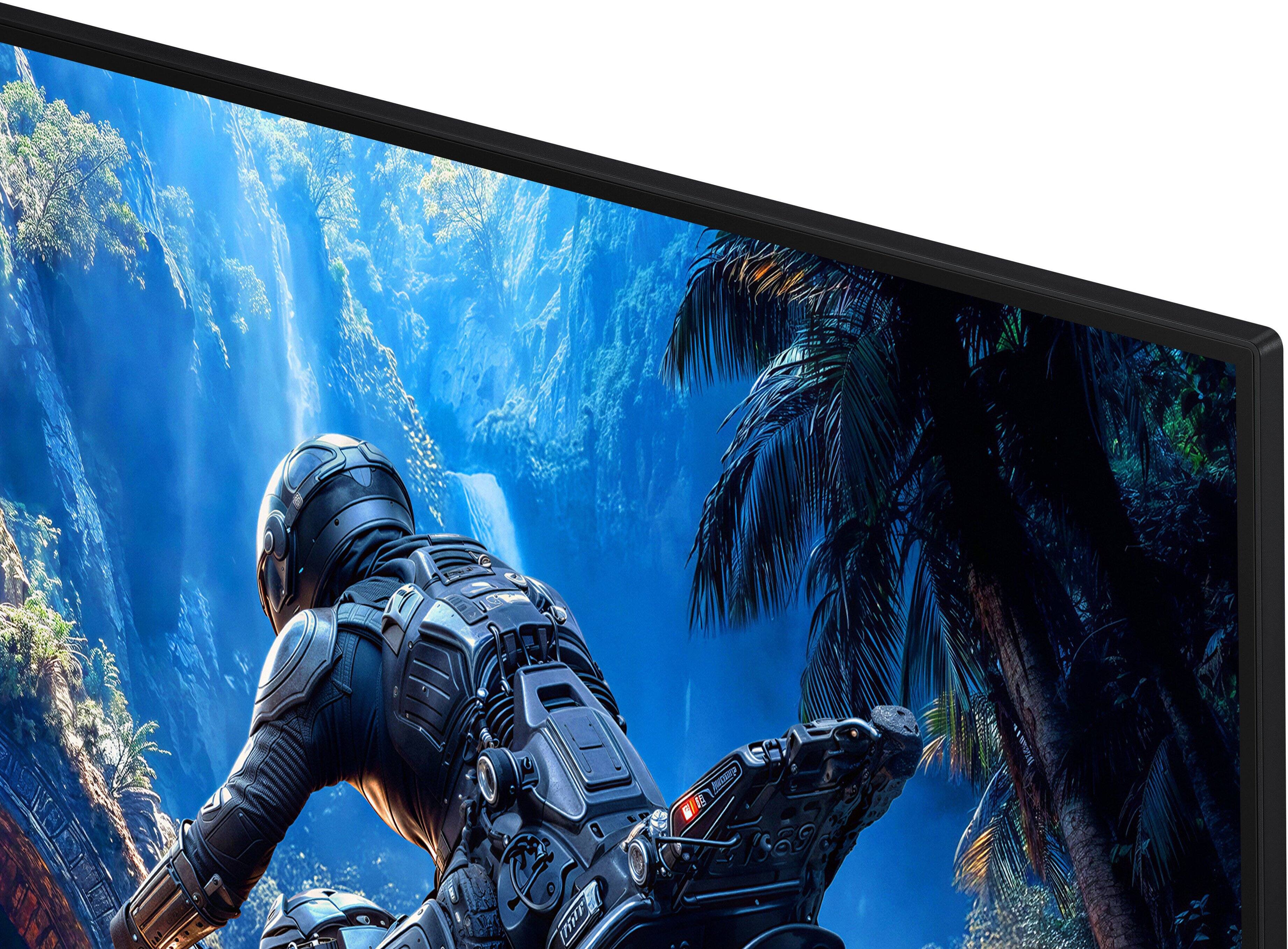
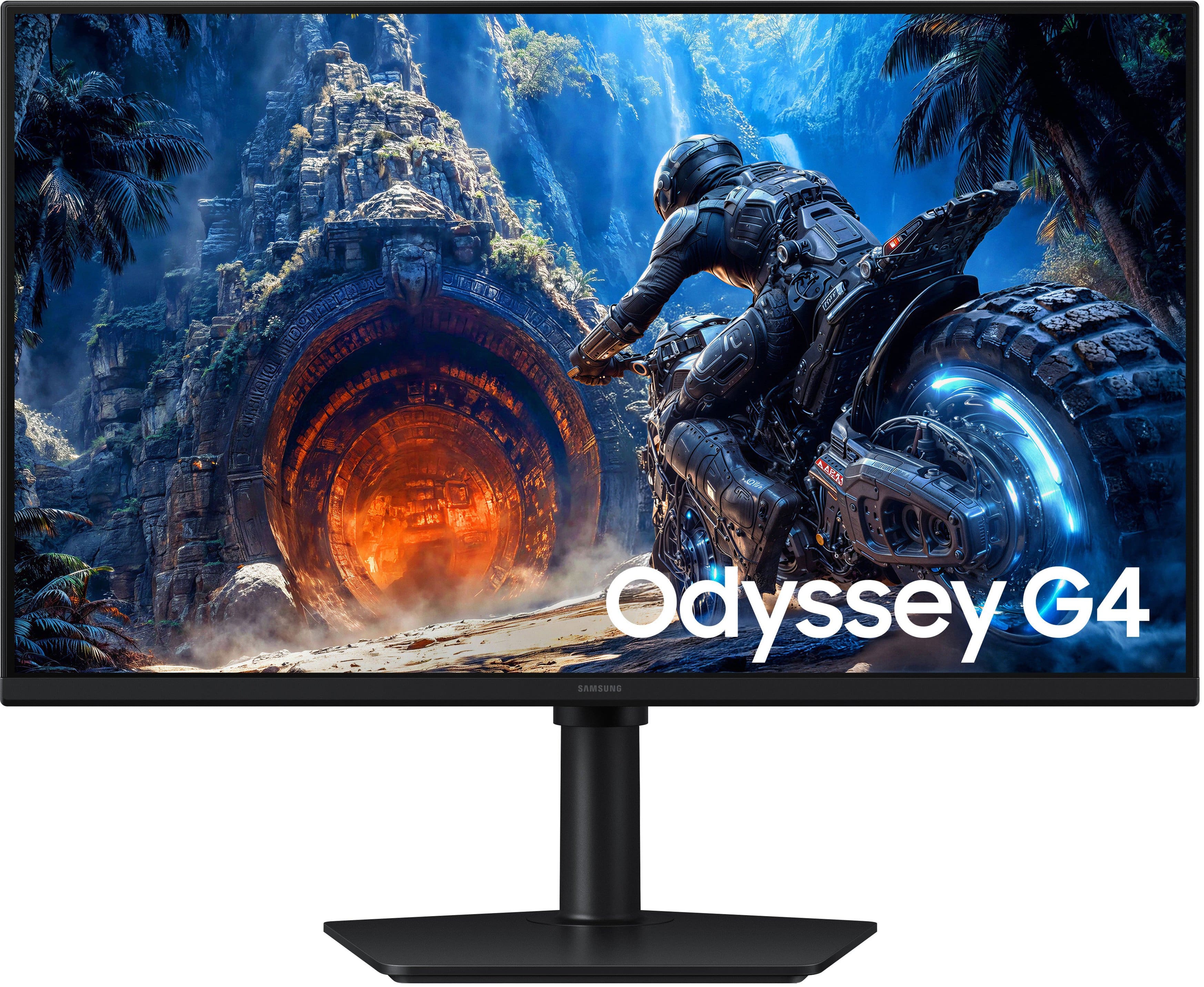
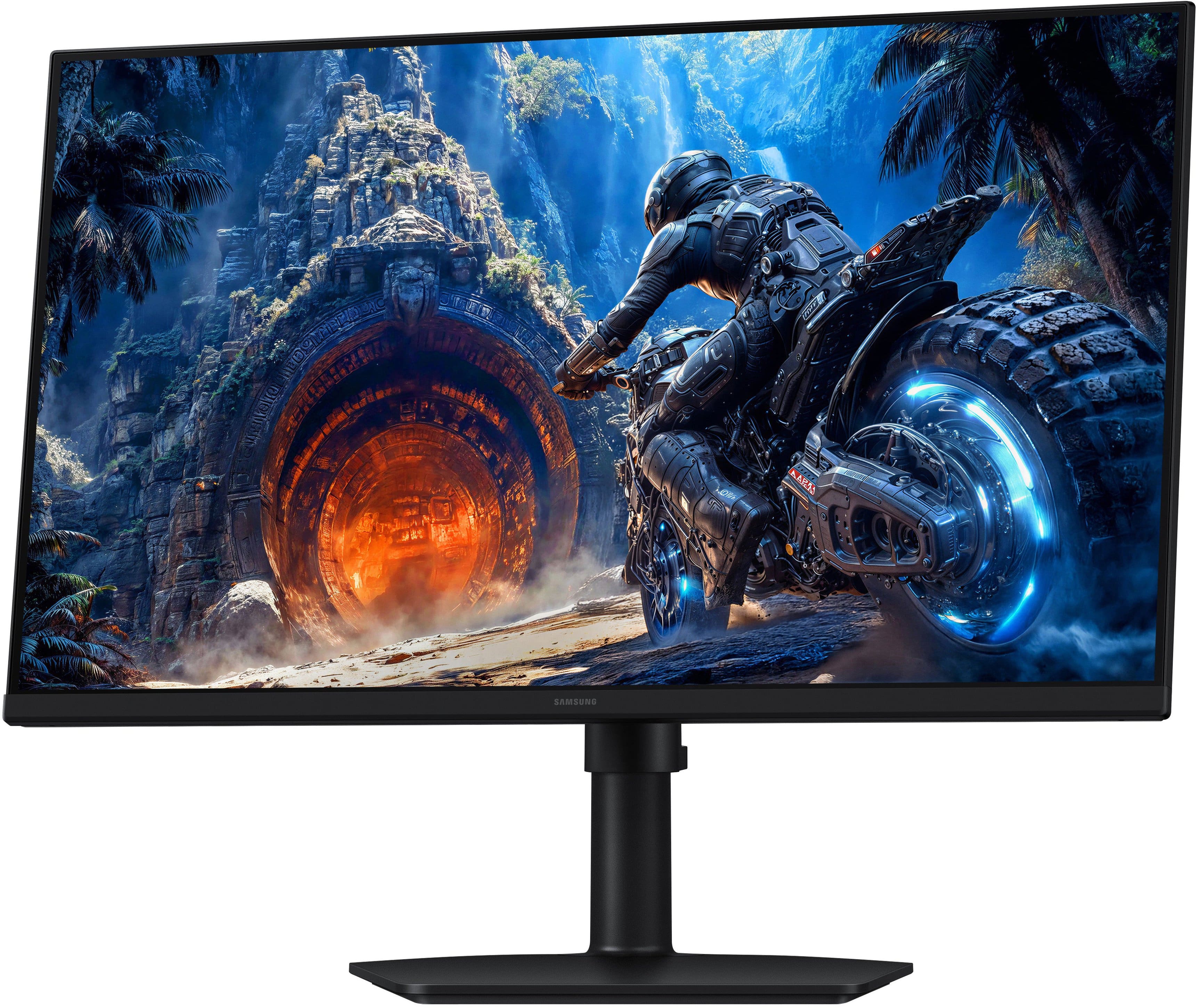
|Posted .This reviewer received promo considerations or sweepstakes entry for writing a review.Monitor quality keeps improving, unfortunately my wife's eyesight is going the other way. Besides size, I'd not considered them helping people with eyesight problems. I recently saw that the new Samsung monitors had a new and improved Matte finish. I've had matte finishes on other notebook's/monitors, but they had a negative effect on the quality of viewing. My wife's vision problem is exacerbated by screen reflections. My hope was a screen with an improved matte finish will be easier for her to view, and a 27" will be a big step up from her notebook. Unpacking and setup of the monitor was very extremely easy. One built in screw attached the monitor arm to the monitor base. The Monitor arm is built so that the monitor can be viewed in either portrait or landscape orientation (yea) with a reasonable amount of tilt. The G4 monitor has a HDMI and a Displayport connector, as well as power in and audio out (headphones or for powered speakers). It has a 100mm VESA mount on the back. To test it I hooked up to one of my notebooks. Once plugged in I connected the HDMI Cable to the notebook and monitor, it promptly displayed the notebook's screen on the G4 monitor. By default the G4 was a little dim and colors were not quite right. I used the on/off - Joystick on the lower left of the back side of the monitor to go into the set up menu. I increased the brightness, contrast and sharpness to pretty much match the display of my notebook. The monitor on stand is 16" tall, and is 24" wide. With a stand it's 9.5" deep and weighs 9.9 lbs. The stand does allow height adjustment and allows you to use the monitor in portrait mode. It has a very small bezel so two could be used together without much distraction. It supports full HD (1920x1080) with AMD FreeSync, and claims to have 1ms response time with up to a 300 hz refresh rate. It includes both a HDMI cable and a DisplayPort cable. Once I made the color adjustments I found the color was very pleasing. And the matte finish is remarkable. NO reflections, you get close to the screen and look in any direction you get true colors without any reflections, it's very immersive when you lean in. To me it is a great example of how much monitors have improved and continue to improve. This is strictly a 1920x1080 HD monitor, not a 2K or 4K display. It does support HDR10 (extended blackness, mostly having to do with video), yet its blacks are quite deep and its colors quite consistent. And running with either the 100hz or 300hz refresh rate there is absolutely no flicker. It supports 3 levels of Eye Saver (low, high and off) mode which reduces potentially harmful blue light emissions. I thoroughly enjoyed watching videos on this display. It has multiple gaming modes which adjust up the brightness and it sharpens the contrast settings automatically. It also has a Response Time Settings and auto sync to prevent tearing when gamings fast moving images (seemed pretty effective in Asphalt Jungle and Turismo 7). In normal PC mode the game mode setting improves screen readability from a distance, the text is sharper/cleaner. But for movie viewing it hurt dark images significantly. I don't recommend game mode for video viewing or video editing, all dark areas are blown out. This is not the highest performing monitor you can purchase (but you know that), but for its price you get a very high quality product. It makes a great extension monitor. And my wife absolutely loves it. The lack of reflections is great for her vision issues. The audio quality was MUCH better than I expected (but no built in speakers). The quality is very good. The colors are nearly perfect, when I compared my notebook (w/OLED Display) to this monitor. The monitor does great with gaming but still only Full HD; and does not have the sharpness of an OLED screen, but it may be the best IPS screen I've ever seen. It also seems like a great monitor for Image Editing or graphics work (except for the lack of 2K/4K resolution). But I do like this monitor a lot, for day to day computer use it's excellent. I think it will be perfect for my wife.
I would recommend this to a friend - Pros mentioned:Design, Picture quality, Refresh rate
Amazing Gaming Monitor
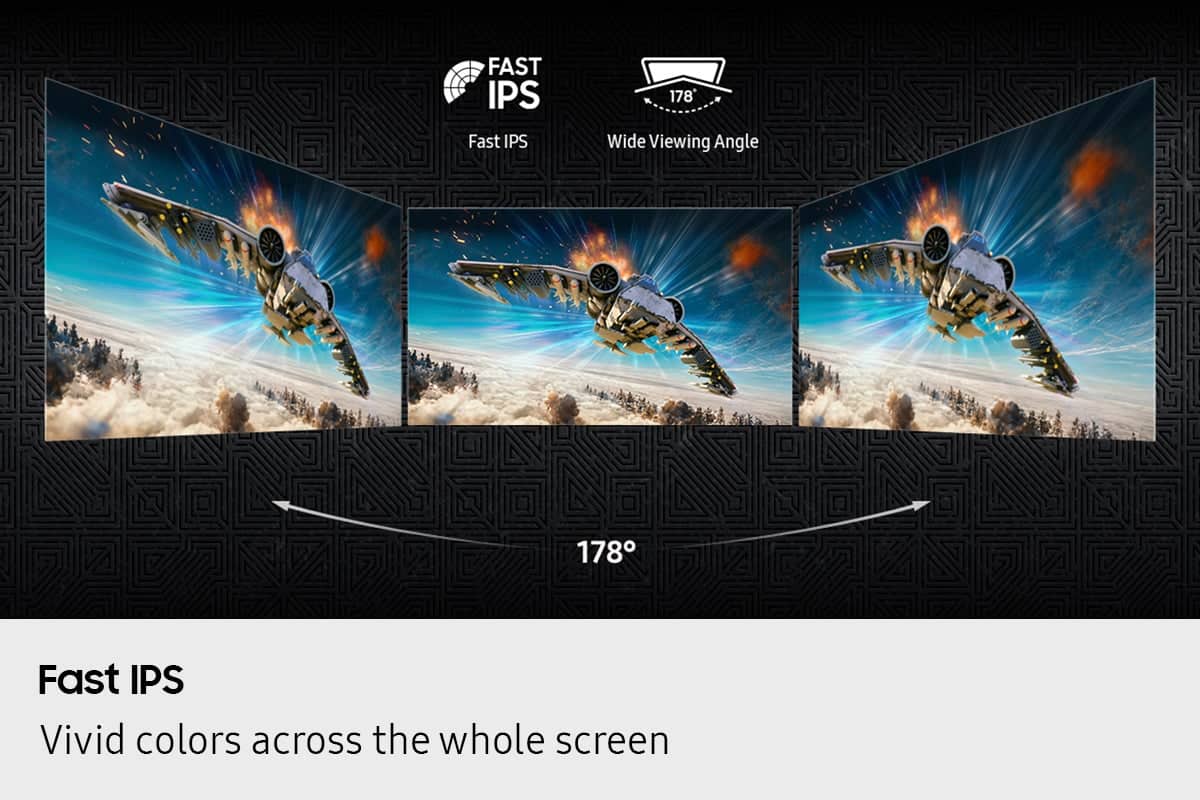
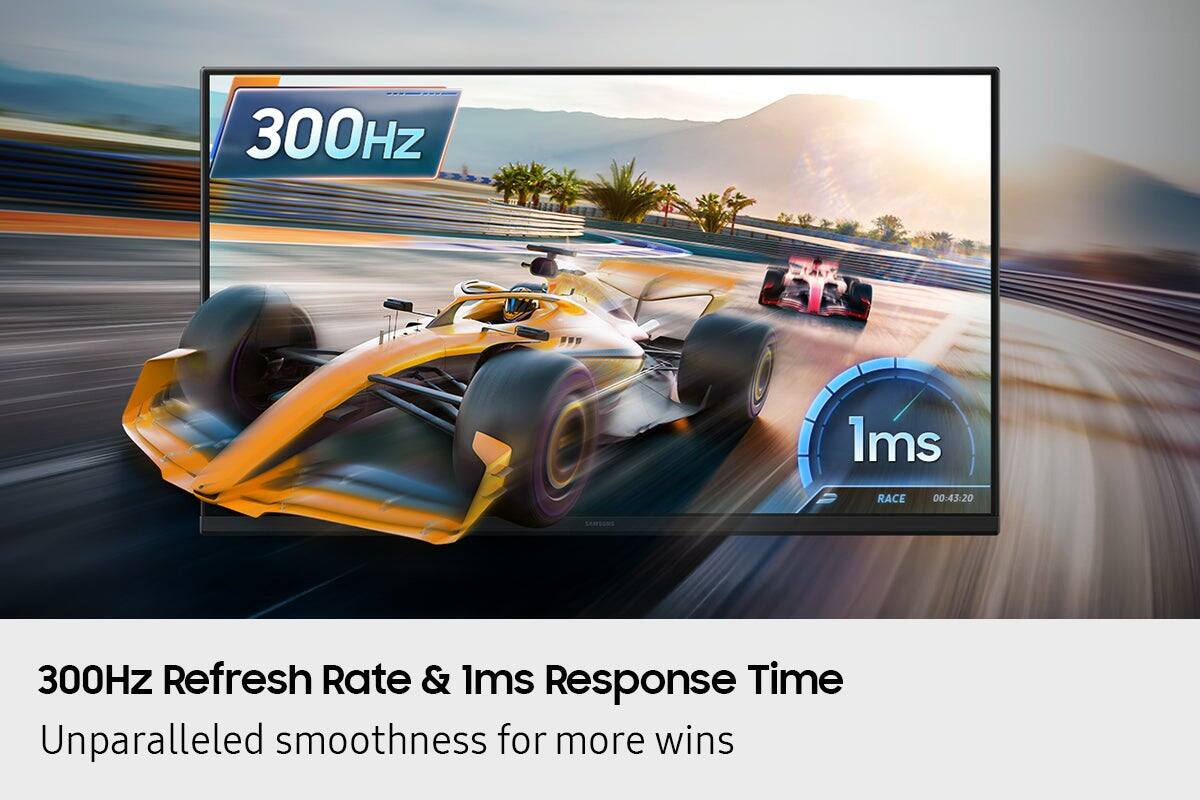
||Posted . Owned for 2 weeks when reviewed.This reviewer received promo considerations or sweepstakes entry for writing a review.The Samsung Odyssey G4 27" Gaming Monitor exceeded all of my expectations. As part of my first gaming PC build, I wanted a monitor that could handle fast-paced games while still delivering a great-looking picture, and this monitor does exactly that. The 300Hz refresh rate is incredibly smooth, making games feel responsive and fluid. Whether I'm playing Fortnite, Cyberpunk 2077, GTA, or other action-packed games, everything looks sharp and runs beautifully. The 1ms response time helps eliminate motion blur, and AMD FreeSync Premium keeps gameplay smooth without screen tearing. The Fast IPS panel provides excellent color quality and wide viewing angles, while HDR10 adds extra depth and detail to supported games and content. The 27-inch size is perfect for gaming, offering plenty of screen space without overwhelming my desk. Setup was quick and easy using DisplayPort, and the monitor worked flawlessly right out of the box. The sleek black design also gives my gaming setup a clean, modern look. If you're looking for a high-performance gaming monitor with exceptional speed, image quality, and value, the Samsung Odyssey G4 is an outstanding choice
I would recommend this to a friend - Pros mentioned:Refresh rate, Viewing angle
FPS gamers = yes; General purpose users = pass
|Posted .This reviewer received promo considerations or sweepstakes entry for writing a review.It’s 2026 and we have more monitor (and PC solutions) than ever before, while prices have continued to fall (well, all but HDDs and RAM which have reversed during this AI data center explosion). Fortunately most of those servers are headless and not requiring dedicated monitors, which is a benefit to we consumers. Today we’re looking at the Samsung Odyssey G4 27-inch speed demon of a monitor, featuring a 300 Hz scanning rate, with 1 millisecond response, but less resolution than discriminating users may demand. If you play FPS and quick response games you’ll likely love this monster of a monitor. Albeit caveat emptor, this 300 Hz speed comes at a cost of resolution, featuring just 1920x1080p max resolution. If i had my druthers I’d likely have selected a 1440p 240 Hz screen, though my usage is not just gaming, but also general purpose, work, security, etc. When gaming speed matters, it is very noticeable of the refresh rate over 60 Hz (duh?), 120 Hz, 144 Hz, and 165 Hz monitors, supposedly even newer 240 Hz monitors though i could not tell a difference from my primary monitor over DisplayPort 1.2, rightfully so as the HDMI 2.0 input has max refresh of 240Hz. Don’t get me wrong, i remain mostly impressed by this monitor, however i personally feel a 1440p w 240 Hz refresh or ultrawide monitor rate might appease more than just hardcore FPS speed prioritized customers. PROS +simple assembly +HDR 10 support +300Hz refresh rate (DP 1.2) +240Hz refresh rate (HDMI 2.0) +super fast 1ms response rate +anti-glare display screen +included DisplayPort cable +Nvidia G-Sync / AMD FreeSync +IPS panel = excellent wide-screen viewing +both HDMI and DisplayPort inputs (no USB-C though) +makes a great 2nd screen CONS -lack of 4k -no HDMI 2.1 -limited pixel density -slight backlight bleed -only 1920x1080 resolution -needs HDMI dongle on a Mac -no on- board speakers, audio out -on single display not the primary imho -less Cinematic than a deeper black VA panel CONCLUSION While there are several valid use-cases for a low-cost, ultra fast monitor sure to appease speed freaks, I feel the lack of resolution is a major drawback, and recommend a pre versatile product. RECOMMEND - look for Samsung 1440p or 1600p ultrawide res with 240 Hz refresh rate imho if you want to extent the longevity and prevent a 3-5 year paper weight taking up space.
No, I would not recommend this to a friendBrand response from Samsung
Posted .TechReviews:
Thanks for sharing your review of Samsung’s G40H Monitor. We appreciate your feedback and will be sure to pass it along to the appropriate teams.
Should you ever need assistance or have questions, please know we're always here to help. You can contact Samsung Customer Support at 1-800-SAMSUNG, available daily from 8AM - 9PM EST Monday - Friday, and 8AM - 6PM Saturday and Sunday. You can also visit the Samsung website and click on ‘Support’ for:
• Live Chat
• Manuals, Software, & Warranty Info
~ Samsung Monitors
Very good performance w/one irritating design flaw
|Posted .This reviewer received promo considerations or sweepstakes entry for writing a review.In a time when it can cost more than a grand (or two) for a video card that pushes 4K or more WELL, it was actually a treat to spin up a few AAA titles at 1080p on the Odyssey G4 and top out at 300 fps. It was a little difficult to drop down from my 1600p ultrawide at first, but the truth of the matter is that the G4 actually had a nice enough picture, especially with games having good HDR implementation, that I could see sticking with the 27” G4 if I didn’t have a larger screen already dedicated to gaming. The spec sheet on this monitor looks impressive on the specs that matter: 300Hz refresh, FreeSync Premium, 1ms response time, and HDR10. The screen has a matte finish, so you don’t get a lot of distracting reflections from bright room lights, and the IPS panel means off-angle viewing is still very clear. There’s a black-level “equalizer” that bumps up shadow detail (to spot those monster-spawn points in dark corners) without completely overblowing the picture. Several differently shaped aimpoint overlays are available to improve center-shot accuracy. Like most monitors, you get a handful of gimmicky color modes supposedly optimized for different types of games (RTS, FPS, Sports, etc.) as well as low and high “eye saver” settings (typical blue-light reduction with ultra-warm orange-ish whites), another setting for graphic design (which I suppose is optimized for RGB accuracy), and one for “entertainment.” There is also a custom setting that allows you to dial in a number of standard picture controls (brightness, contrast, tint, saturation, sharpness) as well as some slightly more advanced adjustments like gamma, white balance, shadow detail (which is, frustratingly, a different adjustment than the black equalizer). Basic performance specs indicate a 1000:1 contrast ratio and typical 300 cd/m2 operating brightness. The numbers are…fine…on their own, and will serve you well in a bright room, but they aren’t anything impressive enough to really make your jaw drop. Assembly takes all of 30 seconds: toolless attachment of the single support column via single thumbscrew to the (thankfully) smallish base, then snap the screen onto the mounting points and you’re done. There are standard VESA mount points as well for those of you using a display arm or other mount. A small plastic band near the bottom of the stand provides for a sliver of cable management, and the stand allows enough vertical movement to put the screen in portrait mode in either left or right orientation. There is a USB port at the back, but it’s only for servicing the panel, not for multimedia display or moving data around on a thumb drive. What you DON’T get is a lot of anything else--the tradeoff you pay for getting some of those enviable monitor stats at such a reasonable price. There are only two inputs, DP (1.2) and HDMI (2.0); DP supports 300Hz output while HDMI will push 240Hz max. There aren’t any speakers, though there is a headphone jack in the back. There is a six-stage gamma adjustment, but no indication as to the value of each setting. Similarly, there are color temperature settings, but nothing to indicate how close or far each one is to the 6500K neutral. The panel does support HDR10 display though it does not appear to be HDR certified, and I did not see any evidence that the panel supports 10-bit color. There is also a response time adjustment in the monitor’s menu; but, like the gamma and color temperature settings, there is no direct indication what the response time adjustments (standard, faster, and extreme) correspond to in terms of literal panel timing. I’m guessing the highly touted 1ms response time is activated only under the extreme mode. FWIW, I didn’t see any visible glitching running the panel at the extreme setting, but the tradeoff is that you have to turn off adaptive sync to make any timing adjustments, and then there isn’t any indication of just what the response time is left running at (3ms? 5ms?). Despite sounding a little harsh, the G4 actually produced a stellar image, especially in games that have native support for the expanded HDR colorspace. I was more than pleased with the deep, glowing neon hues and over-saturated colors in Horizon Forbidden West (non-HDR) and the incredibly realistic, gritty feeling of the dingy cityscape in Dying Light – The Beast (native HDR). The G4 does not carry G-Sync certification, but my RTX 4090 rig recognized the panel’s G-Sync compatibility immediately and the action was sublimely smooth. Backlight bleed was minimal, confined to just a bit of bright bloom primarily in the upper right corner, but during normal use it wasn’t intrusive enough to be noticeable. Still, it’s a fast IPS panel at a reasonable price point so you aren’t going to see OLED-level inky blacks. The only real COMPLAINT I have about the G4 is actually a design issue that frankly drove me nuts. The 4-way joystick/menu button is hidden at the back of the monitor…not on the side, not at the bottom, not at a convenient edge, but far enough in the back that it was a struggle to find it every single time. I suppose once you get the settings dialed in to your liking you might not need to access the controls very often, but fiddling blind with a rear-mounted control is already irritating enough…putting the control it in a place that isn’t easy or intuitive to locate was frustrating for no good reason. Similarly, the headphone jack is also WAY in the back which may make for even more frustration if you are someone who routinely switches between headphones and external speakers. So where does that leave the G4 in the VERY crowded PC gaming monitor market? It does its job well and hits the high points of fast response time, adaptive sync up to 300Hz, HDR support, but it does fall a little short in terms of some usability issues, and some run-of-the-mill specs for brightness and contrast. Still, the monitor carries a reasonable price tag, especially on sale, and for the money, will provide a very pleasing picture with a few high-horsepower gaming capabilities thrown in for good measure.
I would recommend this to a friendBrand response from Samsung
Posted .WyldeBlue:
Thank you for sharing your experience with your Samsung G40H Monitor. Your feedback is very important to us and will be shared with our product team.
If you ever have any questions or need help, we’re always here. Call 1-800-SAMSUNG from 8AM - 9PM EST Monday - Friday, and 8AM - 6PM Saturday and Sunday, or connect with a LiveChat agent anytime by selecting ‘Support’ on our website.
~ Samsung Monitors
Solid everyday monitor, but I still wish it was 4K
|Posted .This reviewer received promo considerations or sweepstakes entry for writing a review.I recently acquired the Samsung 27" S27HG40DEN to replace an older screen that was starting to look pretty washed out. Overall I'm happy with it for the price, but it's not perfect. First off, the good stuff: Gaming feels really responsive on this thing. I play a mix of shooters and some open, world games, and the motion is smooth enough that I don't notice any annoying blur or lag during fast action. It's definitely better than my old 60Hz monitor , everything just feels snappier. I also really like that it has a portrait mode option. I rotate it sometimes when I'm reading long articles or working on documents with a lot of scrolling, and it's super convenient. The stand makes it easy to pivot, which is a nice touch I didn't expect at this level. Picture quality is decent for normal use , colors look okay and it's bright enough for my room. No major complaints on the build either, it feels sturdy and the thin bezels make it look pretty modern on my desk. The one thing that bugs me though is the resolution. It's 1080p (Full HD), and at 27 inches I can kinda tell. Text isn't as razor sharp as I'd like, and when I watch videos or play newer games I find myself wishing it was 4K. I know 4K would probably cost more, but man, once you've seen that extra clarity it's hard to go back. If you're mostly doing casual browsing and lighter gaming it won't bother you much, but if you're picky about sharpness like I am, you might feel the same. Bottom line: It's a good, no, frills 27" monitor that does the job well for gaming and everyday stuff, especially if you value that portrait rotation. Responsive performance is there, and I like the flexibility. Just know that if 4K sharpness is important to you, this one falls a little short in that department. Would I buy it again? Probably yes for the money, but next time I'm saving up for a 4K version.
I would recommend this to a friendBrand response from Samsung
Posted .Mukman:
Thank you for sharing your review of Samsung G40H Monitor. We value your feedback and will share it with our teams.
Should you ever have questions or need assistance using this product, please know we’re always here to help. Call 1-800-SAMSUNG from 8AM - 9PM EST Monday - Friday, and 8AM - 6PM Saturday and Sunday, or connect with a LiveChat agent anytime by selecting ‘Support’ on our website.
~ Samsung Monitors
- Pros mentioned:Picture quality
works well, documentation is sparse
||Posted . Owned for 3 weeks when reviewed.This reviewer received promo considerations or sweepstakes entry for writing a review.The performance so far is good. It does just what we want; serve as reliable monitor for a computer that we use to stream web content. Especially like the wakeup/sleep on computer line going high/going off. Getting it working was a challenge because of correct but very minimal written documentation. Hard to find the "on" button. Glad we have some experience and knowhow.
I would recommend this to a friend - Pros mentioned:Design, Refresh rate
Great gaming monitor!
||Posted . Owned for 3 weeks when reviewed.This reviewer received promo considerations or sweepstakes entry for writing a review.I really like the size, form factor, and refresh rate on the monitor. I bought it as a replacement for my previous monitor that died. The maximum resolution might be a deal breaker for some but I’m mostly concerned with performance.
I would recommend this to a friend - Pros mentioned:Picture quality, Refresh rate
Best monitor for fps
||Posted . Owned for 2 weeks when reviewed.This reviewer received promo considerations or sweepstakes entry for writing a review.Best bang for your buck. 300ms refresh rate is so amazing for first person shooters . The monitor is so crispy ans enhances your game 10 fold. Worth every penny. If you play arc, call of duty or battlefield you need this
I would recommend this to a friend - Pros mentioned:Performance
Great for fps
||Posted . Owned for 1 month when reviewed.This reviewer received promo considerations or sweepstakes entry for writing a review.Bought this to replace my lg 180hz and so far great brighter than the lg but awesome I get to play black ops 7 at a steady 297fps
I would recommend this to a friend - Pros mentioned:Picture quality, Refresh rate
Nice Budget Gaming Monitor
||Posted . Owned for 1 month when reviewed.This reviewer received promo considerations or sweepstakes entry for writing a review.Best Product for the price 300Hz screens not too big or too small just right for your PC setup
I would recommend this to a friend - Pros mentioned:Refresh rate
amazing color
||Posted . Owned for 3 weeks when reviewed.This reviewer received promo considerations or sweepstakes entry for writing a review.I bought this monitor thinking it would be duller than it was but the brightness is great for the price and the refreshrate
I would recommend this to a friend - Pros mentioned:Picture quality
Excellent monitor
||Posted . Owned for 1 week when reviewed.This reviewer received promo considerations or sweepstakes entry for writing a review.The monitor works great with a clear image. The display port cable included was very stiff and lost connection everytime I moved the computer but I already had a better cable to switch to because I didn't know the monitor came with cables.
I would recommend this to a friend - Pros mentioned:Performance, Picture quality
Great size and very smooth but lacking in picture
||Posted . Owned for 1 week when reviewed.This reviewer received promo considerations or sweepstakes entry for writing a review.The lighting areas and very bad in the corners of the screen and black scenes do not look black at all. Besides that I have no complaints at all. The gameplay is very smooth and the screen size is great for the money.
I would recommend this to a friend - Pros mentioned:Picture quality, Refresh rate
Needed a budget monitor that is good for shooters
||Posted . Owned for 1 week when reviewed.This reviewer received promo considerations or sweepstakes entry for writing a review.My 34" ultrawide 4k monitor was too big for Esport shooters so I needed something "cheap" and this 300HZ monitor was the perfect choice.
I would recommend this to a friend