Customer Ratings & Reviews
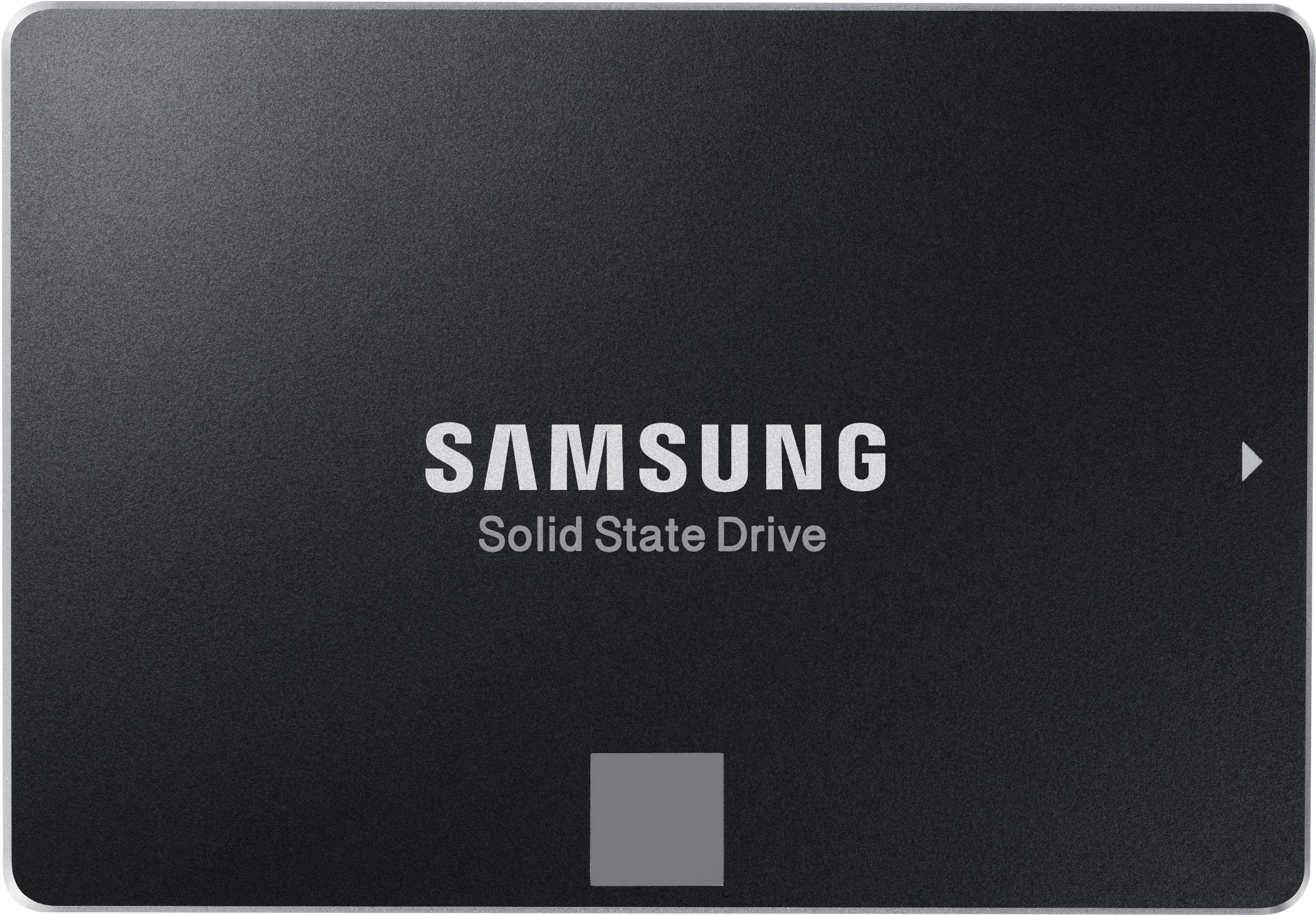
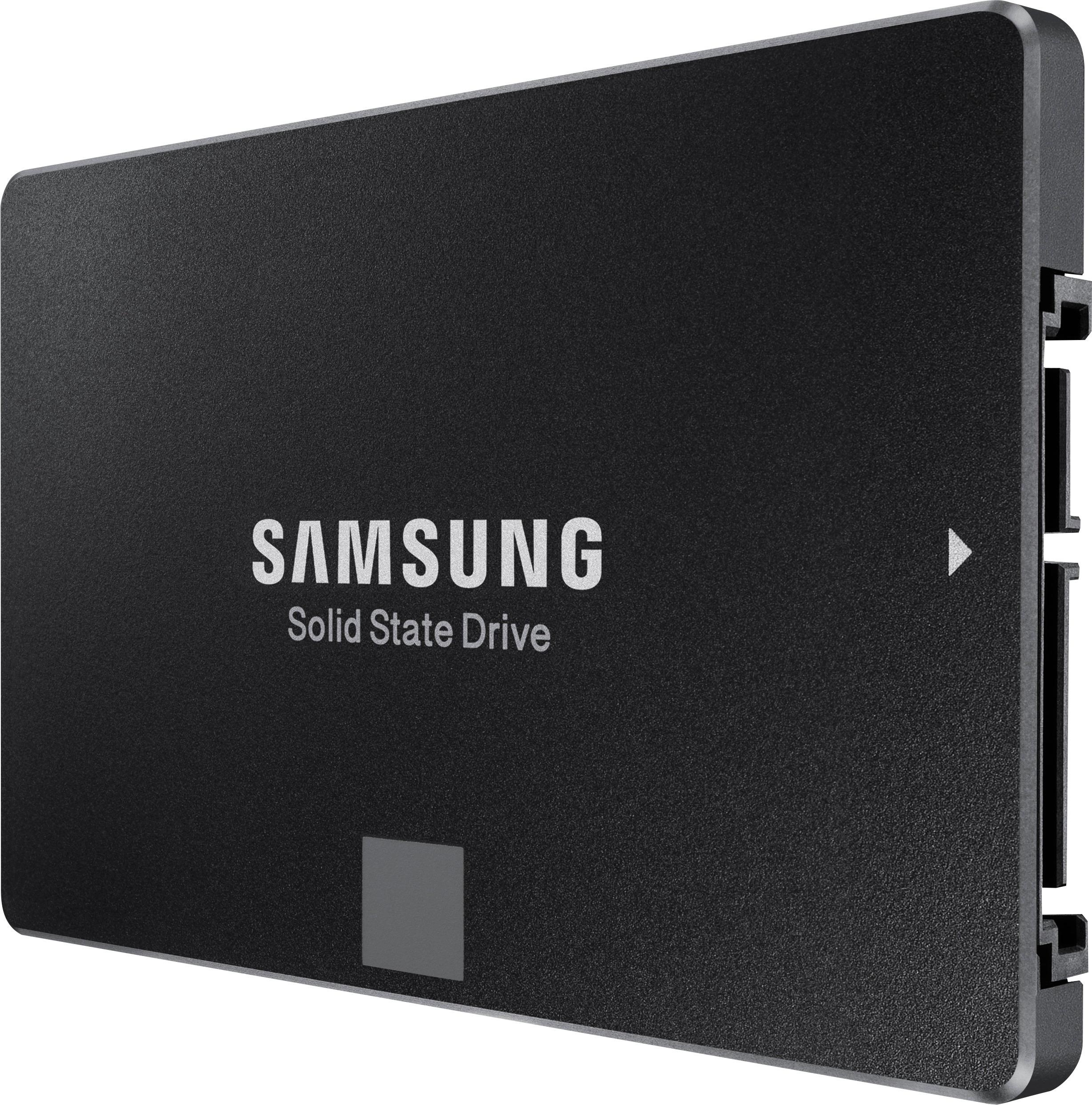
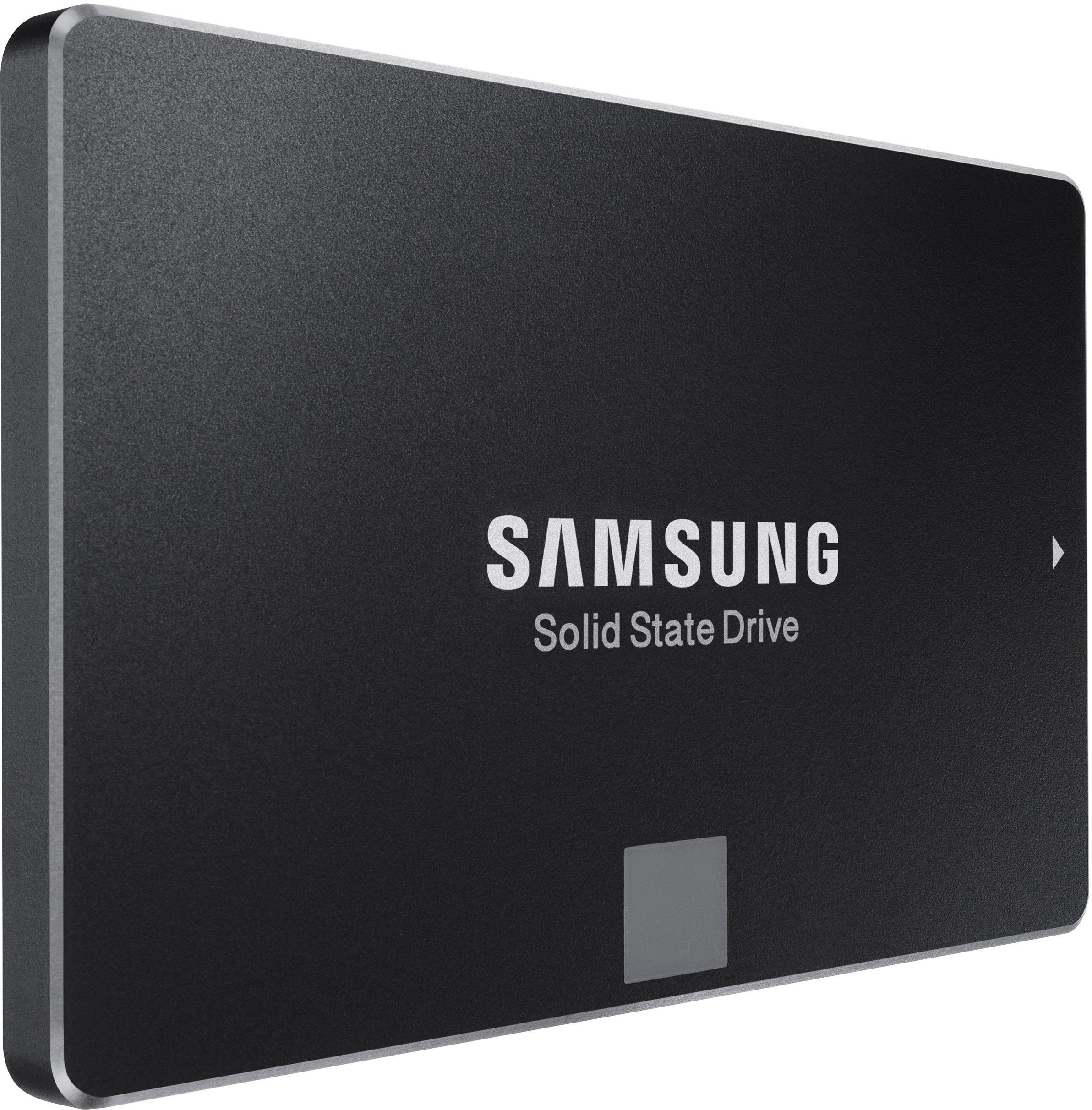
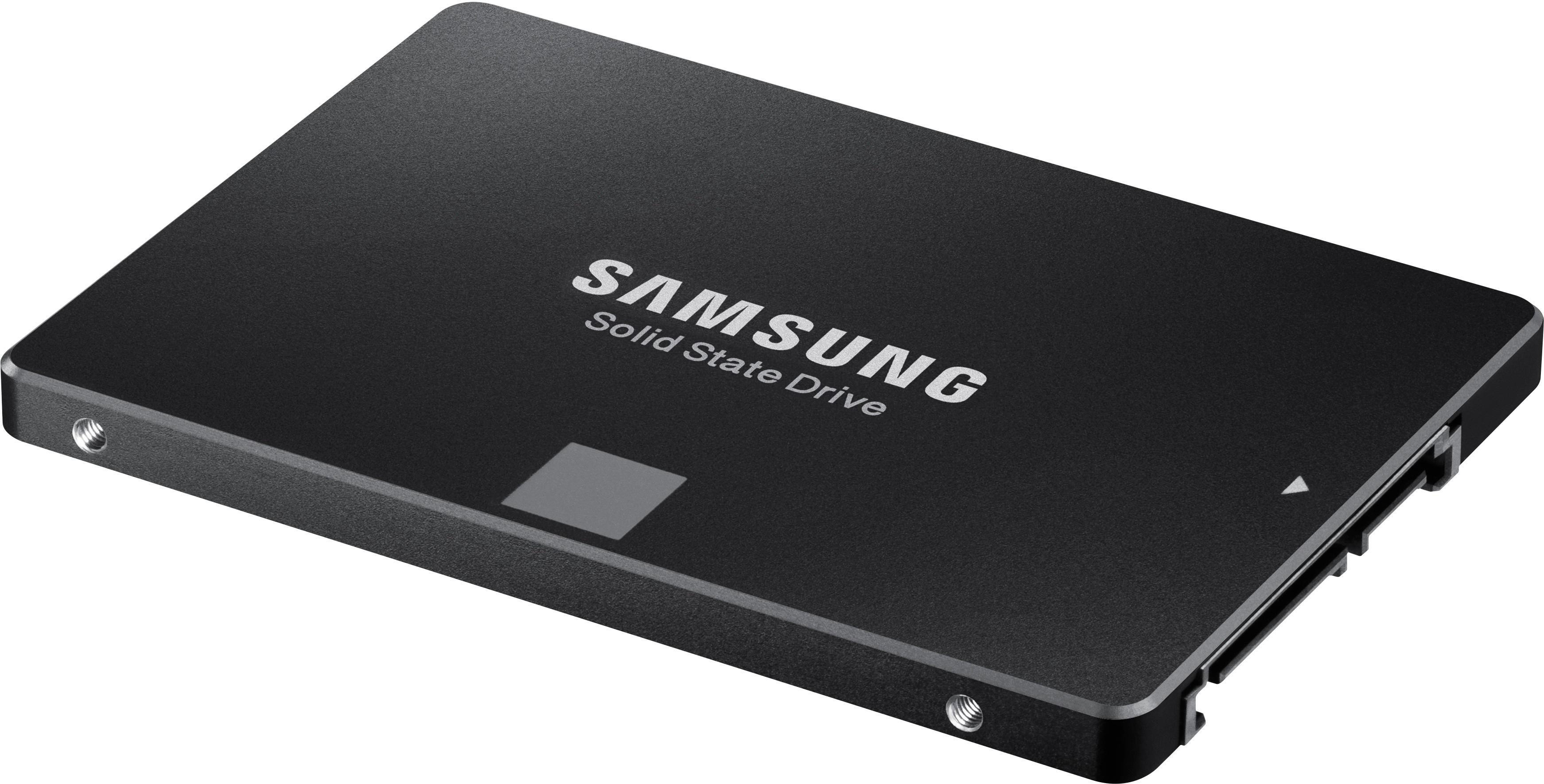
- Model:
- MZ-76E1T0B/AM
- |
- SKU:
- 6178649
Customer reviews
Rating 4.9 out of 5 stars with 5189 reviews
(5,189 customer reviews)Rating by feature
- Value4.7
Rating 4.7 out of 5 stars
- Quality4.9
Rating 4.9 out of 5 stars
- Ease of Use4.9
Rating 4.9 out of 5 stars
Customers are saying
Customers commend the 860 EVO 1TB Internal SATA 2.5" Solid State Drive for its excellent performance, ease of use, and significant storage capacity. Many appreciate the fast boot times and straightforward installation process, along with the drive's affordability. While some users noted minimal heat generation, the overwhelming majority highlighted the quiet operation of the drive. The positive feedback consistently points to a high-quality product that delivers on its promises.
This summary was generated by AI based on customer reviews.
- Pros mentioned:Speed
Rated 5 out of 5 stars
Excellent Product
||Posted . Owned for 3 weeks when reviewed.This reviewer received promo considerations or sweepstakes entry for writing a review.This SSD has increased the speed of my 2012 10x over. My Mac was never this fast.
I would recommend this to a friend - Pros mentioned:Speed
Rated 5 out of 5 stars
Very Fast
||Posted .This reviewer received promo considerations or sweepstakes entry for writing a review.Very fast no stalling. Got this for my game system
I would recommend this to a friend - Pros mentioned:Speed
Rated 4 out of 5 stars
Great 1TB Drive good price
||Posted .This reviewer received promo considerations or sweepstakes entry for writing a review.Great price for this 1TB SSD. Games and Applications load 2x-3x faster. Samsung makes dependable storage devices. I've been using then for 4-5 years now without any problems.
I would recommend this to a friend Rated 5 out of 5 stars
Mpc X addition
||Posted . Owned for 6 months when reviewed.This reviewer received promo considerations or sweepstakes entry for writing a review.Great deal I suppose, it was available at the store ready for pickup in about 30 minutes, works well and the brand is what I love. Bought it for more memory for my MPC X.
I would recommend this to a friendRated 5 out of 5 stars
Best quality product...
||Posted . Owned for 1 year when reviewed.This reviewer received promo considerations or sweepstakes entry for writing a review.Great quality product, running in my system at 31°c to 34°c with a write at 3,000+ and and reading 4,007...
I would recommend this to a friendRated 5 out of 5 stars
High quality SSD and Original
||Posted . Owned for 1 year when reviewed.This reviewer received promo considerations or sweepstakes entry for writing a review.I thought I will gonna get problems with this SSD but wasn't, I can tell us is worth it to buy.
I would recommend this to a friend- Pros mentioned:Performance
Rated 5 out of 5 stars
One Fast and Reliable SSD
Posted .This reviewer received promo considerations or sweepstakes entry for writing a review.I had a privilege to test out Samsung's Solid State Drive (SSD) that came with 1TB of storage and I decided to put it into a good use and test it out in two different systems: a PC and PlayStation 4. First of all, it is amazing that storage technology has evolved and advanced so far that the end users are able to store more data as well as make their PCs to run faster and more efficient. I have originally installed 1TB SSD into my all-in-all PC. The installation was pretty easy and involved plugging the cables in the drive and booting up the PC. I used the drive to install a fresh copy of WIndows 10. Installation went pretty quick just because it was a solid state drive and data writes were fast, compared to my regular 3.5" HDD which took a longer time to do the same task (I did a test run on a similar PC). The best part, the boot to Windows desktop took only 5 seconds and Boom! My PC was up and ready to perform tasks. Chrome browser fired up quickly as well as other programs I threw at it like Adobe Photoshop, MovieMaker software, etc. I also ran a couple of read and write tests and transfer rates were sufficient enough running around 400 MBs. This drive used a V-NAND technology which means that Instead of having flash memory cells stacked horizontally, V-NAND technology stacks memory cells vertically. Different types of NAND architectures are more resilient than others and this one should handle about 35000 write cycles. Write cycles, also called program and erase or P/E cycles, are another important metric touching on SSD reliability. This type of SSD is able to endure a finite number of write cycles. In reality it should serve you many years of service. I have also tested this drive in my PlayStation 4 and I was so surprised how quickly my PS4 was able to start up and the game load times were shorter significantly. So I would definitely recommend this drive for any console that offers a hard drive swap. It is definitely worth it! All in all, once you go the SSD route you will never want to switch to the regular old HDD technology. This drive will offer your PC a new life that is worth experiencing.
I would recommend this to a friend - Pros mentioned:Ease of use
Rated 5 out of 5 stars
Big and fast!
||Posted .This reviewer received promo considerations or sweepstakes entry for writing a review.Having used a few solid-state drives within past few years since it came out, I have never had one as large as 500 gigabytes. When this 1 terabyte model went on sale, I thought I would give it a try just for the sake of having extra space. It was typically easy to install it just like other similar hard drives out there. You would actually have to know what you are doing a bit to do this because the drive doesn't come with any software to transfer what you had on your drive C to this particular drive (unless you want to install a new copy of Windows on this drive and go through the hassle of installing everything else on it later.) There was a web address that took me to Samsung website, and it provided me with a very efficient and free software to "move" the operating system/data to this new drive. It took only about half an hour to transfer my 240 gigabytes hard drive to this one terabyte and it has been working fine ever since. The price has gone down even more and I am thinking about upgrading my other desktop and laptop with this model or a similar one. I know M.2 drives are a lot faster, but they are not still not cheap at this time (2018) - at least not for this size. Thank you Best Buy for discounting this particular piece of hardware to an affordable price for many of us.
I would recommend this to a friend - Pros mentioned:Speed
Rated 5 out of 5 stars
Upgrading a Mid 2010 MacBook Pro
Posted .This reviewer received promo considerations or sweepstakes entry for writing a review.My old MacBook slowed a lot and was considering to buy a new one. Did research on few models and found most of the entry level will lower storage than my current model. Googled various options and planned to upgrade from HDD to SSD and also upgrade RAM from 4 gb to 16 gb. Bought RAM from owc and Samsung evo 1 TB SSD. Watched youtube videos on the diy process and complete this in a breeze. Only cloning process took around 3 hours and the actual work was completed in less than 1 hour. Now the boot up is around 35 seconds (from over 2 minutes) and the actual speed of using different applications also considerably improved. My Mid 2010 MacBook pro is now 1 TB SSD and 16gb RAM compared to the older configuration of 250 GB HDD and 4 gb RAM. Will update after using for 6 months. If you are planning to do DIY, refer great youtube videos by gunner tierno and owc computing sites.
I would recommend this to a friend - Pros mentioned:Speed, Storage
Rated 5 out of 5 stars
Best value SSD
||Posted . Owned for more than 2 years when reviewed.This reviewer received promo considerations or sweepstakes entry for writing a review.I have bought many of these to expand my PC storage. Nothing bad to say about them. Good quality, good price, good speed. You can’t tell the difference from m.2 from a blind test. Recommend 10/10.
I would recommend this to a friend - Pros mentioned:Speed, Storage
Rated 5 out of 5 stars
You Can’t Beat Samsung Quality!
||Posted . Owned for 1 month when reviewed.This reviewer received promo considerations or sweepstakes entry for writing a review.I have been buying Samsung Evo drives for years and they never disappoint. The quality of the drive is evident when you open the package. They install with ease, formatting takes mere seconds, and after Windows is installed, you have a 10 second boot time. Gaming has improved 110%. Load times are incredible compared to the old mechanical drives. They also serve as a great backup disk for game storage libraries, music, videos, etc. I’ve had one in my old laptop for years and I have never had an issue. This one is working great for storage. Highly recommended!
I would recommend this to a friend - Pros mentioned:Performance, Speed
Rated 5 out of 5 stars
Great Drive in a sea of drives
||Posted .This reviewer received promo considerations or sweepstakes entry for writing a review.If you are looking to upgrade your computer to something that will boot Windows faster, speed up your day to day processing tasks, extend battery life of a laptop and not have to worry about any moving disk platters (VERY quiet) – this is a worthy product and I would recommend it. But be aware if you have an older computer, check to see if it has a SATA II or III connection. SATA II is the older interface and while your computer will still be faster, etc. it wont be nearly as fast as if you have SATA III. I purchased one of these drives almost a year ago for my desktop and it is fantastically fast - but it was almost twice the cost of this one - and its the same drive! Just shows how fast ramped up production and competition have driven down prices.... I wasnt thrilled with the migration software Samsung provided. I use either EaseUS or MiniTool partition - free versions of both. Just select copy dive (and select optimize for SSD) and let it rip. But do yourself a favor and really consider purchasing a 2.5 inch hard drive case so you can drop this drive and and connect using USB cable to copy. If you search internet for "USB 3.0 to SATA 3.0 2.5 inch" External Hard Drive Disk Enclosure Box USB 3.0 High-Speed Case for 2.5 inch HDD SSD Case Support UASP protocol SATA III Tool Free" you will find options.
I would recommend this to a friend - Pros mentioned:Ease of use, Performance, Speed
Rated 5 out of 5 stars
Great SSD!
||Posted .This reviewer received promo considerations or sweepstakes entry for writing a review.I’ll start off, this is great!, 1TB for $170 not a bad deal, Installation was easy, took about 5 mins to install, I cloned my HHD, and gave the computer a restart, worked like a charm! .. well ... even better!.. I did install the Samsung Magician software that was recommended, gives details about your SSD, temperature, health status, updates etc.... overall the performance of my desktop has gone up, everything has been snappier and quick to load, as you would expect it to.
I would recommend this to a friend - Pros mentioned:Performance, Speed, Storage
Rated 5 out of 5 stars
The Gold Standard of Solid State Hard Drives!
||Posted . Owned for 3 weeks when reviewed.This reviewer received promo considerations or sweepstakes entry for writing a review.This particular hard drive replaced a 1T HDD drive on my wife's HP Pavilion laptop. There was nothing wrong with the HDD, we just wanted to speed the computer up a bit. And it did so very nicely, along with the fringe benefits of eliminating moving parts and heat production. This is far from my first experience with Samsung solid state drives, though. When I spec'd out my custom built Puget Systems business laptop 5 years ago, I ordered it with a 500G Samsung SSD. They were much more expensive back then but still worth every penny! That drive hasn't missed a beat in 4 1/2 years and was replaced by a 2T Samsung SSD solely for more storage space. I also added a second drive to that computer which was later replaced with a 4T Samsung SSD. So now my laptop has 6T of Samsung hard drive space and runs like greased lightning. Same thing with my wife's Wal-Mart off-the-shelf Pavilion, very noticeably faster! I would also add that not one of my 4 Samsung SSD's have ever given me even a hint of a problem. And with an $8 USB to SATA transfer cable and Samsung's Data Migration software, it's quick and easy to clone your system drive from a HDD to an SSD. As long as the SSD is the same capacity or higher, you won't have to mess with reloading the OS, apps or any data whatsoever! But, ya know...don't take my word just because I own 4 of them, do your homework and check the reliability and quality reviews. Then you'll see why I call them the gold standard!
I would recommend this to a friend - Pros mentioned:SpeedCons mentioned:Noise
Rated 5 out of 5 stars
Best Way To Speed Up An Older Laptop
||Posted .This reviewer received promo considerations or sweepstakes entry for writing a review.I bought this SATA SSD drive for my parents old laptop. It had gotten so slow that some days, they couldn't even use it. It would take over 15 minutes to turn on. Add another 10 to log on. They know that I like reading about technology, so they came to me to ask for help. When I told them that I could find a solution for them that would almost immediately fix the worst of their problems, they were thrilled. The Geek Squad desk replaced the old HDD (the old standard: Hard Disk Drive) with this new SSD (Solid State Drive). They also transferred over all the data that was on the old hard drive. After doing this, their laptop can now turn on and log on in under a minute and a half. Obviously, results may vary, for some people, it might be under a minute, for others it'll be under two, but this is the single most important upgrade that you can do to keep your older laptop up-to-date. (Even better than adding more RAM.) My parents say that it's like having a new laptop. It will make it much faster when turning on, logging on, and opening files. Your laptop may even make less noise because SSDs have no moving parts, no spinning disk, like the old HDDs. Even gamers can benefit from this increase in speed. After having done research, I am convinced that either this or the Crucial MX500 are the absolute best value, and apart from that, the best SATA Solid State Drives. (In case you are wondering, yes, there are faster solid-state drives, such as the Samsung 970 EVO, but these use a different connection method, and, are more expensive. This is the fastest of its type. Especially if you have an older laptop, or are on a tight budget, I strongly recommend this product.)
I would recommend this to a friend - Pros mentioned:Performance, Speed
Rated 5 out of 5 stars
Hard to beat a Samsung SSD!
||Posted .This reviewer received promo considerations or sweepstakes entry for writing a review.I have always preferred Samsung SSD’s to other brands because of their reliability and free software. I use quite a few, including 2 860 EVOs, and many older 840’s and 850’s which seem to last forever, as well as newer NVMe 960 and 970 drives which are easily the fastest drives on the market. Samsung drives always hit or beat the rated speeds in both the excellent Samsung Magician software and in Crystal DiskMark. Samsung’s free data migration/cloning software is second to none working flawlessly every time, and I use it to keep current boot drive backups using older Samsung drives. I’d gladly pay extra for a Samsung drive, but usually find them to be very competitive. To me other brands just don’t provide the same level of confidence and benefits of Samsung drives. It’s nice to finally have a 1tb SSD that’s reasonably affordable. Can’t wait to see the next gen qlc drives and their pricing from Samsung!
I would recommend this to a friend - Pros mentioned:Performance
Rated 5 out of 5 stars
Fast, Excellent, Outstanding SSD Drive!
Posted .This reviewer received promo considerations or sweepstakes entry for writing a review.Too many choices out there, it can be overwhelming when trying to figure which drive, manufacturer or retailer is the best. Stop worrying and buy this Drive, you won't regret it. I had looked at several, found some less expensive ones but decided on this because SSD drive is one of Samsung's best categories. Yes, you can spend a little more on a Samsung SSD but you won't be sorry. I installed this into a Gaming Laptop, which was already blazing fast and the results have been stellar! SO glad I passed over the other major brand names (and the generic cheapies) and bought this one. In terms of Spec, you'll rarely get what is claimed with any product by any manufacturer and this goes for Hard Drives, Battery life, Gas mileage on cars, TV Antennas ... etc., etc. This drive lives up to it's claims better than any SSD I've had in the past. Look at the Benchmarks (photo attached). So you can spend a little less, get something good or very good ... spend a little more (on this) and be guaranteed of excellent results and the best bang-for-the-buck.
I would recommend this to a friend - Pros mentioned:Performance, Speed
Rated 5 out of 5 stars
Give Me a Terabyte, Speed, and Reasonable Price!
||Posted . Owned for 7 months when reviewed.This reviewer received promo considerations or sweepstakes entry for writing a review.My new desktop has a M2 drive for the OS. I didn't want to fill this up with my application/database. So, I needed a secondary drive that had benefits of speed and large size but didn't need extreme speed. With research, I found the 860 EVO offered the speed, reliability, and price point for my needs.
I would recommend this to a friend - Pros mentioned:Speed, Storage
Rated 5 out of 5 stars
New life to an old Mac
Posted .This reviewer received promo considerations or sweepstakes entry for writing a review.I have a 2012 Macbook Pro and it was terribly slow. Before installing the new hard drive it took my Mac at least 5 to 7 minutes to just load up to put my password in. Once I installed the Samsung Evo 860, pure satisfaction. It practically loads up almost instantly. Now I have a faster laptop with more storage, a win win if you ask me.
I would recommend this to a friend - Pros mentioned:Performance, Speed
Rated 5 out of 5 stars
Best SSD in the Market
||Posted . Owned for 3 weeks when reviewed.This reviewer received promo considerations or sweepstakes entry for writing a review.The samsung 860 EVO SSD or any solid state made by samsung assures the best quality. Ever since I've started using SSD hard drives, I have been recommending this type of HD. This replaces any hard drive with a SATA connection. If replacing a desktop Hard Drive, all that is needed is a SATA mounting bracket for it to fit. I've been using a few of this for the last several years and not one has failed me yet, compared to other brands. Replacement/Installation: Installs like any other hard drive. My recommendation is to clone a your current hard drive into this one. Take note that you clone a hard drive with lower size and the the same size. ex. You can clone a 500gb into this 1TB ssd. You cannot do it the other way around. After Installation, the bootup becomes incredibly fast. With all the Samsung SSD's I've used before, I've average 1min or less for bootup time. This includes loading any background processes. This is a highly recommended Hard Drive which I will buy over and over again.
I would recommend this to a friend