Customer Ratings & Reviews
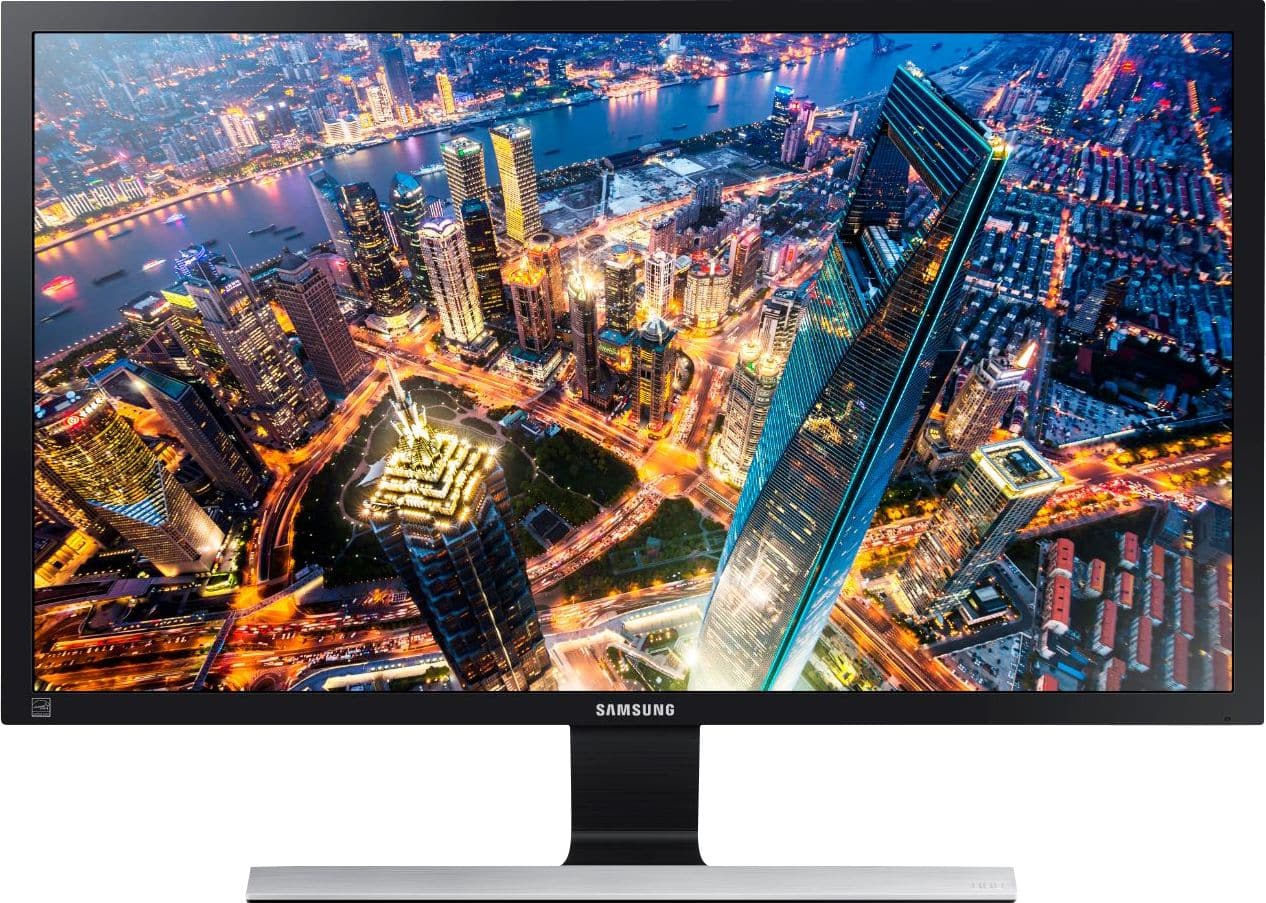
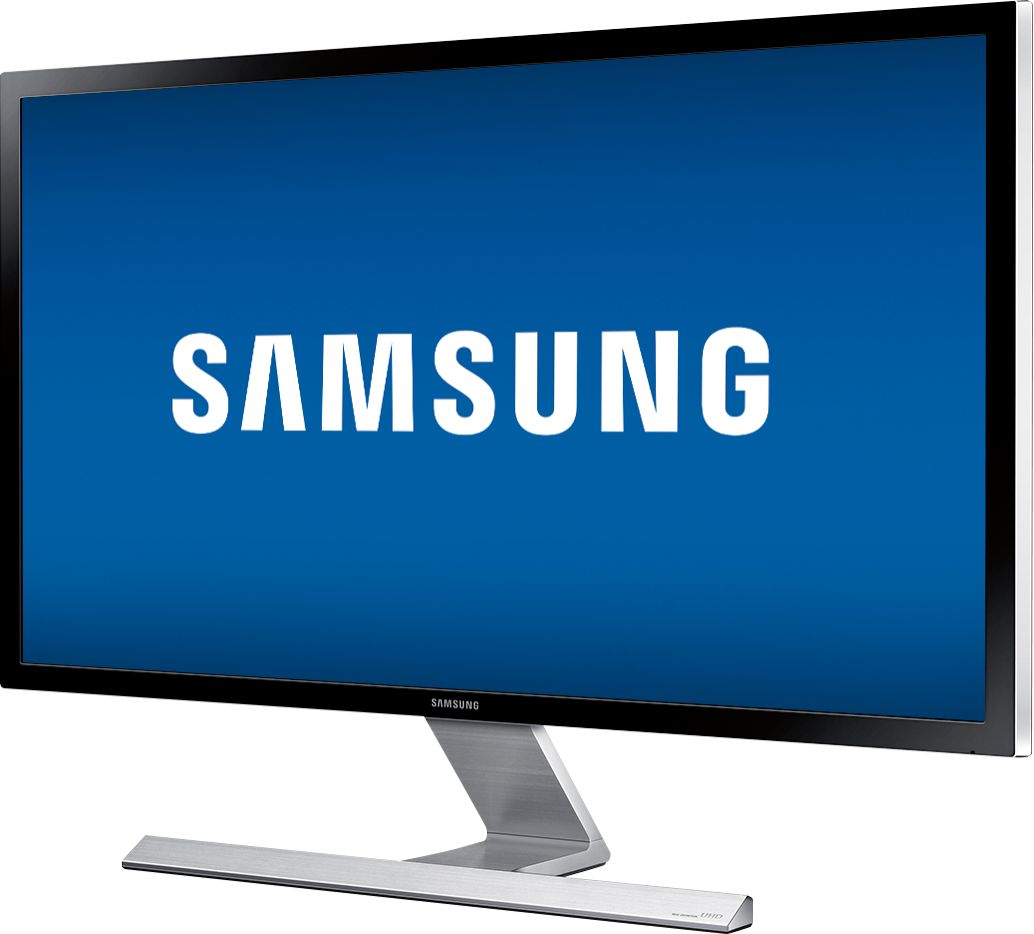
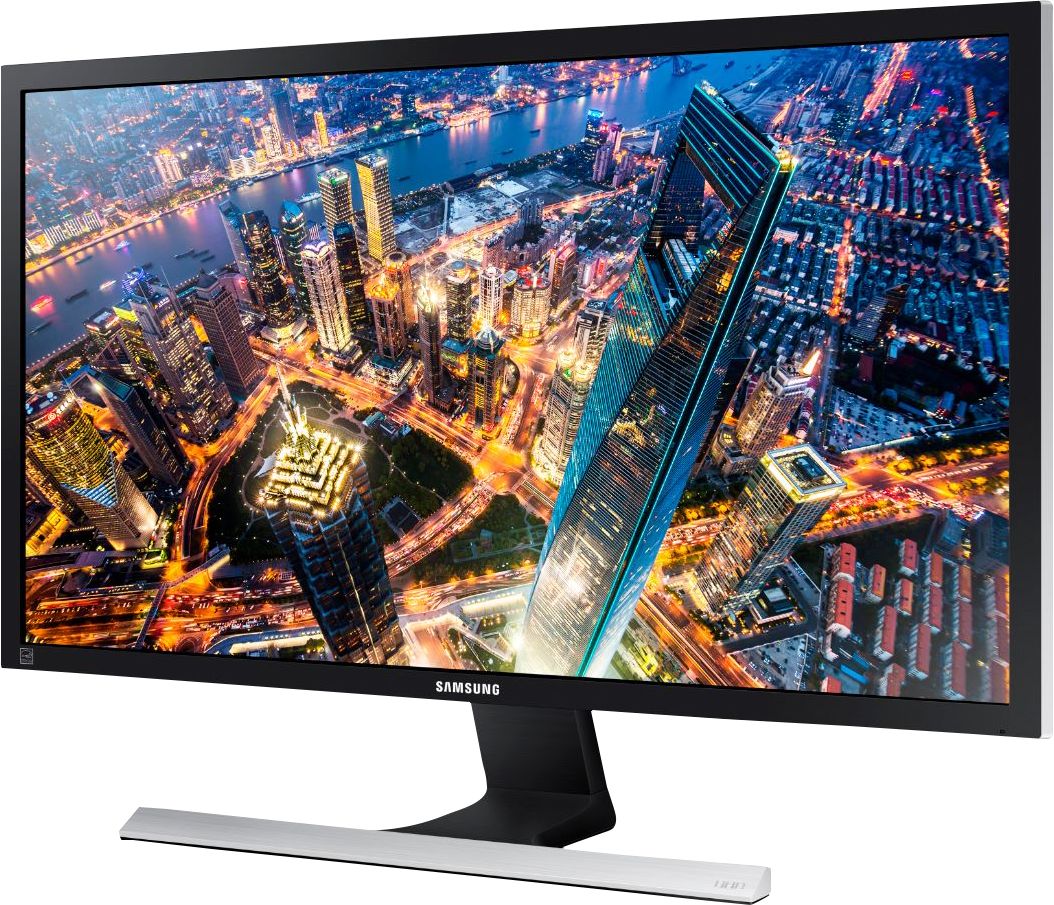


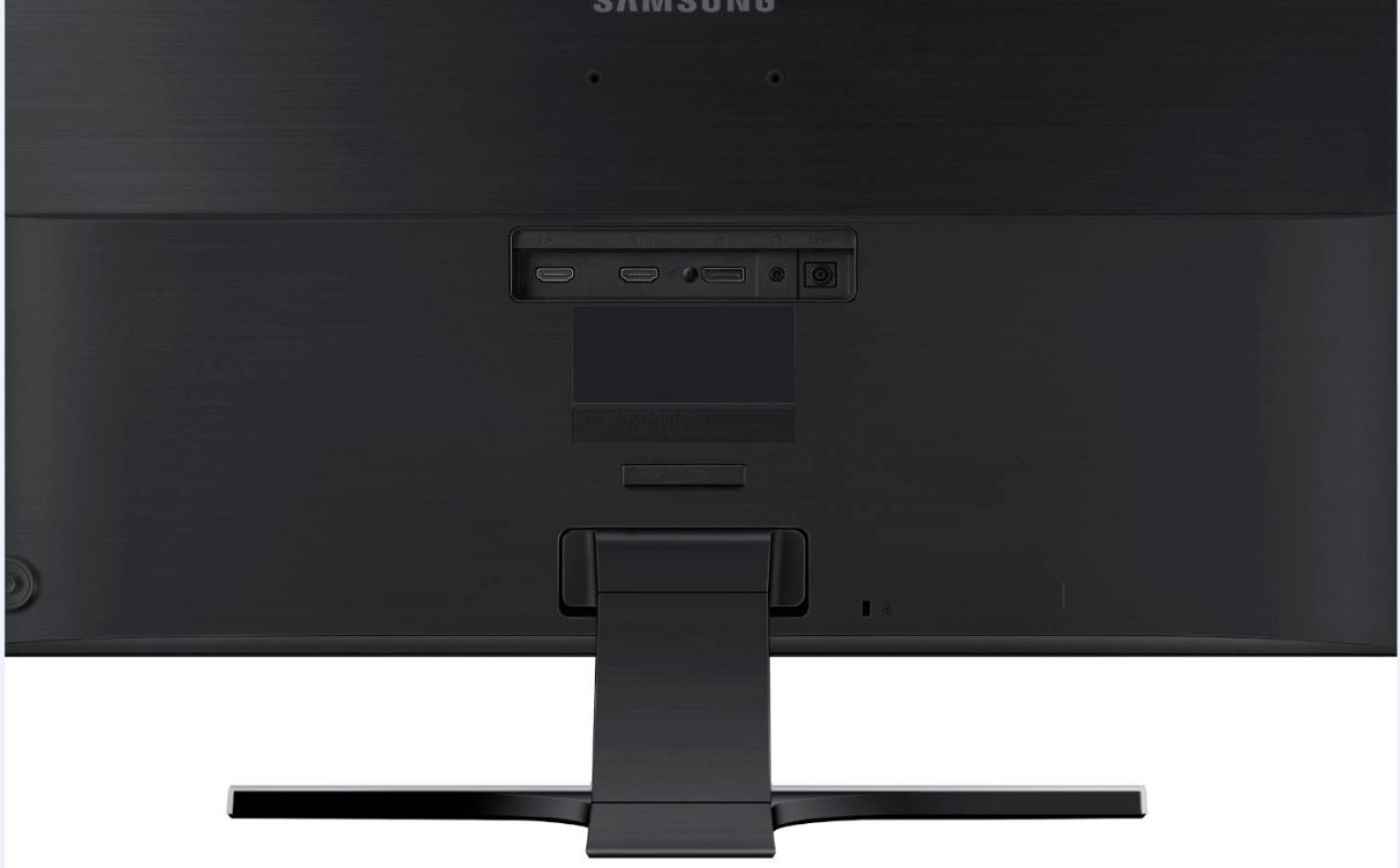

- Model:
- U28E590D
- SKU:
- 5484022
Rating by feature
- Ease of Use
Rating 4.6 out of 5 stars
- Value
Rating 4.5 out of 5 stars
- Quality
Rating 4.5 out of 5 stars
Customers are saying
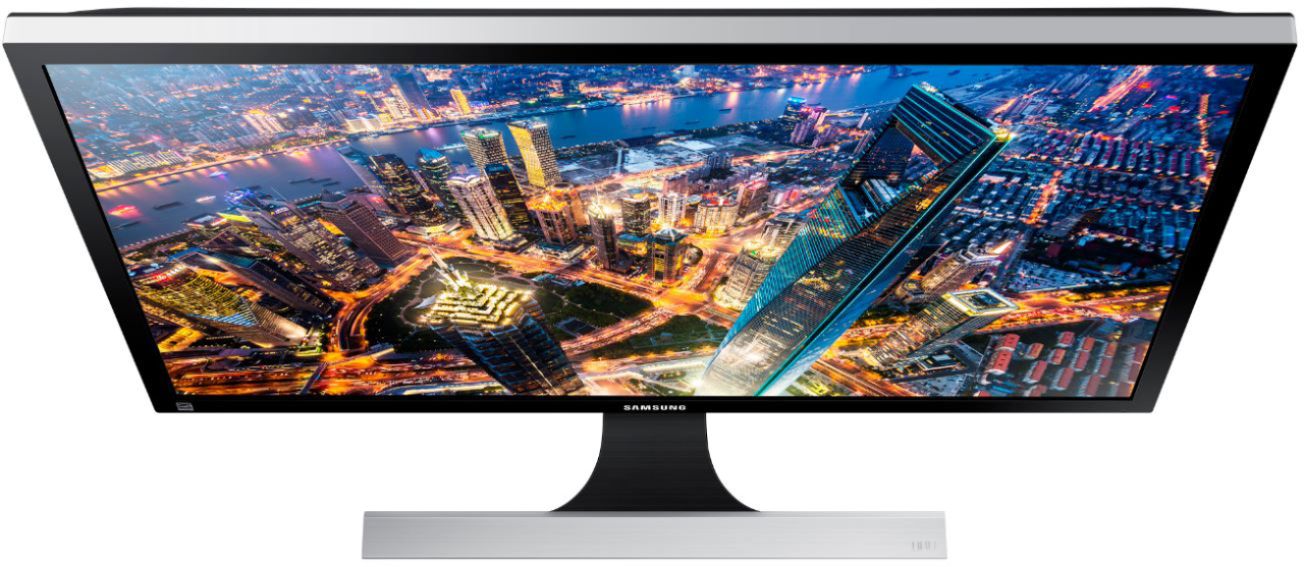
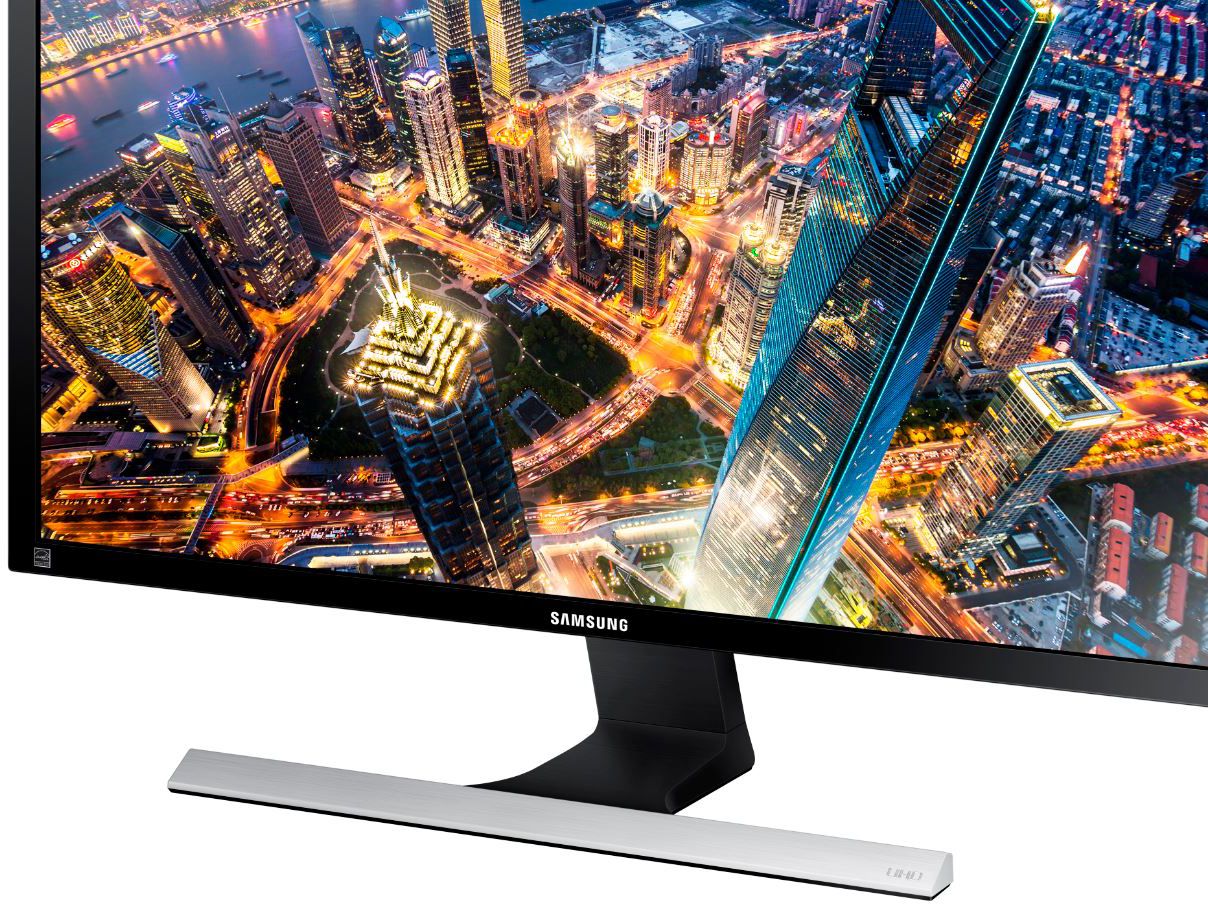
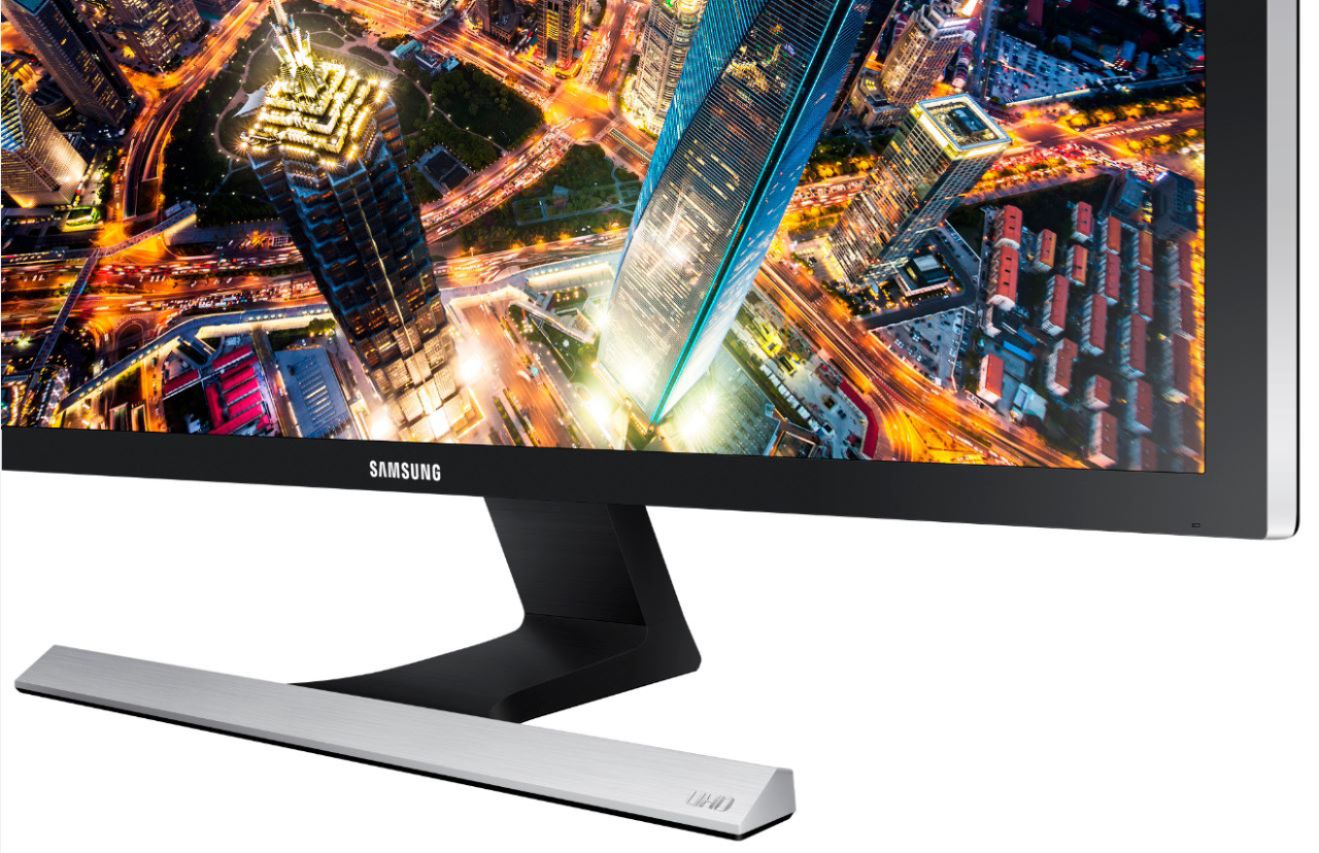
Customers admire the UE590 Series 28" LED 4K UHD Monitor's picture quality, 4K resolution, and vibrant colors. Many also praise its affordability and ease of setup, along with its fast response time, making it ideal for various uses. However, some find the stand somewhat lacking in sturdiness and adjustability. The absence of built-in speakers and less-than-ideal viewing angles are also frequently cited as drawbacks.
This summary was generated by AI based on customer reviews.
Poor screen quality
||Posted .This reviewer received promo considerations or sweepstakes entry for writing a review.Pixels started dying after half a year of heavy use and it is frustrating. The screen also has this weird mask on white as if the pixels density was too low.
No, I would not recommend this to a friendBrand response from Samsung
Posted .pasha:
I am very sorry to see that you have encountered screen issues with the Samsung U28E590D Monitor. I understand your disappointment and hope that you will give us a chance to assist with troubleshooting.
To better assist you, please contact Samsung Customer Support and representative will gladly help you:
1) Phone: 1-800-SAMSUNG
2) LiveChat or Email: https://www.samsung.com/us/support/#contact_us_for_support
3) Facebook Messenger: http://m.me/samsungsupport
4) Twitter: https://twitter.com/messages/compose?recipient_id=18768513
Samsung is committed to providing the best possible product experience, quality, and value, and we are always here to help with any of your questions or concerns.
- Samsung Solutions
Ehh
||Posted . Owned for 3 months when reviewed.This reviewer received promo considerations or sweepstakes entry for writing a review.This was an okay monitor for the cheap price I got it for, but definitely not something to use if you're looking for a high quality 4k display.
No, I would not recommend this to a friendBrand response from Samsung
Posted .DuckVision:
Thank you for your review of the Samsung U28E590D Monitor
Your experience is very important to us and we will share your feedback regarding 4k quality display with our product team.
Should you ever need assistance or have questions with using this monitor, please contact Samsung Customer Support via:
1) Phone: 1-800-SAMSUNG (ask for Monitors) Available 8AM - 12AM EST (Mon-Fri) / 9AM - 11PM EST (Sat-Sun)
2) LiveChat: https://www.samsung.com/us/support/#contact_us_for_support
3) Facebook Messenger: http://m.me/samsungsupport
4) Twitter: https://twitter.com/messages/compose?recipient_id=18768513
The Samsung Members Community is also a great resource for getting help from Samsung moderators and customers: https://us.community.samsung.com/t5/Get-Help/ct-p/get-help
If you have not already done so, we invite you to register your new Samsung Monitor at: https://www.samsung.com/us/support/register/
Registering your product gives you access to easy warranty support, convenient opt-in to special promos & offers, faster troubleshooting & service, and quick notification of system updates.
Samsung is committed to providing the best possible product experience, quality, and value, and we greatly appreciate your comments and suggestions.
- Samsung Solutions
Ok monitor just not the 4K capability I wanted
||Posted .This reviewer received promo considerations or sweepstakes entry for writing a review.Good looking monitor but disappointed didn’t have HDR. A plus for this monitor is that it has a DisplayPort.
I would recommend this to a friendBrand response from Samsung
Posted .Discountirefam:
Thank you for purchasing this Samsung U28E590D Monitor. I am glad that you are happy with the experience.
I am sorry that you found HDR to be lacking. Your thoughts on this will be shared with our product team.
If you ever have questions or need assistance, please know that Samsung is always here to help. You can reach us at either of the following options:
1) Phone: 1-800-SAMSUNG (ask for Monitors)
Available 8AM - 12AM EST (Mon-Fri) / 9AM - 11PM EST (Sat-Sun)
2) LiveChat or Email: https://www.samsung.com/us/support/#contact_us_for_support
3) Facebook Messenger: https://www.facebook.com/samsungsupport
4) Twitter: https://twitter.com/SamsungSupport
5) The Samsung Monitor Community is also a great resource for getting help from Samsung moderators and customers: https://us.community.samsung.com/t5/Monitors/bd-p/monitors
Thank you for choosing Samsung!
- Samsung Solutions
Solid Monitor
||Posted .This reviewer received promo considerations or sweepstakes entry for writing a review.This monitor has been great for a lot of things--gaming, streaming, etc.-but I have not noticed 4k as impressively as on my 4k TV. I'm not sure why.
I would recommend this to a friendBrand response from Samsung
Posted .wareure:
Thank you for purchasing this Samsung U28E590D Monitor. I am glad that you are happy with the experience.
Please reach out to us so we can better understand your usage scenario and why you are not getting 4K on this 4K Monitor.
You can reach us via any of the below options:
1) Phone: 1-800-SAMSUNG (ask for Monitors)
Available 8AM - 12AM EST (Mon-Fri) / 9AM - 11PM EST (Sat-Sun)
2) LiveChat or Email: https://www.samsung.com/us/support/#contact_us_for_support
3) Facebook Messenger: https://www.facebook.com/samsungsupport
4) Twitter: https://twitter.com/SamsungSupport
The Samsung Monitor Community is also a great resource for getting help from Samsung moderators and customers: https://us.community.samsung.com/t5/Monitors/bd-p/monitors
We look forward to hearing from you soon.
- Samsung Solutions
Meh
||Posted . Owned for 1 year when reviewed.This reviewer received promo considerations or sweepstakes entry for writing a review.Have had for a little over a year glitches when i hook up to my lap top works perfectly with my ps4
I would recommend this to a friendAverage monitor.
||Posted . Owned for 1 year when reviewed.This reviewer received promo considerations or sweepstakes entry for writing a review.Returned due to wobbly base, size larger than anticipated, and color temps, contrast not quite adjustable to personal preferences.
No, I would not recommend this to a friendBrand response from Samsung
Posted .Maya:
I am very sorry to see that this monitor did not meet your expectations, and you have returned it.
Your feedback is very important to us and will be shared with our product team.
Should you ever decide to give Samsung Monitor products another try and have concerns or questions, please know we are always here to help. You contact Samsung Customer Support via:
1) Phone: 1-800-SAMSUNG (ask for Monitors) Available 8AM - 12AM EST (Mon-Fri) / 9AM - 11PM EST (Sat-Sun)
2) LiveChat or Email: https://www.samsung.com/us/support/#contact_us_for_support
3) Facebook Messenger: http://m.me/samsungsupport
4) Twitter: https://twitter.com/messages/compose?recipient_id=18768513
The Samsung Members Community is also a great resource for getting help from Samsung moderators and customers: https://us.community.samsung.com/t5/Get-Help/ct-p/get-help
Again, thank you for taking the time to share your experience and provide us with information that helps improve our service. We hope to regain you as a customer in the near future.
- Samsung Solutions
Not really 4K
||Posted .This reviewer received promo considerations or sweepstakes entry for writing a review.So I bought my first monitor and its 4k and i have an Xbox X witch supports 4k and HDR 10.Well I connected the Xbox and the monitor with a brand new HDMI cord and turns out that the monitor doesn’t even play on 4K it only plays on 1080 P 30 hz and I set up the settings on the monitor to game settings and fast is movement end it was not good image I felt like I was playing on a regular TV so I’m return it tomorrow and buy me a 4k tv.
No, I would not recommend this to a friendBrand response from Samsung
Posted .Jeff:
I am very sorry that this monitor has not lived up to your expectations and that you find its unsatisfactory image quality unsatisfactory and have returned it.
Should you ever decide to give Samsung Monitor products another try and have concerns or questions, please know we are always here to help. You contact Samsung Customer Support via:
1) Phone: 1-800-SAMSUNG
2) LiveChat or Email: https://www.samsung.com/us/support/#contact_us_for_support
3) Facebook Messenger: http://m.me/samsungsupport
4) Twitter: https://twitter.com/messages/compose?recipient_id=18768513
We hope to regain you as a customer in the near future.
- Samsung Solutions
- Cons mentioned:Stand
Piece of Junk
||Posted .This reviewer received promo considerations or sweepstakes entry for writing a review.I wouldn't use this if it was given to me for free. It is mounted on a frame that bobbles at the slightest touch. Hard to set up as well, but that frame is pathetic. Samsung should be ashamed, took it right back.
No, I would not recommend this to a friend Very misleading
||Posted . Owned for less than 1 week when reviewed.This reviewer received promo considerations or sweepstakes entry for writing a review.This monitor is not what it seems. First off it says it supports freesynce and one would think that goes for any port. Wrong only on the display port. 2nd one would think a 4K monitor would play 4K movies. Wrong. This is not hdcp 2.2 compliant so no 4K blue ray or net flix or amazon 4K content will work. And last. Color. It’s very muted and I did a pro style calibration and still the blacks look grey.
I would recommend this to a friendBrand response from Samsung
Posted .Benq:
Thank you for sharing your feedback on the Samsung U28E590D Monitor. I am sorry to see that this model fell short of your expectations.
Please give us the opportunity to troubleshoot and resolve your disappointment, by contacting us via any of these options:
1) Phone: 1-800-SAMSUNG (ask for Monitors) Available 8AM - 12AM EST (Mon-Fri) / 9AM - 11PM EST (Sat-Sun)
2) LiveChat: https://www.samsung.com/us/support/#contact_us_for_support
3) Facebook Messenger: http://m.me/samsungsupport
4) Twitter: https://twitter.com/messages/compose?recipient_id=18768513
The Samsung Members Community is also a great resource for getting help from Samsung moderators and customers: https://us.community.samsung.com/t5/Get-Help/ct-p/get-help
If you have not already done so, we invite you to register your new Samsung Monitor at: https://www.samsung.com/us/support/register/
Registering your product gives you access to easy warranty support, convenient opt-in to special promos & offers, faster troubleshooting & service, and quick notification of system updates.
Samsung is committed to providing the best possible product experience, quality, and value, and we are always here to help with any of your questions or concerns.
- Samsung Solutions
great monitor
||Posted .This reviewer received promo considerations or sweepstakes entry for writing a review.it was a great monitor but did not work with my graphic card. to use this monitor, you need a graphic card that can play 4k videos. it made my pc overheat.
I would recommend this to a friendThis is 4K?
||Posted .This reviewer received promo considerations or sweepstakes entry for writing a review.I was so excited to finally be able to step up to 4K gaming. The price should have clued me that something wasn't quite right, but despite the feeling I picked one up anyway. Boy was that a mistake. Don't get me wrong, this a beautifully designed sleek monitor, and it ends there. I got around the issue of everything being too tiny on a 28" 4K screen by setting a custom scaling option. Second thing was the options in the monitor itself for setting the picture color depth and darkness levels. Needless to say that both are close to non existing. The options are there, but don't do much. The Eye Saver mode turns the picture to a diarrhea brown mess! (yes, pun intended). I didn't notice the true flaws until I was about to sell my monitor it replaced (Asus VG248QE). Both monitors were running off of the same video card so there are very little variables that would taint my results. When compared side by side (to a 1080p monitor I may add), The ONLY advantage it had was the ability to show videos in 4K. My Asus ran circles around this monitor in Picture quality, sharpness, deeper colors, and deeper more true blacks. Needless to say that I immediately canceled the sales ad, and returned this monitor. If you want, you can get this monitor just to say that you have a 4K monitor because that's all you'll have. I suggest you save a bit more and go with something better!
No, I would not recommend this to a friendConnection issues
||Posted .This reviewer received promo considerations or sweepstakes entry for writing a review.Overall good monitor but could not achieve 4k with my modern gaming desktop. It needs more connection options and better instructions.
No, I would not recommend this to a friendBrand response from Samsung
Posted .ReviewTime69:
Thank you for your review of the Samsung U28E590D monitor
Your experience is very important to us and we will share your feedback regarding connection options and instructions with our product team.
Should you ever need assistance or have questions with using this monitor, please contact Samsung Customer Support via:
1) Toll-free calling: 1-800-SAMSUNG
2) LiveChat or Email: https://www.samsung.com/us/support/#contact_us_for_support
3) Facebook Messenger: http://m.me/samsungsupport
4) Twitter: https://twitter.com/messages/compose?recipient_id=18768513
Samsung is committed to providing the best possible product experience, quality, and value, and we greatly appreciate your comments and suggestions.
- Samsung Solutions
Meh
||Posted . Owned for 3 weeks when reviewed.This reviewer received promo considerations or sweepstakes entry for writing a review.Honestly just meh. Its an ok monitor but the colors especially the blacks are a let down. My 7 year old asus looks better.
No, I would not recommend this to a friendBrand response from Samsung
Posted .Nanoz619:
I am very sorry that you are not completely happy with the U28E590D Monitor. Please give us the opportunity to better understand your usage environment and troubleshoot towards a solution.
You can reach Samsung Support via any of the following options:
1) Phone: 1-800-SAMSUNG (ask for Monitors) Available 8AM - 12AM EST (Mon-Fri) / 9AM - 11PM EST (Sat-Sun)
2) LiveChat or Email: https://www.samsung.com/us/support/#contact_us_for_support
3) Facebook Messenger: http://m.me/samsungsupport
4) Twitter: https://twitter.com/messages/compose?recipient_id=18768513
The Samsung Monitor Community is also a great resource for getting help from Samsung moderators and customers: https://us.community.samsung.com/
Again, I am very sorry for the inconveniences you have had, and hope that we will hear from you soon.
- Samsung Solutions
Great monitor, not so much for gaming
||Posted .This reviewer received promo considerations or sweepstakes entry for writing a review.I came from an Asus VG248QE 144hz. This one in 4k ran about 30 to 40 FPS on low settings. Went back to an Asus VG248QE.
I would recommend this to a friendBrand response from Samsung
Posted .Ramrod112:
I am very sorry that this monitor has not lived up to your expectations and that you find it is performing slowly with unsatisfactory image quality.
Should you ever decide to give Samsung Monitor products another try and have concerns or questions, please know we are always here to help. You contact Samsung Customer Support via:
1) Phone: 1-800-SAMSUNG
2) LiveChat or Email: https://www.samsung.com/us/support/#contact_us_for_support
3) Facebook Messenger: http://m.me/samsungsupport
4) Twitter: https://twitter.com/messages/compose?recipient_id=18768513
We hope to regain you as a customer in the near future.
- Samsung Solutions
- Cons mentioned:Speakers
Great monitor
||Posted .This reviewer received promo considerations or sweepstakes entry for writing a review.It was a great monitor downfall no speakers so i returned it to get a 4k tv but its a great item
I would recommend this to a friend Good but what is this monitor stand design?
||Posted . Owned for 1.5 years when reviewed.This reviewer received promo considerations or sweepstakes entry for writing a review.Good quality overall, but cannot figure out how to take the monitor arm off. Bad design.
No, I would not recommend this to a friendVertical Line, uneven stand, no Customer Service
||Posted .This reviewer received promo considerations or sweepstakes entry for writing a review.Bought 2 of these monitors. They are great, but one has a vertical line and after multiple phone calls and chat support session Best Buy failed to get any momentum going that I liked. Since this is not carried in stores I can't simply walk in and exchange. The monitor stands are wobbly and side by side they are uneven and can't be adjusted left to right height. 2 Starts due to Stand, vertical line and bad customer service.
I would recommend this to a friendBrand response from MrSamsung
Posted .Gradius,
Thank you for purchasing the Samsung U28E590D Monitor. I am sorry to hear that you are experiencing difficulties with your display showing a vertical line.
Samsung products are engineered to the highest standards of performance and quality and we back your Samsung U28E590D with a 1-year limited manufacturer's warranty, if purchased brand-new from an authorized dealer. Please allow us the chance to diagnose and treat your product issue.
To better assist you with step-by-step troubleshooting or warranty service, please contact Samsung Customer Support toll-free at 1-800-SAMSUNG.
You can also contact Samsung via LiveChat or email. Please copy-paste this link into your browser: http://www.samsung.com/us/support/contact
Samsung is committed to providing the best possible product experience, quality, and value, and we are always here to help with any of your questions or concerns.
Samsung Solutions
Not bad
||Posted .This reviewer received promo considerations or sweepstakes entry for writing a review.I hoped this monitor could have speakers but it does not. I feel it too pricy. Working fine so far with no issues.
No, I would not recommend this to a friendBrand response from Samsung
Posted .Headphonelover:
Thank you for purchasing the Samsung 28-Inch Ultra High Definition LED Monitor (U28D590D). I am sorry that you were not aware that this model does not come with built-in speakers.
For complete product specs, please visit samsung.com: http://www.samsung.com/us/support/owners/product/LU28D590DS/ZA
This monitor does come with audio/headphone output so you can connect your own speakers.
For assistance with adjusting scaling or features and usage with this monitor, please contact Samsung Customer Support and a representative will gladly help you:
1) Phone: 1-800-SAMSUNG
2) LiveChat or Email: https://www.samsung.com/us/support/#contact_us_for_support
3) Facebook Messenger: http://m.me/samsungsupport
4) Twitter: https://twitter.com/messages/compose?recipient_id=18768513
Samsung is committed to providing the best possible product experience, quality, and value, and we are always here to help with any of your questions or concerns.
- Samsung Solutions
Nice Monitor - Bad Mounting Location
||Posted .This reviewer received promo considerations or sweepstakes entry for writing a review.Mount location on th e monitor would not allow me to attach it to my multi monitor stand, had to give to a cooworker.
No, I would not recommend this to a friendIs ok for office used
||Posted . Owned for 1 month when reviewed.This reviewer received promo considerations or sweepstakes entry for writing a review.Great quality for officie use not for gaming the response time is 5ms but the fresh rate its 120 is ok
I would recommend this to a friendBrand response from Samsung
Posted .Djjesmil:
Thank you for purchasing this Samsung 28" UE590 UHD Monitor. I am glad that your monitor is suiting your office environment nicely.
Should you need assistance with features or usage, please contact Samsung Customer Support
1) Phone: 1-800-SAMSUNG (ask for Monitors) Available 8AM - 12AM EST (Mon-Fri) / 9AM - 11PM EST (Sat-Sun)
2) LiveChat or Email: https://www.samsung.com/us/support/#contact_us_for_support
3) Facebook Messenger: http://m.me/samsungsupport
4) Twitter: https://twitter.com/messages/compose?recipient_id=18768513
The Samsung Members Community is also a great resource for getting help from Samsung moderators and customers: https://us.community.samsung.com/t5/Get-Help/ct-p/get-help
If you have not already done so, we invite you to register your new Samsung Monitor at: https://www.samsung.com/us/support/register/
Registering your product gives you access to easy warranty support, convenient opt-in to special promos & offers, faster troubleshooting & service, and quick notification of system updates.
-Samsung Solutions