Customer Ratings & Reviews



- Model:
- U28E590D
- |
- SKU:
- 5484022
Customer reviews
Rating 4.5 out of 5 stars with 2533 reviews
(2,533 customer reviews)Rating by feature
- Ease of Use4.6
Rating 4.6 out of 5 stars
- Value4.5
Rating 4.5 out of 5 stars
- Quality4.5
Rating 4.5 out of 5 stars
Customers are saying
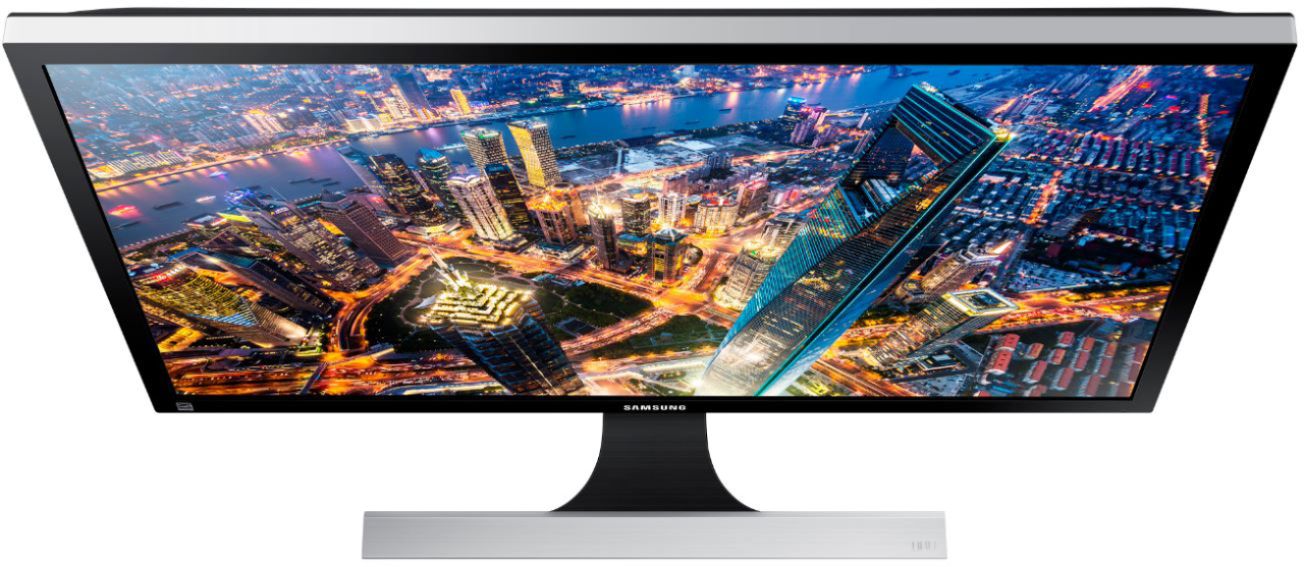
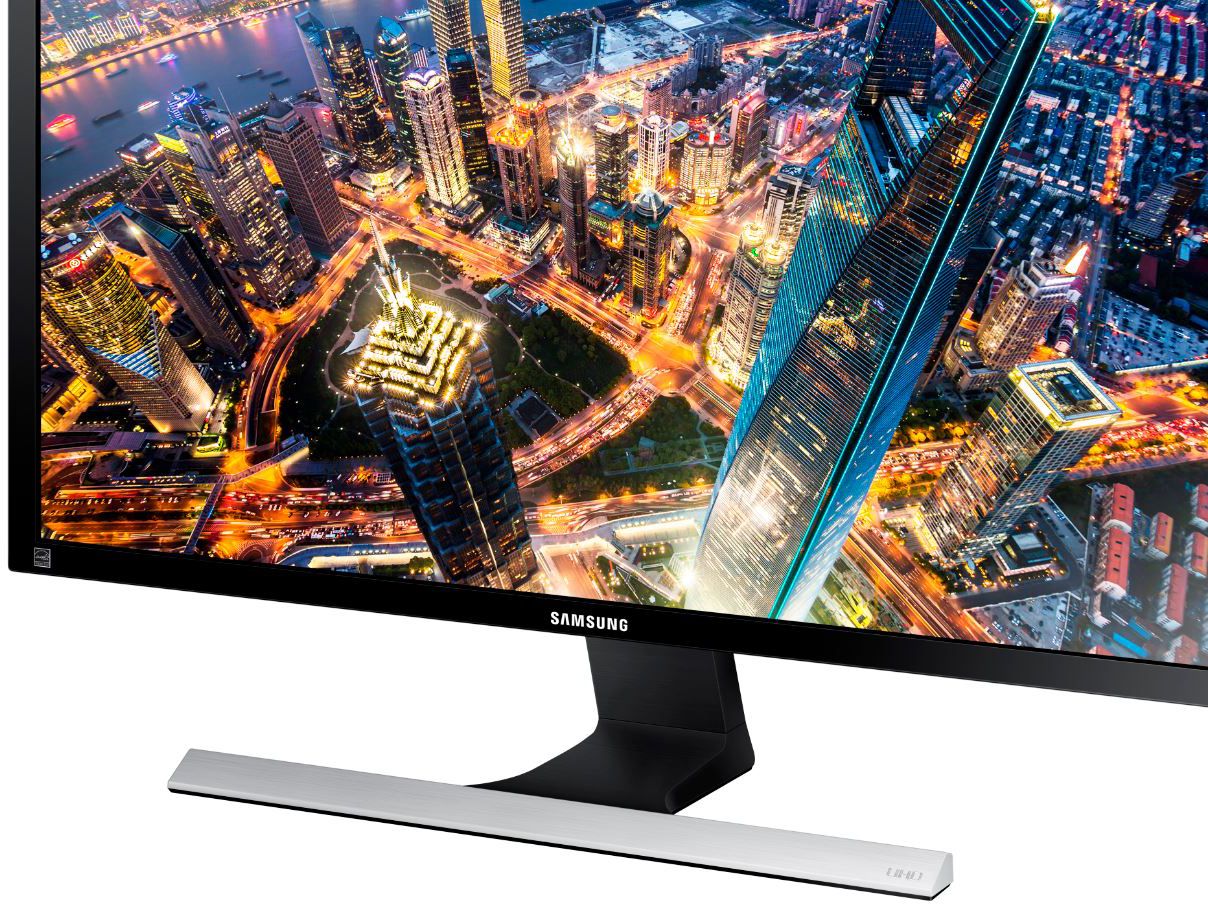
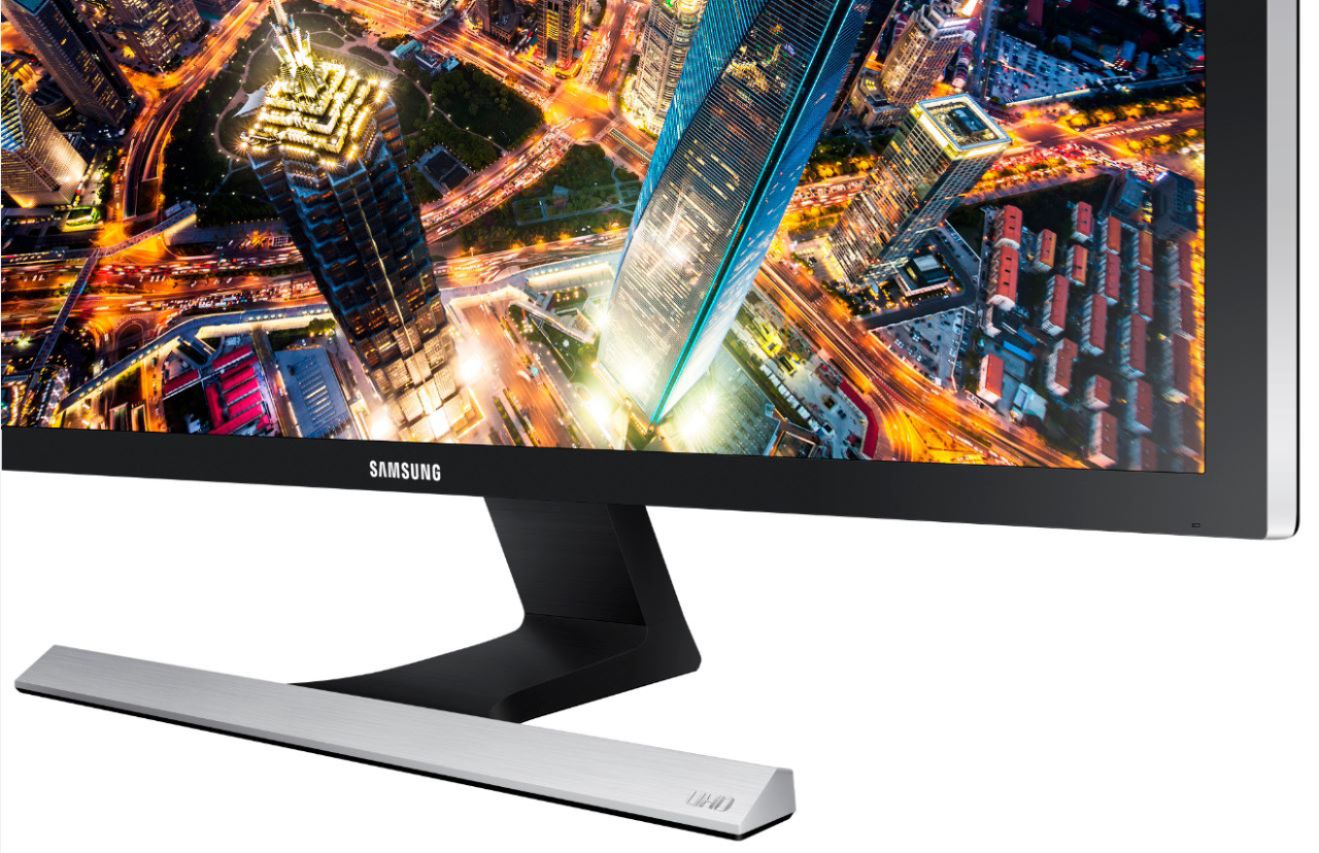
Customers admire the UE590 Series 28" LED 4K UHD Monitor's picture quality, 4K resolution, and vibrant colors. Many also praise its affordability and ease of setup, along with its fast response time, making it ideal for various uses. However, some find the stand somewhat lacking in sturdiness and adjustability. The absence of built-in speakers and less-than-ideal viewing angles are also frequently cited as drawbacks.
This summary was generated by AI based on customer reviews.
Rated 5 out of 5 stars
4K Gaming Godsend
Posted .This reviewer received promo considerations or sweepstakes entry for writing a review.I have been a gamer, console and PC, since the 90’s. Typically I’ve gone for ASUS or BenQ displays, high refresh and 1ms. This monitor was on sale and against my tradition I pulled the trigger. This was the greatest shot I’ve made in a long time. The monitor is beautiful, no bleeding, visually it is, honestly, the best monitor I’ve ever owned. The menu control on the back is a bit clunky and it’s not running 144hz, but neither will any PC Ill own be pushing 144 framerate in 4K. The 60hz is perfect for my PC or the Xbox One X. This was the exact monitor I didn’t know I wanted. It’s worth the price, has an absolutely beautiful picture, and 100% everything one needs for 4K gaming. Bonus: that 5year geek squad insurance made the purchase even easier.
I would recommend this to a friend- Pros mentioned:Color
Rated 4 out of 5 stars
You Won't Mistake It For An IPS Monitor
Posted .This reviewer received promo considerations or sweepstakes entry for writing a review.For the price, this is a decent monitor, but you will never mistake it for an IPS panel monitor, but then, neither will your bank account. The screen is capable of blinding brightness, but contrast is typical TN panel fare. And if you open a full screen, white window, you will notice some color variation from top to bottom. Calibration out of the box is too heavy on the green. All whites have a greenish tint. I used an old Pantone HueyPro to calibrate, and have a much better picture as a result. A basic colorimeter might be worth it, if you are picky, and can't afford an IPS monitor. Or, as a compromise, just turn down the green. The monitor is a single stream monitor, and you need a DisplayPort 1.2 card to run it properly, but you'll get full resolution at 60 Hz, and the monitor will not show up as two monitors in Windows, as some older UHD monitors do.
I would recommend this to a friend - Cons mentioned:Viewing angle
Rated 4 out of 5 stars
Beautiful and affordable 4K Moniter
Posted .This reviewer received promo considerations or sweepstakes entry for writing a review.I upgraded my ASUS PB278 with this bad boy. I've got to say, it was nothing I wasn't expecting. Seeing Samsung 4K demo's in the Best Buy I bought this monitor in, it isn't any different as far as sharpness goes. I played a few MOBA's and an MMO. Running this monitor on a single GTX 780 works, but I'll have to SLI in order to get optimal performance. In any case, dropping resolution to 1440p makes all games 60FPS capable with no temperature issues from my GPU. Now on to the design. I hate the stand. The vertical viewing angles aren't very good. The controls included with the monitor provide a wide variety of user adjustable color schemes and tweaks to cater to whatever you might be doing. Overall, this monitor is a winner. I don't see myself getting anything else for a long, long time.
I would recommend this to a friend - Pros mentioned:Response time
Rated 5 out of 5 stars
Best Monitor
Posted .This reviewer received promo considerations or sweepstakes entry for writing a review.I purchased this for my son for Christmas. He is thrilled with it. He is a gamer and this monitor is perfect for him. Great response time, refresh rate. Amazing graphics.
I would recommend this to a friend - Pros mentioned:Price
Rated 5 out of 5 stars
28" Ultra HD Joy
Posted .This reviewer received promo considerations or sweepstakes entry for writing a review.Great monitor for the price. Purchased for gaming. Works well with my 980ti video card.
I would recommend this to a friend Rated 5 out of 5 stars
The Best On The Market
Posted .This reviewer received promo considerations or sweepstakes entry for writing a review.Before buying this monitor I have red many reviews and I watched a lot of videos on YouTube.Beside the good things I saw many people who wanted to downgrade this monitor in a different ways.I just want to tell them you are very, very wrong They talking about IPS technology is the best and it's better then TN technology and I want to say EVEN THE BEST IPS MONITOR OTHER THAN 4K IS WORST THEN THIS MONITOR -PERIOD. When for the first time I hooked this monitor I was blown away of the stunning 3840x2160 resolution screen. Very easy to install, use only DP cable for 4K games not HDMI . I am a gamer and now when I can feel the power of this monitor I can upgrade my PC with better GPU . Minimum requirement GPU 780 SC and up, in other words when you buy Ferrari you have to buy any other part from Ferrari. Do not think so much just buy it and enjoy ...
I would recommend this to a friendRated 4 out of 5 stars
For use on XBOX ONE S? Yes and No...
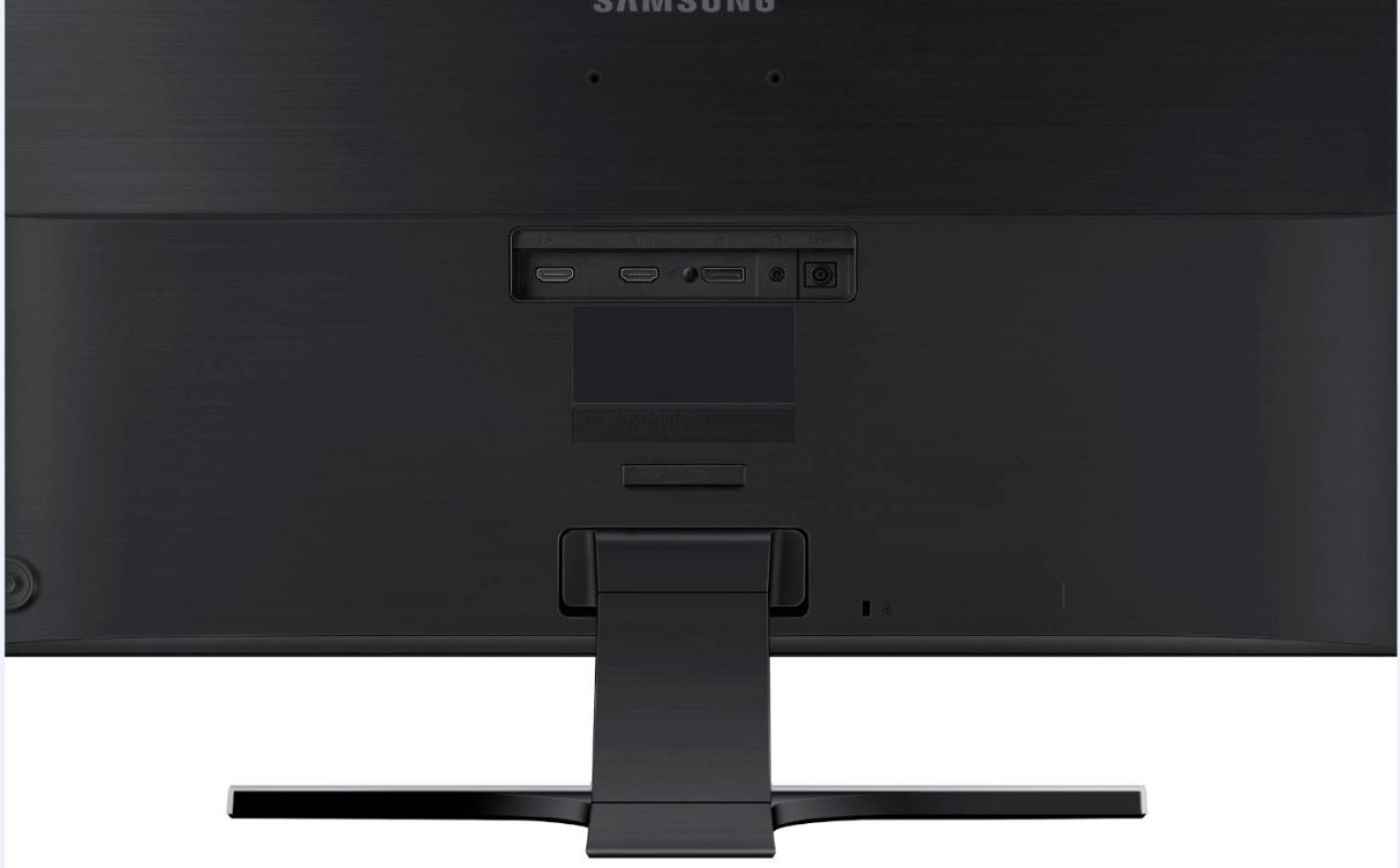
Posted .This reviewer received promo considerations or sweepstakes entry for writing a review.While the specifications state you can get 3840 x 2160 at 60HZ, it doesn't tell you that you cant get that across the HDMI 1 port it only supports 30Hz. even with HDMI 2.0 cables. You can only get 3840 x 2160 at 60HZ on the HDMI 2 or DisplayPort. The XBOX ONE S will tell you 4K isn't supported if you plug into HDMI 1, but will work on HDMI 2, but without HDR. This is in small print in the included manual, which you have to open the box to read. It will display 4K on the XBOX ONE S, but in my tests it flickered intermittently when playing a game, but did not when playing a 4K BluRay. I might take this one back and try another one. Everything else 4K is 40" or larger. I also looked at the LG 27" 27UD68, which does NOT support the XBOX ONE S.
I would recommend this to a friendRated 5 out of 5 stars
Highly satisying monitor.
Posted .This reviewer received promo considerations or sweepstakes entry for writing a review.With a great monitor like this at my PS$/Xbox One X setup disposal, no owner can go wrong with this screen. Brightness can illuminate a room even at dim lighting. Color at its true depth can pop off the screen sometimes during video playback, and can even handle my Adobe Premier Pro editing from shots taken off my Galaxy S& edge (ehh, not a DSLR owner yet, but fake it til I make it). 5/5
I would recommend this to a friend- Pros mentioned:Picture quality
Rated 2 out of 5 stars
Beautiful picture, terrible base
Posted .This reviewer received promo considerations or sweepstakes entry for writing a review.The monitor has a great picture even when using it with my laptop that would only support 1080p. Before I bought it I had read reviews about the base being flimsy. I did not expect it to be crooked front to back and leaning side to side as well. I took the monitor back and looked at the floor model and saw it had the same issues. I exchanged for the 29" 21:9 Samsung monitor that is not 4k but the build quality was what I expect out of Samsung. If they replace the base I would recommend it.
No, I would not recommend this to a friend Rated 5 out of 5 stars
Great samsung monitor
Posted .This reviewer received promo considerations or sweepstakes entry for writing a review.I got this 4K monitor for PC Gaming but my native resolution is (3840 x 2160) too powerful for my graphics card can handle so I still use (1080p) Picture, all though my resolution was an bit blurry I fix this by go to settings in my monitor & set my Brightness to 80, set my Contrast to 100, set my Sharpness to 100, set my Color Tone to Warm 1
I would recommend this to a friend- Pros mentioned:Picture quality
Rated 5 out of 5 stars
Picture quality is just beautiful
Posted .This reviewer received promo considerations or sweepstakes entry for writing a review.The picture quality is just beautiful. It is crisp, detailed and natural plus the colors are realistic and accurate. Fonts are amazingly clear and sharp. The quality can be compared to an IPS, OLED or Retina display. The 4K is OUTSTANDING. I originally purchased a Dell Ultra-sharp/Gaming monitor (2K) and returned it 3 days after purchase and picked this one up. The Samsung's resolution is steps above the Dell, IMHO.
I would recommend this to a friend - Pros mentioned:Picture quality
Rated 5 out of 5 stars
Exceeds expectations.
Posted .This reviewer received promo considerations or sweepstakes entry for writing a review.Early access Black Friday deal, and already hooked up within 24hrs of clicking the purchase button. Phenomenal monitor with great refresh rate. The picture is amazing, and the size just perfect. Quirky Samsung on/off, function button like most Samsung TV's and monitors, but since I have power saving functions on, it is automatically turned off. I highly recommend this monitor, ALTHOUGH, PLEASE PLEASE PLEASE make sure your hardware tht can support 4K, otherwise your wasting your money.
I would recommend this to a friend - Pros mentioned:Picture quality
Rated 4 out of 5 stars
Generally Good - Mechanical Issues
Posted .This reviewer received promo considerations or sweepstakes entry for writing a review.Mechanically, the VESA mounting is too high. I use a cantilever mount to free up desk space. The 75mm x 75mm mounting leaves the 3rd party bracken over the edge of the back of the monitor. Do not use the HDMI cable if you have a display port on your video card. I was only able to get a 30Hz refresh rate with it. Used a Displayport and was able to get 60Hz. This is with a NVidia GTX 1050 display card. Download and install fresh drivers from NVidia. The fresh drivers did all the drudge work and assured optimal Windows settings. You may have to "tweek" the monitors settings, though. The monitor produces a good picture. Good value for the money.
I would recommend this to a friend - Pros mentioned:Picture quality
Rated 5 out of 5 stars
Quality monitor
Posted .This reviewer received promo considerations or sweepstakes entry for writing a review.Another quality monitor from Samsung. I still use a 19" Samsung that I bought about 15 years ago on one of the old computers I have. This monitor is big and displays very crisp pictures in very minutes details. It was painless to setup (2 screws to tighten up for the stand) and no driver needed to be installed. Since it has 4K resolution, all of the icons and applications sizes on Windows 10 needed readjustments. For it's being big, I had to play with the menu to find an optimal display mode for my sitting posture to see the screen without noticing undesirable side effects. Overall, I am certain that I made a right decision to go with Samsung.
I would recommend this to a friend - Pros mentioned:Picture quality
Rated 5 out of 5 stars
Wow amazing display
Posted .This reviewer received promo considerations or sweepstakes entry for writing a review.I got the cheaper acer monitor. Just to give it a try. Did not like it all. Wow this one is outstanding. I connect with my Macbook Pro Retina display 15 inch. This is even better than Macbook pro screen itself. Characters are crisp , you want to use your monitor more than Macbook pro. Highly recommend. Audio is not there. Small drawback. IF you are looking to connect to Macbook or any 4k display laptop, this is one of the best. Don't try other type of monitors, you will not like it. I do work from home. Not having a good monitor is like I have expensive laptop , but cheaper monitor. You feel very good with this monitor.
I would recommend this to a friend Rated 5 out of 5 stars
Excellent monitor
Posted .This reviewer received promo considerations or sweepstakes entry for writing a review.A great gaming monitor to get you setup with great resolution and a refresh rate tht will carry you through most games without a hitch
I would recommend this to a friendRated 3 out of 5 stars
Great Resolution, but...
Posted .This reviewer received promo considerations or sweepstakes entry for writing a review.Pros: Great resolution. I am using the displayport connection with a 760 GTX video card and am getting max resolution. I haven't tried gaming, split screens, or gaming yet, so no opinion on those functions. With the large screen size I am able to increase icon and text size. With the 4K resolution the monitor is easy on the eyes, even up close. Cons: This is NOT a plug and play monitor. Before connecting you must first load the appropriate driver for the connection you want -- displayport or HDMI. You cannot load both drivers. Obviously that means another monitor must be used. If you are purchasing this with a new desktop at BB, insist that the Geek Squad do this for you as part of the purchase. Note that the quick install guide does not mention this -- or much else. A major negative for me! The stand has no height adjustment. -- capabilities that should be included in a monitor costing this much and this large. For one that has no vertical or horizontal space issues this is not much of an problem, but for one who needs to increase or decrease height, this is a major shortcoming. I actually removed the stand and propped the monitor up against vertical supports on my computer desk. As an example of bad engineering and/or instruction the remove stand instructions, straight from the user guide are: "While holding the stand neck with one hand, pound the other fisted hand down on the stand base in the direction of the arrow." There is supposedly a tilt capability but it did appear to work for me. Monitor controls are via a thumb wheel found on the rear lower right of the monitor. Bad engineering there. One needs to make more room to be able to get to and use the control. There is an app that allows one to set up the resolution and split the screen and such, but to simply power on and power off the monitor, one has to use the thumb wheel. The monitor has no VESA mount capability so it cannot be wall mounted or mounted on a universal monitor stand. Conclusions: Set up and placement functionality of this monitor is not well thought out and lacking in capabilities at best. The lack of clear instructions make set up problematic. Since wall placement is impossible, one needs a "wide open" area in which to use the monitor. Given these restraints, even with the great resolution, this monitor is priced way too high for its capabilities. I may change my mind, but I am seriously considering returning this and getting a well reviewed 1080P monitor with better overall functionality and at half the price.
No, I would not recommend this to a friendRated 3 out of 5 stars
B-
Posted .This reviewer received promo considerations or sweepstakes entry for writing a review.I bought this monitor for use in gaming. I was not impressed. Pros: Brilliant colors and crisp picture Cons: This monitor has a slow refresh rate at 30hertz by default. In order to get 60hertz you have to drop the screen resolution. Even when I dropped it and got 60hertz refresh rate, it still performed the same as when it was 30hertz. I even tried using the monitors "game mode" and still no change. I have an nVidia GTX 780ti graphics card so it's not my card. The refresh rate on this monitor is definitely not fast enough for gaming. Overall: If you are looking to get a monitor with brilliant color it is great for picture editing but I would not suggest it for gaming or anything with fast movement.
No, I would not recommend this to a friendRated 5 out of 5 stars
4k+ Should be the rating!
Posted .This reviewer received promo considerations or sweepstakes entry for writing a review.Coming from 1080p monitors and i have to say this is a whole new world of difference in gaming and movies. Running 4k res with ease with a single GTX Titan card. I haven't played FPS games on it yet but all other games from RTS to Action RPGs to MMOs to MOBAS. They all run perfectly in 2160p at 90+ FPS. I see no screen tearing and have not even had to turn vertical sync on like I read in a lot of reviews. If you want an upgrade in the way u look at games and haven't made it to the 4k jump yet then do it! This monitor is worth every penny.
I would recommend this to a friendRated 4 out of 5 stars
Great 4K monitor
Posted .This reviewer received promo considerations or sweepstakes entry for writing a review.The best way to wakeup this monitor is in control panel, select never turn off monitor, and then in screen saver set it to 3 minutes, or whatever you like, then apply and enjoy your new 4k monitor.....;-)
I would recommend this to a friend