Customer Ratings & Reviews



- Model:
- U28E590D
- SKU:
- 5484022
Rating by feature
- Ease of Use
Rating 4.6 out of 5 stars
- Value
Rating 4.5 out of 5 stars
- Quality
Rating 4.5 out of 5 stars
Customers are saying
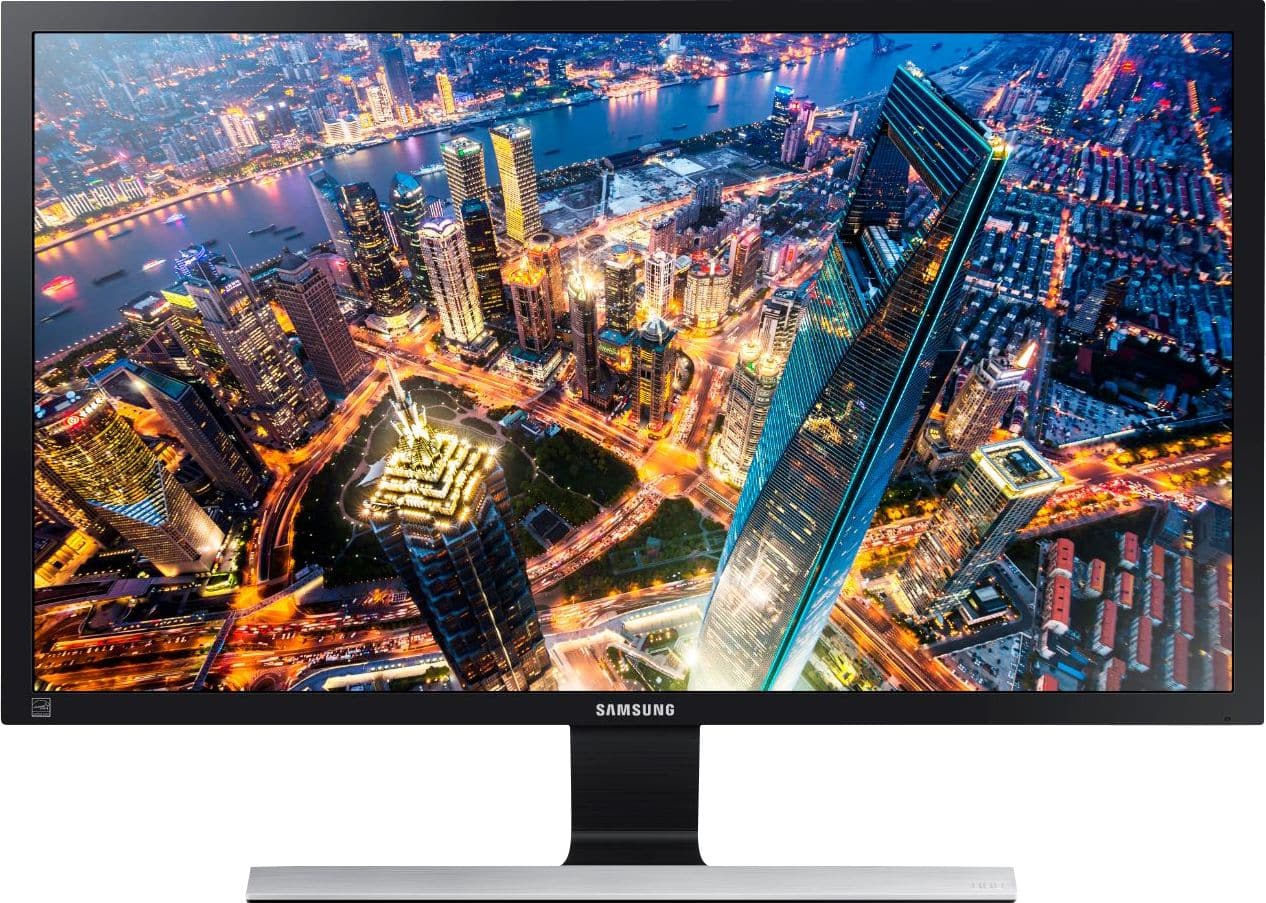
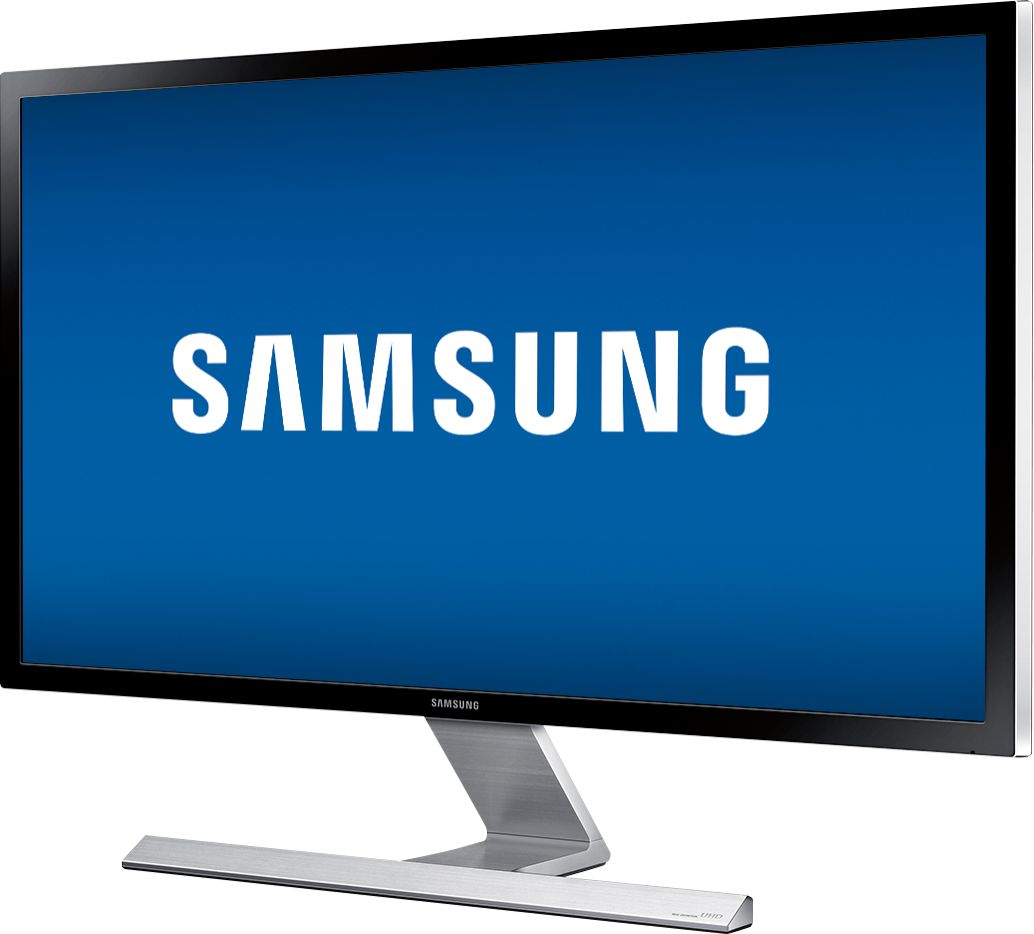
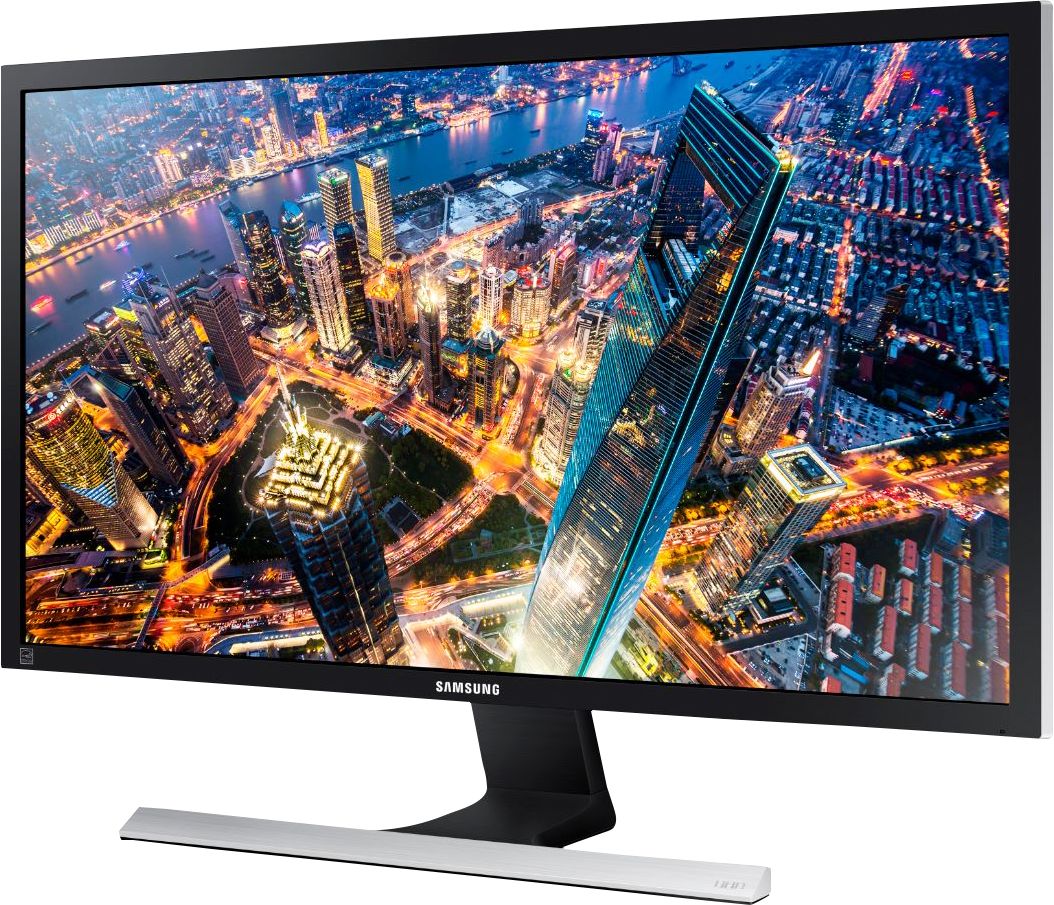
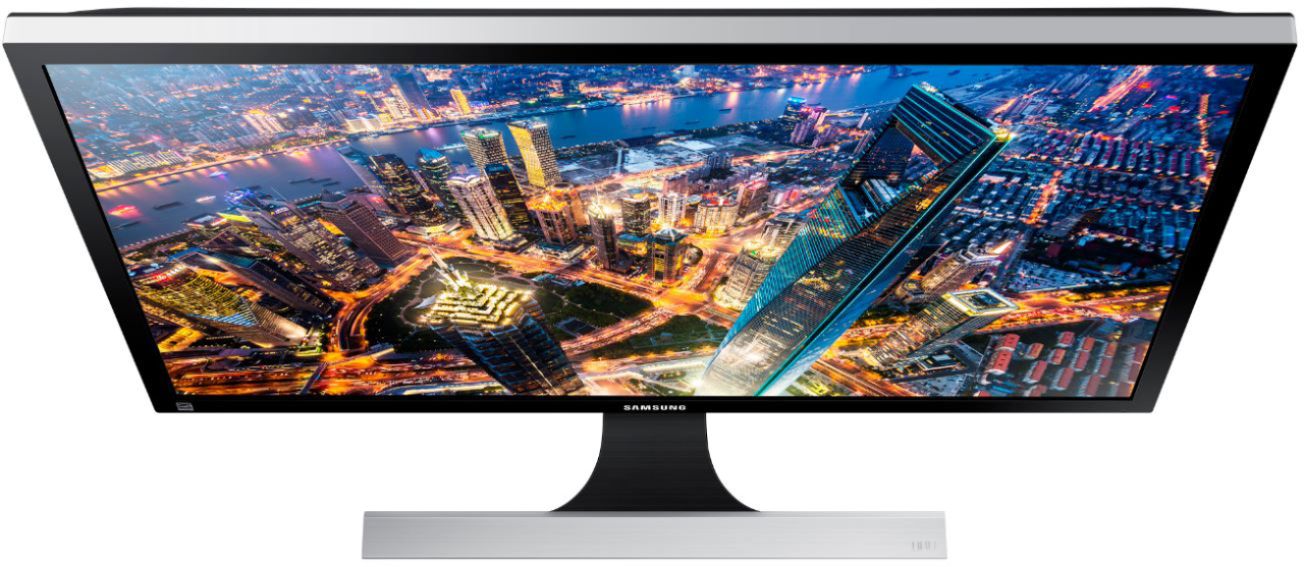
Customers admire the UE590 Series 28" LED 4K UHD Monitor's picture quality, 4K resolution, and vibrant colors. Many also praise its affordability and ease of setup, along with its fast response time, making it ideal for various uses. However, some find the stand somewhat lacking in sturdiness and adjustability. The absence of built-in speakers and less-than-ideal viewing angles are also frequently cited as drawbacks.
This summary was generated by AI based on customer reviews.
Excellent UHD monitor
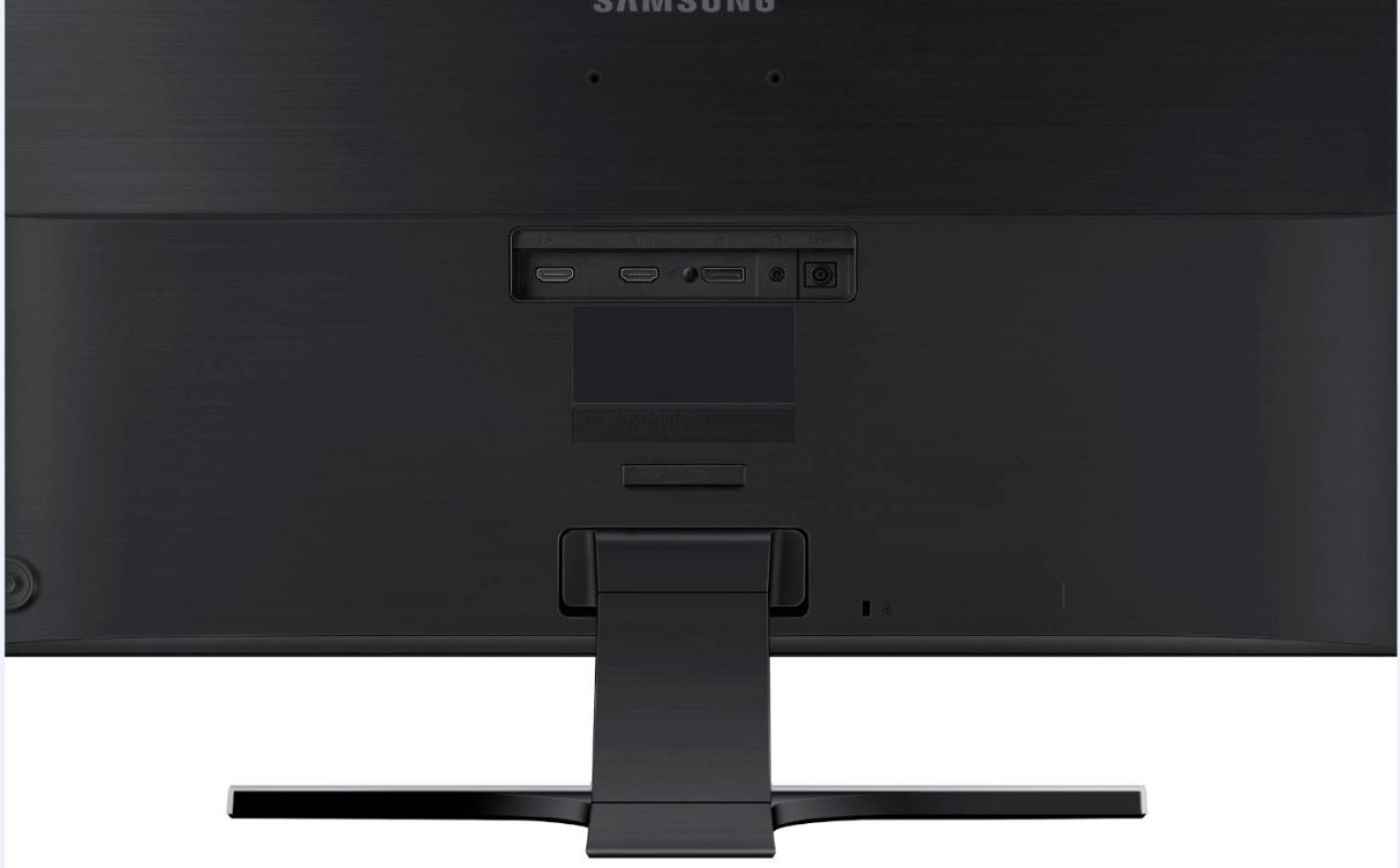
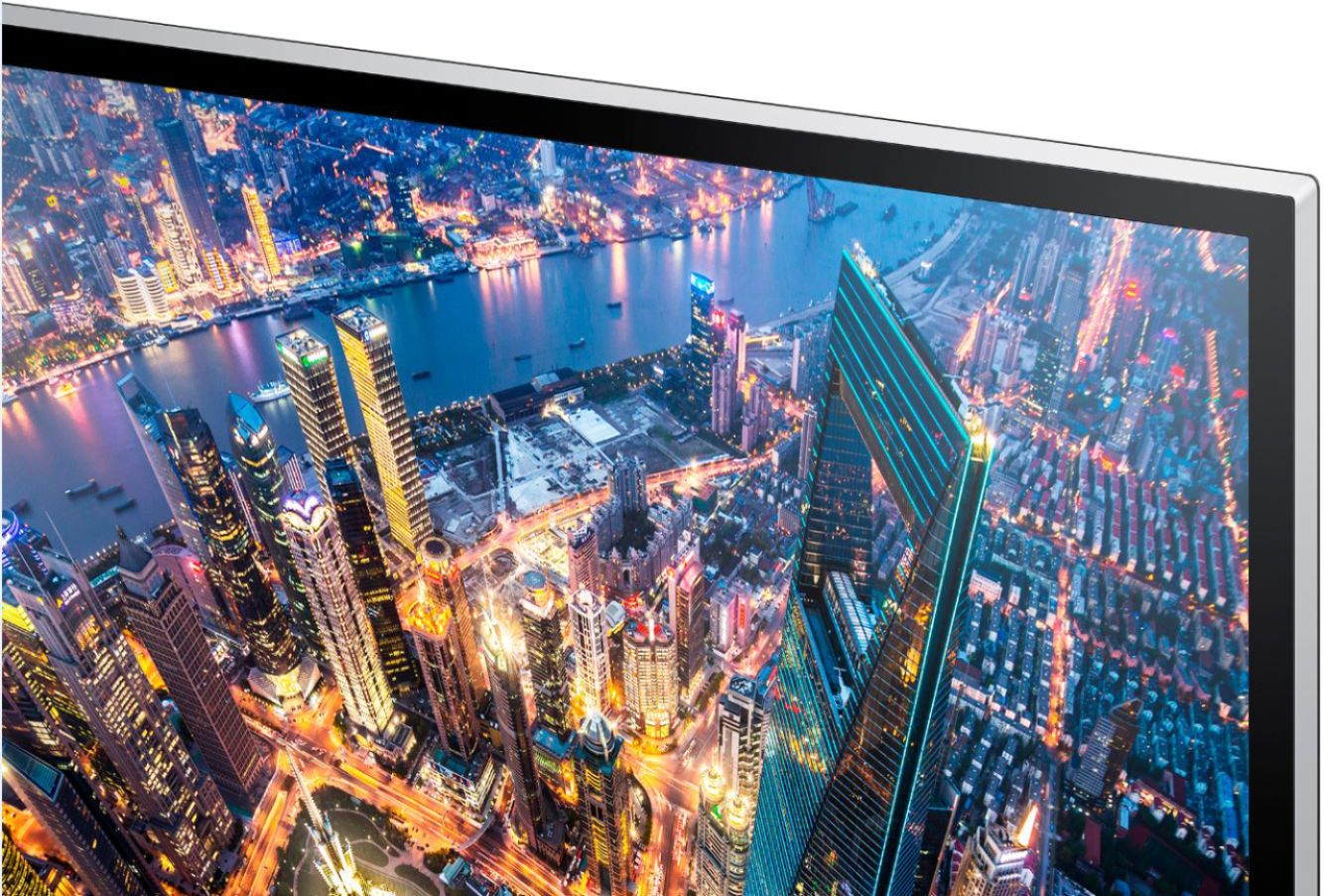
Posted .This reviewer received promo considerations or sweepstakes entry for writing a review.This is entry level UHD monitor, Styling is very similar to Samsung TVs. Screen is matt finish, bezel is glossy though. power button is on back side and used as joystick for settings. I have very basic brand new Lenovo Desktop with latest I5 and NVidia GTX 730 video card. monitor is connected to HDMI2 for 60 HZ 4K, it seems to work fine, PC is used for Office apps using some online videos like YouTube and Netflix app (no 4K there). I wanted to buy a new 27 inch monitor, curious about UHD so paid $100 extra for UHD which great deal in my opinion. I am using audio jack in monitor for speakers connection (Harmon Kardon Sticks with subwoofer), so far so good. Image quality is perfect even though it is TN panel, for most people this is very decent monitor. Reviews are decent on this monitor as well, Dell was another one recommended but almost $200 more not worth for my usage, I have other Samsung curve monitor and SUHD tv and I am very happy with their performances so Samsung UHD monitor is logical choice for me. great price if you get it for $400.
I would recommend this to a friendNot Good with Surface Pro 4 docking station
Posted .This reviewer received promo considerations or sweepstakes entry for writing a review.Bought monitor to match with my surface pro 4 and docking station. When connected to dock, there was a strange line of images across the top of the screen. Worked fine without docking station. Microsoft acknowledges an unresolved issue with its dock and the Samsung U line, Dell U line and one Phillips monitor. So if you plan on using the dock, beware until issue is resolved. I had to return and order a more costly Viewsonic VG2860MHL-4k and have my fingers crossed that it will work. Supposedly there are no known issues with Viewsonic.
No, I would not recommend this to a friend- Pros mentioned:Picture quality
Excellent Monitor with great build quality
Posted .This reviewer received promo considerations or sweepstakes entry for writing a review.This monitor is great for those who like a great looking high quality product and are willing to spend more for the "high-quality" experience. There are better specced, cheaper options out there than this monitor but the overall user experience is great and unless you're looking for the best value, this monitor is a superb choice
I would recommend this to a friend - Pros mentioned:Picture quality
Amazing for 4K gaming
Posted .This reviewer received promo considerations or sweepstakes entry for writing a review.I got this monitor as a upgrade for my old 1080p one. Was worry since i had a 144hz screen before but this screen is amazing. Viewing the screen is great and had no problems seeing. If your looking for something to do 4K gaming, I highly recommend this monitor!
I would recommend this to a friend Fantastic Monitor worth every penny
Posted .This reviewer received promo considerations or sweepstakes entry for writing a review.My GOD this UHD 4k Technology is amazing. 5 stars.
I would recommend this to a friendAbsolutely beautiful
Posted .This reviewer received promo considerations or sweepstakes entry for writing a review.This monitor is extremely sharp and absolutely beautiful for editing on Lightroom!
I would recommend this to a friendGreat but not that great
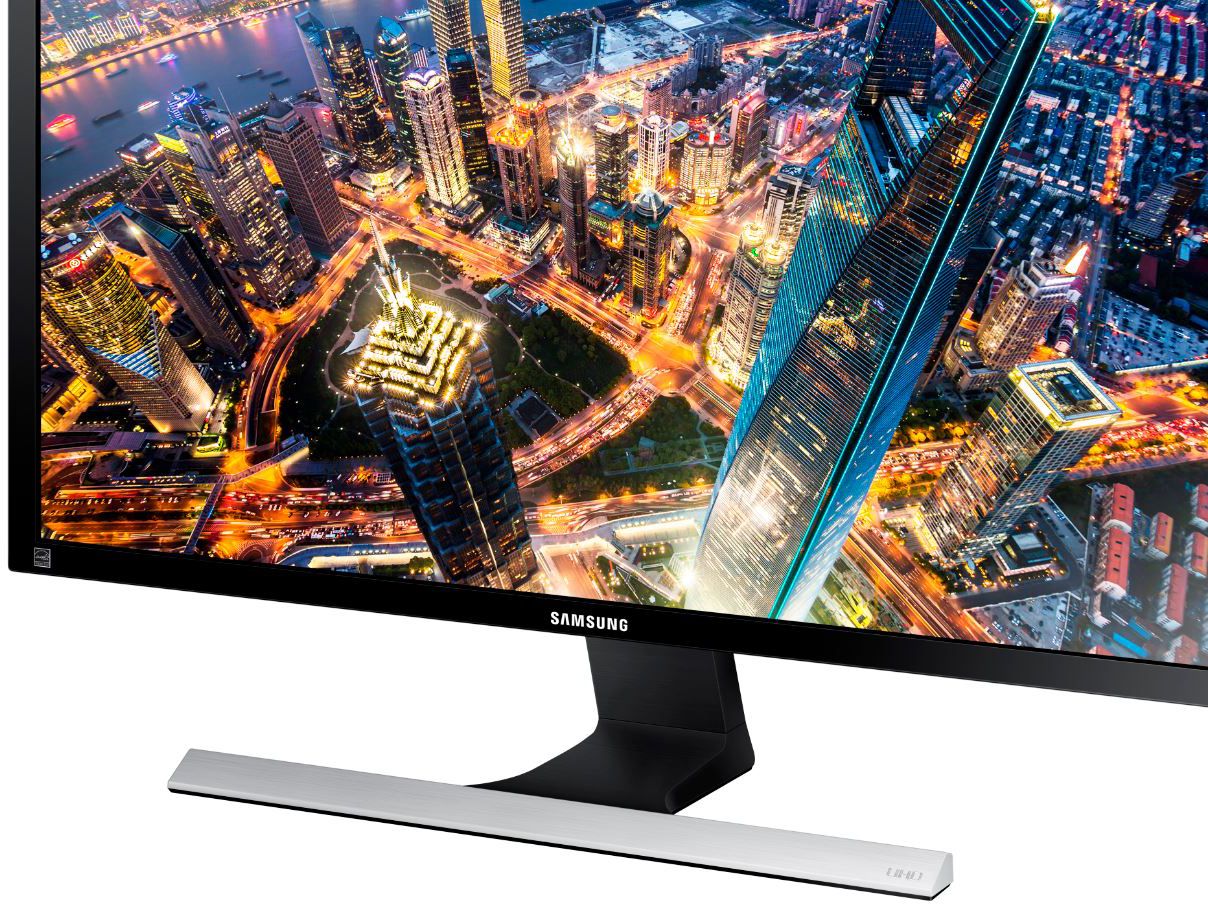
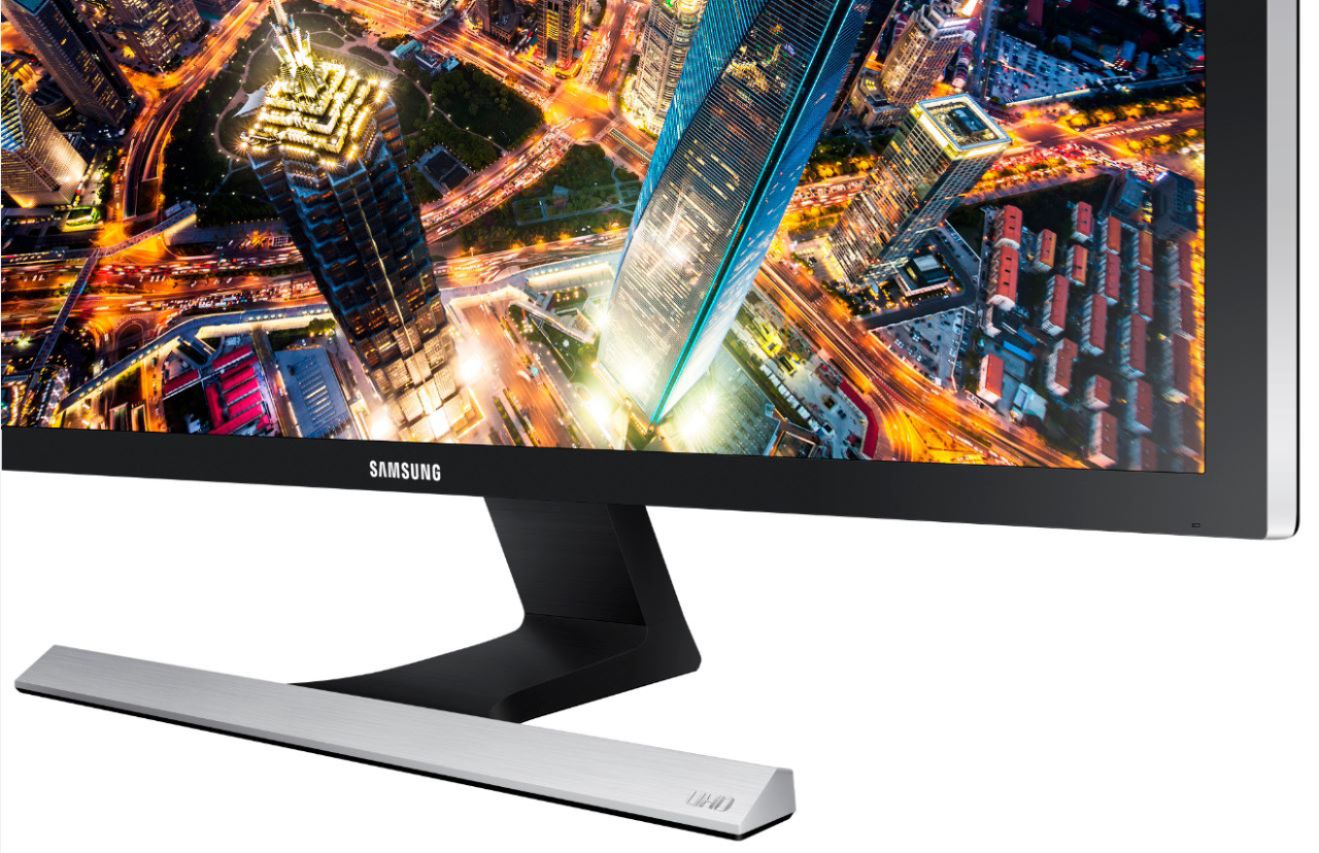
Posted .This reviewer received promo considerations or sweepstakes entry for writing a review.Beautiful monitor for picture viewing/editing, but without the proper PC specs its not good for gaming. I had to return it in favor of a monitor with a faster refresh rate. I downloaded a few 4k demos that didnt run very well, but that could be due to my hardware or being that I still run windows 7. The monitor stand is unfit for a 4k monitor, with no adjustment for height. Its a shame for the amount you're spending, that the design all went into the picture but they really skipped on the basics. However if you are running windows 8 it may run better.
No, I would not recommend this to a friend- Pros mentioned:Picture quality
4k Monitor Change
Posted .This reviewer received promo considerations or sweepstakes entry for writing a review.I had standard monitors and they were alright but the moment I got this monitor it brought new life to the picture. This 4k monitor changed everything from graphic design to mobile and application development
I would recommend this to a friend Great 4k
Posted .This reviewer received promo considerations or sweepstakes entry for writing a review.I love my 4K monitor for gaming. I wish it had speakers for sound.
I would recommend this to a friend- Pros mentioned:Picture quality
Excellent Screen for Work from Home Needs
Posted .This reviewer received promo considerations or sweepstakes entry for writing a review.Excellent Screen for Work from Home Needs! Just the right size where it gives you enough real estate without taking up too much desk space.
I would recommend this to a friend - Pros mentioned:Picture quality
Great Buy Product
Posted .This reviewer received promo considerations or sweepstakes entry for writing a review.Overall the product is as stated and well buy. Have the item for quite some time now for gaming and school. The screen are outstanding. Worth the investment for those looking for a nice size 4k screen.
I would recommend this to a friend - Pros mentioned:Picture quality
Withstands the test of time
Posted .This reviewer received promo considerations or sweepstakes entry for writing a review.Bought in 2015 - still running perfectly with an average of 8h use every day. Samsung quality is unmatched.
No, I would not recommend this to a friend - Pros mentioned:Picture quality
Samsung UD590 28" 4K UHD lives up to the UHD name
Posted .This reviewer received promo considerations or sweepstakes entry for writing a review.Samsung UD590 28" 4K UHD lives up to the UHD name. The display is crisp, clear. Assembling the stand was very easy. Also it was easy to configure the brightness and contrast, etc.
I would recommend this to a friend Very impressed
Posted .This reviewer received promo considerations or sweepstakes entry for writing a review.I bought this monitor over others after reading the reviews and seeing what my local BB had in stock. Putting it together was easy as well as setup but I was having problems with the screen resolution and refresh rate stuck at 30 MHz since I was using HDMI. After a little research, I found out the I needed to use the Display port cable that came with it in order to get the full 60 MHz. Overall a great product, to bad that little issue of mine to an hour or two of research to figure out.
I would recommend this to a friend- Pros mentioned:Picture quality
Not impressed. It's just OK...
Posted .This reviewer received promo considerations or sweepstakes entry for writing a review.I bought this to use with my PS4 PRO and I must say I was disappointed with the picture quality. Yes it is 4K and it looks better than the cheap ASUS HD monitor I used to have, but everything is washed out compared to the LG IPS I traded it in for. EVen after messing with settings it just left me wanting more out of it. I would go with the LG 4K monitor best buy sells. It is so much better and you will be happy you went with it instead of the Samsung.
No, I would not recommend this to a friendBrand response from MrSamsung
Posted .joel125,
Thank you for purchasing the Samsung U28E590D Monitor. I am sorry to hear that you are not happy with thepicture quality of this model.
Samsung products are engineered to the highest standards of performance and quality and we back your Samsung with a 1-year limited manufacturer's warranty, if purchased brand-new from an authorized dealer. Please allow us the opportunity to diagnose and treat your product issue.
To better assist you with adjusting image quality or begin warranty service, please contact Samsung Customer Support toll-free at 1-800-SAMSUNG and a representative will gladly help you.
You can also contact Samsung via LiveChat or email. Please copy-paste this link into your browser: http://www.samsung.com/us/support/contact
Samsung is committed to providing the best possible product experience, quality, and value, and we are always here to help with any of your questions or concerns.
~Samsung Solutions
Perfect for MacBook Pro Retina
Posted .This reviewer received promo considerations or sweepstakes entry for writing a review.No extra cables or adaptors needed to view 4k resolution. I plugged the supplied HDMI cable into the HDMI output on my MacBook. I have a MacBook Pro Retina with an Intel Iris Pro video adaptor with 1536 MB of RAM. 3840 x 2160! As noted in other comments no VESA is a little disappointing but I'm fine using a monitor stand vs mounting on a swing arm. You really only need one monitor but I guess two of these would be even better!
I would recommend this to a friend- Pros mentioned:Response time
Great quality
Posted .This reviewer received promo considerations or sweepstakes entry for writing a review.What do you expect? It’s a Samsung montitor. Best monitors on the market. Great response time great everything.
I would recommend this to a friend - Pros mentioned:Picture quality
Great Monitor!
Posted .This reviewer received promo considerations or sweepstakes entry for writing a review.Great Monitor! Amazing picture! I have owned for 1 year and no issues.
I would recommend this to a friend - Pros mentioned:Picture quality
Using as computer monitor
Posted .This reviewer received promo considerations or sweepstakes entry for writing a review.NIce size. Using as my computer monitor. Has a great picture. I watch movies on my computer all the time and this is perfect.
I would recommend this to a friend Works poorly with Macs
Posted .This reviewer received promo considerations or sweepstakes entry for writing a review.This is a very finicky monitor. I've run this on two MacBook Pros, both a 2015 with display port (and I tried HDMI, but it had more issues than DP) and a 2017 with an "official" Apple dongle and HDMI. Both had trouble connecting and sometimes, after waking, the laptop would be unable to display on the monitor although it still registered as plugged in. It took a reboot to get the laptop to be able to use the laptop again. This never happens with my Dell monitor so I am inclined to blame it on this monitor and not the laptops. (I'd like to try a Windows machine too, but I don't currently own one. Samsung does have a Windows driver download, but nothing for MacOS.) The Good: - The price is really low for a decent sized 4k monitor. - Once you calibrate it looks okay for web browsing, email, and spreadsheets. Don't expect a lot for gaming or watching video. I would never recommend for any semi-serious video or photo work. - It works most of the time if I don't change sources and don't mind an unplanned reboot every so often. - Did I mention the price? The Other Thing: - It is a pain to calibrate (and out of the box looks terrible). - The "auto switch between sources" usually failed and was loud and is loud when switching. - To change between sources (if you disable "auto" or it fails) you have to reach to the back of the monitor.
No, I would not recommend this to a friendBrand response from Samsung
Posted .SamThe1stHam:
I am very sorry to see that you have encountered issues with the Samsung U28E590D Monitor. I understand your disappointment and hope that you will give us a chance to assist with troubleshooting.
Pllease contact Samsung Customer Support via any of the below options:
1) Phone: 1-800-SAMSUNG (ask for Monitors) Available 8AM - 12AM EST (Mon-Fri) / 9AM - 11PM EST (Sat-Sun)
2) LiveChat or Email: https://www.samsung.com/us/support/#contact_us_for_support
3) Facebook Messenger: http://m.me/samsungsupport
4) Twitter: https://twitter.com/messages/compose?recipient_id=18768513
The Samsung Monitor Community is also a great resource for getting help from Samsung moderators and customers: https://us.community.samsung.com/
Samsung is committed to providing the best possible product experience, quality, and value, and we are always here to help with any of your questions or concerns.
- Samsung Solutions