Customer Ratings & Reviews



- Model:
- U28E590D
- SKU:
- 5484022
Rating by feature
- Ease of Use
Rating 4.6 out of 5 stars
- Value
Rating 4.5 out of 5 stars
- Quality
Rating 4.5 out of 5 stars
Customers are saying
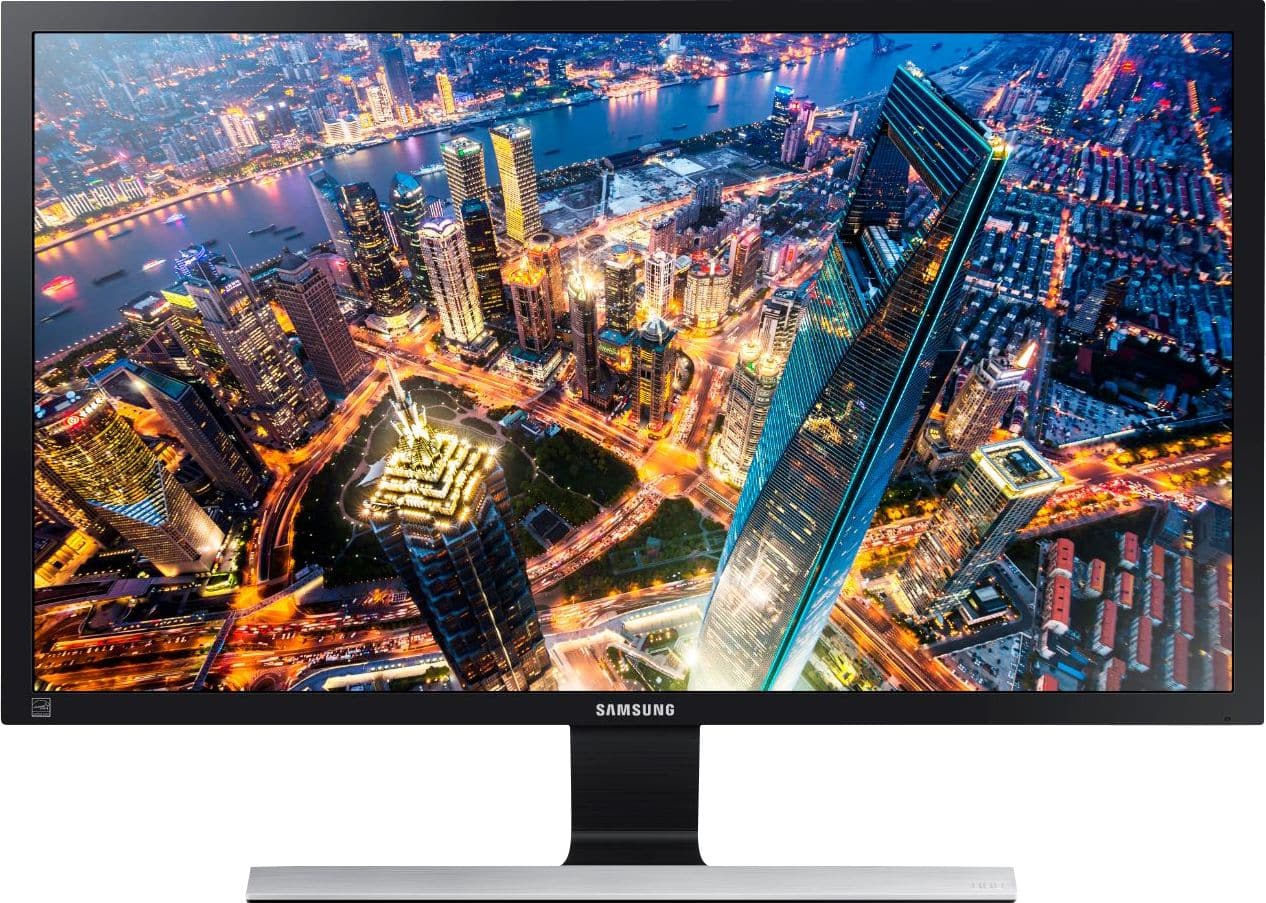
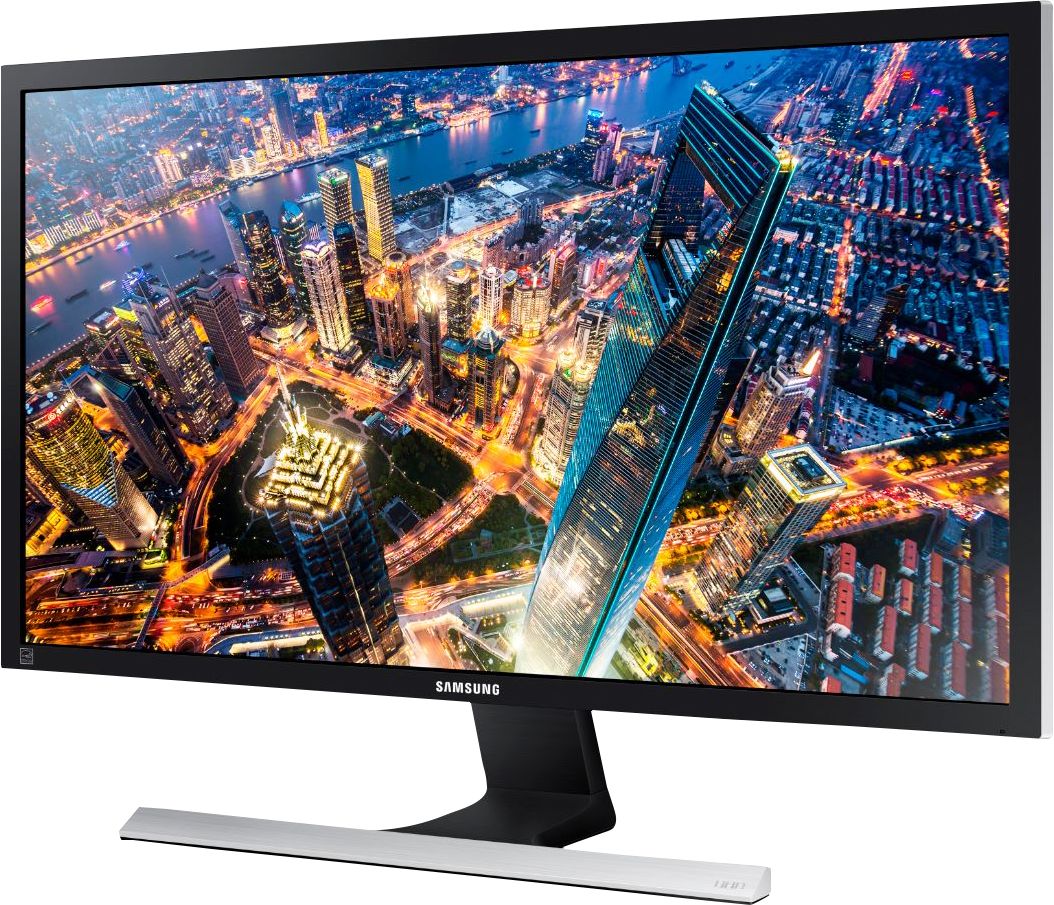
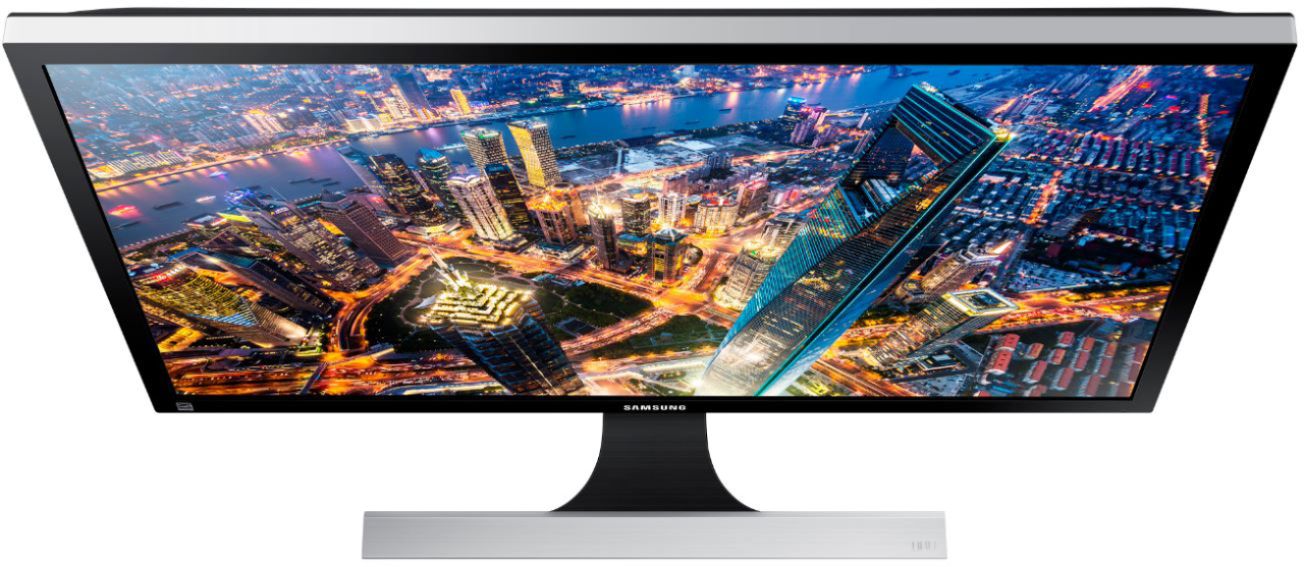
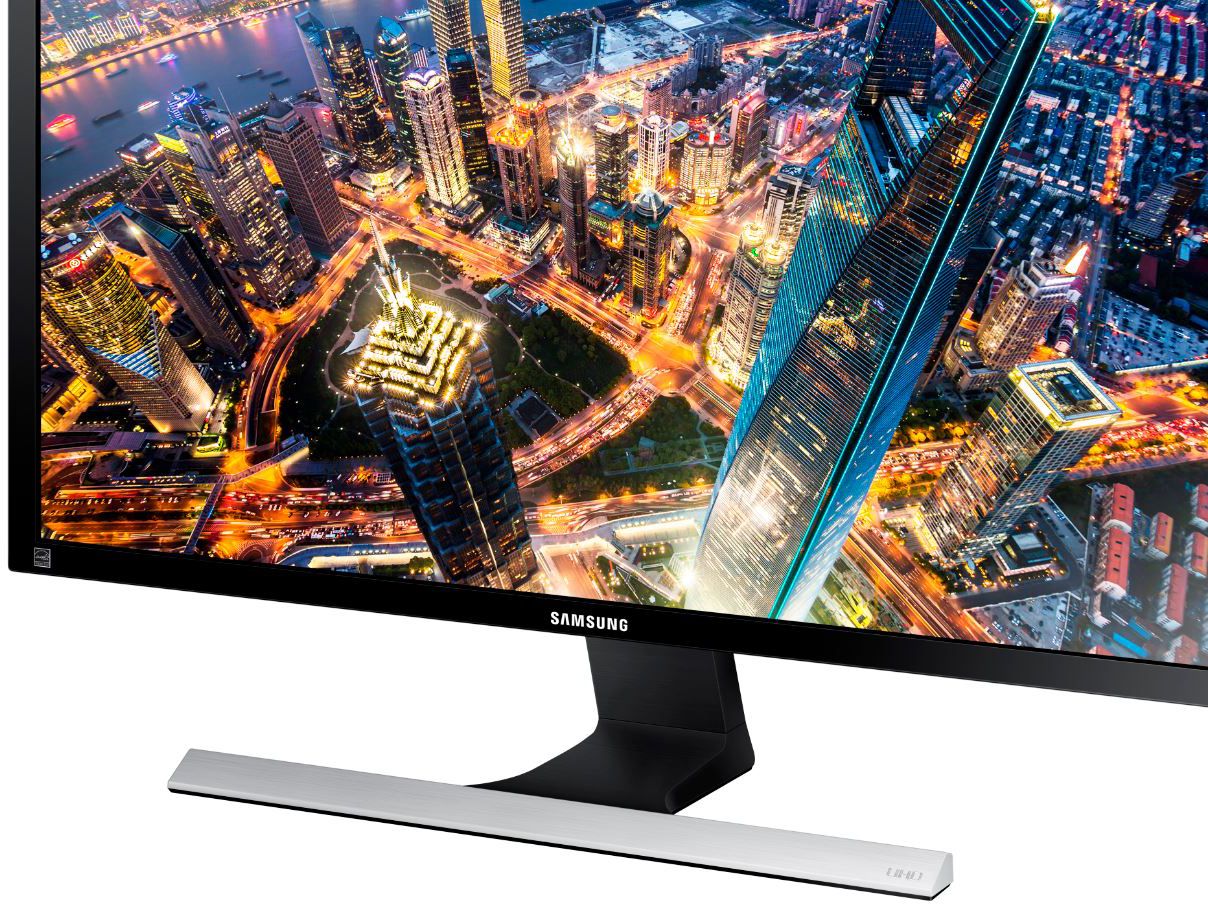
Customers admire the UE590 Series 28" LED 4K UHD Monitor's picture quality, 4K resolution, and vibrant colors. Many also praise its affordability and ease of setup, along with its fast response time, making it ideal for various uses. However, some find the stand somewhat lacking in sturdiness and adjustability. The absence of built-in speakers and less-than-ideal viewing angles are also frequently cited as drawbacks.
This summary was generated by AI based on customer reviews.
Good color and quality
||Posted . Owned for 11 months when reviewed.This reviewer received promo considerations or sweepstakes entry for writing a review.This screen was purchased for an in home camera system. It worked great, the colors are vivid and screen doesn’t bother at night with resolution.
I would recommend this to a friendGreat but not that great
||Posted .This reviewer received promo considerations or sweepstakes entry for writing a review.The menu controls are on the BACK of the monitor in a "wheel" configuration. Yes, let's make it as awkward as humanly possible. The monitor is 4K basic, no advance, The monitor has a single button for all.
I would recommend this to a friendExcellent 4k
||Posted .This reviewer received promo considerations or sweepstakes entry for writing a review.I was happy I decided to go with this 4k monitor to pair up with my PS4 PRO. It has really amazing depth in color and detail I do not regret this purchase!!!
I would recommend this to a friendIncredible resolution
||Posted .This reviewer received promo considerations or sweepstakes entry for writing a review.Sleek and elegant display. Incredible resolution with multiple settings. I would recommend this monitor to anyone needing optimum resolution for intense graphic design jobs.
I would recommend this to a friendNot compatible with the Mac Mini.
||Posted .This reviewer received promo considerations or sweepstakes entry for writing a review.This looked like an incredible monitor in the store, but it wasn't compatible with the Mac Mini I was purchasing and I had to return it and explain that to the sales people at Best Buy.
I would recommend this to a friendSamsung - UE590 Series 28" LED 4K UHD Monitor - B
||Posted .This reviewer received promo considerations or sweepstakes entry for writing a review.Purchased two to run dual monitors on my Mac Mini. They work great and provide excellent resolution for the money! Would recommend and purchase again!
I would recommend this to a friendHelpful to get all that screen real estate
||Posted .This reviewer received promo considerations or sweepstakes entry for writing a review.I'm using this particular 4k monitor with my work laptop and I really appreciate the extra space that 4k offers and 28" is a pretty good size for this price and 4k.
I would recommend this to a friendGreat monitor, great price
||Posted .This reviewer received promo considerations or sweepstakes entry for writing a review.Had a great black friday sale price - happy to get this. Look forward to using it to it's capability. Only one complaint, but that was about shipping.
I would recommend this to a friendGreat Value
||Posted .This reviewer received promo considerations or sweepstakes entry for writing a review.Replaced my 7 year old monitor with this 4K model. Difference was unreal. The resolution is excellent and setup was a snap for us technically challenged people.
I would recommend this to a friendGood mid-priced 4K monitor
||Posted .This reviewer received promo considerations or sweepstakes entry for writing a review.I bought this for use with new entry-level gaming PC, but have enjoyed the additional pixels for both gaming and photo editing. This monitor was a good value.
I would recommend this to a friendGreat Monitor
||Posted . Owned for 1 month when reviewed.This reviewer received promo considerations or sweepstakes entry for writing a review.It works way better with a display port cable. Don't even try to use HDMI with this monitor. It is a great pair with my iMac 27" Monitor.
I would recommend this to a friendSweet Monitor
||Posted .This reviewer received promo considerations or sweepstakes entry for writing a review.I got this monitor for a good price because the store had missed priced it. It's an awesome monitor. If you use full size, it's small so I have to blow up the fonts etc.
I would recommend this to a friendDecent Picture, Terrible UX for Multiple Inputs
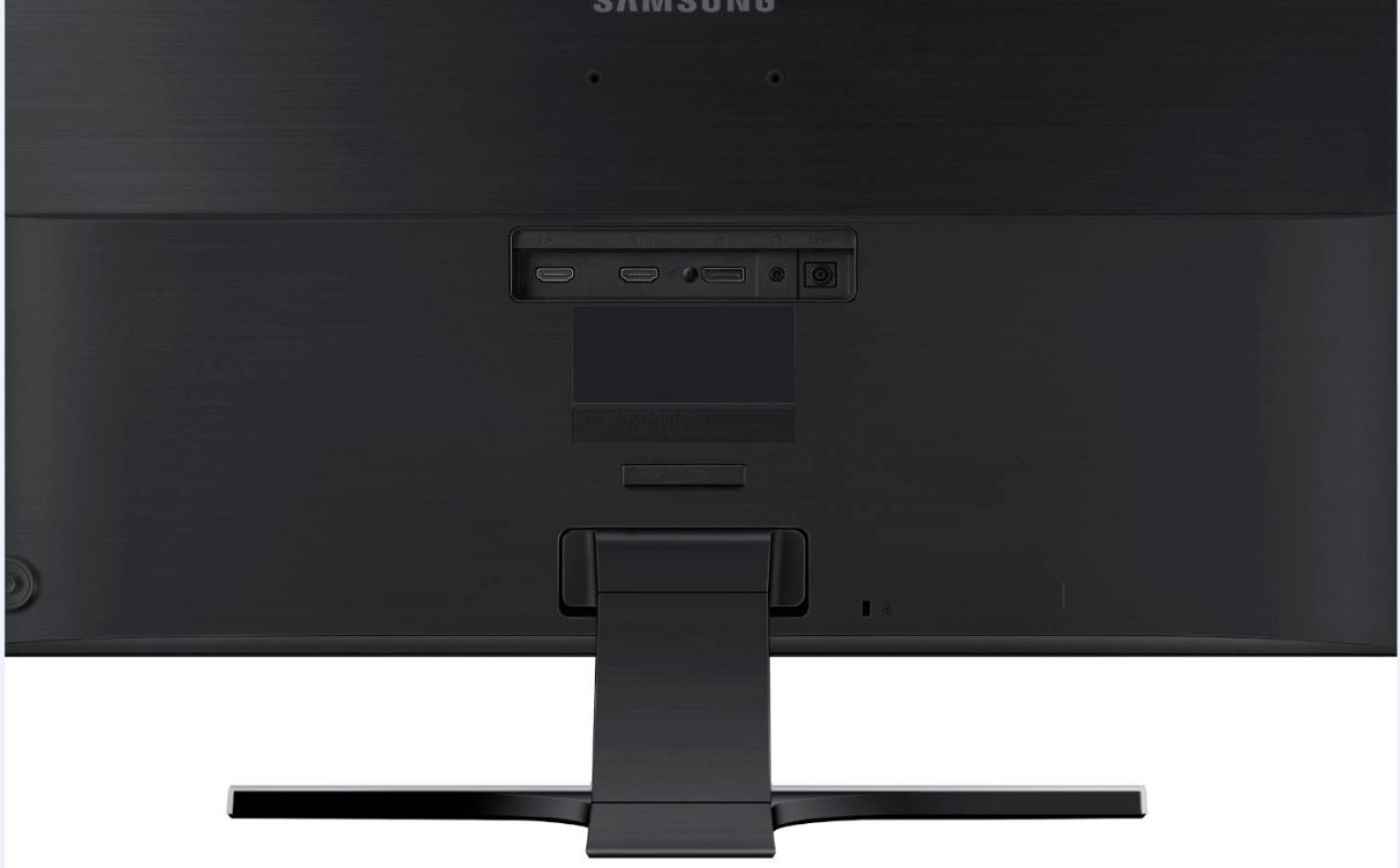
||Posted . Owned for 11 months when reviewed.This reviewer received promo considerations or sweepstakes entry for writing a review.Pros: - 4K picture - 27" size is nice - Good price - FreeSync is good when it works - Decent color - Good brightness - No dead pixels as far as I can tell Cons: - FreeSync likes to turn off on its own or sometimes pretend it isn't supported - Monitor interface is objectively awful (see Overall for more details) - literally the worst I have ever encountered - Poor user experience with regards to changing settings - Not many settings that can actually be changed - Menu suggests that it supports UHD10 but that's a blatant lie - Monitor takes several seconds to display picture, and there is a loud, high-pitched whine while this occurs - TN panel, so color accuracy isn't great Overall: Simply, this is the worst UX I have ever encountered on a monitor. The problems with the interface on the Samsung UE590DS/ZA are incredible. If you're just going to park on one input and never change anything, then this monitor is probably fine. But if you are planning to do ANYTHING involving multiple inputs, be prepared for a headache, because the software controls on this monitor are the worst I have ever experienced. The first issue is that it cannot automatically detect inputs and switch to them while it is asleep. I have known several monitors from several competitors (even some older, cheaper Samsung monitors!) that can do this, so the fact that this monitor cannot is incomprehensible. This means that, to switch inputs, you need to wake the monitor up by opening the menu, and then navigate to the change input option AFTER the 3-4s it takes to wake, and BEFORE the 5-6s it takes for the monitor to power itself off when there is no signal (a setting that cannot be adjusted, by the way). Input switching becomes a further chore. The monitor has two modes: Auto and Manual (both of which are extremely frustrating). Auto will cycle through the inputs once when you press the button to find the next one that's sending signal--except that it's exceptionally bad at detecting signal, sometimes flashing a picture on the screen before advancing to the next input! Manual, by contrast, lets you advance to the next input one at a time. While I would have rather it let me select the input I want to move to from a list (there are only three inputs), this isn't bad--EXCEPT that it removes the menu for 2-3 seconds every time you change inputs. If you're on HDMI 1 and want to go to DisplayPort, you need to open the menu, switch to HDMI 2, wait for it to load, open the menu, and THEN switch to DisplayPort. What makes this even WORSE is that the monitor will start counting down to the no-signal shut-off as soon as it starts trying to detect a signal, so if you've just switched from HDMI 1, you need to open the menu and switch again before it powers you off, because it WILL power you off while you're navigating the menu to the source select option. Another issue here is that most of the menu is locked behind whether or not the current input has signal, including many options that have absolutely NOTHING to do with the picture being displayed and EVERYTHING to do with how the monitor is configured. Options pertaining to the menu display, the off timer, source detection, input control, and the power LED are all disabled if you don't have signal coming on that input--meaning you can't interact with them AT ALL. And as a final complaint, when the monitor powers on, it produces a high-pitched whine while it initializes the panel. I have never known a monitor to do this since CRT monitors went out of style. Overall, this monitor has a decent picture, but for the price, I would have hoped that Samsung would have put a bit more energy into making it a good user experience. The fact that they have fallen this far since the last time I purchased one of their products means that I am very unlikely to ever purchase a monitor from them again (to wit, I can't wait to switch OFF of this one).
No, I would not recommend this to a friendBrand response from Samsung
Posted .Jpec07:
Thank you for purchasing the Samsung 28" UE590 UHD Monitor and for your detailed review. I am very sorry your experience with this monitor did not meet your expectations. Your thoughts on this model are much appreciated and will be shared with our internal teams towards future improvements.
Should you ever need assistance or have questions with using this monitor, please contact Samsung Customer Support via:
1) Phone: 1-800-SAMSUNG (ask for Monitors) Available 8AM - 12AM EST (Mon-Fri) / 9AM - 11PM EST (Sat-Sun)
2) LiveChat or Email: https://www.samsung.com/us/support/#contact_us_for_support
3) Facebook Messenger: http://m.me/samsungsupport
4) Twitter: https://twitter.com/messages/compose?recipient_id=18768513
The Samsung Members Community is also a great resource for getting help from Samsung moderators and customers: https://us.community.samsung.com/t5/Get-Help/ct-p/get-help
Again, thanks for sharing your review and for choosing Samsung.
- Samsung Solutions
Gaming Monitor Extraordinaire
||Posted .This reviewer received promo considerations or sweepstakes entry for writing a review.This monitor has all the new connections you'll need for the latest GPUs. Running all the newest games in ultra like Overwatch and it looks amazing. 10/10 would buy again.
I would recommend this to a friendAmazed at the additional resolution
||Posted .This reviewer received promo considerations or sweepstakes entry for writing a review.Bought this monitor on Black Friday along with a new computer and really love the additional quality and resolution on this vs. my old 1080 monitor.
I would recommend this to a friendGreat TV for the price
||Posted .This reviewer received promo considerations or sweepstakes entry for writing a review.Went to the store to get a desktop computer and ended up finding a screen too the people were great the price were fantastic what more can you ask for.
I would recommend this to a friendVery nice monitor but needs tweaking.
||Posted . Owned for 1 month when reviewed.This reviewer received promo considerations or sweepstakes entry for writing a review.This is a very good and inexpensive 4K monitor and works well. It does require playing with settings to get best picture for your own taste and perspective.
I would recommend this to a friendWorks great as gaming moniter
||Posted . Owned for 8 months when reviewed.This reviewer received promo considerations or sweepstakes entry for writing a review.The only issue is there is no audio because this is not a tv, but a gaming monitor. If you have a quality headset that shouldn’t matter too much.
I would recommend this to a friendgood starting 4k
||Posted .This reviewer received promo considerations or sweepstakes entry for writing a review.4k monitors have less features than a 4k tv but they are a good entrance point. This monitor is not bad at all and I use it with my alienware laptop with no issues.
I would recommend this to a friendGreat monitor
||Posted .This reviewer received promo considerations or sweepstakes entry for writing a review.Very pleased with this. I ordered 2 of them and use them to work from home. I havent watched high definition movies or played video games on them.
I would recommend this to a friend