Customer Ratings & Reviews
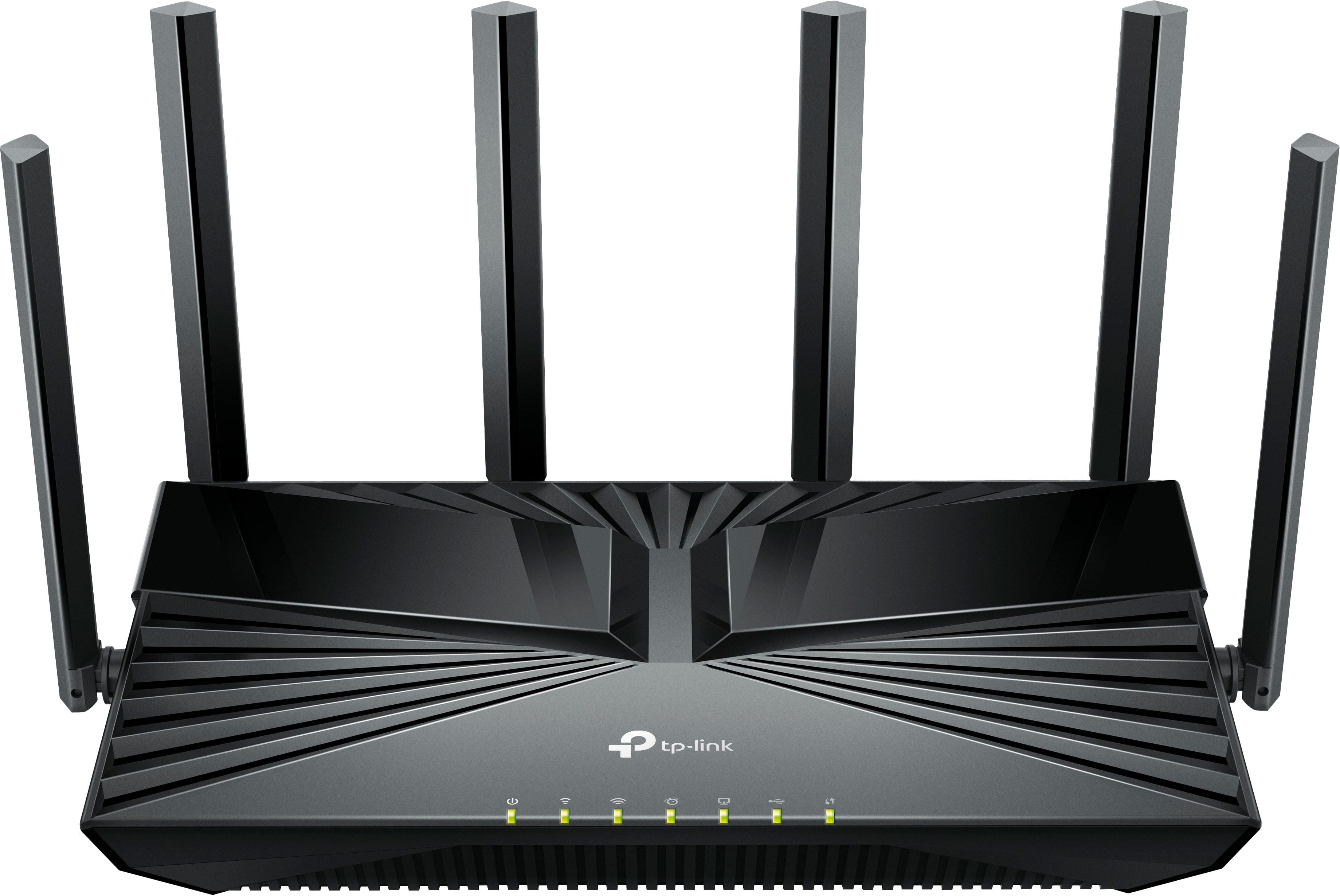

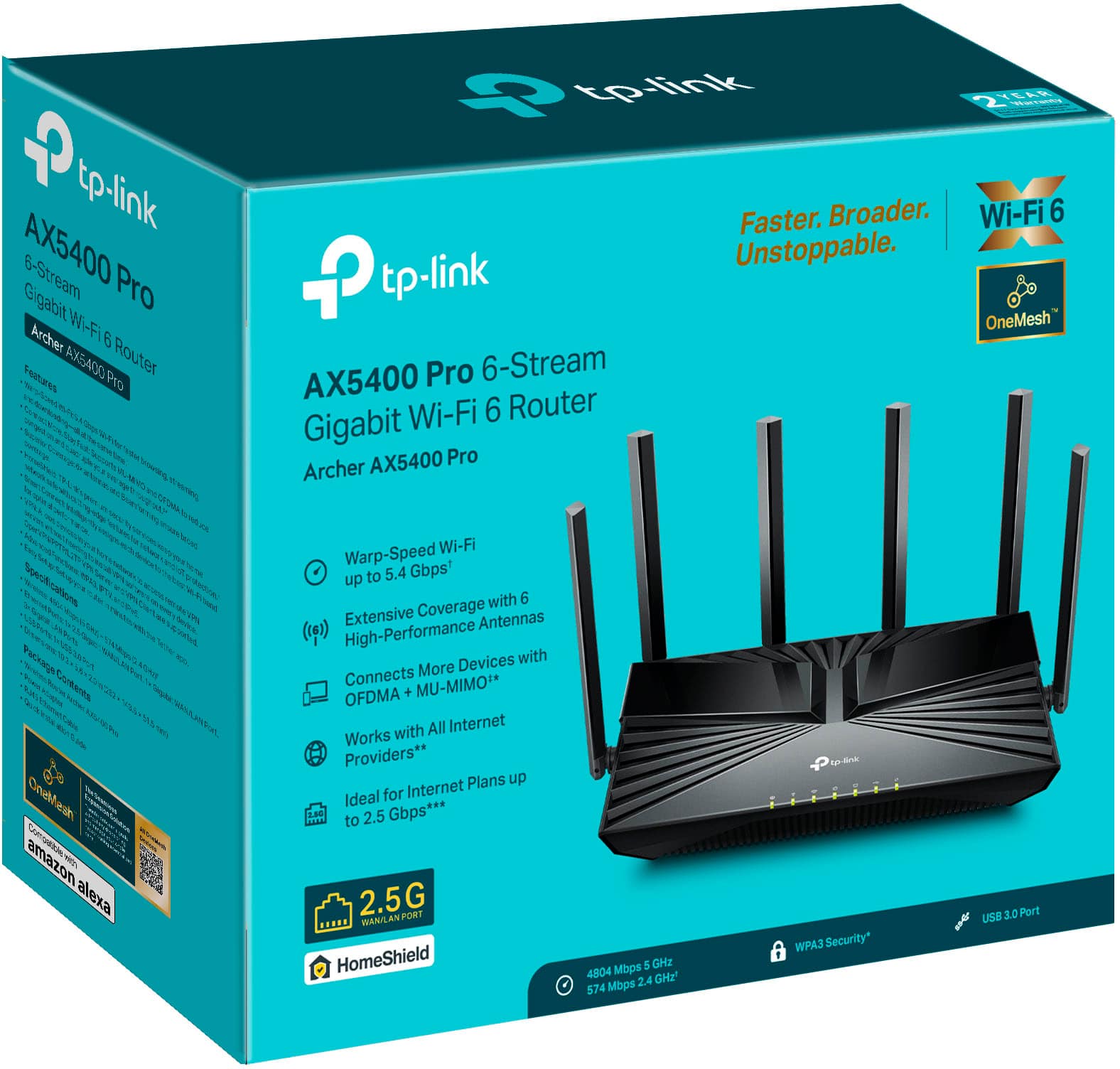
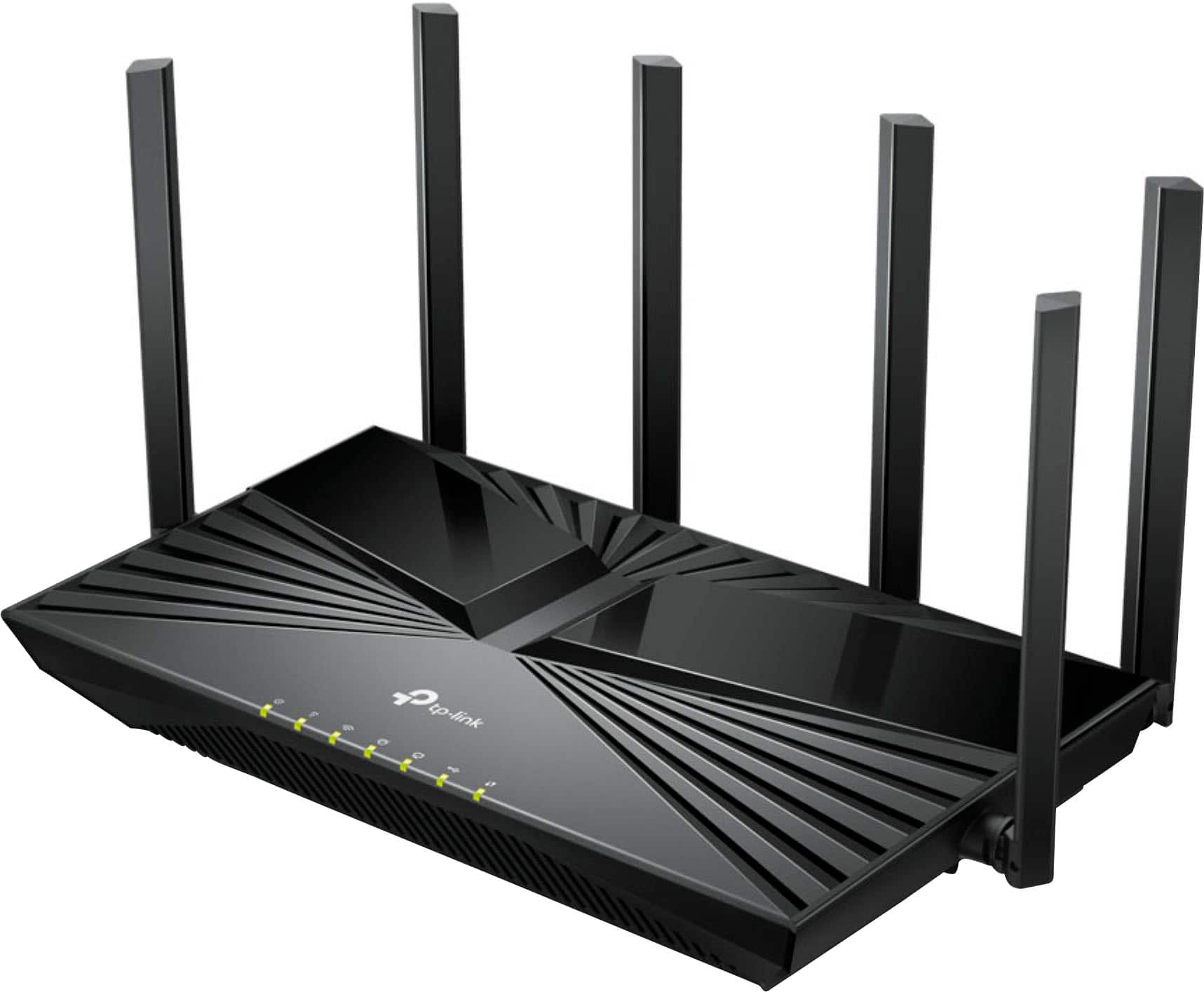
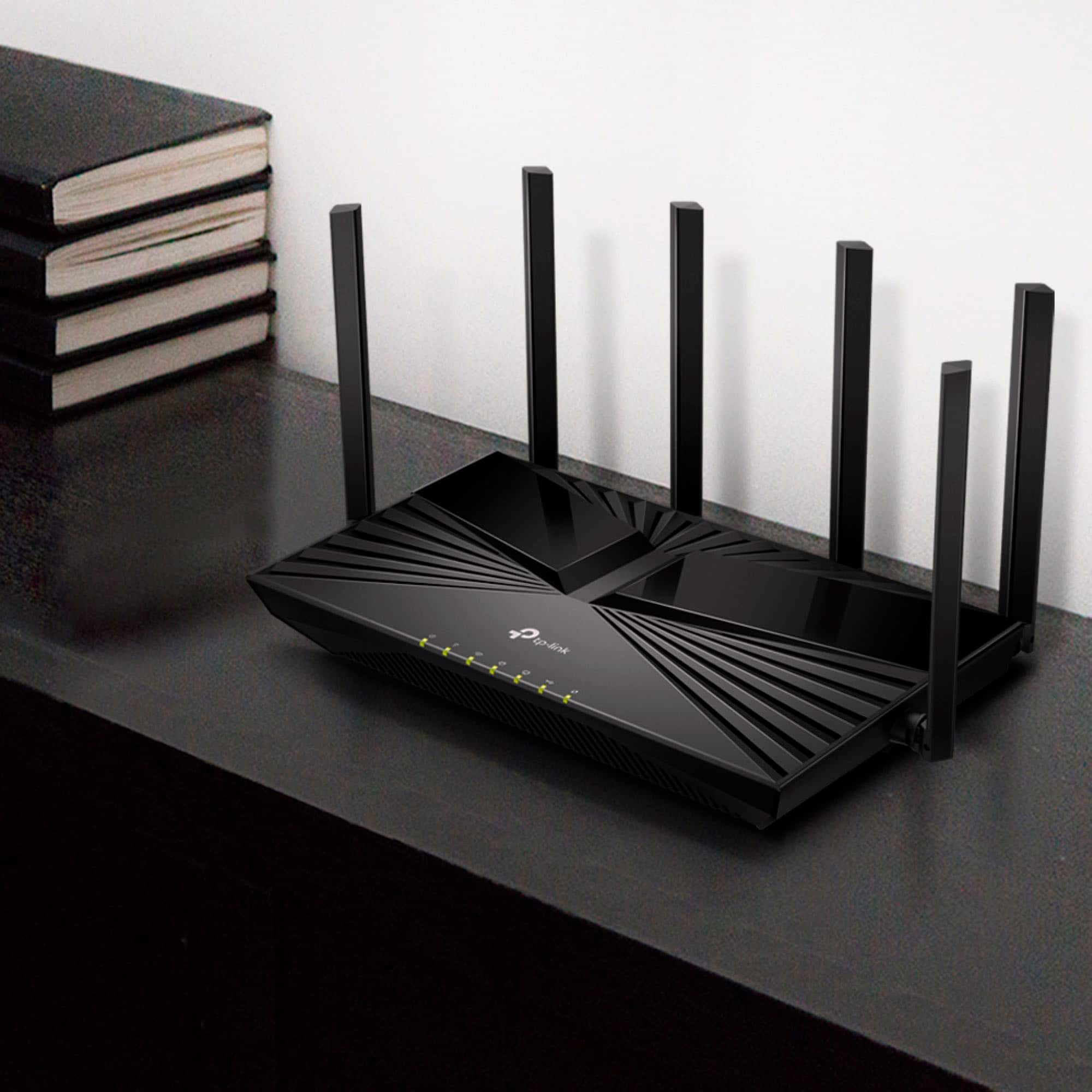
- Model:
- Archer AX5400 Pro
- SKU:
- 6532370
Rating by feature
- Setup
Rating 4.5 out of 5 stars
- Range
Rating 4.9 out of 5 stars
- Signal Strength
Rating 4.9 out of 5 stars
Customers are saying
Customers recognize the Archer AX5400 Pro Dual-Band Wi-Fi 6 Router for its easy setup process, describing it as "super easy" and "extremely easy." The router's extended Wi-Fi range is also well-received, allowing users to enjoy their internet service beyond their expectations. Additionally, customers appreciate the strong signal provided by the router, resolving previous issues with signal dropouts.
This summary was generated by AI based on customer reviews.
- Pros mentioned:Setup ease
Easy WIFi
||Posted . Owned for 1 month when reviewed.This reviewer received promo considerations or sweepstakes entry for writing a review.Works great, super easy setup! Highly recommended.
I would recommend this to a friend - Pros mentioned:Setup ease
Easy setup, works great
||Posted . Owned for 3 weeks when reviewed.This reviewer received promo considerations or sweepstakes entry for writing a review.Setup was very easy and took less than 10 minutes. The app is great, too!
I would recommend this to a friend Nice router
||Posted . Owned for 3 weeks when reviewed.This reviewer received promo considerations or sweepstakes entry for writing a review.Nice router. I had a jump in download speed and seems to have excellent range on everything I have, except for 1 camera - that signal actually decreased. A camera farther out got a stronger signal. Settings are somewhat limited compared to my old Netgear Nighhawk. I have about 70 items connected to this router and so far so good. Wished they didn't want you to pay extra for the router security, but that seems common now.
I would recommend this to a friend- Pros mentioned:Signal strength
Great router
||Posted . Owned for 2 months when reviewed.This reviewer received promo considerations or sweepstakes entry for writing a review.Has great distance and holds the signal better than my last one
I would recommend this to a friend Great Router, easy setup.
||Posted . Owned for 3 weeks when reviewed.This reviewer received promo considerations or sweepstakes entry for writing a review.Ordered new router when I started having problems with my old one, best move I could possibly have done. New TP-Link router is faster than any router I have ever had. Price was good, service to receive router was good, should have done it sooner.
I would recommend this to a friendIt works well.
||Posted . Owned for 3 weeks when reviewed.This reviewer received promo considerations or sweepstakes entry for writing a review.It works! I may be wrong, but,I think it is better than our last one because one of our smart TV's works better now. We were having trouble getting the internet to go to that room before.
I would recommend this to a friendFantastic and Fast!
||Posted . Owned for 1 month when reviewed.This reviewer received promo considerations or sweepstakes entry for writing a review.Fantastic and Fast. Wifi speeds and hard wired speeds are some of the best ive ever had and the price to performance cannot be beat!
I would recommend this to a friendTPLINK AX5400 Router
||Posted . Owned for 1 month when reviewed.This reviewer received promo considerations or sweepstakes entry for writing a review.WIFI Speed checks at over 300 mbs and works for multiple devices
I would recommend this to a friendSuper Fast
||Posted . Owned for 2 weeks when reviewed.This reviewer received promo considerations or sweepstakes entry for writing a review.Wonderful Product that was so easy to install………..
I would recommend this to a friendRouter
||Posted . Owned for 1 month when reviewed.This reviewer received promo considerations or sweepstakes entry for writing a review.This works great! Not one problem at all so far. Would recommend
I would recommend this to a friendTP-Link - Archer AX5400 Router
||Posted . Owned for 3 weeks when reviewed.This reviewer received promo considerations or sweepstakes entry for writing a review.Great price! Works great with my EPB internet! Fast and furious streaming!
I would recommend this to a friendRouter review
||Posted . Owned for 3 weeks when reviewed.This reviewer received promo considerations or sweepstakes entry for writing a review.TP Link combined with existing AT&T modem has increased Wi-Fi single strength in my home enabling streaming.
I would recommend this to a friendGood product
||Posted . Owned for 4 months when reviewed.This reviewer received promo considerations or sweepstakes entry for writing a review.This is really good one router for business Wi-Fi use
I would recommend this to a friendRouter A
||Posted . Owned for 1 month when reviewed.This reviewer received promo considerations or sweepstakes entry for writing a review.I just bought it and not installed yet. Need time.
I would recommend this to a friendAwesome!!!
||Posted . Owned for 3 weeks when reviewed.This reviewer received promo considerations or sweepstakes entry for writing a review.It works great and i dont have any issues with it!
I would recommend this to a friendWorks will for our update!
||Posted . Owned for 1 month when reviewed.This reviewer received promo considerations or sweepstakes entry for writing a review.Help update our home WIFI! Works well with our old equipment as well as newer devices.
I would recommend this to a friendWorked for 24 Hours - Then No Internet Access
||Posted . Owned for 2 weeks when reviewed.This reviewer received promo considerations or sweepstakes entry for writing a review.Bought this router to replace my 10-year-old Netgear router, as it got positive reviews from CNET and PC Magazine. Setup was very easy and quick. The first 24 hours it worked great. I named each of my wireless devices on the TP-Link iOS App for easy identification. On day 2, the router would no longer connect to the internet. Wireless devices were able to connect to the router but also had no internet access. The devices I had previously named in the iOS app showed up as “Unknown”. I returned it and reverted back to my Netgear. Perhaps next time I will stay with Netgear and try out the Nighthawk line.
No, I would not recommend this to a friendBrand response from TPLinkSupport
Posted .Hi,
Thank you for your review. We regret to hear you returned the router. In your case, we would've first recommended verifying your modem's activity/status LEDs, to ensure there was not an outage at the source. We would also have recommended ensuring the router's firmware is fully up to date for the latest optimizations and features.
If you have any questions or concerns about TP-Link products in the future, our support team is always happy to help. Please feel free to reach out using any of the resources included with the product, or from our official website, and we'll gladly have a Support Agent follow up with you directly.
Thank you,
TP-Link Support
- Pros mentioned:ConnectivityCons mentioned:Design

Sleek
|Posted .This reviewer received promo considerations or sweepstakes entry for writing a review.I had hopes that this new updated router would make all my internet problems go away. Sadly through no fault of this router they haven’t. I have the dreaded satellite internet which comes with a host of issues. We’ve needed to replace our router for a while but were afraid we would have connection issues with our old modem. This TP-Link worked beautifully. It arrived packaged very well and was boxed tightly to avoid damage in shipping. Those antennas, 6 of them, were individually wrapped in cellophane and took at least 20 minutes to remove. Wow! After that, we got it set up in our home office and it’s footprint was smaller than the previous one which is a good thing. The black plastic surface looks very modern but I know it will have to be dusted down in those space age grooves, so I would prefer a matte finish when possible. We followed the quick setup guide carefully. We downloaded the app and then unplugged everything. We plugged everything back in as instructed and watched all the lights start blinking. The blue light on our satellite modem lit up first, indicating our beam had reached the satellite. Then we watched as each of the band lights in the router slowly lit, one by one. Success! The app was somewhat helpful in getting us going. We had to set up an account and authenticate everything. It hasn’t been the nightmare we feared. This router connected to our old modem easily. Our main devices, our cell phones, tablets, e-reader and tv as well as my photo backup device are running better than ever. It takes time to get everything reconnected, especially as you get older. So basic set up went smoothly even for old country folks. It will take some time to get familiar with this new app. This particular model hasn’t been recognized yet on my account page. That maybe due to user error. My previous router app allowed me to do things like give my connected devices names and designate the type of the device with pics. I haven’t figured out how to edit my list on this Thether app yet. The technical issues associated with changing routers that we were stressing about were handled by the TP-link seamlessly. No calls for help to our satellite provider were necessary, so no waiting for days to get help from them. I can’t say our speed increased because there isn’t much room to improve time travel to outer space to distant satellites but locally things are smooth. I think this will be a great help to us since it will support newer technology as we upgrade our devices. One thing that we have to replace is our WiFi thermostat. It was so old, it did not allow us to make changes to the original setup to connect to the TP-Link. So now we have the opportunity to upgrade to more features! I am very happy to get this very nice update wifi6 router. I imagine that people with “real internet” will see great speeds and faster uploads. Upgrade now!
I would recommend this to a friend Started good but didn’t end well
||Posted . Owned for 1 week when reviewed.This reviewer received promo considerations or sweepstakes entry for writing a review.Router started great for 10 days or so with speeds around 400 or more but just before the two weeks from the day purchased it started slowing down to an average of 70 mbps good thing this happened before my return window expired
No, I would not recommend this to a friendBrand response from TPLinkSupport
Posted .Hi,
Thank you for your review. Your wireless signal and connection can be optimized in multiple ways to ensure you get the most out of your router. First, make sure which Wi-Fi band you are connecting to. The 2.4GHz band will typically provide less bandwidth than the 5GHz band.
To ensure the best possible signal, it is important to make sure placement is as optimal as possible. Reducing obstructions and placing the router in a central location will help ensure your signal reaches the areas you need.
To ensure optimal performance of your wireless router please check, and if needed, update its firmware using the steps outlined in FAQ 2139 on our official website: https://www.tp-link.com/us/support/faq/2139/
If you would like assistance with any of these steps, please reach out to our free support team using any of the resources included with the product, or from our official website, and we'll gladly have a Support Agent follow up with you directly.
Thank you,
TP-Link Support
- Pros mentioned:Connectivity, Signal strength
Easy to install with great performance and coverag
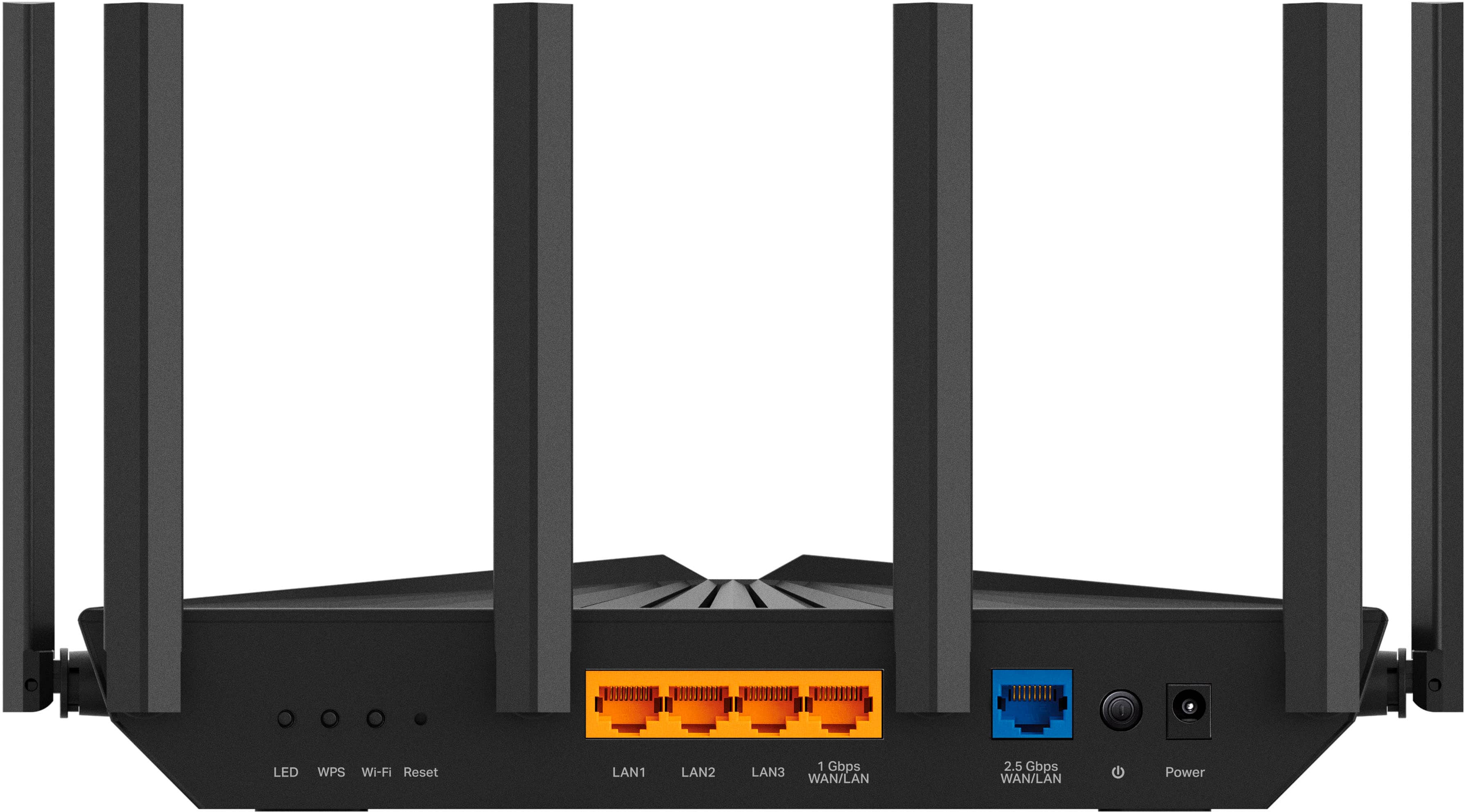
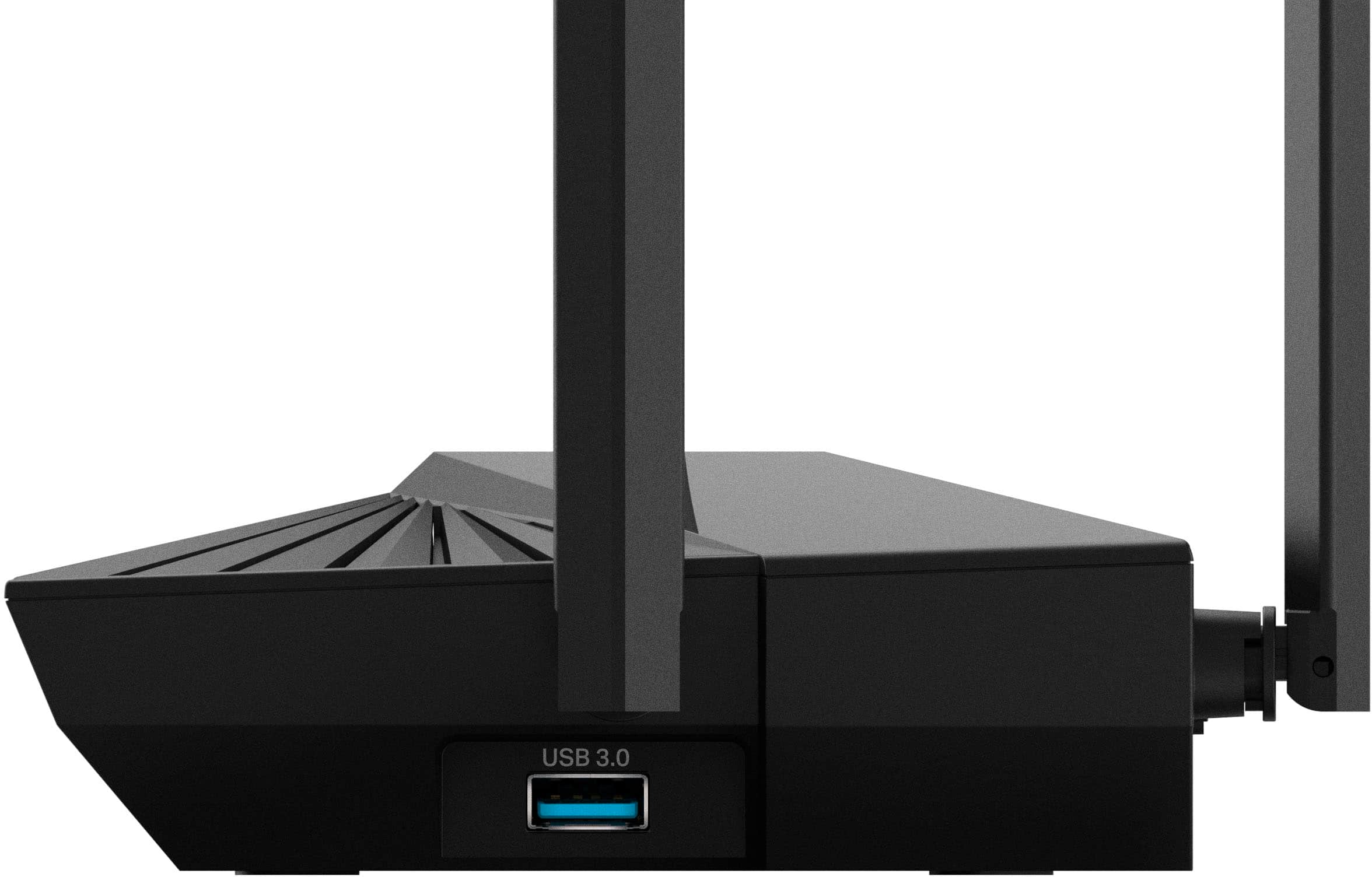
|Posted .This reviewer received promo considerations or sweepstakes entry for writing a review.This router replaced an older router that was in use for many years and had been having problems with dropping connections and other issues. A common concern with replacing such a device was the possibility of problems getting all of our connected devices back online without having to make any changes on their end. Like many people, over the years the number of WiFi-connected devices in the house has seemed to explode with everything from computers and handhelds to AV equipment to “smart home” devices. As it turned out, there were no problems at all and the full installation and setup of the AX5400 Pro took less than an hour including the time to unpack it and physically replace the old router. To perform the setup I chose the option of a direct Ethernet cable from my PC to the router. From the PC I was able to log in from a browser to the embedded management software, which took me through the quick setup procedure. Our home network configuration required me to set it up to operate in “AP Mode”, which requires an extra step in the Advanced settings and a reboot of the router before it could go fully online. Setup is also possible wirelessly using the TP-Link “Tether” app on a smartphone or tablet. When setting up the WiFi itself, the setup default is to use the “Smart Connect” option; in this case you assign one SSID and password for all WiFi connections and the router determines if it will use the 2.4 or 5GHz band. However, I preferred for now to use the option to configure each band separately and assigned different SSIDs for 2.4GHz and 5GHz signals. Again, this was easy to do within the setup and administration utility. Once this was done I connected the Ethernet cable from my ISP’s cable box into the Archer router and very quickly all of my connected devices were back online on the Internet! The Archer has both a 2.5GHz Ethernet WAN/LAN port and a 1GHz WAN/LAN port on the back and it was not clear to me why you would use one over the other. My Ethernet connection is just 100Mb in speed but works fine on the “2.5GHz” port. Using this port frees up the other WAN/LAN port for a wired connection to some other device; this allows up to 4 direct Ethernet connections. The performance of the AX5400 can’t be faulted. The connections are stable and there is a good signal throughout our house even though the router by necessity is not in an ideal location. We have a 2400 sq ft 2-story colonial with the router in an upstairs bedroom, but the signal is very good even in the basement, the garage, and on our backyard patio. In a more centralized location this router would definitely cover a much larger house. Another thing I have noticed compared to the old router is how quickly a connection is made and Internet access is gained. I also downloaded and installed the TP-Link “Tether” app on my Android smartphone. As soon as I launched it and signed into my TP-Link account, it found and identified the AX5400 on the network and gave me similar access to the administration software as I had used from my PC browser. This will make it easy to monitor and administer the router from anywhere in the house. It is easy to see all the connected devices, which ports, and what speed they are using. Another interesting feature of the AX5400 is the USB 3.0 port on the side where you can insert a memory stick or plug in any other sort of USB drive. The drive is then shareable across the network in a number of different ways and can also be accessed from the outside Internet if so configured. I tried this with a simple memory stick and was able to stream a video file on one of the tablets that was on the WiFi network.
I would recommend this to a friend