Customer Ratings & Reviews
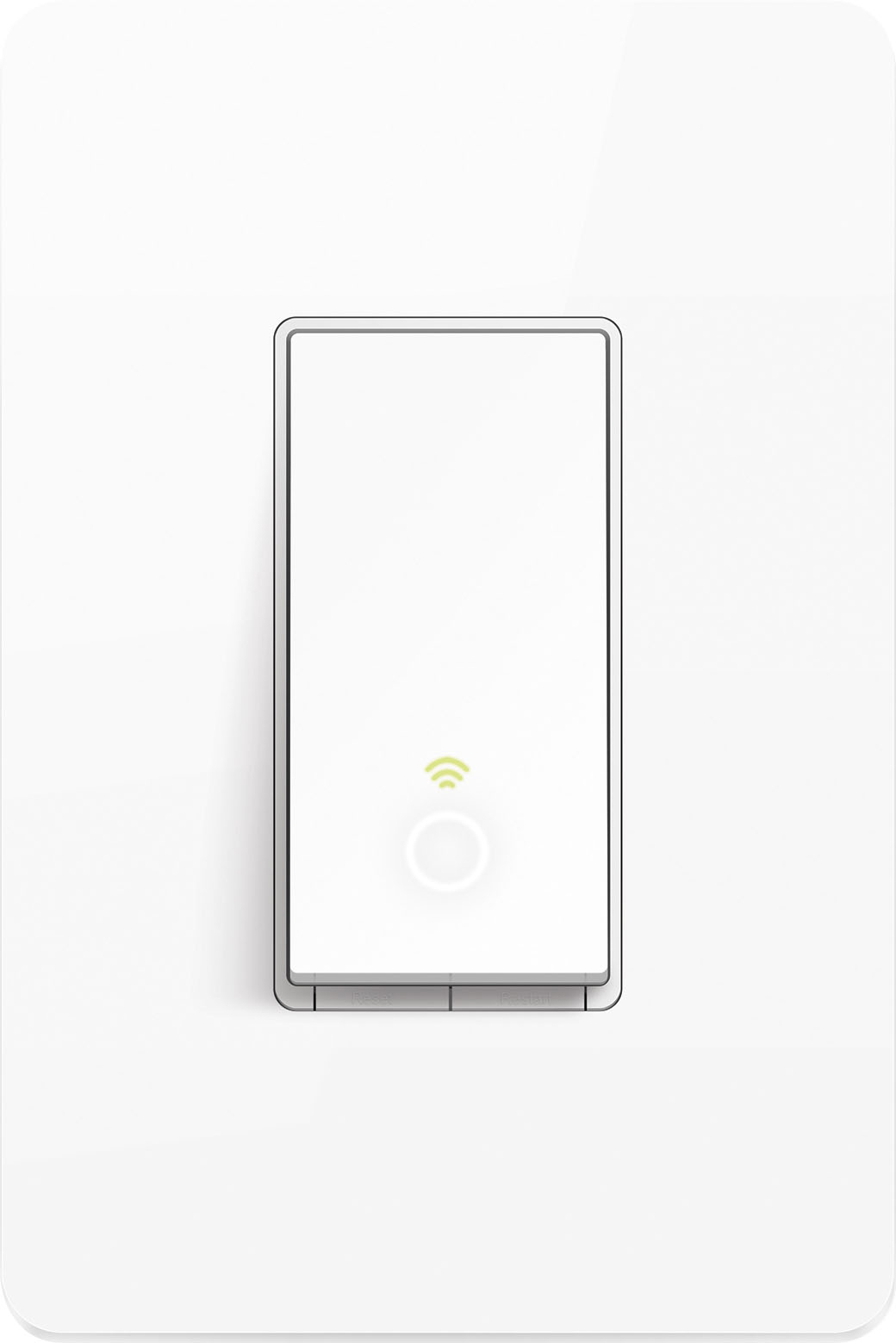
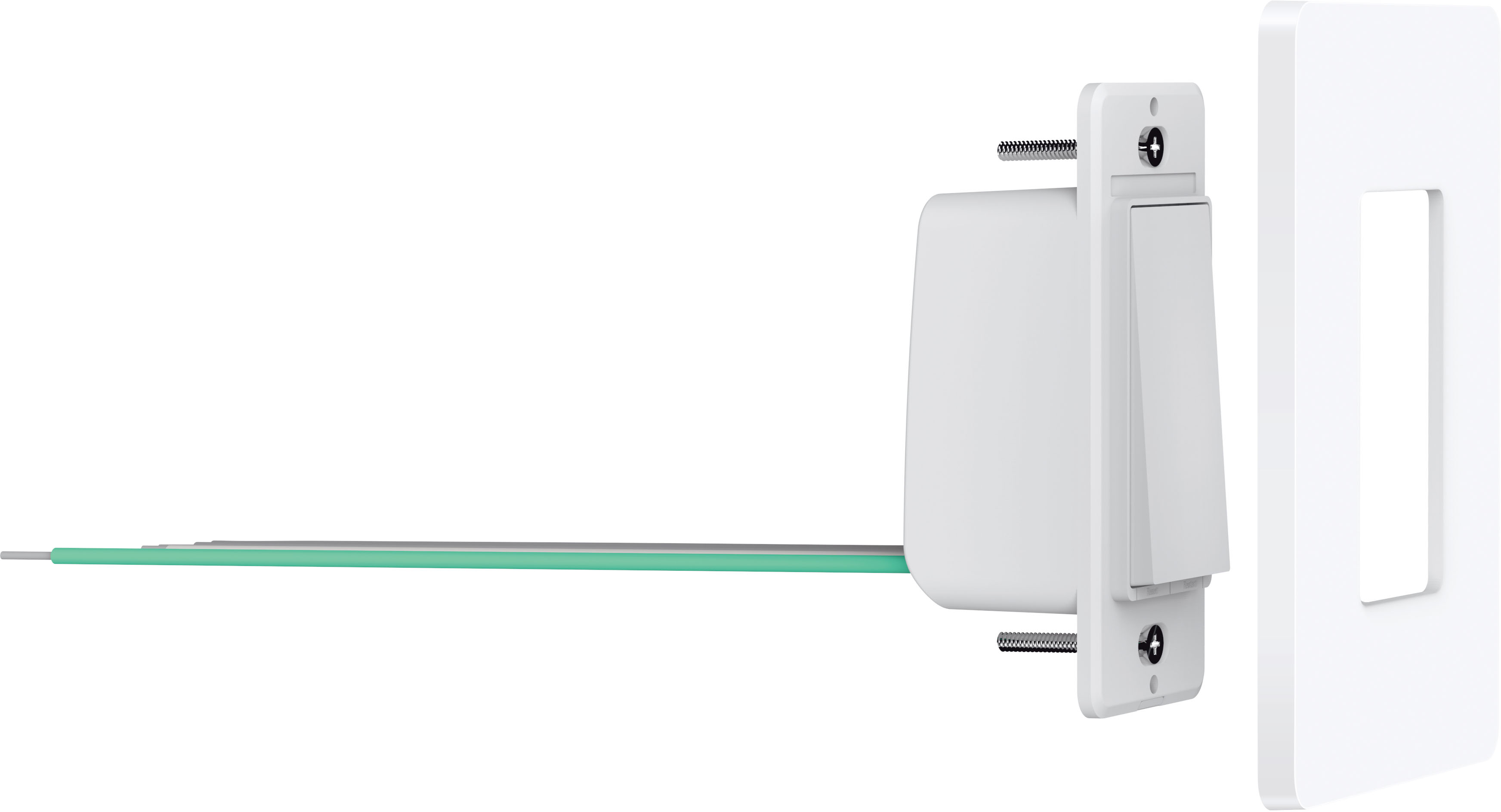
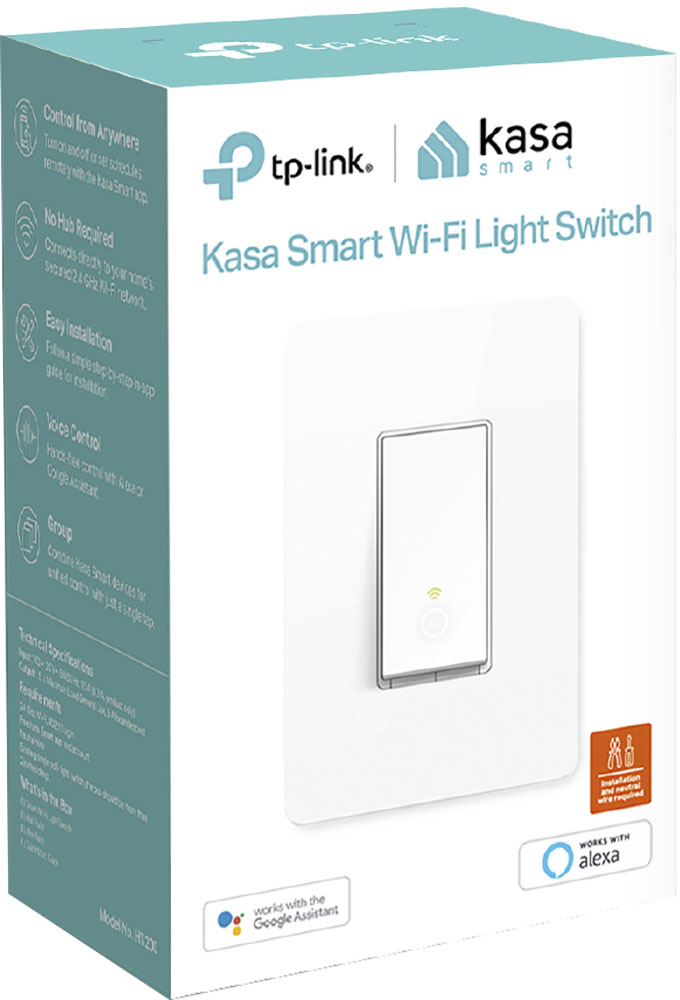
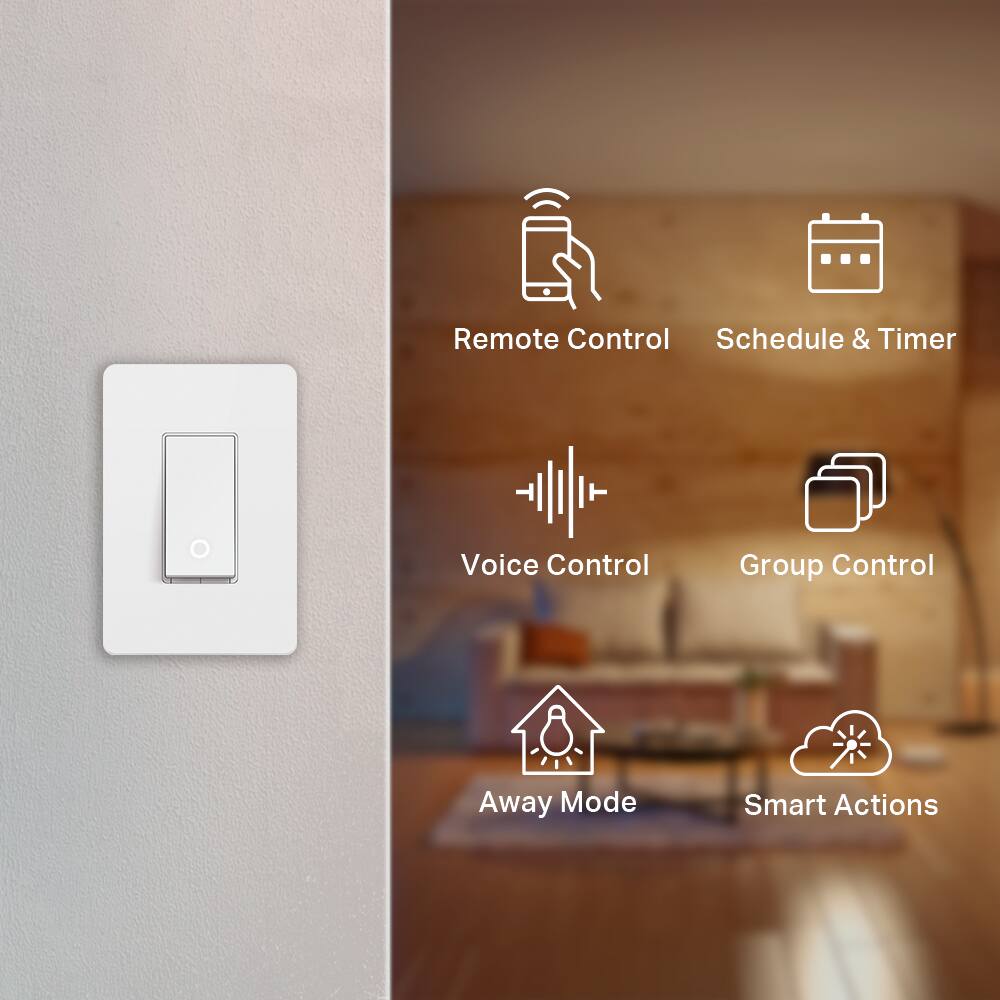
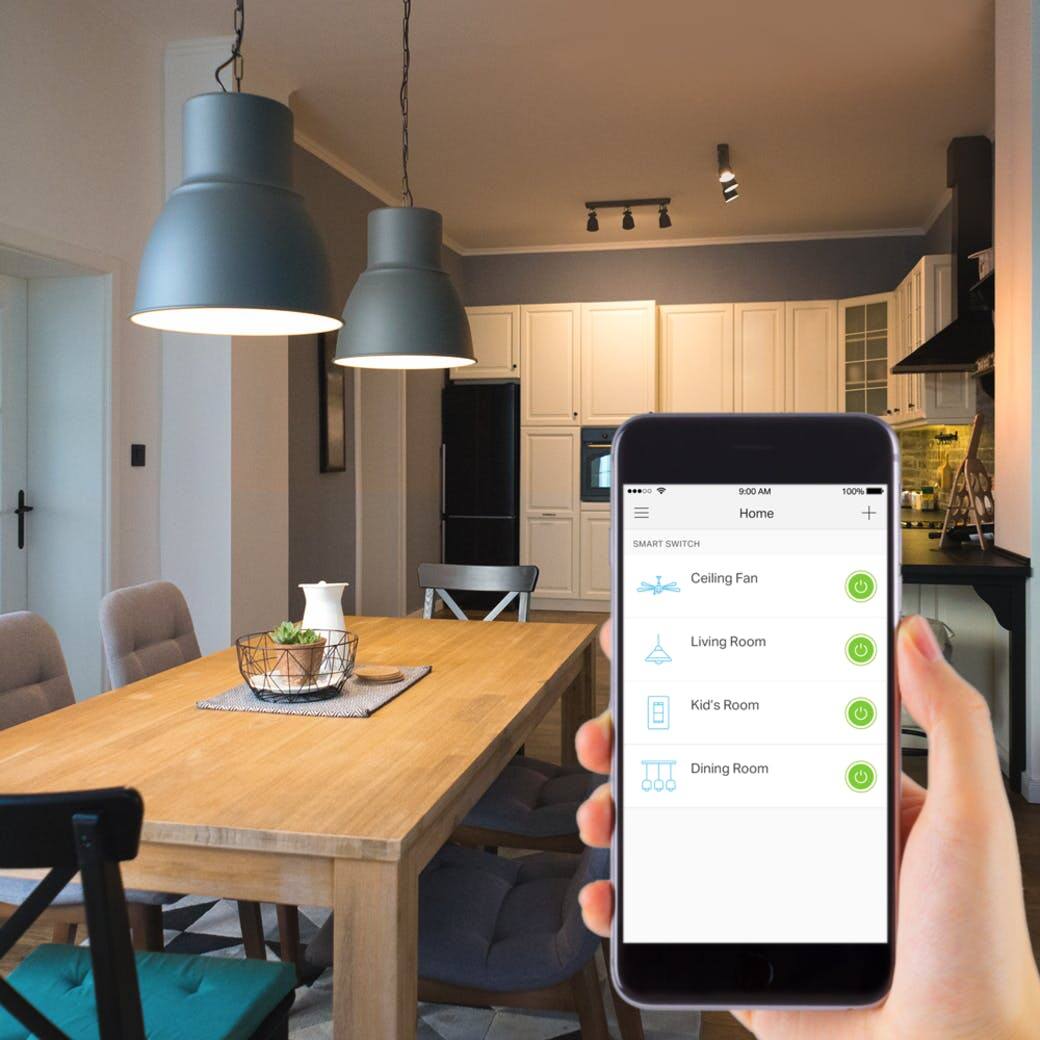
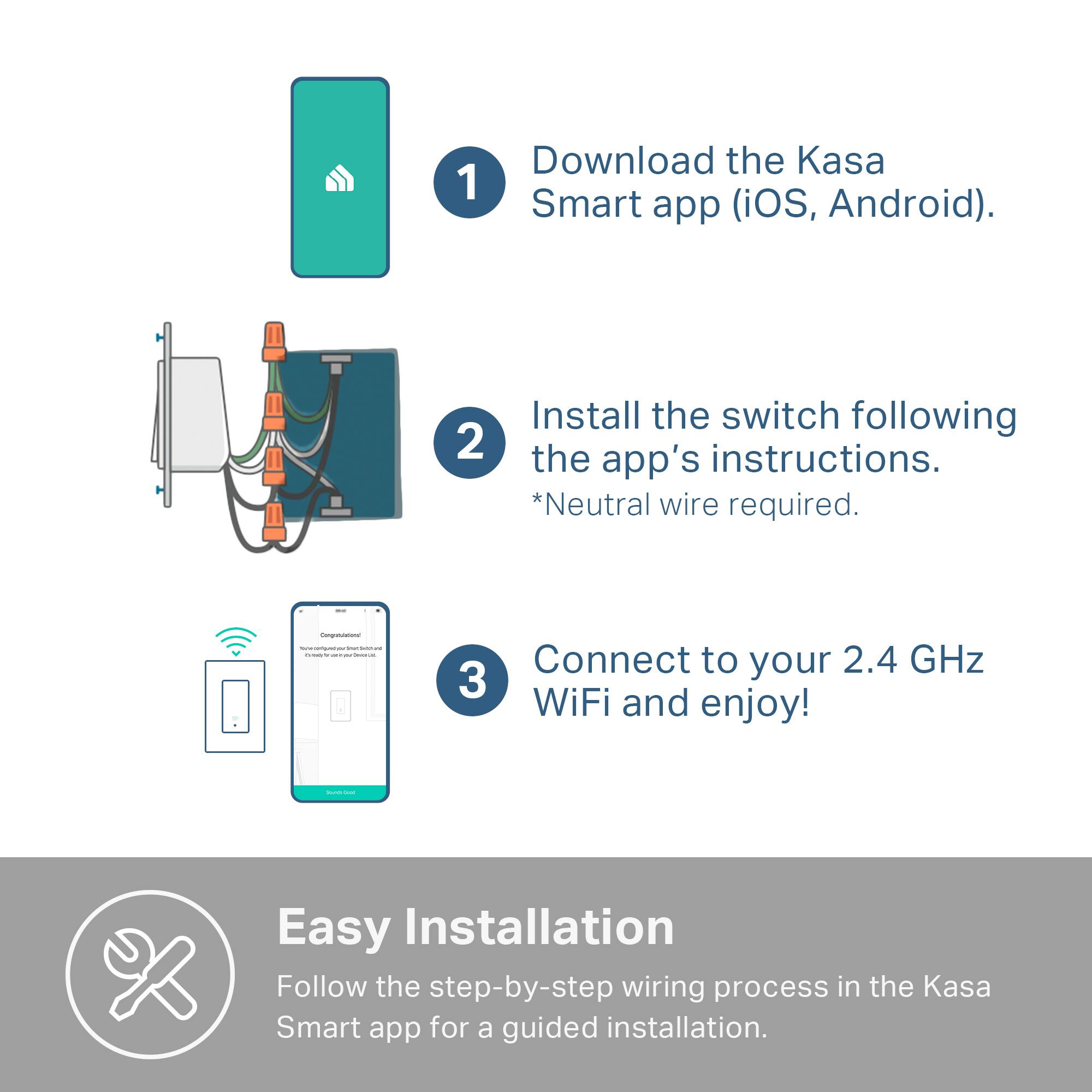


- Model:
- HS200
- |
- SKU:
- 5687933
Customer reviews
Rating 4.7 out of 5 stars with 2649 reviews
(2,649 customer reviews)Rating by feature
- Value4.8
Rating 4.8 out of 5 stars
- Quality4.8
Rating 4.8 out of 5 stars
- Ease of Use4.7
Rating 4.7 out of 5 stars
Customers are saying
Customers praise the Kasa Wi-Fi Smart Light Switch for its ease of use and compatibility with smart speakers like Alexa and Google Assistant. They also appreciate the easy installation and reasonable price point, making it a well-received smart home device.
This summary was generated by AI based on customer reviews.
- Pros mentioned:Compatibility
Rated 5 out of 5 stars
Touch free
||Posted . Owned for 3 weeks when reviewed.This reviewer received promo considerations or sweepstakes entry for writing a review.Alexa turn hallway light on Work fine easy thx kasa
I would recommend this to a friend - Pros mentioned:Ease of use
Rated 5 out of 5 stars
Great
||Posted . Owned for less than 1 week when reviewed.This reviewer received promo considerations or sweepstakes entry for writing a review.Great switches and the install instructions were easy to use.
I would recommend this to a friend - Pros mentioned:Ease of use
Rated 5 out of 5 stars
Great switch
||Posted . Owned for 1 month when reviewed.This reviewer received promo considerations or sweepstakes entry for writing a review.Great switch. Easy to install. Works exactly like it should.
I would recommend this to a friend - Pros mentioned:Ease of use
Rated 3 out of 5 stars
Great switch, but poor connectivity to the interne
||Posted . Owned for 3 weeks when reviewed.This reviewer received promo considerations or sweepstakes entry for writing a review.I have several TP-Link Kasa switches and plugs and I enjoy them. However, the downside is that it loses connectivity to the internet. Other name brand switch doesn’t do that. It is frustrating when they don’t respond through my automated scene or when sending the command through Alexa or Google. Other than that, I really like these and the easy installation process.
I would recommend this to a friend - Pros mentioned:Ease of use
Rated 4 out of 5 stars
Excellent works as expected!
||Posted . Owned for 1 month when reviewed.This reviewer received promo considerations or sweepstakes entry for writing a review.Overall exactly what it says it will do straight out of the box, easy installation!
I would recommend this to a friend Rated 5 out of 5 stars
Wireless light switch
||Posted . Owned for 2 months when reviewed.This reviewer received promo considerations or sweepstakes entry for writing a review.This little item ensures when I'm on my way to sleep, I stay safe in my bed with the ability to turn off my bedroom lights.
I would recommend this to a friend- Pros mentioned:Ease of use
Rated 5 out of 5 stars
Let there be light!!!
||Posted . Owned for 10 months when reviewed.This reviewer received promo considerations or sweepstakes entry for writing a review.I got this item because I wanted to have access to my kitchen light and it works perfectly be careful if you have an older house you'll probably need to call an electrician...
I would recommend this to a friend Rated 5 out of 5 stars
Good but made for a single outlet box.
||Posted . Owned for 1 month when reviewed.This reviewer received promo considerations or sweepstakes entry for writing a review.I wish this was shaped more like other switches and didnt have the cover plate type plastic surrounding fixed onto the switch. I installed this switch plus 3 others into a 4 port outlet box so becuase of this I have a slight raised spot under the 4 port cover where this switch is placed. Other than that not much to complain about, it does what its supposed to do.
I would recommend this to a friend- Pros mentioned:Ease of use
Rated 5 out of 5 stars
Works as Advertised
||Posted . Owned for 3 weeks when reviewed.This reviewer received promo considerations or sweepstakes entry for writing a review.It was relatively easy to install and appears to work as advertised. Have had very little opportunity to use it, but do not expect any difficulty.
I would recommend this to a friend Rated 5 out of 5 stars
Team TP-link Kasa
||Posted . Owned for 3 weeks when reviewed.This reviewer received promo considerations or sweepstakes entry for writing a review.Had to switch to KASA from Wemo and this device is much better than the Wemo devices which constantly had firmware issues. Tp-link did a great job on fixing the bugs and allowing the updates to fix any issues now my entire house is using KASA SWITCHES
I would recommend this to a friend- Pros mentioned:Compatibility, Ease of use, Wi-fi
Rated 5 out of 5 stars
Inexpensive way to start your smart home.
Posted .This reviewer received promo considerations or sweepstakes entry for writing a review.I bought one of these switches after I bought a Google Home Mini. I was curious to see how it would work along with the two TP-Link wall outlets. I placed it my living room (existing wall switch box) to control the overhead light. It took me awhile to get it installed because it take up a lot of space inside my single-gang electrical outlet. I had to trim and reposition some wireless so it would all fit without being too tight. This part took most of my time so be patient. Keep in mind this will not work if you have a three-way switch like hallway lights!! You'll need a different kit. The wi-fi switch works very well. Once I loaded the Kasa app on my Android phone, connected to my network, and linked it to my Google Home app, my Google Home mini quickly went to work. It understood the commands without any problems. All I had to do was change the device name to make it easy for me to remember. The Kasa mobile app also allows you to turn the light on and off using your phone or time them to come on at a certain hour if you're not home. Overall satisfied with this purchase. I just purchased two wall outlet switches and they work like a champs too.
I would recommend this to a friend - Pros mentioned:Ease of use, InstallationCons mentioned:Size
Rated 5 out of 5 stars
Great easy to use, easy to install smart switch.
||Posted . Owned for 1 month when reviewed.This reviewer received promo considerations or sweepstakes entry for writing a review.I got this as a christmas gift for my parents and installed it for them. Im no electrician but I am familiar with smart and connected home devices. This switch was super easy to install, the biggest thing is to make sure you kill the circuit its being installed in prior to touching any wires. Outside that, the Kasa App walks you through every step, and you should be up and running in no time...im talking 10minutes or less. The screwless plate that comes with it is nice so you dont have to have screws showing. One thing I will say is these switches, the dimmer included are a bit bigger then normal switches when putting them into the electrical wall box, so keep that in mind when purchasing these, especially if youre purchasing more then 1 in a multi-gang switch situation. For use in a multi gang situation, I recommend using a Leviton plate, I also got a dimmer from TP-Link Kasa (HS220) that was installed in a multi gang spot and the Leviton plate worked perfectly. I highly recommend this smart switch, super easy to use. I started off my parents with Kasa Smart Plugs (HS105) and they enjoyed being able to control their lights when not home to make it look like someone was home, this is just an expansion of that. Very easy to use app, my parents are retired and can comfortably use the Kasa app. In fact they just got a Kasa Spot cam to keep an eye on their dog when not home. So for anyone looking for EASE OF USE, this is the company to go with if HomeKit isnt a must. I do wish and hope in the future there will be a Homekit compatibility update, but until then HomeBridge or HOOBS is a work around(look it up for those interested).
I would recommend this to a friend - Pros mentioned:Ease of use, Installation
Rated 5 out of 5 stars
Great Line of Smart Switches
||Posted .This reviewer received promo considerations or sweepstakes entry for writing a review.I started my foray with TP-Link Smart Switches with the HS210 kit. Once I got an understanding of the wiring, I have switched several more switches in my house to keep with the TP-Link brand. Partially because I dislike having multiple apps to control different aspects of my Smart Home. I purchased several HS200 switches back in August, 2018 and they installed very easily. I love their functionality so much I bought 8 more recently. In the beginning, I considered Lutron's Caseta line but I realized that they needed a hub. The TP-Link line of Smart Switches don't need a separate hub, they work off your home Wi-Fi. This means that you don't have to worry about a separate hub's range if you know that your home Wi-Fi range is good enough for your Smart Switch locations. Before you install the HS200, make sure you have a set of neutrals accessible in the electrical box. If you're coming from a non-Smart Switch they are most often white and tied together without a line to the switch. Please cut power to the switch before you begin the project and use due caution. Once installed, and power is restored to the switch, it will take a moment to start up and then the Wi-Fi light will alternate between green and orange signaling that the switch is ready to be setup. In the Kasa app, you'll click on the plus sign in the top right corner and specify "Add a Device", then it walks you through connecting the switch to your Wi-Fi and setting up the switch with a name within the Kasa App. As for the Kasa app, over the past year, I've seen several improvements to the User Interface and functionality. I like where it seems to be going so far. Operations within the app are pretty intuitive. However, when setting lights in "away" mode, you need to go into each light and set the schedule. I wish there were an easier way to change the mode for a group of lights. TP-Link switches like the HS200 connect very easily to Alexa and to Google Home. I have also connected it to my Samsung SmartThings hub, but that takes a little more work. You'll need to find 3rd party code and set up a developer account within the SmartThings ecosystem. I've talked up the TP-Link Smart Switches so much, I've brought 3 co-workers into this ecosystem.
I would recommend this to a friend - Pros mentioned:Compatibility, Ease of use, PriceCons mentioned:Size
Rated 5 out of 5 stars
Liked the 1st one so well I bought more
||Posted . Owned for less than 1 week when reviewed.This reviewer received promo considerations or sweepstakes entry for writing a review.I now have 2 of these switches and have ordered a 3 way one as well. Easy to install however if you are installing in a double gang switch box note that the switch will take up a little more room than a standard switch. Also, they will not sit in the box the same way as a regular switch so if you are really OCD about the look it will be a little different than a conventional switch. Kasa is very easy to use and I currently have 8 different TP Link/Kasa devices in my house along with some Wemo units as well. Kasa is usually a little cheaper than Wemo and I feel they both function very similarly. The app is very intuitive about walking you thru the process to add the switch to your smart home and if you want to use it as a regular switch you can. Overall very satisfied and highly recommend
I would recommend this to a friend - Pros mentioned:Compatibility, Installation, Wi-fiCons mentioned:Size
Rated 5 out of 5 stars
Easy to Install and Works as Advertised
||Posted .This reviewer received promo considerations or sweepstakes entry for writing a review.So far the TP-Link Smart switches have been flawless. I use the alexa app or ask my echo to turn them on/off and it hasn't failed once. I am not an electrician, and have not had any issues at all installing several of these switches. The Kasa app provides a step-by-step installation guide. I haven't experienced any wifi connection issues at all. We had a power outage and all of the switches reconnected and worked perfectly afterwards. Same story when I have had to reboot my router. The only issue I have had is that the switches very big. It's difficult, if not impossible, to stuff two of them plus the wiring into a 2 gang box. I love the ability to group them together to control more than one switch with a single command. I definitely plan to buy more.
I would recommend this to a friend - Pros mentioned:Compatibility, Installation, Price
Rated 5 out of 5 stars
Perfect Smart Switch
||Posted .This reviewer received promo considerations or sweepstakes entry for writing a review.This is a perfect smart switch for the price. Very easy to install, does not need a hub. 3 wires and that's all. Once installed, download phone app and it uses the app to connect to your wifi. Once connected, your good to go. Its compatible with Amazon echo and google. I personally have the Echo and very easy to setup. I shopped around for a smart switch and this was the best bang for the buck. You dont need a hub for your smart devices, have it connect directly to your wifi (keep in mind you have a good wifi router). Neighbor spent $85 per smart switch and paid an "expert" to install and I paid $30 per switch...just a no brainer here
I would recommend this to a friend - Pros mentioned:Ease of use, Wi-fi
Rated 5 out of 5 stars
Great smart home product
||Posted .This reviewer received promo considerations or sweepstakes entry for writing a review.I did a lot of research before deciding to deploy this technology. I chose it because I don't need a separate hub and because I can control it with Alexa. As an added bonus, it can accept IFTTT triggers from my Arlo cameras so I can turn on lights when one of the cameras detects motion. This is great because the IR picture on the cameras is OK but not very high resolution. Being able to turn on the nearest light when a camera detects and records motion is a big plus. These switches are quite easy to install and set up if you have basic electrical and wifi technology skills. The TP-Link Kasa app guides you through it very well. After the first one I didn't even need to consult the app for wiring instructions. If you are looking for a two pole solution (two light switches to control one light/set of lights) TP-Link now makes that solution as well although BestBuy doesn't yet carry it. It is the TP-Link HS210 kit. I have installed 7 single pole (HS200) switches and 4 double pole (HS210) kits and they all work quite well. I can control all of them from Alexa or my phone app. I have my three ceiling fans running on a schedule so I don't have to remember to turn them on or off at various times of the day.
I would recommend this to a friend - Pros mentioned:Compatibility, Ease of use, Price
Rated 5 out of 5 stars
Affordable, highly compatible, easy setup
||Posted . Owned for 3 weeks when reviewed.This reviewer received promo considerations or sweepstakes entry for writing a review.The TP-Link Wi-Fi Smart Light Switch was easy to install, easy to setup, and integrated perfectly with my Samsung SmartThings Hub. Now I can turn on my outside and inside lights from anywhere using my iPhone. The TPLink iPhone app guides you step-by-step through the entire installation and setup. Pros: - Easy installation and setup - Inexpensive - Compatible with many smart hubs and assistants Cons (very minor): - Need an outlet box that has some space (this switch is a little big for shallow boxes, but can be installed into standard switch boxes) - There is no way to disable the round light located near the bottom of the switch (the light is used to help you find the switch in total darkness). Most of the more expensive switches give you the ability to disable the light if you don't want it on when the switch is turned off). I would highly recommend this switch to everyone!
I would recommend this to a friend - Pros mentioned:Price
Rated 5 out of 5 stars
Solid Performance
||Posted .This reviewer received promo considerations or sweepstakes entry for writing a review.I purchased the TP-Link WiFi light switch based upon price and brand reputation. So far the performance has been solid. I'm currently using 3 brands of WiFi light switches - each offering options. The Lutron Caseta makes a great dimmer that responds great to Alexa and Google, but it requires the use of a Lutron hub and has a high price tag. GE makes a great ceiling fan speed control switch, so I brought the coordinating light switch, GE works with Iris hub. It responds to Alexa well but 50/50 with Google. The TP-Link has a very clean look to it with the nice night light, a smooth motion when operated manually and does not require a hub. It also works flawlessly with Alexa and with Google. Honestly the only flaw is the fact that TP-Link is not offering a dimmer or a fan speed controller.
I would recommend this to a friend - Pros mentioned:Compatibility, Ease of use, Installation
Rated 5 out of 5 stars
Great Smart Home Integration Product
||Posted . Owned for less than 1 week when reviewed.This reviewer received promo considerations or sweepstakes entry for writing a review.I'm going to start off by giving this disclaimer: I spent a $100 a to get an electrician to install it because I am not handy and YouTube videos and did not help. With that being said after it was installed very happy with the product so much so that I purchased another one in had the same electrician come out and install it but they charged me a little less. The switches are better than buying smart bulbs which I have because the smart switch is better for long run. The kasa app is easy to navigate through, I have it set up with google assistant which makes it easy, the other switch I got is for my outside lights and I have that set on a timer in the app called sunrise and sunset so it's very seamless to use and would recommend the smart switch over light bulbs, again I did get an electrician to install it because I am not handy.
I would recommend this to a friend