Customer Ratings & Reviews
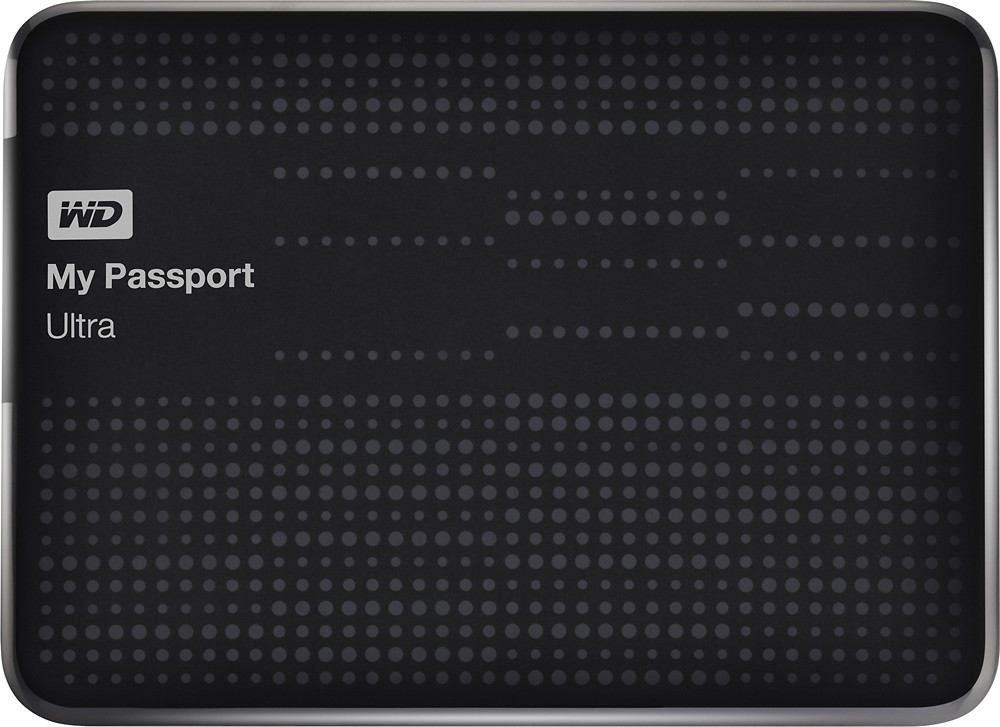
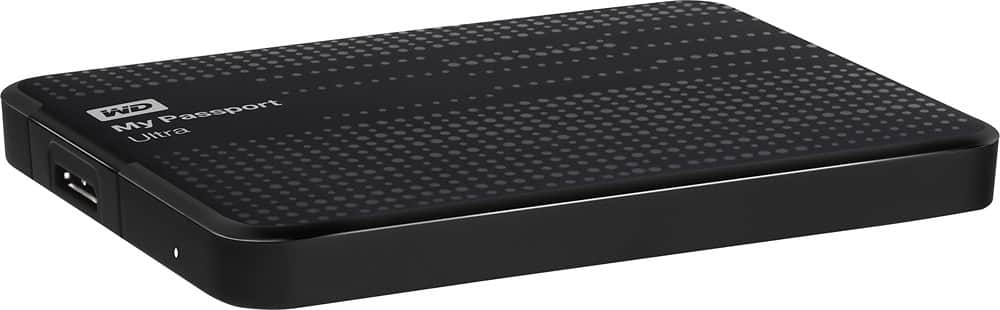

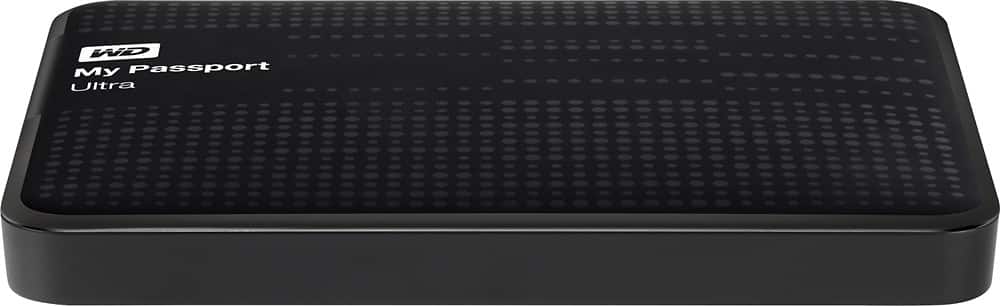
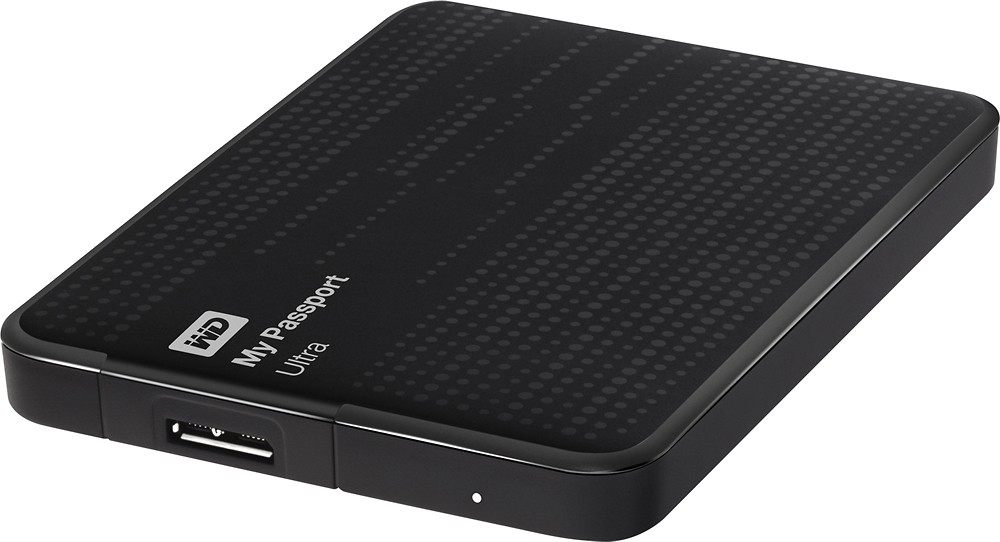
- Model:
- WDBMWV0015BBK-NESN
- |
- SKU:
- 9377441
Customer reviews
Rating 4.8 out of 5 stars with 105 reviews
(105 customer reviews)to a friend
Customers are saying
Customers appreciate the ample storage, ease of use, and convenient size of this product. Positive feedback also highlights the fast transfer speeds enabled by the USB connection. Many find the device to be reasonably priced. The product's performance is also frequently praised.
This summary was generated by AI based on customer reviews.
Rated 5 out of 5 stars
love my passport
||Posted .This reviewer received promo considerations or sweepstakes entry for writing a review.It is a great device for holding and storing important memories
I would recommend this to a friendRated 5 out of 5 stars
Amazing product
||Posted .This reviewer received promo considerations or sweepstakes entry for writing a review.Worth the price. Amazing product. I'd definitely recommend it.
I would recommend this to a friendRated 4 out of 5 stars
Good Value
||Posted .This reviewer received promo considerations or sweepstakes entry for writing a review.I have been looking for a drive to use as a backup device for my laptop but didn't want to pay too much. This meets my needs and was an excellent value and is easy to use.
I would recommend this to a friendRated 5 out of 5 stars
Great portability
||Posted .This reviewer received promo considerations or sweepstakes entry for writing a review.Worked as advertised. Easy to use an extremely light and small.
I would recommend this to a friendRated 5 out of 5 stars
Great
||Posted .This reviewer received promo considerations or sweepstakes entry for writing a review.Great deal...works as intended and portable and covinient
I would recommend this to a friendRated 5 out of 5 stars
Good
||Posted .This reviewer received promo considerations or sweepstakes entry for writing a review.I already used it one month. It work well. I like it.
I would recommend this to a friendRated 5 out of 5 stars
good speed for data transfer
||Posted .This reviewer received promo considerations or sweepstakes entry for writing a review.Good product. Speed for data transfer is really good
I would recommend this to a friendRated 5 out of 5 stars
I needed a backup device
||Posted .This reviewer received promo considerations or sweepstakes entry for writing a review.I now have Peace of Mind that my data is backed up.
I would recommend this to a friend- Pros mentioned:Ease of use
Rated 5 out of 5 stars
Well made, easy to use
||Posted .This reviewer received promo considerations or sweepstakes entry for writing a review.I bought it to store my pictures and it's perfect for the job. Very easy to use don't need to set up with every device I've connected it to and looks good too.
I would recommend this to a friend Rated 4 out of 5 stars
Slick and stylish
||Posted .This reviewer received promo considerations or sweepstakes entry for writing a review.Great product. Don't like using the cloud for my storage. This drive make me feel secure with my files.
I would recommend this to a friendRated 4 out of 5 stars
Excellent drive for backups
||Posted .This reviewer received promo considerations or sweepstakes entry for writing a review.Great for keeping offline backup in case of disaster or viruses.
I would recommend this to a friendRated 4 out of 5 stars
Works great for XBox One
||Posted .This reviewer received promo considerations or sweepstakes entry for writing a review.Setup was easy. Works great for storing all the installed gaames
I would recommend this to a friendRated 4 out of 5 stars
Backup Hard Drive
||Posted .This reviewer received promo considerations or sweepstakes entry for writing a review.Solid metal construction. Simple and reliable software.
I would recommend this to a friendRated 4 out of 5 stars
good .worth for money
||Posted .This reviewer received promo considerations or sweepstakes entry for writing a review.It was a good option to get 1.5 to for the amount..
I would recommend this to a friendRated 3 out of 5 stars
fast mailing service
||Posted .This reviewer received promo considerations or sweepstakes entry for writing a review.Arrived quickly via post office. I was happy with the fast service.
I would recommend this to a friendRated 5 out of 5 stars
Works well, no issues.
||Posted .This reviewer received promo considerations or sweepstakes entry for writing a review.Have had no issues. Solid buy on sale, was a daily deal.
I would recommend this to a friend- Pros mentioned:Ease of use, Size, Speed
Rated 5 out of 5 stars
Blazing Fast on my MacBook Pro
Posted .This reviewer received promo considerations or sweepstakes entry for writing a review.It was time to replace my aging 1TB external hard drive, so I was in the market for either another 1TB or 2TB drive. This one seemed like a nice choice for the price, so I bought it. I was pleasantly surprised to notice how small it was when I received it. Very portable. I was also pleased to see that it didn't need an external power supply like my old one did - just plug it into your computer and go! I didn't use the WD SmartWare Pro software because I have a Mac (which makes it unnecessary anyway). For the record, I'm using OS X Mavericks as of this writing. Most importantly, I was impressed by the speed. This thing is blazing fast at transferring data to/from my MacBook Pro. APPLE USERS: Yes, this drive will work with your Mac. However, you will need to format it for Mac first: 1. Plug the drive into your Mac. Cancel or continue through any warning messages that you get. 2. Go to Applications > Utilities and open Disk Utility 3. On the left, choose the WD Password drive. 4. Click the "Erase" tab on the top. 5. From the Format dropdown menu, choose either Mac OS Extended "journaled" (which is what I chose) or "journaled encrypted" (if you want the data encrypted). You can choose one of the other options if you know what you're doing and have different needs. 6. Give the drive a Name 7. Click the "Erase..." button. It doesn't take long. Once finished, your drive will be formatted for Mac. It will likely pop up a message asking if you want to use the drive for Time Machine automatic backups. That is your choice (research it if you don't know what it is). I chose No because I do my own backups.
I would recommend this to a friend - Pros mentioned:Ease of use, Usb
Rated 5 out of 5 stars
Super easy to setup and backup my hard drive.
Posted .This reviewer received promo considerations or sweepstakes entry for writing a review.Super easy to setup and backup my hard drive. I really like that it only uses 1 cable (USB) to keep the desk clutter to a minimum.
I would recommend this to a friend - Pros mentioned:Ease of use
Rated 5 out of 5 stars
great back up drive
Posted .This reviewer received promo considerations or sweepstakes entry for writing a review.I love this little back up drive. Easy to install no issues and been using for 7 months and even lets you know when there is any software updates. Noting bad at all to say about it.
I would recommend this to a friend - Pros mentioned:Ease of use
Rated 5 out of 5 stars
Great storage device
Posted .This reviewer received promo considerations or sweepstakes entry for writing a review.This is a great storage device that's easy to use.
I would recommend this to a friend