Computer Speakers For Mac
-
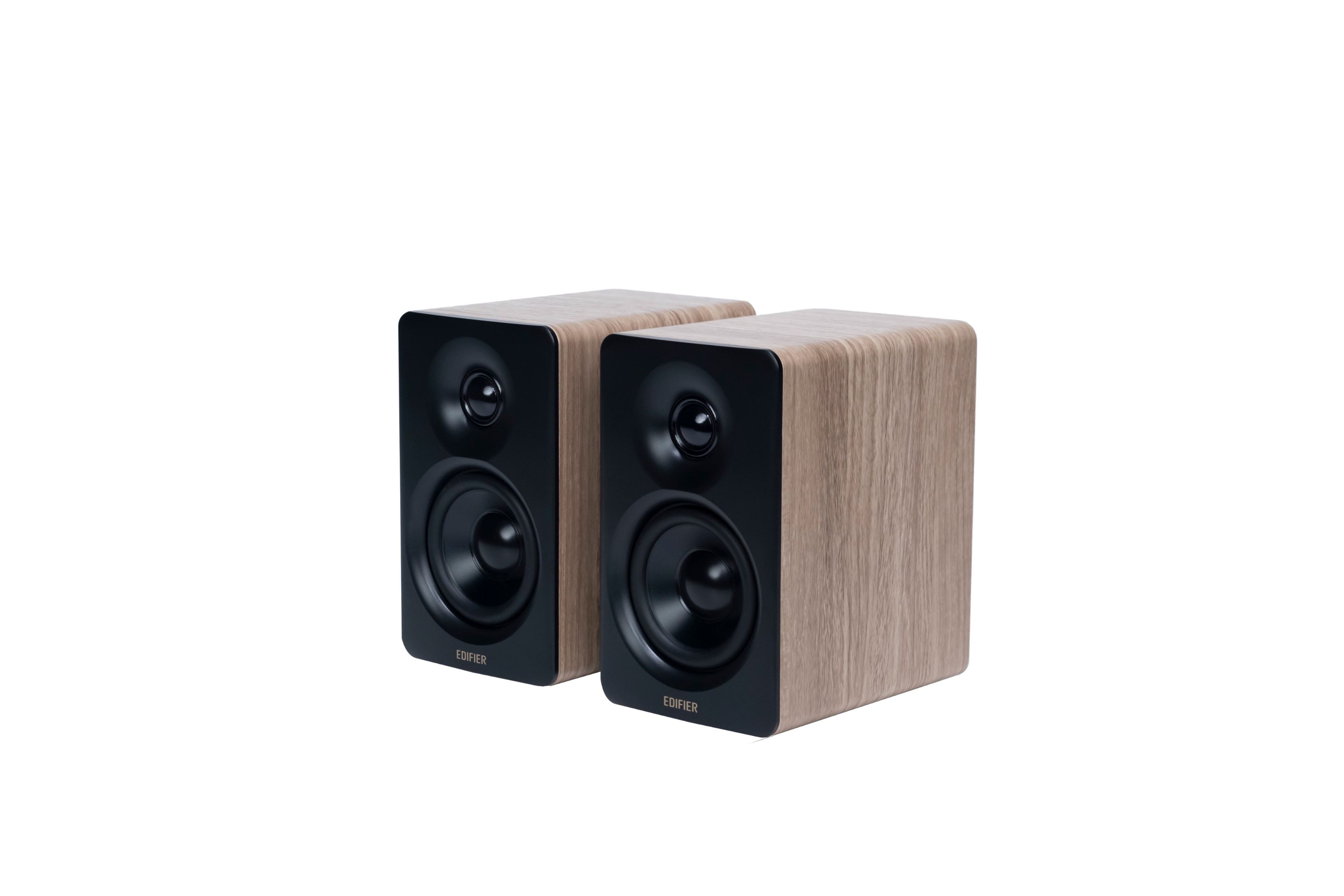
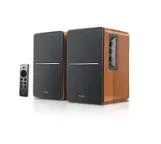
Edifier - M60 Multimedia Speaker Bluetooth 5.3, 66W RMS, Hi-Res Wireless Audio, 3" Mid Bass & 1" Tweeter, USB-C & Aux Input (Pair) - Oak Brown
SKU: J3WSK7S674The included stands that angle the speakers toward your ears is great.
See all Computer SpeakersProduct Description
A pair of compact oak brown desktop speakers delivering high-resolution audio with on/off switch and volume control.Your price for this item is $169.99Save $30The previous price was $199.99 -
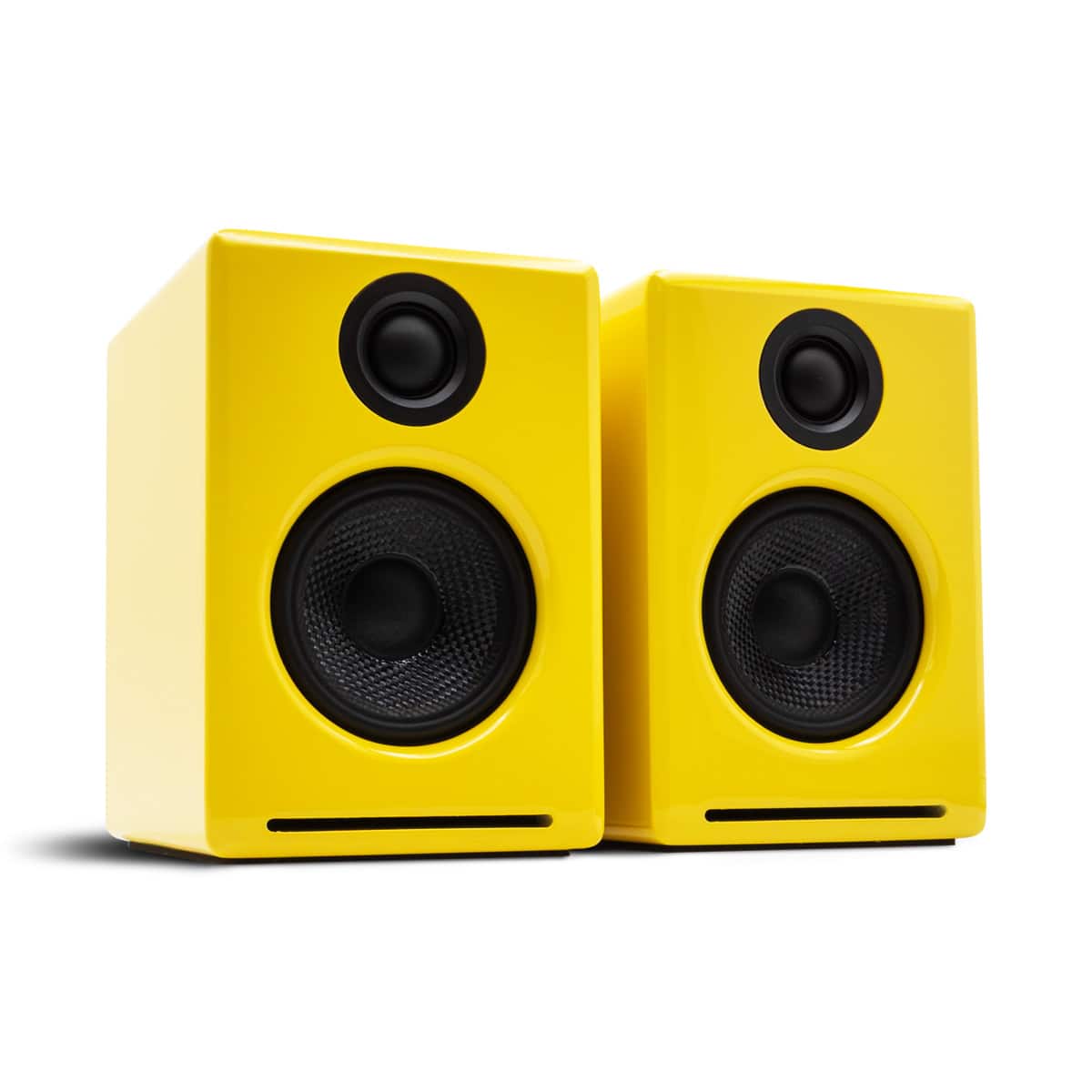
Audioengine - A2+ 2026 Color of the Year Edition w/ Bluetooth aptX-HD - Limoncello Yellow
SKU: J3RQT479GFSee all Bookshelf SpeakersProduct Description
A pair of limoncello yellow, hand-finished wood speakers delivering 24-bit Hi-Fi audio with Bluetooth aptX-HD.Your price for this item is $299.00 -
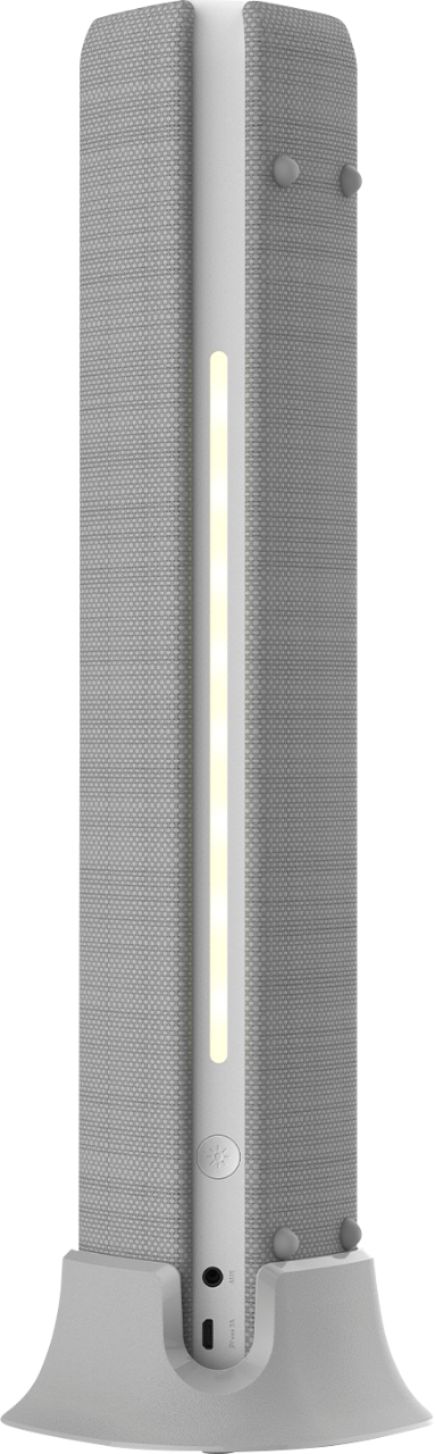
ION Audio - Meeting Mate Rechargeable Portable Bluetooth-Enabled Speaker with Built-In Microphone - Gray
SKU: J36J95JRZQSee all Bluetooth & Wireless SpeakersProduct Description
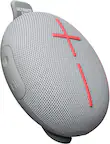
A versatile gray Bluetooth speaker with built-in microphone, rechargeable battery, LED lights, and EQ settings.Your price for this item is $89.99 -
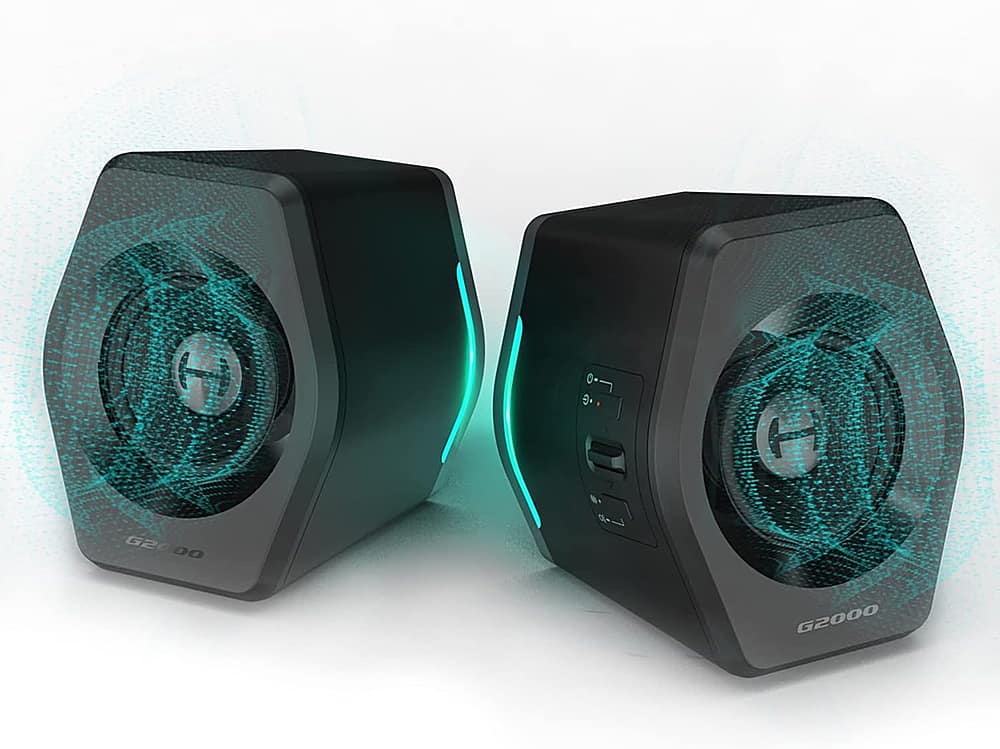
Edifier - G2000 2.0 Bluetooth Gaming Speakers with RGB Lighting (2-Piece) - Black
SKU: J3WSK7SGH3The color options are great but would have bought these anyways. I would definitely recommend....Not lightweight, well built, excellent design, unique lighting ability and great 2.0 sound....A best option...
See all Gaming SpeakersProduct Description
A pair of black Bluetooth gaming speakers with RGB lighting delivers immersive HiFi sound and customizable EQ modes.Your price for this item is $93.49Save $36The previous price was $129.99 -
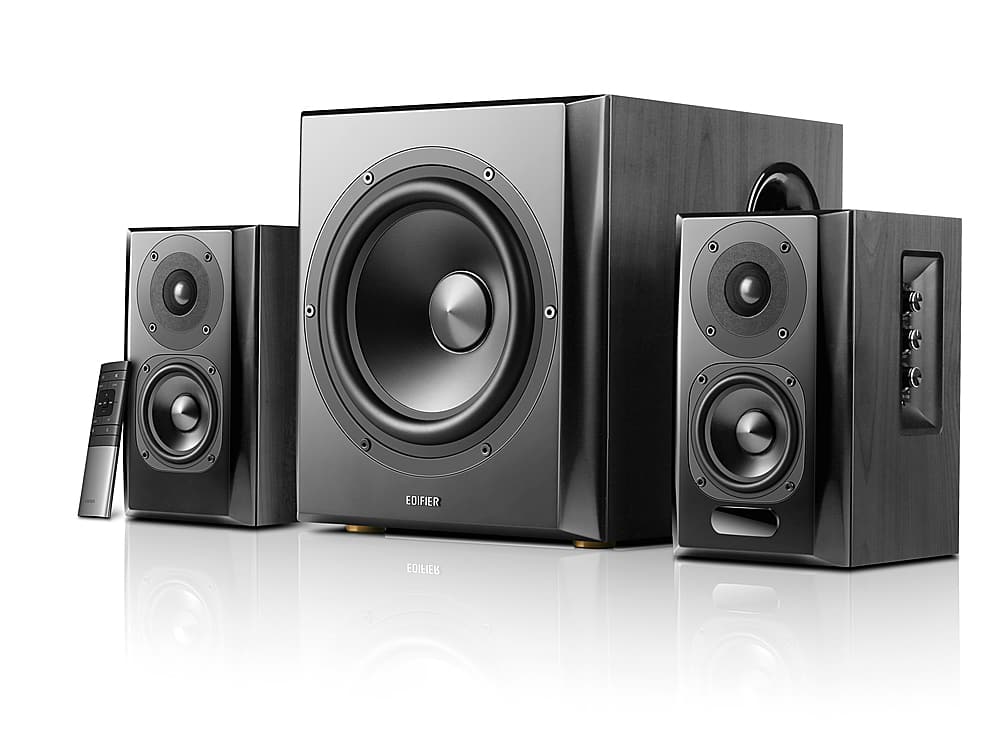
Edifier - S351DB 2.1 Bluetooth Multimedia Speaker System (3-Piece) - Black
SKU: J3WSK7SP5GBest Speakers Package For the Price...I love these speakers....Nice sound and love the remote control I wish I would have known about these speakers sooner....Really great speakers. Bass was the best...
See all Bluetooth & Wireless SpeakersProduct Description
A sleek black 2.1 Bluetooth speaker system delivering powerful bookshelf-quality sound with an 8" subwoofer.Your price for this item is $549.99 -
Logitech - S150 2.0 Speaker System - 1.2 W RMS - Black
SKU: J7H7ZYCJSVSee all Computer SpeakersProduct Description
A compact black speaker system delivering clear stereo sound with 1.2 W RMS power for computers.Your price for this item is $35.13 -
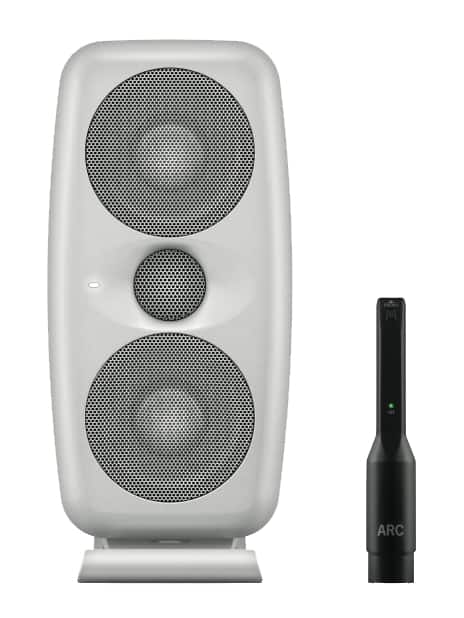
IK Multimedia - iLoud MTM High-Resolution Compact Powered Studio Monitor with ARC Calibration and Tilting Stand - Black
SKU: J39H2VVLKRSee all Bookshelf SpeakersProduct Description
A compact black studio monitor featuring 3.5" polypropylene woofers and built-in ARC calibration with mic.Your price for this item is $399.99 -
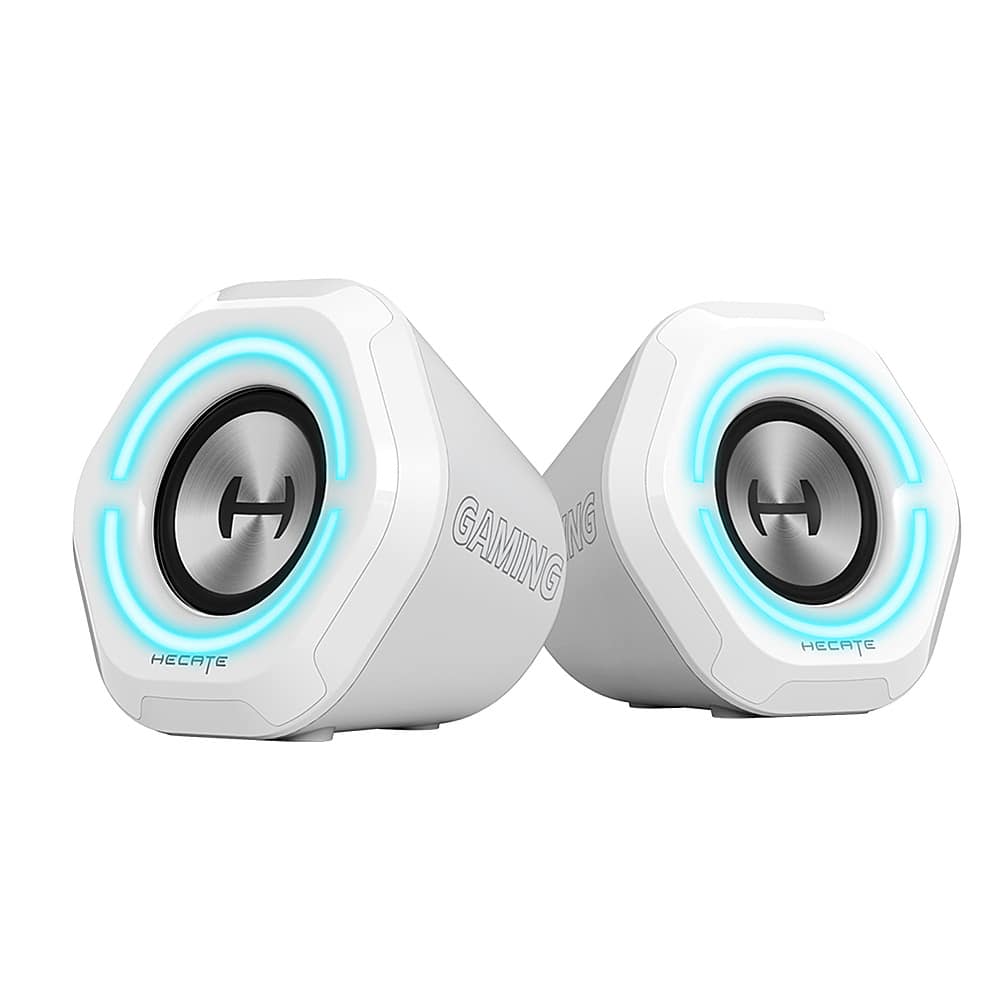
Edifier - G1000 2.0 Bluetooth Gaming Speakers with RGB Lighting (2-Piece) - White
SKU: J3WSK7SLFRSound is pretty good and love the light options....Great sound!...The sound is great and prestine, the lighting matches my pc and just a well rounded speaker
See all Gaming SpeakersProduct Description
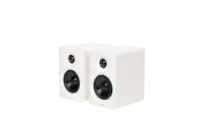
A pair of white Bluetooth gaming speakers featuring HiFi sound, RGB lighting, and multiple input options.Your price for this item is $79.99 -
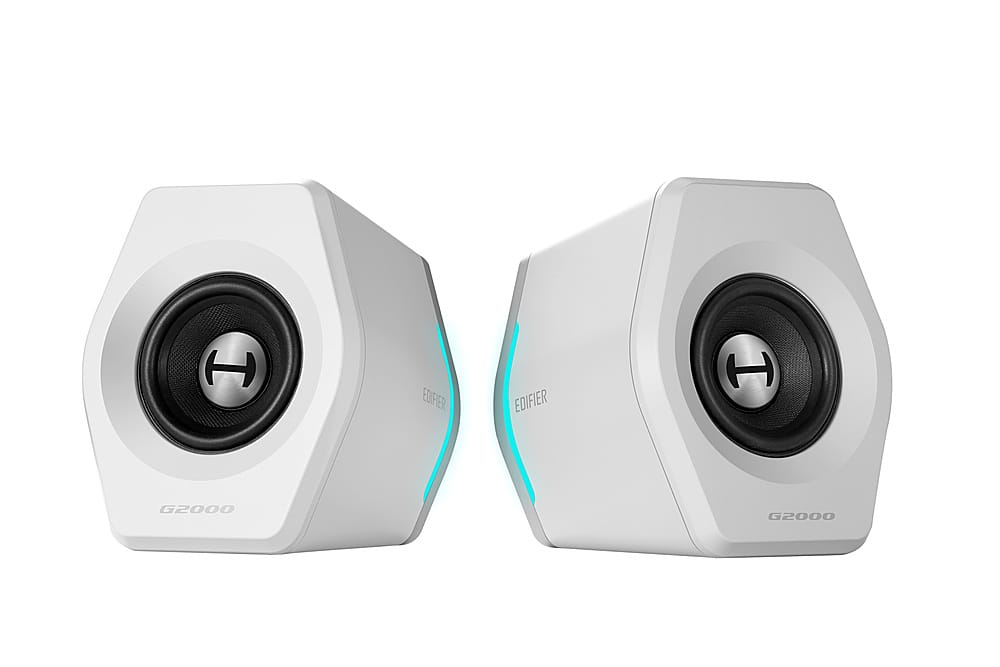
Edifier - G2000 2.0 Bluetooth Gaming Speakers with RGB Lighting (2-Piece) - White
SKU: J3WSK7SSJ6Great...Love it! Great sound and it matches my desk for the price...Speakers are great...I love also the Bluetooth function
See all Gaming SpeakersProduct Description
A pair of white Bluetooth gaming speakers featuring HiFi sound, RGB lighting, and customizable EQ modes.Your price for this item is $93.49Save $36The previous price was $129.99 -
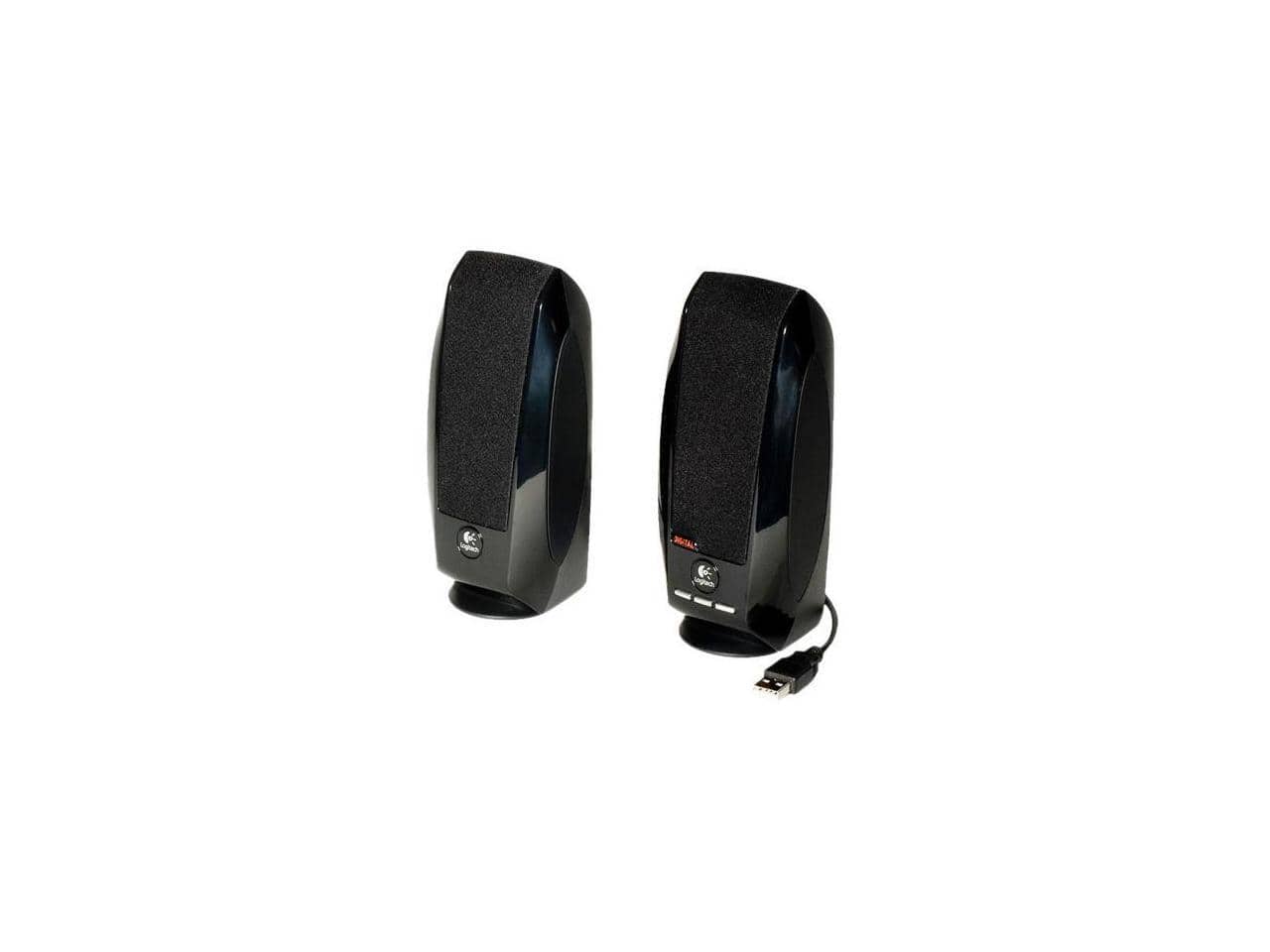
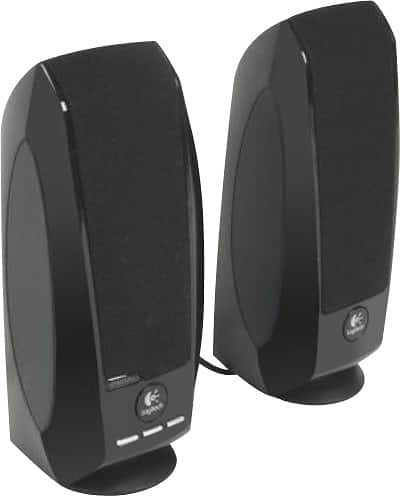
Logitech - S150 2.0 USB Speaker System (2-Piece) - Black
SKU: J7H7ZL5FPFLogitech product I love...great small speakers for my computer while working...great small speakers for my computer while working on it
See all Computer SpeakersProduct Description
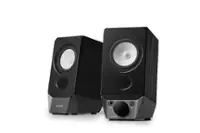
A compact black USB speaker system offering clear digital sound and convenient physical volume controls.Your price for this item is $17.99
Best Sellers




Related Pages

FAQ
Most computer speakers connect via USB, Bluetooth, or a 3.5mm audio jack, making them compatible with a wide range of macOS versions. Always check the product specifications to ensure compatibility with your specific Mac model and operating system.
Yes, Bluetooth speakers can be easily paired with your Mac for wireless audio. Simply enable Bluetooth on your Mac, put the speaker in pairing mode, and select it from the available devices in your Mac's Bluetooth settings.
Most computer speakers for Mac are plug-and-play and do not require additional software or drivers. However, certain models with advanced features may offer optional companion apps for customization.
Consider features such as connectivity options (USB, Bluetooth, 3.5mm), sound quality, built-in controls, subwoofer support, and compatibility with your workspace. Some speakers also offer extra features like RGB lighting or integrated microphones.
Yes, you can set up multiple speakers for enhanced audio by using compatible speaker systems or audio interfaces. macOS also supports multi-output audio, allowing you to play sound through more than one device simultaneously, depending on your setup.