Dell Rams
-
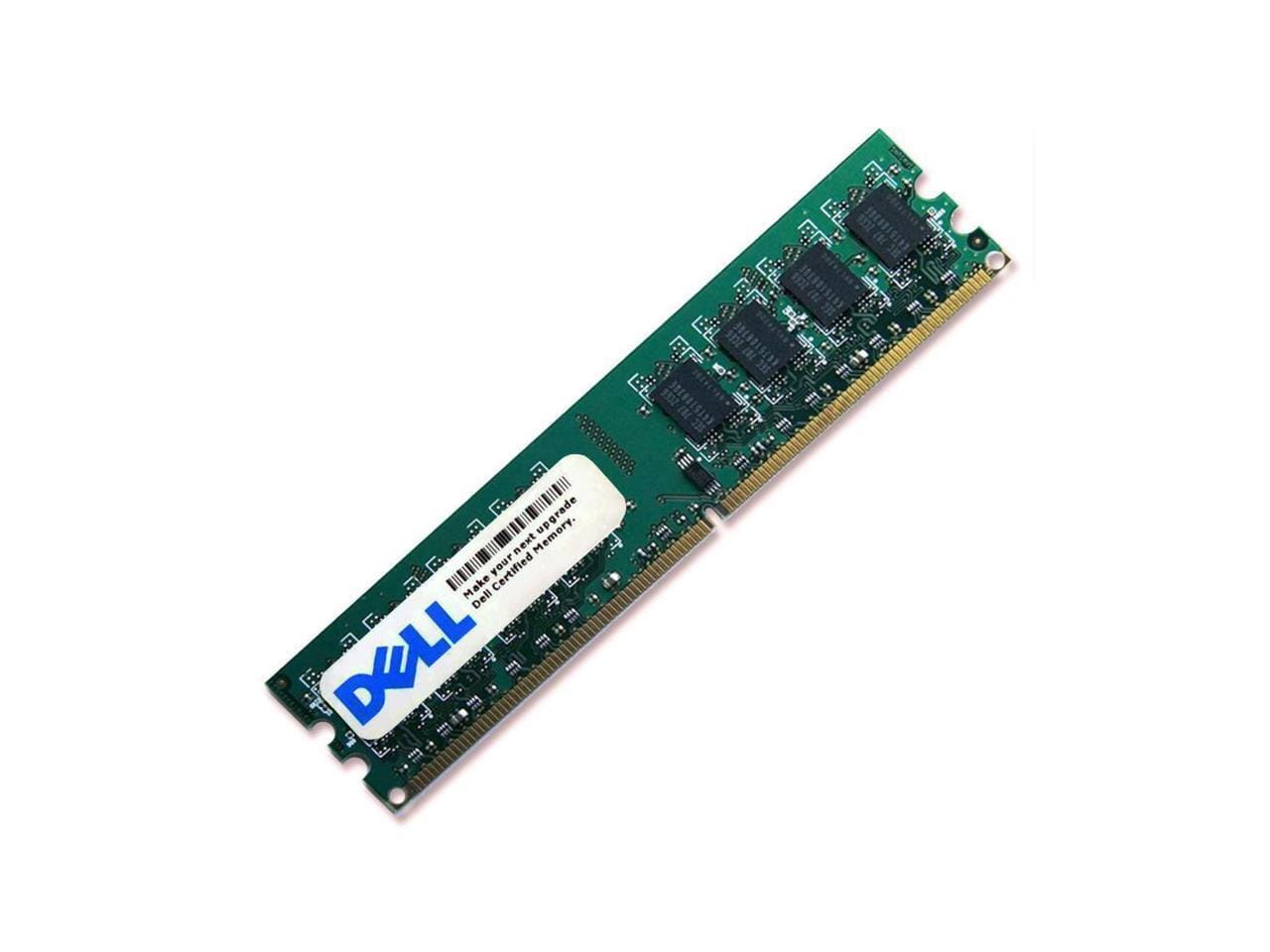
Dell - 16GB 288-Pin DDR4 SDRAM ECC Registered DDR4 2666 (PC4 21300) System Specific Memory Model AA940922 - Green
SKU: CPY84T7XW8See all Computer Memory (RAM)Product Description
A 16GB ECC registered DDR4 2666MHz memory module designed for reliable server performance.Your price for this item is $260.69 -
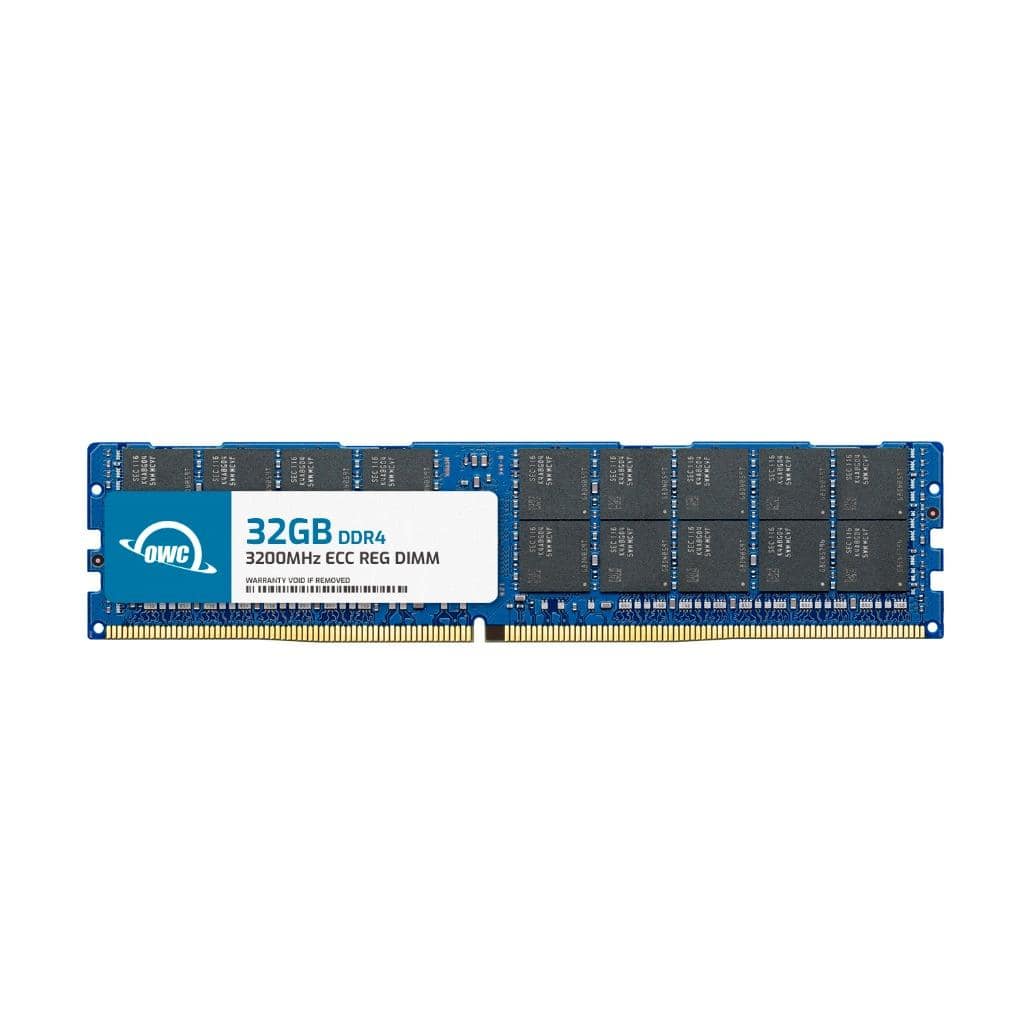
OWC - 32GB RDIMM Memory RAM For Dell PowerEdge R6515 PowerEdge R6525 - Black Chips
SKU: J3GWLFLF7QSee all Computer Memory (RAM)Product Description
A 32GB DDR4 ECC Registered DIMM with black chips, 3200MHz speed, for select Dell PowerEdge servers.Your price for this item is $359.99 -
OWC - 128GB RDIMM Memory RAM For Dell PowerEdge R6625 PowerEdge R760 PowerEdge R7615 PowerEdge R7625 PowerEdge R6615 - Black Chips
SKU: J3GWY8V2SXSee all Computer Memory (RAM)Product Description
A high-performance 128GB DDR5 ECC RDIMM with black chips, optimized for Dell PowerEdge server compatibility.Your price for this item is $4,999.99 -
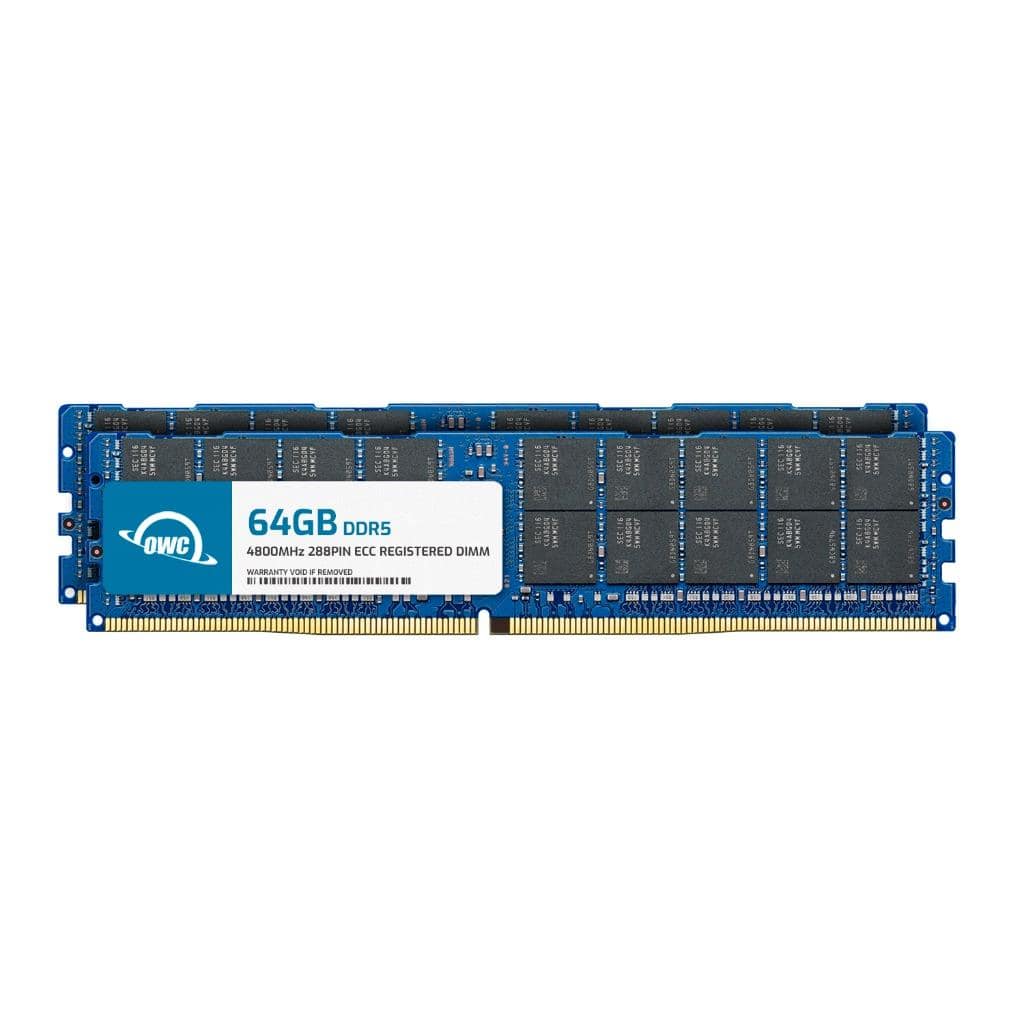
OWC - 128GB (2x64GB) RDIMM Memory RAM For Dell PowerEdge HS5610 PowerEdge HS5620 PowerEdge MX760C PowerEdge R660 - Black Chips
SKU: J3GWY8V2CGSee all Computer Memory (RAM)Product Description
A dual-channel 128GB DDR5 ECC RDIMM kit with black chips, optimized for select Dell PowerEdge servers.Your price for this item is $5,770.98 -
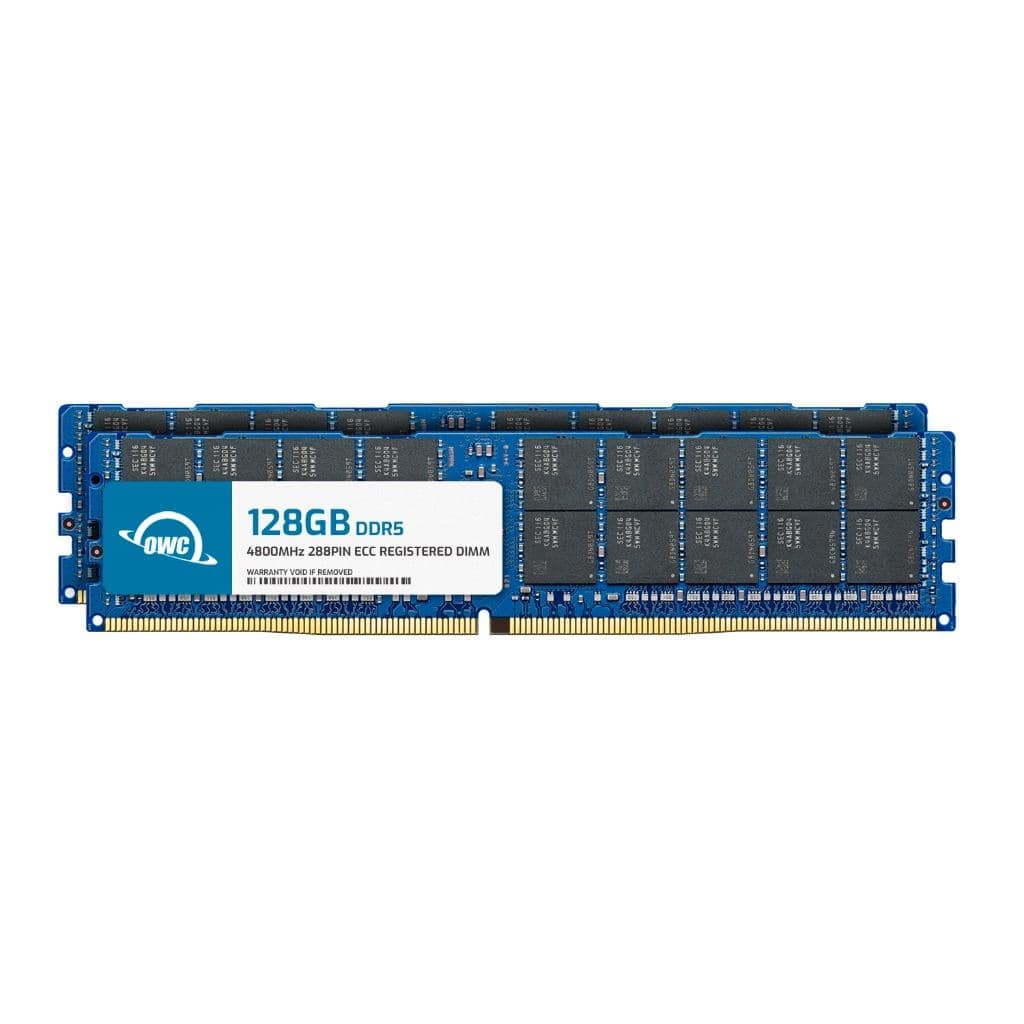
OWC - 256GB (2x128GB) RDIMM Memory RAM For Dell PowerEdge HS5610 PowerEdge HS5620 PowerEdge MX760C PowerEdge R660 - Black Chips
SKU: J3GWY8V226See all Computer Memory (RAM)Product Description
A dual-channel 256GB DDR5 ECC RDIMM kit with black chips, optimized for select Dell PowerEdge servers.Your price for this item is $9,969.98 -
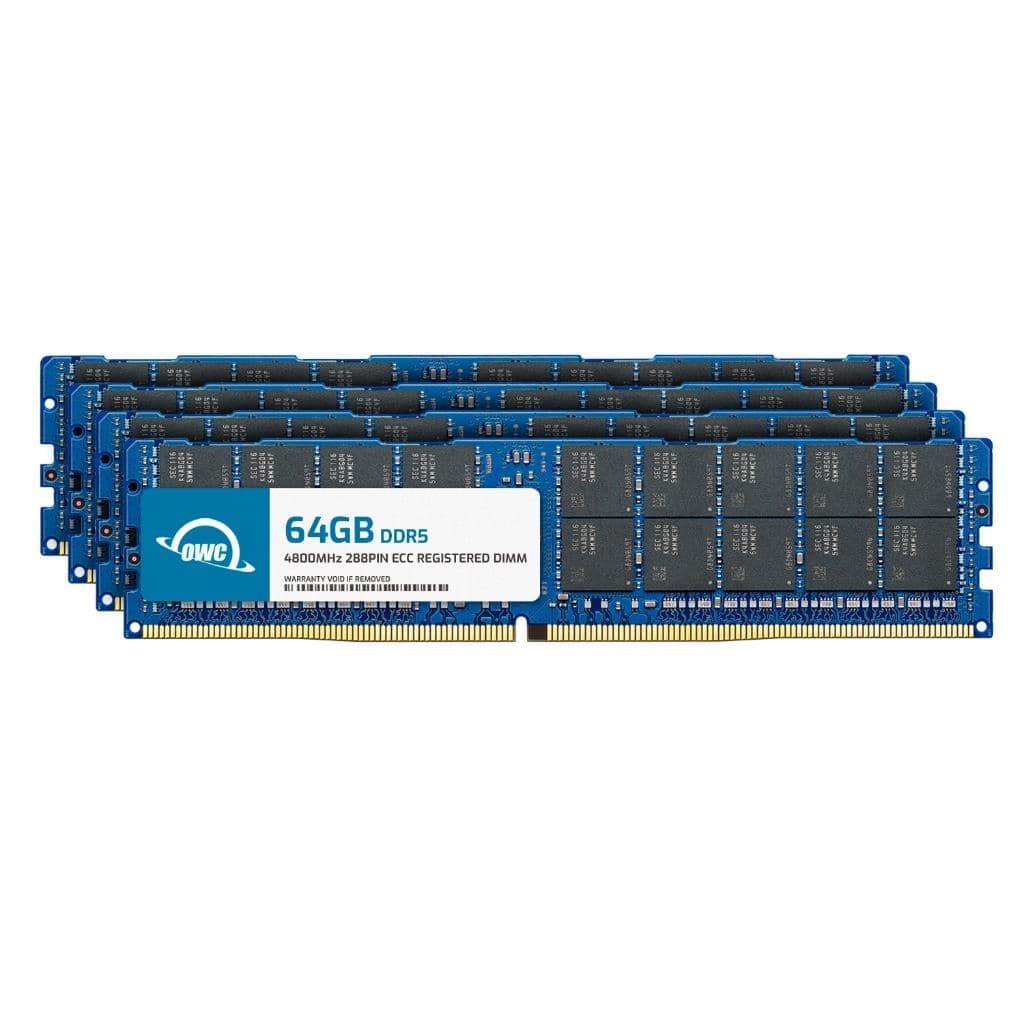
OWC - 256GB (4x64GB) RDIMM Memory RAM For Dell PowerEdge HS5610 PowerEdge HS5620 PowerEdge MX760C PowerEdge R660 - Black Chips
SKU: J3GWY8V2CRSee all Computer Memory (RAM)Product Description
A high-performance 256GB DDR5 ECC Registered memory kit with black chips, optimized for Dell PowerEdge servers.Your price for this item is $11,553.56 -
OWC - 128GB RDIMM Memory RAM For Dell PowerEdge HS5610 PowerEdge HS5620 PowerEdge MX760C PowerEdge R660 PowerEdge R6615 - Black Chips
SKU: J3GWY8V2C4See all Computer Memory (RAM)Product Description
A high-performance 128GB DDR5 ECC RDIMM with black chips, optimized for select Dell PowerEdge servers.Your price for this item is $4,999.99 -
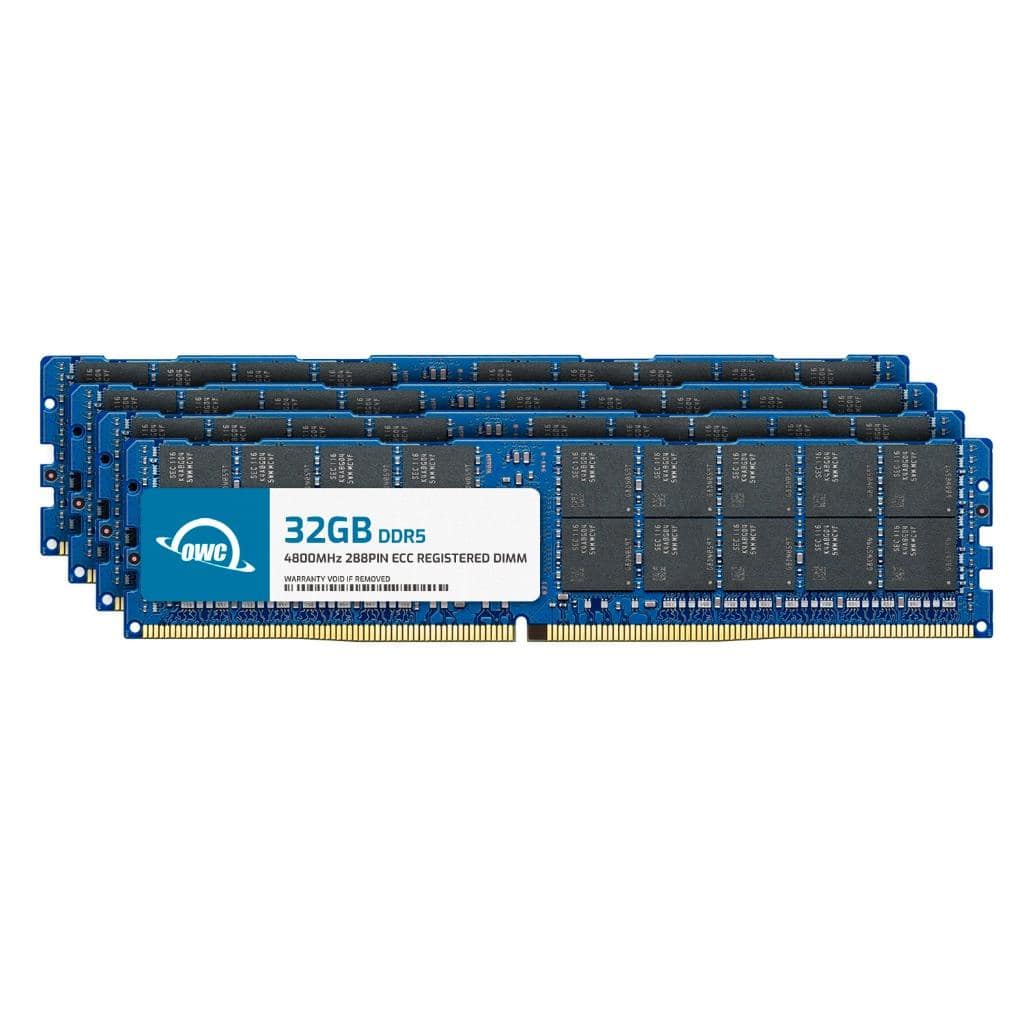
OWC - 128GB (4x32GB) RDIMM Memory RAM For Dell PowerEdge HS5610 PowerEdge HS5620 PowerEdge MX760C PowerEdge R660 - Black Chips
SKU: J3GWY8V2JLSee all Computer Memory (RAM)Product Description
A high-performance 128GB DDR5 ECC RDIMM kit with black chips, optimized for Dell PowerEdge servers.Your price for this item is $4,979.96 -
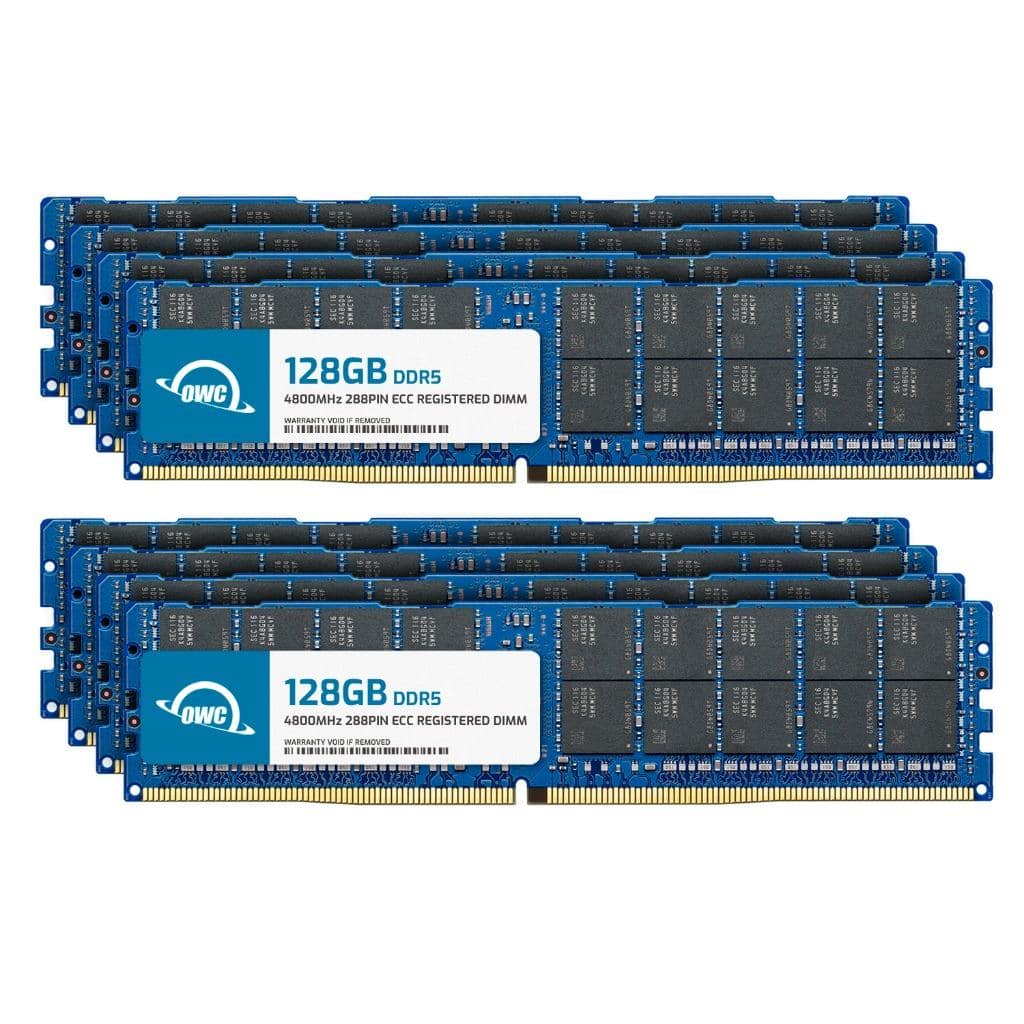
OWC - 1TB (8x128GB) RDIMM Memory RAM For Dell PowerEdge HS5610 PowerEdge HS5620 PowerEdge MX760C PowerEdge R660 - Black Chips
SKU: J3GWY8V2XJSee all Computer Memory (RAM)Product Description
An 8x128GB DDR5 ECC Registered RAM kit with black chips, optimized for Dell PowerEdge servers.Your price for this item is $39,879.92 -
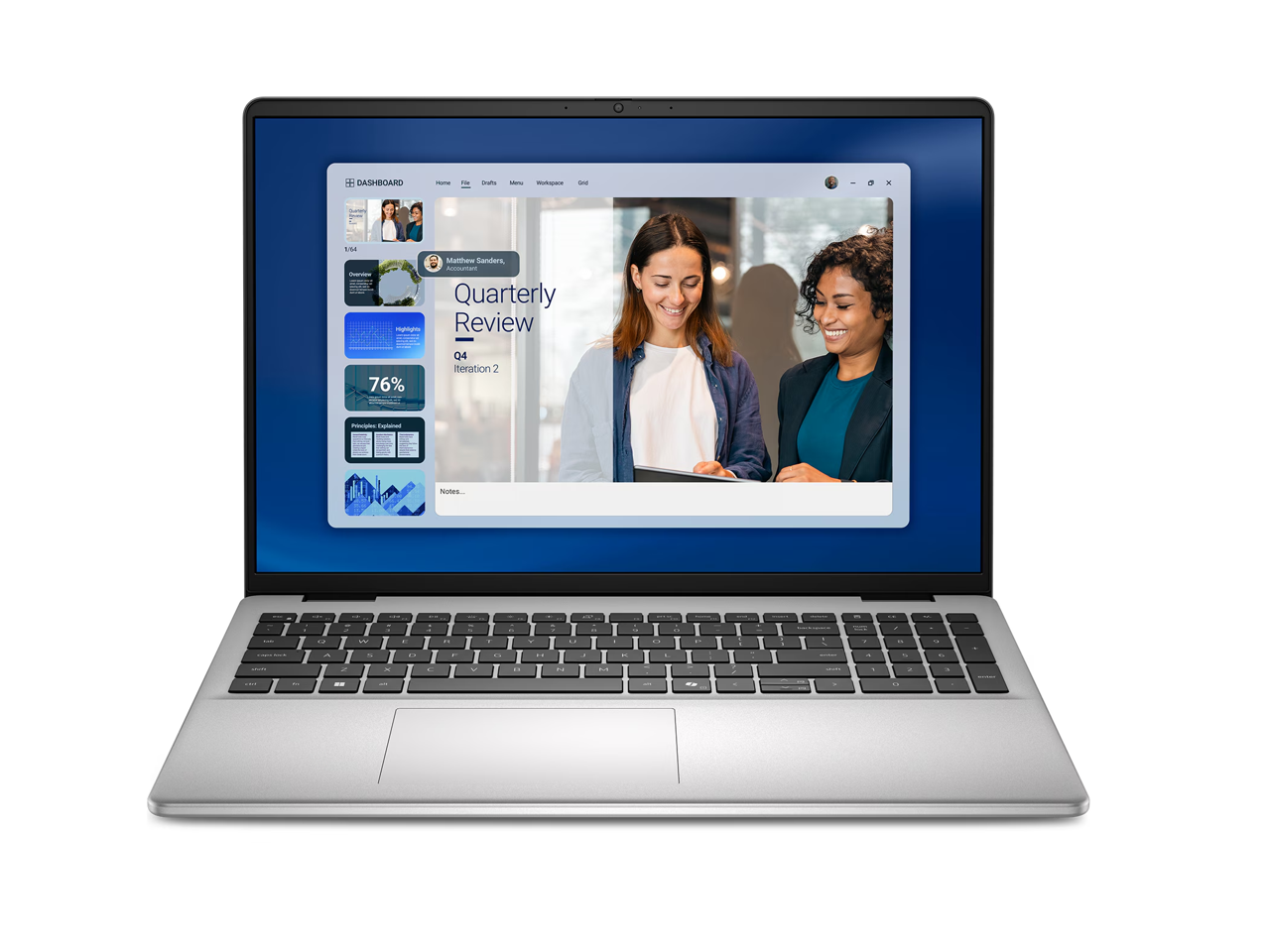
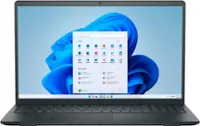
Dell - 16" Touchscreen Laptop, AMD Ryzen 7 250, 16GB RAM, 1TB SSD, Radeon Graphics, Win 11
SKU: J3K4L6QW42See all All LaptopsProduct Description
A touchscreen laptop with Ryzen 7 processing, 16GB RAM, 1TB SSD, Radeon graphics, and Windows 11.Your price for this item is $1,410.32Save $70The previous price was $1,480.84

Best Sellers

Related Pages




FAQ
Dell RAM is available in various types such as DDR3, DDR4, and DDR5, designed to be compatible with different Dell desktops and laptops. These include options for both standard and gaming systems, as well as memory modules for servers and workstations.
To ensure compatibility, check your Dell device’s model number and refer to the manufacturer’s specifications for supported RAM types and capacities. You can also use online compatibility tools or consult your system’s user manual.
Yes, most Dell RAM modules are designed for straightforward installation. Many Dell desktops and laptops have accessible memory slots, and installation typically involves inserting the module into the appropriate slot. Always power off your device and follow static safety precautions during installation.
Upgrading your Dell RAM can enhance your computer’s multitasking capabilities and overall speed, especially when running memory-intensive applications or multiple programs simultaneously.
While it is possible to mix different brands of RAM, it is recommended to use modules with matching specifications (such as speed, type, and voltage) for optimal performance and stability. Using identical modules can help prevent compatibility issues.