External Monitor With HDMI
-
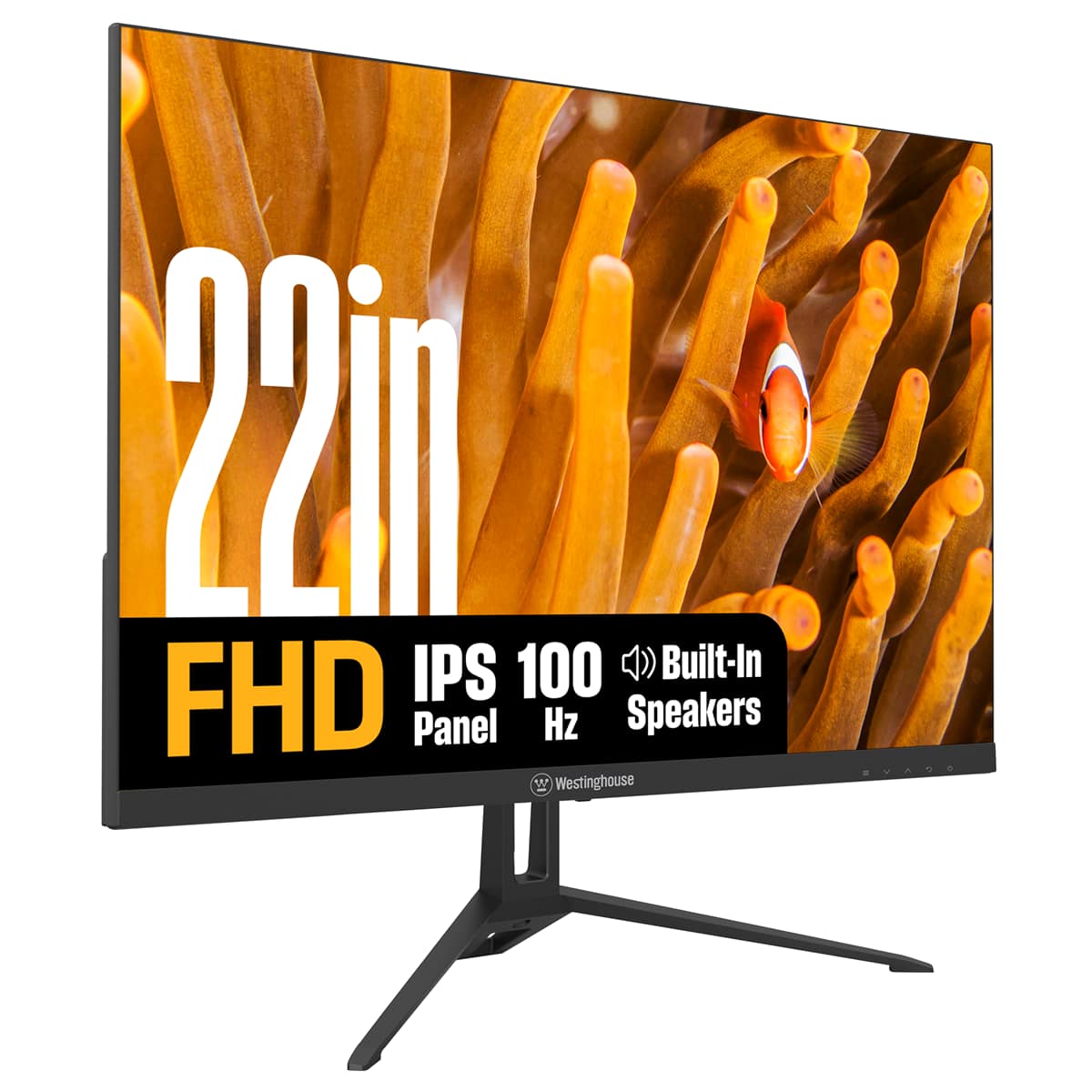
Westinghouse - 22" home office monitor - Black
SKU: J3LL89CRJPSee all All MonitorsProduct Description
A black IPS monitor offering Full HD resolution, 100Hz refresh rate, built-in speakers, and eye comfort features.Your price for this item is $79.99 -
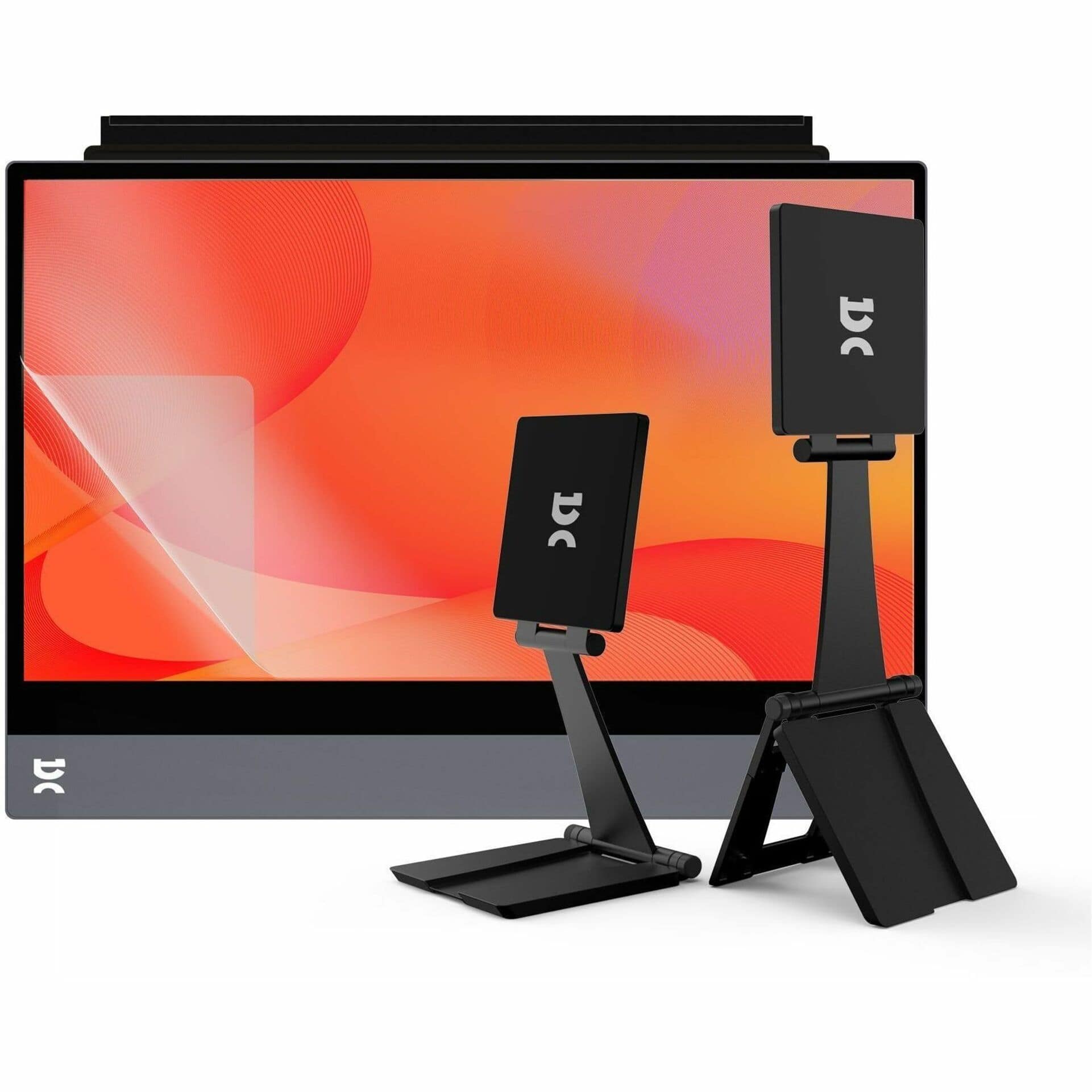
Espresso Displays - 15.6" IPS LED FHD Monitor (VGA, USB, HDMI, DVI) - Black
SKU: J82G9KR2Y5See all Portable MonitorsProduct Description
An ultra-slim black IPS LED monitor with FHD resolution, aerospace aluminum build, and versatile USB connectivity.Your price for this item is $499.99 -
Espresso Displays - 15.6" LED FHD 60Hz Monitor (VGA, USB, HDMI, DVI) - Black
SKU: J82G9KR2Y3See all All MonitorsProduct Description
An ultra-slim black LED monitor with FHD resolution, aerospace aluminum, and versatile USB, HDMI, and DVI connectivity.Your price for this item is $299.99 -
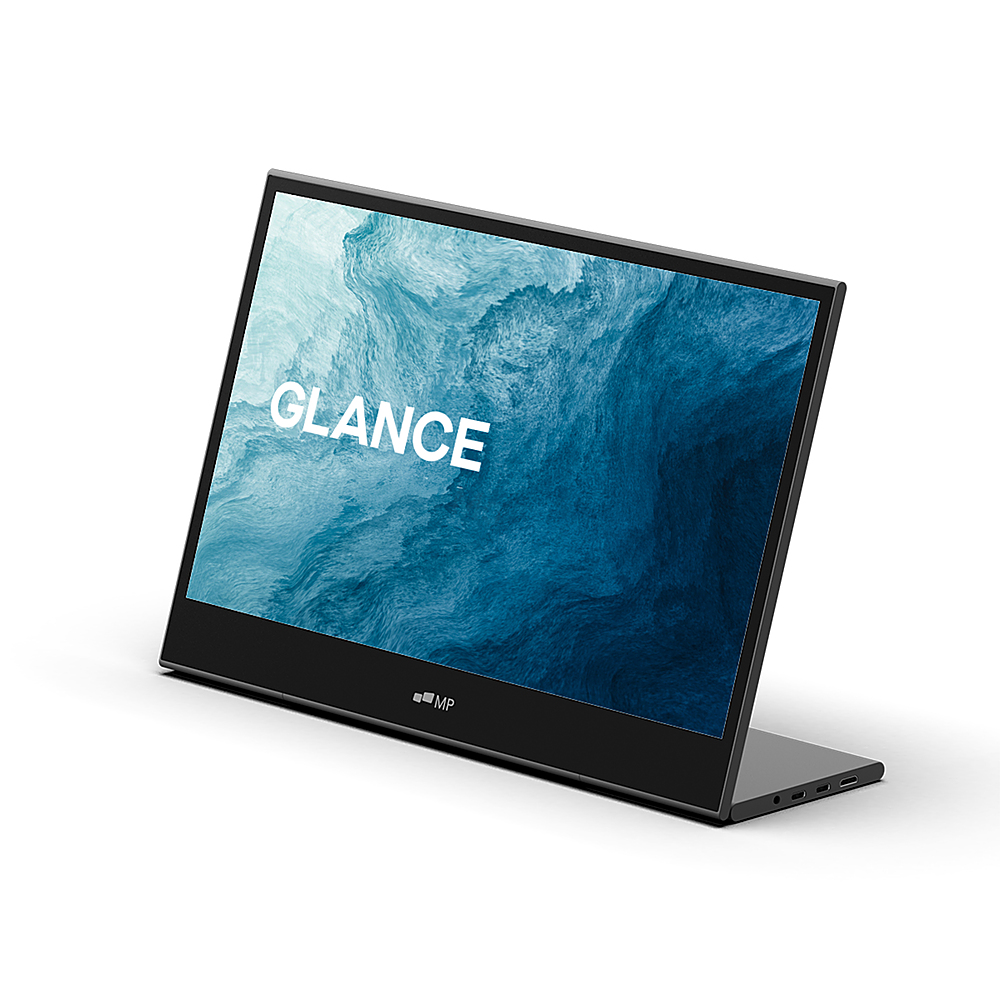
Mobile Pixels - Glance 16" LCD Monitor - Black
SKU: J3R8Q2TR96See all Portable MonitorsProduct Description
A portable black LCD monitor with Full HD resolution, dual speakers, and versatile landscape or portrait modes.Your price for this item is $129.99Save $60The previous price was $189.99

Best Sellers







Related Pages

FAQ
You can connect a wide range of devices to an external monitor with HDMI, including laptops, desktop computers, gaming consoles, streaming devices, Blu-ray players, and some tablets and smartphones that support HDMI output.
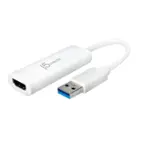
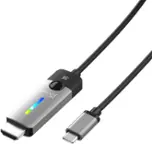
Most external monitors with HDMI ports require a standard HDMI cable to connect to your device. If your device has a different output port, such as USB-C or DisplayPort, you may need an appropriate adapter or cable to connect to the monitor's HDMI input.
Yes, you can use an external monitor with HDMI to set up dual or extended displays, provided your computer or device supports multiple displays. This is great for multitasking, gaming, or increasing your workspace.
Yes, HDMI transmits both audio and video signals. If your monitor has built-in speakers or an audio output, you can enjoy sound directly from the monitor when connected via HDMI.
Absolutely! Most modern gaming consoles, such as PlayStation, Xbox, and Nintendo Switch, use HDMI for video output. You can connect these consoles directly to an external monitor with HDMI for gaming.