Glossy Screen Monitors
-
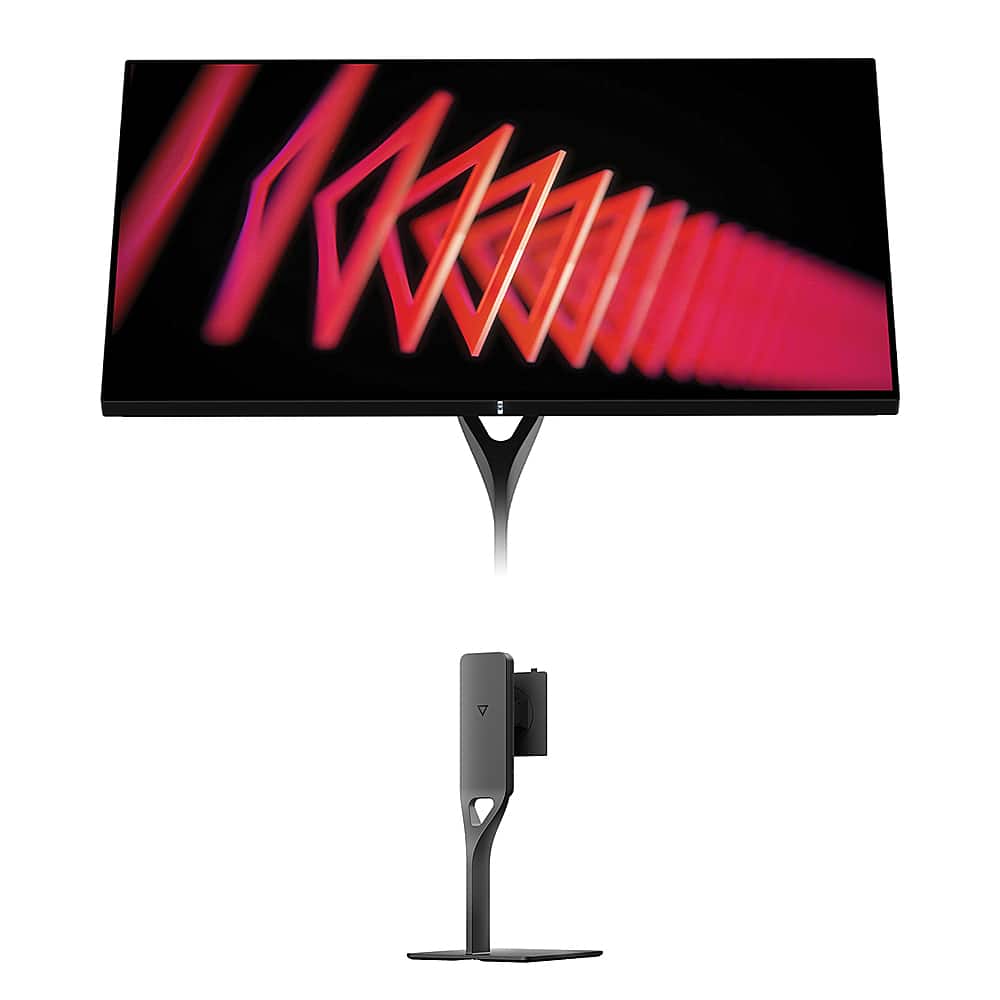
Dough - Spectrum One 27" LCD 144-Hz Gaming Monitor with USB-C Dock and Spectrum Monitor Stand Kit - Glossy
SKU: J3639ZKV4QSee all Gaming MonitorsProduct Description
A glossy black 27" 4K UHD IPS gaming monitor with 144Hz refresh rate, HDR10, and adjustable aluminum stand.Your price for this item is $599.98Save $200The previous price was $799.99 -
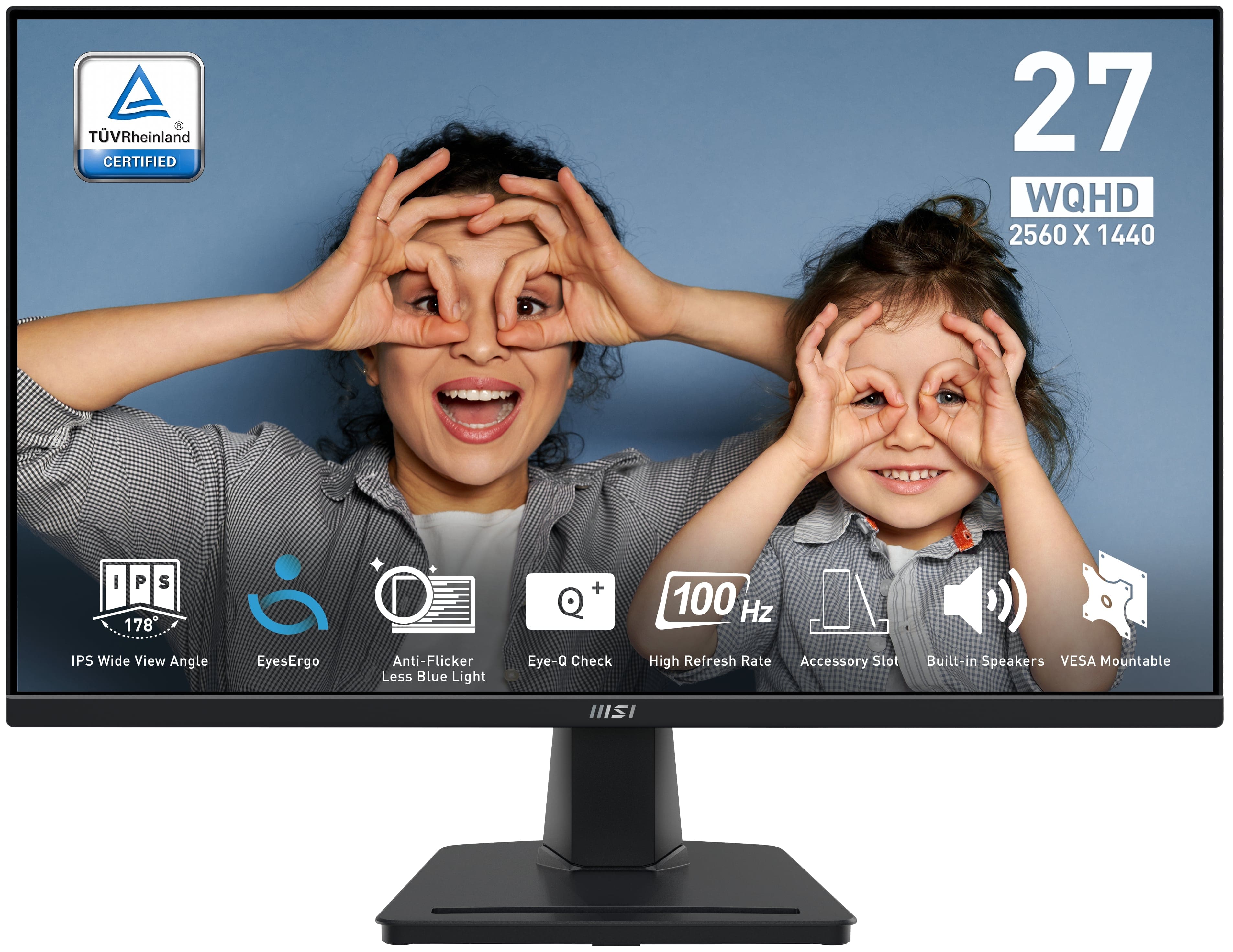
MSI - PRO MP275Q 27" QHD 100Hz 1ms Adaptive Sync Monitor with built-in speaker (DisplayPort, HDMI, ) - Black
SKU: J3P7TXY5Y4Great monitor at Price...Been using it for months now and it's been great. Love it...The 27" QHD screen is super sharp, and the colors look great whether I’m gaming, working, or streaming...The built-in...
See all All MonitorsProduct Description
A black IPS monitor with QHD resolution, 100Hz refresh rate, 1ms response, and built-in speakers.Your price for this item is $194.49 -
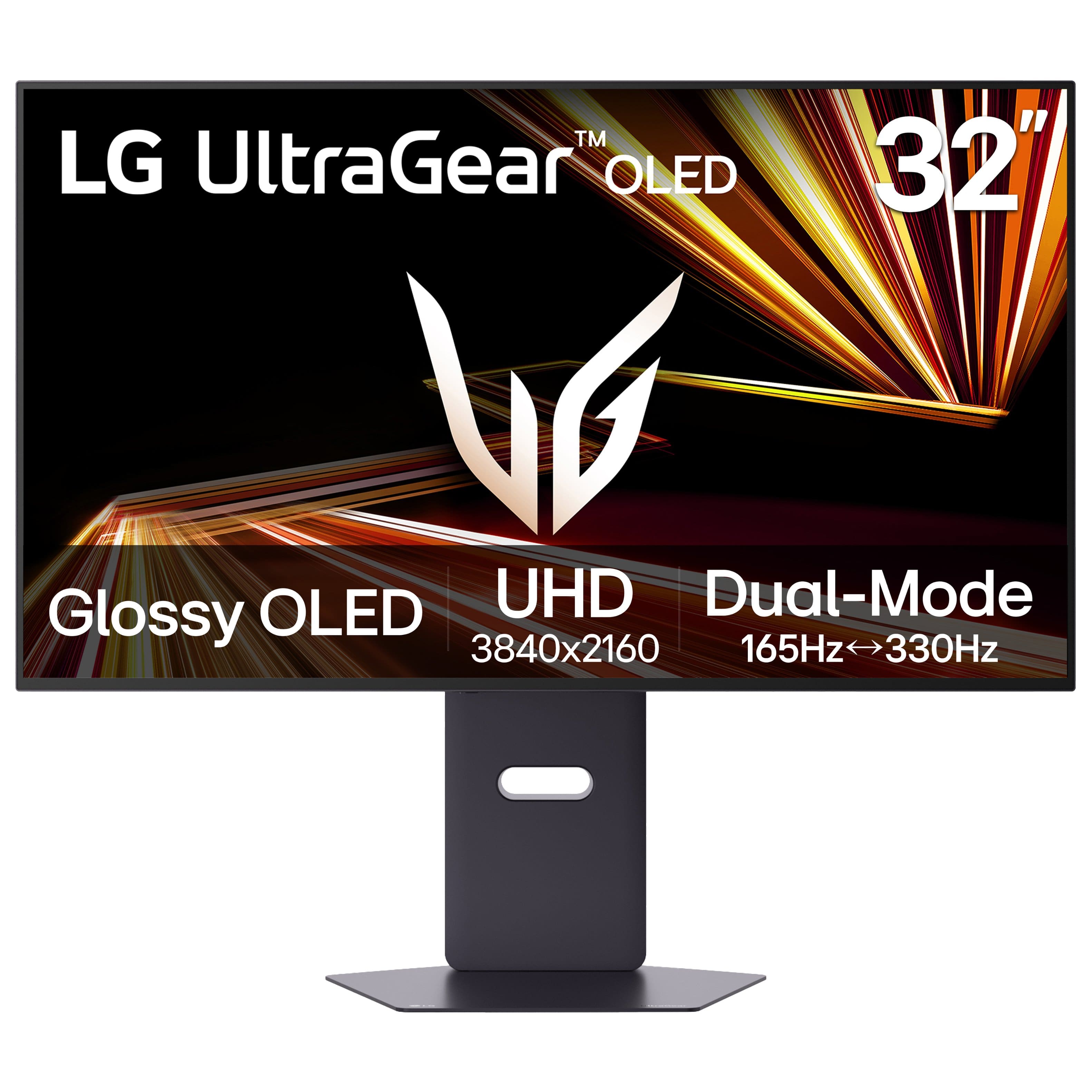
LG - UltraGear 32" OLED Dual Mode (4K UHD 165Hz, FHD 330Hz) 0.03ms G-Sync/FreeSync Premium Pro Gaming Monitor with - Black
SKU: JJ8VPZK9GTAbsolutely love this OLED monitor!...Definitely one of the best displays I’ve used!
See all Gaming MonitorsProduct Description
A black OLED gaming monitor offering 4K UHD at 165Hz, FHD at 330Hz, and ultra-fast 0.03ms response.Your price for this item is $789.99Save $110The previous price was $899.99 -
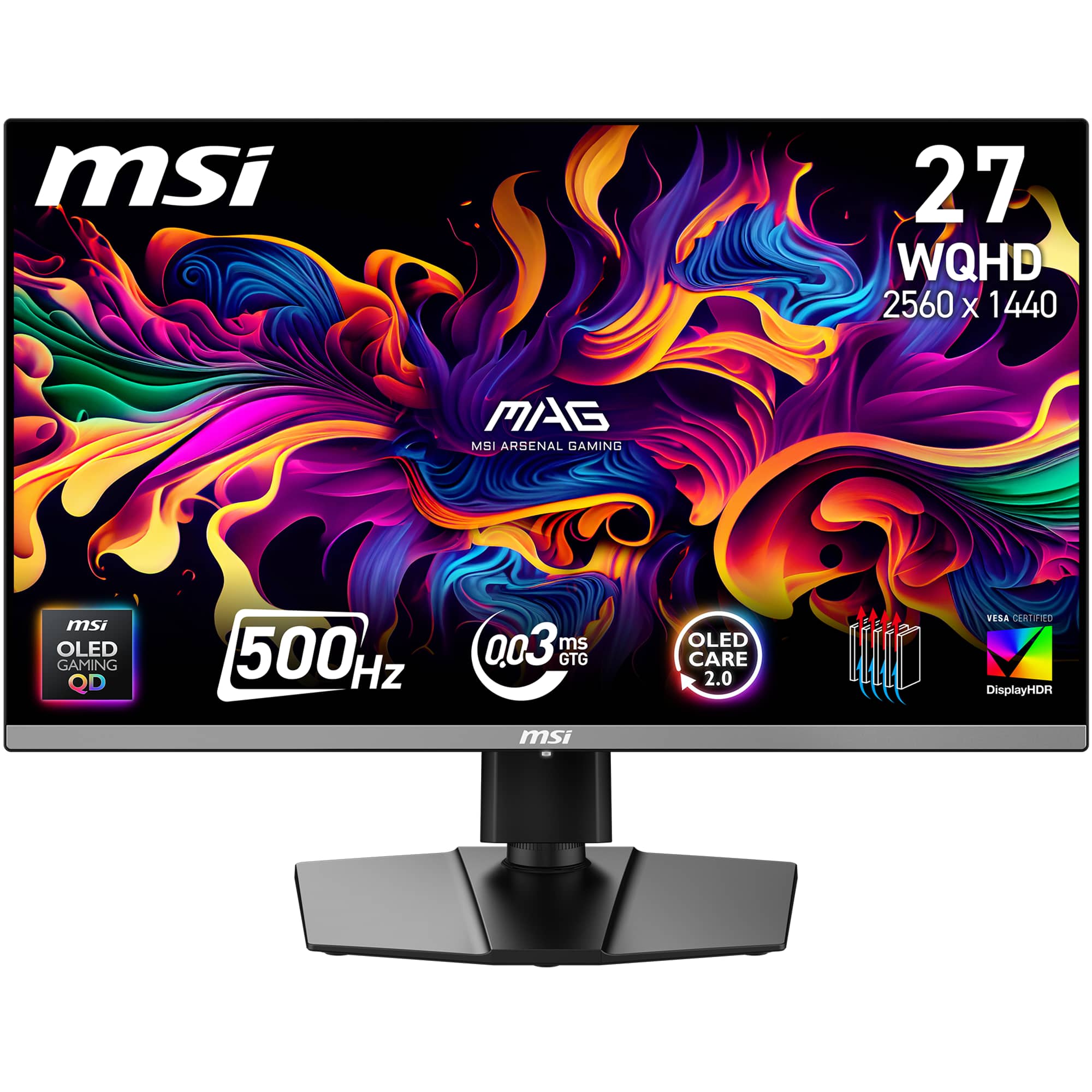
MSI - MAG 272QP QD-OLED X50 27" QHD 500Hz 0.03ms Gaming Monitor with G-SYNC FreeSync Premium Pro and TB 400 (HDMI, DP) - Black
SKU: J3P7TX6FTKOnly the best monitor I've ever owned...I love the monitor sm without a doubt one of the best upgrades I've ever done....Best investment...Part time gamer and wanted a one of the best monitors out there....
See all Gaming MonitorsProduct Description
A black QD-OLED gaming monitor with 500Hz refresh rate, 0.03ms response, and FreeSync Premium Pro.Your price for this item is $599.99Save $50The previous price was $649.99 -
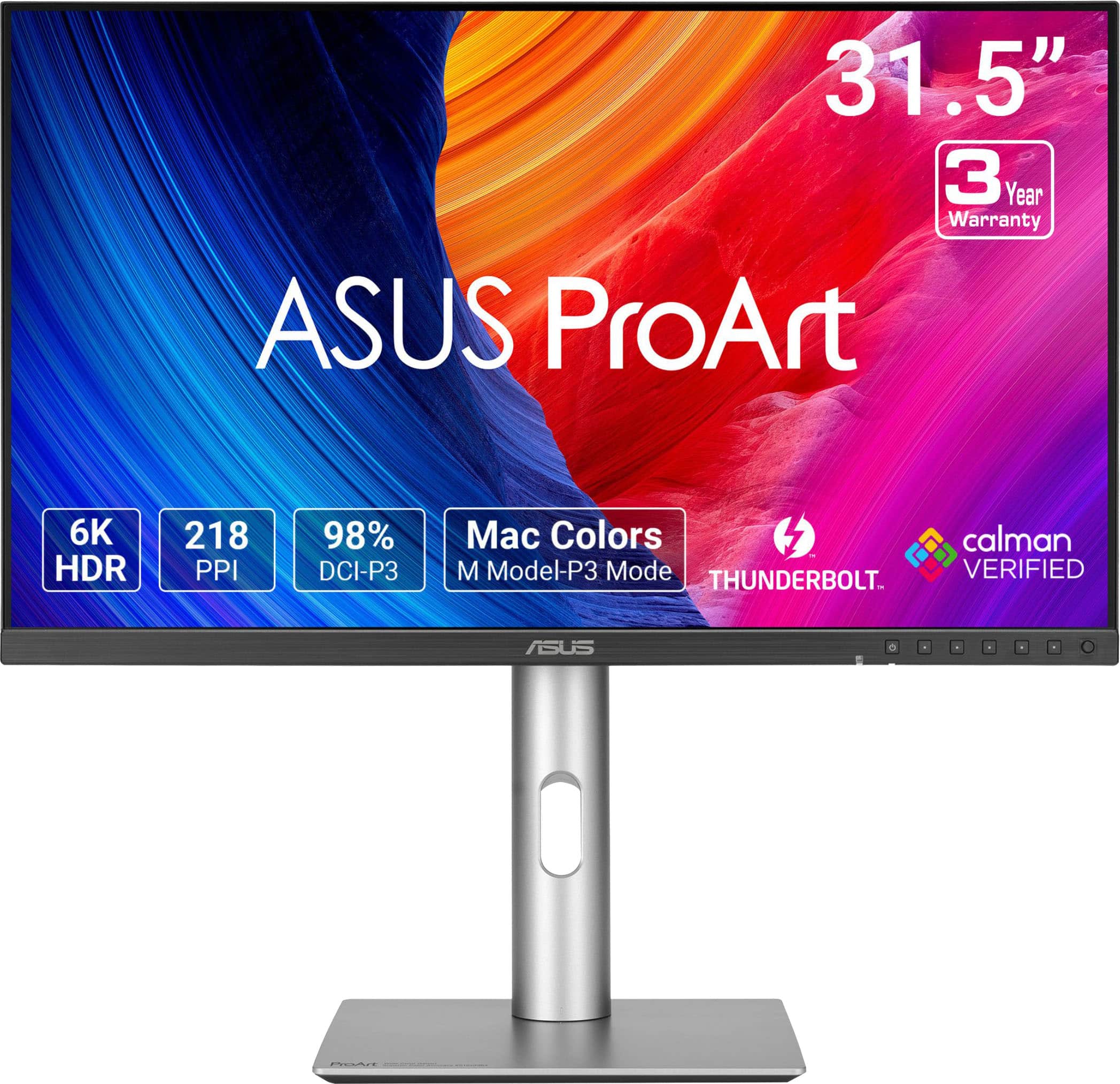
ASUS - ProArt 32" 6K IPS Professional Monitor with HDR 10 (DisplayPort, HDMI) - Black
SKU: JJGGLQVYFCI spent hours looking a reviews on the 32” montiors on the market, This one is super sharp, great colors...Best Budget 6K, surprisingly from ASUS....Great Monitor
See all All MonitorsProduct Description
A professional 32-inch black IPS monitor with 6K resolution, HDR10, and dual Thunderbolt 4 ports.Your price for this item is $1,199.99Save $100The previous price was $1,299.99 -
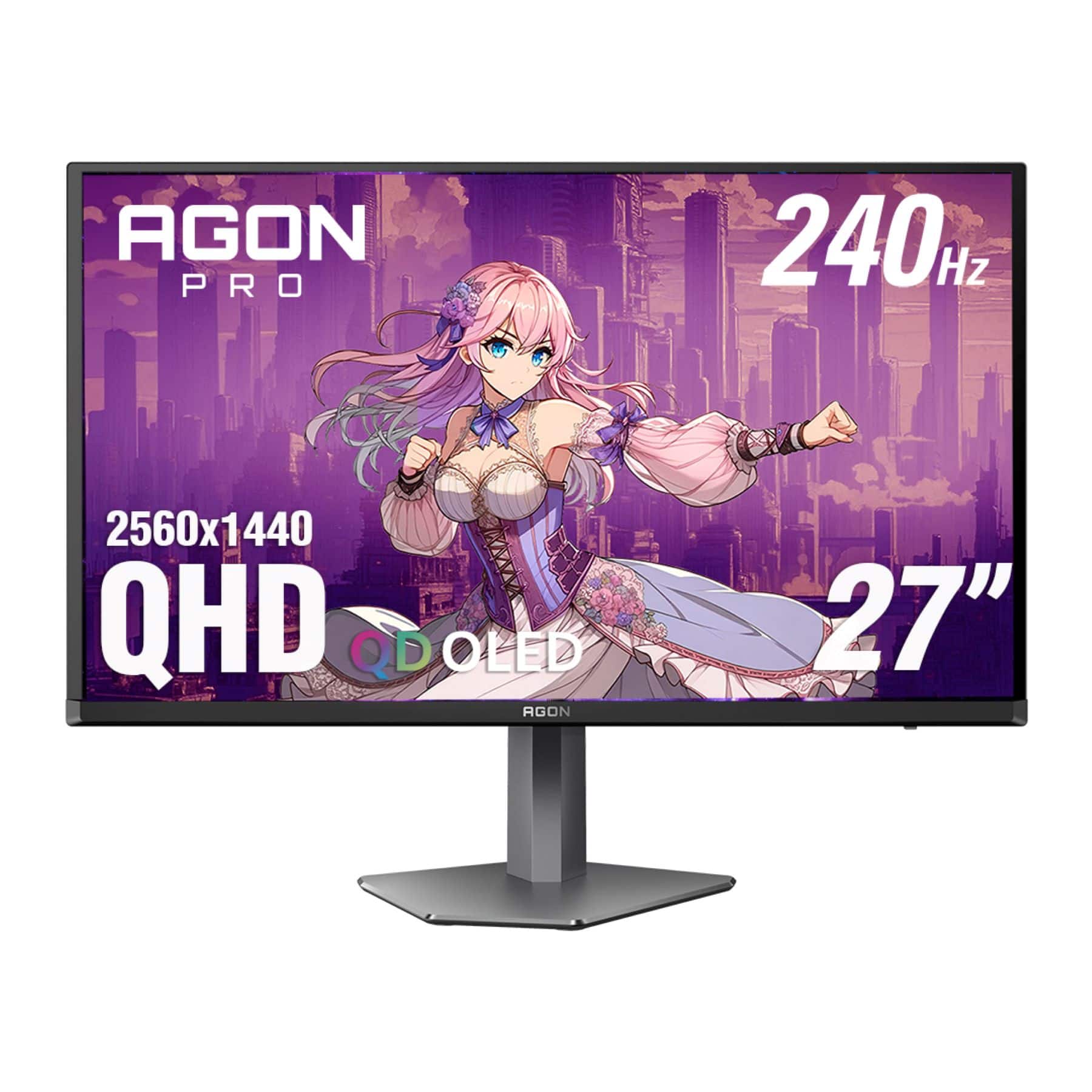
AOC - 27" QD OLED 240Hz 0.03ms Gaming Monitor - Black/Purple
SKU: JX9GSKP2YPSee all Gaming MonitorsProduct Description
A black and purple QD OLED gaming monitor with 240Hz refresh rate, 0.03ms response, and HDR10 support.Your price for this item is $519.99 -
ViewSonic - TD2430 24" LED FHD Touch Screen Monitor (HDMI and DisplayPort) - Black
SKU: J37H8YC3JSSee all All MonitorsProduct Description
A black LED touch screen monitor with 10-point capacitive technology, FHD resolution, and integrated speakers.Your price for this item is $339.99Save $11The previous price was $351.68 -
Mobile Pixels - Fold 15.6" LCD Monitor - Black
SKU: J3R8Q2TQJ4Best Decision!...This was a great purchase. It better than the extenders that will add pressure to your laptop....Love the Fold, perfect solution for my 2nd monitor while I am on the road or in my office....And...
See all Portable MonitorsProduct Description
A portable black LCD monitor with 1080p resolution, IPS display, and wide device compatibility for productivity.Your price for this item is $99.99Save $80The previous price was $179.99


Best Sellers

Related Pages






FAQ
Glossy screen monitors often deliver more vibrant colors and sharper contrast compared to matte screens, making them ideal for watching movies, gaming, and graphic design where visual clarity is important.
Yes, many professionals prefer glossy screen monitors for photo and video editing because they display deeper blacks and more vivid colors, which can help in achieving more accurate edits.
Glossy screens can reflect light sources, so they are best used in environments with controlled or indirect lighting to minimize glare and reflections.
Absolutely! Many gamers enjoy glossy screen monitors for their enhanced color depth and sharpness, which can make games look more immersive and visually impressive.
To clean a glossy screen monitor, use a soft microfiber cloth slightly dampened with water or a screen-safe cleaner. Gently wipe the surface without applying excessive pressure to avoid scratches or streaks.