Miroir Projector
-
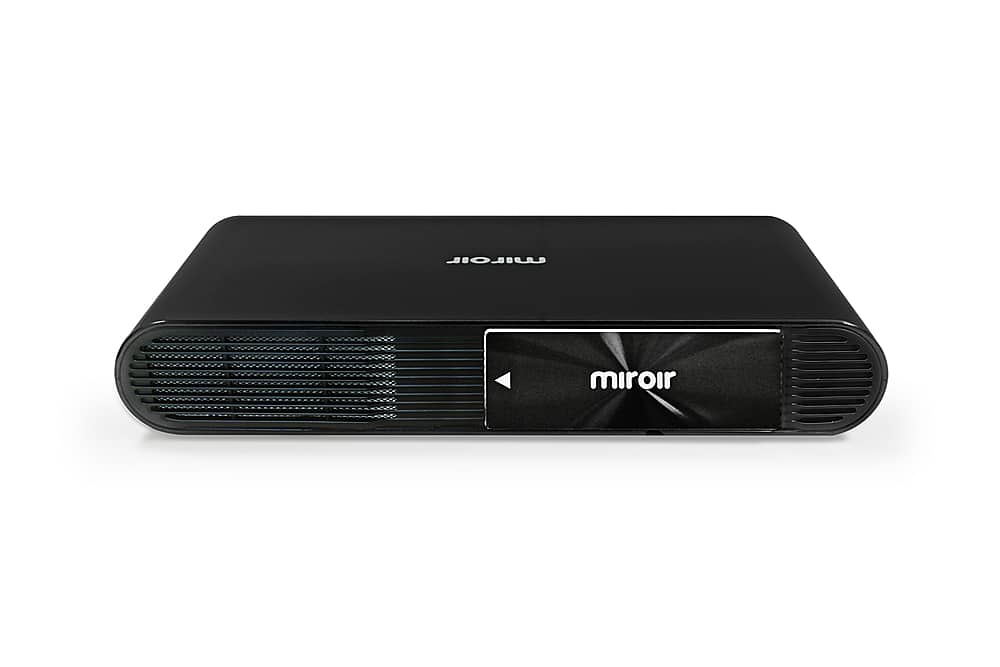
Miroir - Ultra Pro M631 1080p DLP Projector - Black
SKU: J3ZYQHQJX3See all ProjectorsProduct Description
A portable black DLP projector with 1080p resolution, integrated speakers, USB-C charging, and rechargeable battery.Your price for this item is $399.99 -
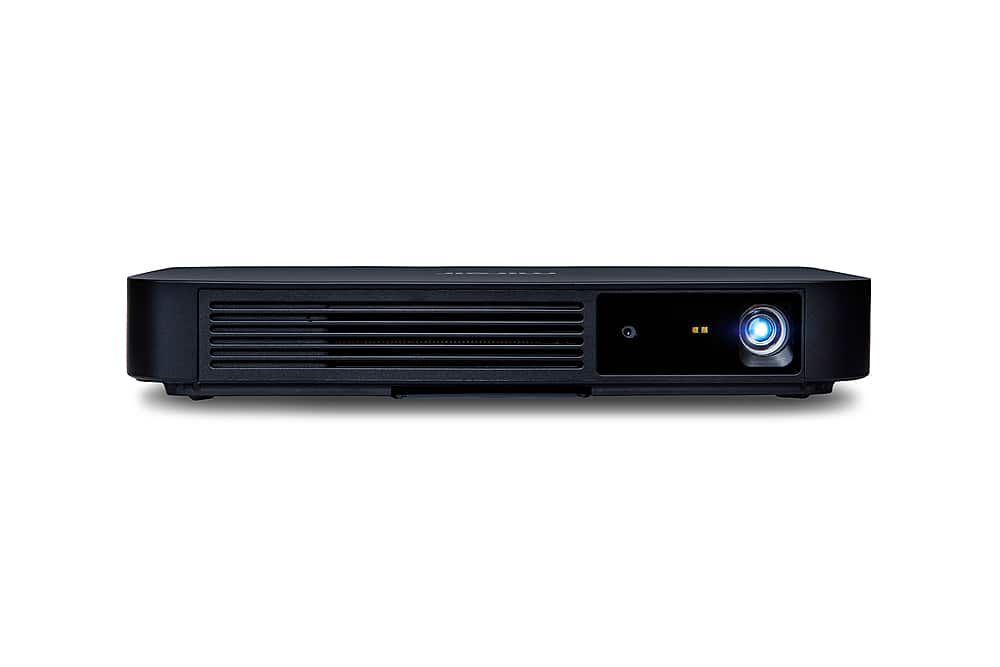
Miroir - M700S 1080P Portable Projector - Black
SKU: J3R8HTFG6GSee all ProjectorsProduct Description
A portable black DLP projector with 1080p resolution, built-in streaming, Bluetooth, and integrated speakers.Your price for this item is $499.99 -
Miroir - M200S Portable Smart HD Projector - Black
SKU: J3R8HTFGYQSee all ProjectorsProduct Description
An ultra-portable black HD projector with Bluetooth, built-in streaming apps, integrated speakers, and USB-C charging.Your price for this item is $199.99 -
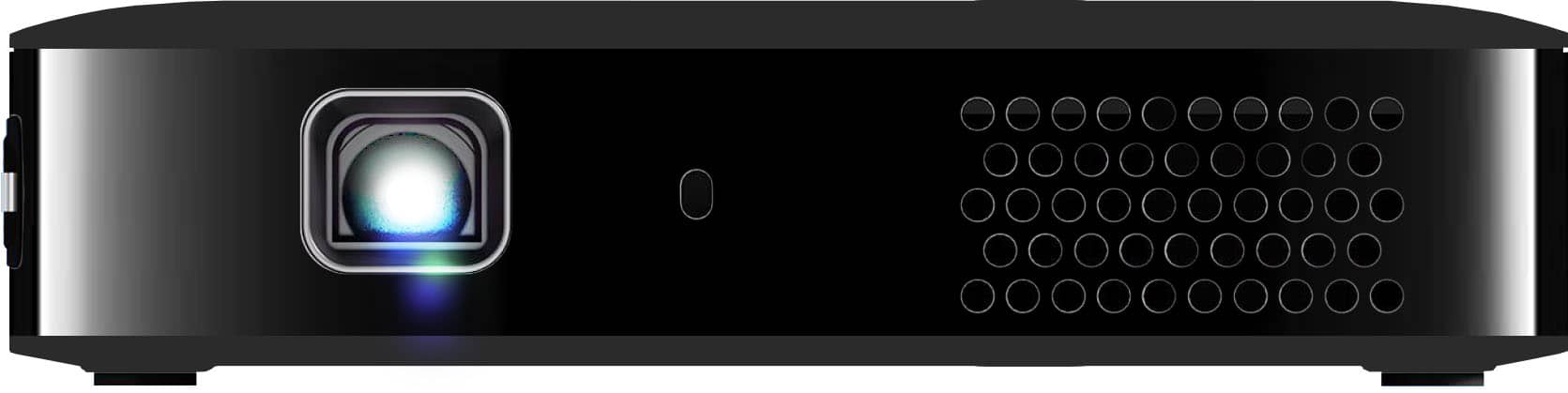
Miroir - M190 Mini Pro Projector - Black
SKU: J3R8HTFGLCSee all ProjectorsProduct Description
A refurbished ultra-portable black projector with DLP technology, integrated speaker, USB-C and HDMI connectivity.Your price for this item is $199.99 -
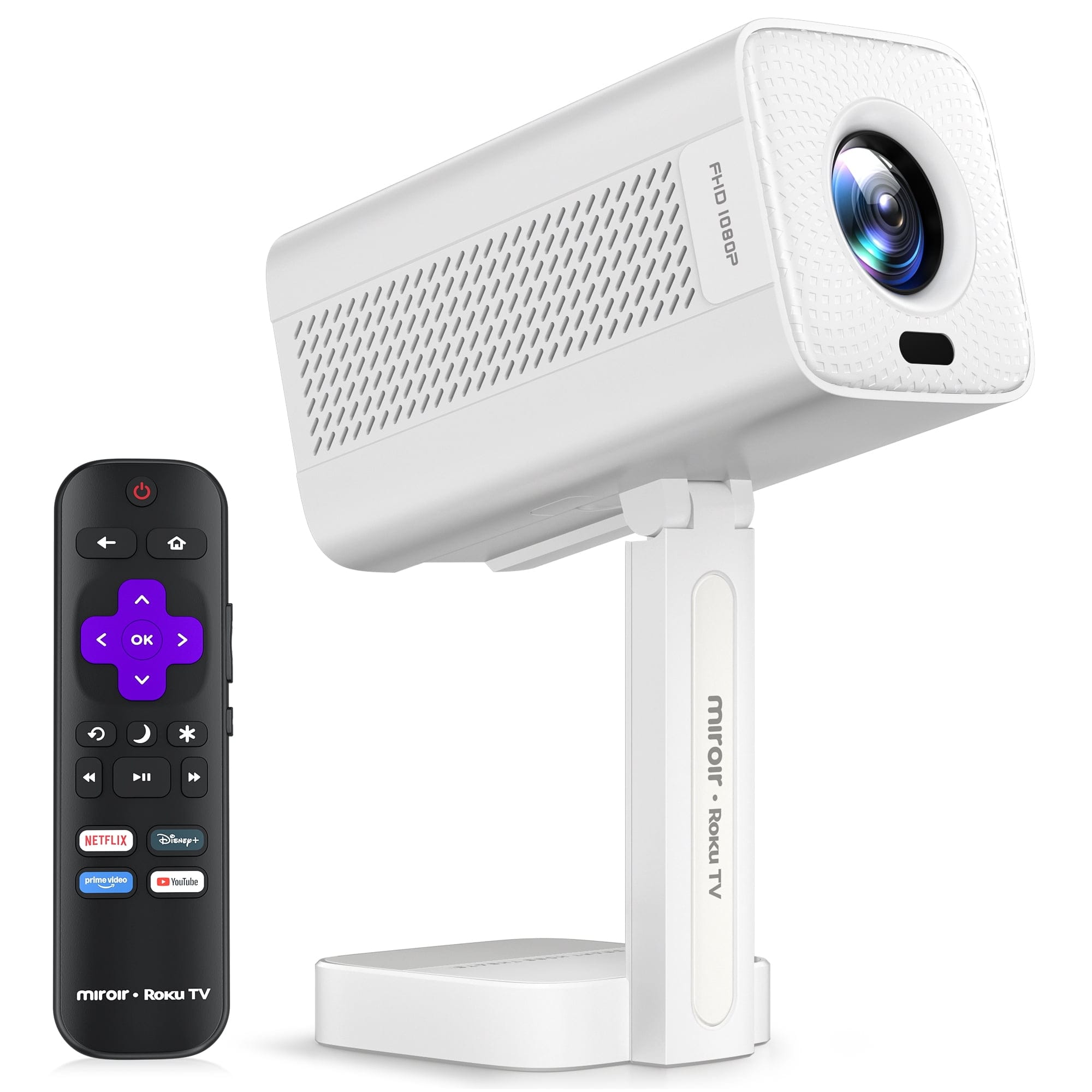
Miroir - Roku RK201 Portable Projector
SKU: J3R85VZW2JSee all ProjectorsProduct Description
A portable 1080p projector with built-in streaming, 180 ANSI lumens, Bluetooth, Dolby Audio, and auto keystone.Your price for this item is $159.99 -
Miroir - M600 Full HD Pro 1080p Projector - Black
SKU: J3R8HTFG25See all ProjectorsProduct Description
A compact black DLP projector with Full HD 1080p resolution, built-in speaker, and rechargeable battery.Your price for this item is $399.99


Best Sellers


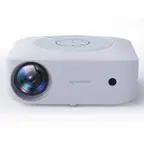
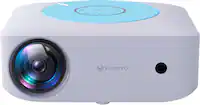
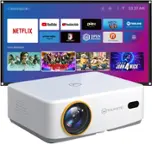
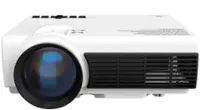

Related Pages






FAQ
Miroir Projectors are compatible with a variety of devices, including laptops, smartphones, tablets, gaming consoles, and streaming devices. Most models feature HDMI and USB ports for easy connectivity.
Yes, many Miroir Projector models come equipped with built-in speakers, providing convenient audio for your presentations, movies, or games. For enhanced sound, you can also connect external speakers via the audio output.
Absolutely! Miroir Projectors are portable and lightweight, making them suitable for both indoor movie nights and outdoor gatherings. Just ensure you have access to a power source and a suitable projection surface.
Setting up a Miroir Projector is simple. Connect your device using the appropriate cable, power on the projector, and use the focus adjustment to get a clear image. Most models also include user-friendly menus for additional settings.
Yes, Miroir Projectors can be used with streaming devices such as Roku, Amazon Fire Stick, or Google Chromecast. Simply plug the streaming device into the HDMI port and follow the on-screen instructions to start streaming your favorite content.