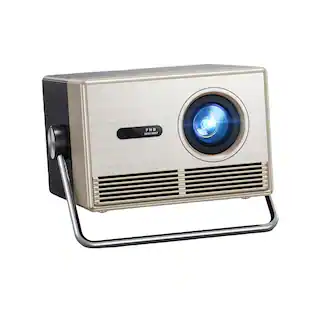
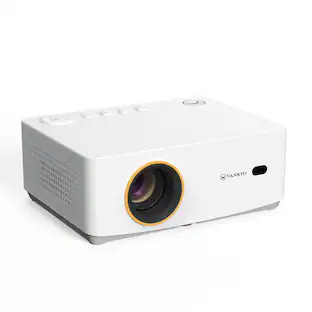
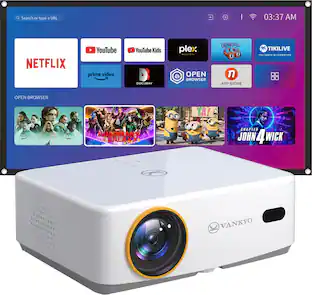
Vankyo - Leisure E30TBS Native 1080P Wireless Single LCD Portable Projector, Screen Included - White
About this product
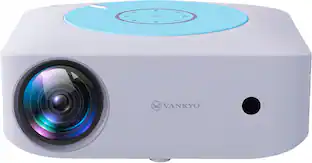
Great for home theater or business use, the Vankyo Leisure E30TWH projector delivers a full HD 1080P picture. Featuring 150 lumens for a crisp, colorful picture. Easily stream content from your device with wireless mirroring. Enhanced features include keystone adjustment, eliminating the need for manual tweaks during use and guaranteeing flawless display quality. Projector screen included.
2.4G/5G Wi-Fi connectivity
Enables faster and more stable wireless connection with IOS and Android system device
1080P resolution
Delivers crisp, detailed high-definition images.
HDMI input
Make it easy to connect to high-definition sources.
±50° keystone correction
Enables the effective and quick adjustment on distortion
Zoom function supported
Ajust image by just tapping the remote
33''-300'' projection size
Provide a flexible viewing experience
LED lamp
Delivers up to 30,000 hours of lamp life in normal mode for extended use.
Built-in speaker
Provide astonishing setero sound
Flexible installation methods
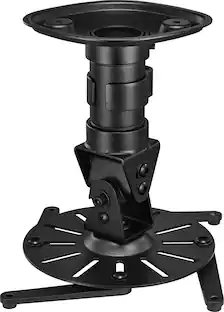
Support the placement of a tripod and ceiling mount front/rear projection
Bonus screen
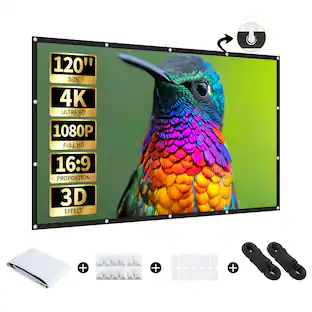
120'' Projector Screen included
- Product Weight3.97 poundsLight SourceLEDResolutionFull HD (1080p)Color Brightness (IDMS)150 lumensWhite Brightness (ISO)150 lumensContrast Ratio600:1
Reviews
Rating 4.3 out of 5 stars with 329 reviews
Customer Images
The vast majority of our reviews come from verified purchases. Reviews from customers may include My Best Buy members, employees, and Tech Insider Network members (as tagged). Select reviewers may receive discounted products, promotional considerations or entries into drawings for honest, helpful reviews.
Compare similar products
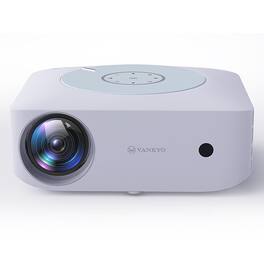
Great for home theater or business use, the Vankyo Leisure E30TWH projector delivers a full HD 1080P picture. Featuring 150 lumens for a crisp, colorful picture. Easily stream content from your device with wireless mirroring. Enhanced features include keystone adjustment, eliminating the need for manual tweaks during use and guaranteeing flawless display quality. Projector screen included.

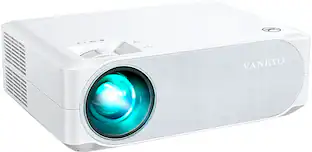
Great for your home theater or office, the Vankyo Performance V630W wireless projector delivers a full HD 1080P picture up to 200". Featuring 250 lumens and a 600:1 contrast ratio for vivid color and a sharp image. And, easily stream content from your device with wireless mirroring.

Great for home theater or business use, the Vankyo Leisure 470 Pro wireless mini projector delivers a full HD 1080P picture up to 200". Featuring 170 lumens and a 600:1 contrast ratio for vivid color and a sharp image. Project via smart phone mirror display with wifi or your TV stick, PS4, HDMI, VGA, USB and more.
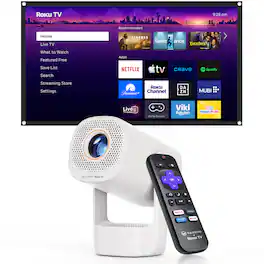
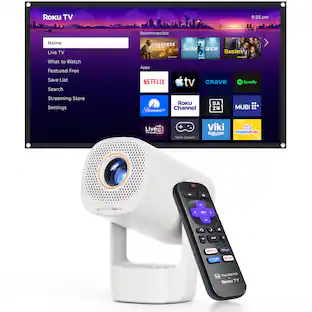
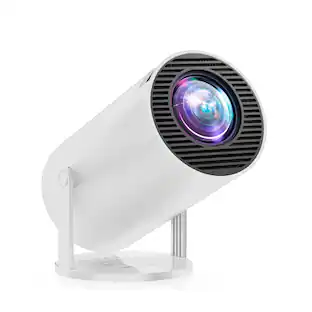
VANKYO Leisure 3R Air Smart Projector is designed to bring simple, flexible entertainment to your everyday life. Featuring a 180° flip design, it allows you to adjust the projection angle more freely for comfortable viewing from the bed, couch, desk, or around the room. Built-in Roku TV gives you easy access to popular streaming content right out of the box, with no extra streaming stick needed. Compact and easy to carry, the Leisure 3R Air is a practical choice for bedrooms, dorm rooms, apartments, and other small living spaces. With 150 lumens brightness for dim or dark-room viewing, plus 2.4G/5G WiFi and Bluetooth 5.2 for reliable wireless connectivity, it is a convenient option for movie nights, casual streaming, and everyday big-screen fun at home .
| Pros for Vankyo - Leisure E30TBS Native 1080P Wireless Single LCD Portable Projector, Screen Included - White | |||
|---|---|---|---|
| There were no pros for this product— | Overall Performance, Ease of Use, Connectivity | Picture Quality, Ease of use, Price, Size, Setup | There were no pros for this product— |
| Cons for Vankyo - Leisure E30TBS Native 1080P Wireless Single LCD Portable Projector, Screen Included - White | |||
| There were no cons for this product— | Brightness, Noise Level | Brightness, Connectivity, Fan Noise, Focus, Keystone Correction | There were no cons for this product— |
Specs
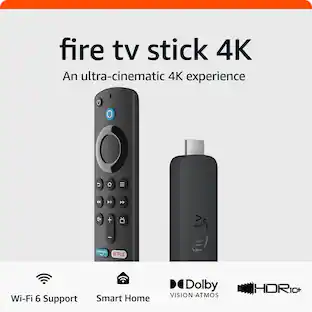
I have read that for a number of other projectors that you need a firestck to watch subscribed streaming services. Is a firestick needed for this product as well? It is listed as having wi fi do I still need the fire or roku stick ? Thanks
Answered by Vankyo TeamHi JackD, thanks for asking. You will also need a TV stick to stream Netflix or other streaming services to the projector. Since all content on these streaming services, such as Netflix, is classified by the HDCP protocol, our projector cannot stream movies over the phone. The same things apply to HBO, Disney+, Prime Video, HULU and others. Note: UGC content on Youtube and TikTok is not subjected to the protocol.

I tried to connect a Roku stick and a fire stick and neither will work. The Roku will work for a sec and then when the Roku remote is pressed it goes to no signal. The fire stick will connect but not play sound. Is the projector not compatible with these?
Answered by Vankyo TeamHi there, Thanks for asking. If the fire stick can be connected but the Roku stick cannot, I'm afraid that the Roku stick is not compatible with the projector. Regarding the sound issue with the fire stick, please go to Settings on your stick - Display&Audio - Audio - Surround Sound - select PCM. Once selected, the projector can decode the audio from the stick. Hope this helps. ---Vankyo Service Team
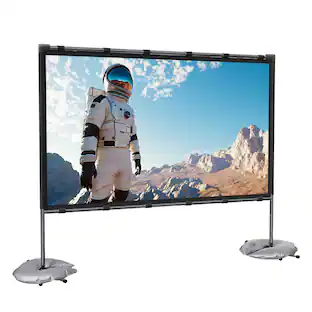
How does the screen attach/hang? Is a stand included or do you have to attach to a wall?
Answered by Vankyo TeamHi there, Thanks for asking. There is no stand included in this projector. You need to use nails to hang the screen on the wall or buy a stand for the screen yourself. - Vankyo Support Team
Does it support 4K?
Answered by Vankyo TeamHi there, Sorry, this projector doesn't support 4K.
Can you clean the inside of the projector (the bulb and/or inside of the lens)? There are some specks that show up on the picture and I've thoroughly cleaned the outside of the lens, so I think there is dust on the inside of the projector.
Answered by Vankyo TeamFor your issue, please follow these steps to troubleshoot. 1. Try to tap the projector slightly to see if the dust inside can be shaken off. 2. Clean the lens with non-woven fabrics. 3. If the above tips do not help, please follow this video to clean the lens: https://drive.google.com/file/d/1c2JEYkB6gV-Le4F8ICtN5Jc3k0HPMZCF/view?usp=sharing
Customers often buy these together
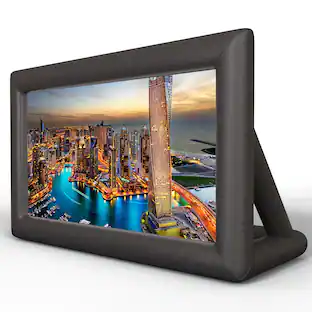 $179.95The price was $249.99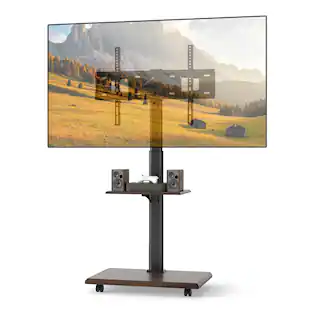
Gymax - Rolling TV Stand on Wheels w/30 Degree Tilt Mount Adjustable Shelf & Cable Management Walnut
Labor Day Deal$75.99The price was $95.99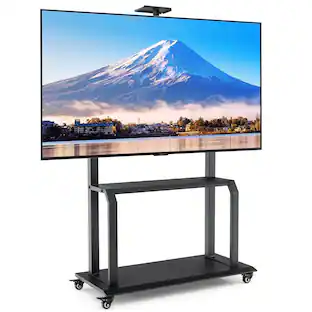 $149.99The price was $239.98
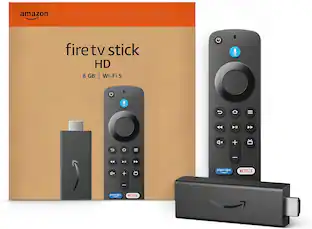 Clearance$29.99The price was $34.99
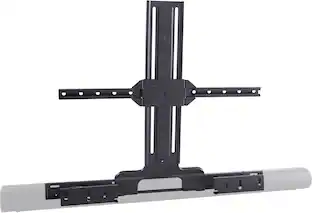 $152.99The price was $169.99
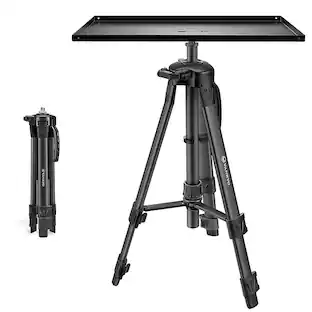


More to consider
 Labor Day Deal$119.99The price was $169.99
 Labor Day Deal$109.99The price was $119.99
 Labor Day Deal$199.99The price was $229.99
 Labor Day Deal$89.99The price was $229.99
 Labor Day Deal$188.09The price was $269.99
 $59.99The price was $99.99


Elevate your entertainment Sponsored
 Clearance$1,899.99The price was $2,999.99
 $1,859.00The price was $2,199.00
 Labor Day Deal$4,999.99The price was $5,999.99
 $2,899.00The price was $3,149.00
 $1,999.00The price was $2,299.00
Discover related products
- $179.95The price was $249.99
 $109.99The price was $159.97
 Labor Day Deal$132.91The price was $139.90


Keep exploring
 Labor Day Deal$99.99The price was $119.99
 Labor Day Deal$1,049.00The price was $1,399.00
 $109.99The price was $169.98
 Labor Day Deal$149.99The price was $299.99
 Labor Day Deal$159.99The price was $269.99