Pairing Mouse
-
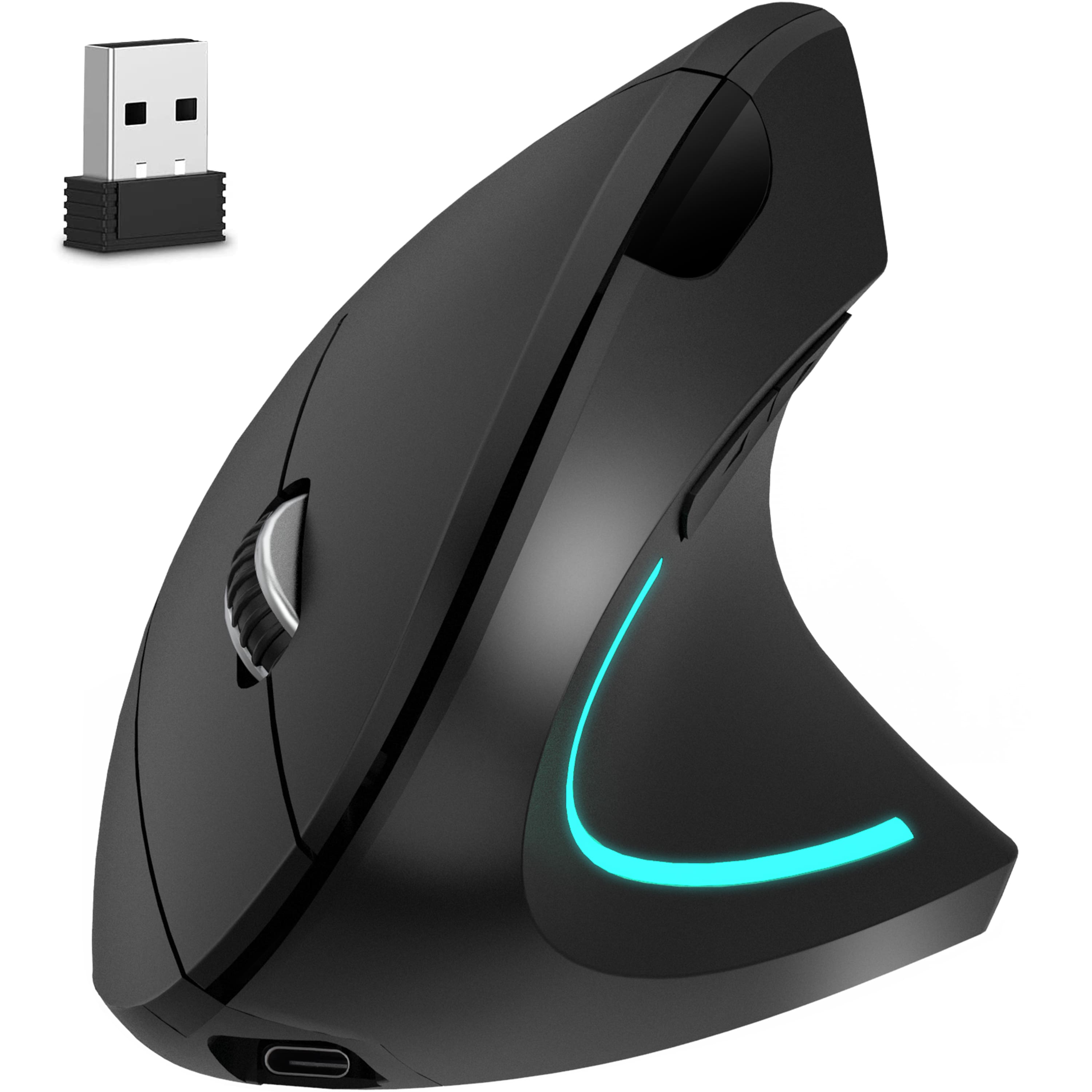
Delton - S12 Ergonomic Vertical Wireless Mouse with Auto Pair USB Dongle (DMERG12-WR) - Wireless - Black
SKU: J38PCKSYSXSee all USB & USB C Wired MiceProduct Description
An ergonomic black wireless mouse with vertical design, USB-C charging, 6 buttons, and adjustable DPI.Your price for this item is $34.99 -
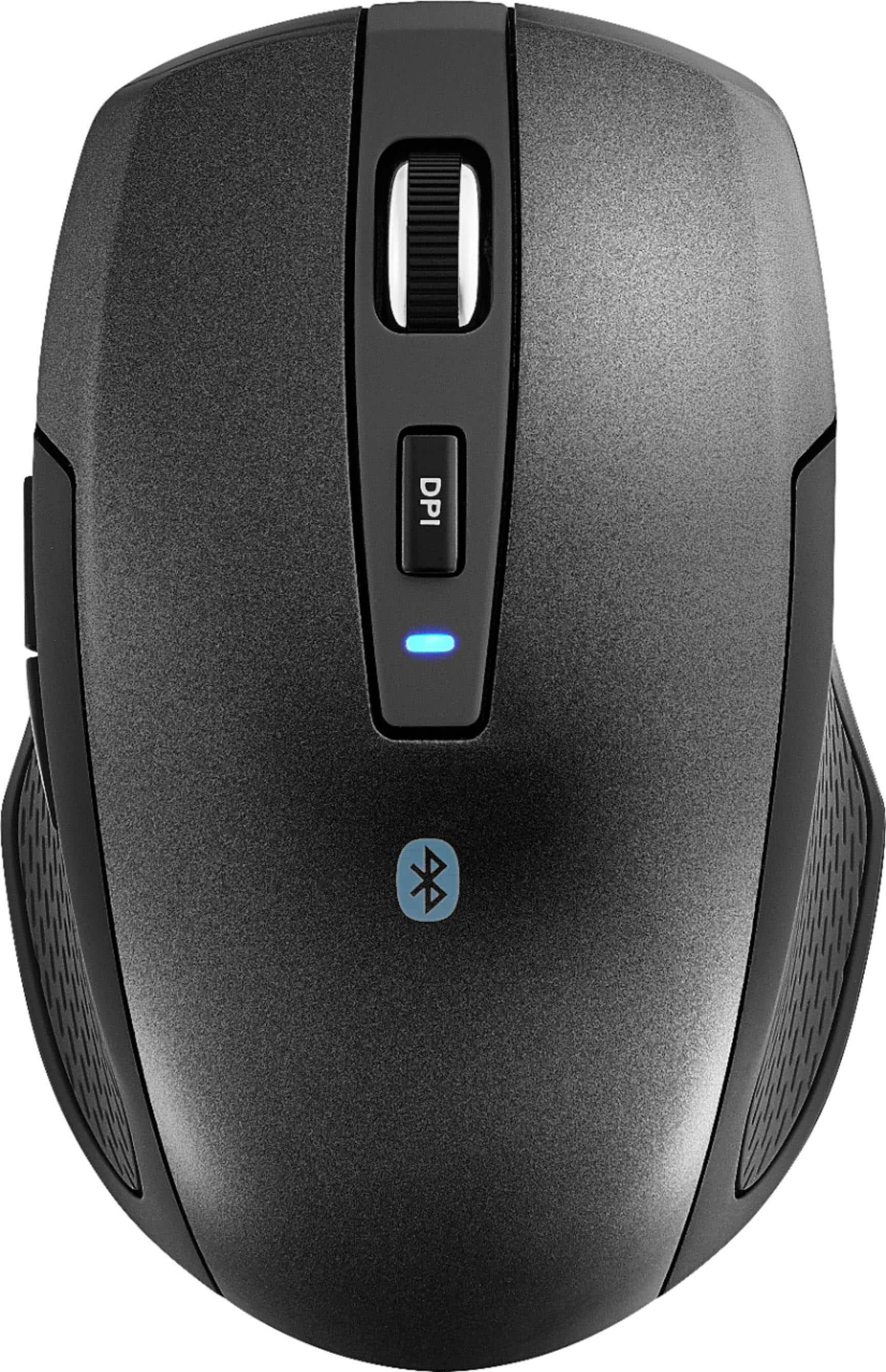
HP - 420 Bluetooth Programmable Mouse - Wireless - Black
SKU: JJGGT6XW6ZSee all MiceProduct Description
A compact black wireless mouse with Bluetooth connectivity, six programmable buttons, and seamless multi-device support.Your price for this item is $44.55Save $0The previous price was $44.85 -
Best Buy essentials™ - Lightweight Bluetooth Optical Standard Ambidextrous Mouse with 6-Button - Wireless - Black
SKU: J2FPJKSK2JLove it. Lightweight and very responsive....Love it. Lightweight and very responsive. Best purchase of the year....Love it...Love it,It connects to two devices.The best purchase I made
See all All Best Buy EssentialsProduct Description
A wireless black Bluetooth mouse with six buttons, ambidextrous design, and precise 1600 DPI optical tracking.Your price for this item is $16.99 -
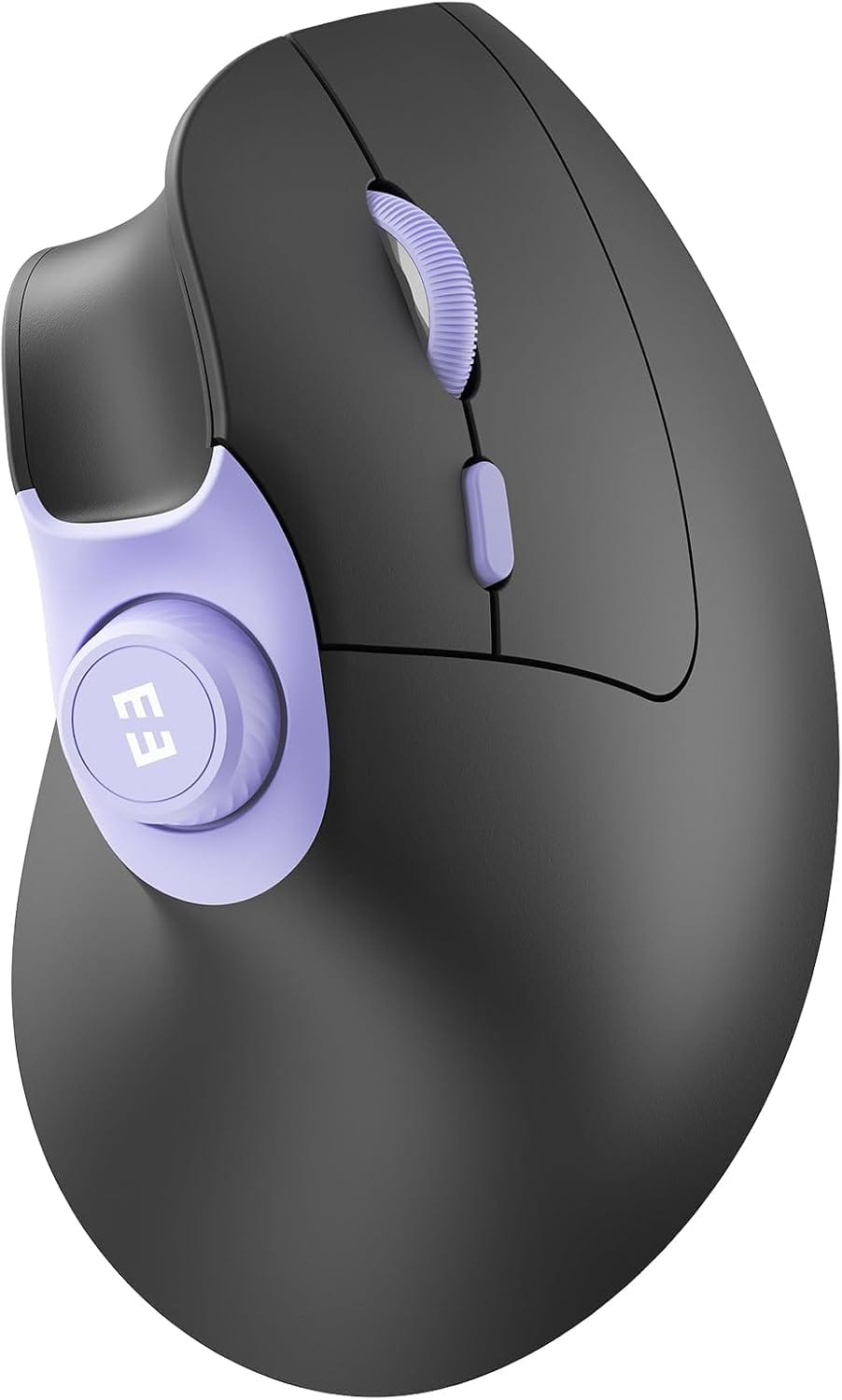
SEENDA - MOU-302 Wireless Bluetooth Ergonomic Vertical Mouse with Volume Knob Purple & Black - Wireless - Black & Purple
SKU: CZPH3XJWVZSee all USB & USB C Wired MiceProduct Description
A rechargeable Bluetooth vertical mouse for three devices features quiet clicks, adjustable DPI, and purple-black styling.Your price for this item is $22.99Save $13The previous price was $35.99 -
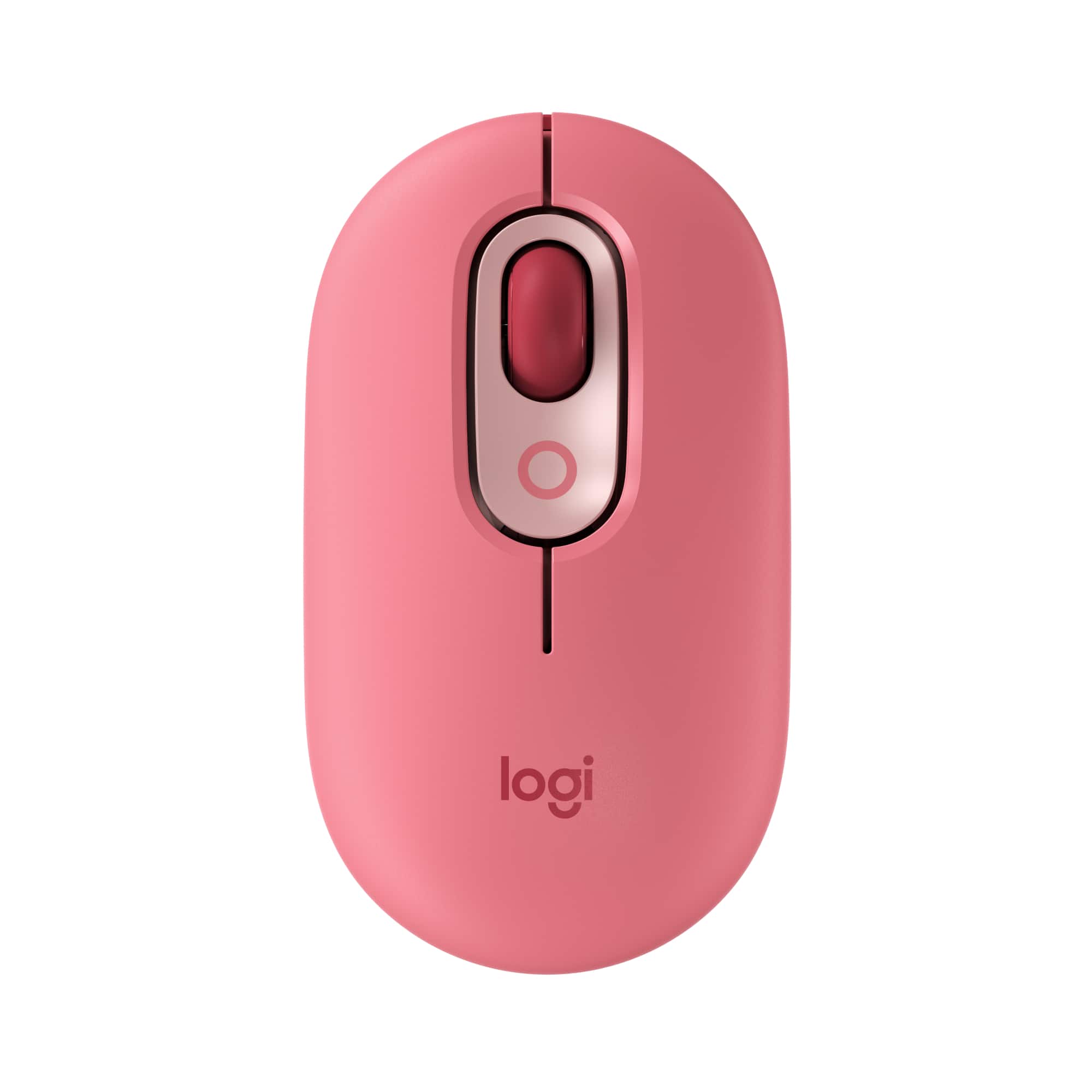
Logitech - POP Mouse Wireless Bluetooth Optical Ambidextrous Mouse with Customizable Emojis - Wireless - Heartbreaker Rose
SKU: J7H7ZY8JGXBest mouse ever!...It’s quite nice comfy and I love the colors!...The Logitech has made the best mouse ever and it’s Bluetooth sorry if I sound like a bot but this thing...is great!...Excellent Product...
See all MiceProduct Description
A playful wireless mouse in Heartbreaker Rose with customizable emojis, quiet clicks, and multi-device Bluetooth connectivity.Your price for this item is $24.99Save $5The previous price was $29.99 -
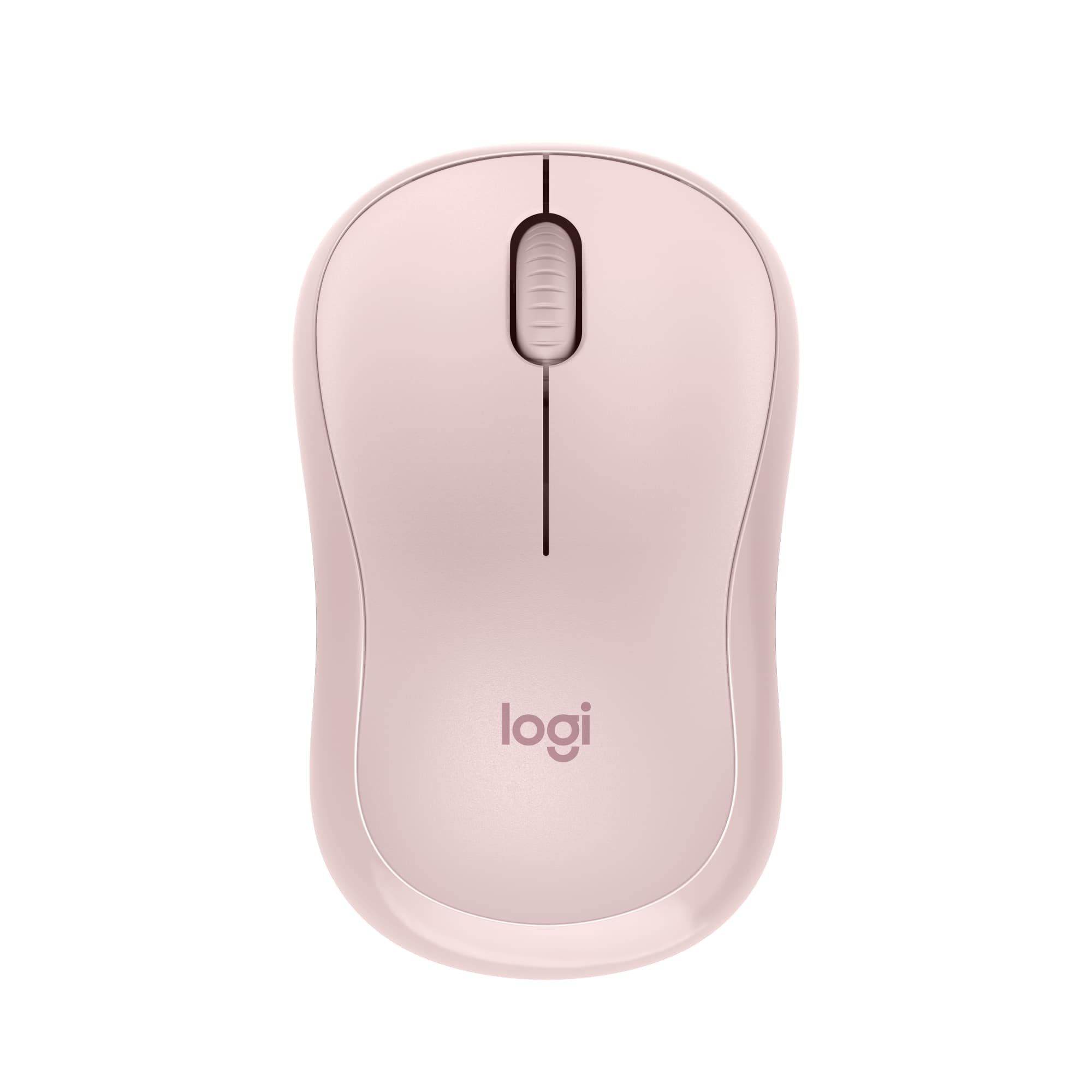
Logitech - M240 Silent Bluetooth Wireless Optical Ambidextrous Mouse - Wireless - Rose
SKU: J7H7ZYG7LPThe best thing I like about it is how smooth it is and not forgetting silent option...I love my pink mouse, but, it is by no means silent!...But again, I do love it.
See all MiceProduct Description
A quiet, ambidextrous Bluetooth mouse in rose with wireless connectivity and 18-month battery life.Your price for this item is $22.99 -
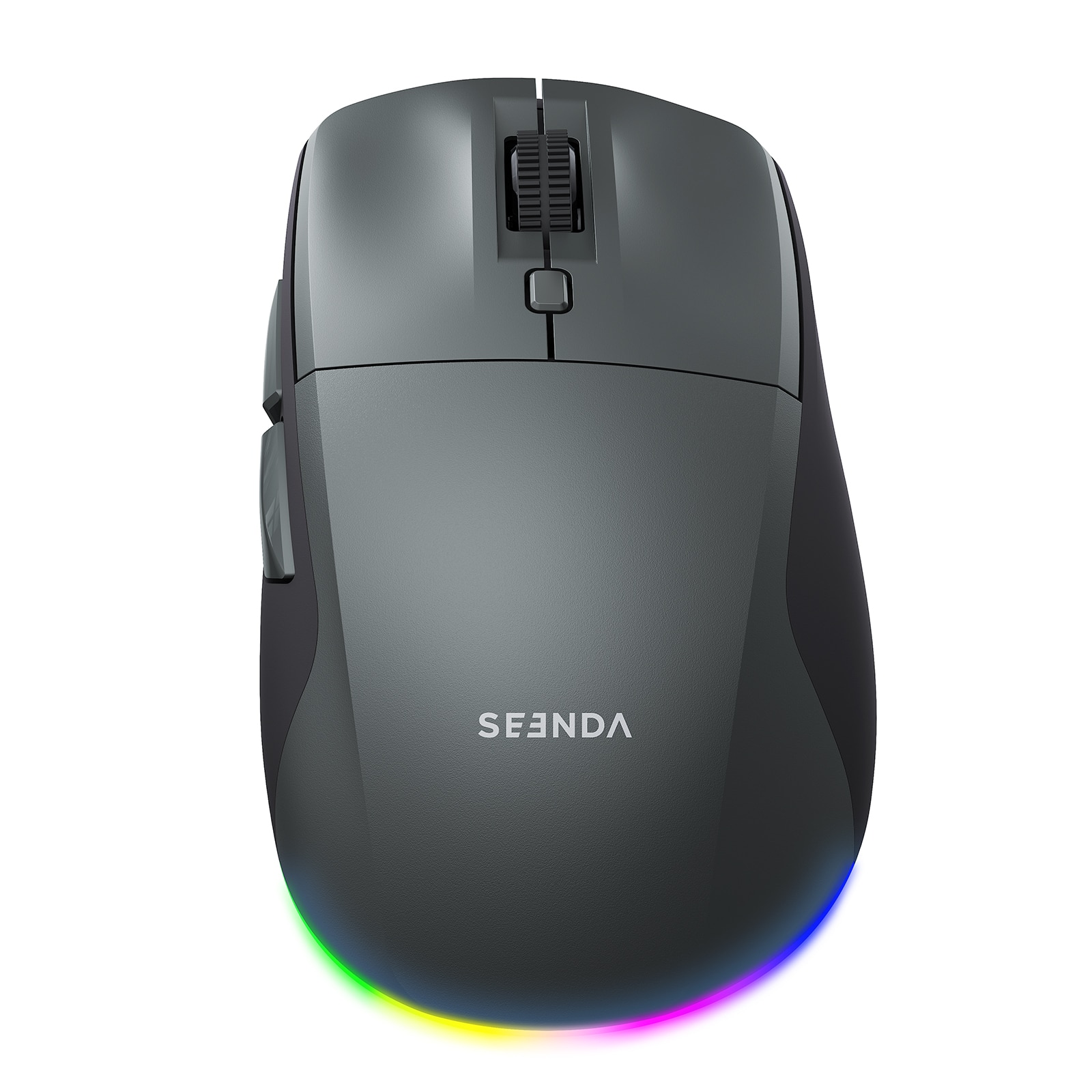
SEENDA - MOU110 Wireless Bluetooth Mouse, Rechargeable & RGB - Wireless - Black & Grey
SKU: CZPH3XJKY5See all USB & USB C Wired MiceProduct Description
A black-and-grey wireless ergonomic mouse with Bluetooth, silent clicks, RGB lighting, and three DPI levels.Your price for this item is $23.99Save $22The previous price was $45.99

Best Sellers






Related Pages




FAQ
To pair a wireless mouse, turn on the mouse and enable Bluetooth on your computer. Put the mouse in pairing mode (usually by holding a specific button), then select the mouse from your computer’s list of available Bluetooth devices to complete the connection.
Some wireless mice support multi-device pairing, allowing you to switch between devices with a button or software. Check the mouse’s specifications to see if this feature is available.
Most mice can be paired using your device’s built-in Bluetooth settings. However, some models may offer optional software for advanced features or customization.
Ensure the mouse is in pairing mode and close to your device. Restart Bluetooth on your computer and try again. If issues persist, consult the mouse’s user manual for troubleshooting steps.
Yes, many wireless mice can be paired with tablets or smartphones that support Bluetooth peripherals. Refer to your device’s Bluetooth settings to connect the mouse.