Pairing Remotes
-
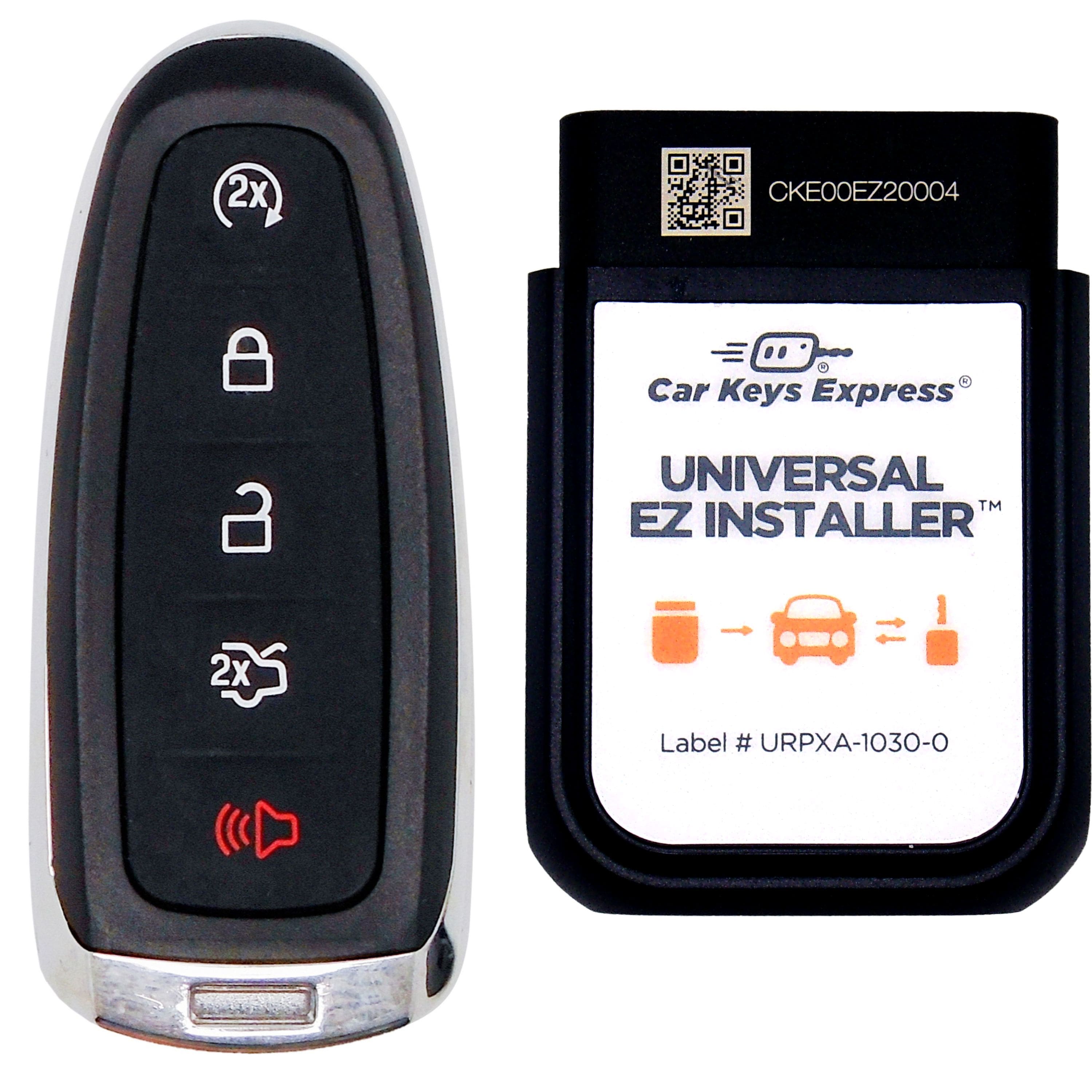
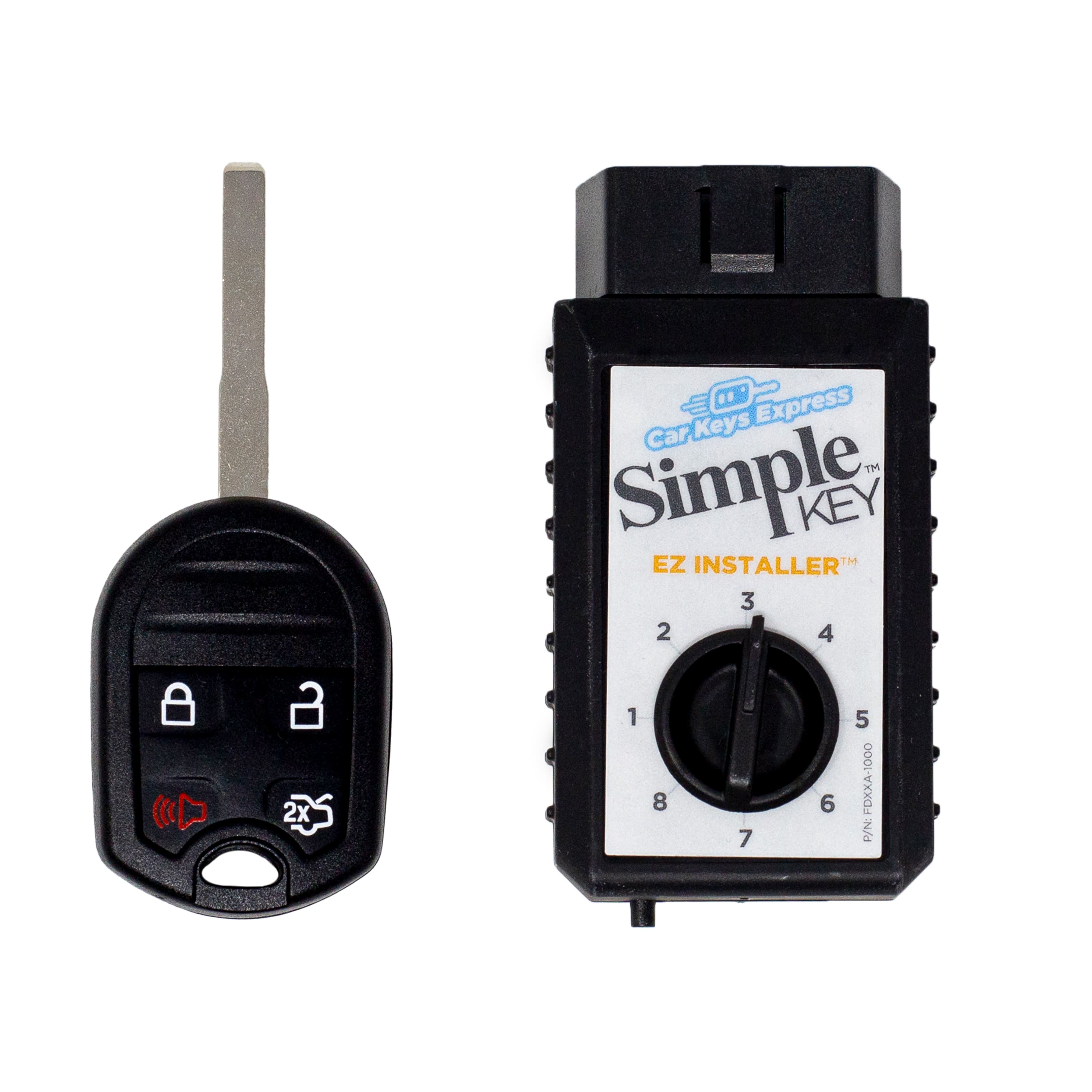
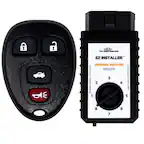
Car Keys Express - Ford Simple Key - 5 Button Smart Key Remote with Trunk and Remote Start and programming device - Black
SKU: J39QZY53X2See all Key Programming ToolsProduct Description
A black five-button smart key remote with trunk, remote start, panic mode, and DIY programming device.Your price for this item is $119.99 -
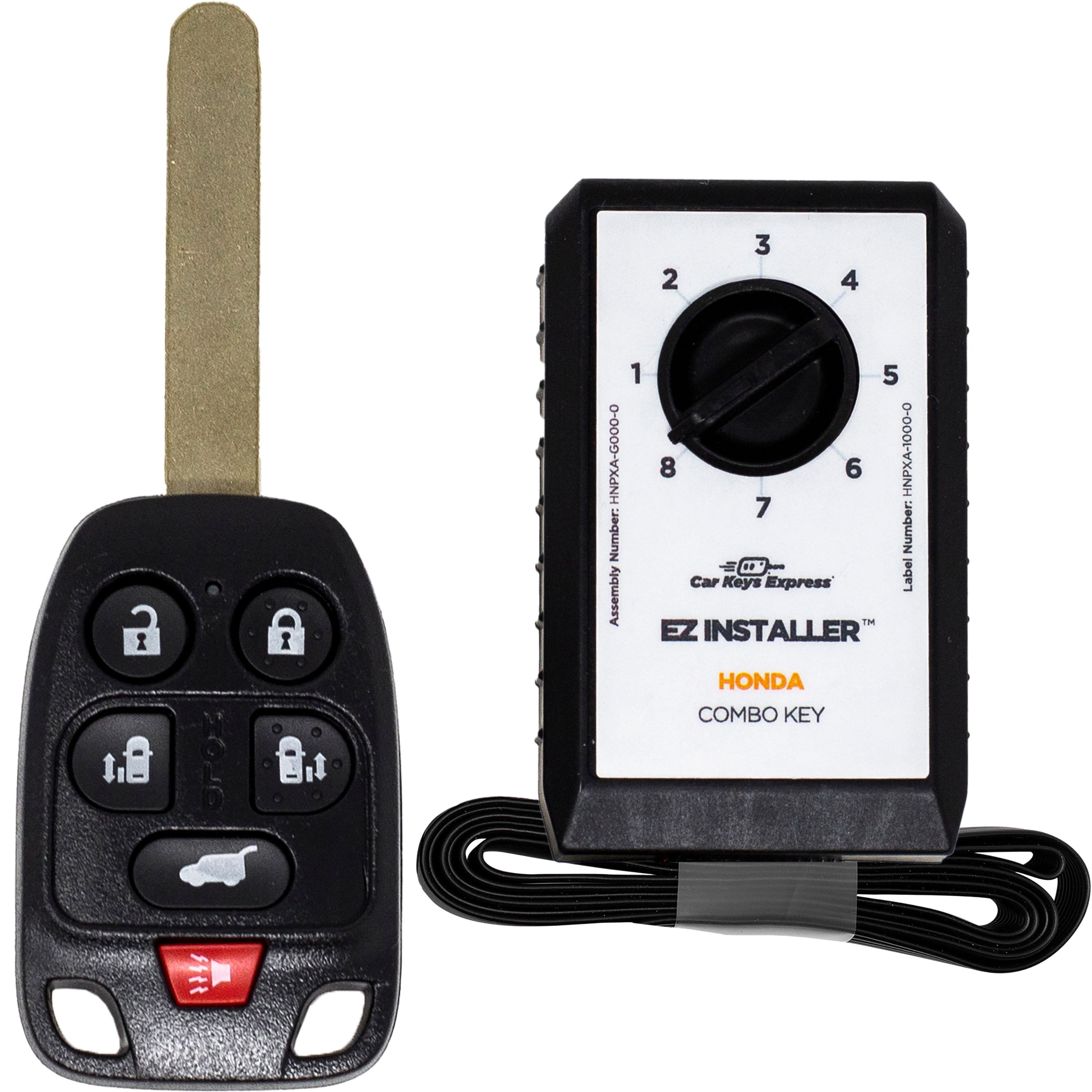
Car Keys Express - Honda Simple Key - 4 Button Remote and Key Combo with Trunk and programming device - Black
SKU: J39QZY53PRSee all Remote Car Starter Key FobsProduct Description
A black four-button remote and key combo with trunk access and DIY programming device for select Hondas.Your price for this item is $119.99 -
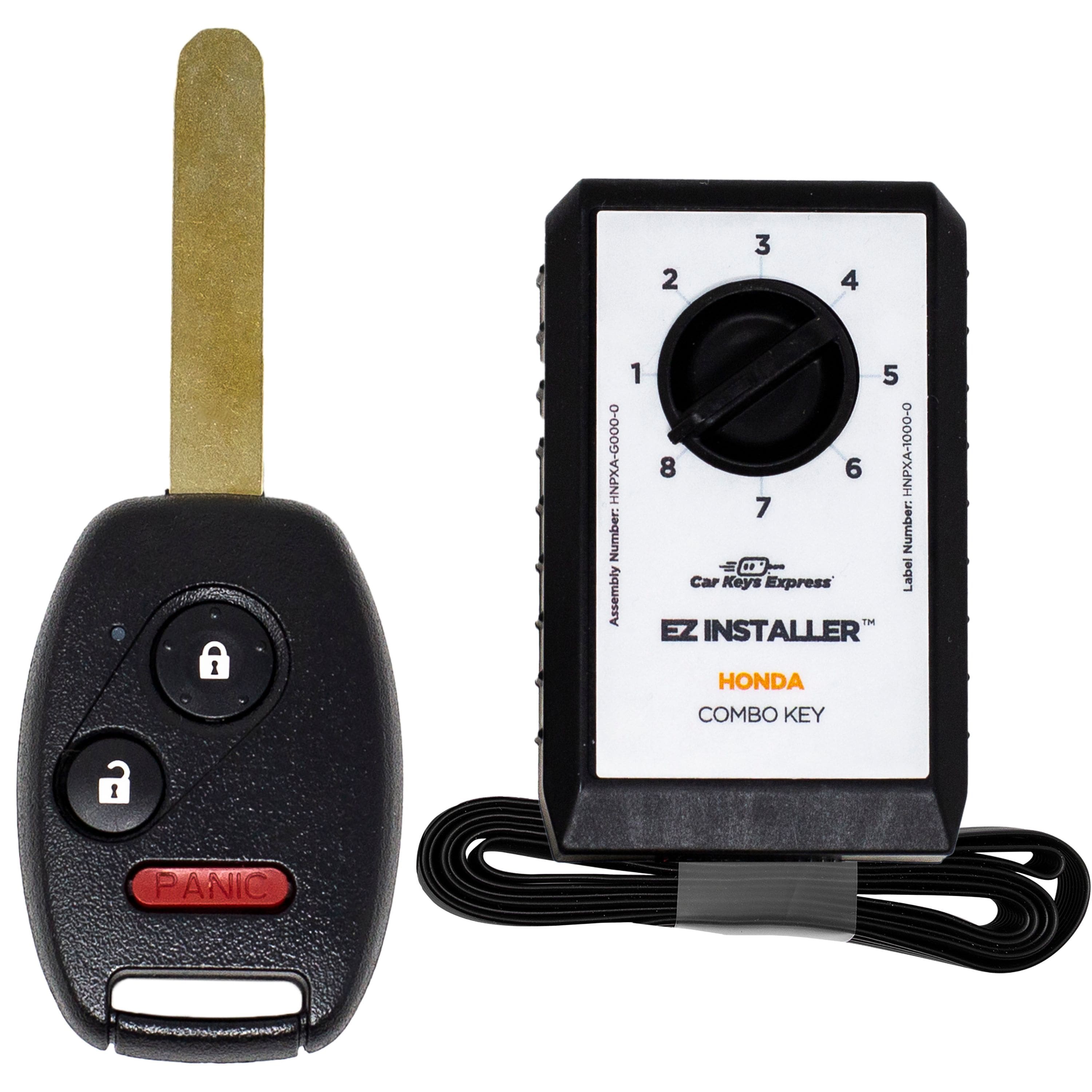
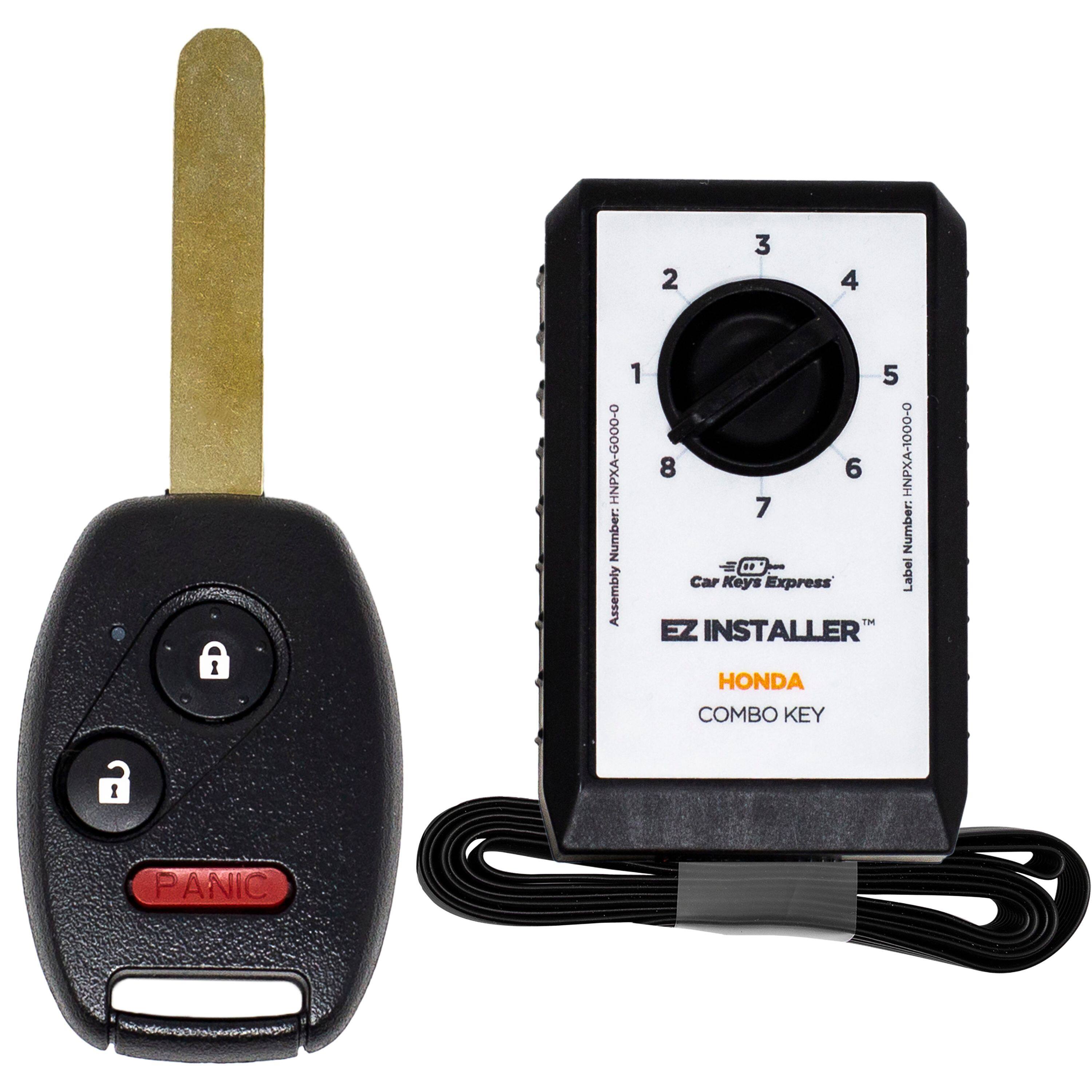
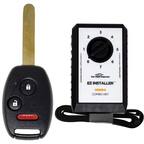
Car Keys Express - Honda Simple Key - 3 Button Remote and Key Combo and programming device - Black
SKU: J39QZY53YJSee all Key Programming ToolsProduct Description
A black three-button remote and key combo with DIY programming device for select Honda vehicles.Your price for this item is $119.99 -
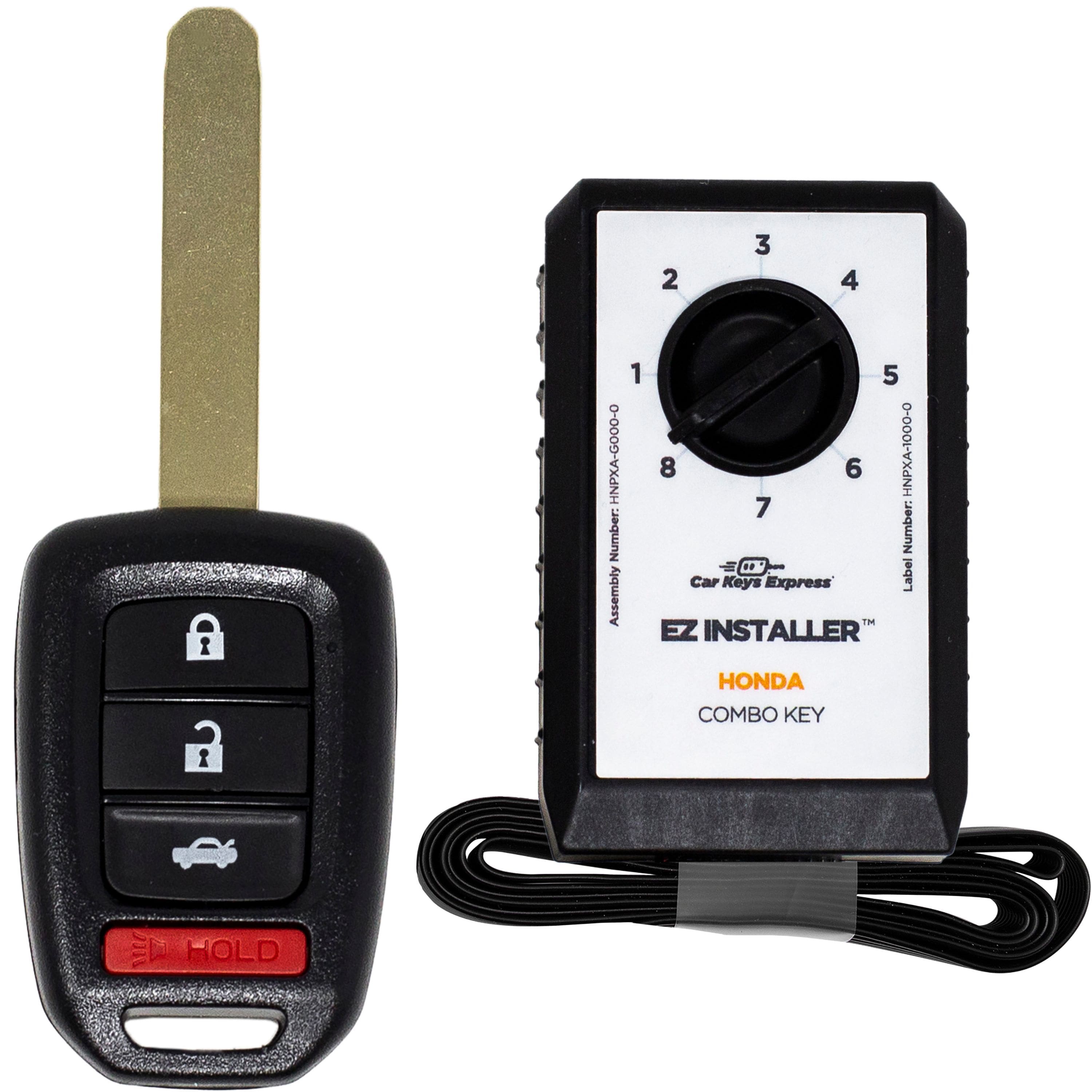
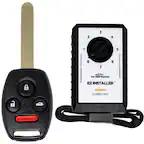
Car Keys Express - Honda Simple Key - 4 Button Remote and Key Combo with Trunk and programming device - Black
SKU: J39QZY53YQSee all Key Programming ToolsProduct Description
A black four-button remote and key combo with trunk access and DIY programming device for select Hondas.Your price for this item is $119.99 -
Car Keys Express - Honda Simple Key - 3 Button Remote and Key Combo and programming device - Black
SKU: J39QZY53LCSee all Key Programming ToolsProduct Description
A black three-button remote and key combo with DIY programming device, compatible with select Honda models.Your price for this item is $119.99 -
Car Keys Express - Ford Simple Key - 4 Button Remote and Key Combo and programming device - Black
SKU: J3YJTX64HGSee all Key Programming ToolsProduct Description
A black four-button remote and key combo with DIY programming device for select Ford vehicles.Your price for this item is $99.99 -
Function 101 - Button Remote for Apple TV Bluetooth - Black
SKU: JJGY6ZZZ3FSee all TV Remote ControlsProduct Description
A sleek black Bluetooth and infrared remote offering intuitive control and seamless navigation for Apple TV devices.Your price for this item is $39.95 -
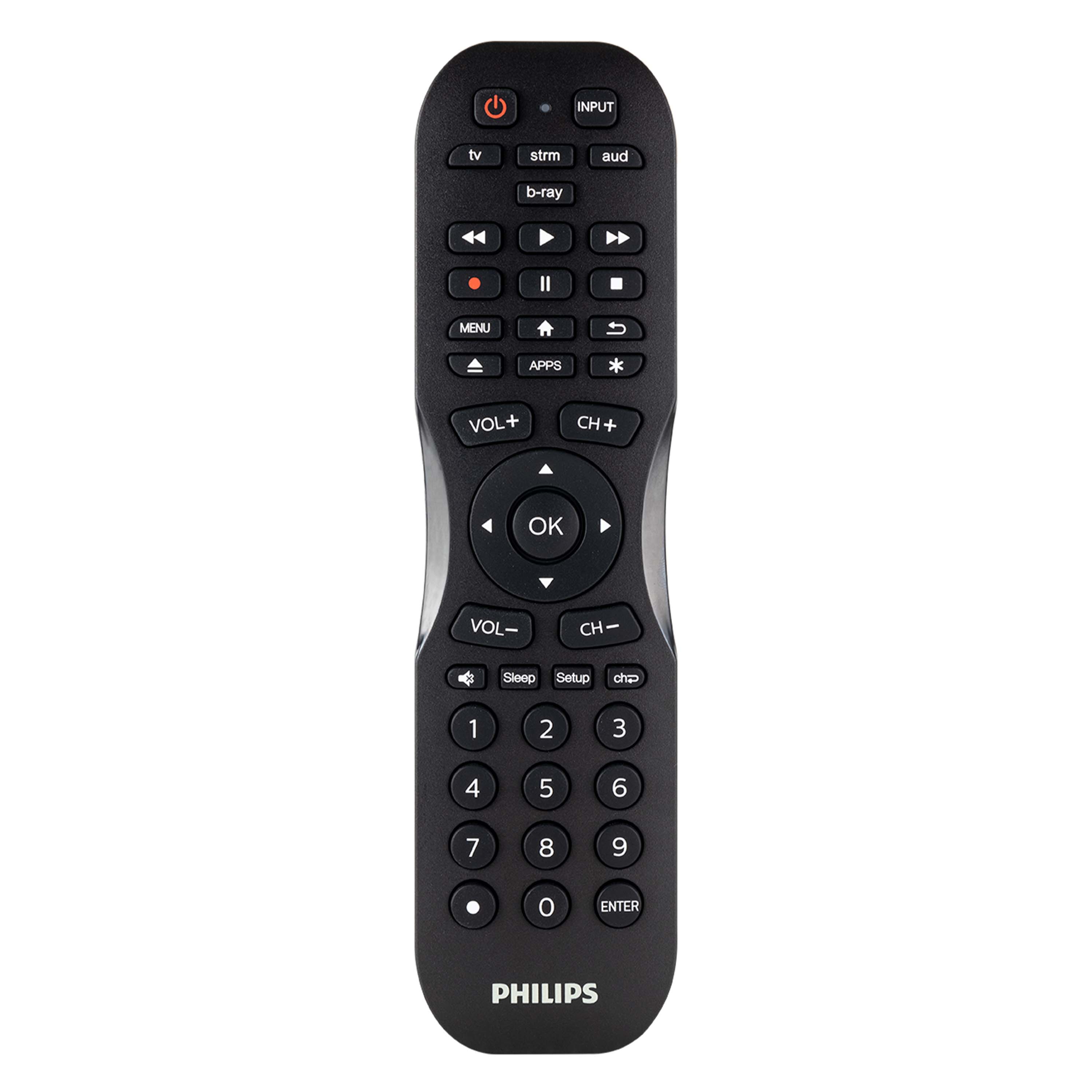
Philips - 4 Device Remote Control - Matte Black
SKU: J73JSV87X9Best buy has everything that you need for your electronic needs. I love that store....Works great! Best place to find a universal remote...Best Buy is the Best Store
See all TV Remote ControlsProduct Description
A matte black universal remote that controls up to four devices with easy setup and advanced functions.Your price for this item is $19.99 -
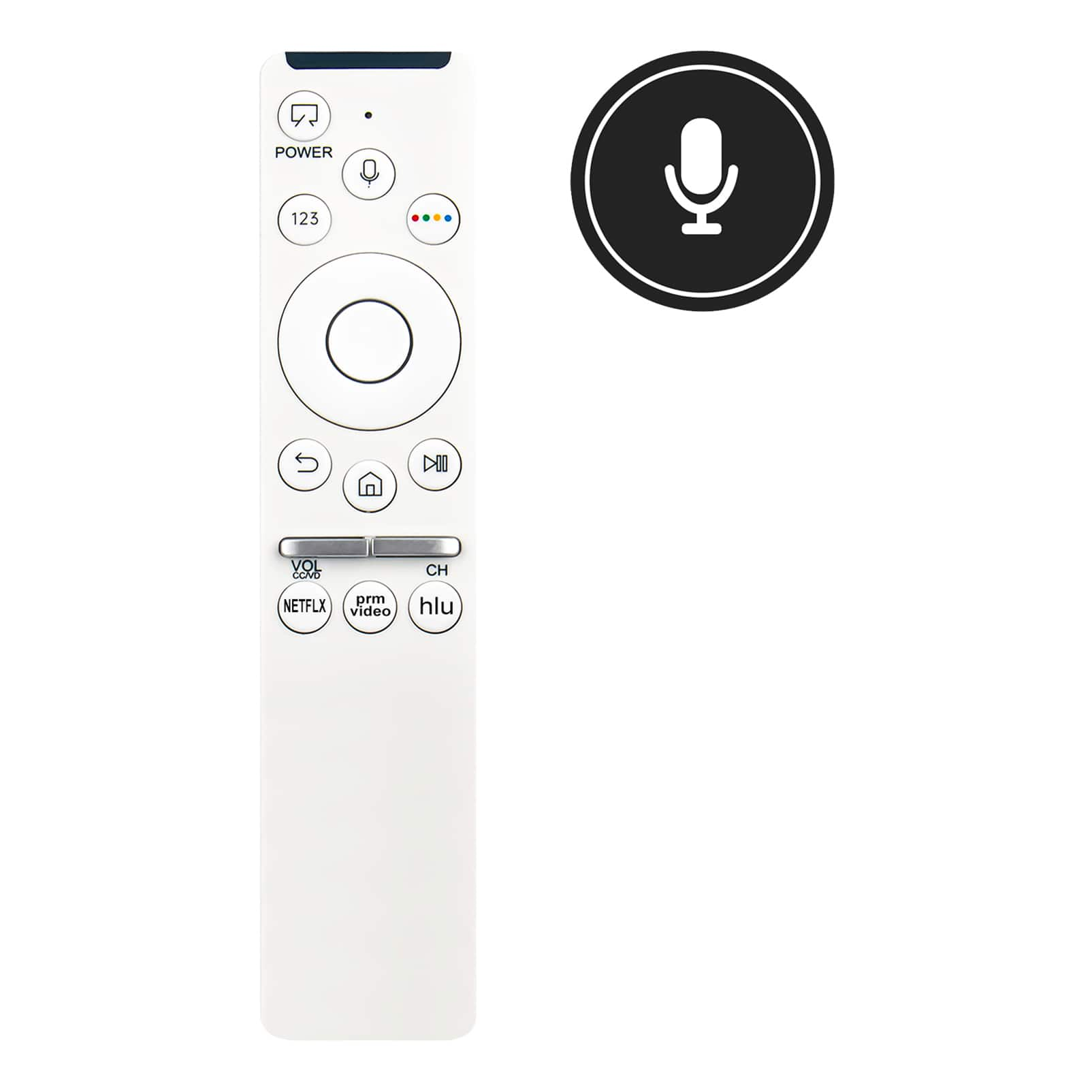
VINABTY - BN59-01312Q Replace Voice Remote Control Fits for Samsung TV QN43LS03RAFXZA QN49LS03RAFXZA QN65LS03RAFXZA - Black
SKU: J37XF8K26TSee all TV Remote ControlsProduct Description
A black ABS voice remote control compatible with select Samsung TVs, featuring a 33-foot transmitting distance.Your price for this item is $17.89 -
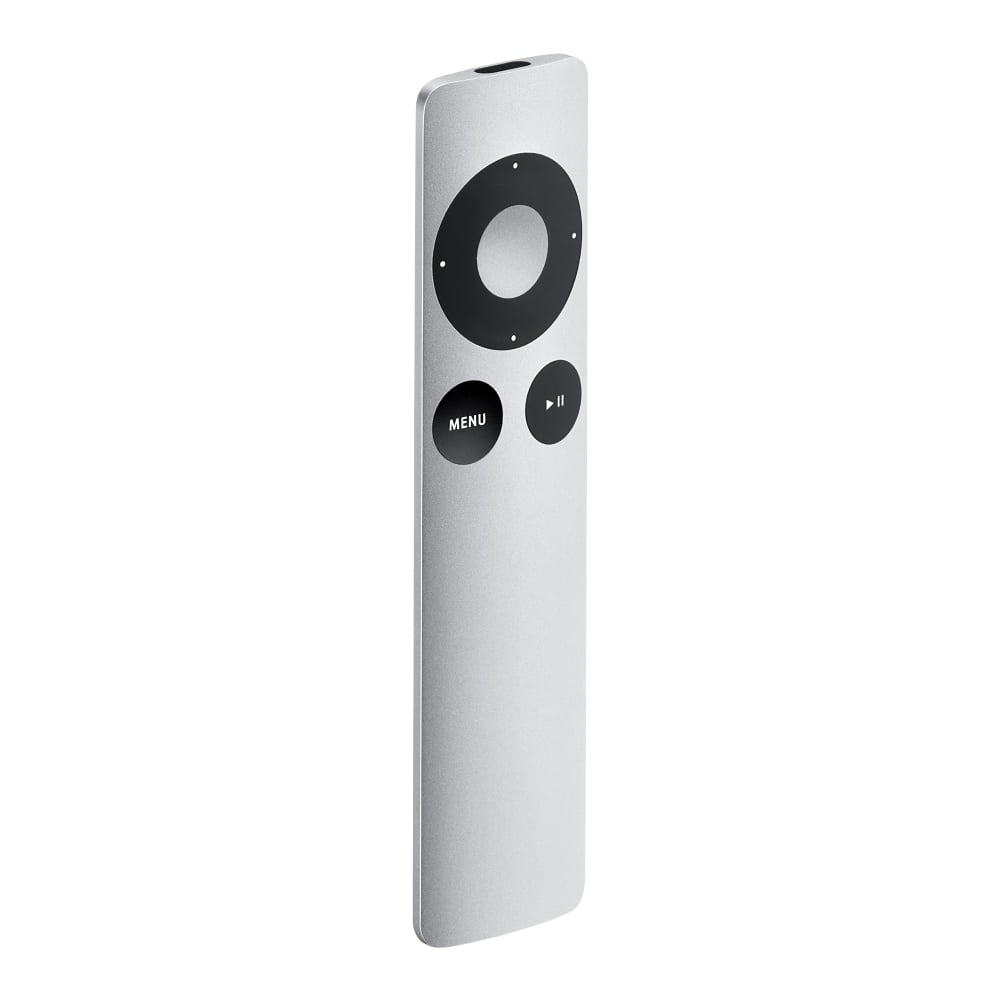
Apple - Remote - Silver
SKU: J3ZR2RZHHHSee all TV Remote ControlsProduct Description
A sleek silver infrared remote that lets you control your Apple devices and media playback with ease.Your price for this item is $22.68Save $7The previous price was $29.99

Best Sellers

Related Pages


FAQ
To pair a universal remote with your TV, first insert batteries into the remote. Then, follow the instructions in the remote's manual, which typically involve pressing and holding a specific button while entering a code unique to your TV brand. Once the correct code is entered, the remote should control your TV.
Yes, many universal remotes are designed to control multiple devices such as TVs, soundbars, and streaming players. You’ll need to program each device following the remote’s instructions, usually by entering a unique code for each product.
If your remote won’t pair, double-check that you’re using the correct pairing method and code for your device. Ensure the remote has fresh batteries and that there are no obstructions between the remote and the device. Consult the remote’s manual or manufacturer’s website for troubleshooting tips.
In most cases, you do not need to unpair your old remote before pairing a new one. Simply follow the pairing instructions for your new remote. However, if your device has a pairing limit, refer to the device’s manual for guidance on managing paired remotes.
Yes, some advanced remotes are compatible with smart home devices. These remotes can be paired with products like smart lights, thermostats, and streaming devices, allowing you to control multiple aspects of your home from a single remote.