Pairing Wireless Keyboard
-
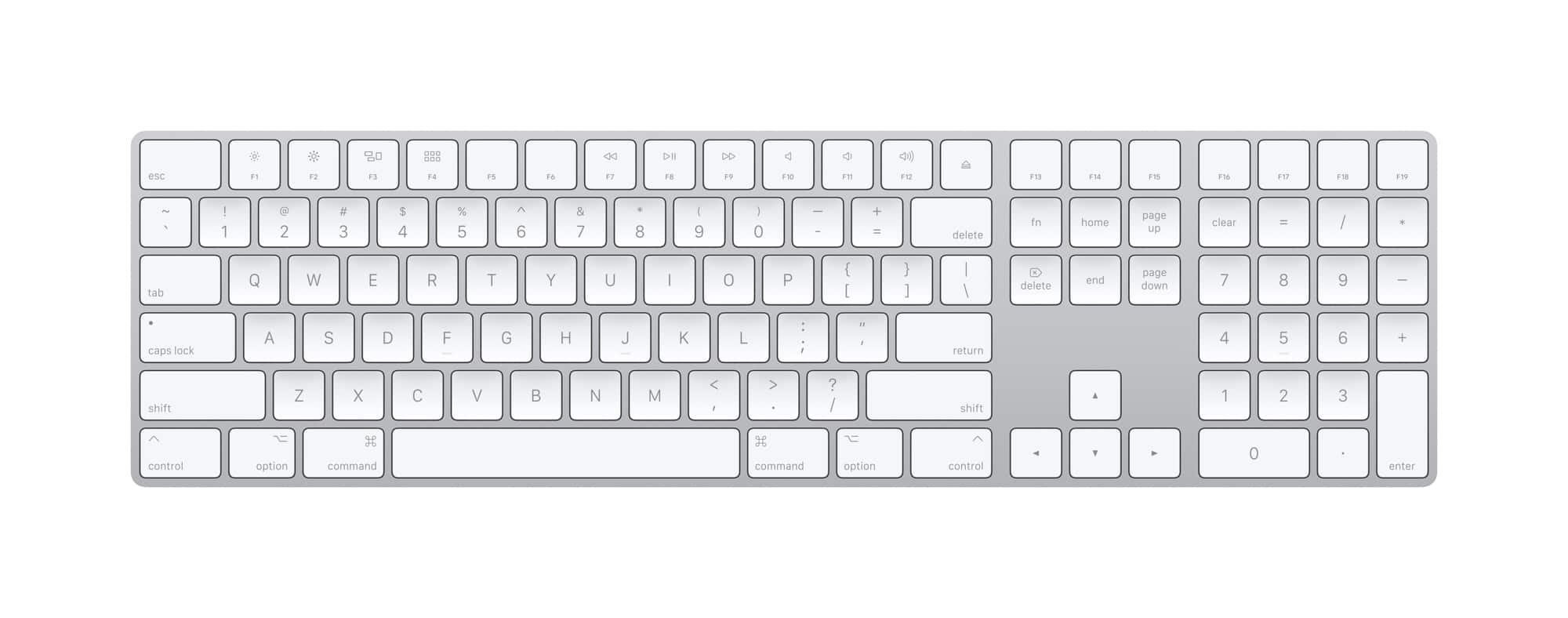
Apple - Magic Keyboard full size with Numeric Keypad (Lightning Port) - Silver/White
SKU: JJGCQ8J9KQThis works great and love the smooth typing. The best keyboard you can get for your apple devices....This is the best, love this Blu tooth, hooked up immediately with no issues....Great Keyboard, love...
See all Wireless & Bluetooth KeyboardsProduct Description
A wireless silver and white keyboard with numeric keypad, scissor keys, and rechargeable battery for comfortable typing.Your price for this item is $129.99 -
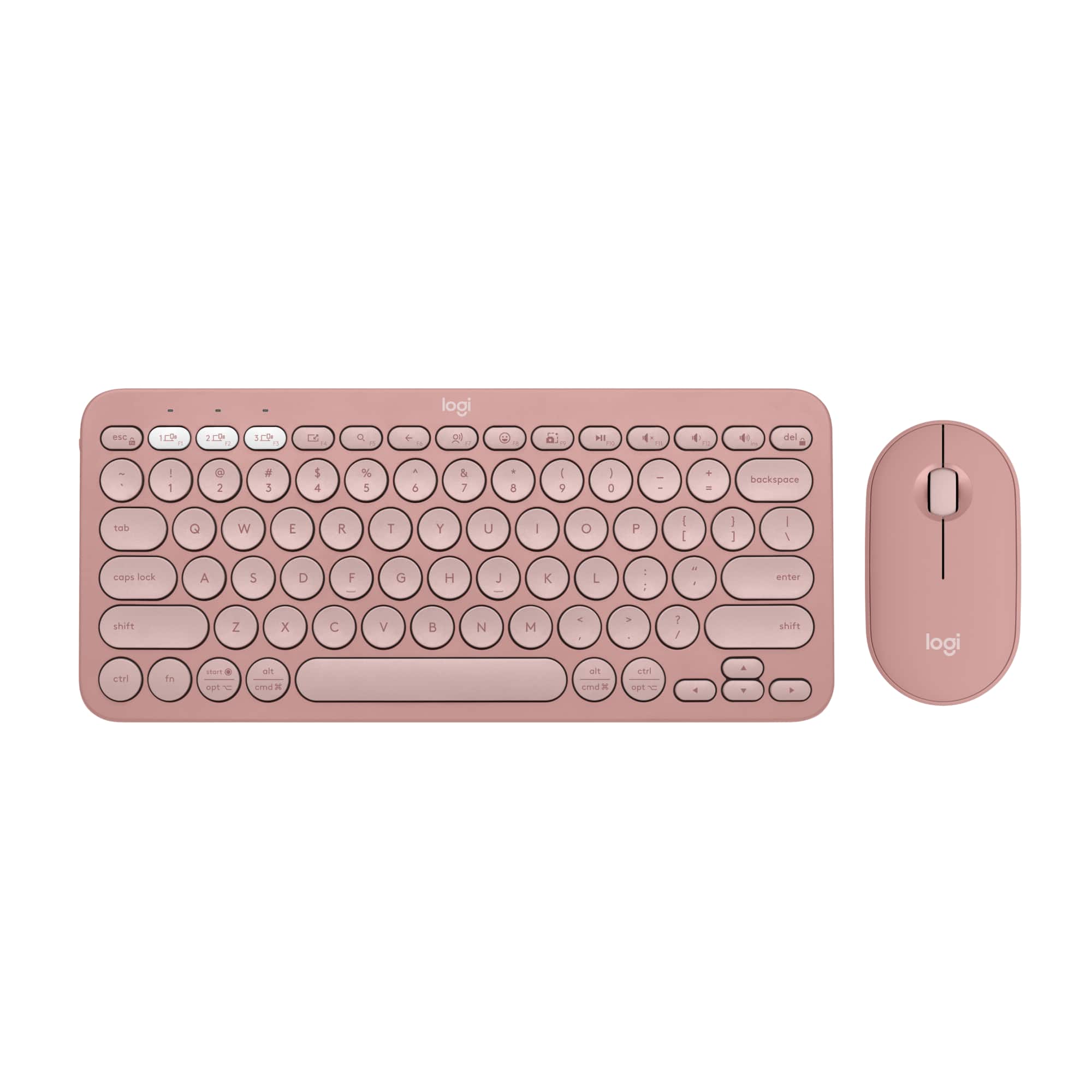
Logitech - Pebble 2 Combo Compact Wireless Scissor Keyboard and Mouse Bundle for Windows, macOS, iPadOS, Chrome - Rose
SKU: J7H7ZYGXL5cutest and best...Love it. Practical with style....Great travel keyboard...Love my new keyboard. Great asmr sound and smooth buttons....Love thats its compact so great for travel
See all Gaming Keyboard & Mouse CombosProduct Description
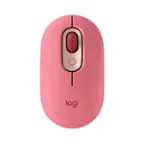
A compact rose wireless keyboard and mouse bundle featuring scissor keys, Bluetooth connectivity, and customizable shortcuts.Your price for this item is $53.99Save $6The previous price was $59.99 -
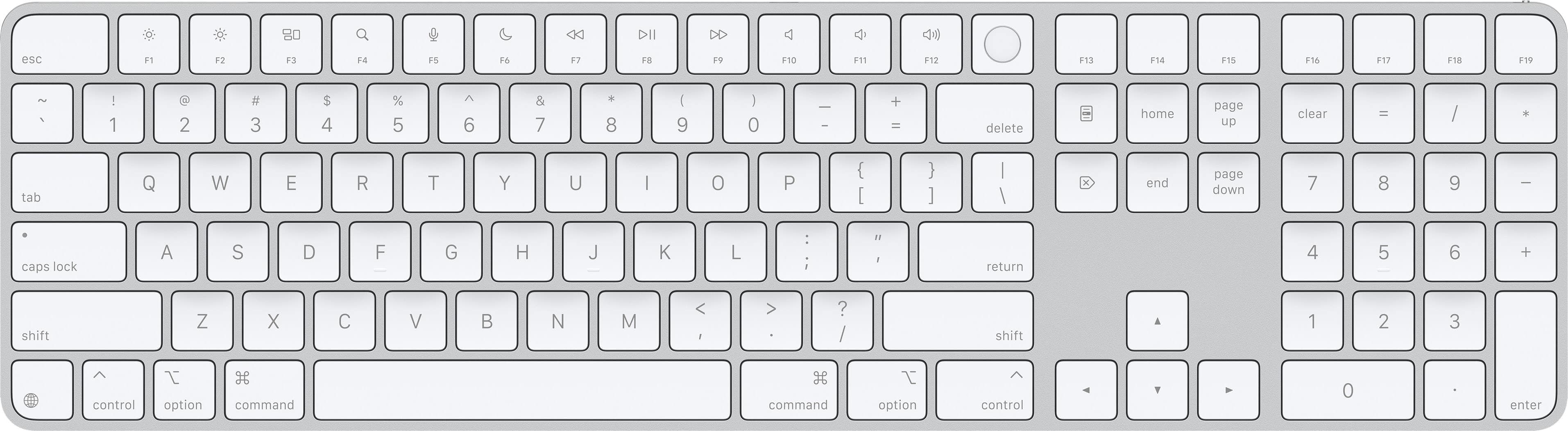
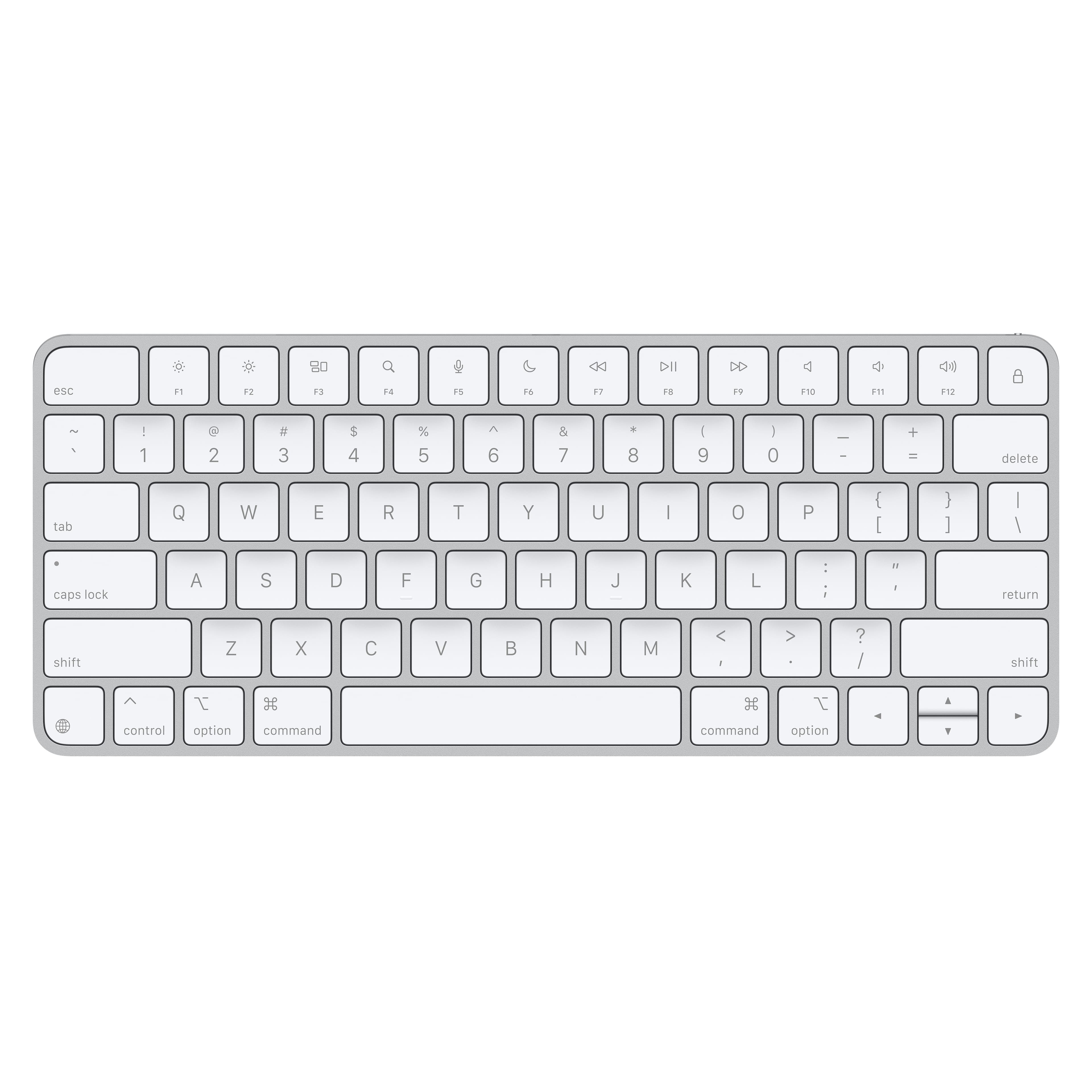
Magic Keyboard with Touch ID and Numeric Keypad for Mac models with Apple silicon (USB-C) - White Keys
SKU: JJGCQ8C5FXLove!...Absolutely love the product. Can tell it is real. Online pickup was very easy!...Great Apple Keyboard...Love the touch id. Really only purchased it because of the touch id....Apple has improved...
See all Wireless & Bluetooth KeyboardsProduct Description
A wireless white keyboard featuring Touch ID, numeric keypad, USB-C connectivity, and a rechargeable battery.Your price for this item is $149.99Save $30The previous price was $179.99 -
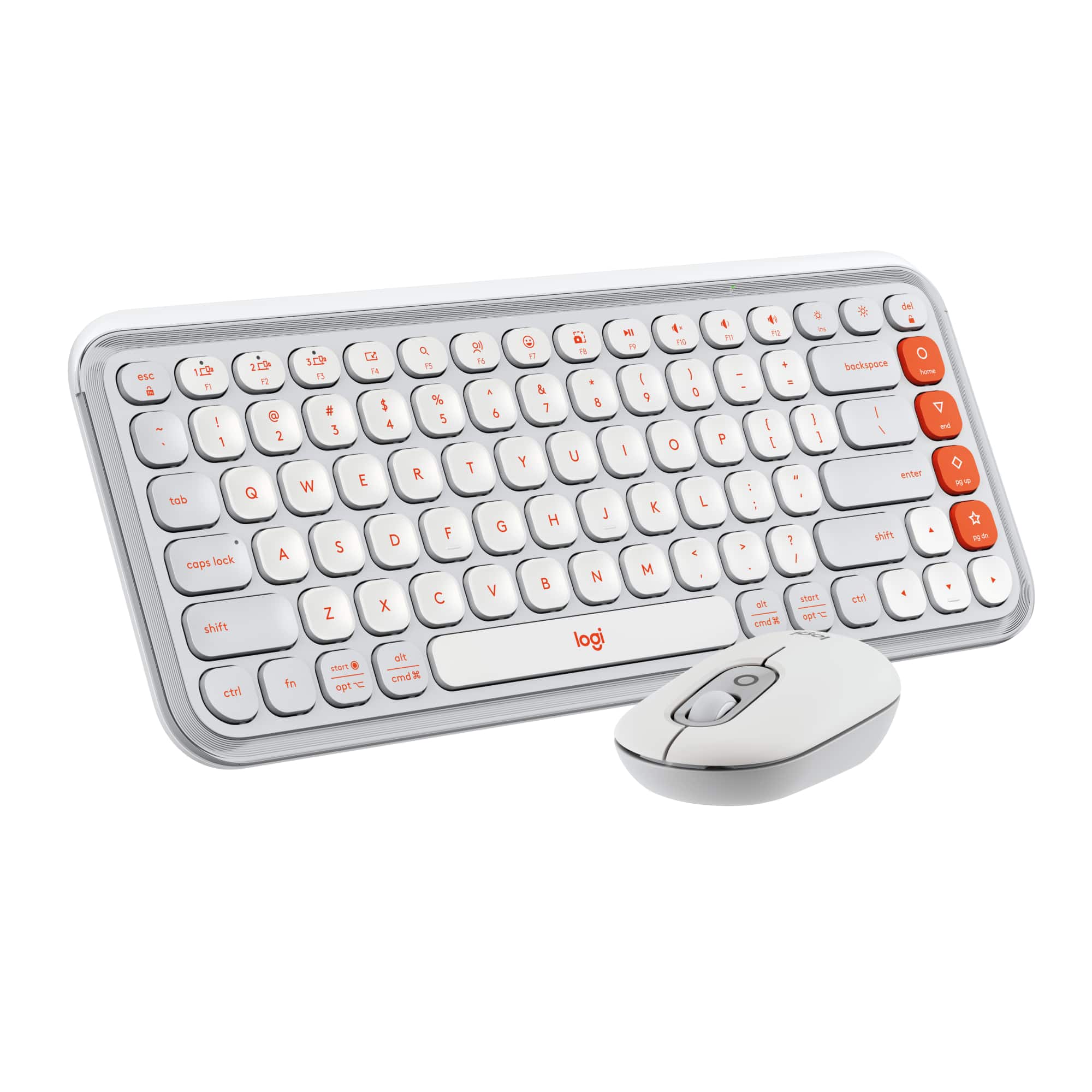
Logitech - POP ICON COMBO Compact TKL Wireless Bluetooth Keyboard and Mouse Bundle with Programmable Quiet Keys and Buttons - Off-white & Orange
SKU: J7H7ZYGKFFGreat keyboard for traveling!
See all Keyboard & Mouse CombosProduct Description
An off-white and orange wireless combo featuring a compact TKL keyboard and quiet, programmable mouse buttons.Your price for this item is $69.49Save $0The previous price was $69.99 -
Apple - Magic Keyboard (USB-C) - White
SKU: JJGCQ8JQ39Best Keyboard...One of the best Keyboards, Love it. Very smooth and effective...Working great today since I got my Mac fixed @ Best Buy!
See all Wireless & Bluetooth KeyboardsProduct Description
A sleek white wireless keyboard featuring Bluetooth connectivity, rechargeable battery, and USB-C charging for Mac devices.Your price for this item is $99.99 -
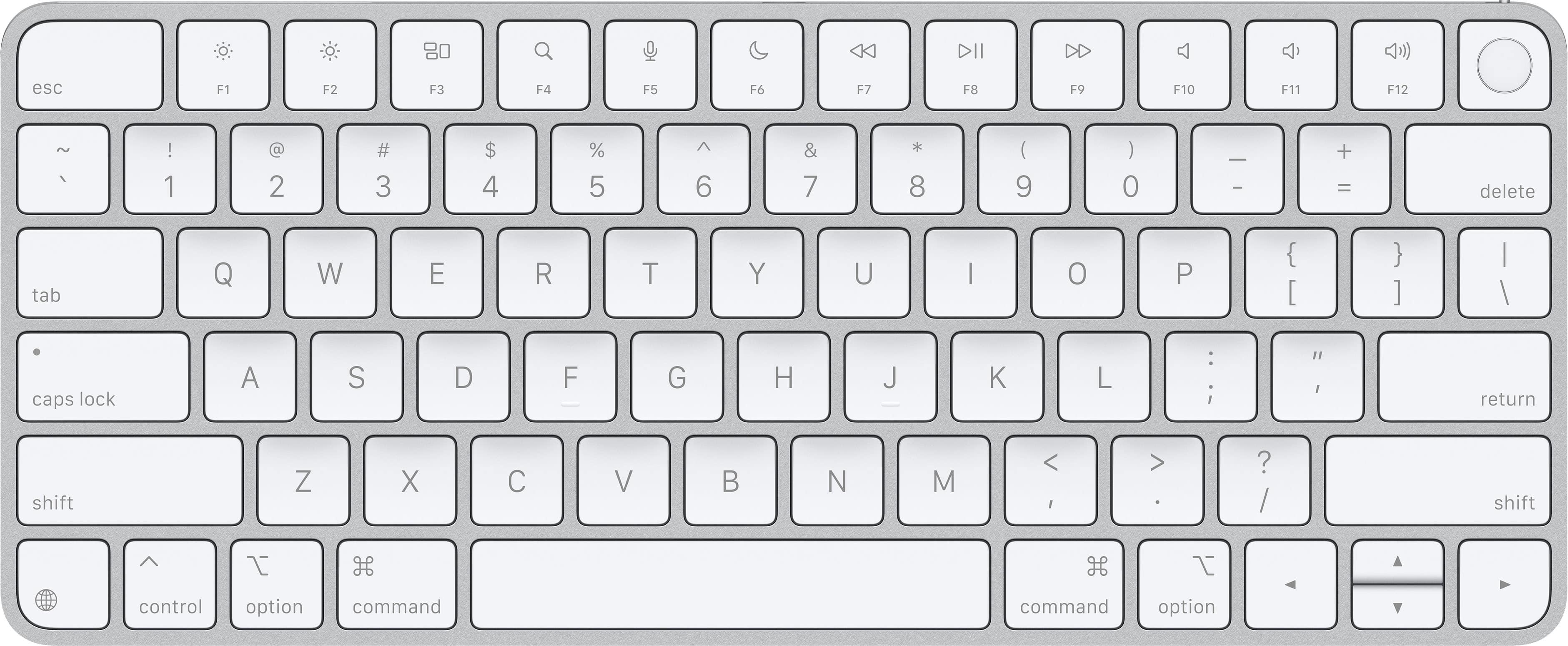
Magic Keyboard (USB-C) with Touch ID for Mac models with Apple silicon - White
SKU: JJGCQ8JR6XBest Keyboard for Mac Mini...Great keyboard to go with my new Apple Mac Mini M4....I also love the Touch ID because it works very accurately and quickly....Best...Definitely a great choice!
See all Wireless & Bluetooth KeyboardsProduct Description
A wireless white keyboard with Touch ID, USB-C charging, and a rechargeable battery for secure, comfortable typing.Your price for this item is $149.99 -
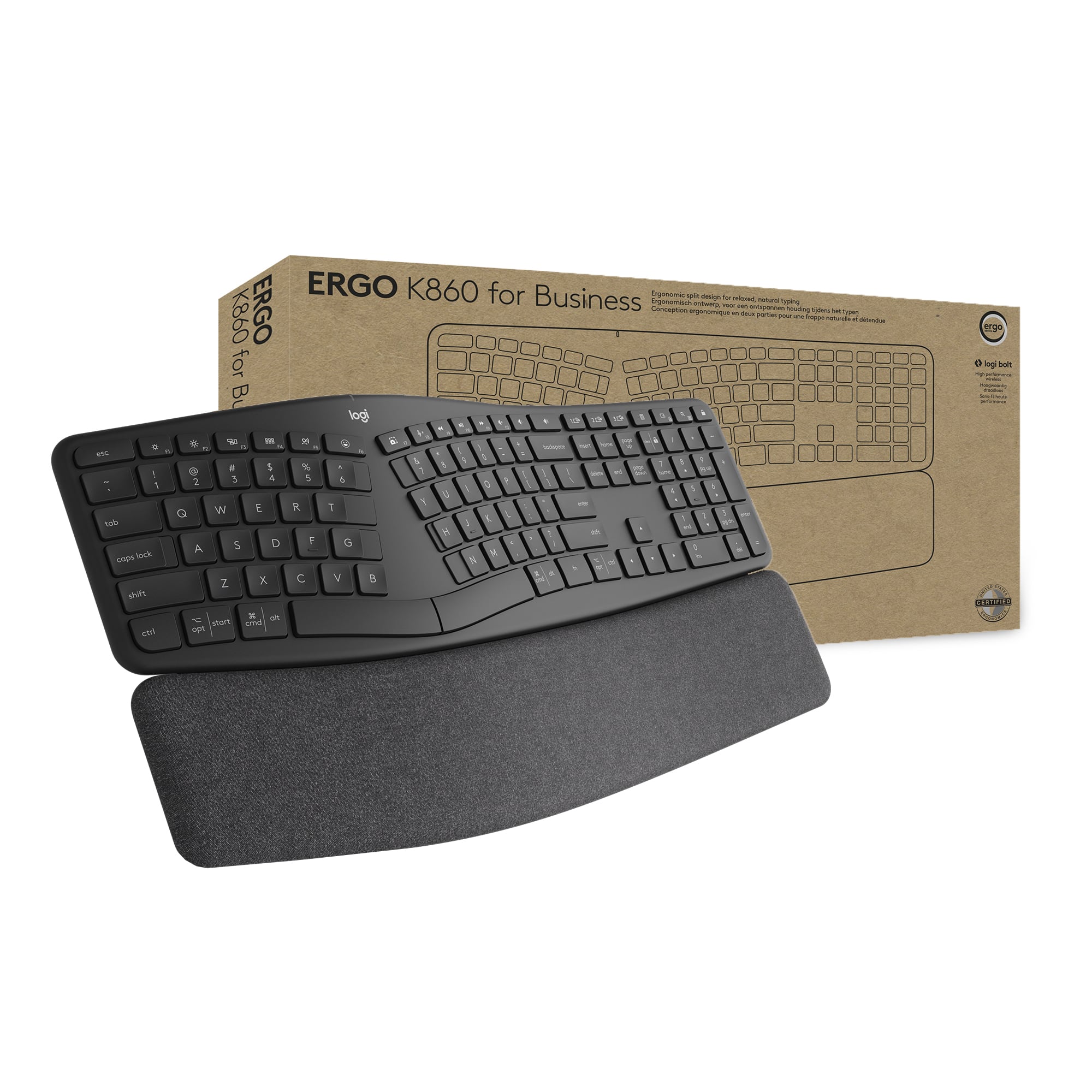
Logitech - ERGO K860 For Business Ergonomic Wireless Scissor Low-Profile Switch Keyboard with Ergonomic Split Design - Graphite
SKU: J7H7ZY3QW8I love it, I own...I love it, I own the regular and the business. 1 for at home and a 1 business for at the office....It's a really great keyboard. I like the accuracy and the feel.
See all Wireless & Bluetooth KeyboardsProduct Description
An ergonomic wireless keyboard in graphite featuring a split design, palm rest, and ultra-precise scissor switches.Your price for this item is $159.99 -
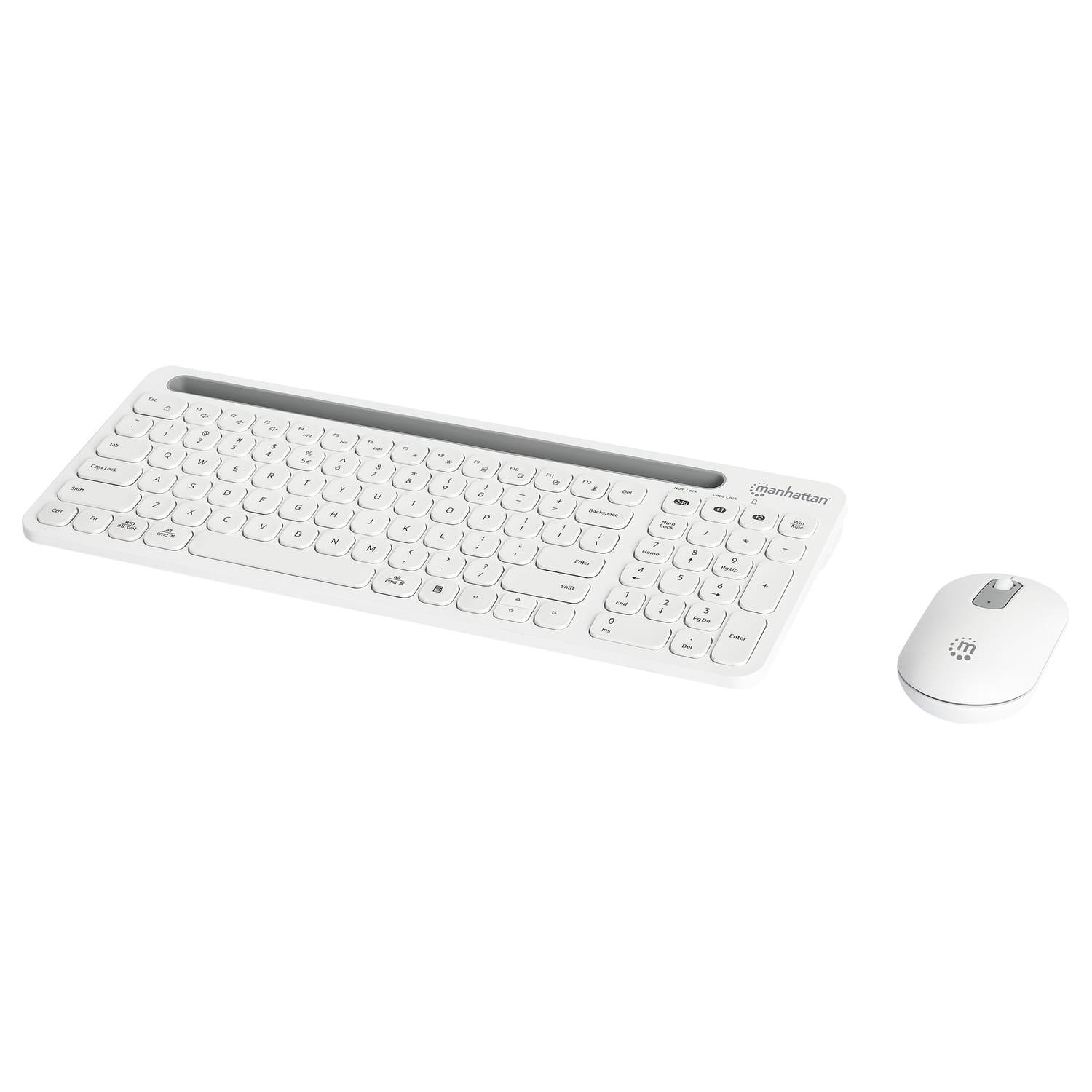
Manhattan - Dual-Mode Multipoint Wireless USB Standard Keyboard and Mouse Combo Set - White
SKU: J37QC3L6F3See all Gaming Keyboard & Mouse CombosProduct Description
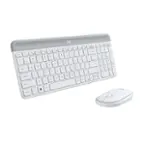
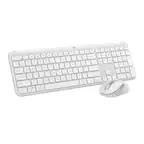
A white wireless keyboard and mouse combo offering dual-mode connectivity, quiet typing, and broad device compatibility.Your price for this item is $52.99 -
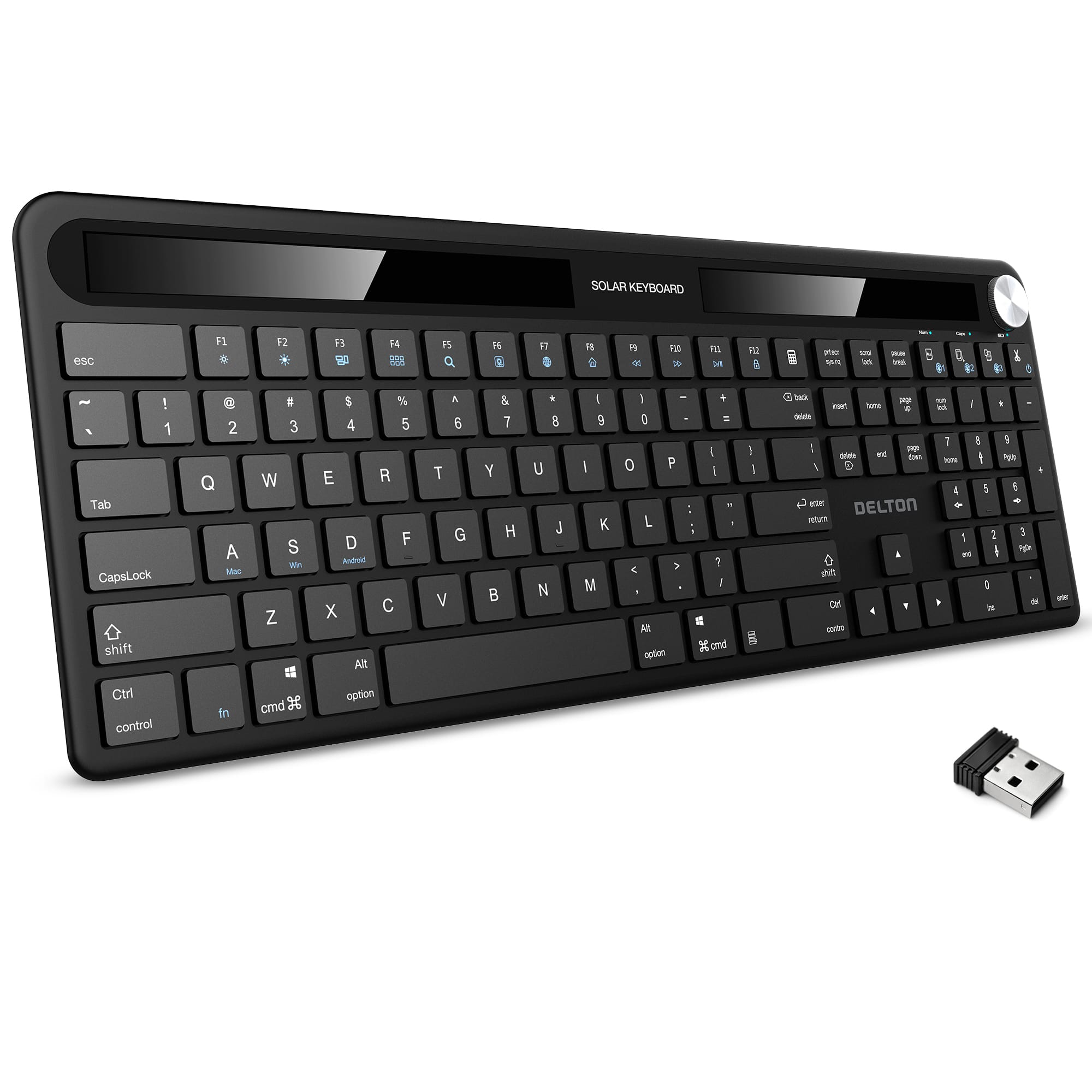
Delton - KB90 Wireless Solar (Light-Powered) Rechargeable Keyboard, No Batteries (DKBSLR90) - Black
SKU: J38PCKSSSXSee all Wireless & Bluetooth KeyboardsProduct Description
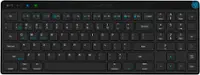
A black wireless keyboard featuring solar-powered rechargeable design, silent keys, Bluetooth, and integrated volume control.Your price for this item is $79.99 -
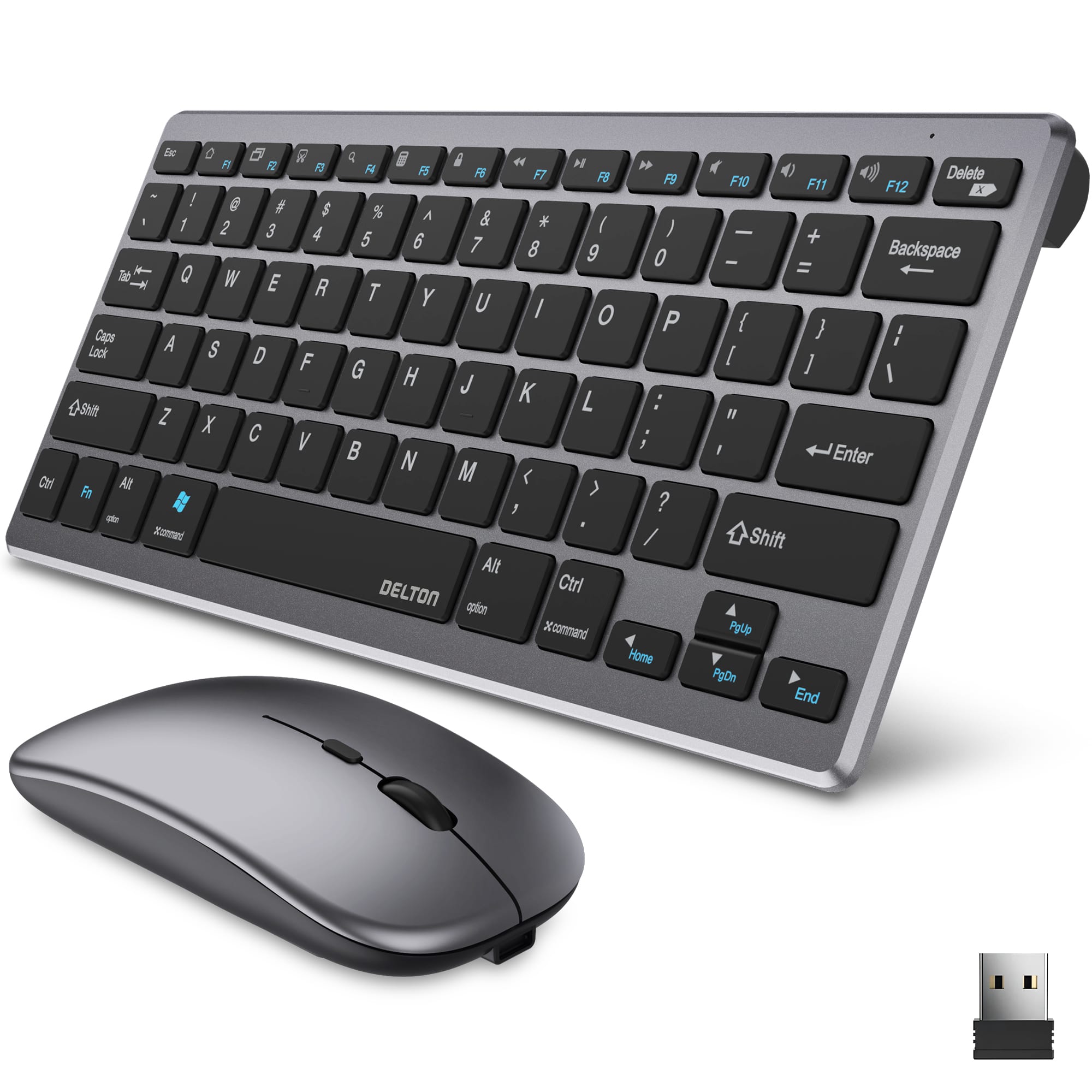
Delton - N35 Portable/Travel/Small Wireless Keyboard and Mouse Combo, Silver (DKMKITMIN35-WB) - Black
SKU: J38PCKSS8ZSee all Gaming Keyboard & Mouse CombosProduct Description
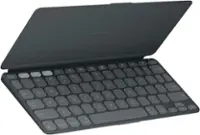
A compact black and silver wireless keyboard and mouse combo offering Bluetooth, USB dongle, and multi-OS compatibility.Your price for this item is $59.99
Best Sellers
Related Pages


FAQ
To connect a wireless keyboard, first ensure your keyboard is powered on and in pairing mode. On your computer, enable Bluetooth and search for available devices. Select your keyboard from the list and follow any on-screen prompts to complete the pairing process.
Some wireless keyboards support multi-device pairing, allowing you to switch between devices like laptops, tablets, or smartphones. Check the product specifications or user manual to confirm if your keyboard offers this feature.
Most wireless keyboards pair directly through your device’s Bluetooth settings and do not require additional software. However, some models may offer companion software for advanced customization or functionality.
If your wireless keyboard isn't pairing, ensure it has fresh batteries or is fully charged, and that Bluetooth is enabled on your device. Restart both the keyboard and your device, and try pairing again. If issues persist, consult the keyboard’s manual for troubleshooting steps.
Some wireless keyboards include a USB receiver (dongle) for devices without Bluetooth. Simply plug the receiver into a USB port, and the keyboard should connect automatically. Check the product details to see if a receiver is included.