Apple - Magic Keyboard (USB–C) (2026) - White
Reviews coming soon
About this product
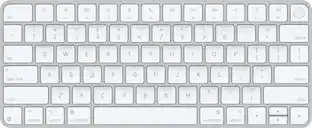
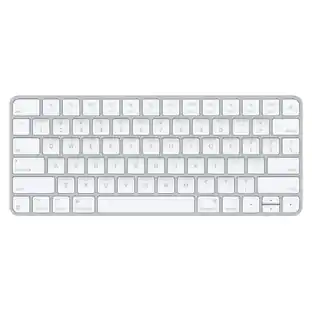
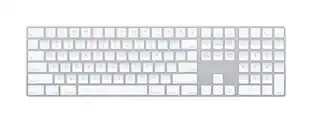
Magic Keyboard delivers a remarkably comfortable and precise typing experience for Mac and Apple Vision Pro. It’s also wireless and rechargeable, with an incredibly long-lasting internal battery that will power your keyboard for about a month or more between charges. It pairs automatically with your Mac, so you can get to work right away. It features a USB-C port and includes a woven USB-C Charge Cable that lets you pair and charge by connecting to a USB-C port on your Mac. If you would like to pair Magic Keyboard with your Apple Vision Pro, click to see supported languages.
Features
The following Apple Mac models are supported: MacBook Neo, MacBook Air (13-inch, M5), MacBook Air (15-inch, M5), MacBook Air (13-inch, M4), MacBook Air (15-inch, M4), MacBook Air (13-inch, M3), MacBook Air (15-inch, M3), MacBook Air (15-inch, M2), MacBook Air (13-inch, M2), MacBook Air (M1), MacBook Pro (14-inch, M5 Pro or M5 Max), MacBook Pro (16-inch, M5 Pro or M5 Max), MacBook Pro (14-inch, M5), MacBook Pro (14-inch, 2024),
MacBook Pro (16-inch, 2024), MacBook Pro (14-inch, 2023), MacBook Pro (16-inch, 2023), MacBook Pro (13-inch, M2, 2022), MacBook Pro (14-inch, 2021), MacBook Pro (16-inch, 2021), MacBook Pro (13-inch, M1, 2020), iMac (24-inch, M4, 2024), iMac (24-inch, M3, 2023), iMac (24-inch, M1, 2021), Mac Studio (M5 Max or M5 Ultra), Mac Studio (2025), Mac Studio (2023), Mac Studio (2022), Mac mini (M6 or M5 Pro), Mac mini (2024), Mac mini (2023), Mac mini (M1, 2020), and Mac Pro (2023).
The following iPad models are supported, iPad Pro 13-inch (M4), iPad Pro 12.9-inch (6th generation), iPad Pro 12.9-inch (5th generation), iPad Pro 12.9-inch (4th generation), iPad Pro 11-inch (M4), iPad Pro 11-inch (4th generation), iPad Air 13-inch (M3), iPad Air 11-inch (M3), iPad Air 13-inch (M2), iPad Air 11-inch (M2), iPad Air (5th generation), iPad (A16), iPad (10th generation), iPad mini (A17 Pro)
The following iPhone models are supported: iPhone Air, iPhone 17 Pro, iPhone 17 Pro Max, iPhone 17, iPhone 17e, iPhone 16 Pro, iPhone 16 Pro Max, iPhone 16, iPhone 16 Plus, iPhone 15 Pro, iPhone 15 Pro Max, iPhone 15, iPhone 15 Plus, iPhone 14 Pro, iPhone 14 Pro Max, iPhone 14, iPhone 14 Plus, iPhone 13 Pro, iPhone 13 Pro Max, iPhone 13 mini, and iPhone 13.
Specifications
- Form FactorTenkeyless (TKL)Connection TypeWireless
Reviews
This product doesn't have any reviews yet.





Compare similar products
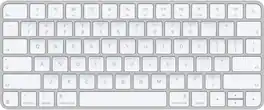
Magic Keyboard delivers a remarkably comfortable and precise typing experience for Mac and Apple Vision Pro. It’s also wireless and rechargeable, with an incredibly long-lasting internal battery that will power your keyboard for about a month or more between charges. It pairs automatically with your Mac, so you can get to work right away. It features a USB-C port and includes a woven USB-C Charge Cable that lets you pair and charge by connecting to a USB-C port on your Mac. If you would like to pair Magic Keyboard with your Apple Vision Pro, click to see supported languages.

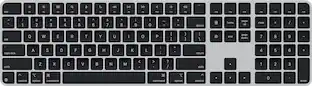
Magic Keyboard is now available with Touch ID, providing fast, easy, and secure authentication for logins and purchases. Magic Keyboard with Touch ID delivers a remarkably comfortable and precise typing experience. It’s also wireless and rechargeable, with an incredibly long-lasting internal battery that will power your keyboard for about a month or more between charges. It pairs automatically with your Mac, so you can get to work right away. It features a USB-C port and includes a woven USB-C Charge Cable that lets you pair and charge by connecting to a USB-C port on your Mac.

Magic Keyboard delivers a remarkably comfortable and precise typing experience for Mac and Apple Vision Pro. It’s also wireless and rechargeable, with an incredibly long-lasting internal battery that will power your keyboard for about a month or more between charges. It pairs automatically with your Mac, so you can get to work right away. It features a USB-C port and includes a woven USB-C Charge Cable that lets you pair and charge by connecting to a USB-C port on your Mac. If you would like to pair Magic Keyboard with your Apple Vision Pro, click to see supported languages.

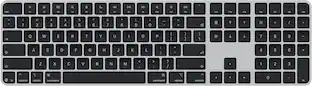
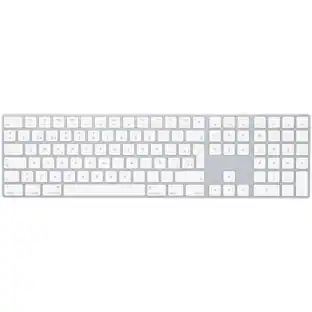
Magic Keyboard with Numeric Keypad features an extended layout, with document navigation controls for quick scrolling and full-size arrow keys for gaming. A scissor mechanism beneath each key allows for increased stability, while optimized key travel and a low profile provide a comfortable and precise typing experience. The numeric keypad is also great for spreadsheets and finance applications. And the built-in, rechargeable battery is incredibly long-lasting, powering your keyboard for about a month or more between charges.
| Pros for Apple - Magic Keyboard (USB–C) (2026) - White | |||
|---|---|---|---|
| There were no pros for this product— | Battery Life, Connectivity, Touch ID, Build Quality, Fingerprint Reader | Overall Performance, Connectivity, Battery Life, Ease of Use, Design | Battery Life, Overall Performance, Numeric Keypad, Ease of use, Wireless |
| Cons for Apple - Magic Keyboard (USB–C) (2026) - White | |||
| There were no cons for this product— | Backlighting, Size | There were no cons for this product— | Price, Key Travel |
Specs
Customers often buy these together
Mice

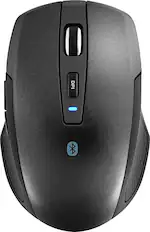
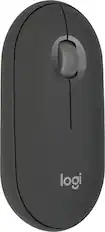
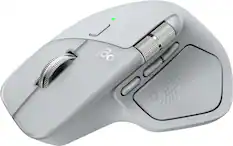
Mouse Pads

More recommended items
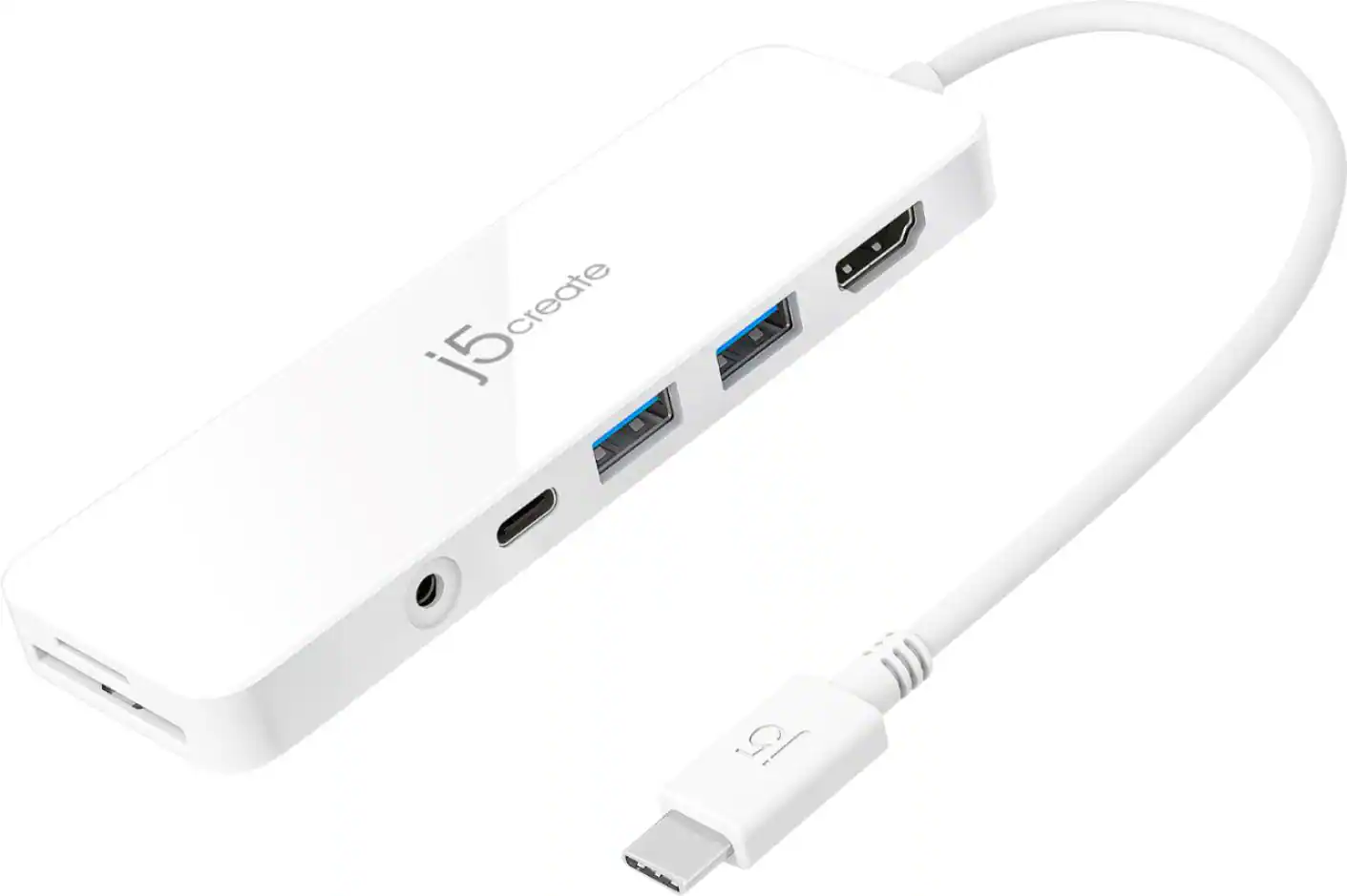 Laptop Docking Stations
 Cables and Adapters
More to consider
 $37.99The price was $39.99
Explore tech essentials Sponsored
 $179.99The price was $249.99
 $229.99The price was $299.99
 $179.99The price was $219.99



Discover related products
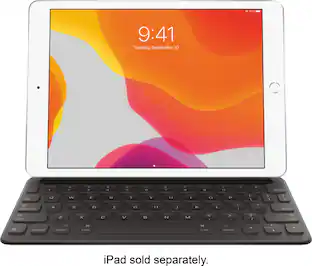 $49.99The price was $159.00
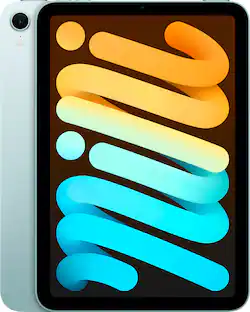 $379.99The price was $499.00
 $12.99The price was $13.99
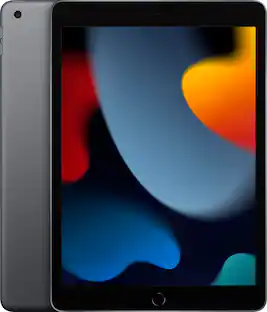 $399.99The price was $479.99

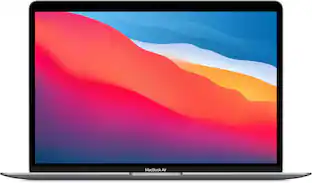


Keep exploring
 $199.95The price was $259.95
 $37.99The price was $40.00
 $199.95The price was $209.95