Projectors For PS4
-
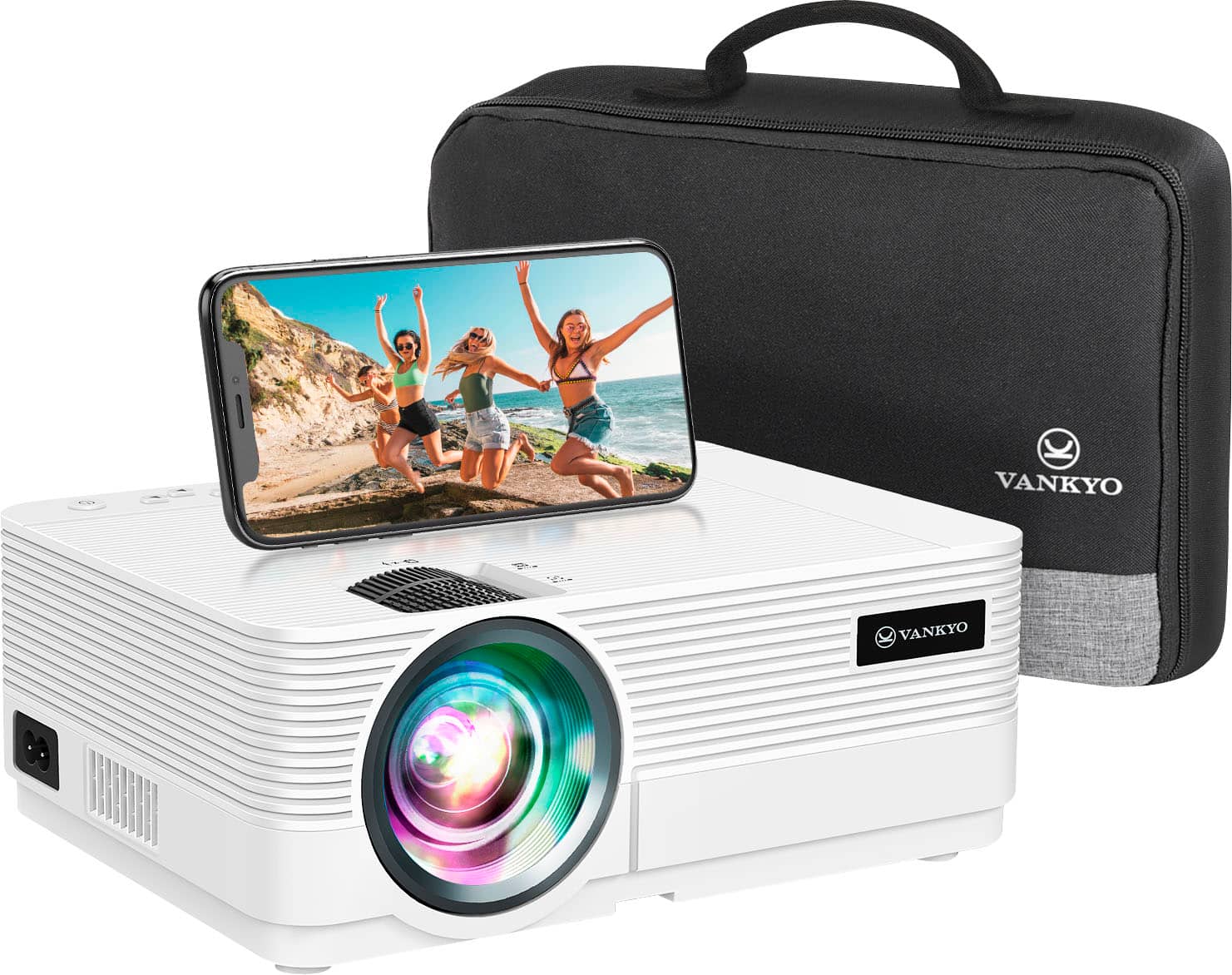
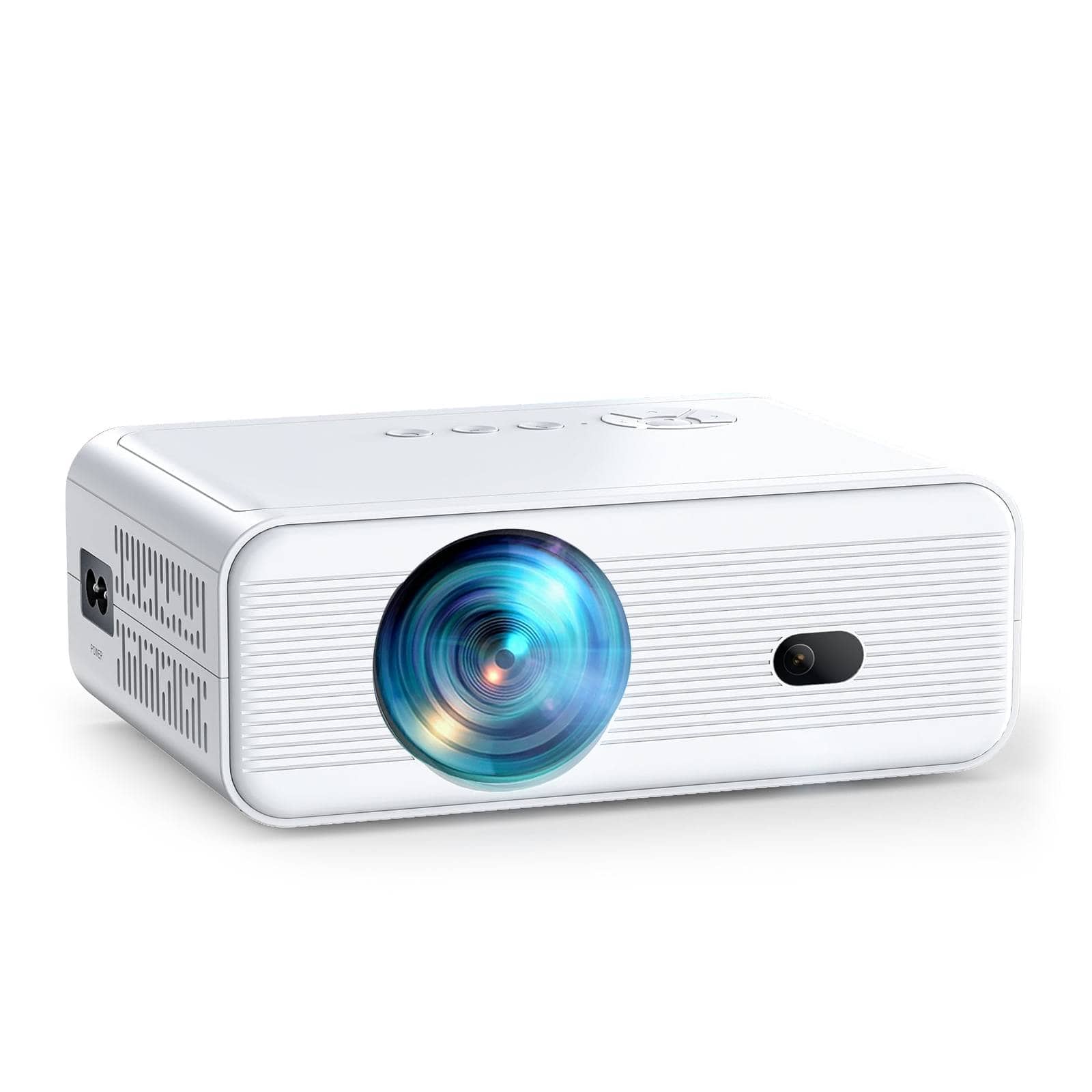
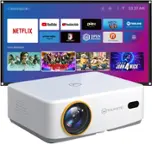
Vankyo - Leisure 470 Pro Native 1080P Wireless Single LCD Mini Projector - White
SKU: J3GW232ZG2Great...I love shipping at Best Buy....BEST PROJECTOR EVER!!...I love this projector movie nights be the best especially family events!
See all ProjectorsProduct Description
A white ultra-portable LCD projector delivering full HD 1080P resolution with wireless connectivity and integrated speakers.Your price for this item is $129.99Save $40The previous price was $169.99 -
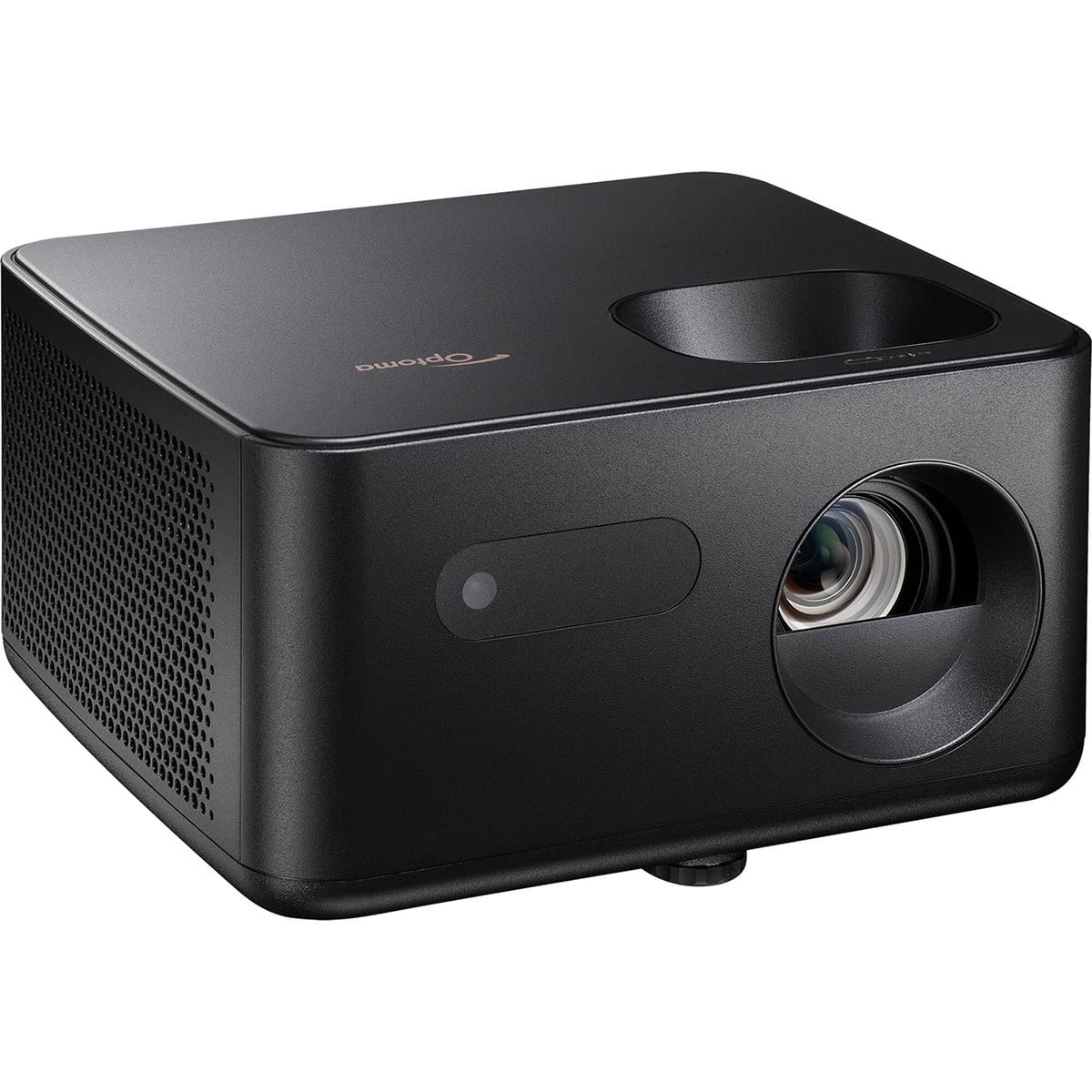
Optoma - Photon Life PK31 4K 3LED DLP Home Theater Gaming Projector,900Lumens - Black
SKU: J339XVWH5HSee all Home Theater ProjectorsProduct Description
A compact black projector delivering vibrant 4K UHD visuals, ultra-low input lag, and built-in speaker.Your price for this item is $399.00Save $200The previous price was $599.00 -
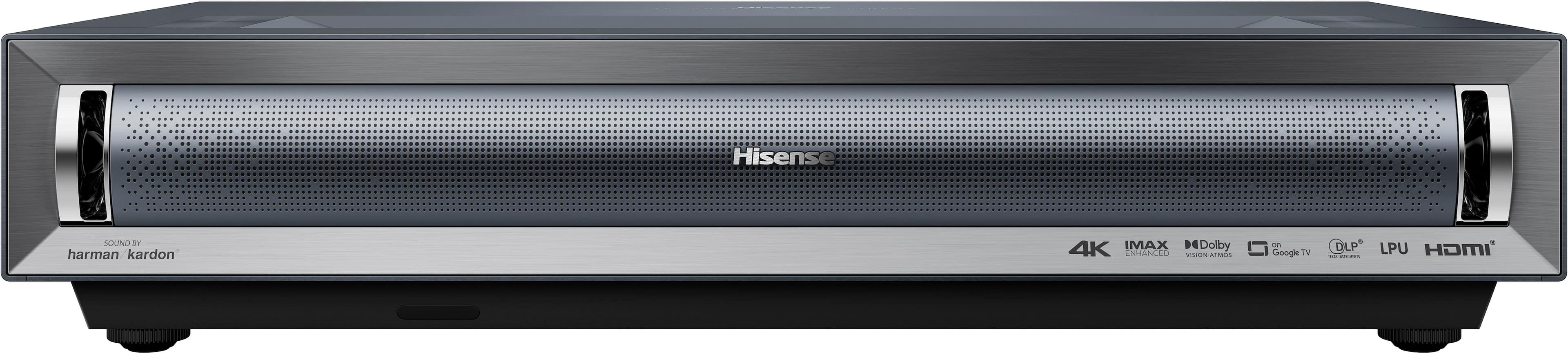
Hisense - PX3-PRO Triple Laser UST Projector, 80"-150", 4K Google TV, IMAX Enhanced, Dolby Vision, 3000 Lumens, Designed for Xbox - Black
SKU: J3Z9Z423FZI love this TV, great colors, sharp pictures.the best on the market...This projector is the best. It has built in speaker that is pretty loud....And the picture quality is great.
See all Home Theater ProjectorsProduct Description
A black ultra short throw projector with 4K resolution, triple-laser technology, Dolby Vision, and Google TV.Your price for this item is $3,499.99 -
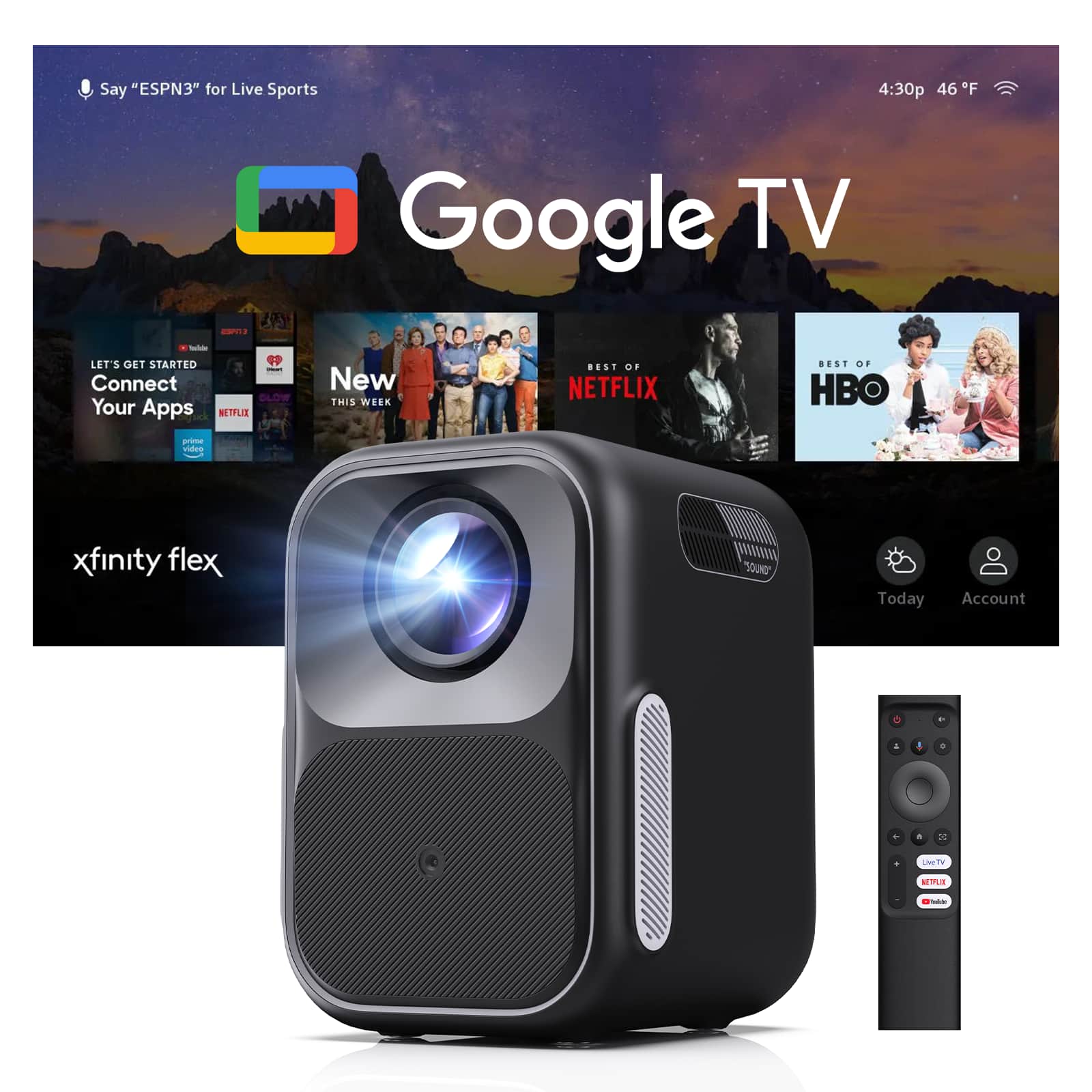
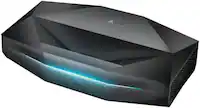
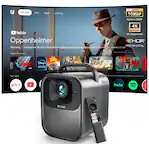
WEMAX - Google TV Projector, 10ms Lag-Free Gaming, MECE & HDR10 & Dolby Audio, AI Auto Setup, Native 1080P Smart Projector - Black & Gray
SKU: JX59RCQRL6See all ProjectorsProduct Description
A smart black and gray projector with native 1080P, HDR10, Dolby Audio, Google TV, and ultra-low latency gaming.Your price for this item is $199.00Save $0The previous price was $199.99 -
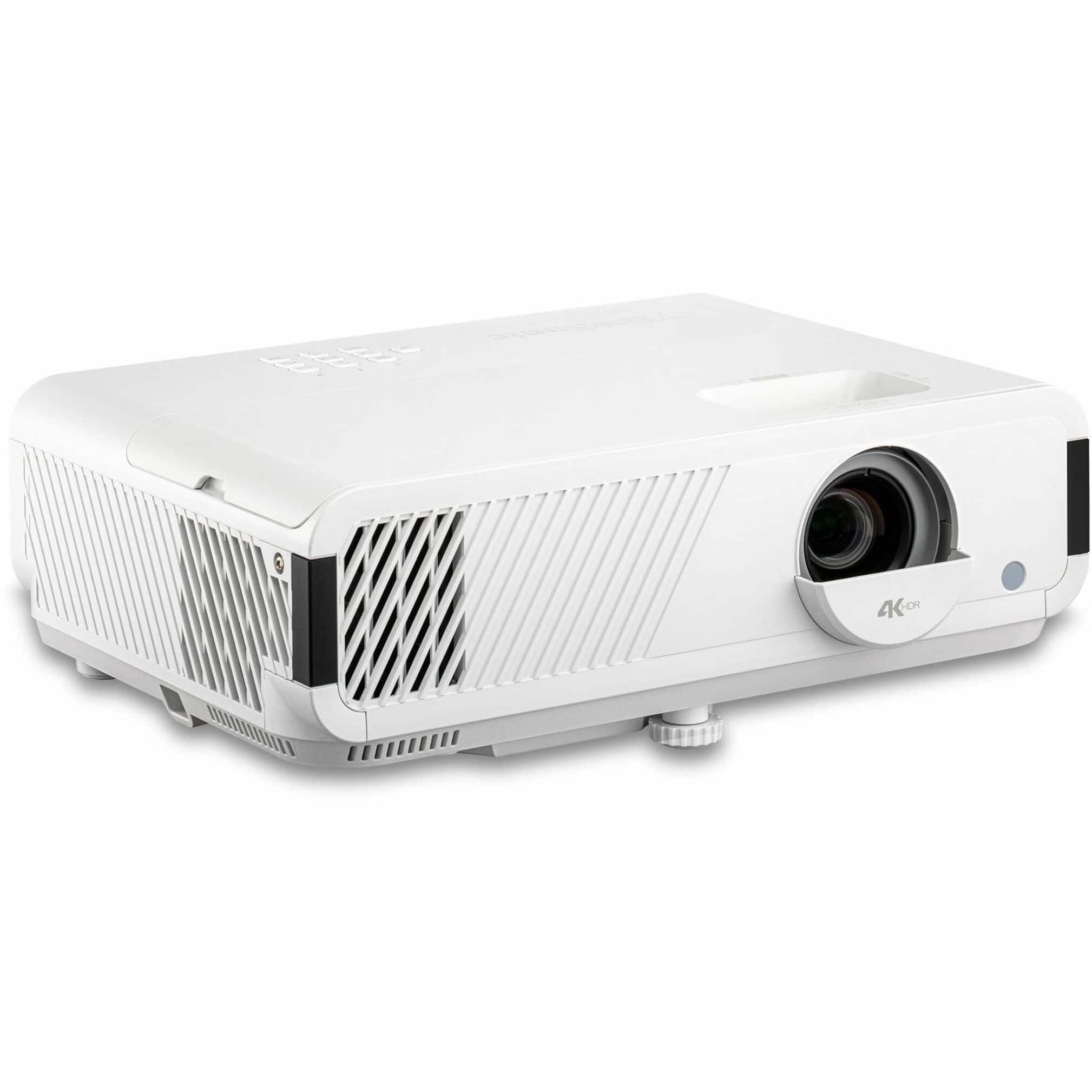
ViewSonic - PX749-4K UHD 4K Gaming Projector Designed for Xbox with 4.2 Response time - White
SKU: J37H88VG2JSee all Home Theater ProjectorsProduct Description
A white DLP projector delivering true 4K UHD, HDR support, and ultra-fast response for immersive gaming.Your price for this item is $1,199.99Save $22The previous price was $1,222.20 -
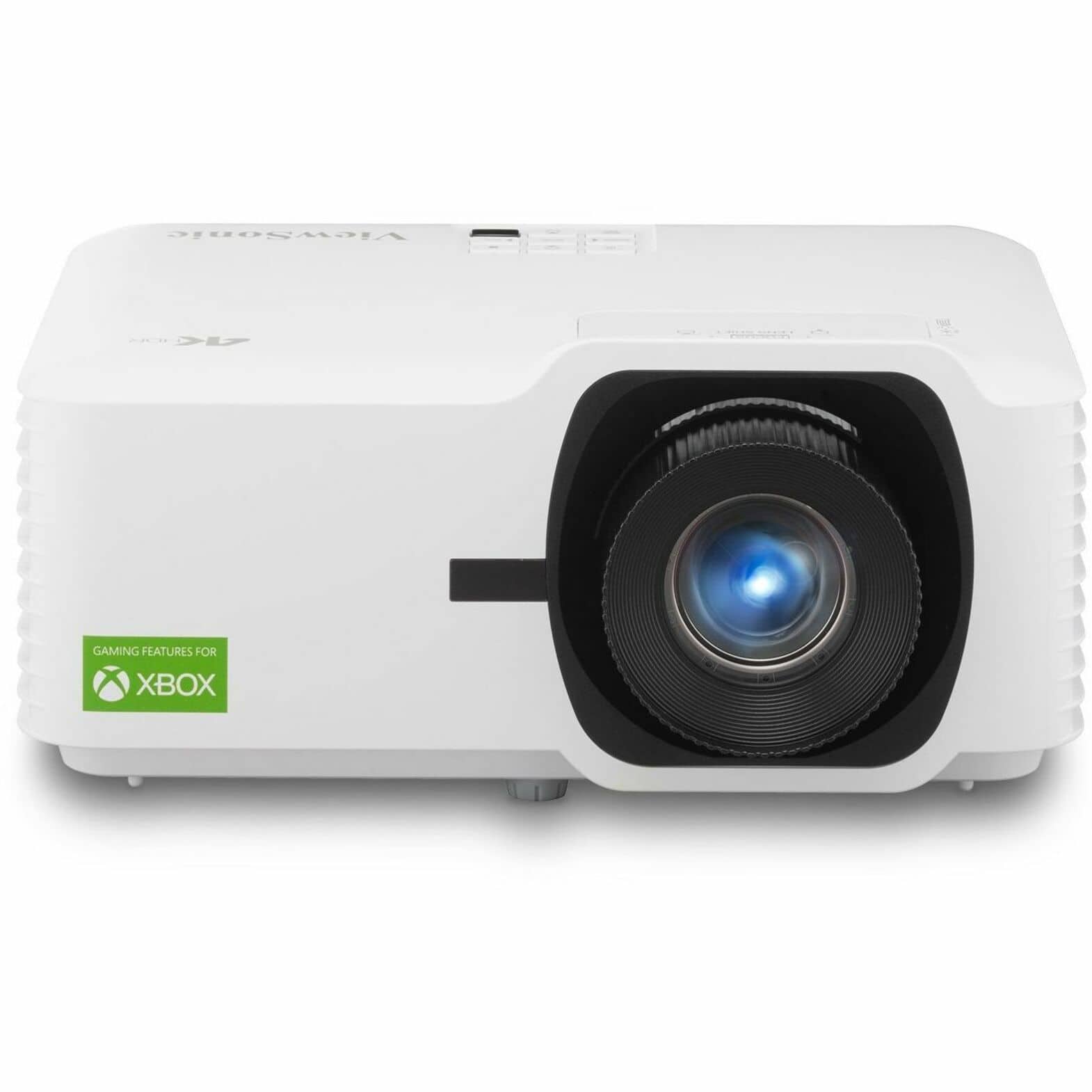
ViewSonic - LX700-4K Designed for Xbox 4K 3500 Lumens Laser Projector - White
SKU: J37H88V6LSSee all Home Theater ProjectorsProduct Description
A white laser projector delivering 4K resolution, 3,500 lumens brightness, and Xbox-optimized high refresh rates.Your price for this item is $1,282.64Save $367The previous price was $1,649.99 -
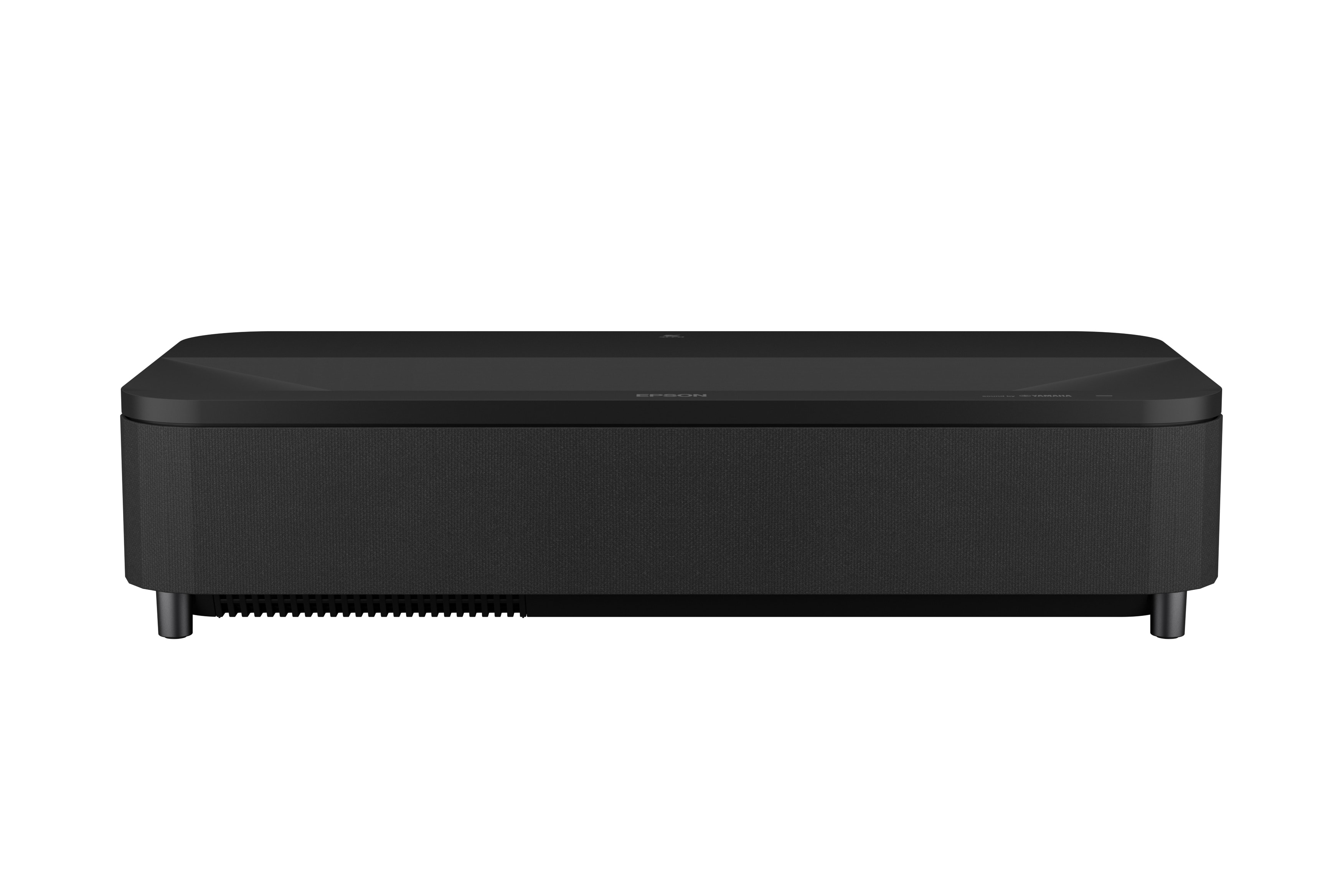
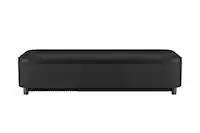
Epson - LS800 4K PRO-UHD Ultra Short Throw 3-Chip 3LCD Laser Projector, 4000 Lumens, HDR, up to150", Android TV, Yamaha Speakers - Black
SKU: J7JTY3R8J9See all Home Theater ProjectorsProduct Description
An ultra short throw black laser projector delivering 4K HDR visuals, 4000 lumens, Android TV, and Yamaha speakers.Your price for this item is $2,799.99Save $499The previous price was $3,299.00 -
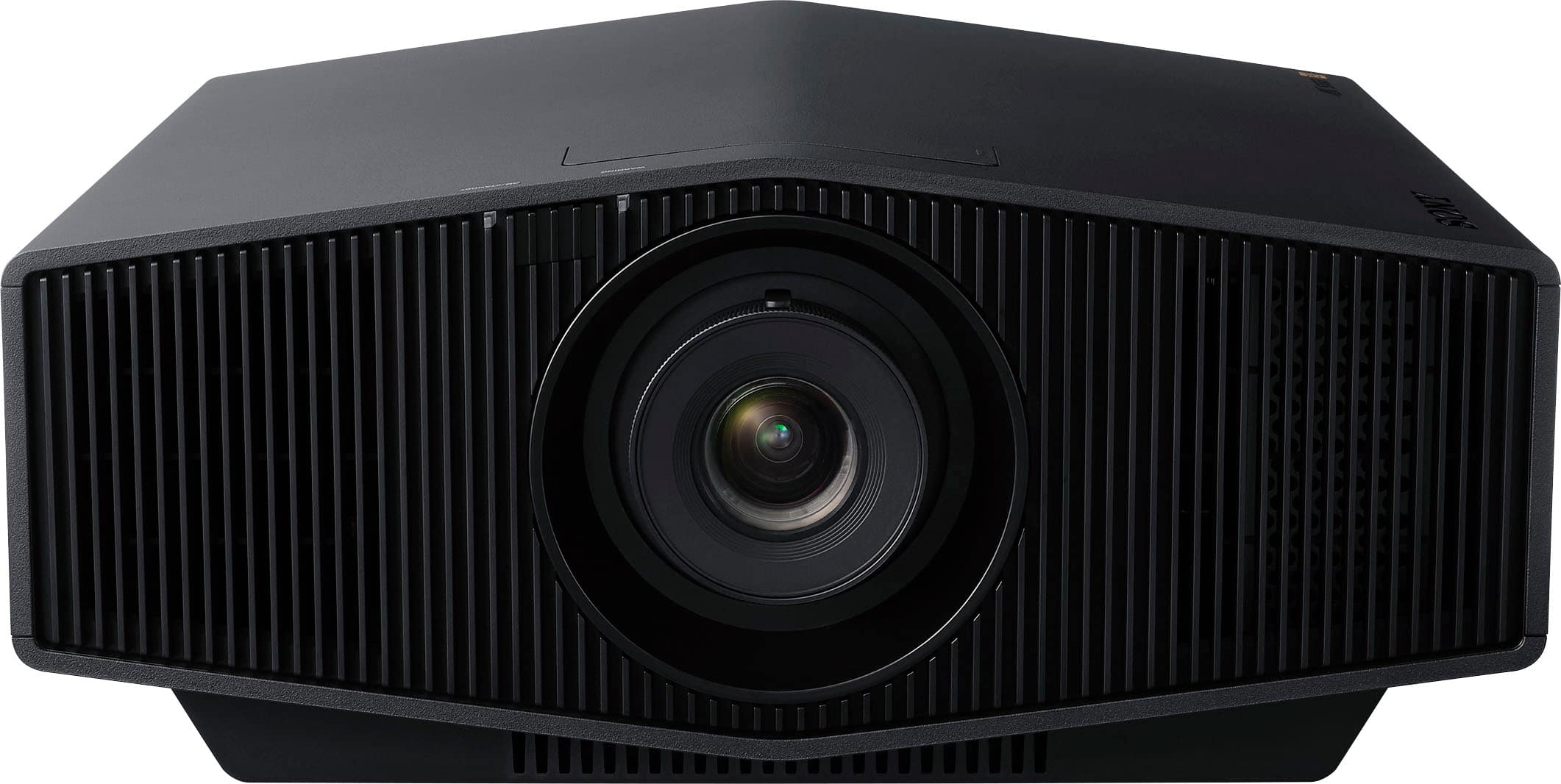
Sony - VPLXW5000ES 4K HDR Laser Home Theater Projector with Native 4K SXRD Panel - Black
SKU: J7XSRH5CLFLove the projector .. delivers a great quality picture .....Excellent projector, everything looks great out of the box!...Best Buy had them in stock, picked it up and watched it the same day!
See all Home Theater ProjectorsProduct Description
A black laser home theater projector delivering native 4K HDR, 2,000 lumens brightness, and vivid color.Your price for this item is $5,999.99 -
COQOOL - Smart Projector with WiFi and Bluetooth,Upgrade Android TV OS,Full HD, Keystone Correction - White
SKU: J37FF8GH8SIt was great very easy to install and good quality...Great projector for the price! Works perfectly and was very easy to set up.
See all ProjectorsProduct Description
A portable white projector with native 1080p, Android TV OS, WiFi, Bluetooth, HDR, and integrated speakers.Your price for this item is $79.99 -
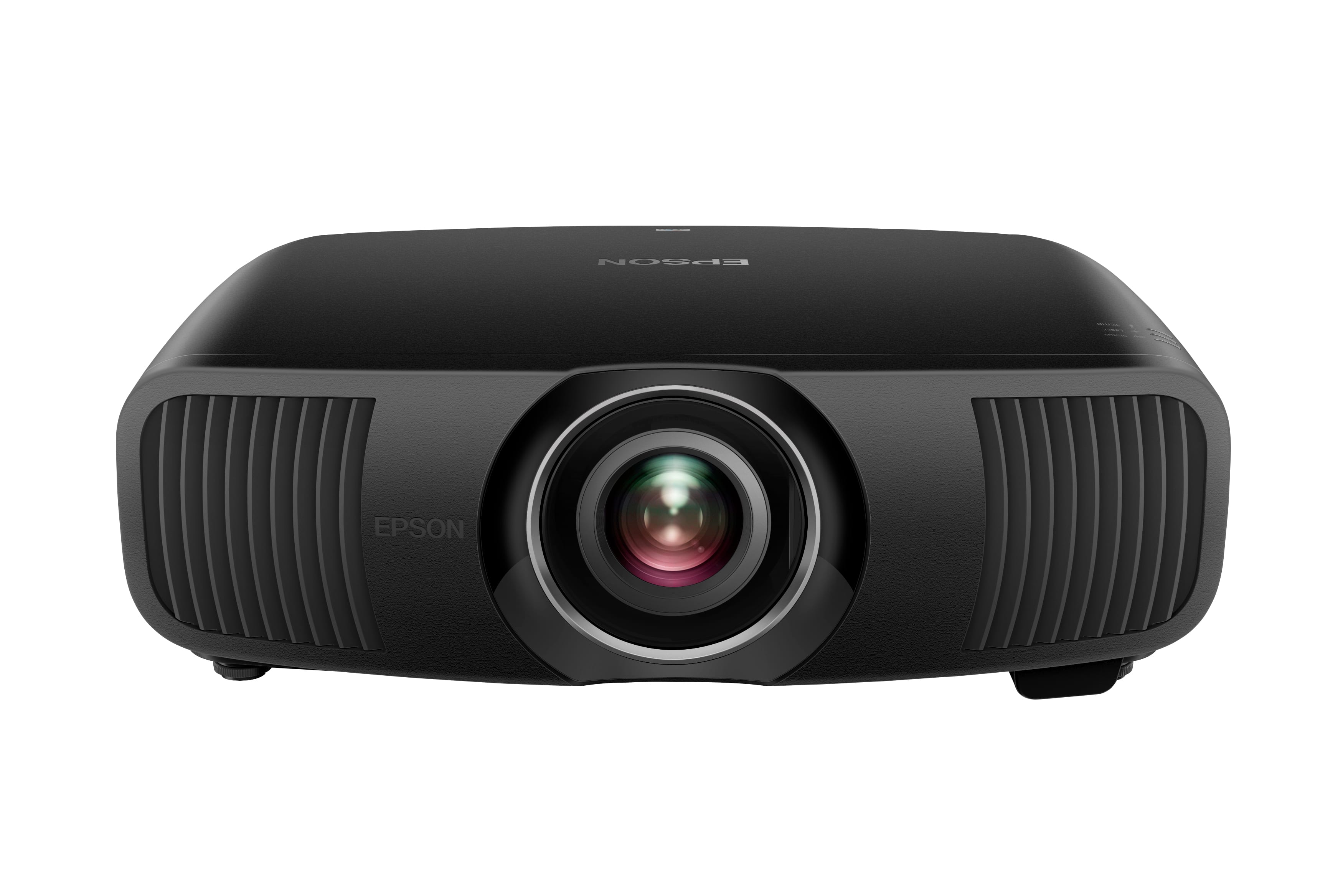
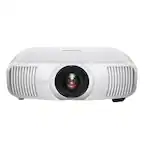
Epson - Pro Cinema LS12000 4K PRO-UHD Laser Projector, HDR, HDR10+, 2700 lumens, HDMI 2.1, Motorized Lens, 120 Hz - UltraBlack
SKU: J7JTY365V4Great Picture...[Employee of bestbuy] The picture is stunning for the price and is the best one on market for price....Simple THE BEST...Easily one of the best projectors available for serious movie lovers...
See all Home Theater ProjectorsProduct Description
An UltraBlack laser projector delivering 4K HDR visuals, 2700 lumens brightness, and HDMI 2.1 connectivity.Your price for this item is $5,999.99
Best Sellers


Related Pages


FAQ
When choosing a projector for PS4 gaming, consider features like low input lag for responsive gameplay, high refresh rates, HDMI connectivity, and Full HD (1080p) resolution or higher for sharp visuals. Brightness and contrast ratios are also important for vibrant images.
Yes, most projectors have HDMI ports that allow you to connect your PS4 directly. Simply use an HDMI cable to connect your PS4 to the projector's HDMI input, and select the appropriate input source on the projector.
Many projectors include built-in speakers or audio output ports. However, for enhanced audio quality, you can connect external speakers or a soundbar to the projector’s audio output, or use the PS4’s optical or HDMI audio outputs.
While the standard PS4 supports up to 1080p resolution, the PS4 Pro can output games in 4K. If you own a PS4 Pro and want the sharpest visuals, consider a 4K projector. Otherwise, a Full HD projector is sufficient for most PS4 games.
To minimize input lag, select a projector with a dedicated 'Game Mode' or low input lag specifications. Also, connect your PS4 directly to the projector rather than through receivers or splitters, and use high-quality HDMI cables.