Main Content
Categories & Filters

Streaming Devices For Projectors

Streaming Devices for Projectors make it easy to enjoy your favorite entertainment on the big screen. Whether you're transforming your living room into a home theater or setting up presentations for work, these devices offer a simple solution for connecting your projector to top streaming services. Explore a wide selection designed to help you experience movies, shows, and more with convenience and versatility. Find the perfect option to enhance your projector setup and elevate your viewing experience.

Read More
Results
Main Results
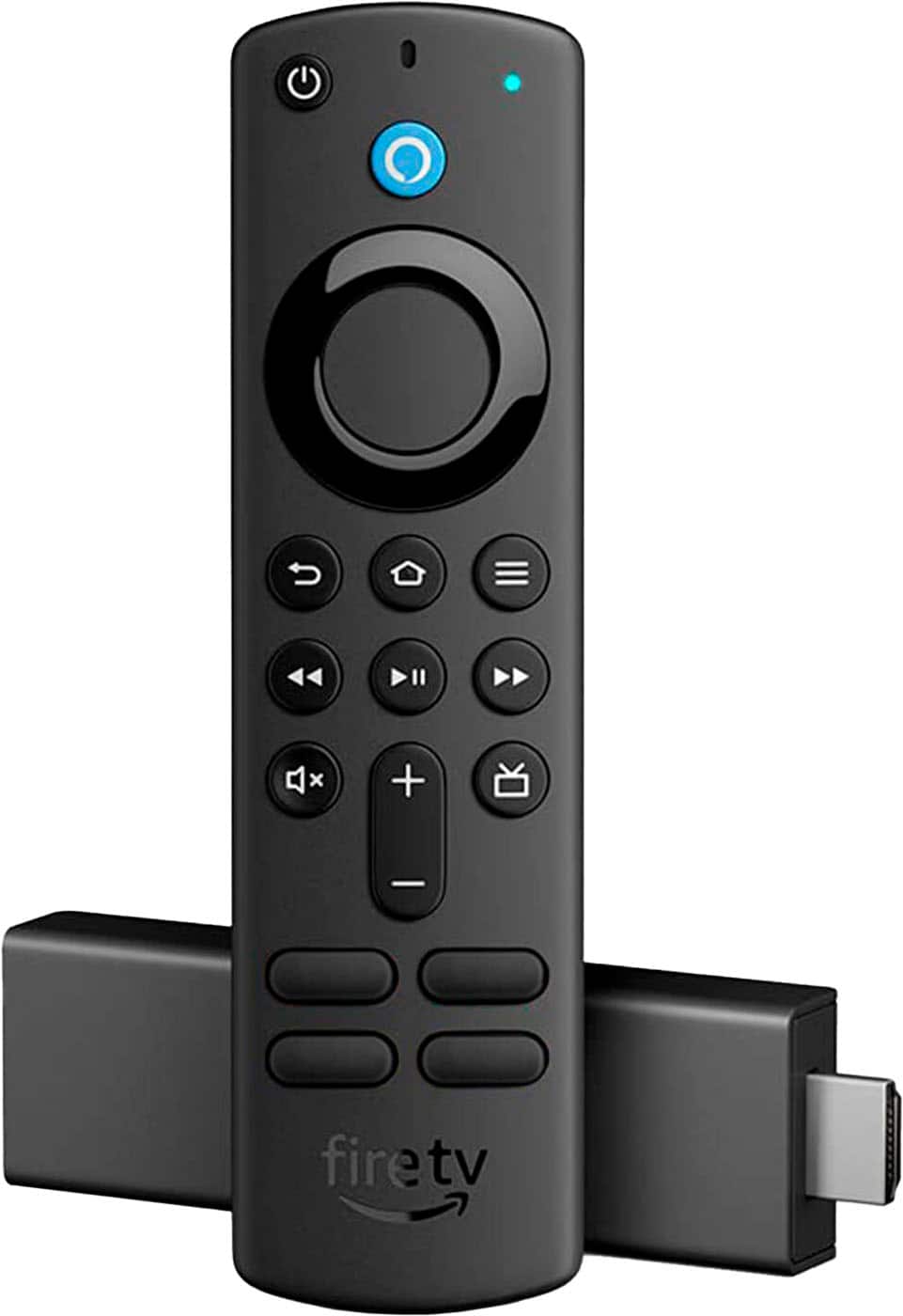
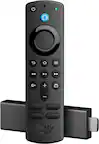
  1. Amazon - Fire TV Stick 4K Gen 1 with Alexa Voice Remote, Dolby Vision, HD Streaming Media Player (includes TV controls) - Black

    SKU: J39QV8GTLR

    I acquired the amazon fire stick and I love it, was so easy to set up and add your apps and very user...were Included which is always a plus I do not have an alexa for the voice activated but seems like...

    Product Description

    A black streaming media player delivering vibrant 4K HDR content with Dolby Vision, Atmos, and Alexa voice control.
    See all Streaming Devices
    Your price for this item is $43.84
    Save $12
    The previous price was $55.88
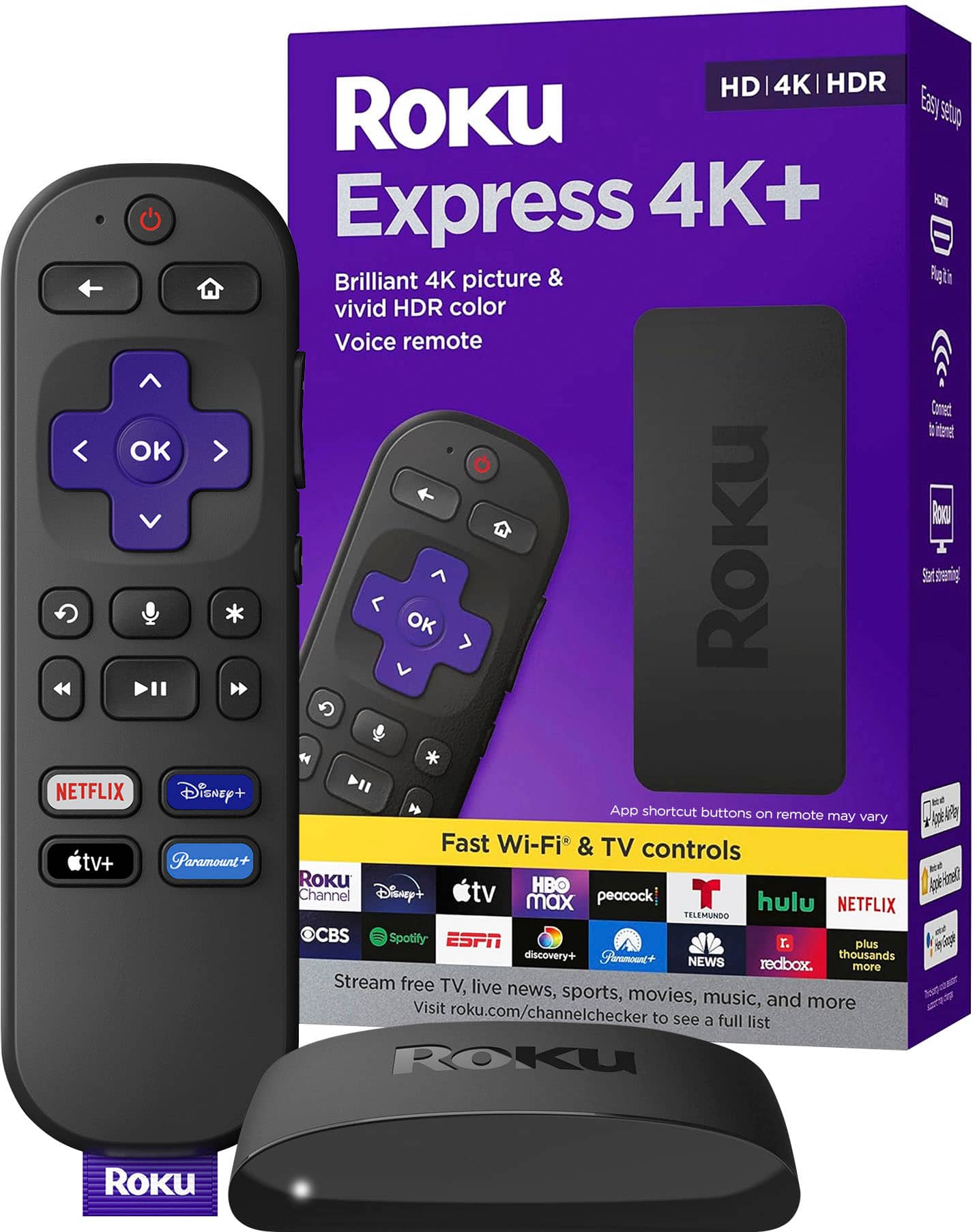
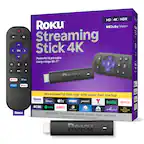
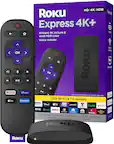
  2. Express 4K+ | Streaming Player HD/4K/HDR with Roku Voice Remote with TV Controls, includes Premium HDMI Cable - Black

    SKU: J3PFCJQGYV

    Product Description

    A black streaming player delivering 4K UHD and HDR with voice remote, HDMI cable, and smart assistant compatibility.
    See all Streaming Devices
    Your price for this item is $69.00
    Save $5
    The previous price was $74.59
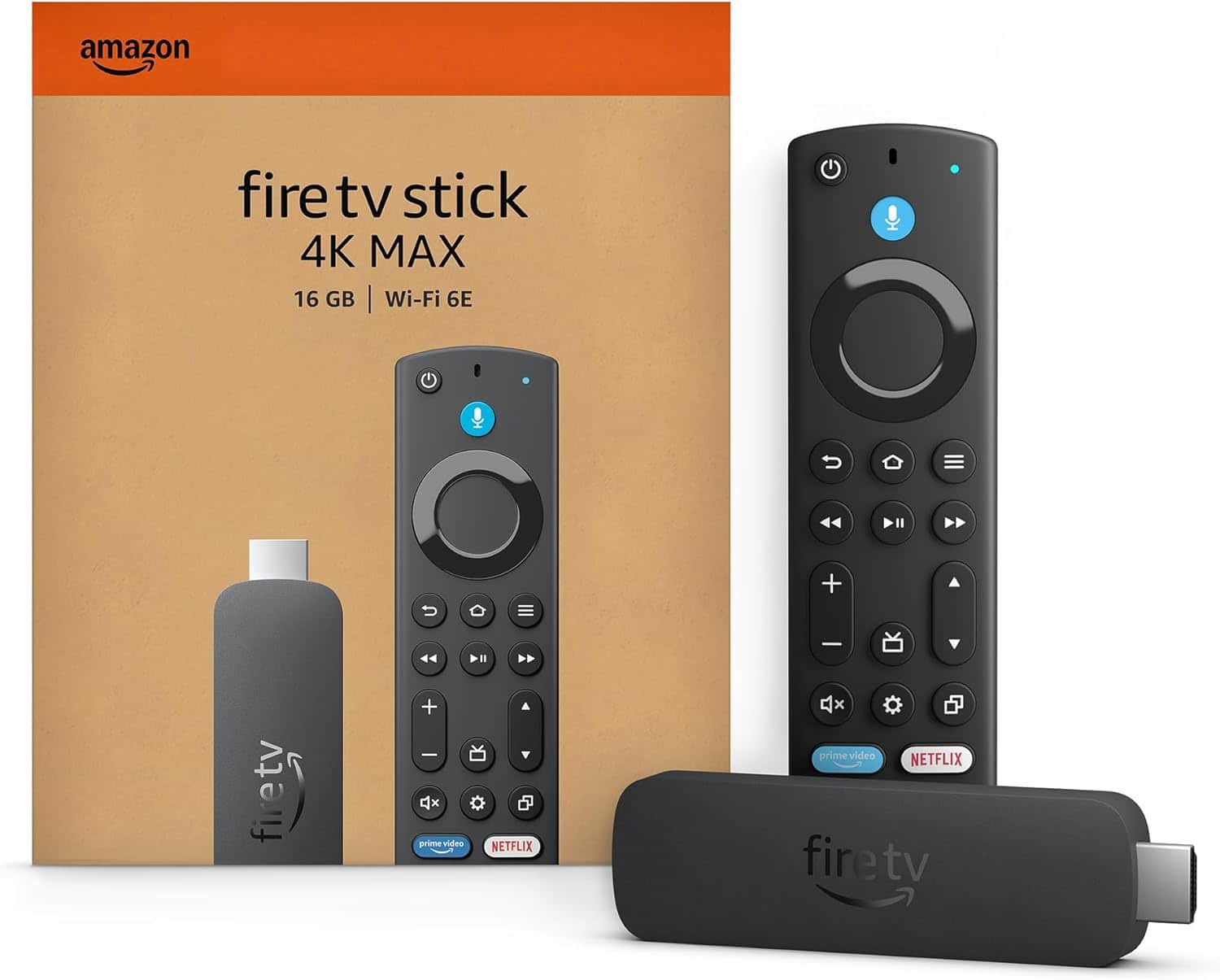
  3. Amazon - Fire TV Stick 2nd Gen 4K Max streaming device, Wi-Fi 6E, Ambient Experience, 16 GB, free & live TV - Black

    SKU: J39HW6PCWK

    Fire stick is the best easy to use and it works great I love the new fire stick...I love my firestick the best i had great quality will purchased one again

    Product Description

    A powerful black streaming device with 4K UHD, Wi-Fi 6E, Dolby Atmos, HDR, and Alexa compatibility.
    See all Streaming Devices
    Your price for this item is $84.99
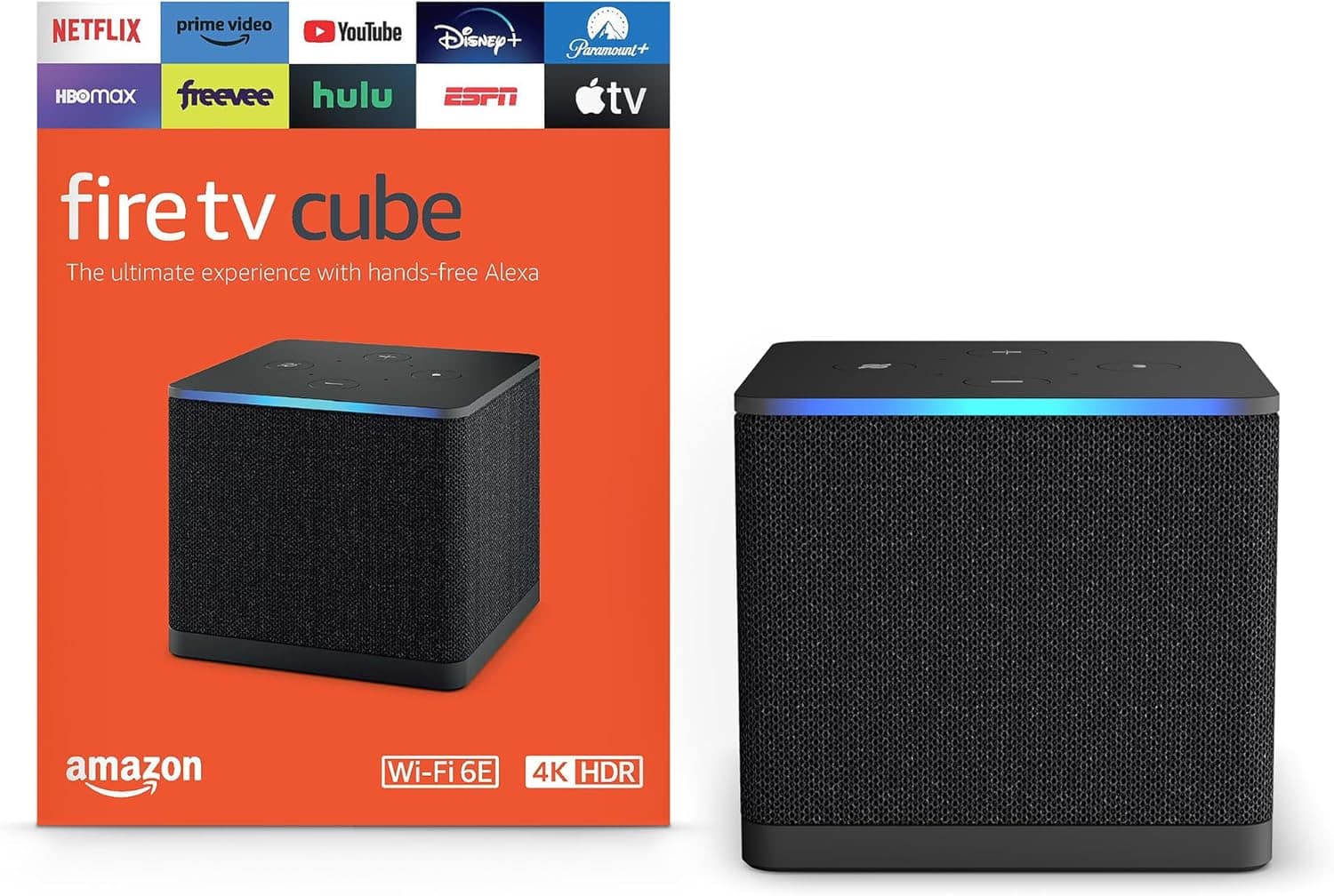
  4. Amazon - Fire TV Cube 3rd Gen with AI-powered Fire TV Search, Hands-free streaming device w/ Alexa, Wi-Fi 6E, 16 GB, 4K Ultra HD - Black

    SKU: J39QV8CHRS

    Love it...Love it, its the best. We changed our regular fire sticks. Just love it...Best streaming device...Best one to buy. No lag, smooth movements, love the remote.

    Product Description

    A fast black streaming media player with 4K Ultra HD, Wi-Fi 6E, Alexa voice control, and Dolby Atmos.
    See all Streaming Devices
    Your price for this item is $184.99
    Save $15
    The previous price was $199.99
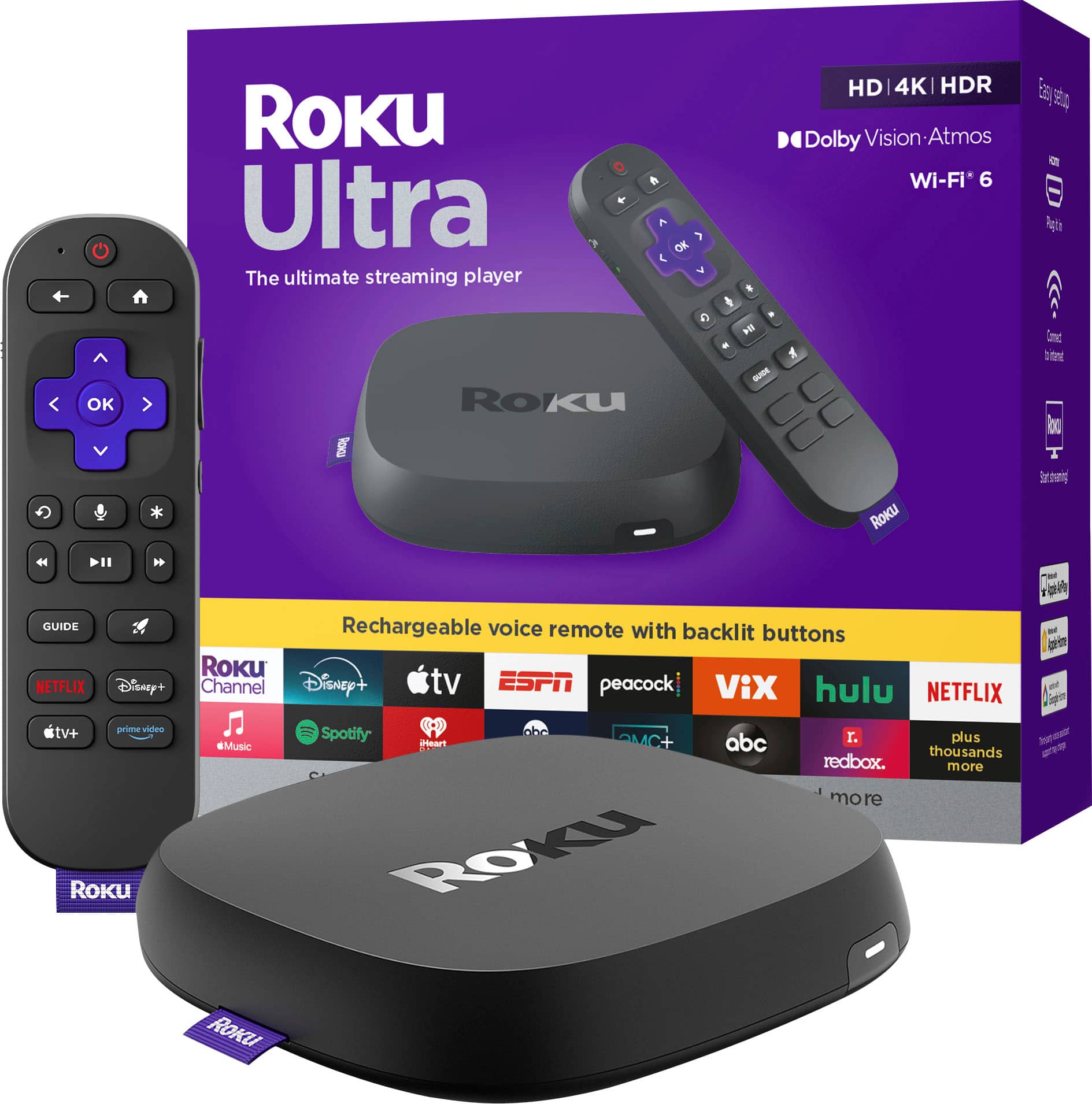
  5. Roku - Ultra | 4K/HDR10+/Dolby Vision & Atmos Streaming Device with Rechargeable Backlit Voice Remote Pro - Free & Live TV - Black

    SKU: J3PFCJQS76

    just great...love that i can make any tv a roku tv. love this interface the best!...GREAT...I love my roku. Best Buy makes it so easy to purchase with fast delivery

    Product Description

    A powerful black streaming device delivering 4K, HDR10+, Dolby Vision, and Atmos with a rechargeable voice remote.
    See all Streaming Devices
    Your price for this item is $149.99
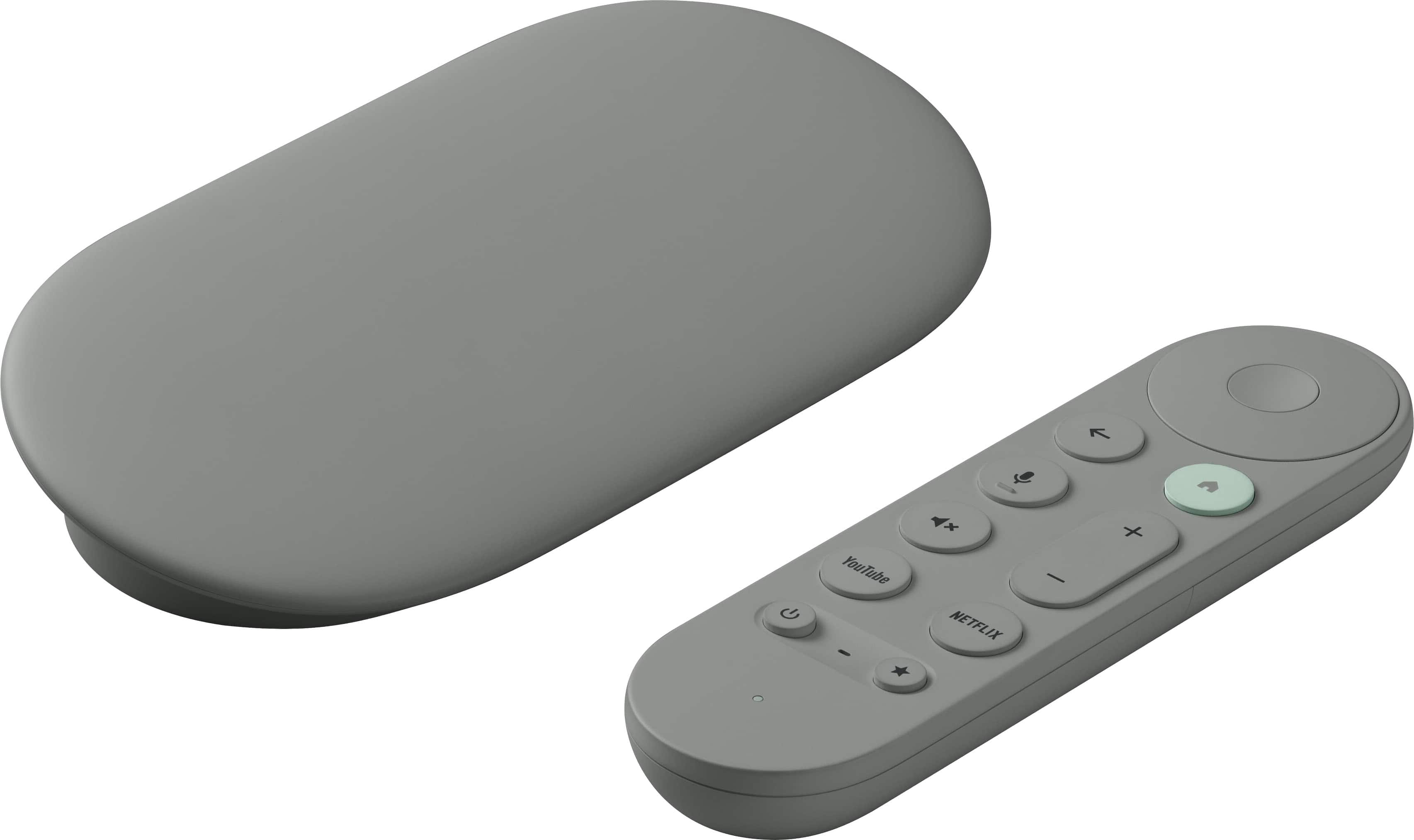
  6. Google - TV Streamer 4K - Fast Streaming Device in 4K HDR - 32 GB of Storage - Hazel

    SKU: J3GT5ZSHC5

    Best android device !!...Best android device on the market !! Very fast and very reliable!! Love it !!...Works great...Love the clean look and performs well. I use wireless and it's great

    Product Description

    A fast 4K HDR streaming device in hazel with 32GB storage, Dolby Atmos, and Google Assistant.
    See all Streaming Devices
    Your price for this item is $149.99
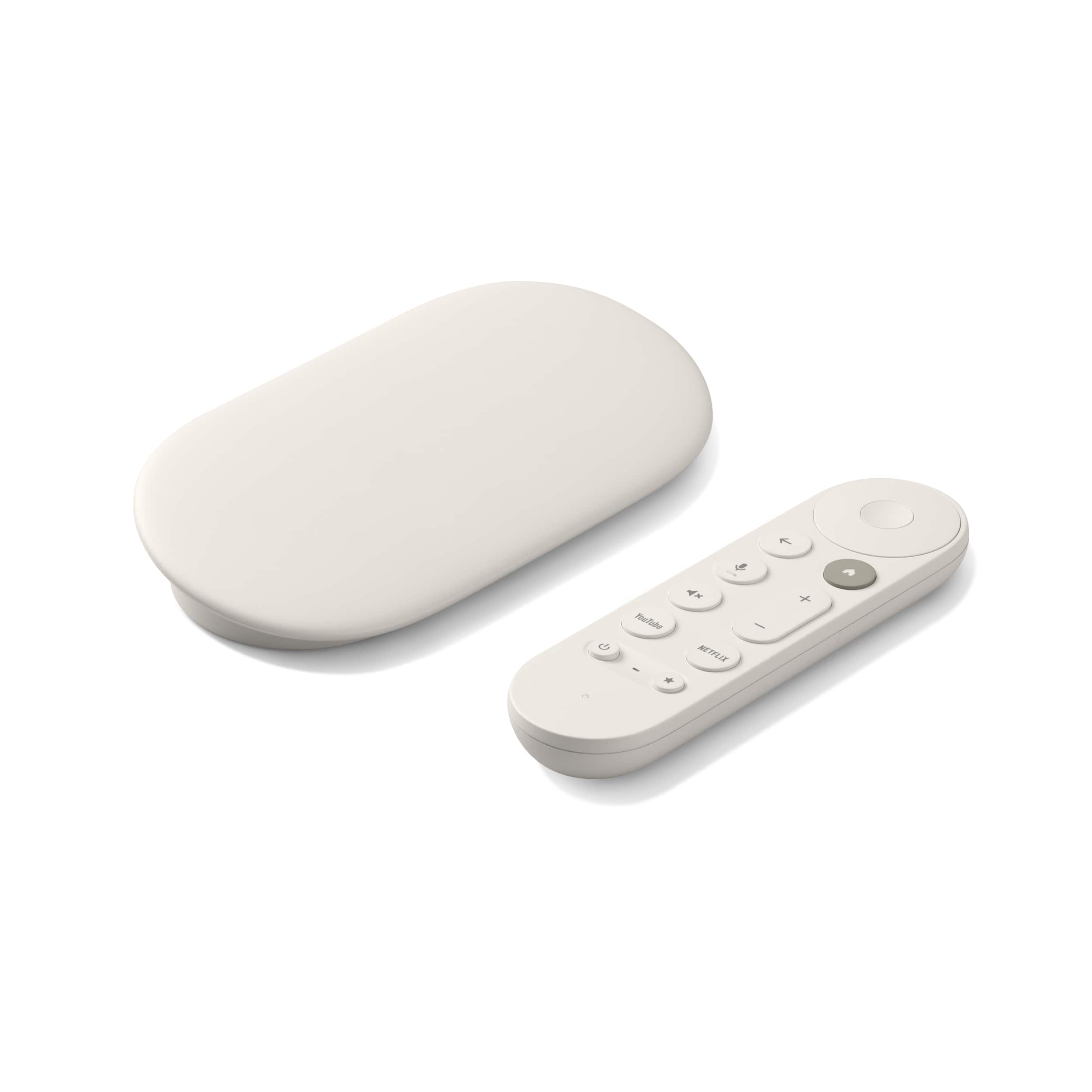
  7. Google - TV Streamer 4K - Fast Streaming Device in 4K HDR - 32 GB of Storage - Porcelain

    SKU: J3GT5ZSHCQ

    The best we love it, easy to connect works great worth the money....Love this...Great product with a great discount from best buy.

    Product Description

    A porcelain-colored 4K streaming device with Dolby Atmos, HDR support, Bluetooth, and a remote control included.
    See all Streaming Devices
    Your price for this item is $149.99
Streaming devices for projectors make it easier to bring movies, shows, live events, music and other online entertainment to a larger-than-life screen. Instead of relying on a projector’s built-in media features, an external streaming device connects through HDMI and uses a home Wi-Fi network to access supported apps and services. This setup can be especially useful for projectors that offer excellent picture quality but have limited smart features, a slower interface or fewer app choices. A streaming device may also be a practical way to refresh an older projector without replacing the entire unit. Before choosing one, check the projector’s available HDMI input, supported resolution and audio connections. Most current streaming devices work with standard HDMI ports, but a projector that supports 4K, HDR or advanced surround sound can make better use of a compatible device. If the projector is mounted on a ceiling, placed across a room or used outdoors, consider how the device will receive power and whether the remote will communicate reliably from the viewing area. Some streaming devices draw power from a USB port, while others require a wall outlet, and the right choice depends on the projector’s location and available connections. A compact design can help keep a tabletop setup tidy, while a separate streaming box may provide additional ports, stronger processing and a more comfortable interface for frequent use. For shoppers who want fewer cables, a smart projector with streaming software built in can be a convenient alternative. Browsing Projectors With Wi-Fi can help narrow down options that connect directly to a wireless network, although it is still important to compare the included operating system, available applications and expected software support.

The most important purchase consideration is compatibility between the streaming device, projector, network and sound system. Confirm that the streaming platform supports the services you use most, since app availability can vary by operating system and region. A strong dual-band Wi-Fi connection helps reduce buffering, particularly when several people are online, a projector is positioned far from the router or high-resolution video is being streamed. For homes with weak wireless coverage, a device that supports an Ethernet connection, or a separate network improvement solution, may offer a steadier experience. Picture specifications also deserve attention. A 4K-capable streamer can be a sensible choice for a 4K projector, while a basic HD projector may not benefit from paying extra for features it cannot display. HDR support can improve contrast and color when the projector is designed to handle it, but the projector, streaming device and content all need to support the same format for the effect to appear as intended. Automatic frame-rate matching can make film and television motion look more natural, and fast processing can make menus, searches and playback feel less interrupted. Audio is equally important because projector speakers are often designed for convenience rather than room-filling sound. Look for compatibility with the projector’s audio output, a soundbar, powered speakers, an AV receiver or wireless headphones. HDMI control features may let one remote adjust power or volume across connected equipment, which is a small detail that becomes valuable during a relaxed evening on the couch. Simple projector setups often become much more enjoyable when the remote, power cable and audio connection are planned together rather than treated as afterthoughts. It is also wise to review the device’s update policy and storage capacity. Regular software updates can add features, improve security and maintain app compatibility, while adequate storage helps prevent frustration when installing several services or games.

Streaming devices for projectors can suit a wide range of viewers, from families creating a movie room to students setting up a compact entertainment system in a dorm or apartment. They are useful for backyard screenings during pleasant evenings, presentations in a home office, children’s movie afternoons and big-game gatherings where a television screen feels too small. During the cooler months, a projector paired with a reliable streaming device can turn a living room, basement or spare room into a comfortable theater, with blankets, dim lighting and a carefully arranged seating area adding to the atmosphere. Families may appreciate profiles, parental controls and simple search tools, while frequent travelers may prefer a small device that can be packed with a portable projector for hotel rooms, vacation homes or visits with relatives. A streaming device can also make a thoughtful gift for someone who already owns a projector but has mentioned difficult menus, missing apps or inconsistent playback. For a new projector owner, pairing the device with a quality HDMI cable, a compact power solution or a soundbar can create a more complete entertainment setup. Shoppers should remember that streaming services generally require separate subscriptions, and that content quality depends on the service, internet connection and projector capabilities. Checking the projector’s placement, measuring the viewing distance and testing Wi-Fi strength in the intended room can prevent many setup surprises. Whether the goal is a simple weekend movie space or a flexible home theater used throughout the year, the right streaming device can provide a familiar interface, dependable access to entertainment and a straightforward path from pressing a button to filling the screen with a favorite story.

FAQ

When choosing a streaming device for your projector, consider features such as 4K or HD resolution support, Wi-Fi connectivity, compatibility with popular streaming apps, ease of setup, and whether it supports screen mirroring or casting from your mobile devices.

Most modern projectors with HDMI ports are compatible with popular streaming devices. However, it's important to check the input options on your projector and ensure the streaming device you choose has a compatible output connection.

Yes, an internet connection is typically required to stream content from online platforms using a streaming device. Some devices may also allow you to play locally stored media without an internet connection.

To connect a streaming device to your projector, plug the device into the projector's HDMI port and power it using either a USB port on the projector or an external power adapter. Then, select the correct HDMI input on your projector to start using the streaming device.

Yes, some streaming devices offer wireless casting or screen mirroring features that allow you to display content from your smartphone, tablet, or computer directly onto your projector without physical cables.