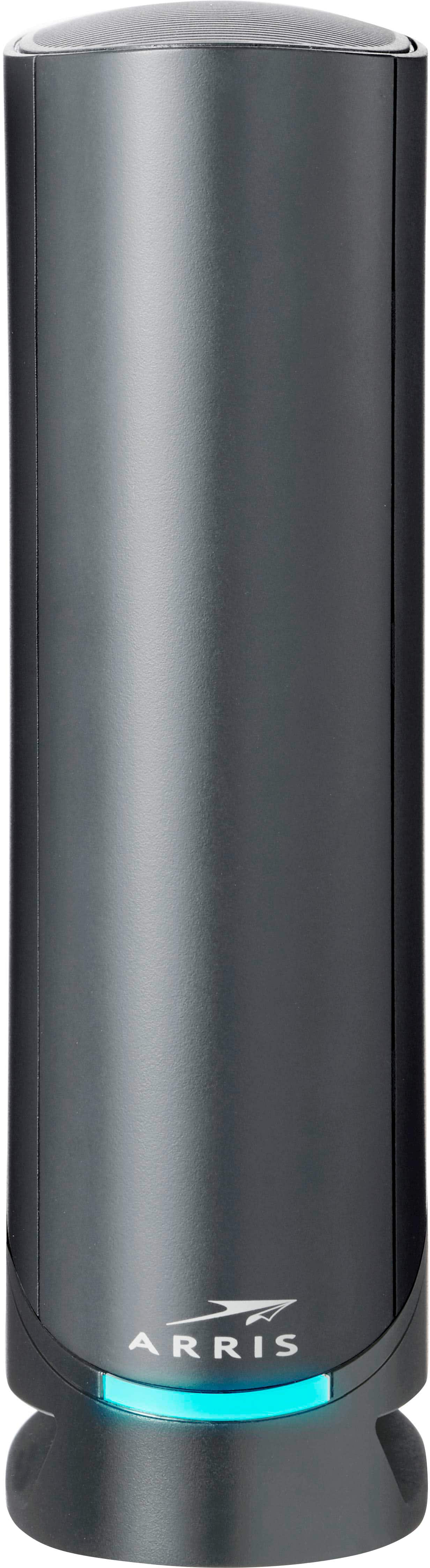
Routers With WPS Button
Routers with WPS button offer a convenient solution for quickly connecting devices to your home or office network. Designed for ease of use, these routers streamline the setup process, making it simple to add new devices without complicated configurations. Whether you're expanding your smart home or upgrading your internet experience, exploring routers with WPS button can help ensure seamless connectivity and reliable performance for all your wireless needs.
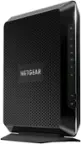
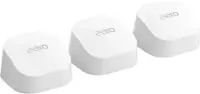
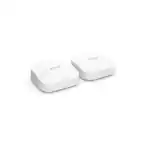


Routers With WPS Button
FAQs
A WPS (Wi-Fi Protected Setup) button on a router allows you to quickly and securely connect compatible devices to your Wi-Fi network without entering a password. Simply press the WPS button on the router and then activate WPS on your device to establish a connection.
To use the WPS button, press it on your router, then within two minutes, select the WPS option on your wireless device. The device should automatically connect to your Wi-Fi network without needing to enter the network password.
Not all devices support WPS. Most modern routers have this feature, but compatibility depends on whether your wireless device (such as a printer, smart TV, or smartphone) also supports WPS.
Yes, most routers with a WPS button allow you to disable this feature through the router’s web interface or settings menu if you prefer not to use it.
No, using the WPS button only adds new devices to your network. It does not disconnect or interfere with devices that are already connected.