Wireless Routers With USB Input
-
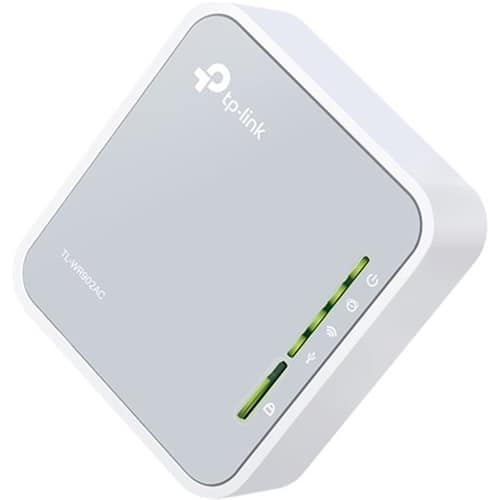
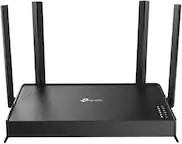
TP-Link - AC750 Dual-Band Wi-Fi Router - Silver/White
SKU: J36QCH22JHSee all Wi-Fi RoutersProduct Description
A dual-band silver and white router offering Wi-Fi 5 speeds, multiple modes, and USB file sharing.Your price for this item is $71.99 -
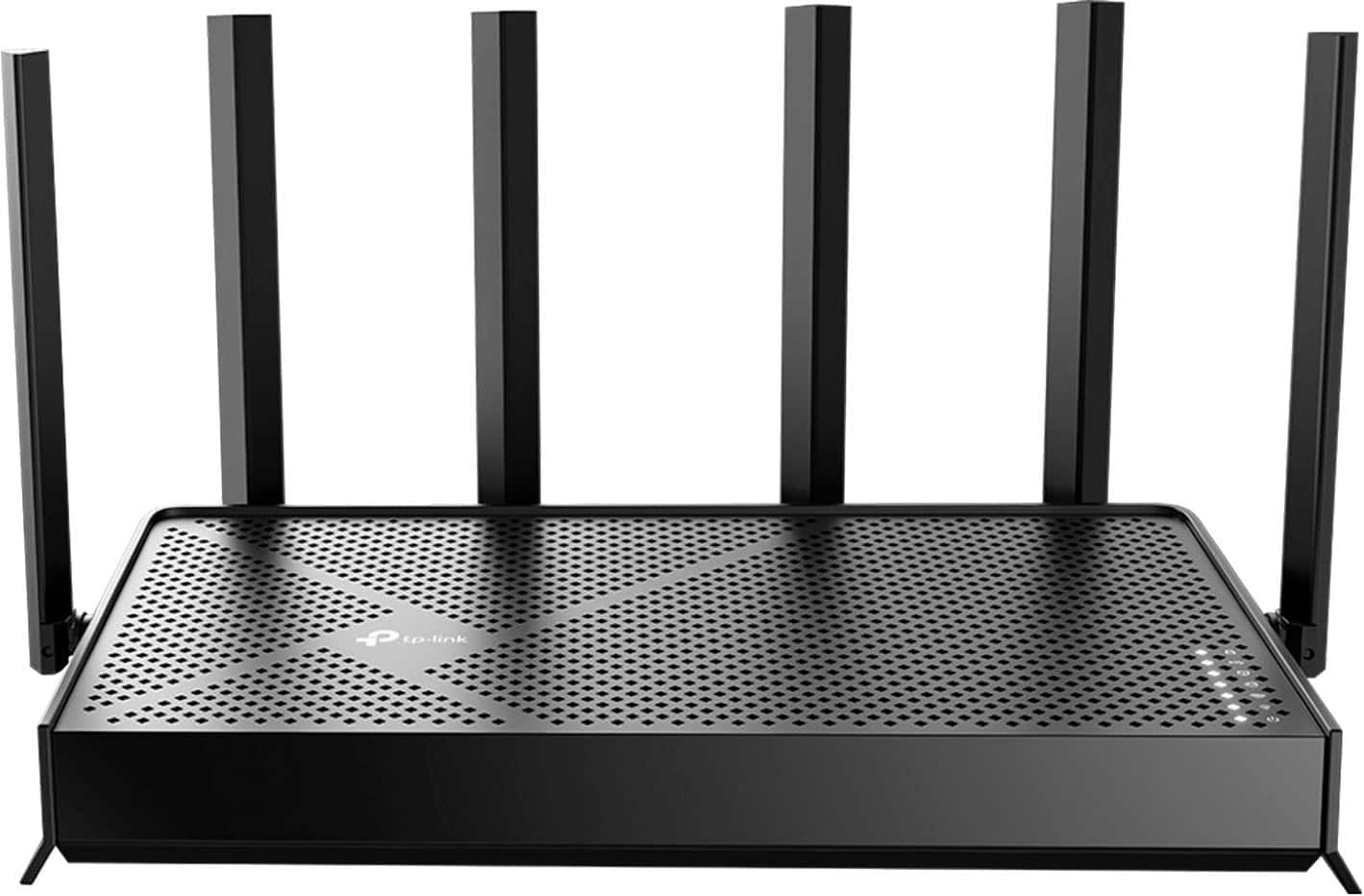
TP-Link - Archer BE6500 Dual-Band Wi-Fi 7 Router - Black
SKU: J3GWLQQQR9Best mesh supporting router for the price....Easy to set up and love the MESH network. No complaints...Great buy from best buy
See all Wi-Fi RoutersProduct Description
A dual-band black Wi-Fi 7 router with six antennas, Multi-Link Operation, and EasyMesh compatibility.Your price for this item is $179.99Save $20The previous price was $199.99 -
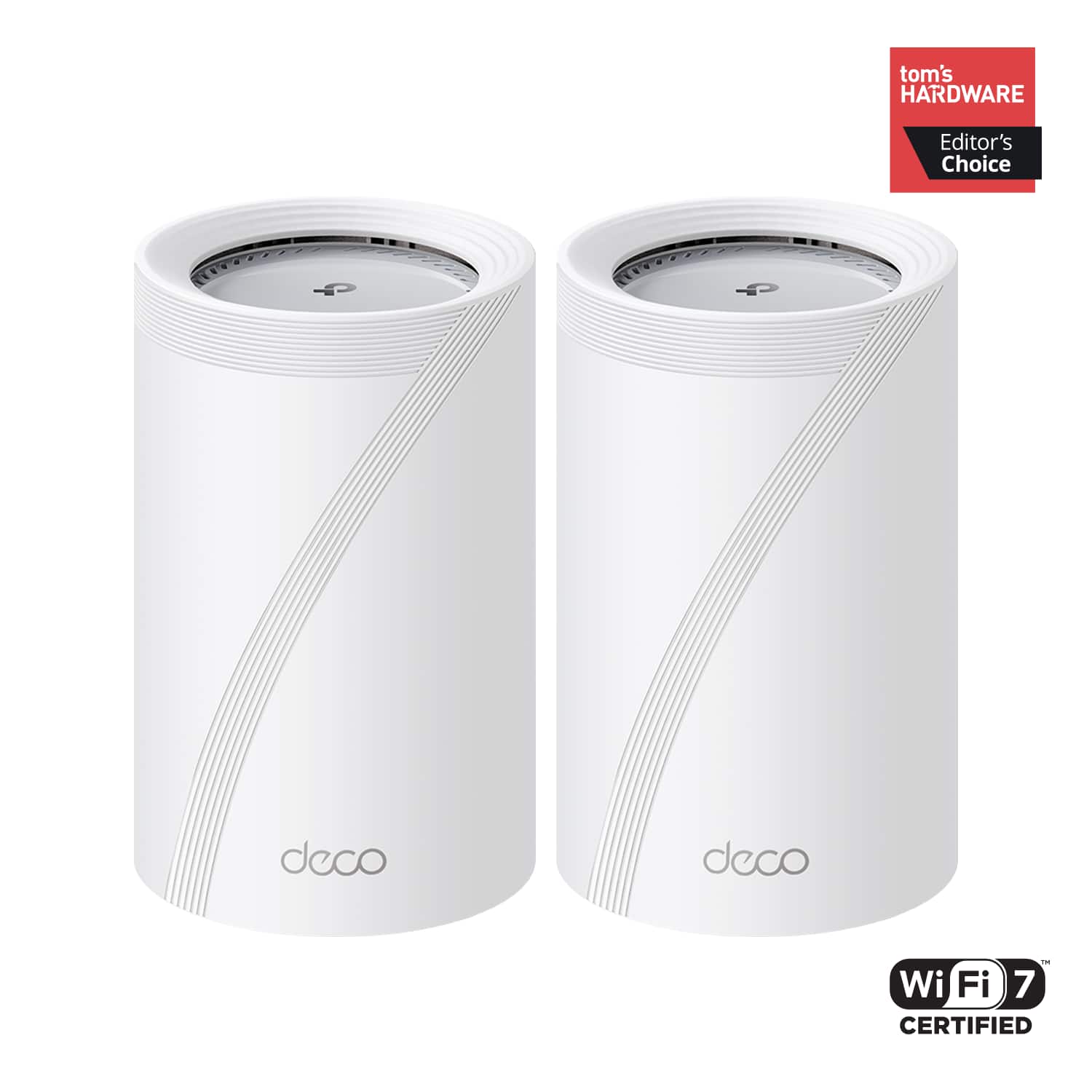
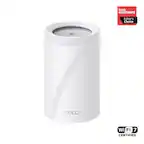
TP-Link - Deco 7 Pro BE11000 Tri-Band Wi-Fi 7 Whole Home Mesh Router System - Deco BE65 Pro (2-pack) - White
SKU: J3GWLQQ68Qhad the Deco BE65 Pro for a while now and honestly the Wi-Fi 7 performance and coverage have been great...Great Wi-Fi 7 mesh, watch out with managed switche...Great all around
See all Mesh Wi-FiProduct Description
A white tri-band Wi-Fi 7 mesh system delivering up to 11 Gbps speeds with advanced security features.Your price for this item is $509.99 -
TP-Link - Archer BE9700 Tri-Band Wi-Fi 7 Router - Black
SKU: J39T6X26PSBest of the best.Super fast at the best price going....Great, even if it looks like a brick spike...Easily one of the best routers I've ever owned. This is an excellent router.
See all Wi-Fi RoutersProduct Description
A black tri-band Wi-Fi 7 router delivering ultra-fast speeds, expansive coverage, and advanced device connectivity.Your price for this item is $249.99Save $30The previous price was $279.99

Best Sellers






Related Pages




FAQ
A wireless router with a USB input allows you to connect external devices such as printers, hard drives, or flash drives directly to your network. This enables file sharing, wireless printing, and easy access to media files from multiple devices in your home or office.
Yes, many wireless routers with USB inputs support network-attached storage (NAS) functionality. By connecting a USB storage device, you can create a shared drive accessible to all devices on your network for backing up data, sharing files, or streaming media.
Common devices include external hard drives, USB flash drives, printers, and sometimes 4G/5G USB modems. The exact compatibility depends on your router model, so check the manufacturer's specifications for supported devices.
Not all routers with USB ports offer printer sharing functionality. While many do, it's important to check if your router supports USB printer sharing or has built-in print server capabilities before purchasing.
Once you connect a USB drive to your router, you typically access files by using your router’s app, web interface, or by mapping the network drive on your computer. Refer to your router's user manual for step-by-step instructions specific to your model.