Routers With USB Ports
-
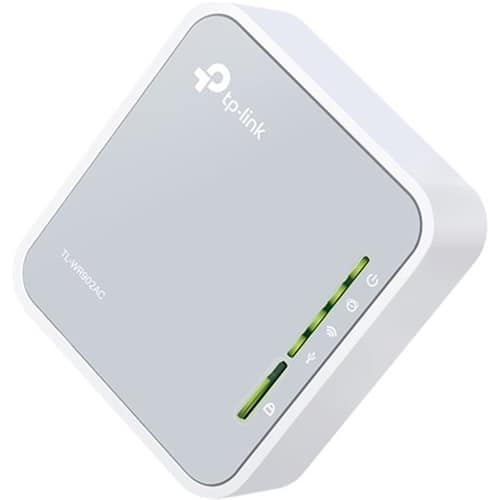
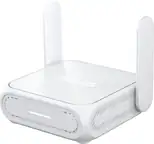
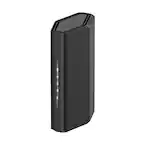
TP-Link - AC750 Dual-Band Wi-Fi Router - Silver/White
SKU: J36QCH22JHSee all Wi-Fi RoutersProduct Description
A dual-band silver and white router offering Wi-Fi 5 speeds, multiple modes, and USB file sharing.Your price for this item is $71.99 -
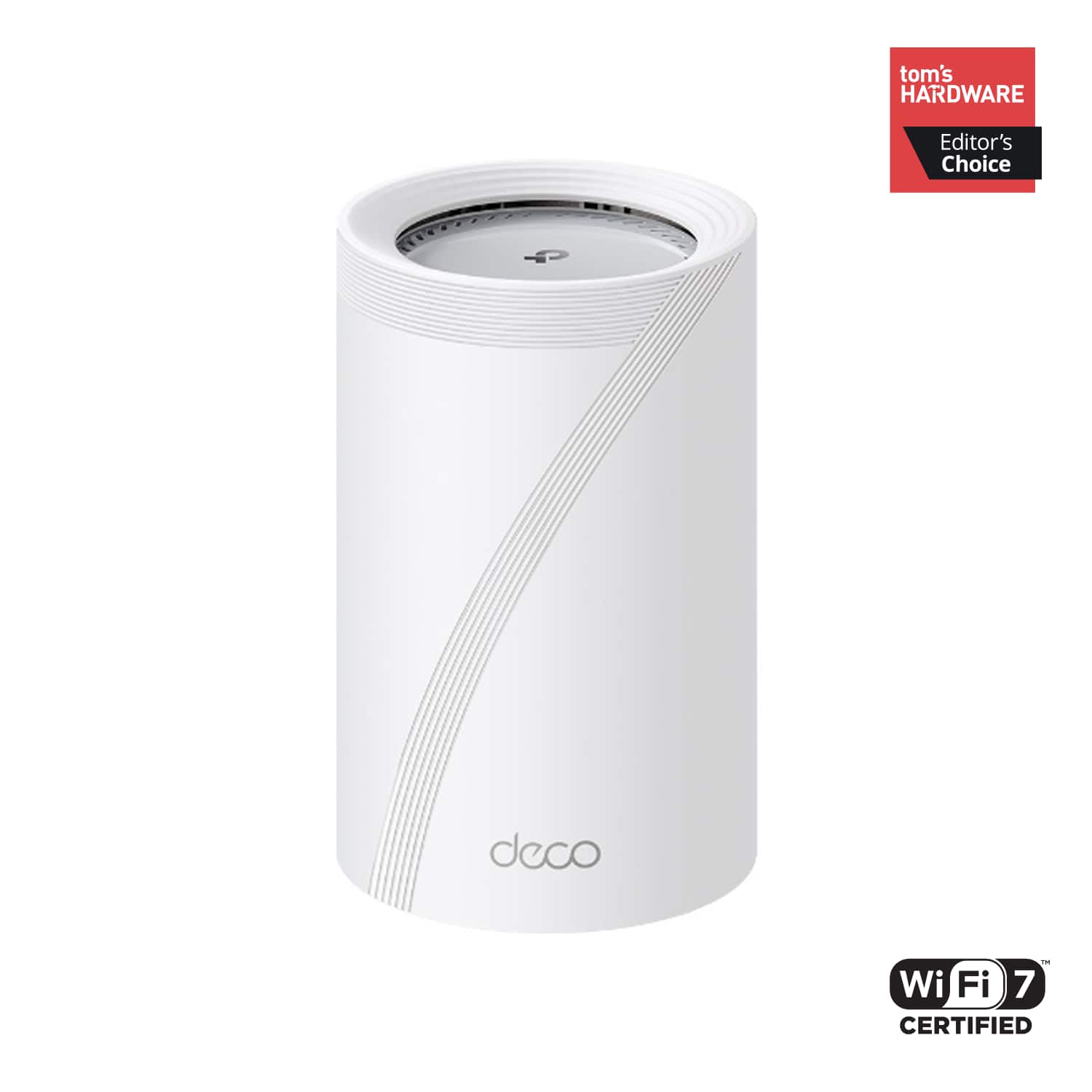
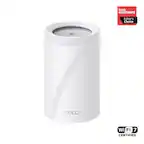
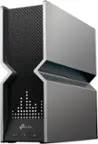
TP-Link - Deco 7 Pro BE11000 Tri-Band Wi-Fi 7 Whole Home Mesh Router System - Deco BE65 Pro (1-pack) - White
SKU: J3GWLQQ6G8Great coverage 2,000 sq ft home only 1 needed for my home....Great!...Great
See all Mesh Wi-FiProduct Description
A white tri-band Wi-Fi 7 mesh system with AI-Roaming, two 5-Gig ports, and advanced security.Your price for this item is $309.99 -
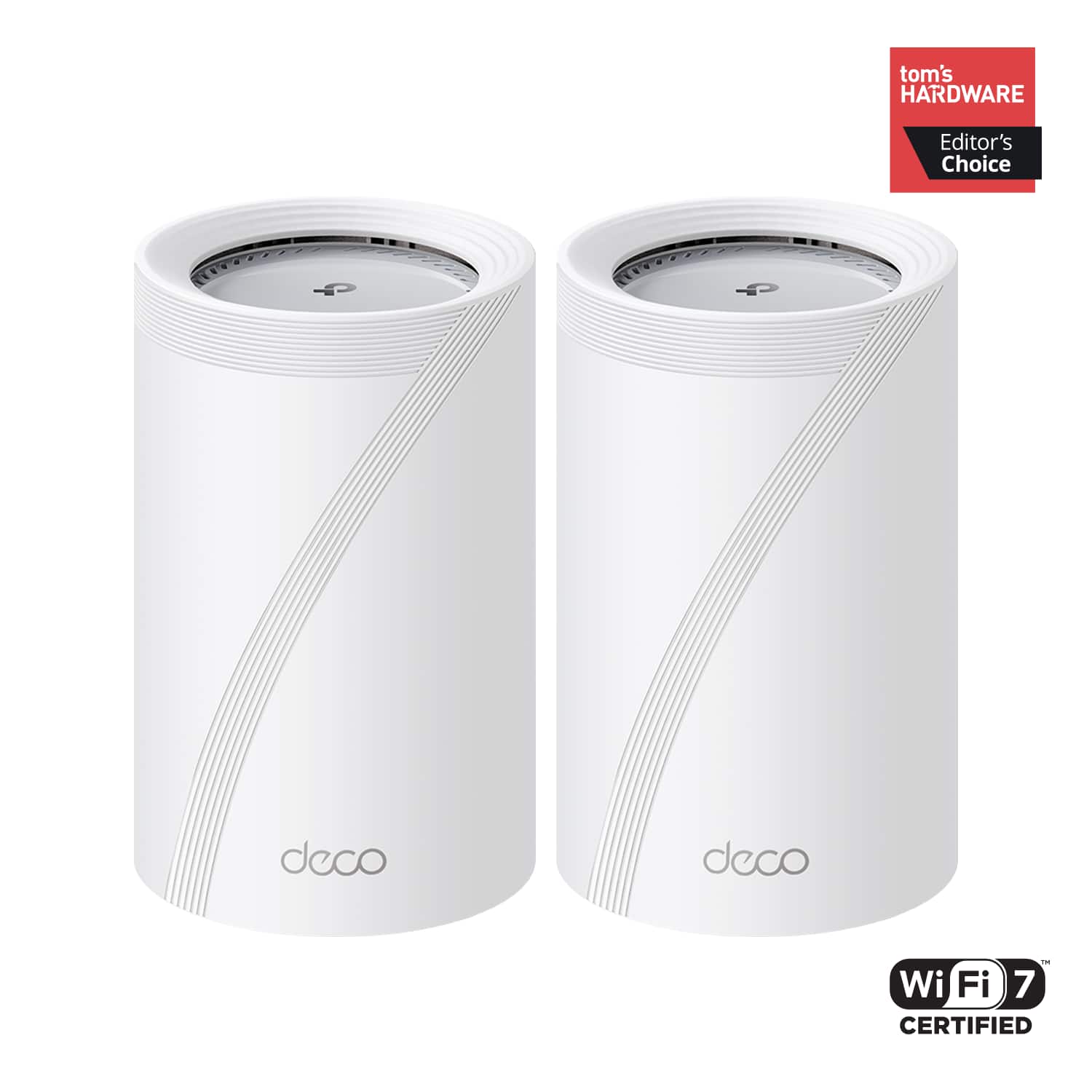
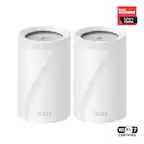
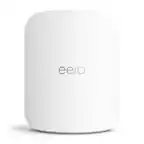
TP-Link - Deco 7 Pro BE11000 Tri-Band Wi-Fi 7 Whole Home Mesh Router System - Deco BE65 Pro (2-pack) - White
SKU: J3GWLQQ68QGreat all around...Great Wi-Fi 7 mesh, watch out with managed switche...had the Deco BE65 Pro for a while now and honestly the Wi-Fi 7 performance and coverage have been great
See all Mesh Wi-FiProduct Description
A white tri-band Wi-Fi 7 mesh system delivering up to 11 Gbps speeds with advanced security features.Your price for this item is $509.99
Best Sellers

Related Pages
FAQ
A USB port on a router allows you to connect external devices such as hard drives, flash drives, or printers directly to your network. This enables easy file sharing, network storage (NAS), and wireless printing for all users connected to the router.
Yes, many routers with USB ports support printer sharing. By connecting your USB printer to the router, you can make it accessible to any device on your network, making wireless printing convenient and efficient.
You can connect a variety of devices to a router’s USB port, including external hard drives, USB flash drives, printers, and sometimes even USB modems for backup internet connections, depending on the router’s capabilities.
Many routers with USB ports offer media sharing features, allowing you to stream music, videos, and photos stored on a connected USB drive to other devices on your network. However, specific features may vary by model, so it’s best to check the router’s specifications.
Some routers with USB ports support remote access, enabling you to access files stored on a connected USB drive from outside your home network. This feature typically requires enabling remote management or using a companion app provided by the router manufacturer.