Set Up Home Projector
-
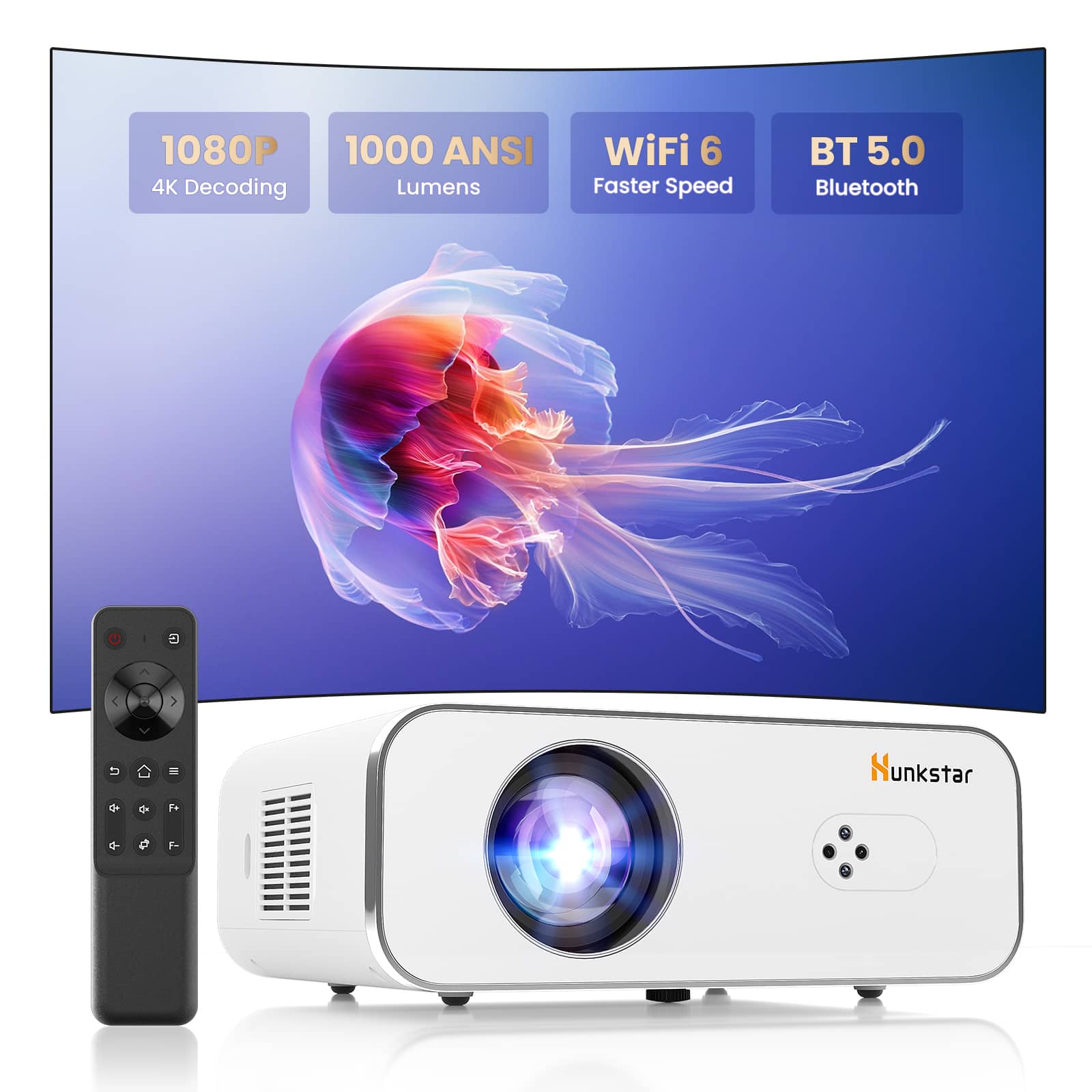
Hunkstar - P3s 1080p Home Theater Projector - 1000 ANSI Lumens, Auto Focus, 6D Keystone, Wi-Fi 6, Bluetooth, 10W Speakers - White
SKU: CZT5C2QCJ6Kids absolutely love this.
See all ProjectorsProduct Description
A white LCD projector offering native 1080P, 1000 ANSI lumens, auto focus, WiFi 6, and Bluetooth.Your price for this item is $159.99 -
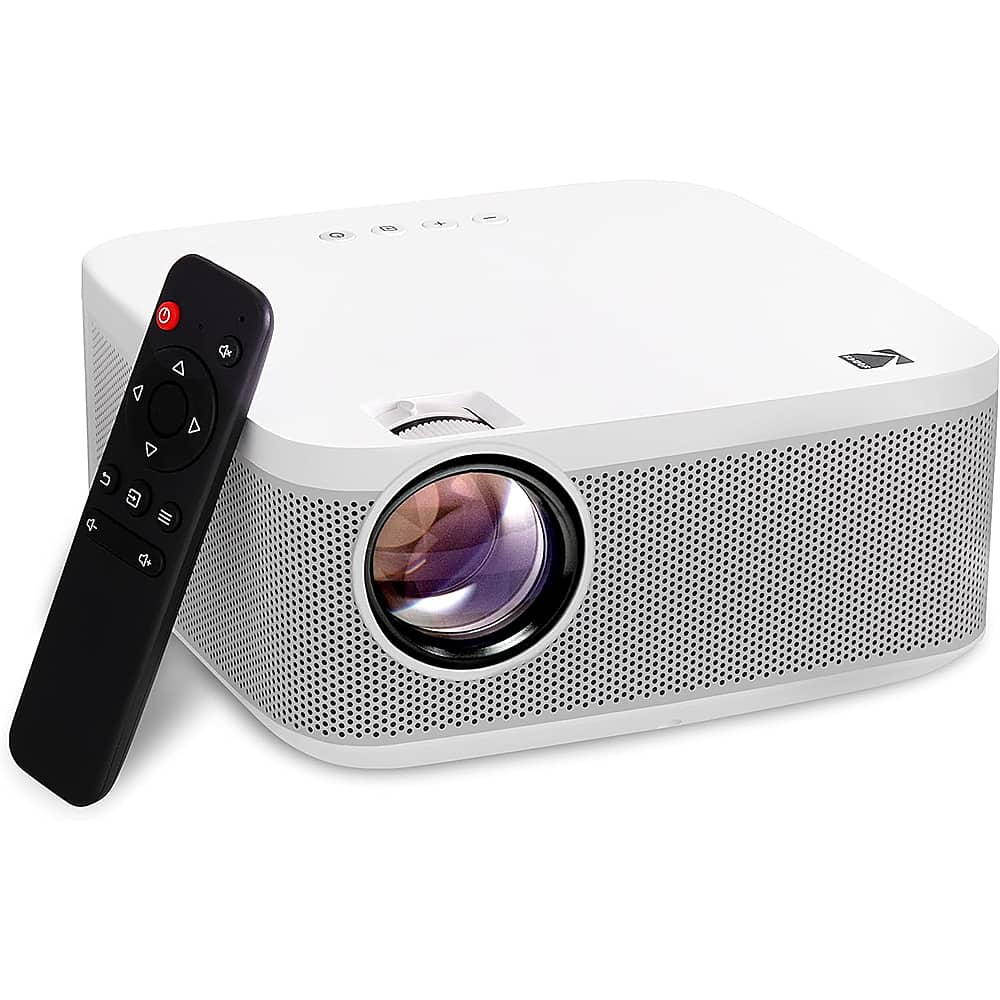
Kodak - FLIK X10 Full HD Home Projector, 1080p Portable Projector & Home Theater System with Remote Control - White
SKU: J3688Y2V2TSee all ProjectorsProduct Description
A portable white projector delivering crisp Full HD 1080p images with built-in speakers and remote control.Your price for this item is $149.99 -
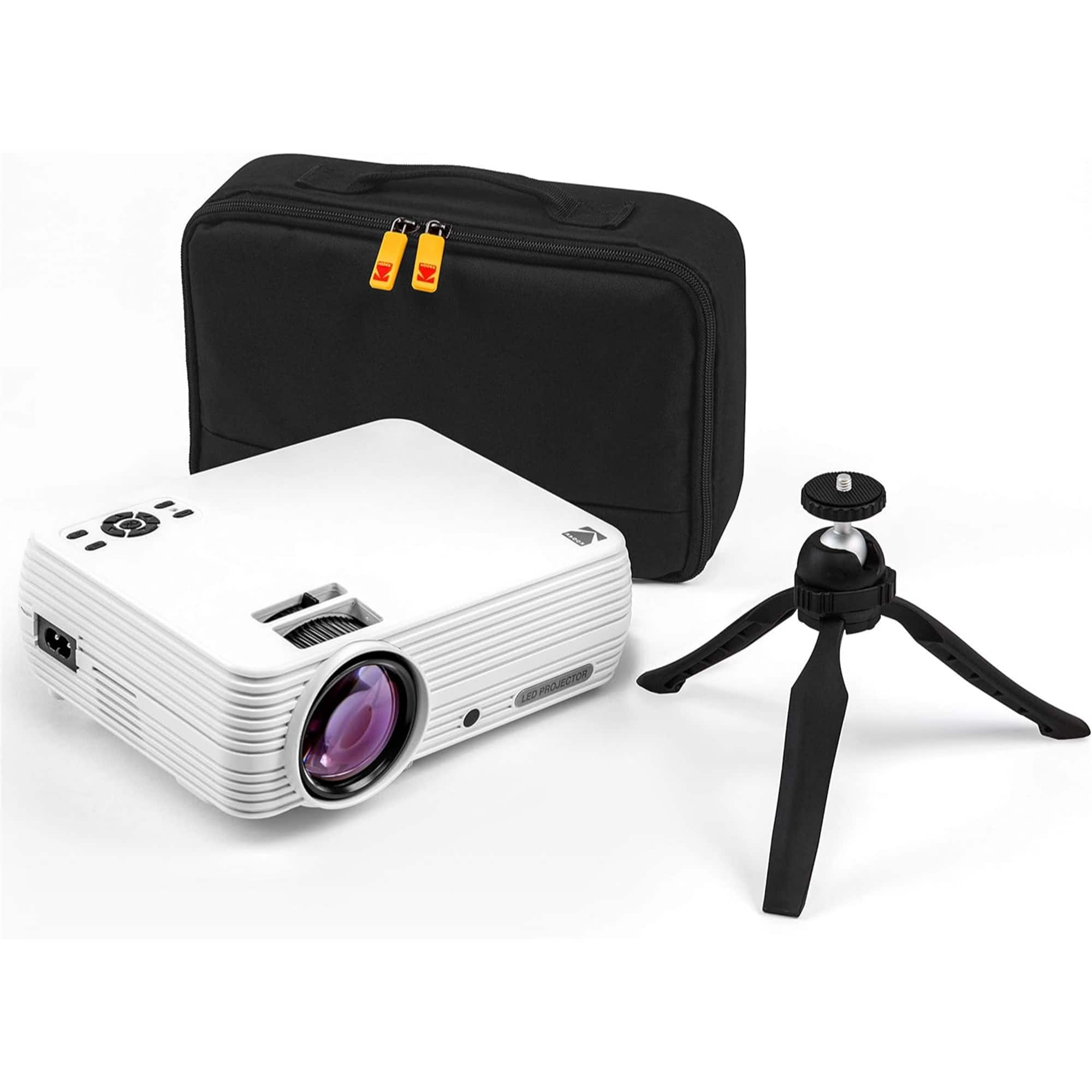
Kodak - FLIK X4 Home Projector, 4.0 LCD Portable Small Home Theater System w/1080p Compatibility & Bright Lumen LED Lamp - White
SKU: J3688YC75TSee all ProjectorsProduct Description
A portable white LCD projector with 1080p compatibility, LED lamp, built-in speaker, remote, and HDMI connectivity.Your price for this item is $99.99 -
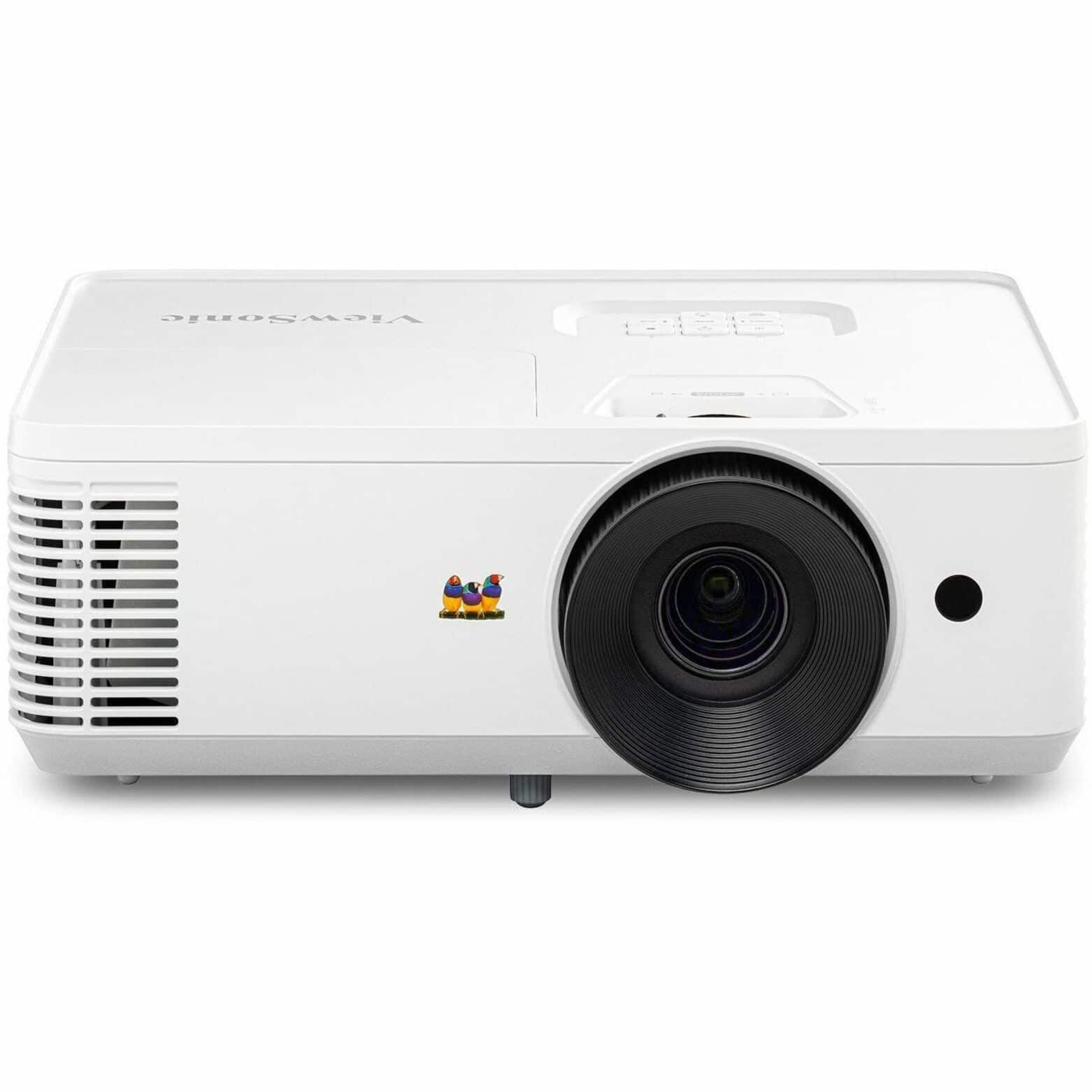
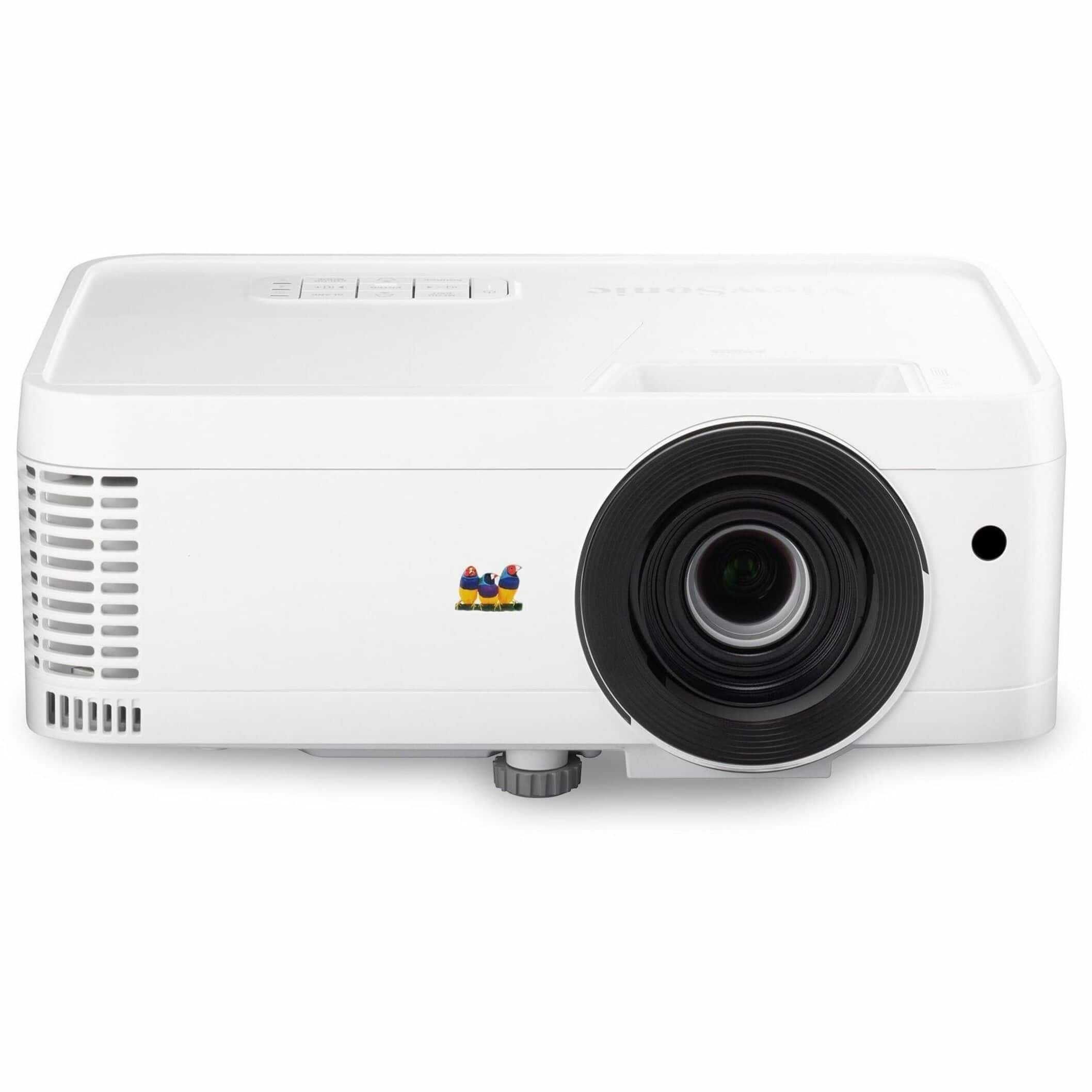
ViewSonic - Home and Office PA503HD 1080P DLP Projector - White
SKU: J37H88VR2ZSee all ProjectorsProduct Description
A white DLP projector delivering 1080p resolution, 4,000 lumens brightness, dual HDMI, and integrated speakers.Your price for this item is $649.99 -
ViewSonic - PX700HDH DLP 1080P 3700 Lumens Projector (HDMI, USB) - White
SKU: J37H88VZVKSee all Home Theater ProjectorsProduct Description
A white DLP projector delivering vivid Full HD images with 3,700 lumens, dual HDMI, and USB connectivity.Your price for this item is $650.10 -
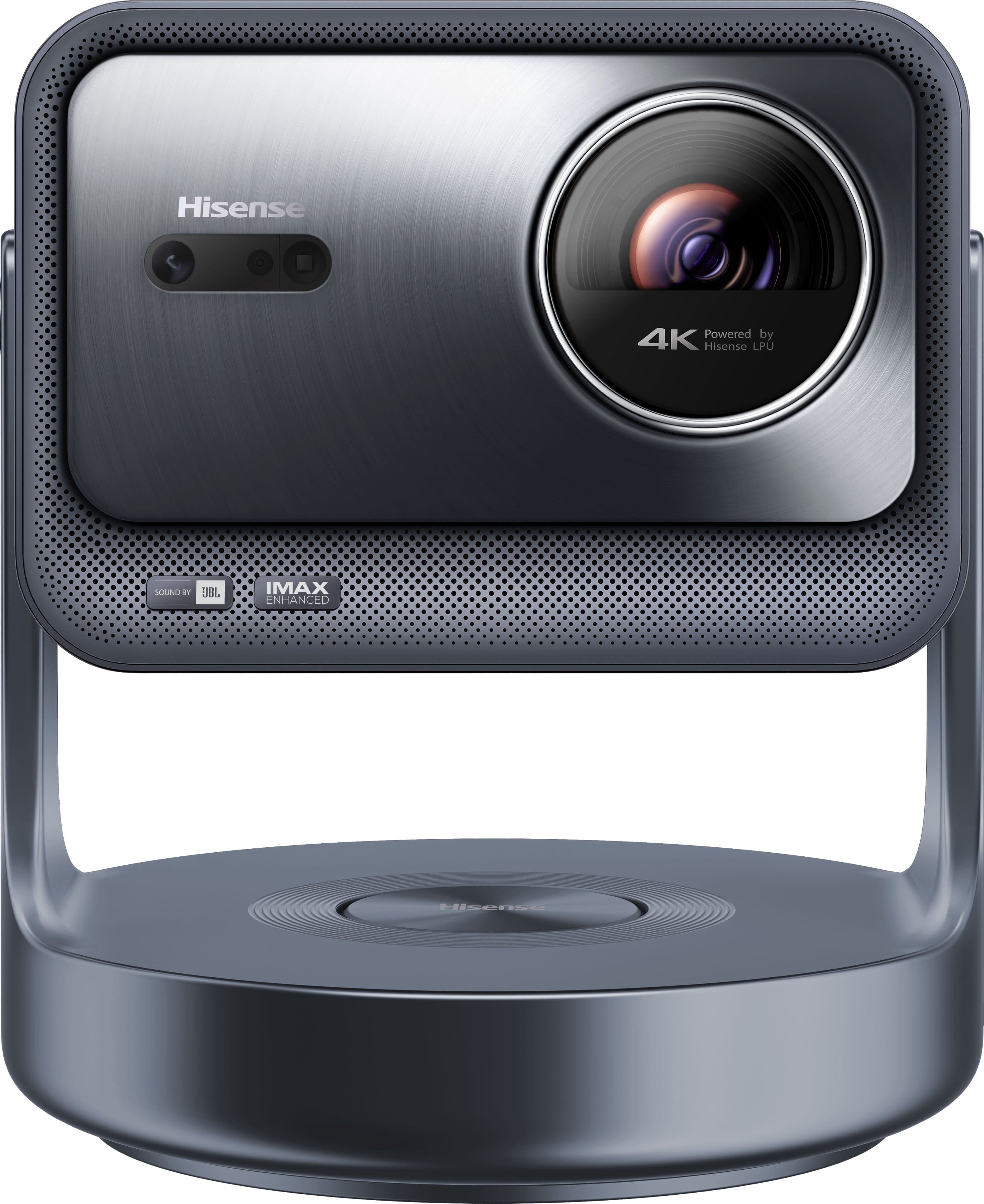
Hisense - C2 Ultra Triple Laser 4K Smart Projector, 65"-300", 3000 ANSI Lumens, IMAX Enhanced, Designed for XBOX, JBL Speaker - Silver
SKU: J3Z9Z42G56Best of the Best...First time owning a projector and its great love watching movie's on it
See all ProjectorsProduct Description
A portable silver smart projector with 4K resolution, triple laser, 3000 lumens, and integrated JBL speakers.Your price for this item is $1,899.99Save $600The previous price was $2,499.99 -
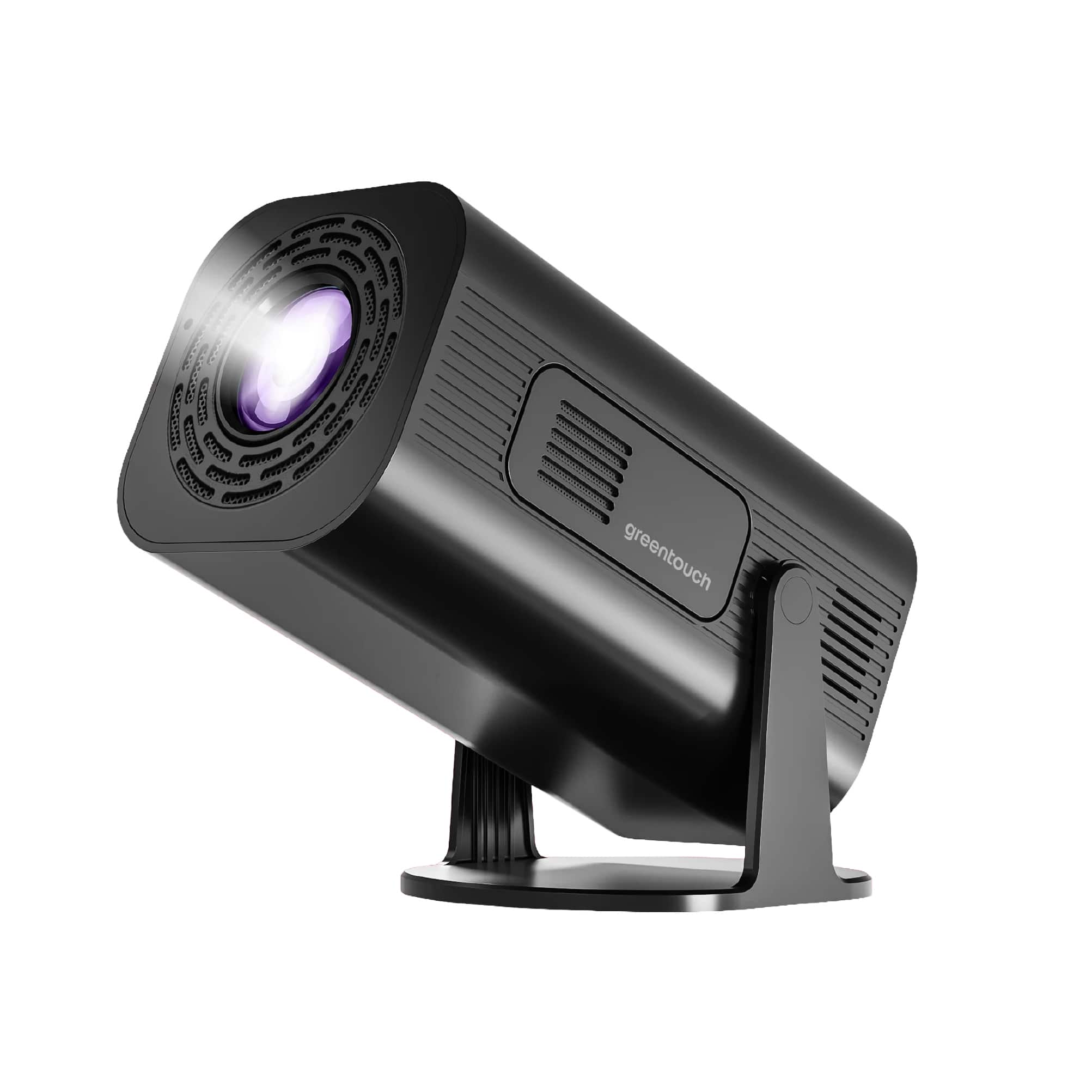
GreenTouch - Home Projector (Black)
SKU: J3X4R5LJV8See all ProjectorsProduct Description
A black portable LED projector featuring 1080p resolution, HDMI, USB-A, Bluetooth, mirroring, and built-in audio.Your price for this item is $110.00 -
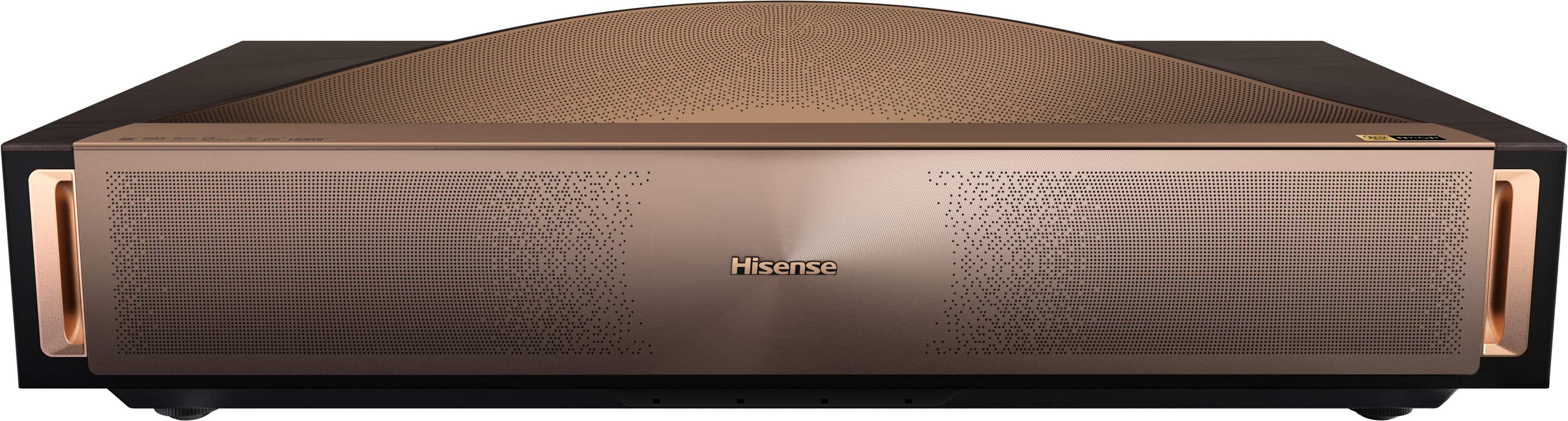
Hisense - L9Q Triple Laser Smart UST Projector, 5000 Lumens, 80"-200", 4K UHD, DLP, IMAX Enhanced, Pantone Validated, HDR - Walnut
SKU: J3Z9Z426CFGreat for the money...Colors and brightness are great for room with moderate amount of light...Great picture quality. Not easy to set up.
See all Home Theater ProjectorsProduct Description
A walnut-finished ultra short throw projector delivering 4K UHD visuals, 5,000 lumens, and IMAX Enhanced immersion.Your price for this item is $5,999.99 -
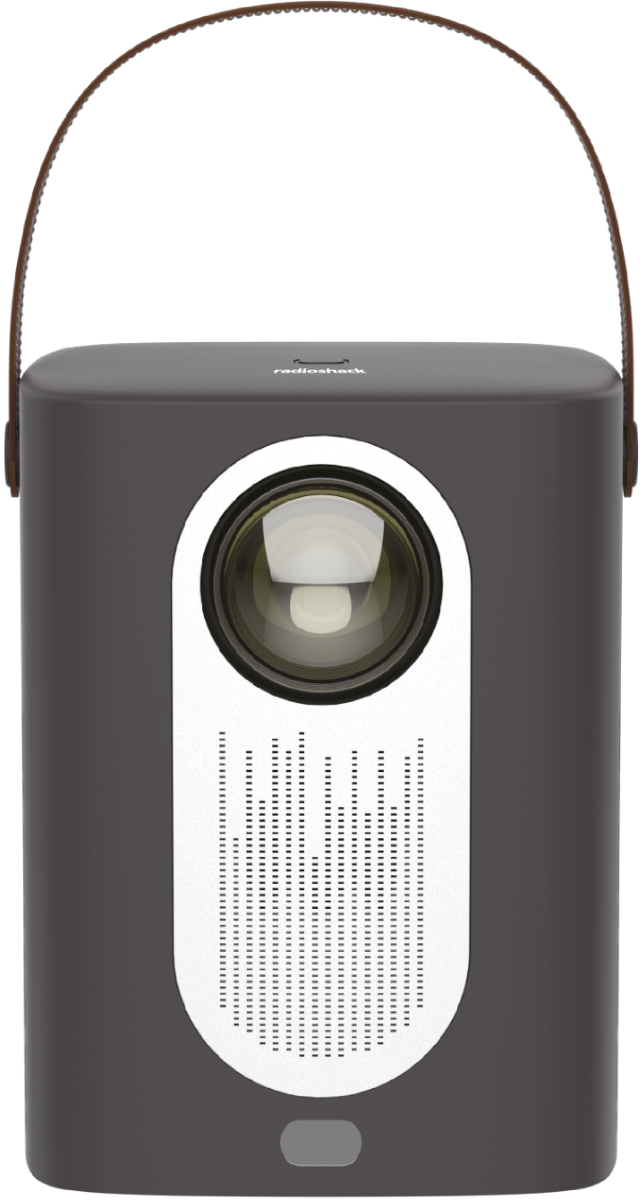
RadioShack - Home Projector 1608005 - Black
SKU: CFRJQSYLJGSee all ProjectorsProduct Description
A portable black home projector delivering crisp Full HD visuals, vibrant colors, and wireless streaming options.Your price for this item is $119.99 -
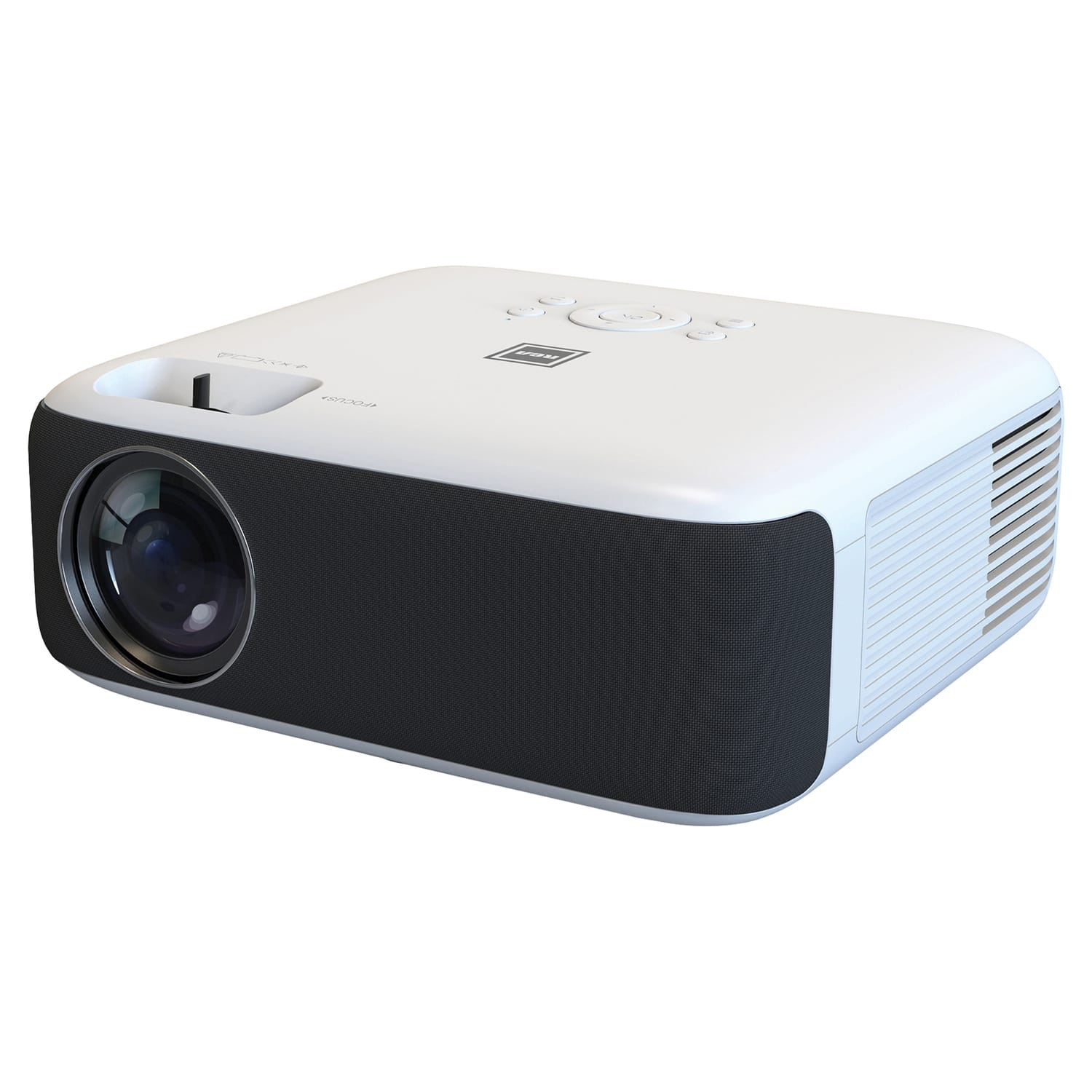
RCA - 1080p Home Theater Projector - White
SKU: J7YRS59SSJSee all Home Theater ProjectorsProduct Description
A white LCD projector delivering Full HD 1080p visuals with integrated speakers and multiple input options.Your price for this item is $205.99Save $10The previous price was $215.99
Best Sellers




Related Pages



FAQ
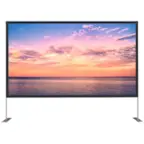
To set up a home projector, you'll need the projector itself, a compatible screen or a blank wall, the necessary cables (HDMI, VGA, or wireless adapters), an audio system or speakers, and a stable surface or ceiling mount for installation.
Most home projectors feature HDMI ports, allowing you to connect streaming devices, gaming consoles, Blu-ray players, or laptops. Simply plug the device into the projector’s HDMI port and select the corresponding input source from the projector menu.
For the best viewing experience, use your projector in a room that can be darkened or has minimal ambient light. This helps enhance image clarity and color vibrancy. Light-colored walls and blackout curtains can further improve picture quality.
Most projectors have manual or automatic focus and keystone correction features. Use the focus ring or buttons to sharpen the image, and adjust keystone settings to correct any distortion, ensuring the picture is rectangular and properly aligned with your screen.
Yes, most projectors have audio output options such as a 3.5mm jack, Bluetooth, or optical audio out. You can connect external speakers or a soundbar for enhanced audio quality, creating a more immersive home theater experience.